
Overview
A form is a list of questions that members answer from a panel in Discord or from its own page on the web. Every answer arrives as a card in a review channel, with Accept, Deny and Open thread. Accepting or denying can give and take roles, sends the member a DM and is written to the log. Use it for staff applications, partner requests, event sign-ups, ban appeals that are not tied to a sanction (for those, see Appeals), or any question you want answered in order.!form is a prefix command (aliases !forms, !application, !applications). Making and changing forms needs Manage Server. Reviewing needs Manage Server or one of the reviewer roles of the form. The dashboard has the same under Forms.Set up a form in five steps
Create it
!form create staff Staff application makes a form called staff with the title members see (45 characters). A new form is closed until you open it.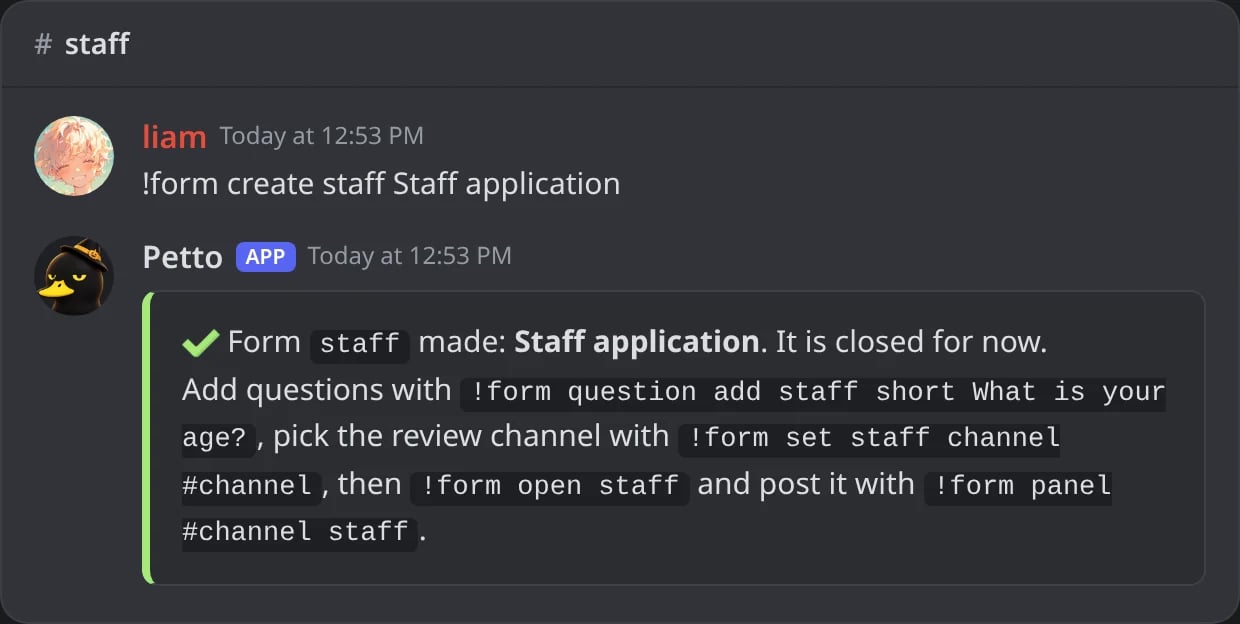
In Discord: a form made, closed until it is opened.
Add the questions
!form question add staff short How old are you? adds a question at the end. See Questions for the types and options.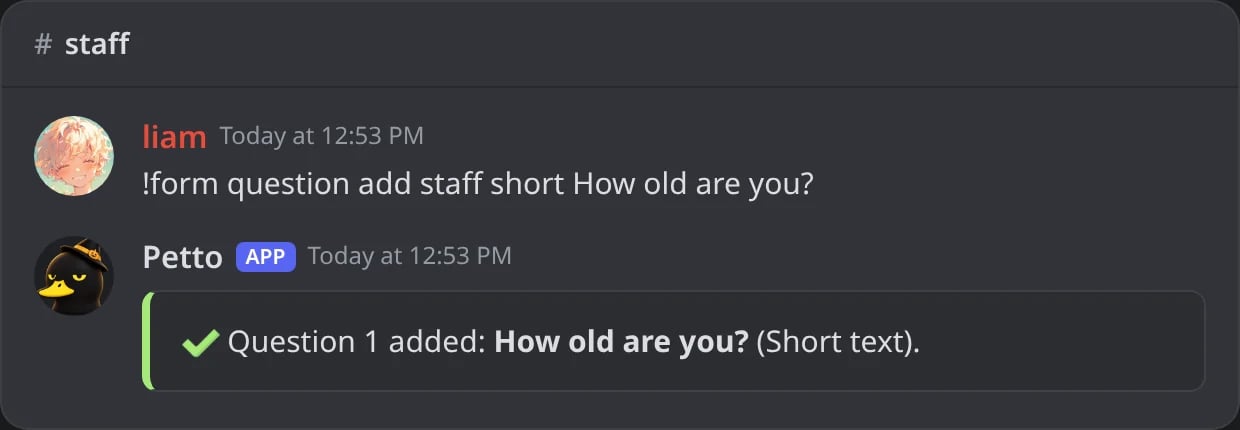
In Discord: the first question added.
Pick the review channel
!form set staff channel #applications is where the cards arrive. A form without a review channel cannot be opened.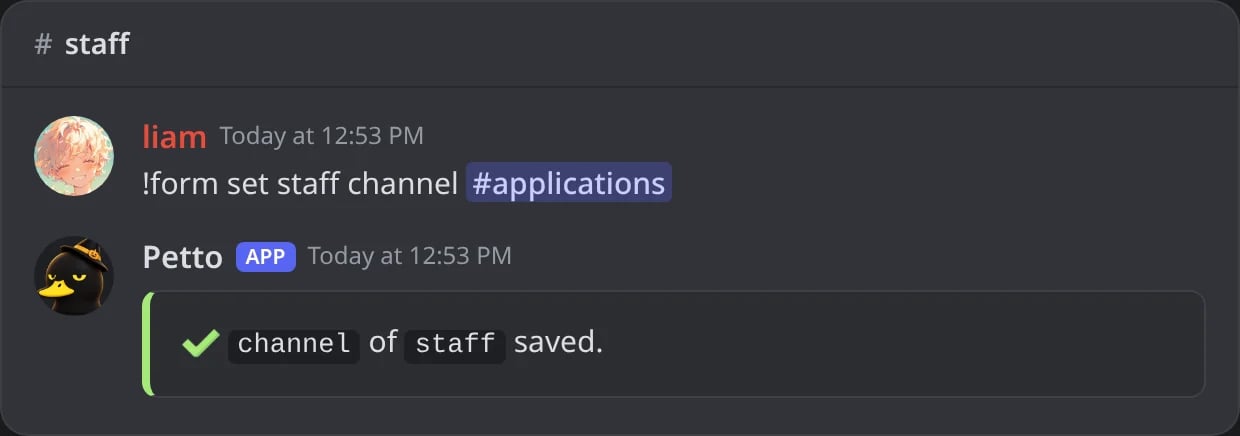
In Discord: the review channel set.
Open it
!form open staff lets members answer it.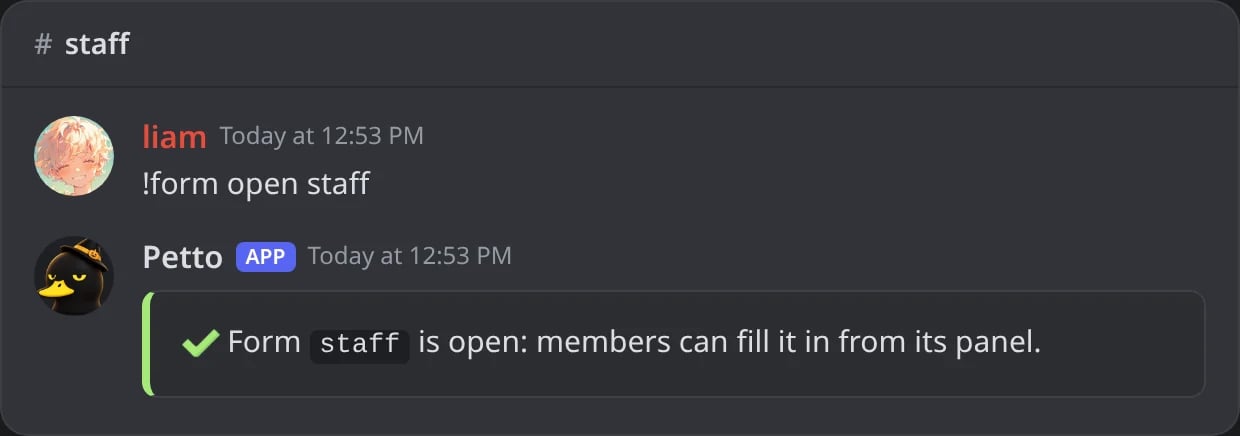
In Discord: the form opened.
Post a panel
!form panel #apply staff posts a button that opens the form. One panel can open several forms: !form panel #apply staff partner --style select makes a menu instead of buttons, and --web yes adds a Fill on the web link button.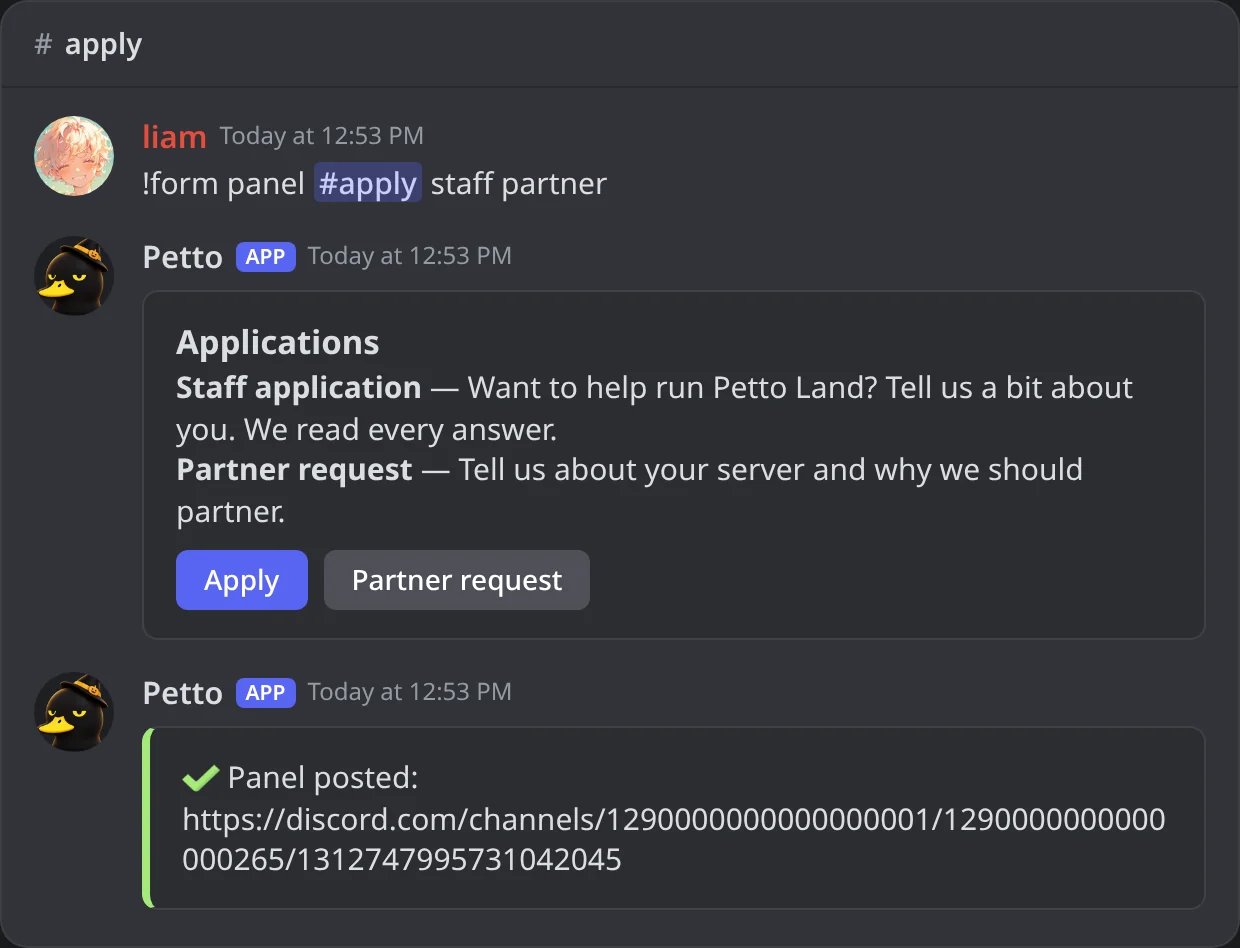
In Discord: a panel with a button for each form.
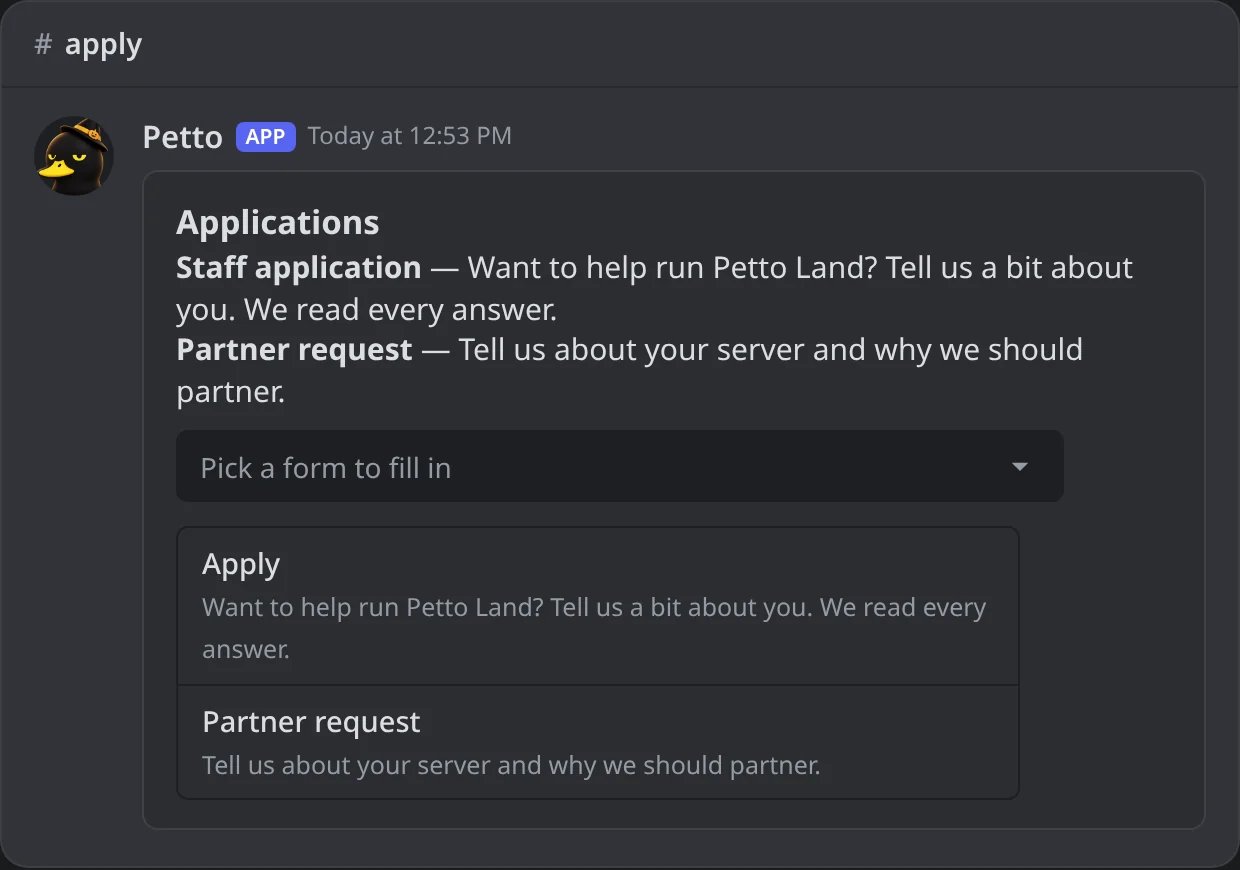
In Discord: the same panel with --style select.
Commands
!form list
!form list
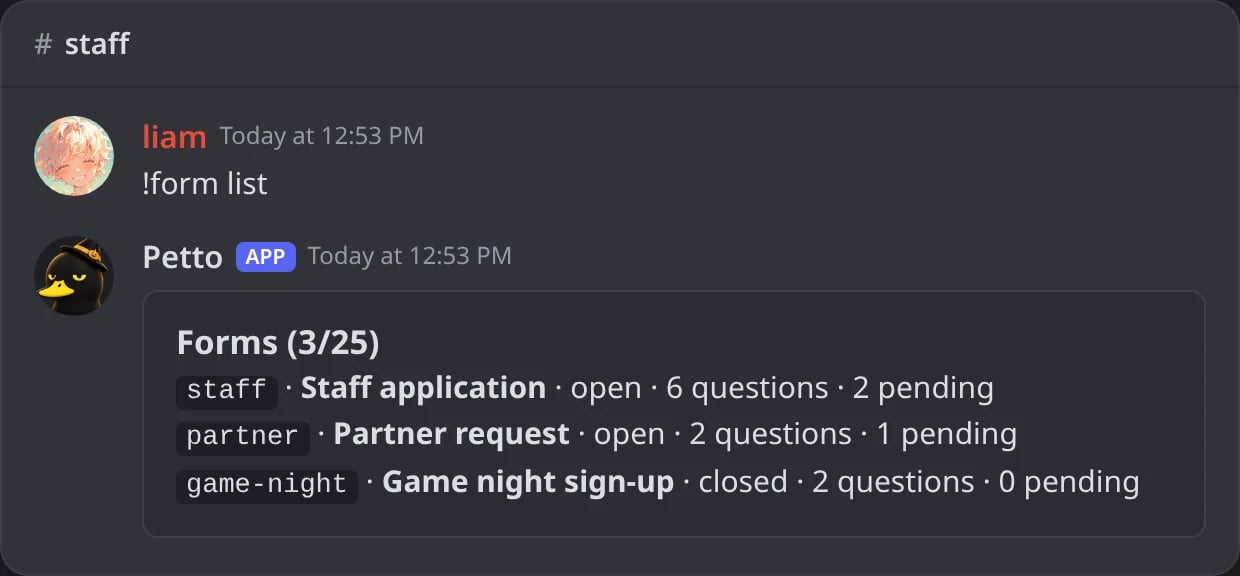
In Discord: the forms of the server.
!form close
!form close
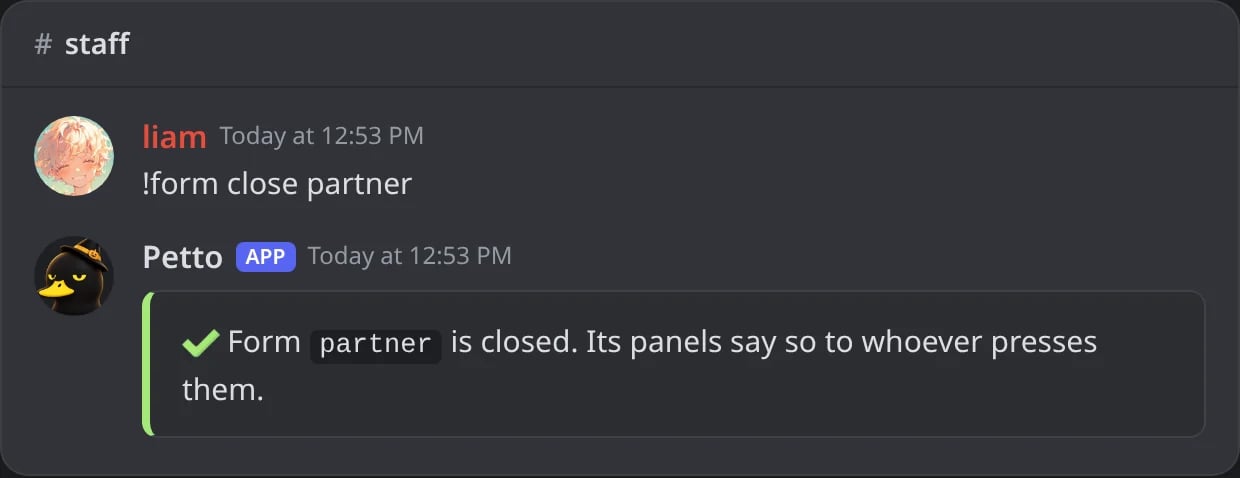
In Discord: a form closed.
!form delete
!form delete
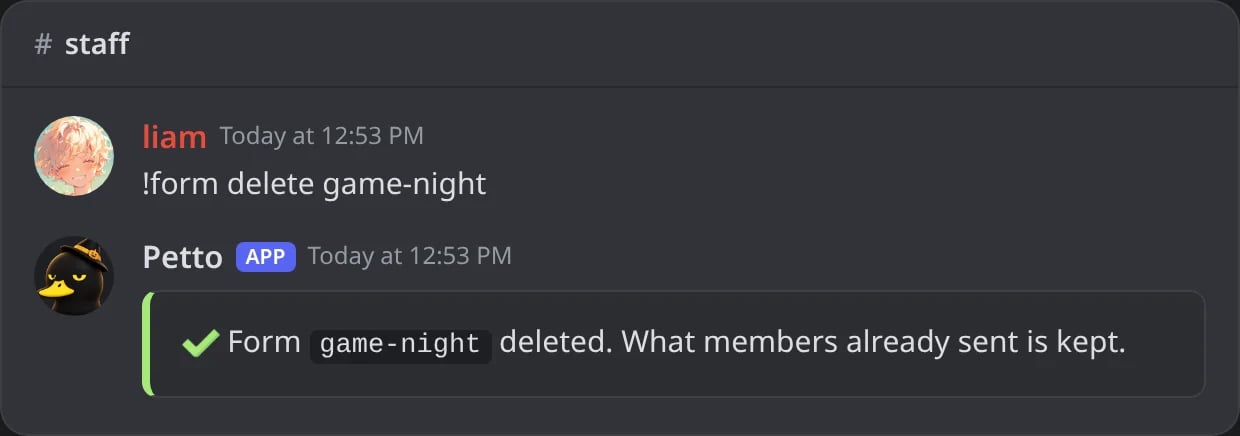
In Discord: a form deleted; what members sent is kept.
form is the name or the number of a form. The number belongs to your server: the first form you make in it is number 1, whatever other servers have. A form that is a word is written in lowercase, with letters, numbers, - and _. Short names also work: !form new, !form edit (for set), !form q add, !form subs, !form approve, !form reject, !form show and !form newlink.
!formconfig shows the card of the module with every setting at once.
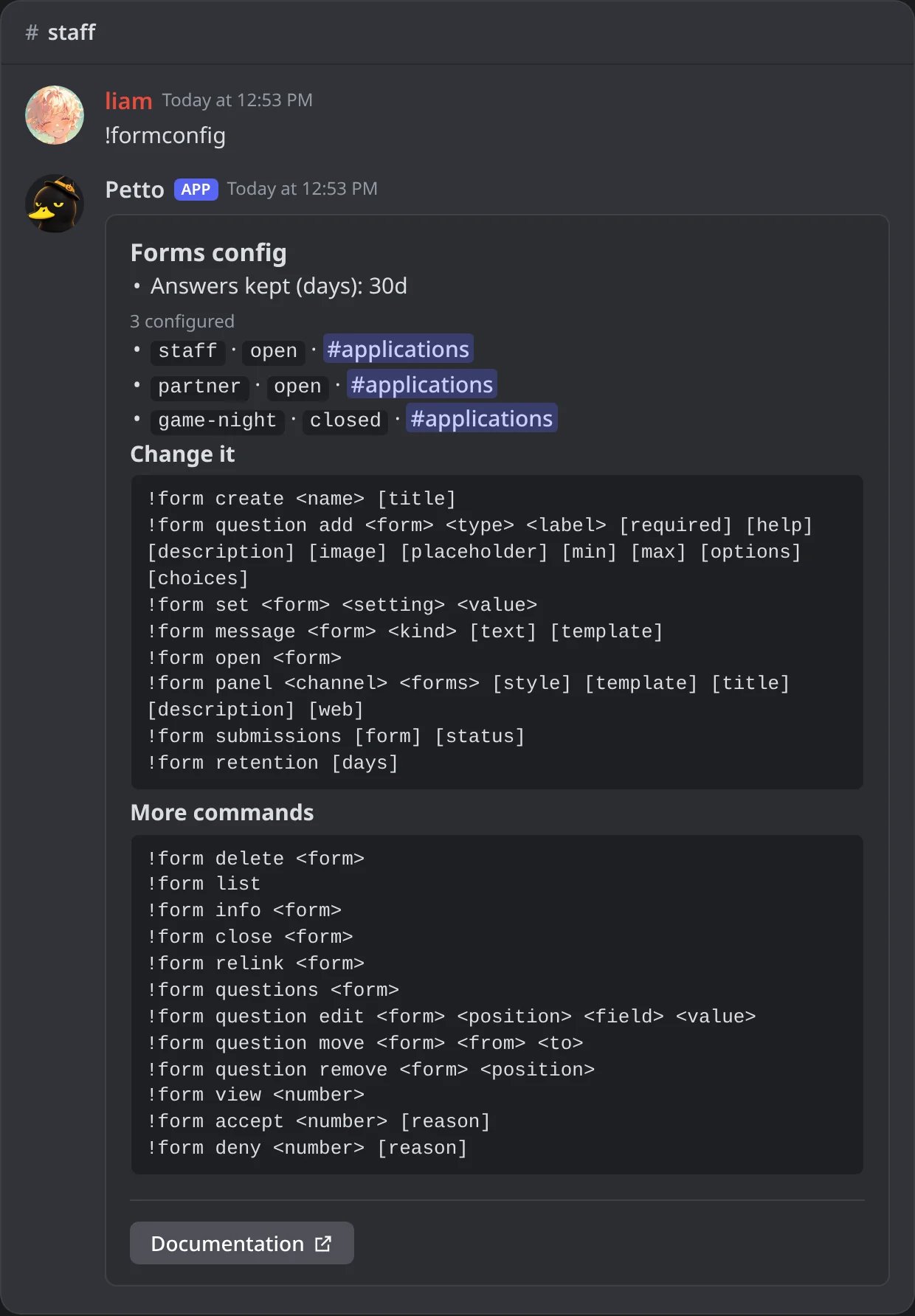
In Discord: the card of the forms module.
Questions
required: whether an answer is needed (yes by default).help: a line under the question, up to 100 characters. Discord shows it under the field.description: a longer text, up to 1,000 characters, with bold, italics and links. The web page shows it whole; Discord shows its start when there is nohelpline.image: a picture over the question on the web page, anhttpslink to a.png,.jpg,.gifor.webpfile.placeholder: the grey text in the empty field.minandmax: the length of a text, or the range of a number.options: forchoiceandmulti, separated by|.
!form question edit
!form question edit
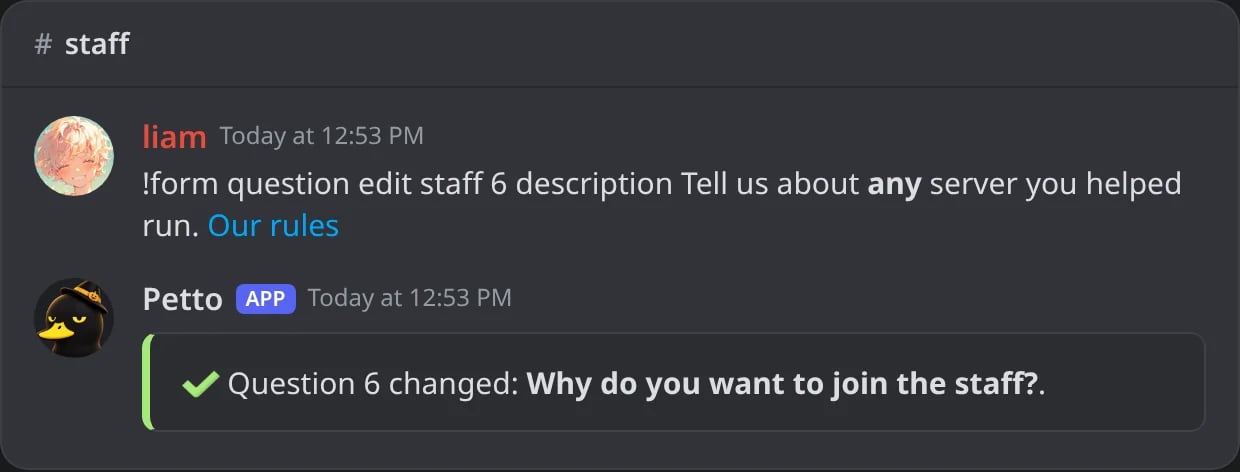
In Discord: a description with bold and a link.
!form question move
!form question move
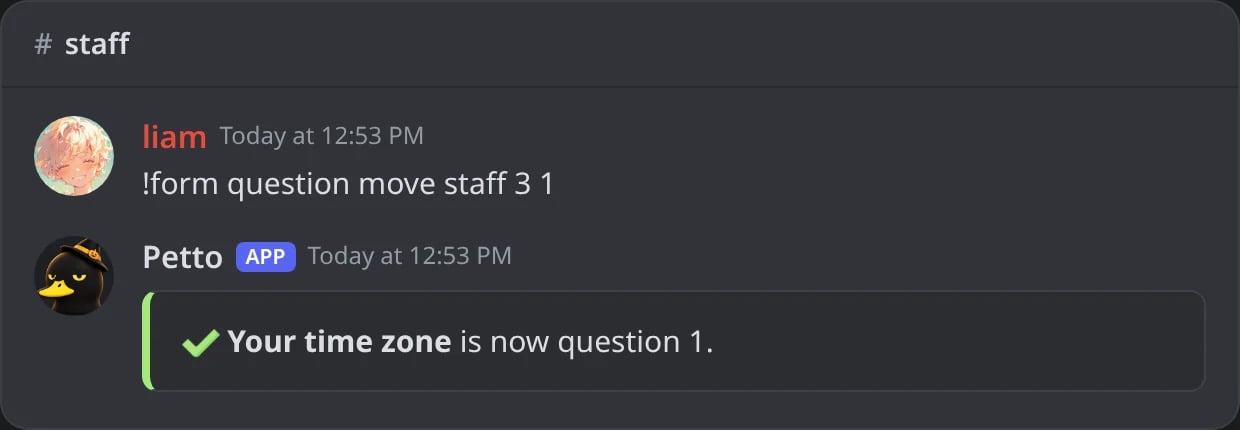
In Discord: a question moved to the top.
!form question remove
!form question remove
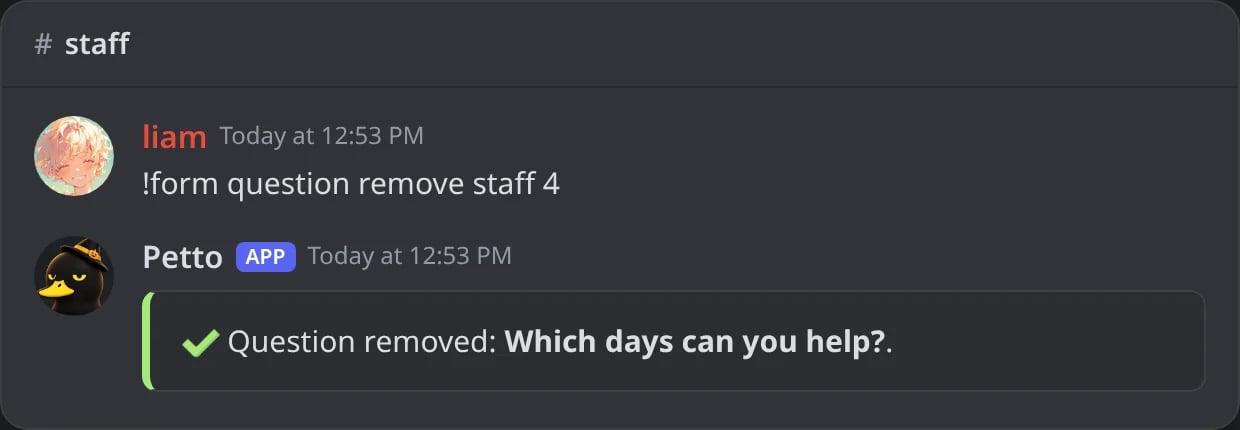
In Discord: a question removed.
!form questions
!form questions
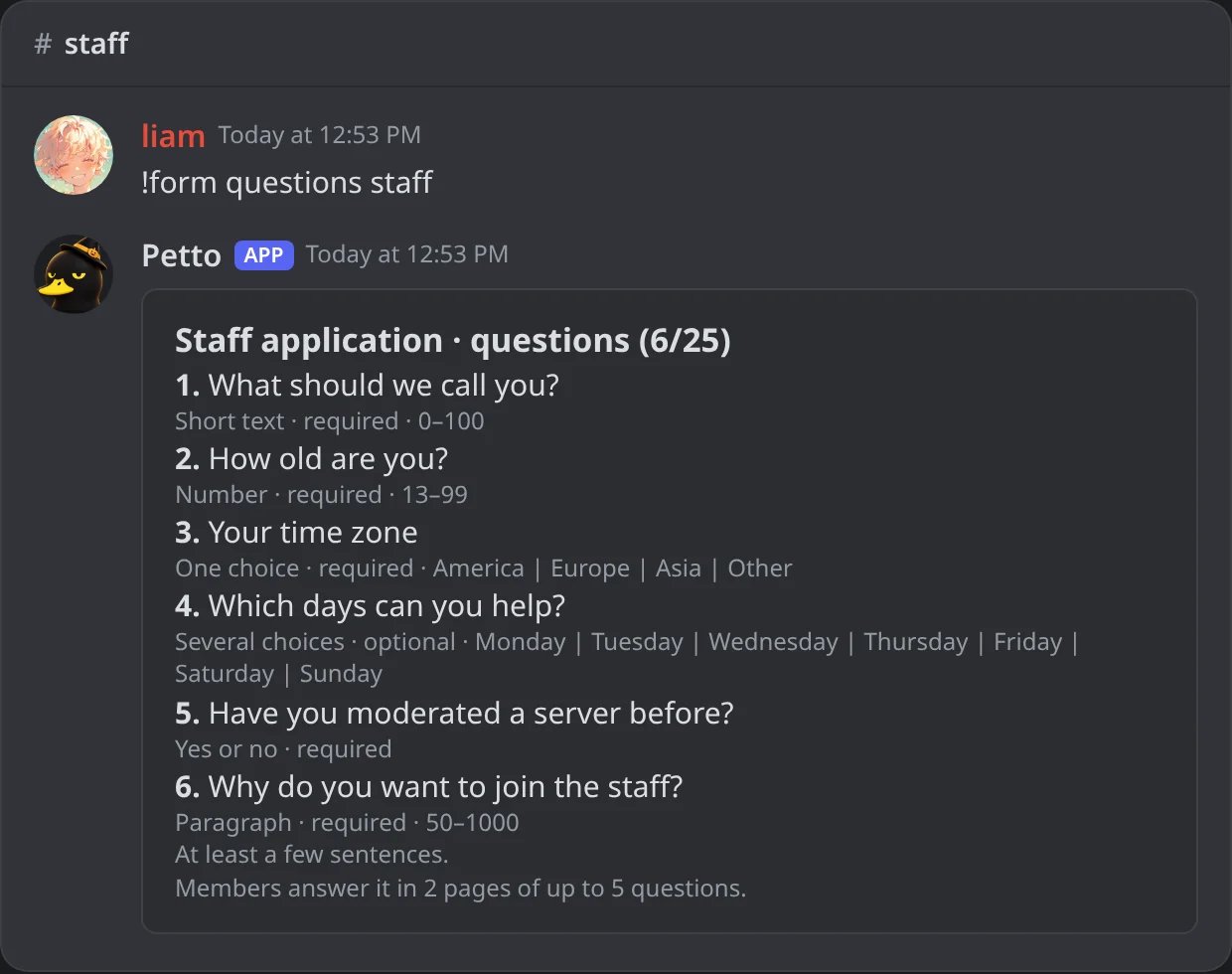
In Discord: the questions of a form, in order.
Page 1 of 2
Page 1 of 2
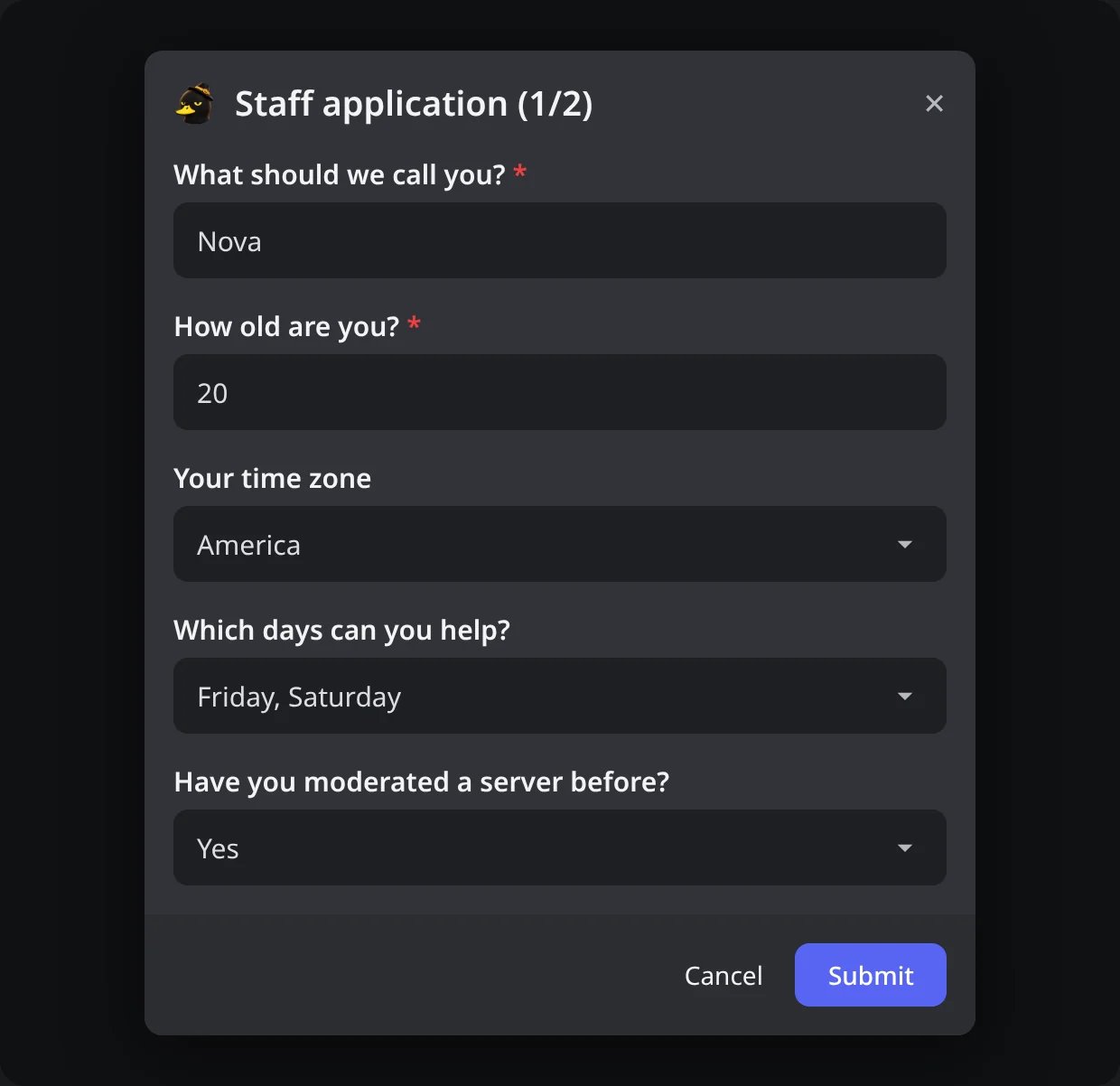
In Discord: the first page of a form with six questions.
Next
Next
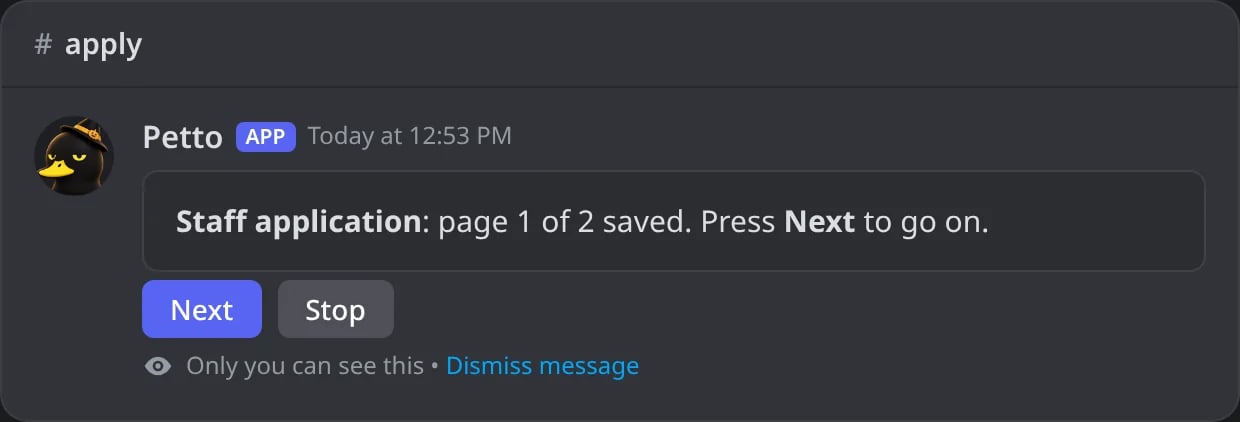
In Discord: page 1 saved, Next opens page 2.
A wrong answer
A wrong answer
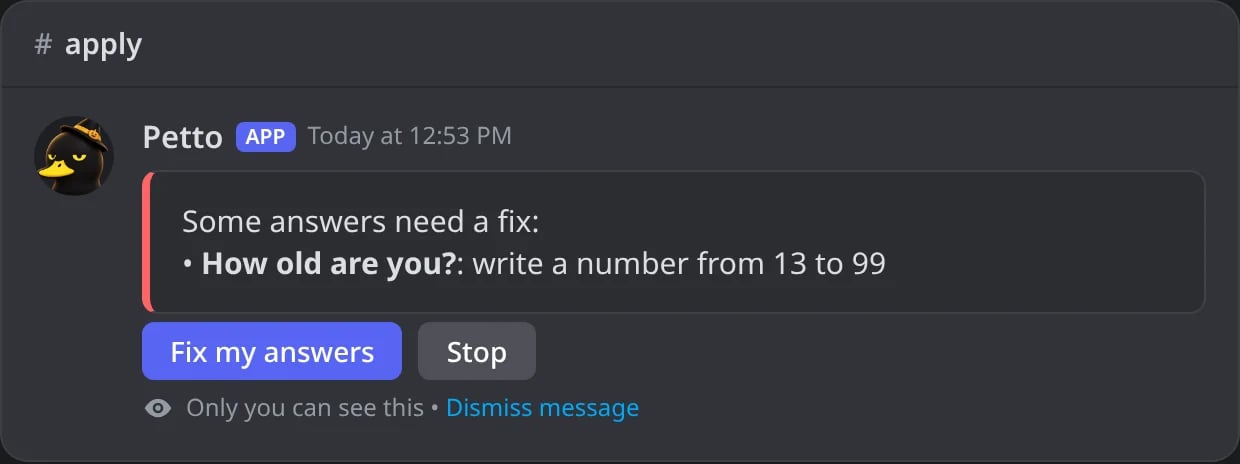
In Discord: an age out of its range is offered again.
Sent
Sent
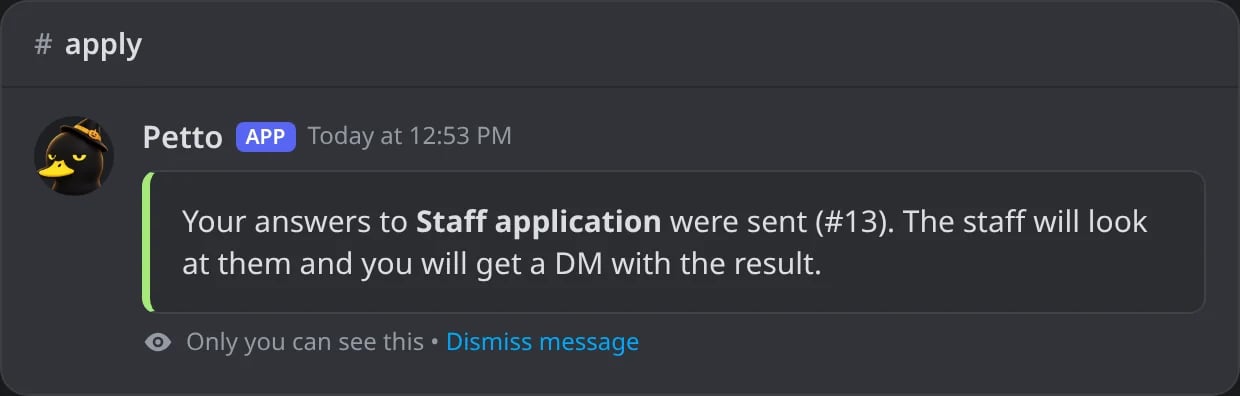
In Discord: the last page sends the form.
Settings
!form set <form> <setting> <value> changes one setting. none (or off) clears it.
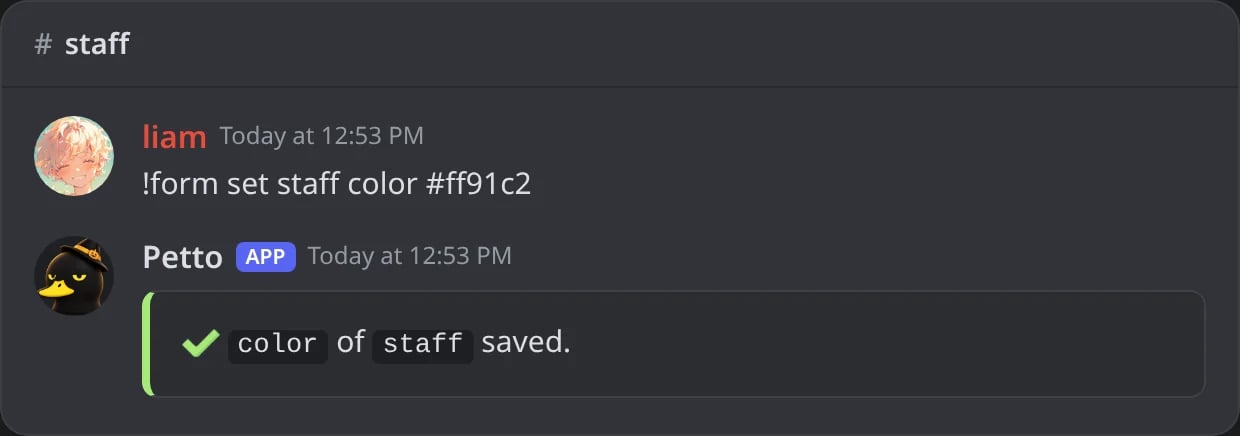
In Discord: one setting changed.
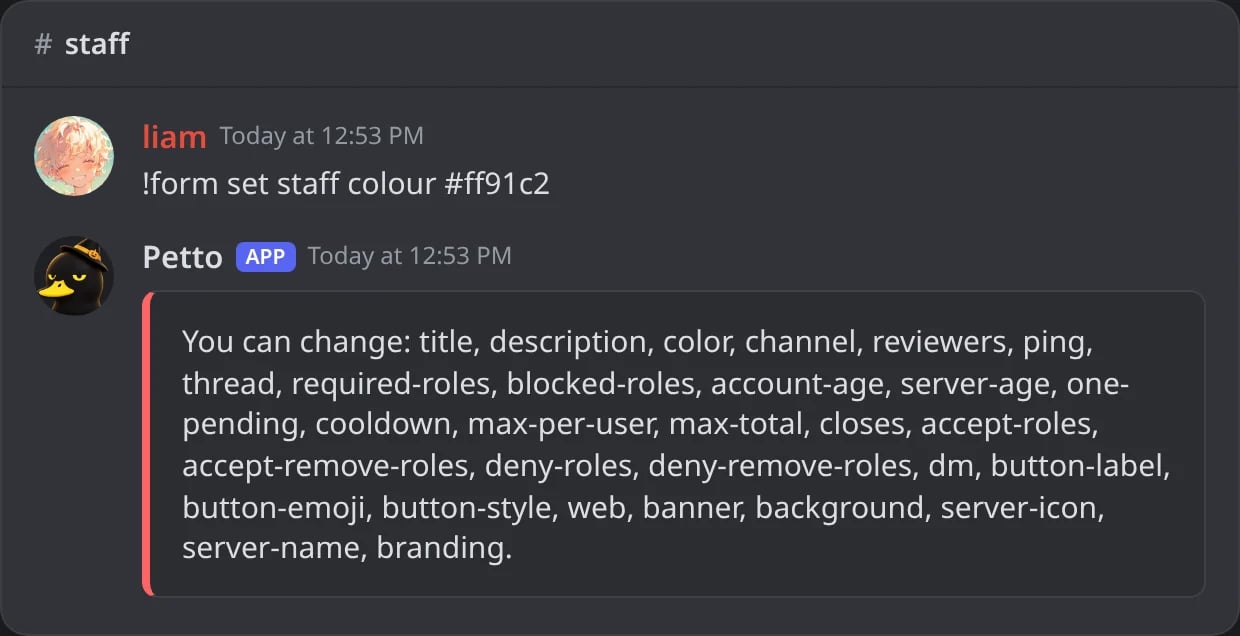
In Discord: a setting Petto does not know lists the ones it does.
Messages to the member
!form message <form> <kind> <text> changes what the member is told:
submitted: when the answers are sent.acceptedanddenied: the DM with the result.
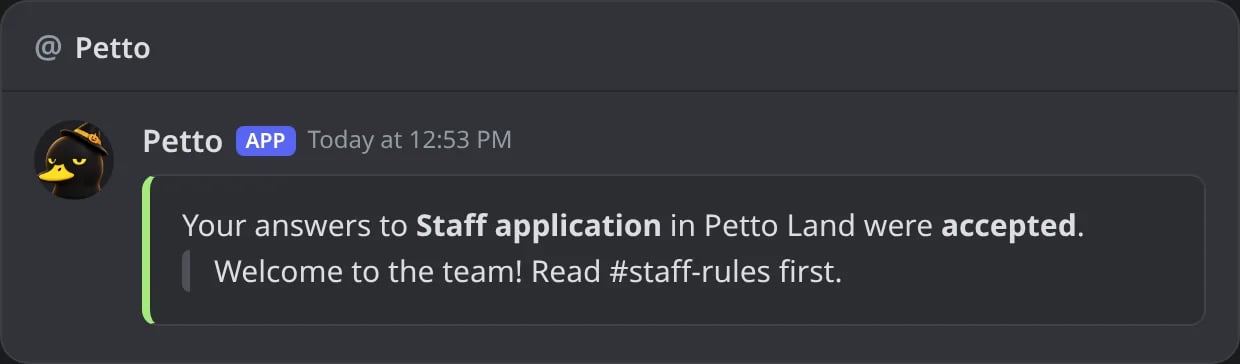
In Discord: the DM of an accepted answer, with the reason.
From <server> line and has info, delete and report buttons: see DMs from Petto.
The text takes {form} (the title), {number}, {server}, {status} and {reason}, and the usual variables too, so {user} mentions the member. A reason left empty just disappears. reset goes back to the default. A saved embed can be used instead with --template <name>, and it takes {form.name}, {form.title}, {form.number}, {form.status} and {form.reason}. See Embeds.
!form message staff accepted
!form message staff accepted
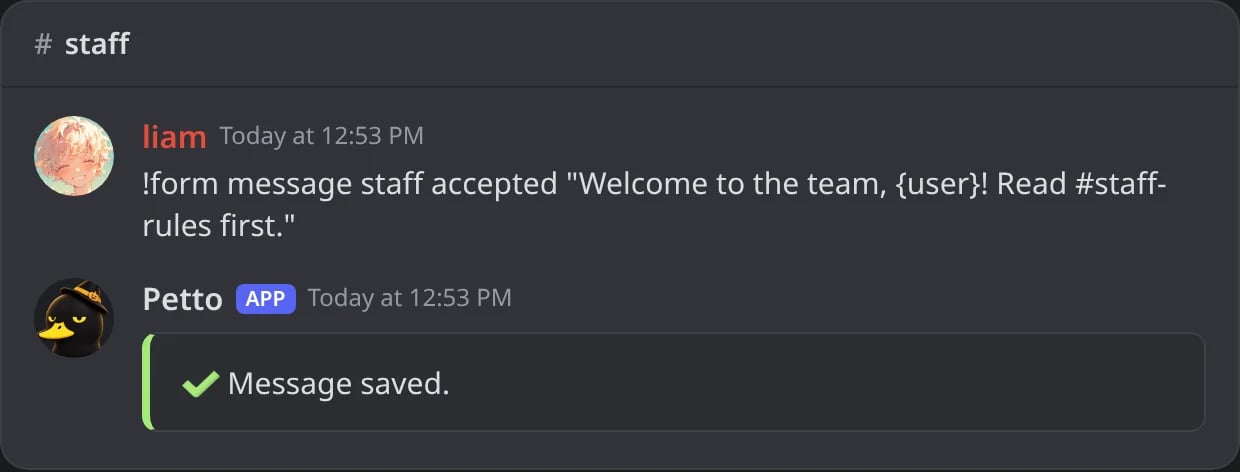
In Discord: the DM of accepted answers, changed.
!form message staff submitted
!form message staff submitted
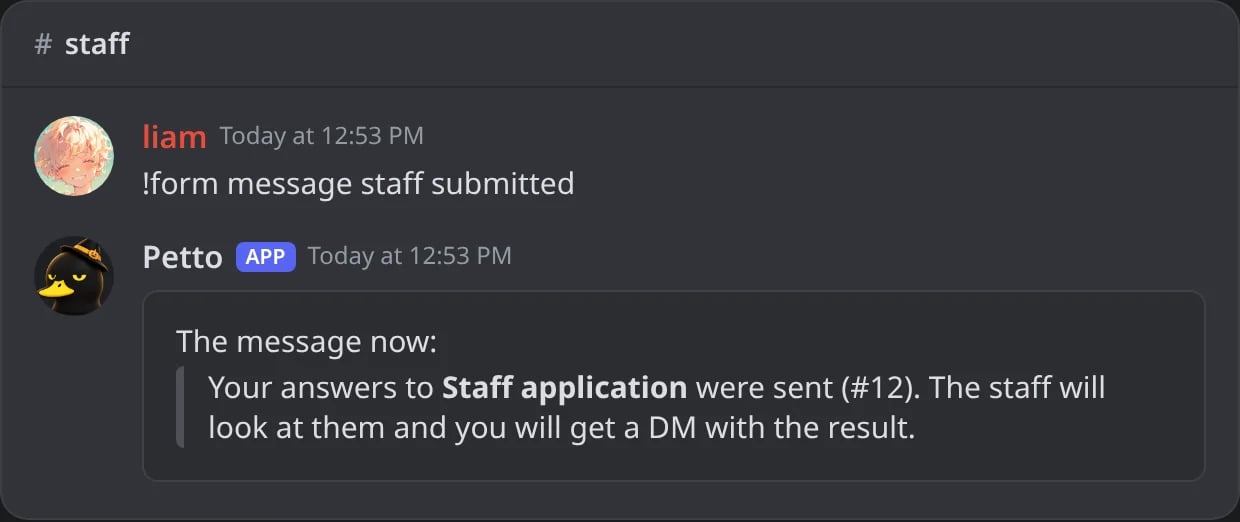
In Discord: with no text, the message in use.
Reviewing
Each card has every answer (long answers are cut on the card and go whole in a file), the age of the account and when the member joined, and the buttons:- Accept and Deny (with an optional reason the member reads). The roles of the form are given and taken, the member gets a DM and the
formscategory of the log gets a line. - Open thread opens a thread under the card to talk about the answer.
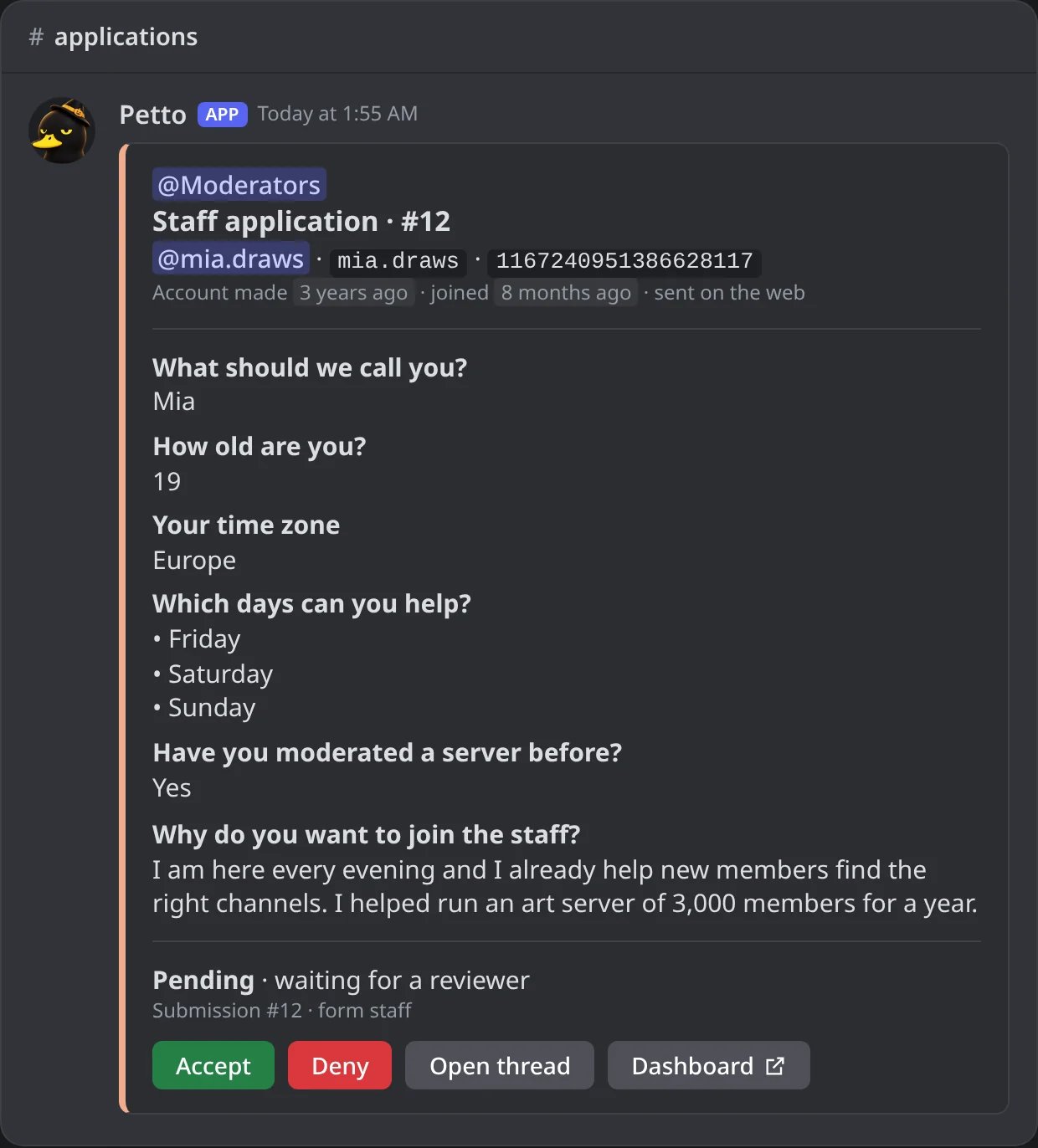
In Discord: a staff application as it arrives in the review channel.
Accept
Accept
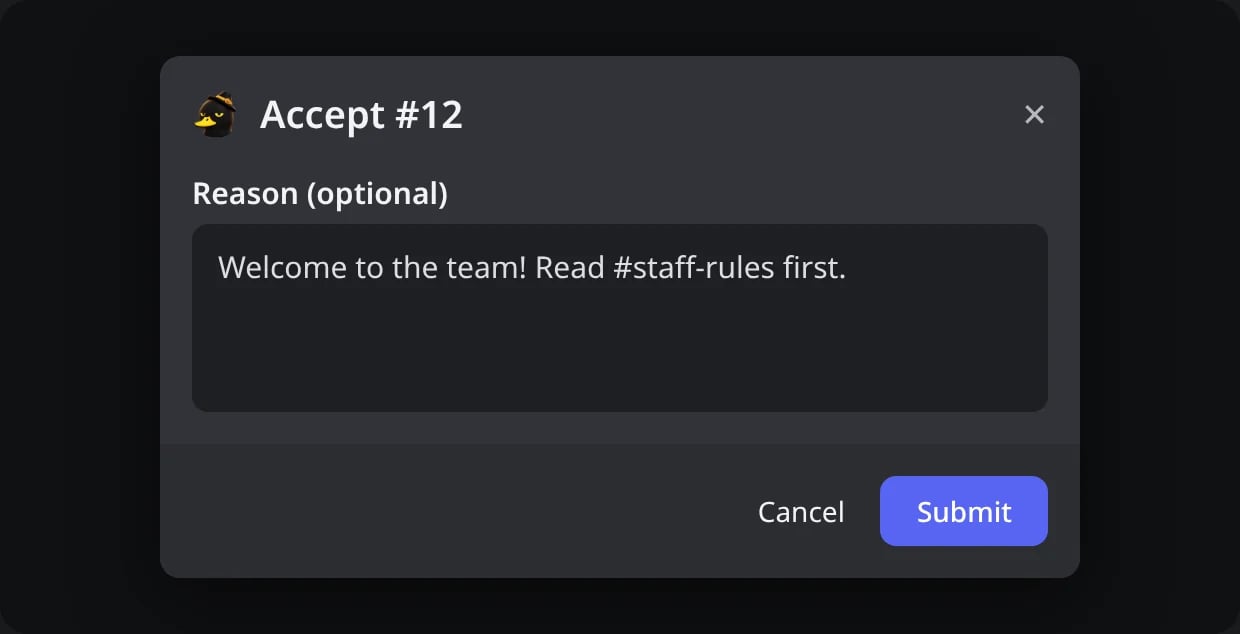
In Discord: Accept asks for an optional reason.
The card after
The card after
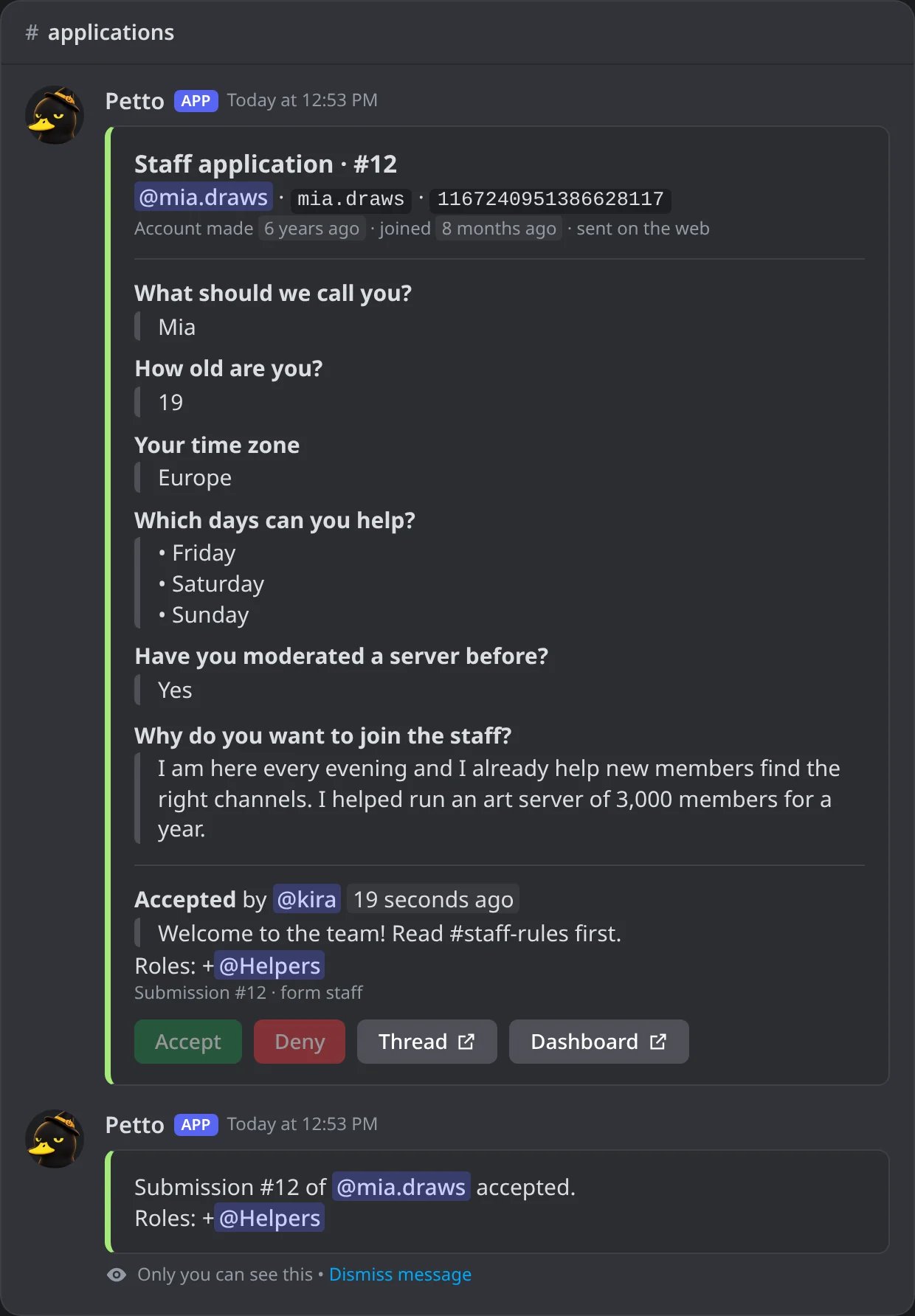
In Discord: the card, accepted, and the answer to the reviewer.
!form accept
!form accept
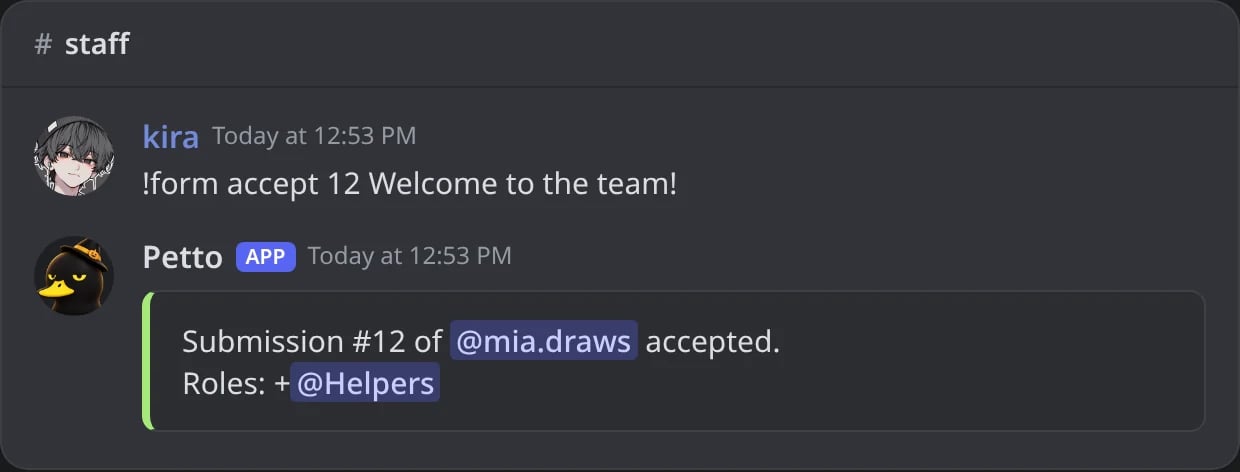
In Discord: an answer accepted with a command.
!form deny
!form deny
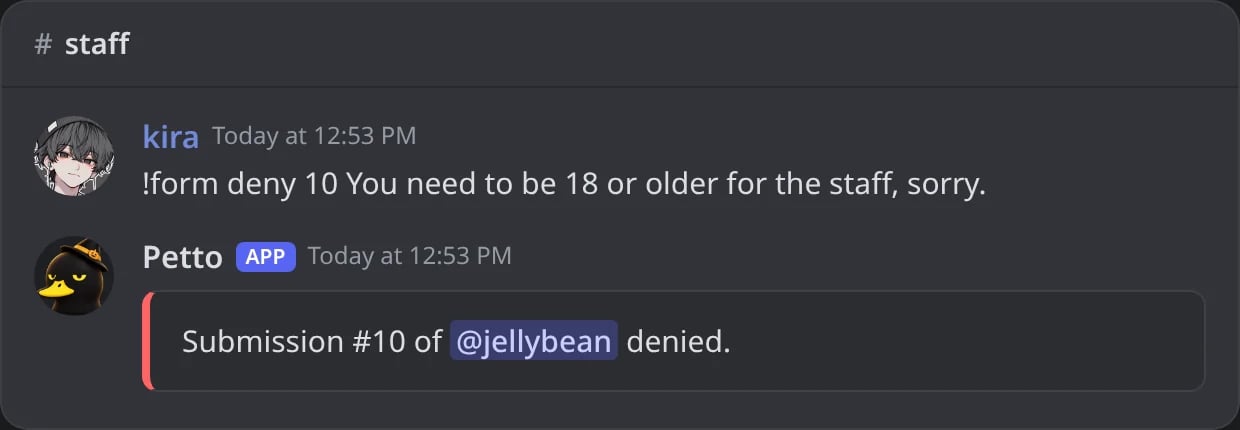
In Discord: an answer denied with a reason.
!form accept|deny or the dashboard), the thread of the card gets a last message with the result, the reason and who decided, and it is locked and archived. Nobody is pinged.
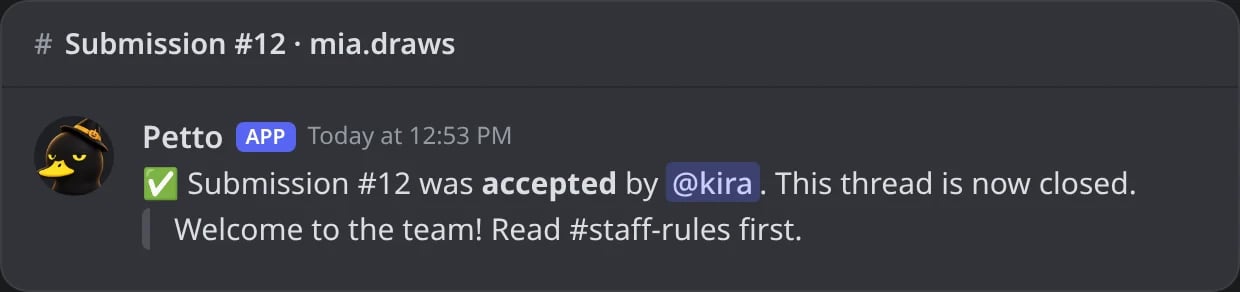
In Discord: the last message of the thread of an accepted answer.
!form submissions [form] [status] lists what arrived (pending by default; also accepted, denied, cancelled or all), and !form view <number> shows a card again with its buttons.
!form submissions
!form submissions
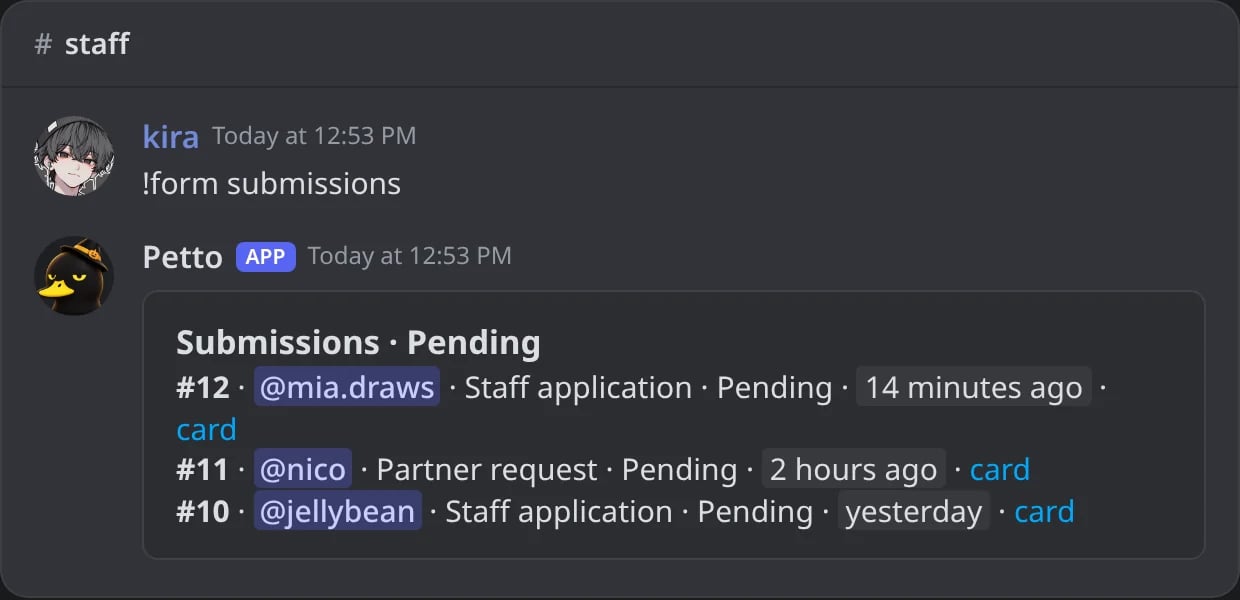
In Discord: the answers waiting for the staff.
!form view
!form view
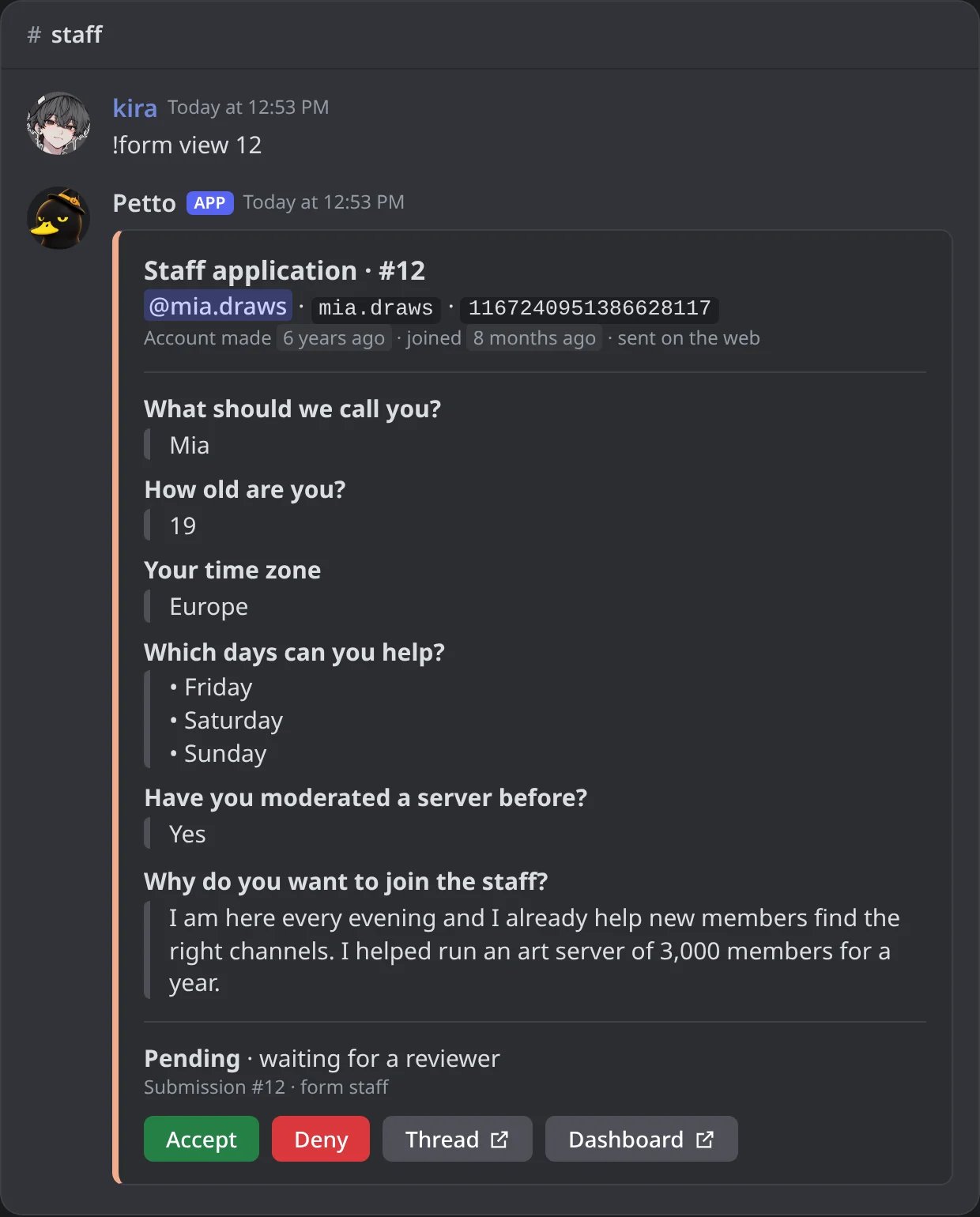
In Discord: a card shown again with its buttons.
The web page
Every form also has its own page on the web, on by default. The member signs in with Discord, sees the title, the description and every question, and sends the answers. They go through the same checks as in Discord (roles, ages, limits) and arrive as the same card, which says it was sent on the web. The page speaks the language of the server.!form info <form>gives the link,petto.sbs/form/<id>, where the id is 12 random letters and numbers (/es/form/<id>and/pt-br/form/…open it in Spanish or Portuguese). Pasted in Discord or other apps, it shows a preview with the title, the description and the banner of the form. Olderpetto.sbs/form#…andpetto.sbs/f/…links still work.- Links are random, so nobody can guess them.
!form relink <form>makes a new one, and the old one stops working at once. Panels posted before keep the old link, so post them again. !form set <form> web offkeeps a form in Discord only.
!form info
!form info
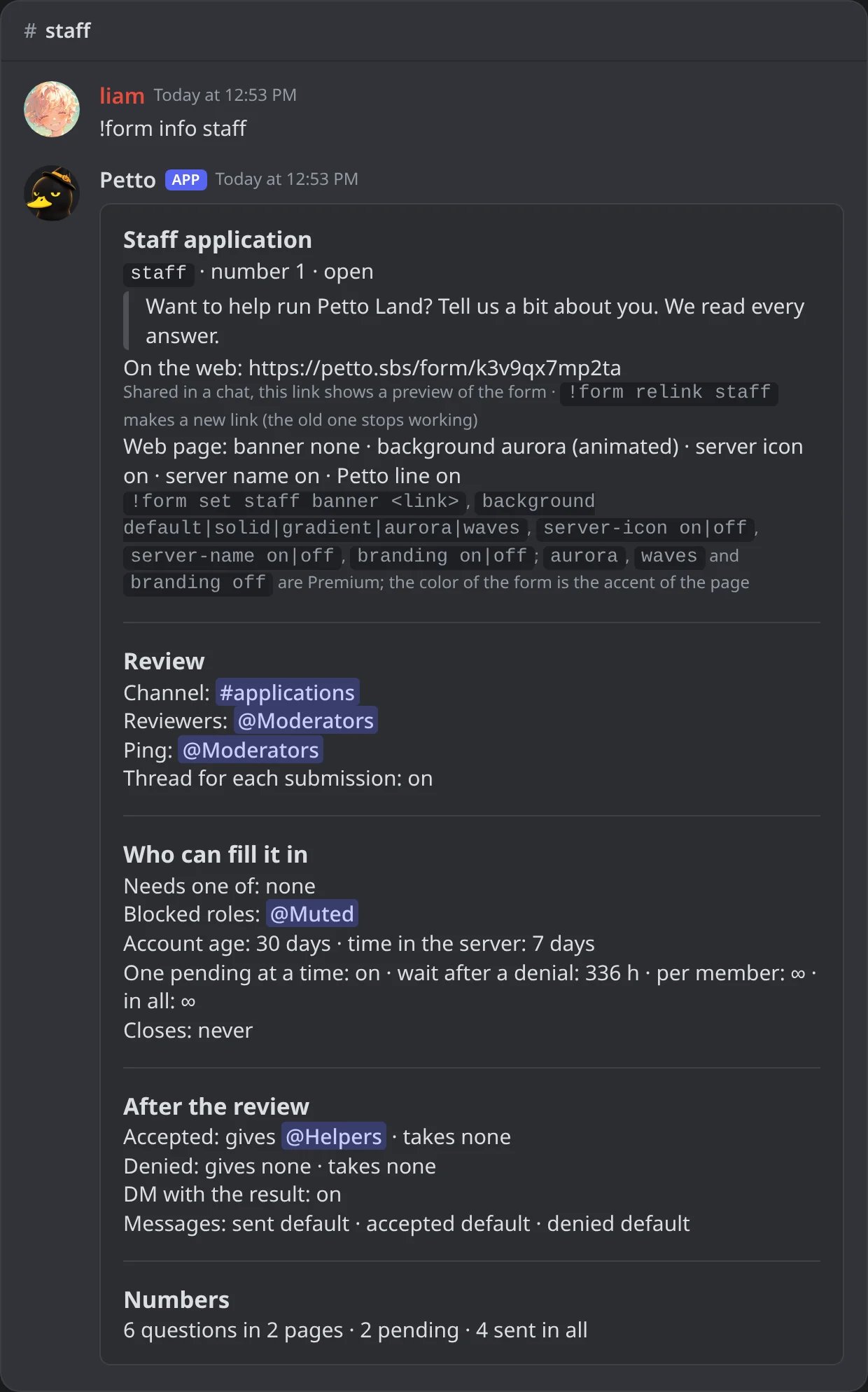
In Discord: everything about a form, with its link.
!form relink
!form relink
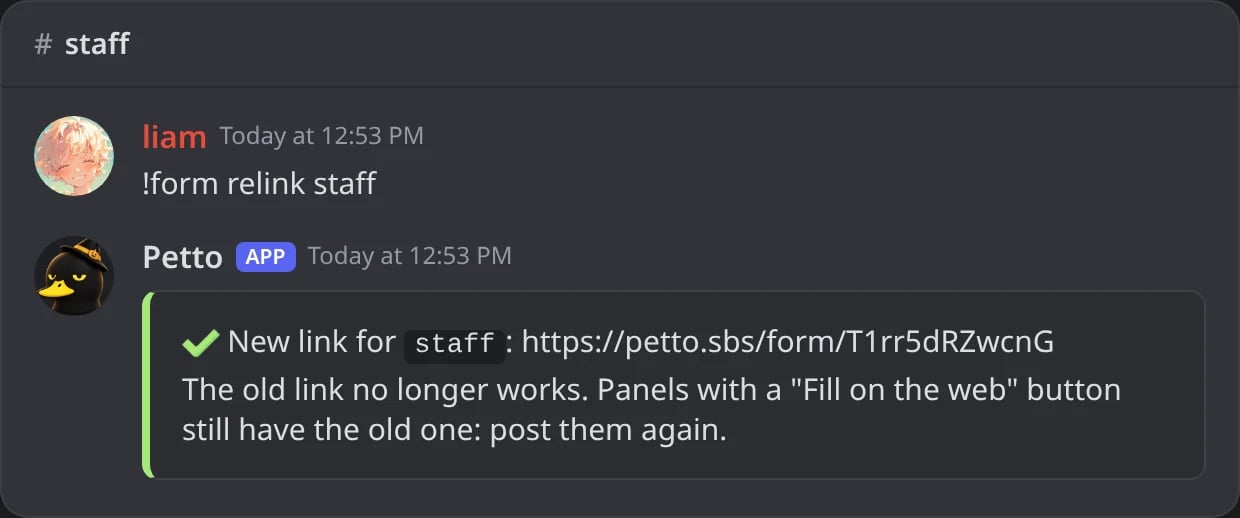
In Discord: a new link; the old one stops working.
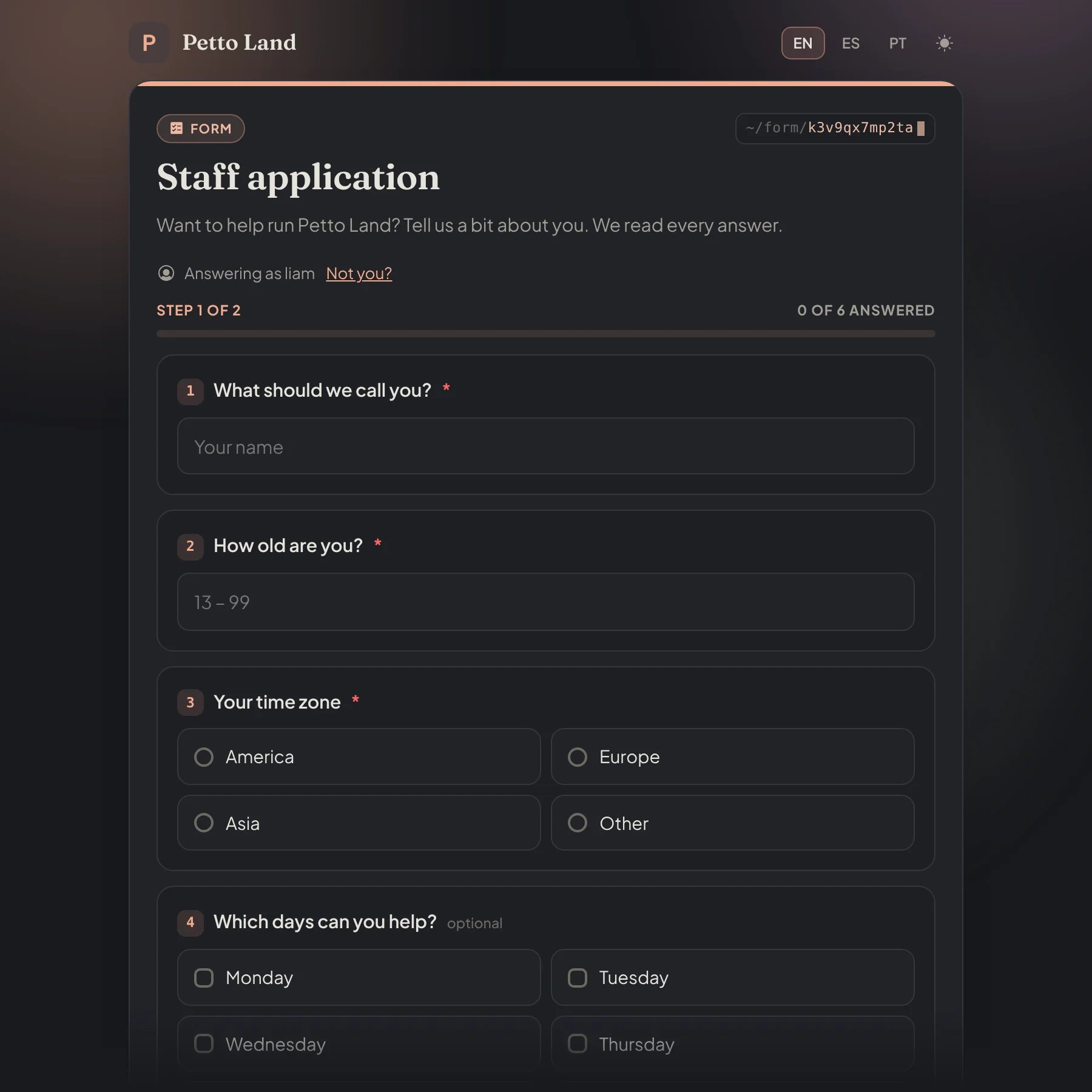
The page of a form on petto.sbs, with the animated aurora background (Premium).
- Color: the accent of the page (buttons, links, numbers).
- Banner: a picture on top (an
httpslink to a.png,.jpg,.gifor.webp). - Background:
default(Petto’s),solid(a tint of the color) orgradient. With Premium there are also two animated ones,auroraandwaves, made from the color of the form; they move slowly and stay still for visitors whose device asks for less motion. - Server icon and server name in the header, each can be hidden.
- Branding: with Premium,
!form set <form> branding offhides the small “Forms by Petto” line at the bottom of the page.
branding off are the only Premium parts of forms. When Premium ends the page shows the plain gradient and the line again, and nothing else changes.
In the dashboard, the form editor has a Web page section with the same options, the link with Copy and New link, and a live preview of the page and of the browser tab.
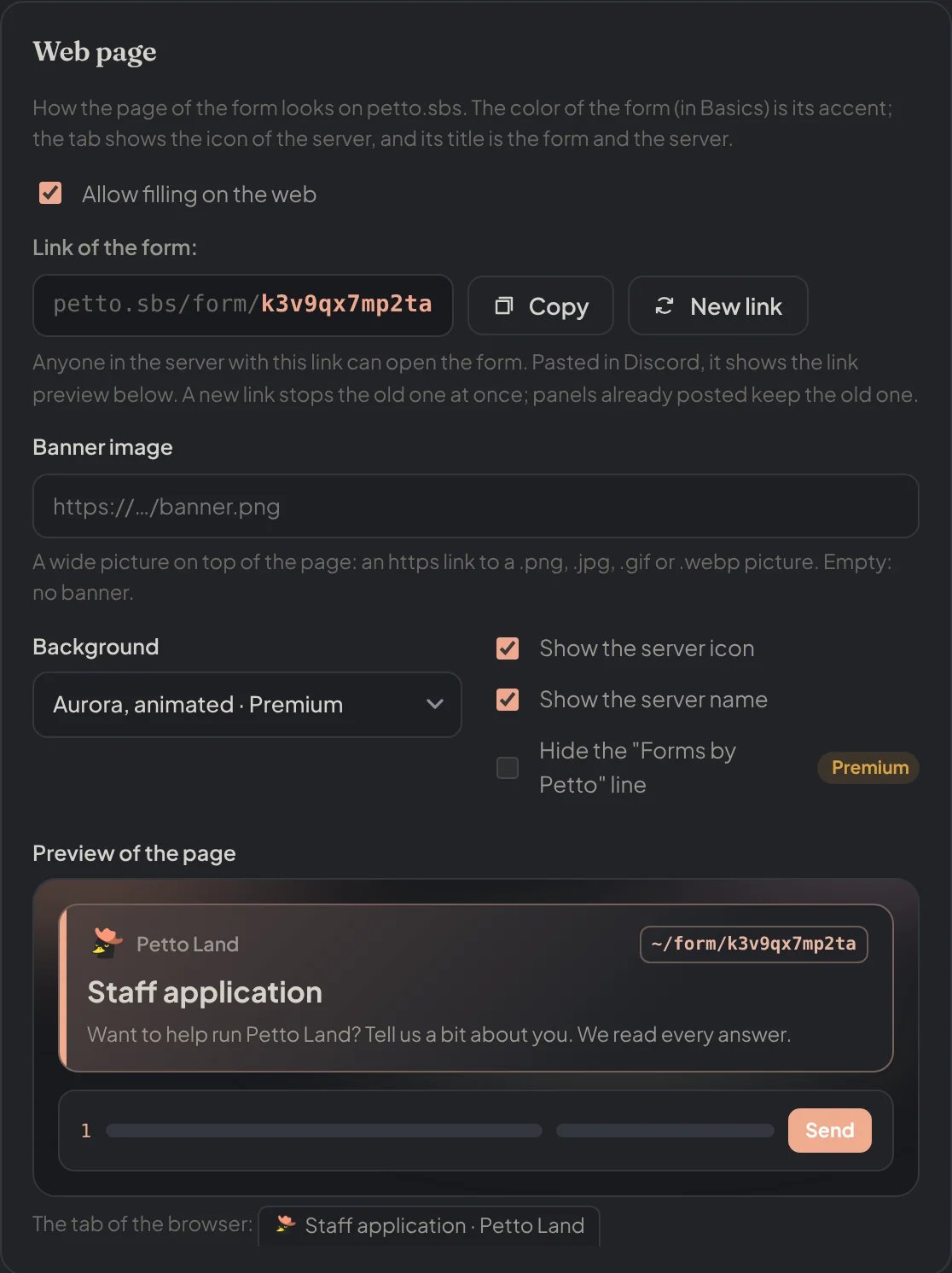
The Web page section of the form editor: the link, the banner, the background and what the header shows.
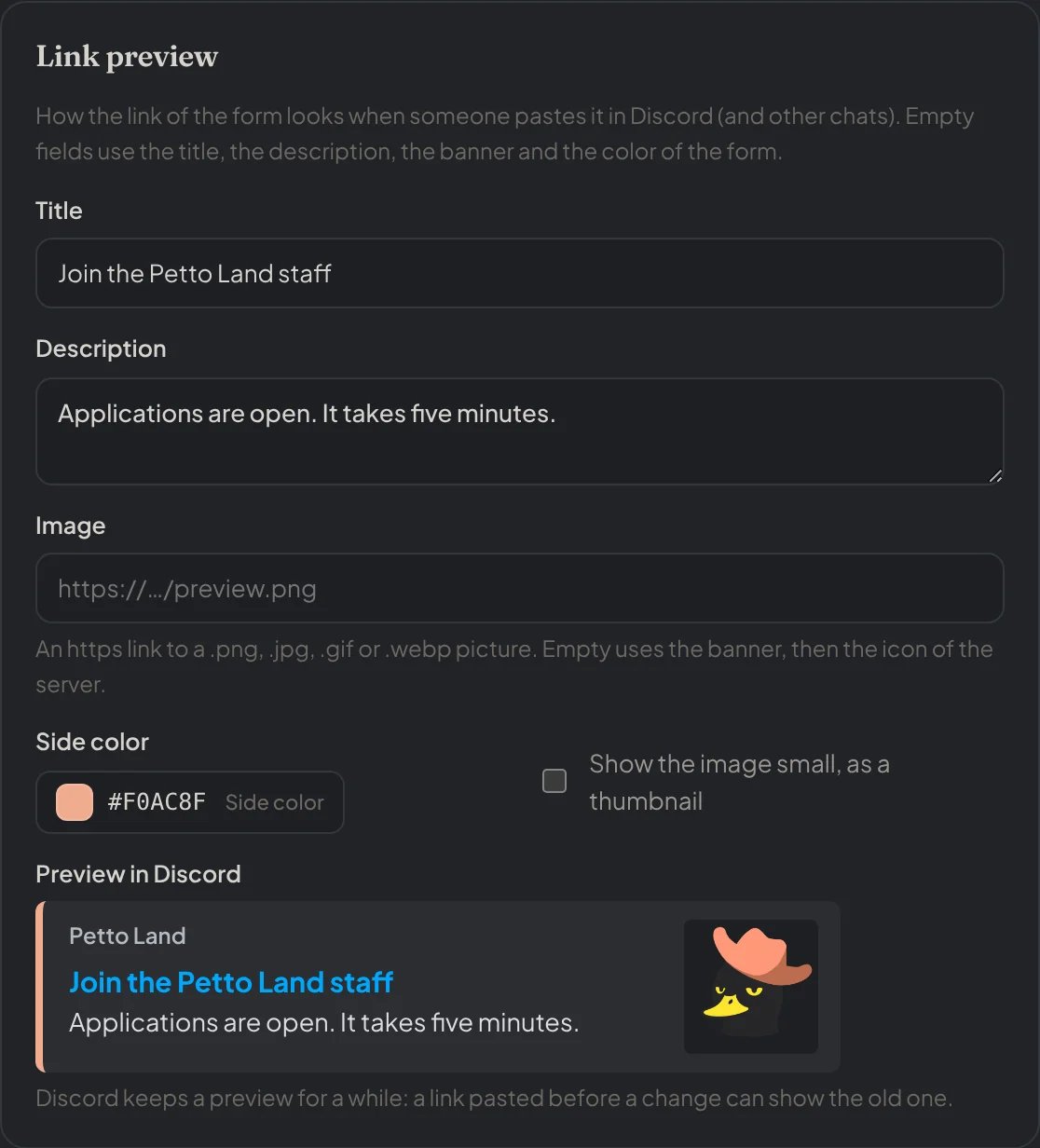
The Link preview section, with the card Discord shows when the link is pasted.
Storage and limits
Every server has the same limits for forms, with or without Premium: up to 25 forms of up to 25 questions, and 2,000 stored answers. When a server is full, its oldest reviewed answers make room; answers that are still pending are never deleted.!form retention <days> (1 to 365, 30 by default) says how long the answers of reviewed submissions are kept. After that only a small row stays: the form, the member, the state, the reviewer, the dates and the link to the card.
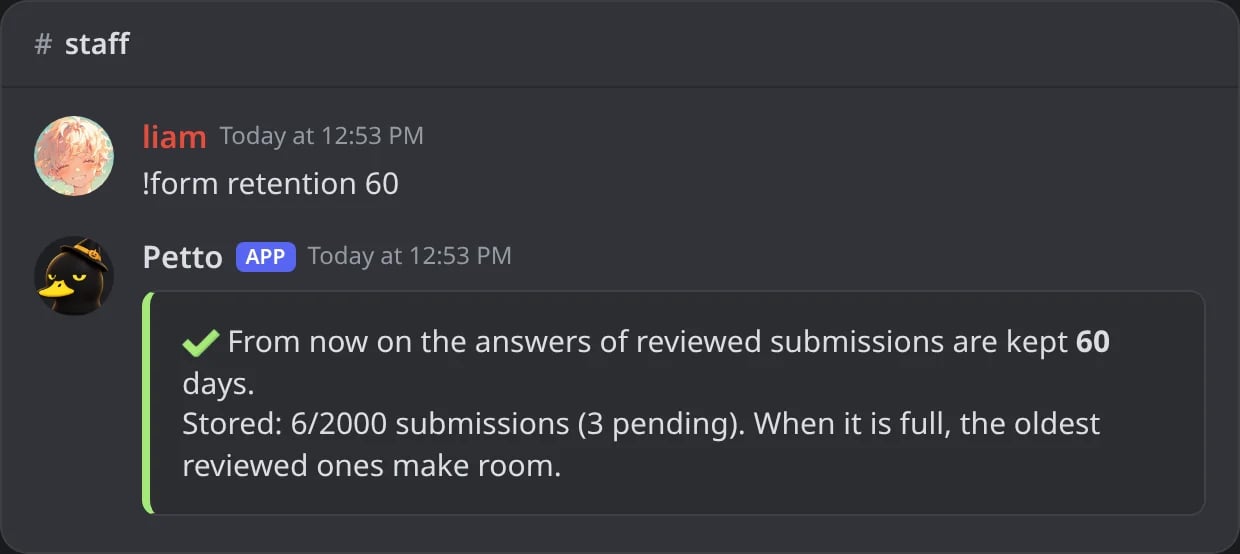
In Discord: how long reviewed answers are kept.
Dashboard
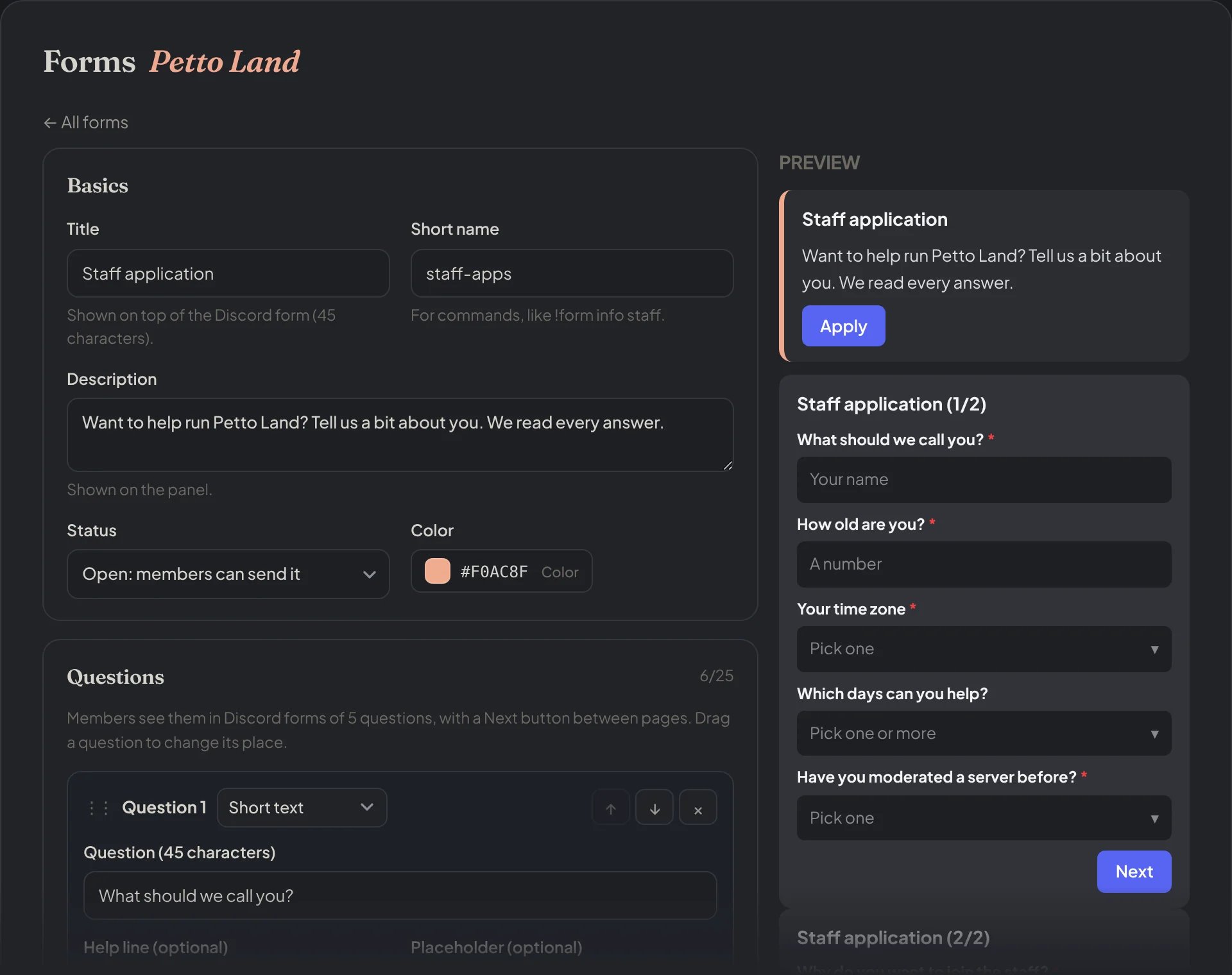
The form editor: the basics on the left and a preview of the panel and the Discord form on the right.
- Forms: make and edit forms, their questions (with the description and the image), the rules, the roles, the messages and the web page.
- Form submissions: the answers by form and state, with a search, and Accept and Deny.
- Form panels: post a panel with buttons or a menu.
Forms
Forms
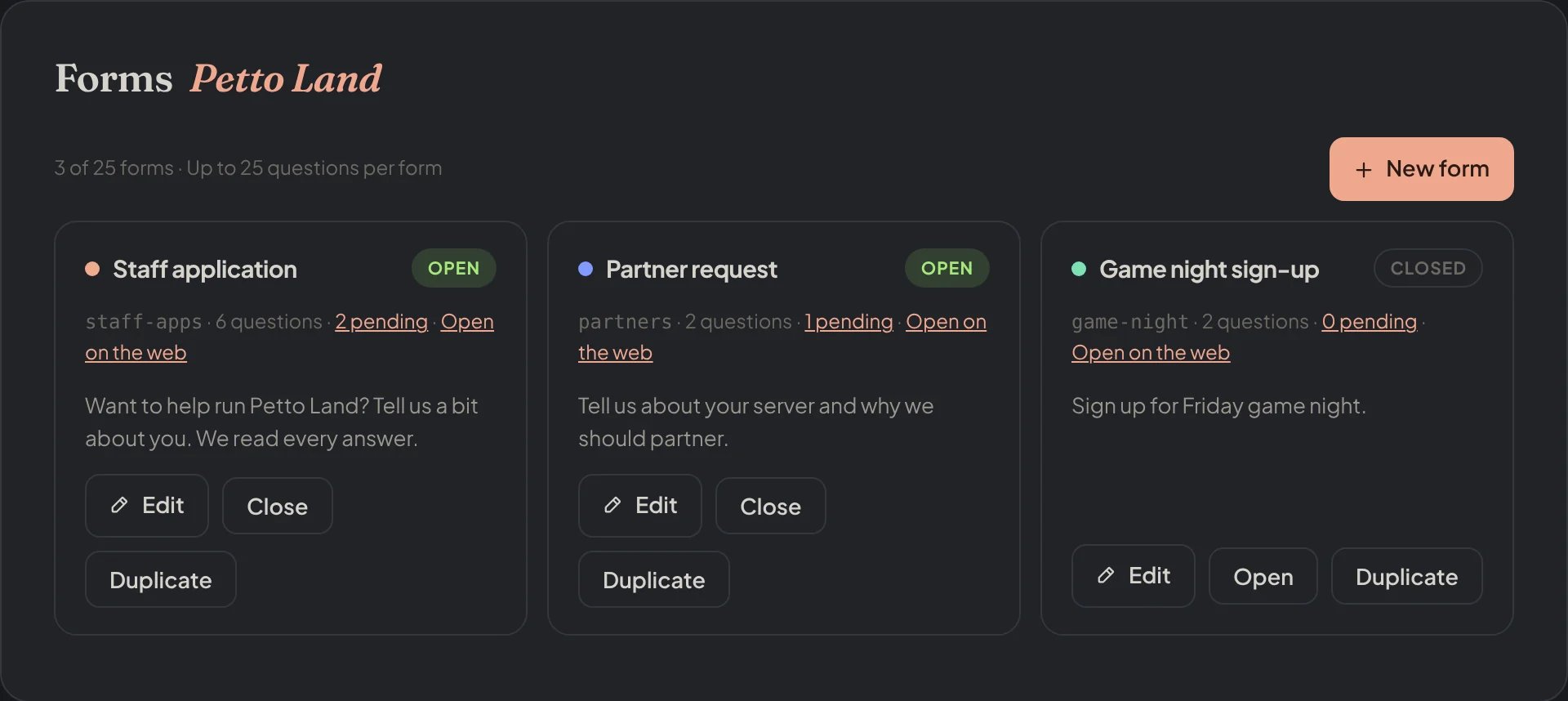
Dashboard → Forms → Forms: the forms of the server.
Form submissions
Form submissions
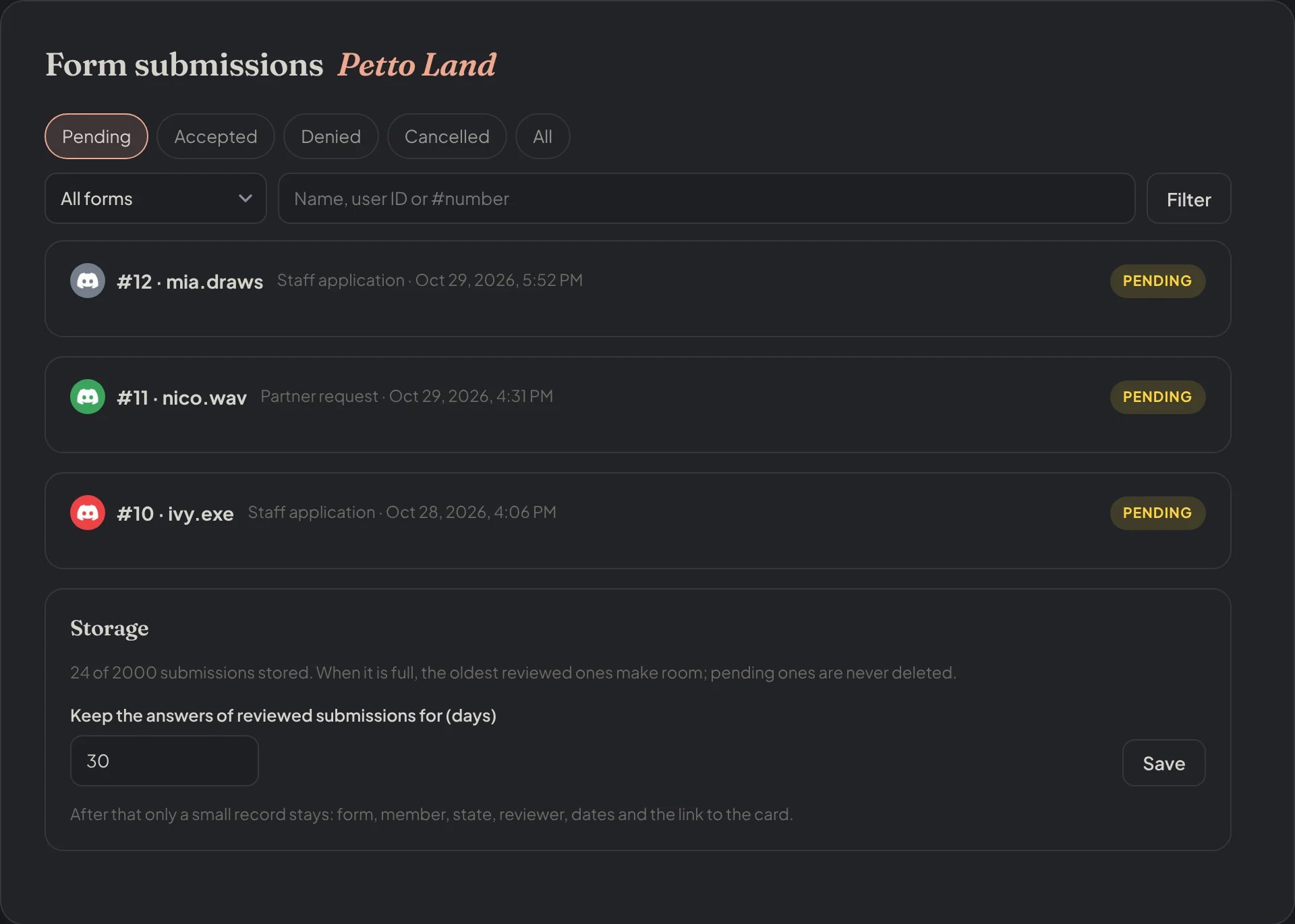
Dashboard → Forms → Form submissions: the pending answers and the storage.
Form panels
Form panels
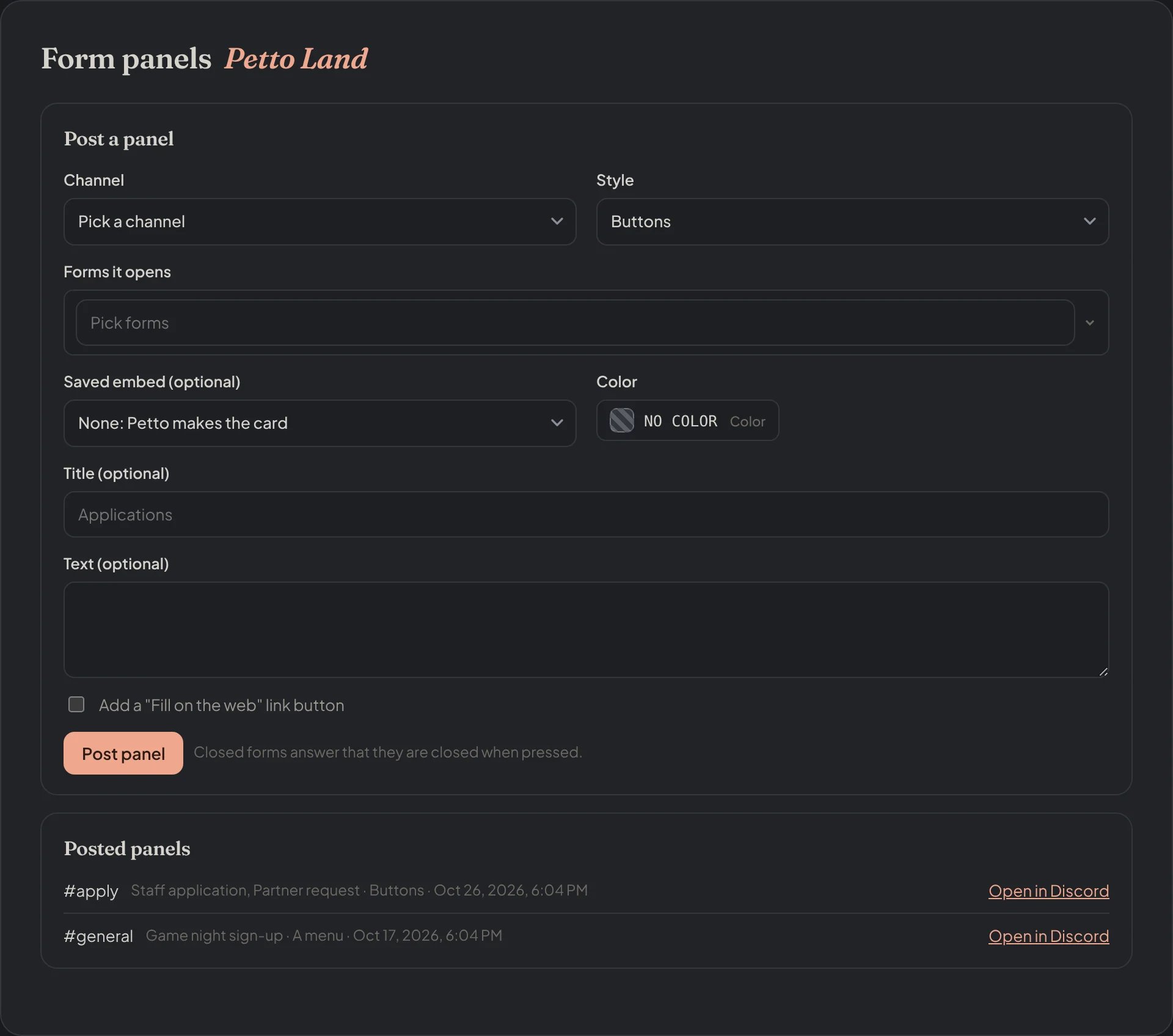
Dashboard → Forms → Form panels: post a panel and the panels posted.
Common issues
Members say the form is not ready
Members say the form is not ready
!form set <form> channel #channel.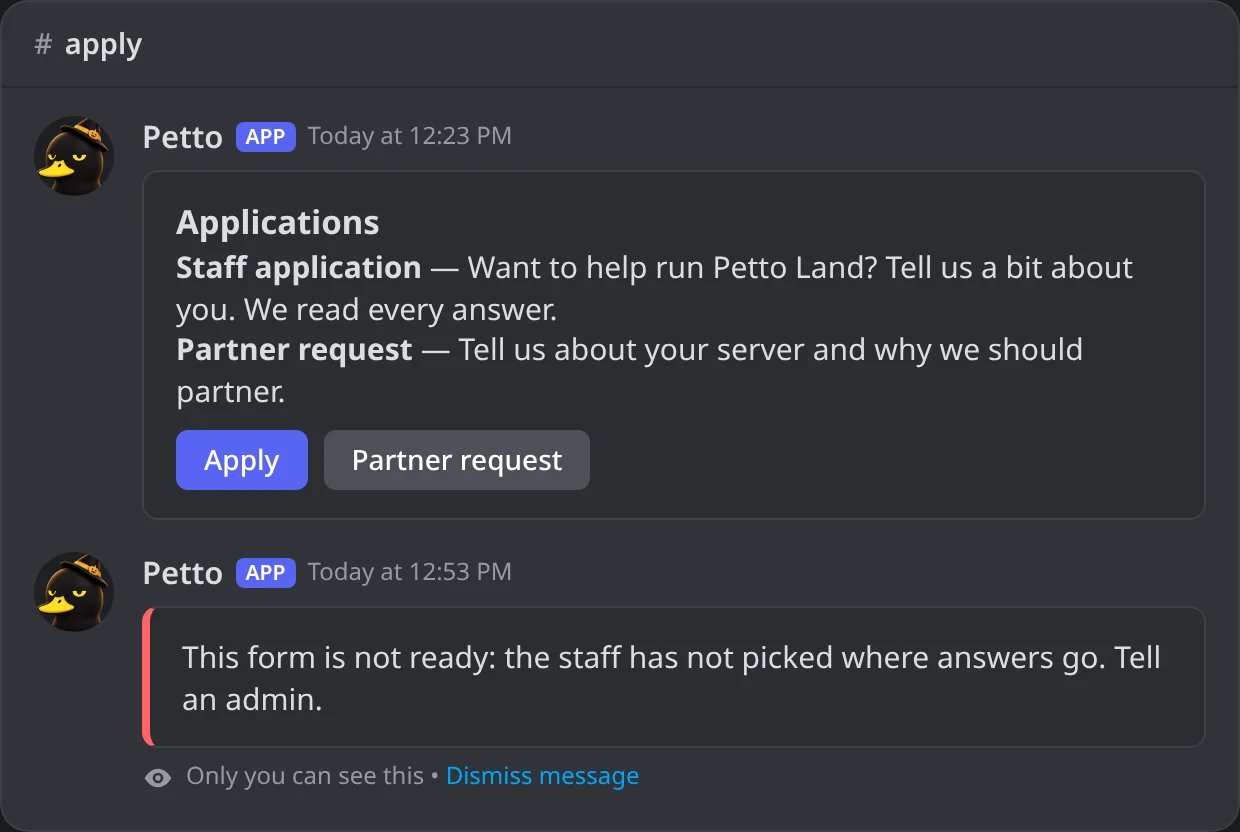
In Discord: a member presses the button of a form with no review channel.
!form open <form>. !form panel reminds you which forms of the panel are closed.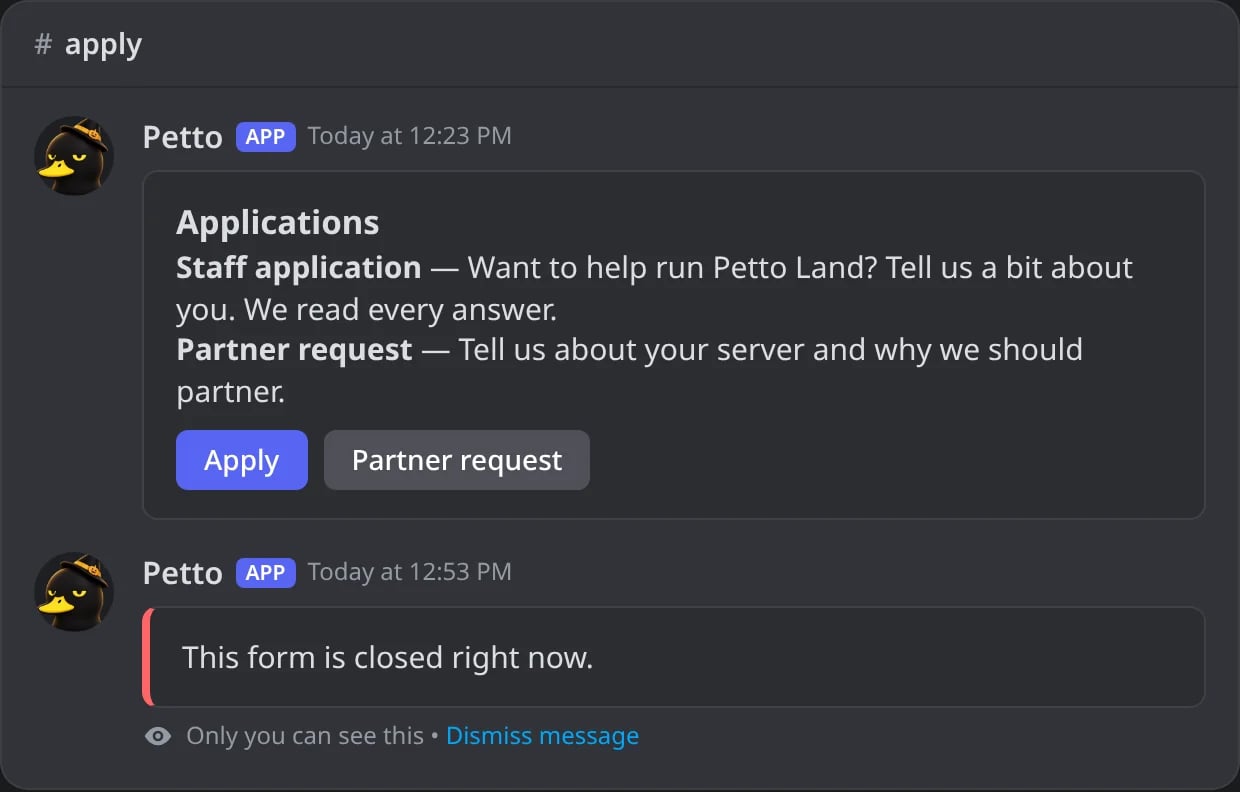
In Discord: a member presses the button of a closed form.
An old web link does not open
An old web link does not open
!form info, and post the panels again.A role was not given
A role was not given
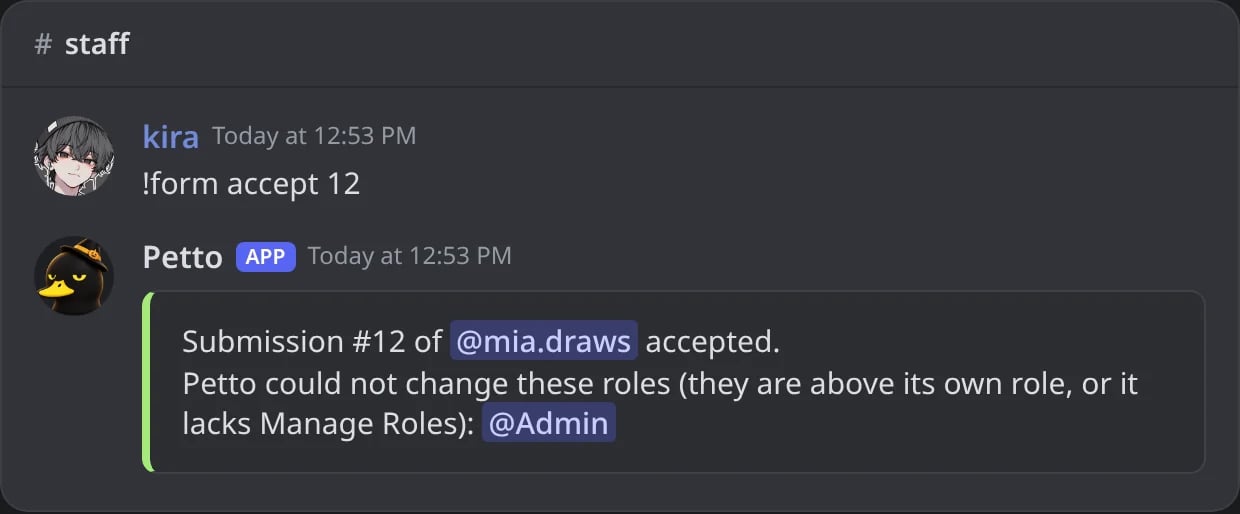
In Discord: a role above the one of Petto is not given.