
Invite Petto

petto.sbs/dash: a server without Petto has the Add Petto button.
Position Petto's role
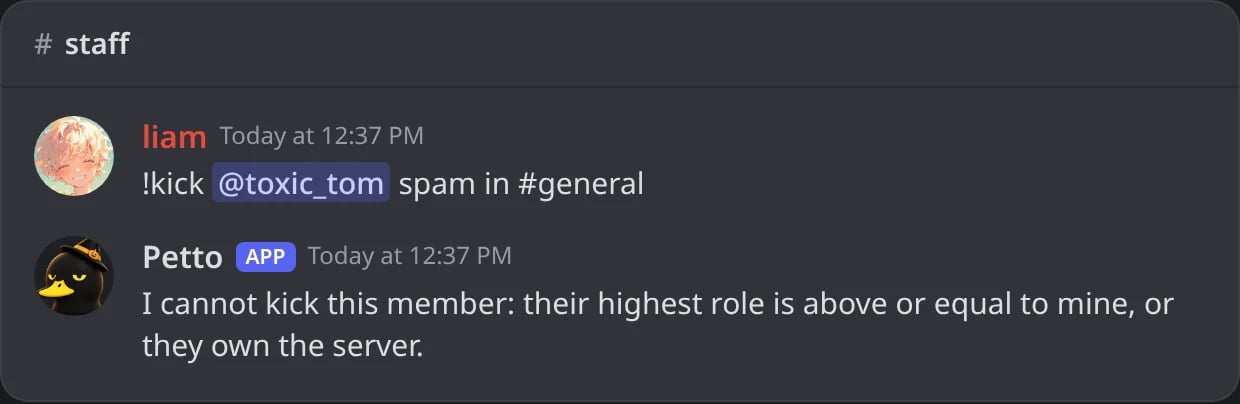
In Discord: while Petto's role is below a member's highest role, Petto cannot act on them.
Set the prefix, if you want a different one
!. Change it with !prefix <new_prefix> if it clashes with another bot. See Prefix.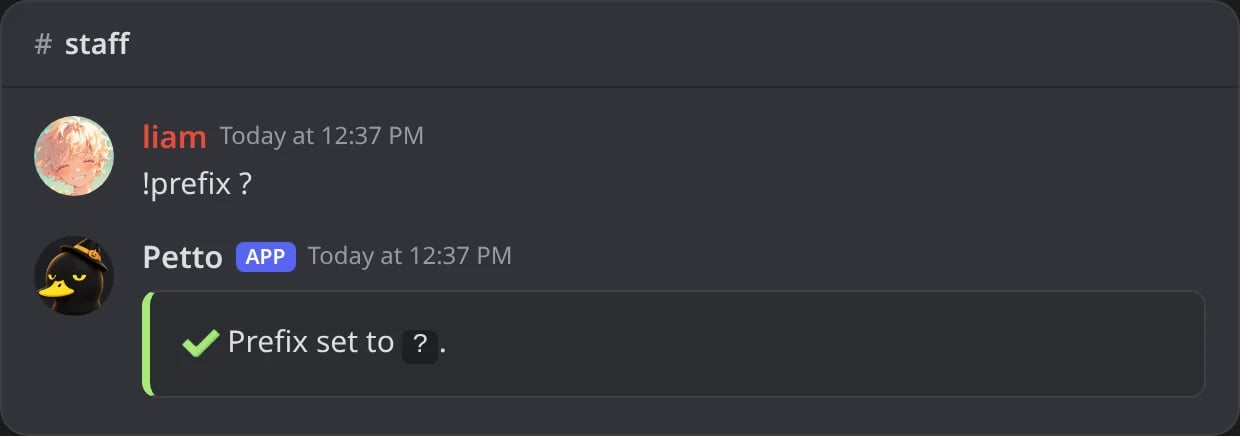
In Discord: the prefix changed to ?.
Turn on core moderation protections
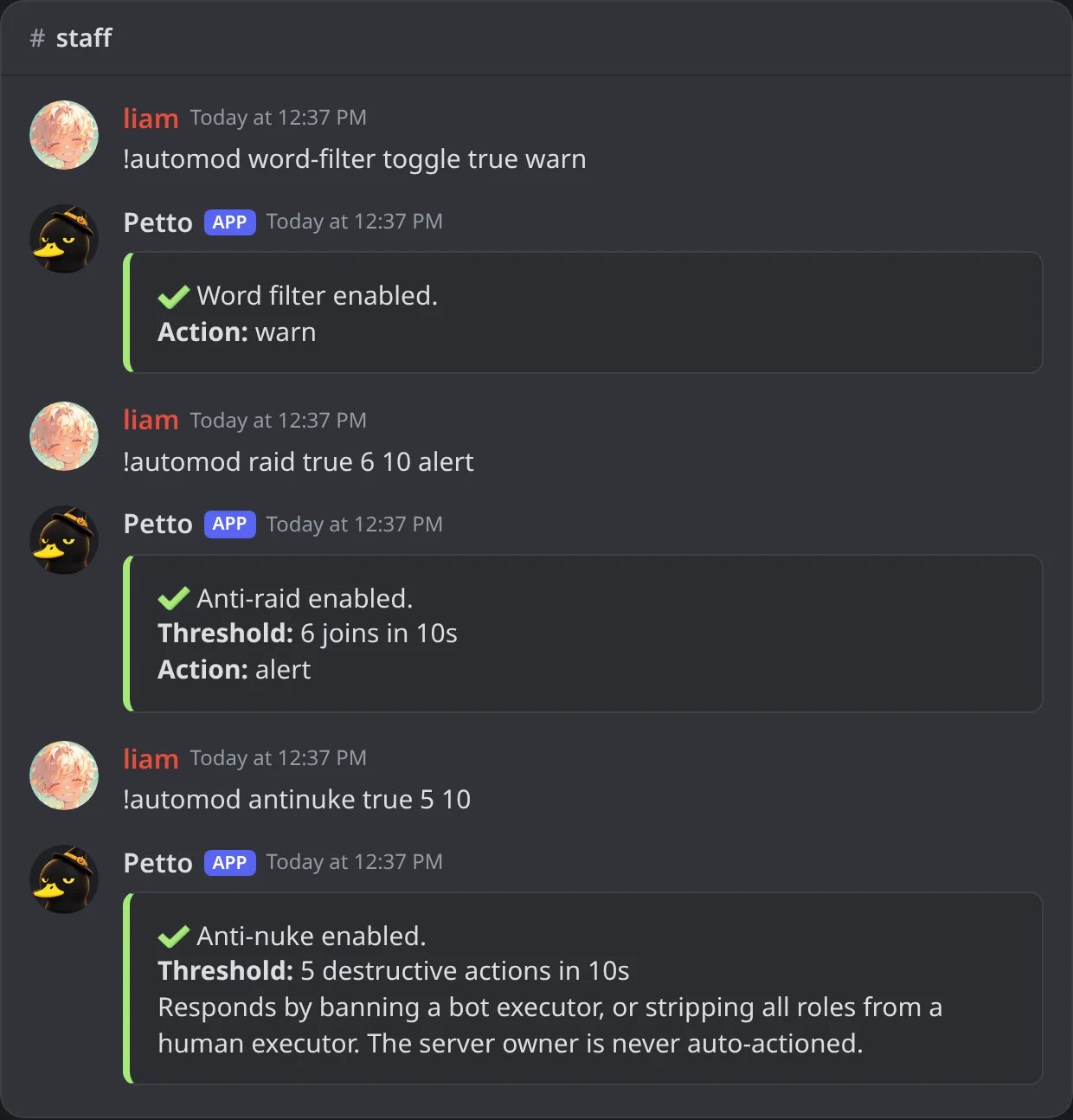
In Discord: the word filter, anti-raid and anti-nuke turned on.
Route your logs
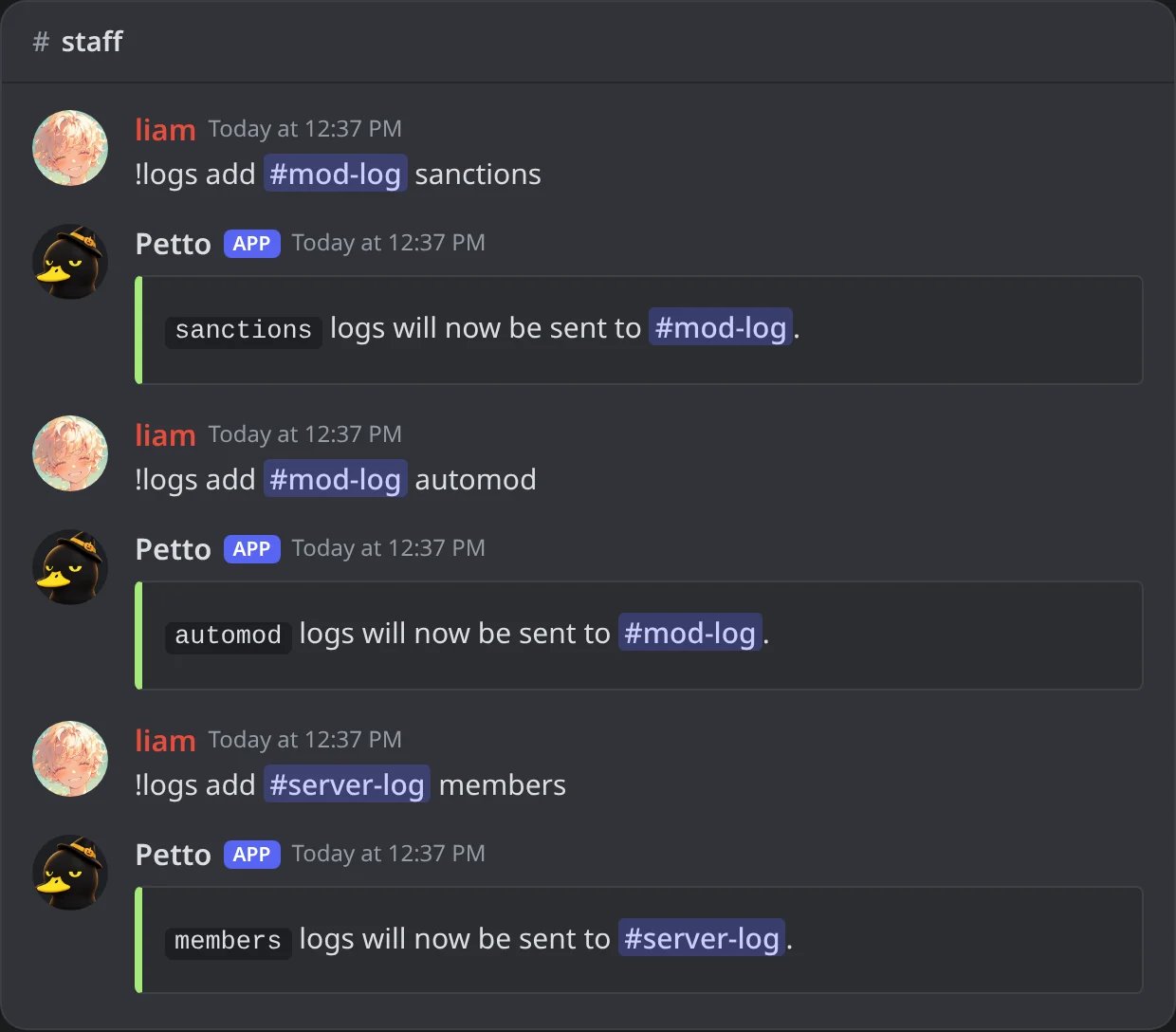
In Discord: three log categories, each sent to its channel.
Set up onboarding
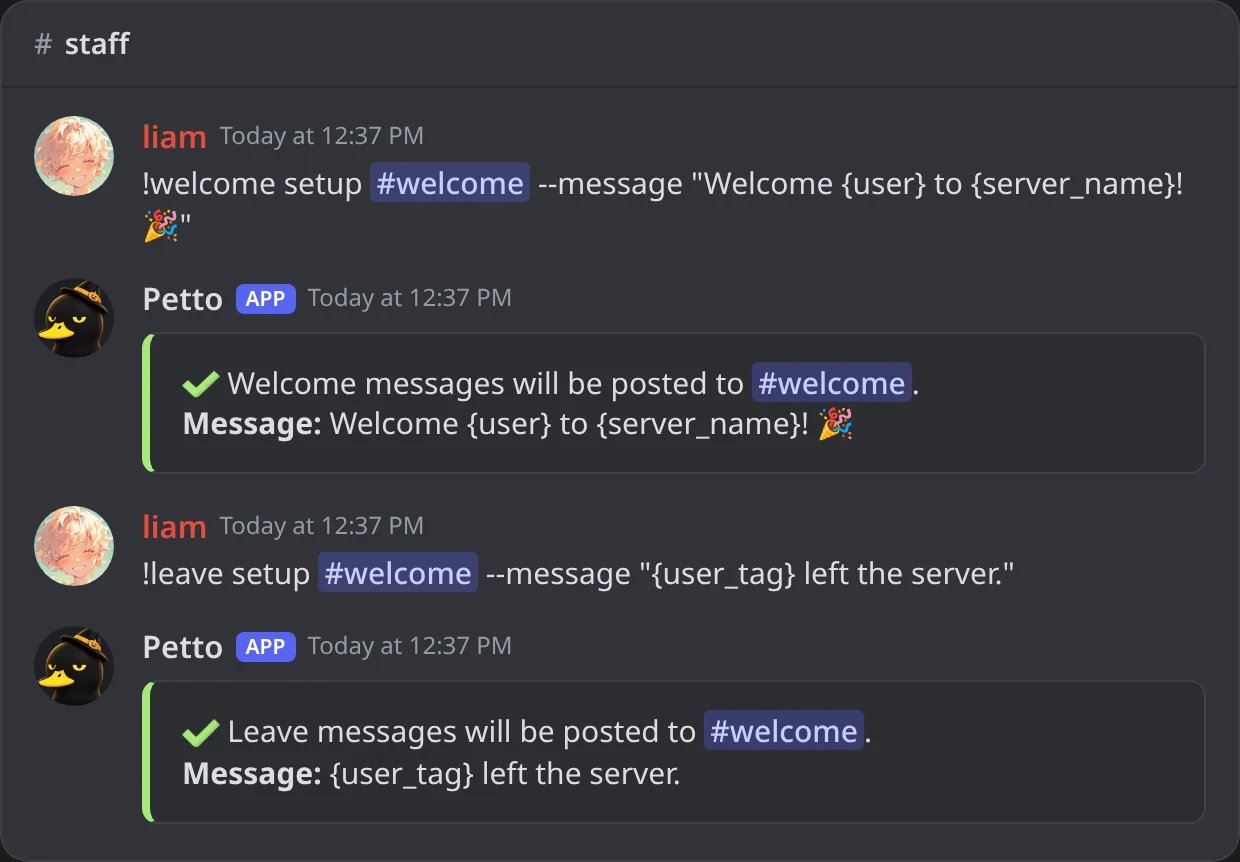
In Discord: the welcome and the leave message, both in #welcome.
Turn on leveling, if you want it
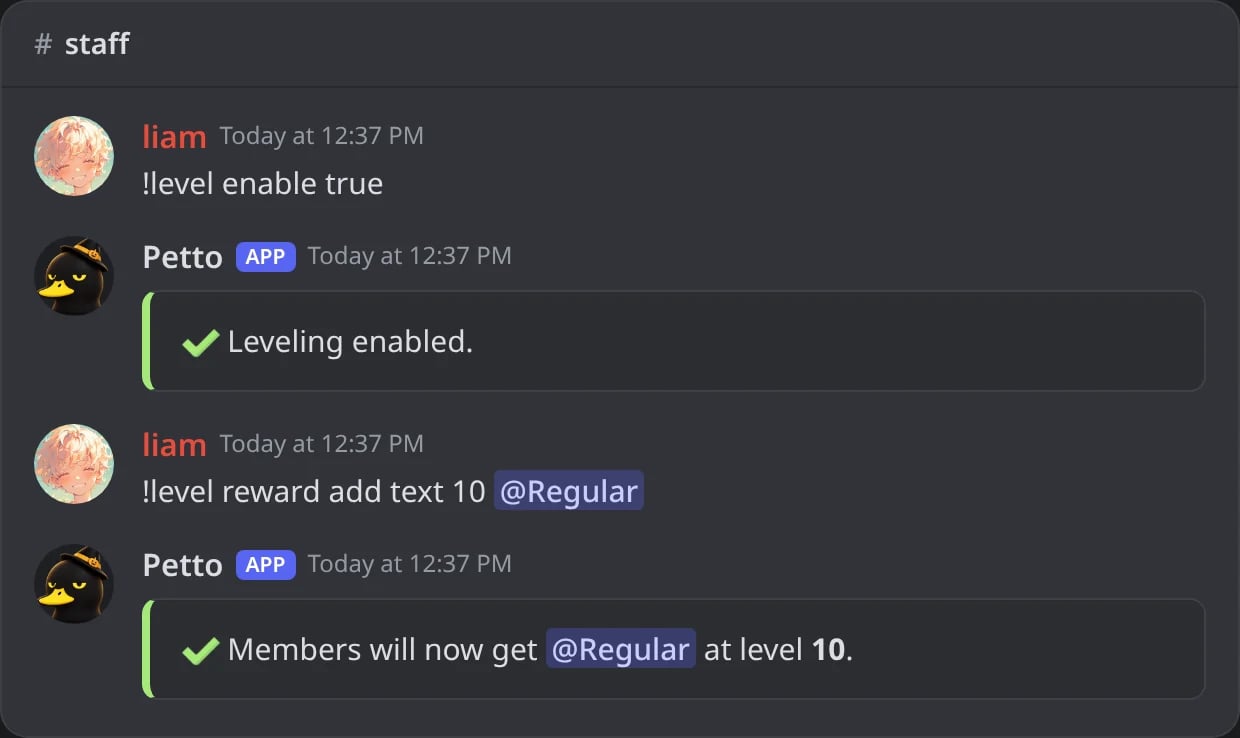
In Discord: leveling on, and @Regular given at level 10.
Set up a ticket panel
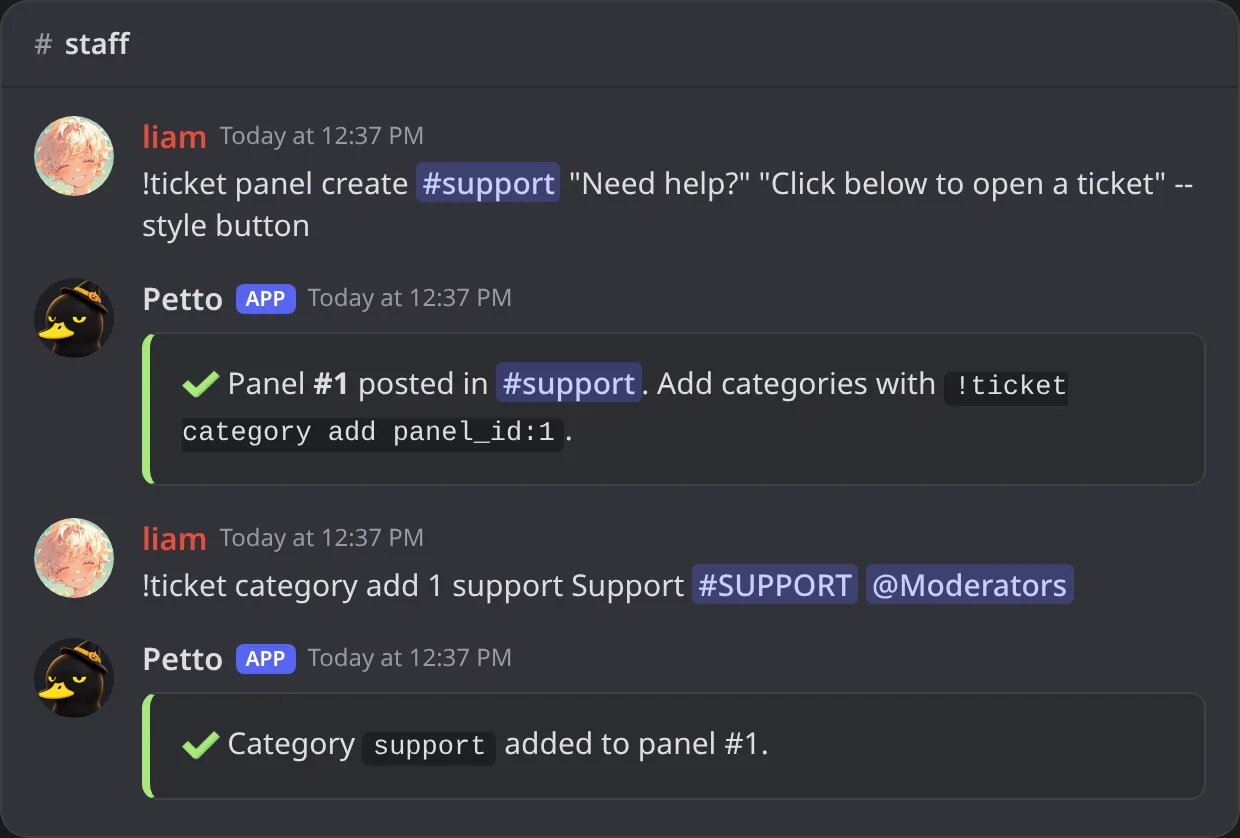
In Discord: the panel posted in #support, and its first category.
Customize how Petto looks in your server
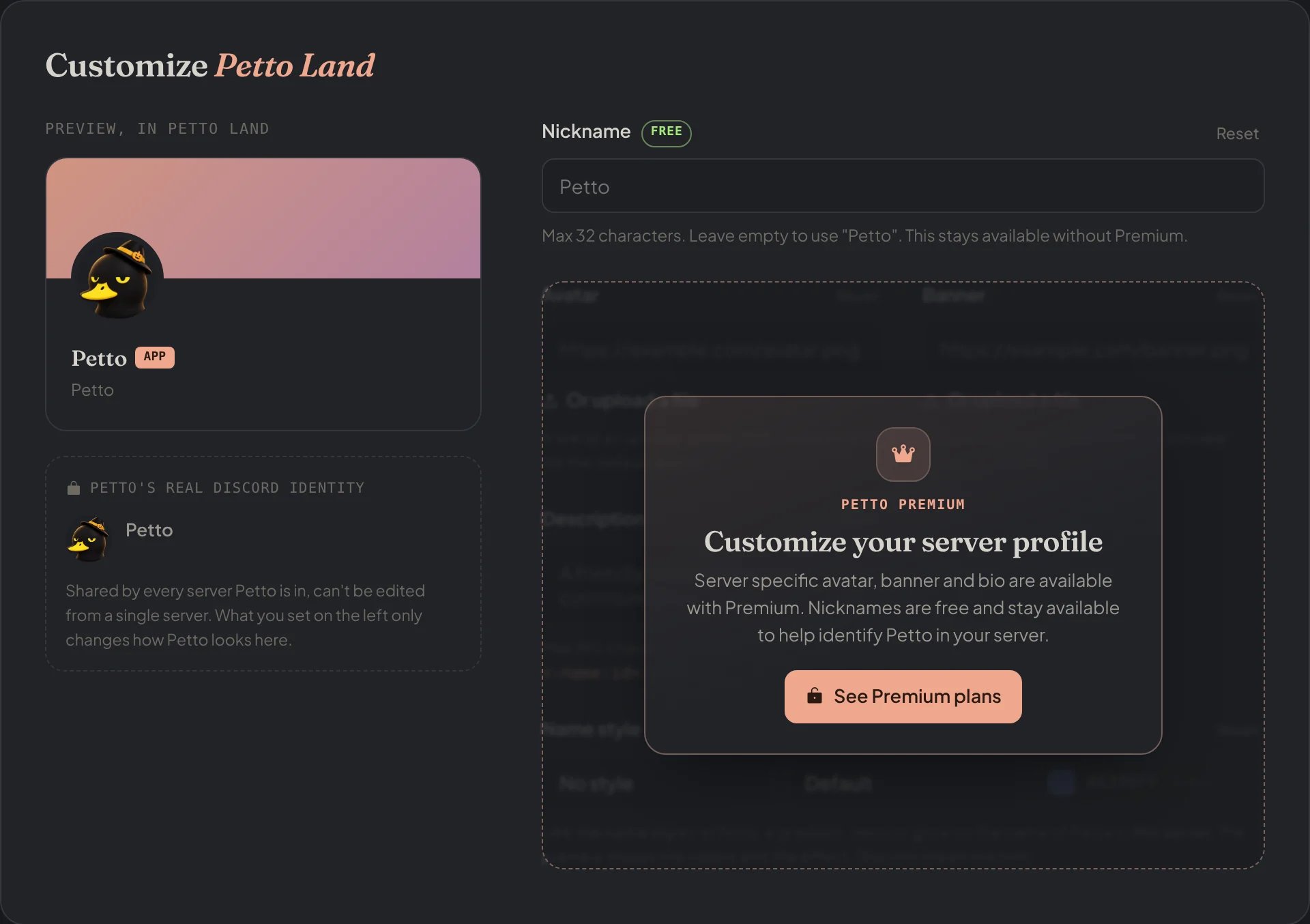
Dashboard → Dashboard → Customize: the preview of Petto in your server and its nickname.
/setup: it lists what is configured, which permissions Petto is missing and opens a Quick setup form.
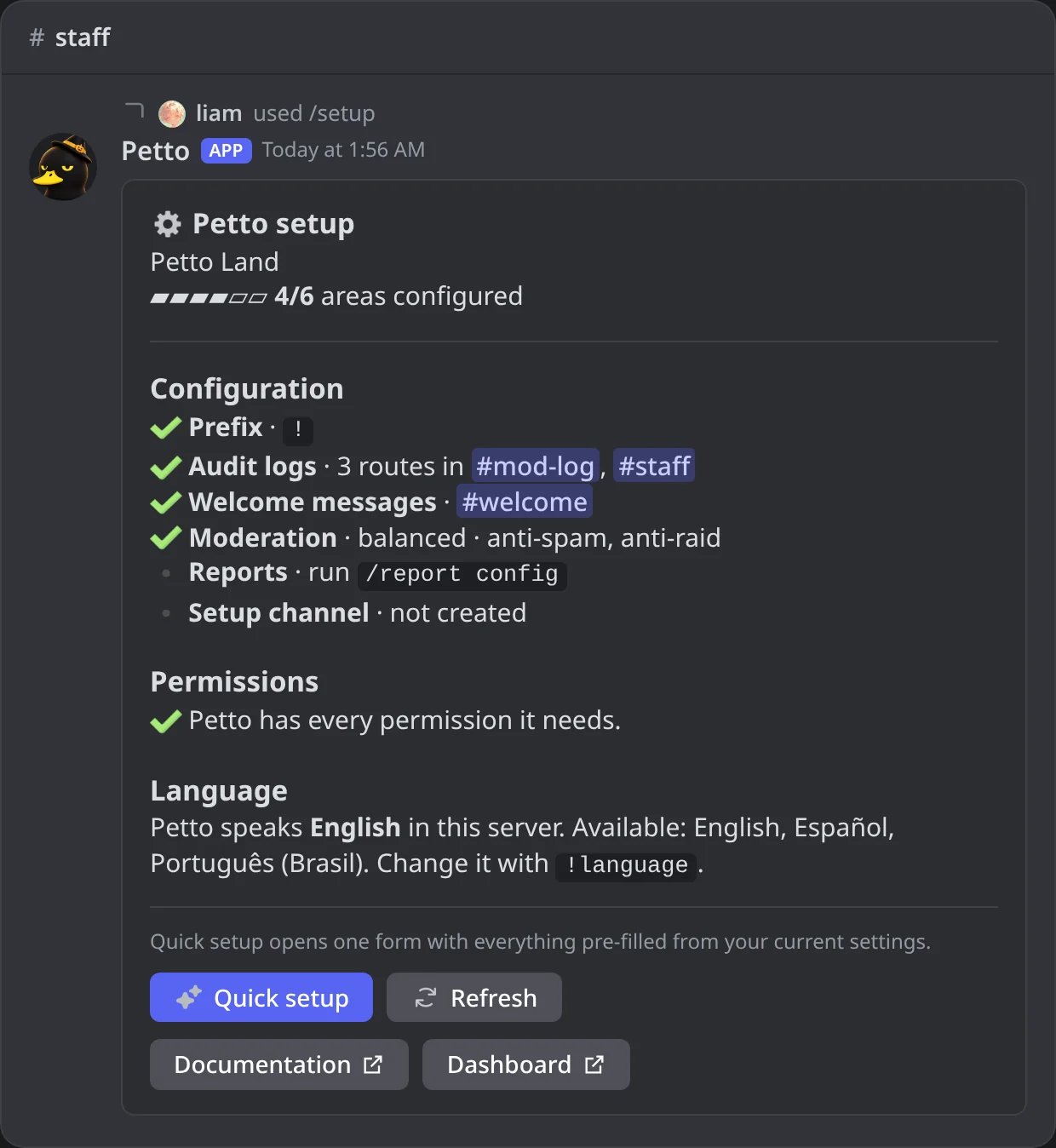
In Discord: the /setup panel of a server that is four steps in.