
Is Petto free?
Is Petto free?
Can I change the prefix?
Can I change the prefix?
!prefix <new_prefix>, up to 5 characters. See Prefix.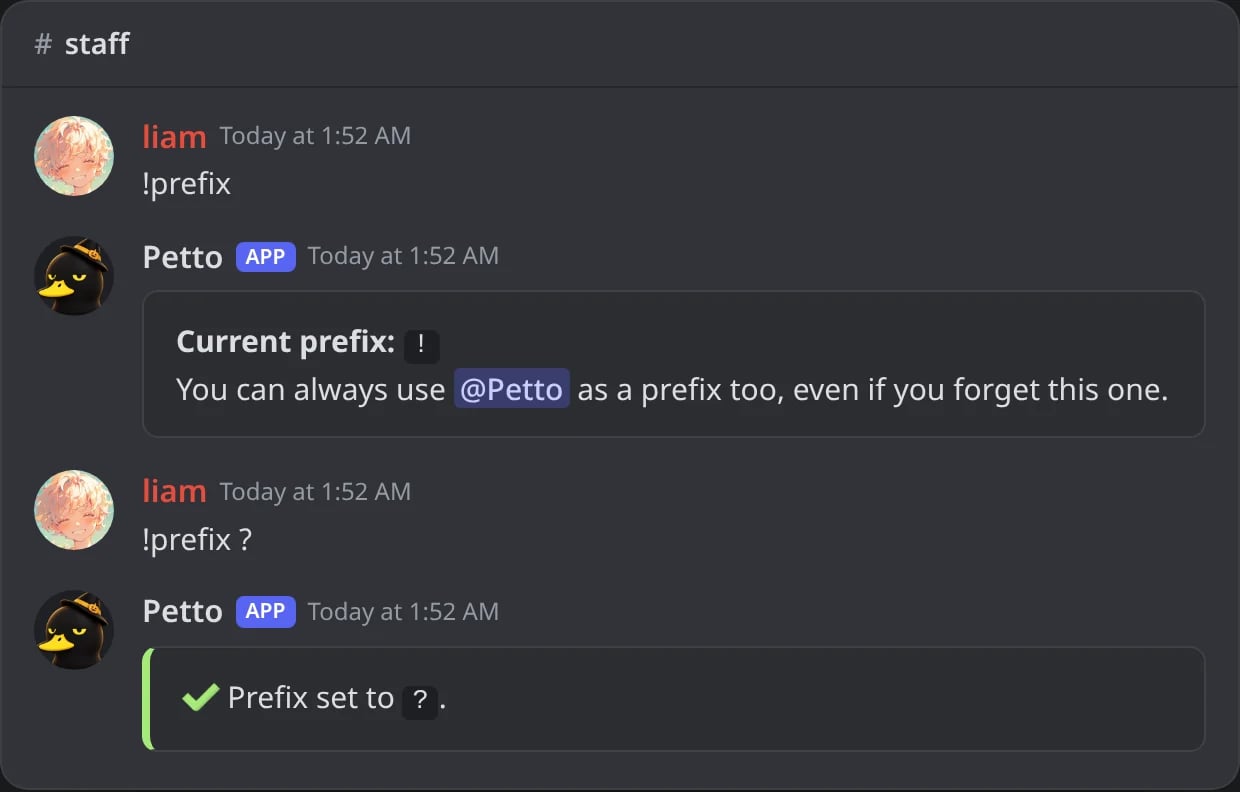
In Discord: !prefix shows the current prefix, and !prefix ? changes it.
Does Petto read/store my messages?
Does Petto read/store my messages?
Can I run Petto and another moderation bot together?
Can I run Petto and another moderation bot together?
Can I make commands without code?
Can I make commands without code?
Can one custom command run another?
Can one custom command run another?
execCC in Petto Code: now or after up to 5 minutes, passing some data that the other command reads in .ExecData.My command in code did nothing. Where do I see why?
My command in code did nothing. Where do I see why?
!customcommand logs (or !customcommand logs <name>) shows the last problems of the commands in code: mistakes, crashes, actions that were not done and refused execCC calls. See Problems of the commands.Why isn't a command doing anything?
Why isn't a command doing anything?
!help should always respond), then permissions and role hierarchy. See Permission Issues.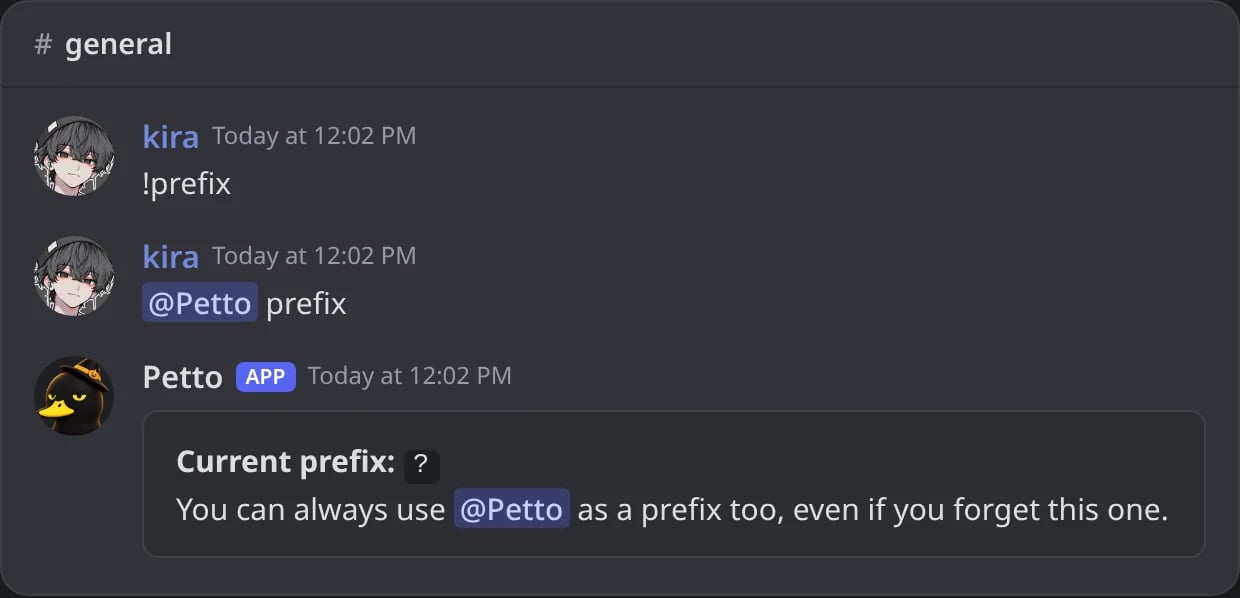
In Discord: with the wrong prefix nothing answers; a mention of Petto shows the right one.
How do I back up my configuration?
How do I back up my configuration?
!backup create) saves the structure of the server (roles, channels, permissions, emojis), and the dashboard’s Config Management page exports every module’s settings as JSON, see Config Export & Reset.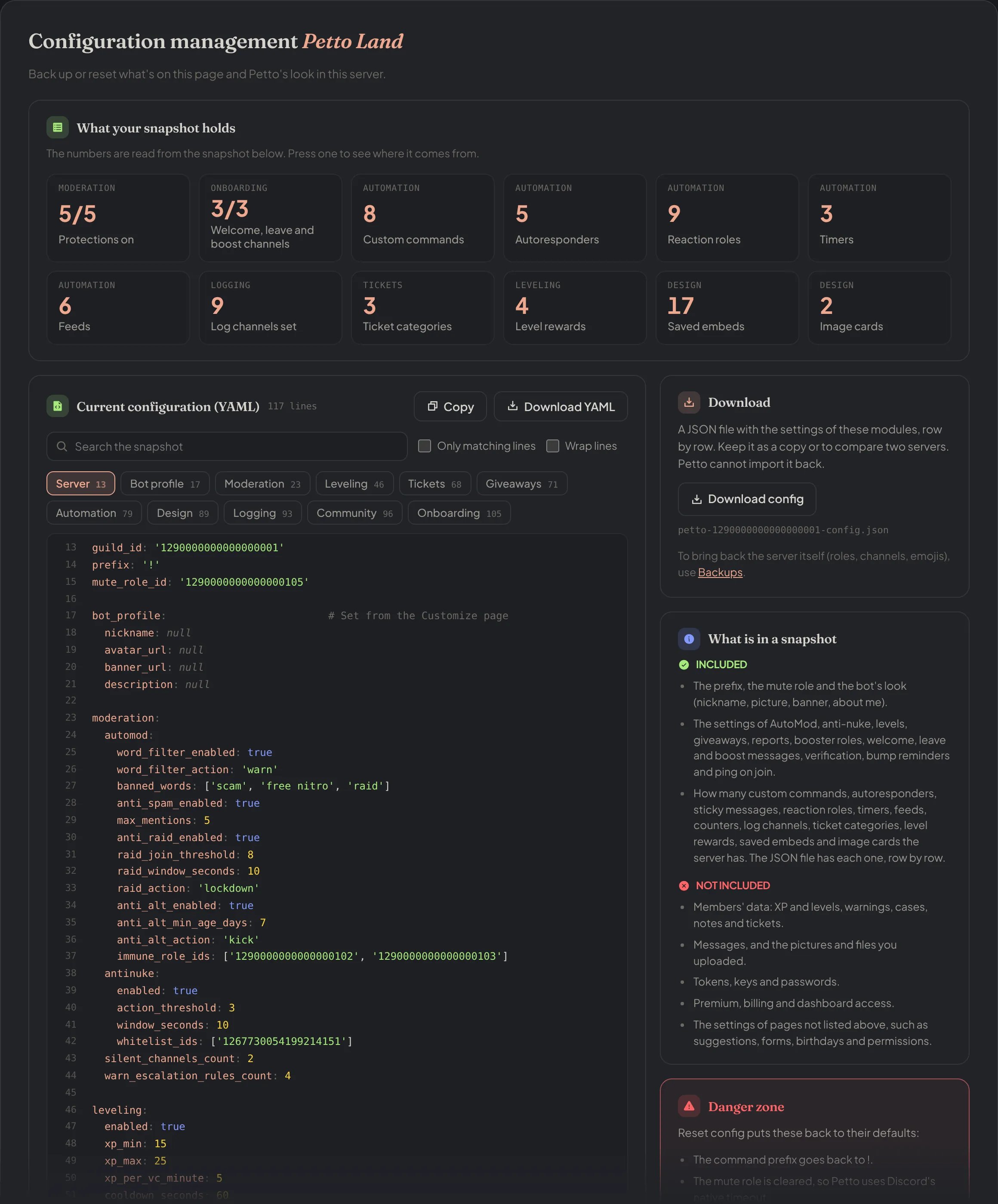
Dashboard → Dashboard → Config Management: Download config, Reset config and the current configuration.
Can members configure Petto, or only staff?
Can members configure Petto, or only staff?
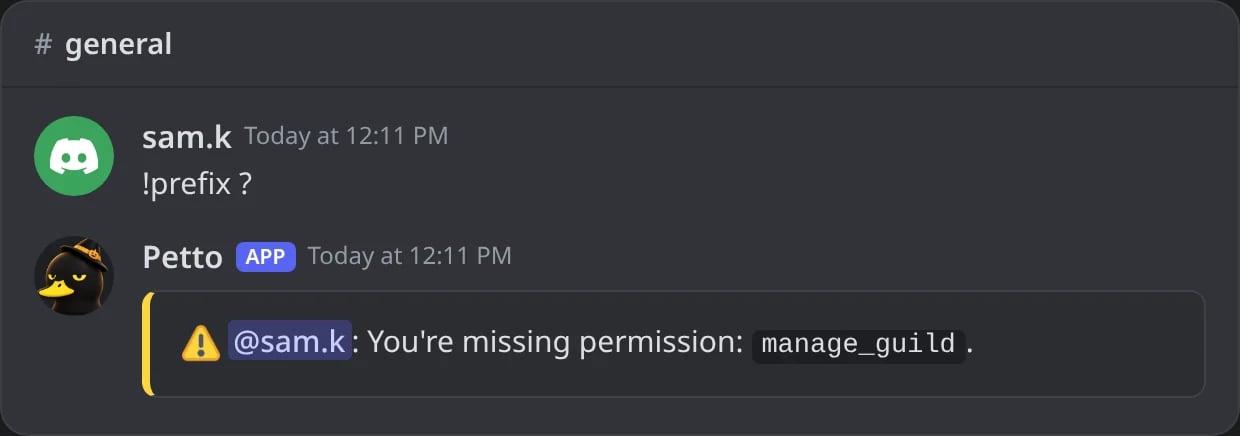
In Discord: a member without Manage Server cannot change the configuration.
I migrated from another bot, will my old settings carry over?
I migrated from another bot, will my old settings carry over?
Can members apply for staff or sign up for events?
Can members apply for staff or sign up for events?
Why does limit:3 not work in a command?
Why does limit:3 not work in a command?
--limit 3, see Prefix.Where do I report a bug or request a feature?
Where do I report a bug or request a feature?