
Add Petto to your server
Add Petto
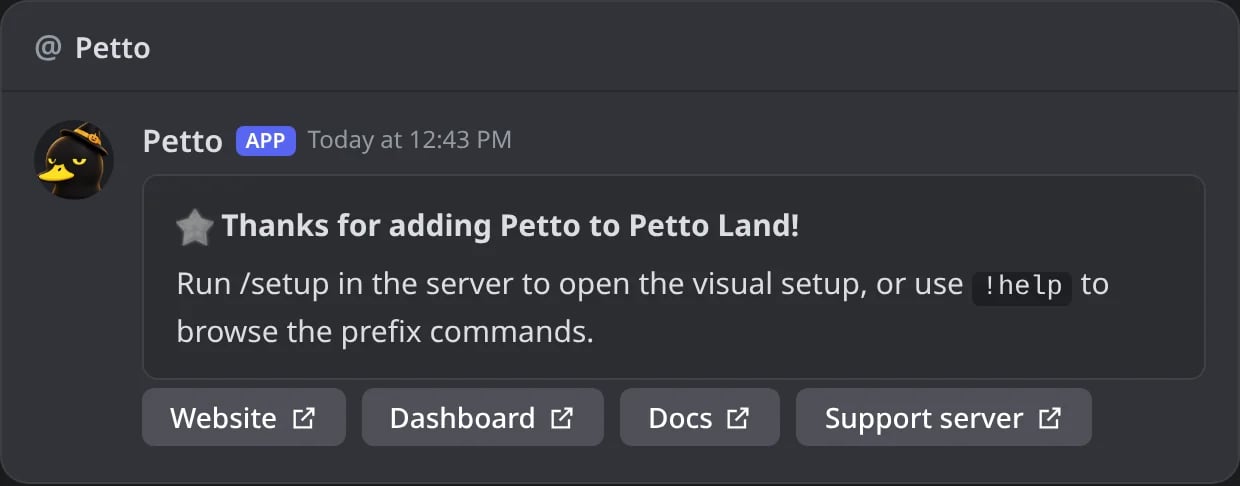
In Discord: right after it is added, Petto thanks whoever added it by DM, with the links to start.
The dashboard
Most of Petto’s configuration can be done without typing a single command, at petto.sbs/dash. Log in with Discord, pick your server (the dashboard is also in Spanish at petto.sbs/es/dash and Brazilian Portuguese at petto.sbs/pt-br/dash, and the language menu remembers your choice), and every module (Moderation, Automation, Tickets, Leveling, Giveaways, Embeds, and more) has its own page.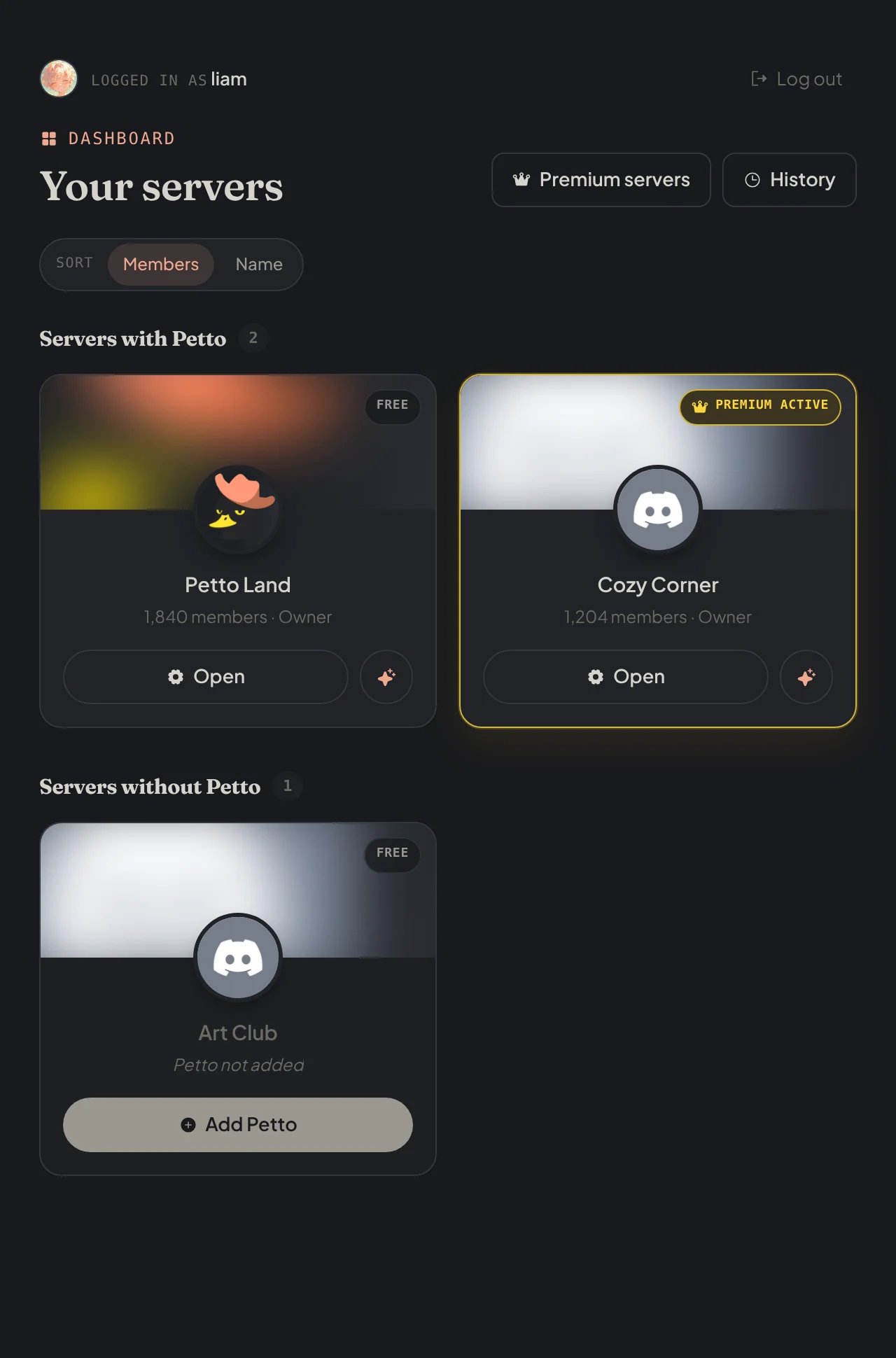
petto.sbs/dash: your servers, where Petto is and where it can be added.
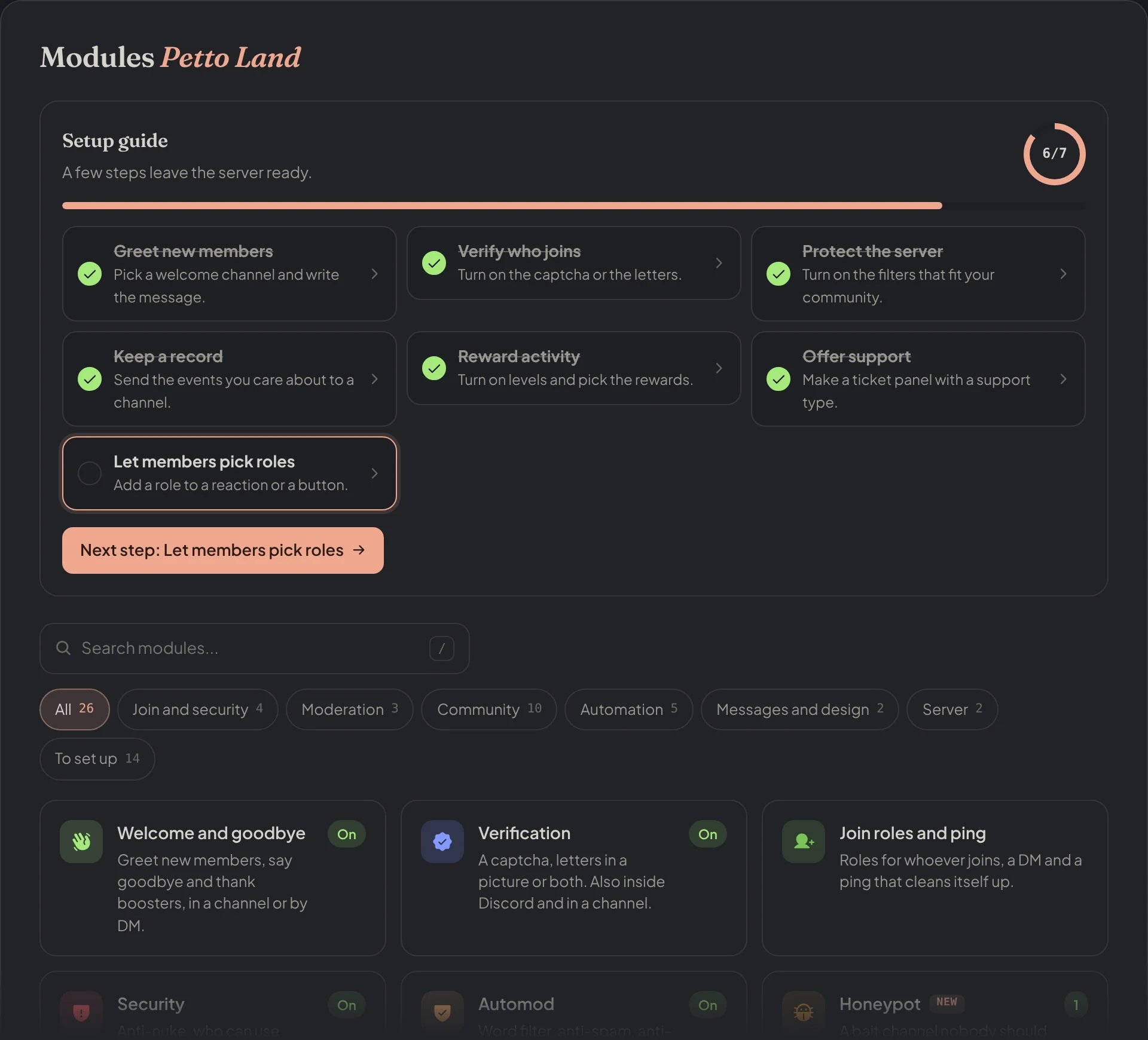
Dashboard → Modules: every module with its state, and a setup guide with the next step.
Commands: prefix and slash
Every command works with the prefix,! by default: !ban, !ticket setup, !level enable true. The everyday ones (/help, /ban, /purge, /rank, /ticket, /embed and more) also work from Discord’s / menu, with the same answers. See Prefix for the full list.
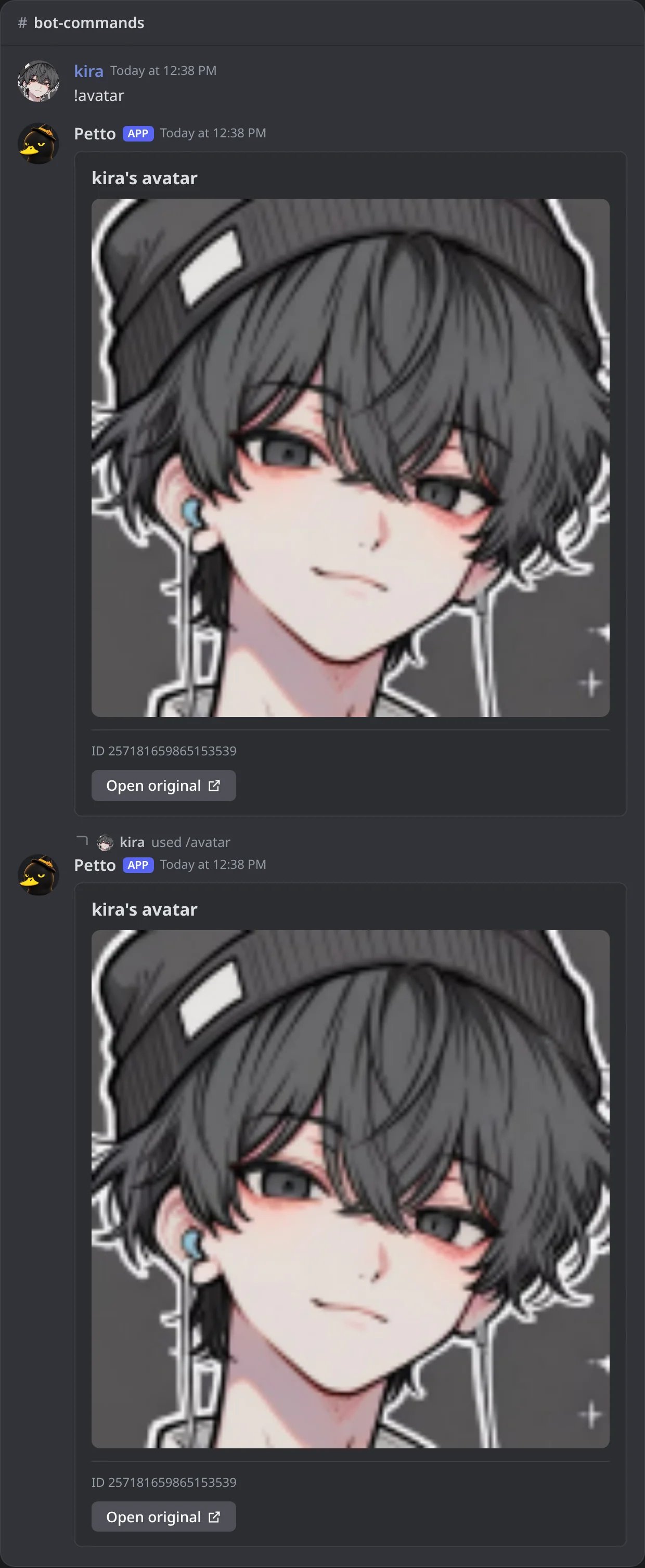
In Discord: !avatar and /avatar give the same answer.
First things to configure
Set a mute role (optional)
!mute works with Discord’s native timeout by default, no role needed. If you’d rather use a dedicated mute role instead, set it on the dashboard’s Settings page.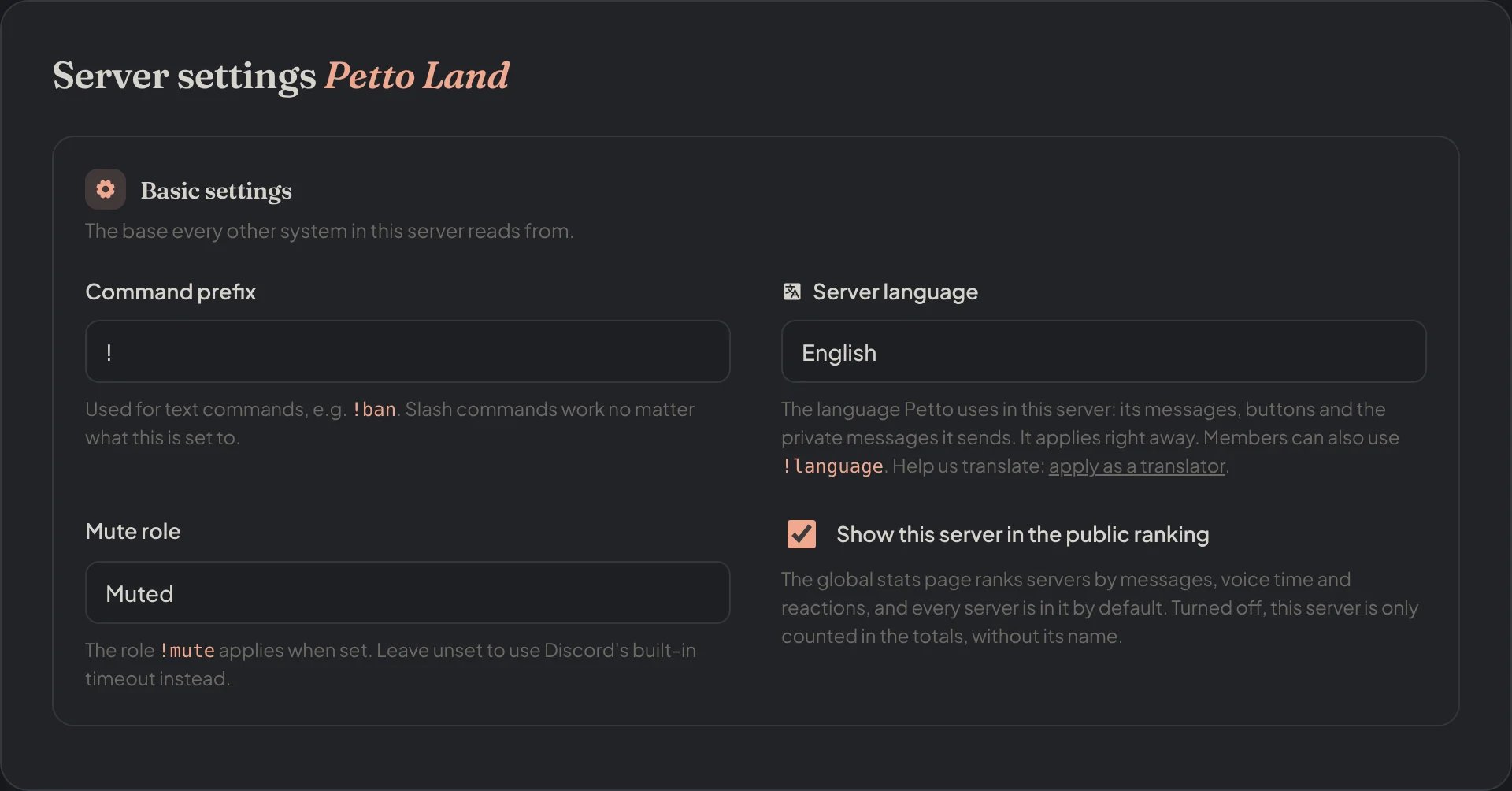
Dashboard → Dashboard → Settings: the Mute role, below the prefix and the language.
Route your logs
!logs add #logs all.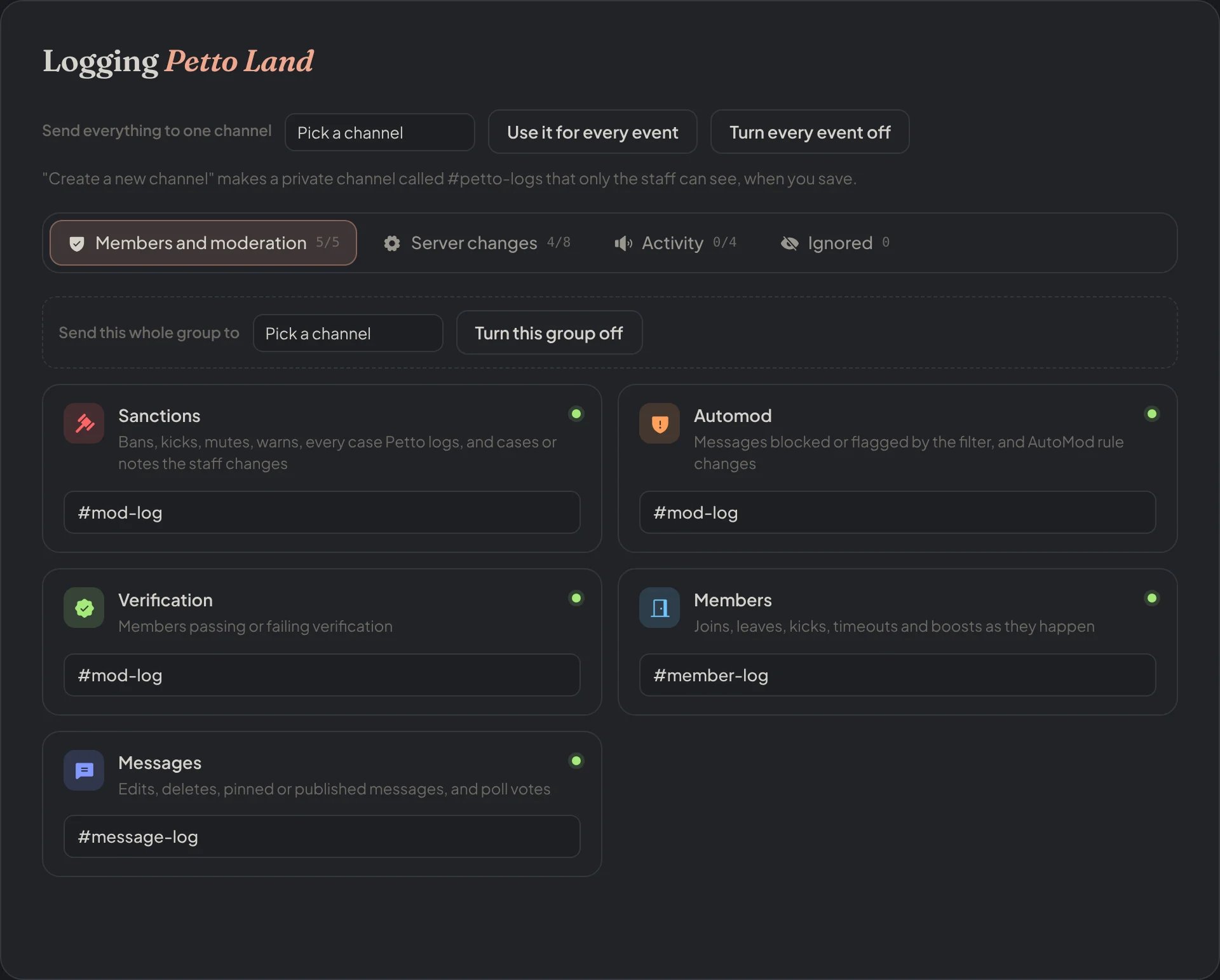
Dashboard → Security → Logging: each category with its channel.
Turn on leveling, if you want it
!level enable true.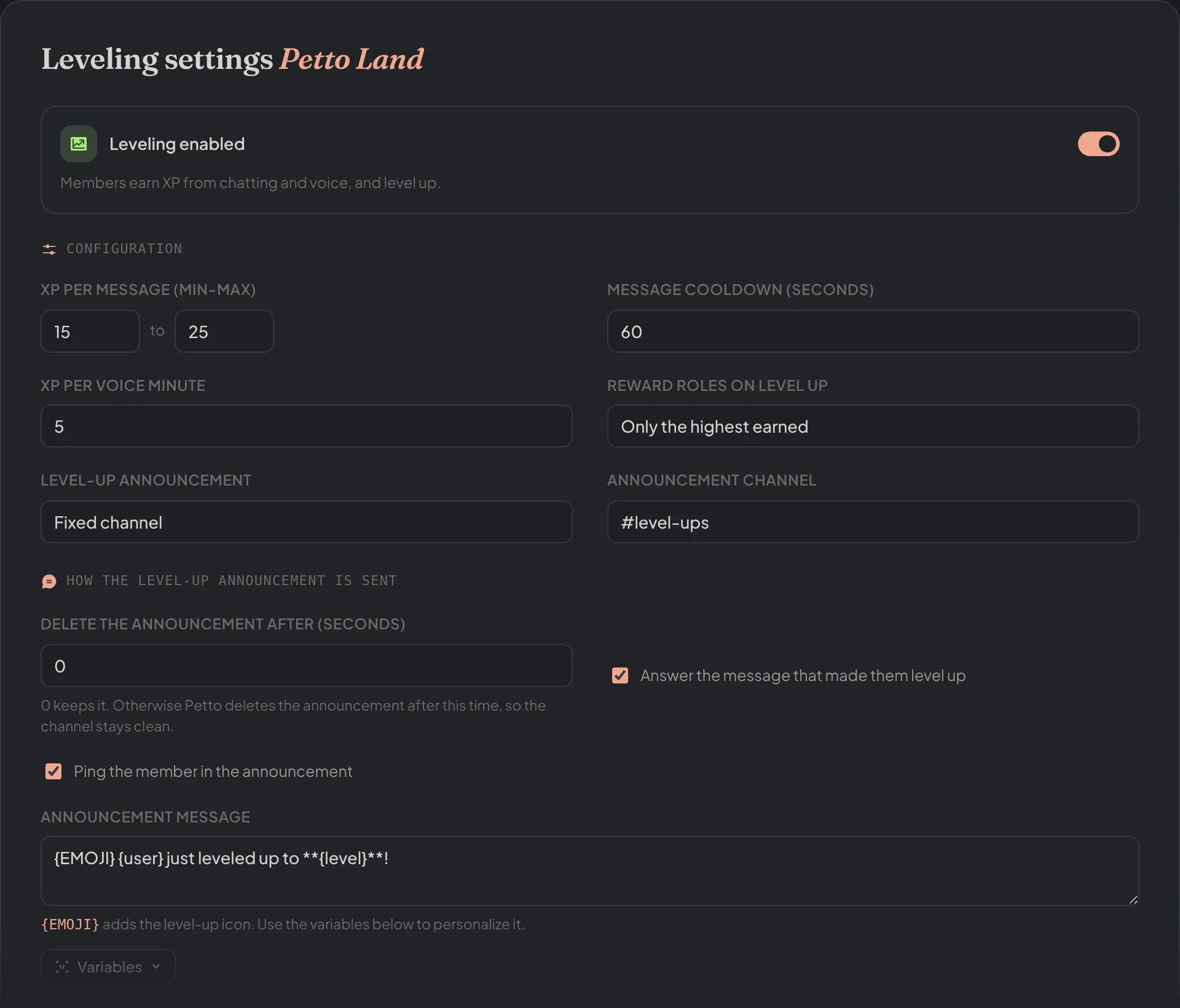
Dashboard → Leveling → Leveling: the switch and the XP settings.
Set up onboarding
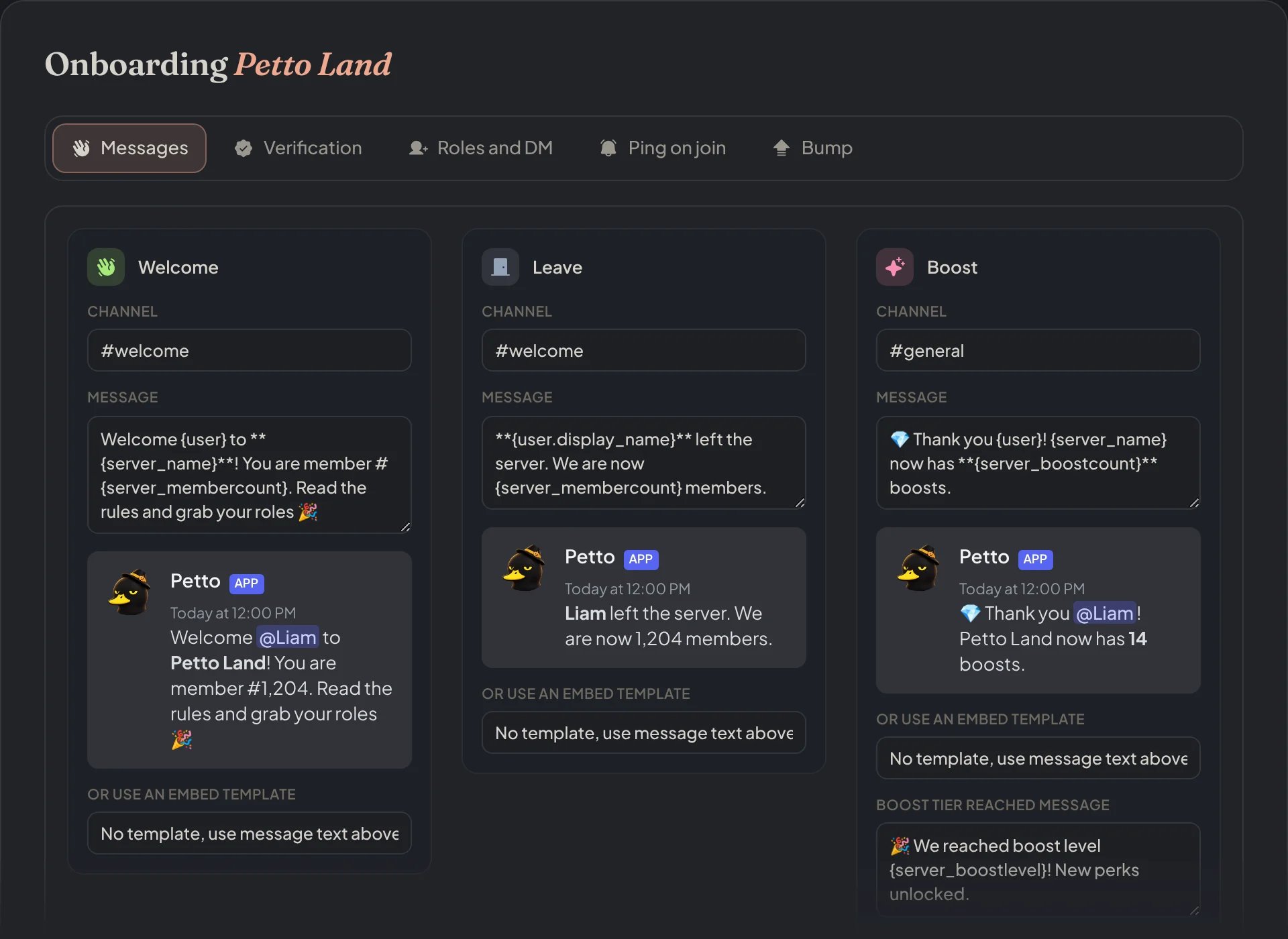
Dashboard → Security → Join Gate: welcome, leave and boost messages, verification, join roles, ping on join and bump in tabs.
Add identity roles, if you need them
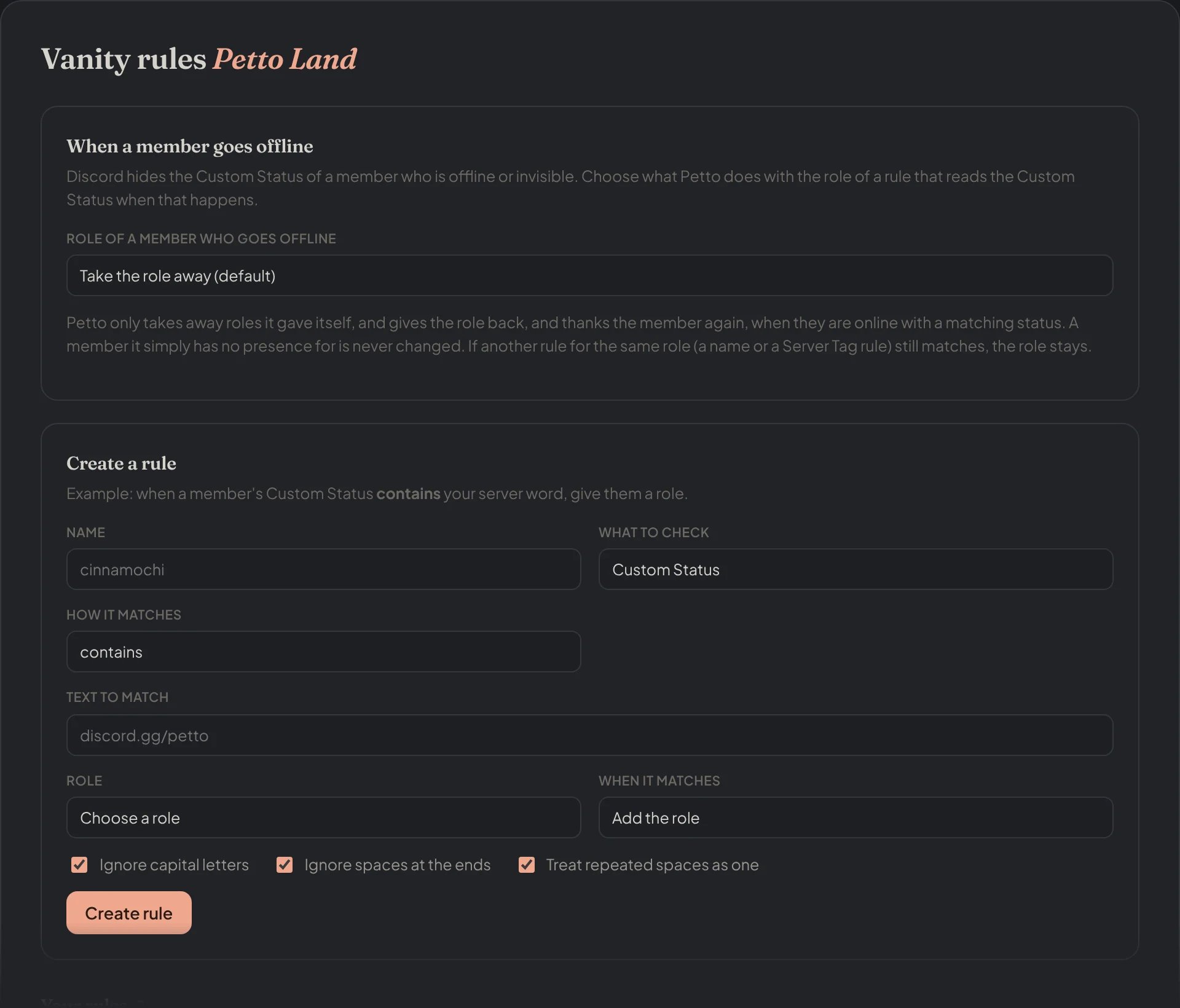
Dashboard → Vanity roles → Vanity rules: a rule gives a role from the text members show.