
The rule that explains most permission issues
Discord enforces one hard rule for every bot, Petto included: a bot can never act on a member whose highest role sits above the bot’s own role in the server’s role list, no permission or admin setting overrides this. This applies to!ban, !kick, !mute, !role, and anything else that touches a member directly. Petto uses the server’s prefix; ! is only the default.
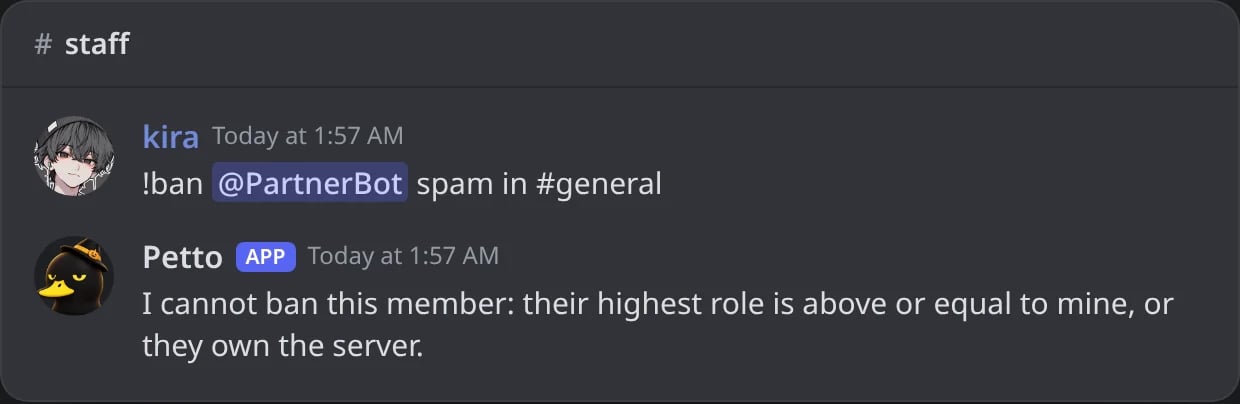
In Discord: a ban refused because the member's highest role is above Petto's.
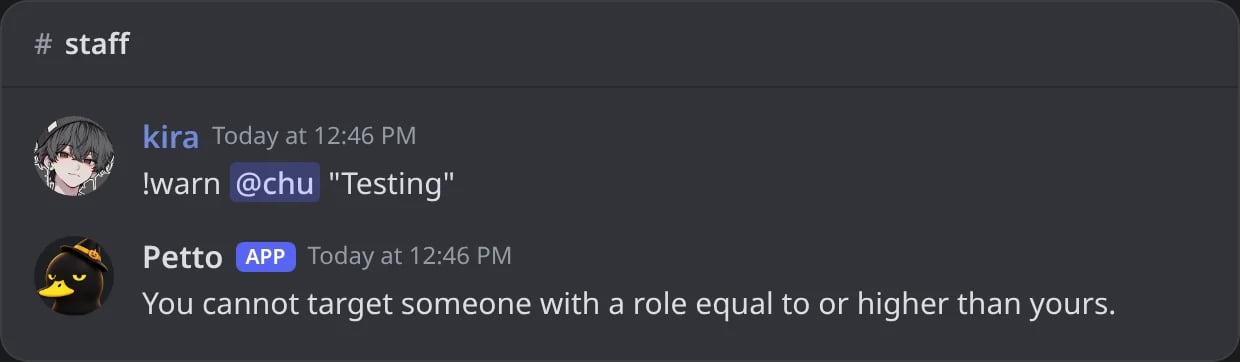
In Discord: your own role has to be above the member's too.
Fixing it
Server Settings → Roles, drag Petto’s own role up until it sits above every role you want it to be able to act on. It doesn’t need to be at the very top, just higher than its targets.Bot permissions vs. channel permissions
Two separate things have to both be true:- Server-wide permissions: what Petto’s role is granted overall (Manage Roles, Ban Members, Manage Channels, etc.), set once in Server Settings → Roles.
- Channel-specific overrides: a channel can deny Petto something it has server-wide, permission overwrites on a specific channel always win over the role-level grant.
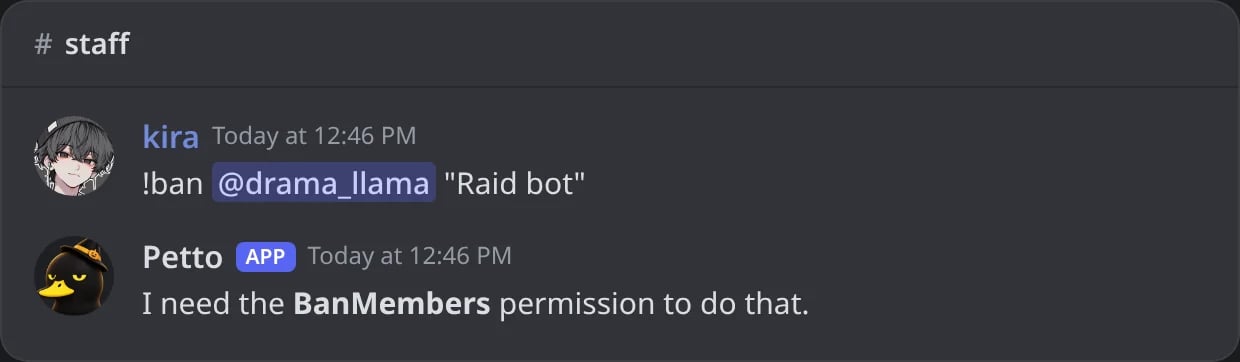
In Discord: the role of Petto does not have Ban Members.
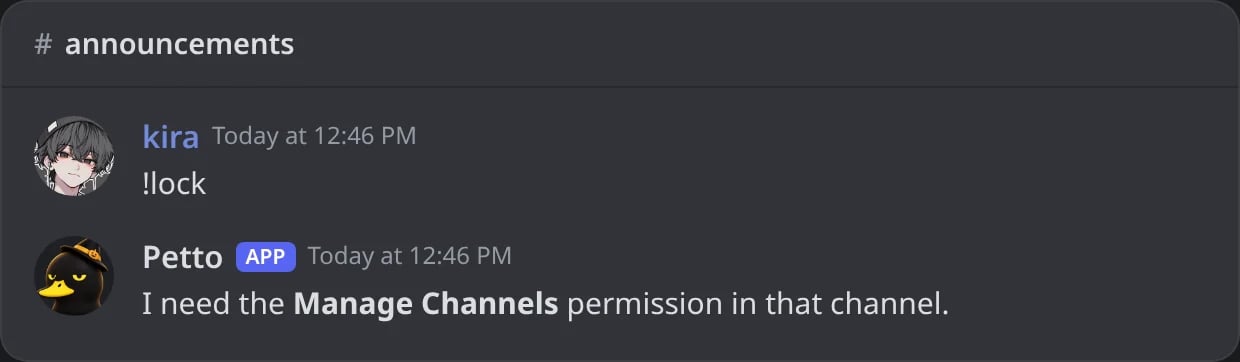
In Discord: Petto has Manage Channels in the server, but a channel override takes it away there.
Command-level permission requirements
Beyond what Petto itself needs, most config commands also require the member running them to have Manage Guild (or a more specific permission like Ban Members for!ban). This is Discord’s own permission system, checked by Petto for prefix commands.
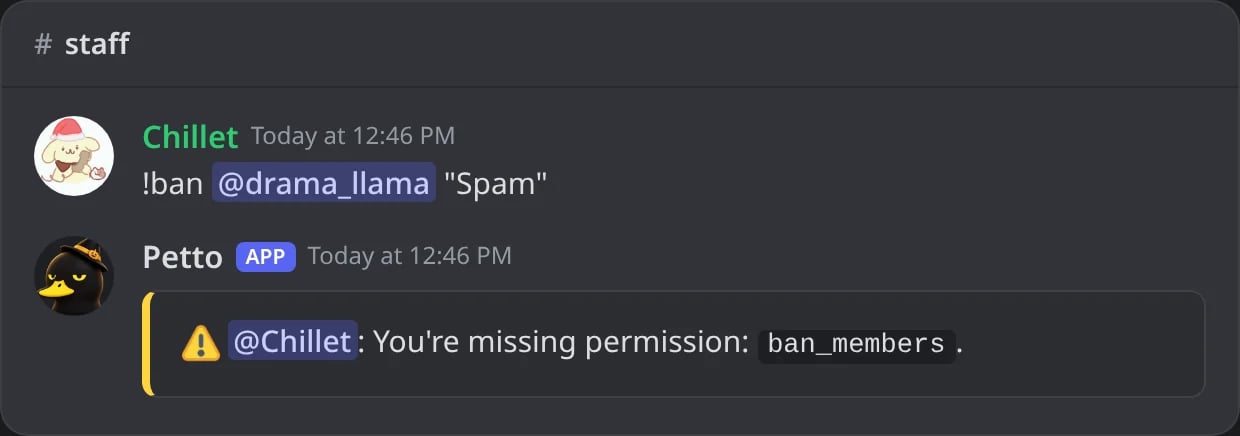
In Discord: a Helper without Ban Members tries !ban.
Petto command levels
The dashboard’s Permissions page and!permission expose an additional optional layer. Create groups from level 0 to 100, assign users or roles, then set a required level on a command. The highest matching group level wins. This layer never replaces Discord permissions or hierarchy; it only adds a configurable staff gate.
The server owner and members with Administrator are never stopped by a level.
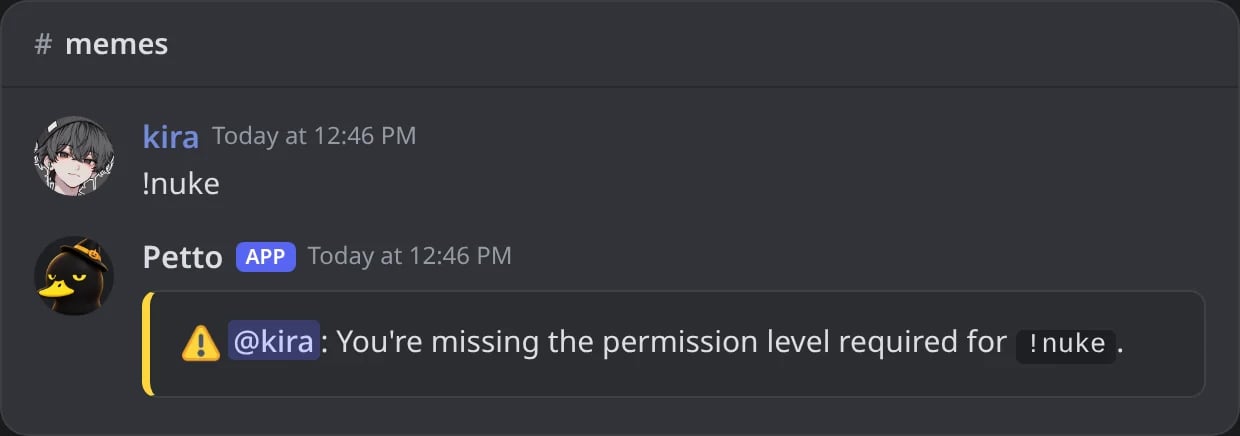
In Discord: nuke needs level 80 and the Moderators group is level 50.
Where this shows up
Moderation
Every sanction command is subject to hierarchy.
Permission Issues
Step-by-step troubleshooting when something isn’t working.