
/vanity and /guildtag), which are easier when a rule has several options. You can also manage all of it from the dashboard, under Vanity roles. Short names with the prefix: !vy for !vanity, !tag, !gt or !servertag for !guildtag, and !idlog for !identity.What it can do
- Match a member’s Custom Status text or profile name and manage a role.
- Match the Server Tag a member wears (its server, its text, or whether they show one) and manage a role.
- Keep a role safe when several rules use it, and never take away a role someone was given by hand.
- Thank the member in a channel when a rule starts matching, with a saved embed from Embeds (classic or V2) if you like.
- Log every role the rules add or remove, with a Petto card or a saved embed for each kind of entry.
- Check everyone at once with a live progress bar.
First-time setup
- Give Petto Manage Roles and move its role above every role a rule should add or remove (Server Settings → Roles). Discord rejects a role change otherwise.
- Custom Status rules need Petto’s Presence Intent, which is already on.
- Create a rule, then check it with
!vanity testand apply it with!vanity sync.
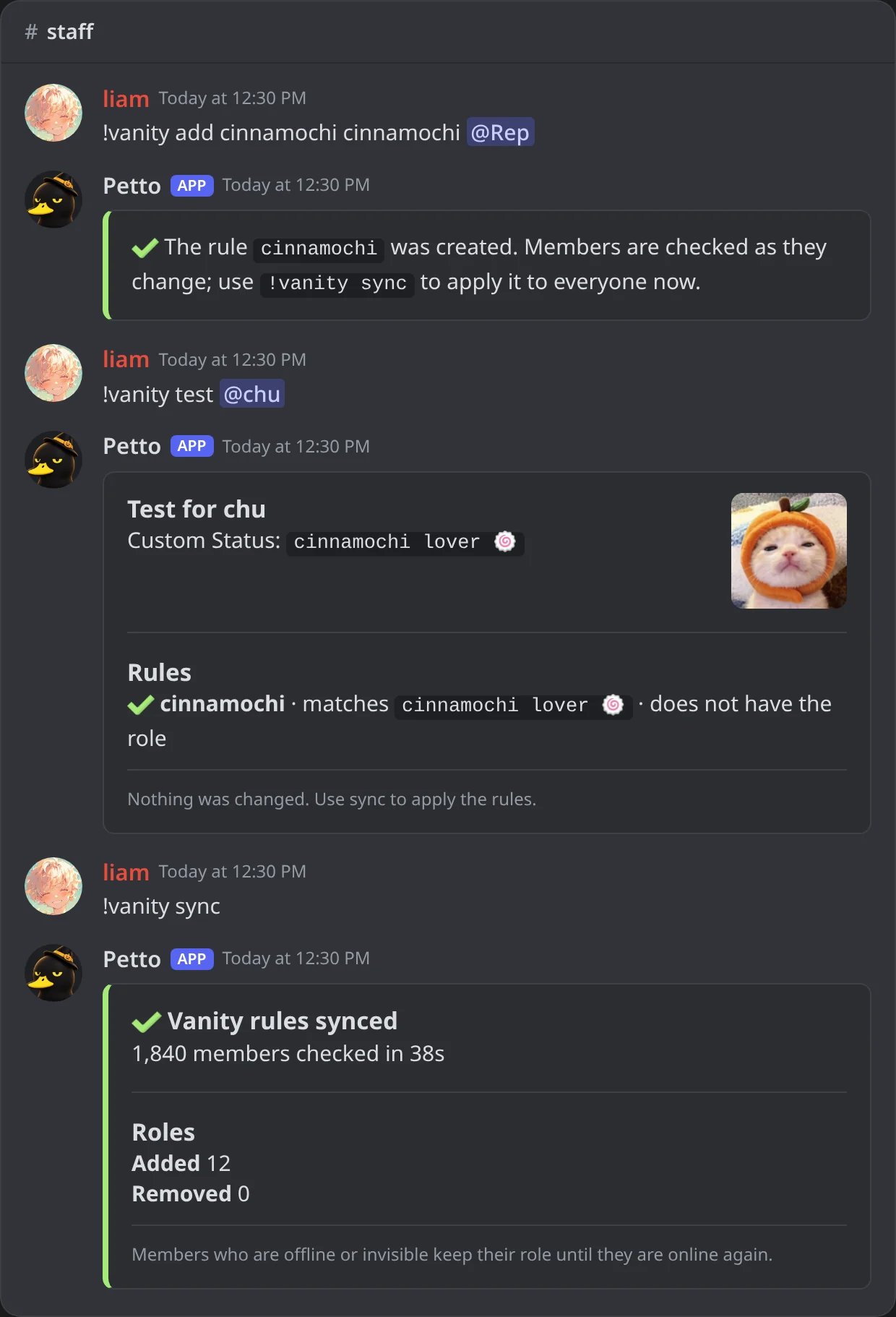
In Discord: step 3: create a rule, test it on a member, then apply it to everyone.
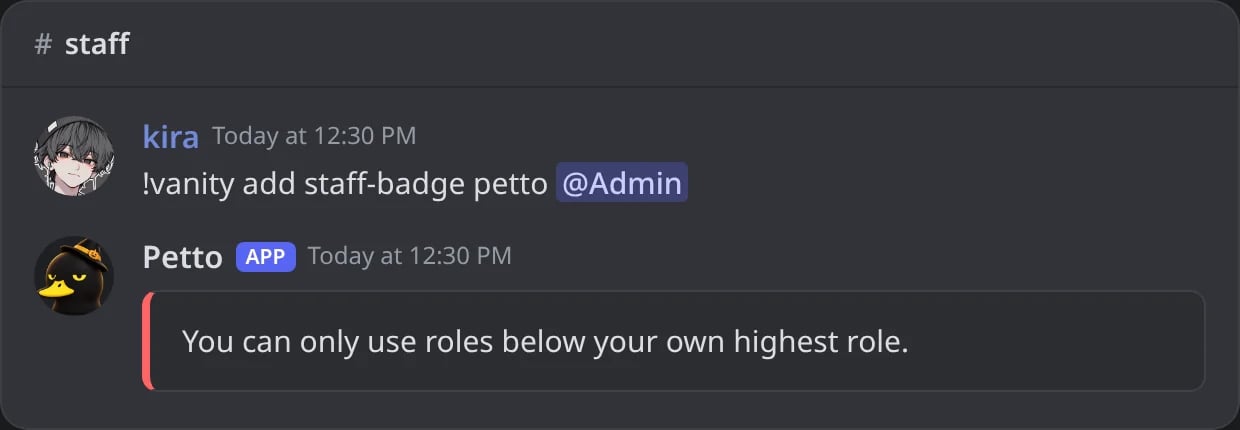
In Discord: a moderator cannot make a rule for a role above their own highest role.
Vanity rules
Sources
Create a rule
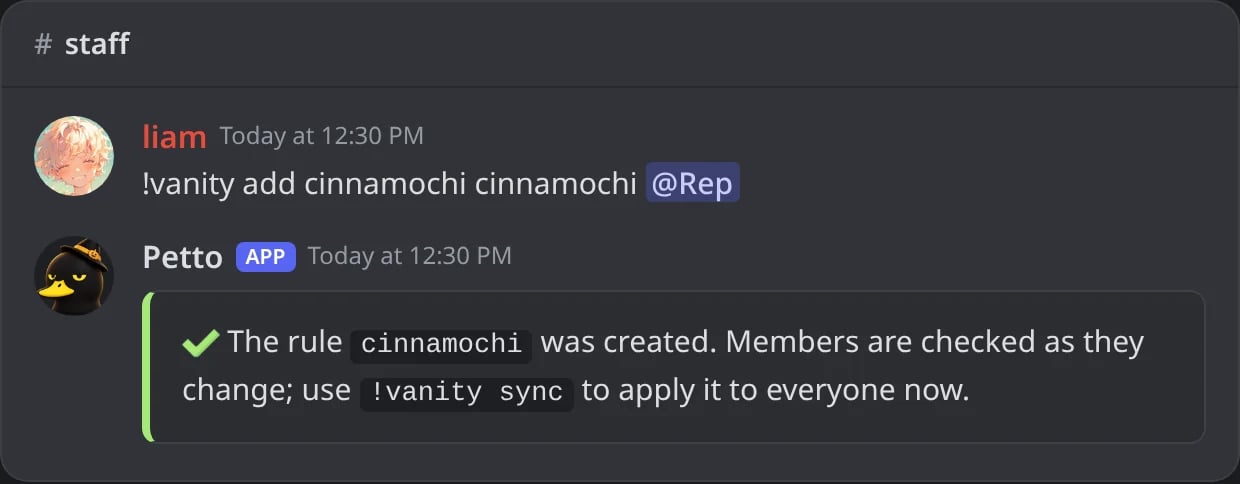
In Discord: !vanity add with the defaults.
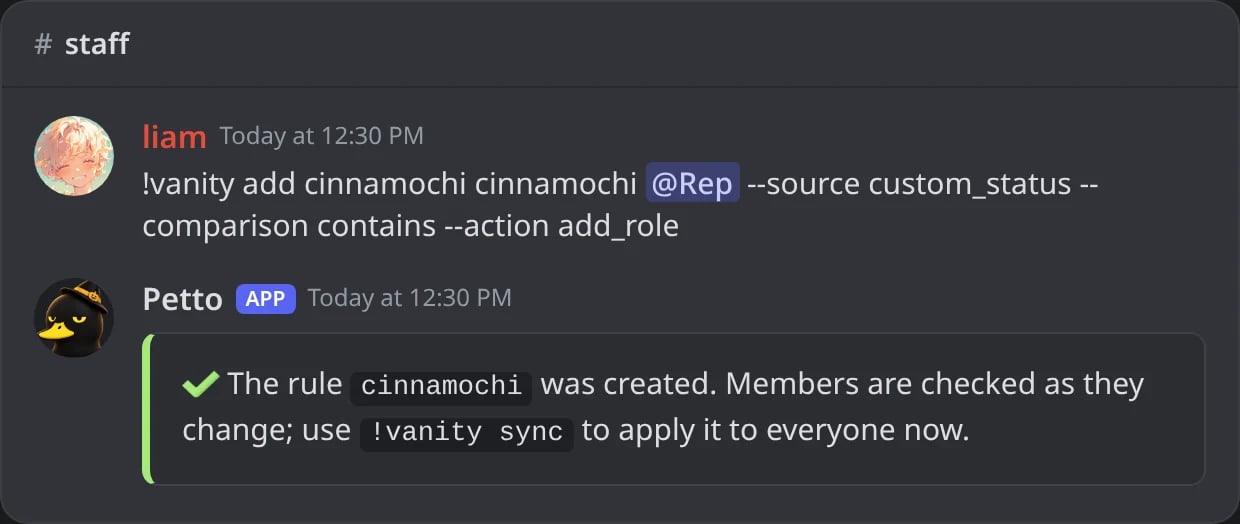
In Discord: the same rule with every option written as a flag.
name: a short name for the rule (letters, numbers,-and_);word: the text to look for (up to 200 characters);role: the role the rule manages;source: where to look (defaultcustom_status);comparison:equals,contains(default),starts_with,ends_withorregex;action:add_role(default) orremove_role.
/vanity add or /guildtag add) Discord asks for each option one by one and shows the choices, so you do not have to remember the words. The other commands below work the same way: /vanity list, /vanity test, /vanity sync and so on.
Capital letters and extra spaces do not matter. A regex is limited to 256 characters, and a pattern that does not compile is refused when you save the rule.
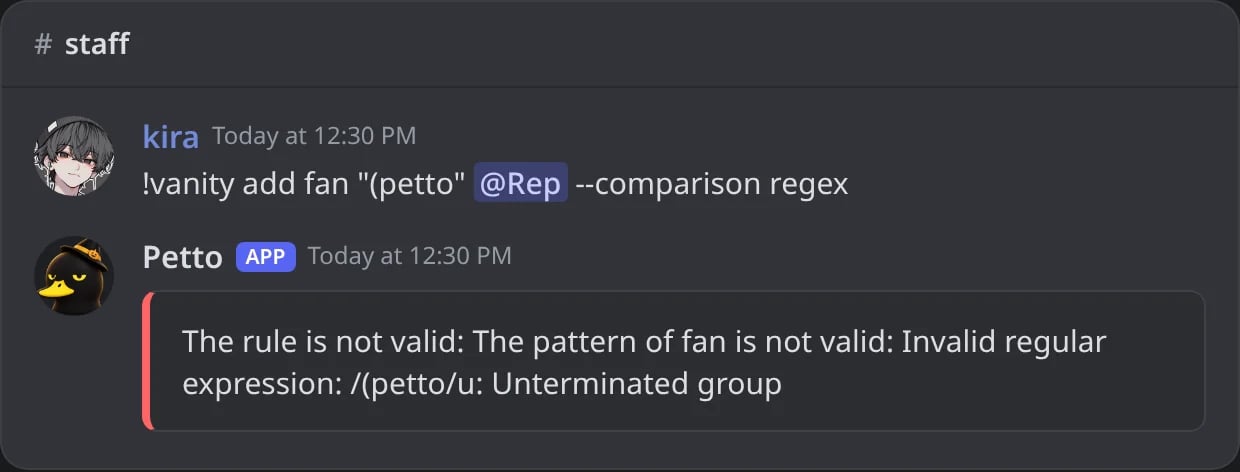
In Discord: a regex that does not compile is refused when the rule is saved.
Other commands
!vanity list
!vanity list
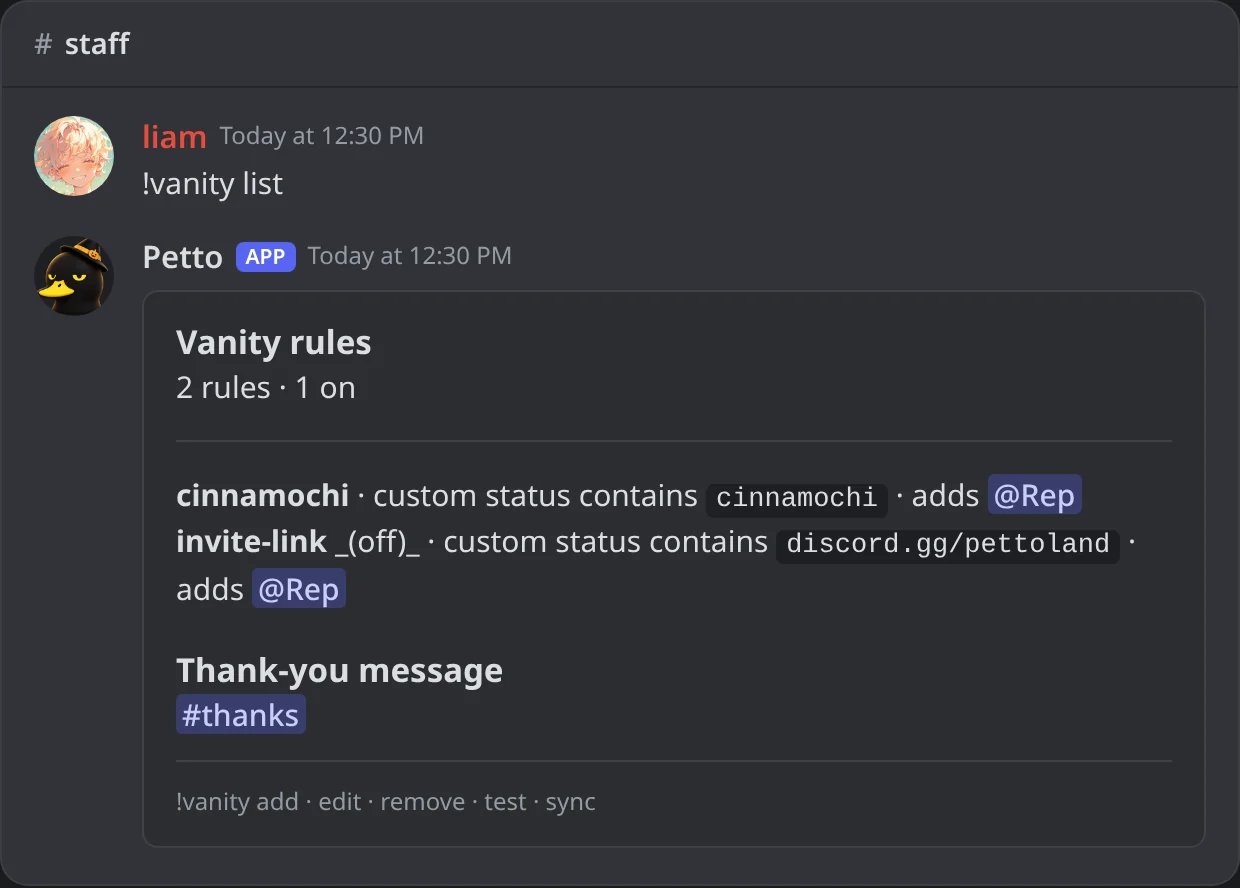
In Discord: the rules, the one that is off, and where thank-yous go.
!vanity edit
!vanity edit
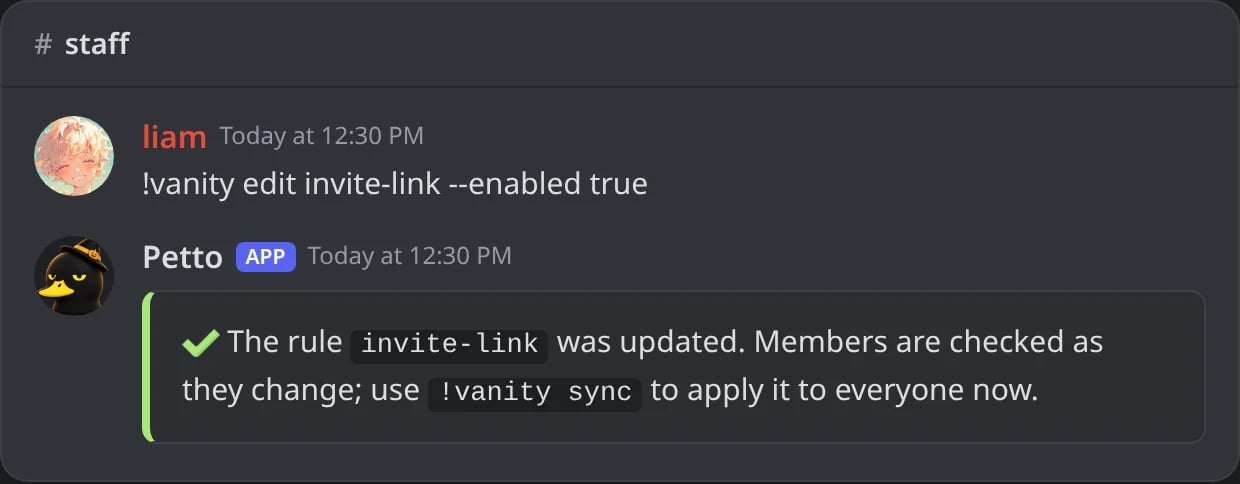
In Discord: !vanity edit turns a rule back on.
!vanity remove
!vanity remove
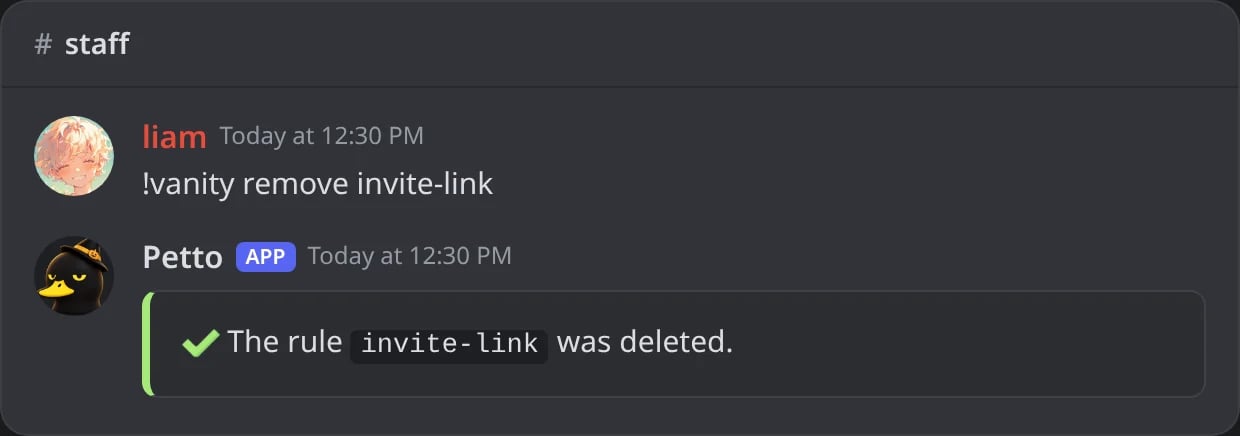
In Discord: !vanity remove deletes a rule.
!vanity test
!vanity test
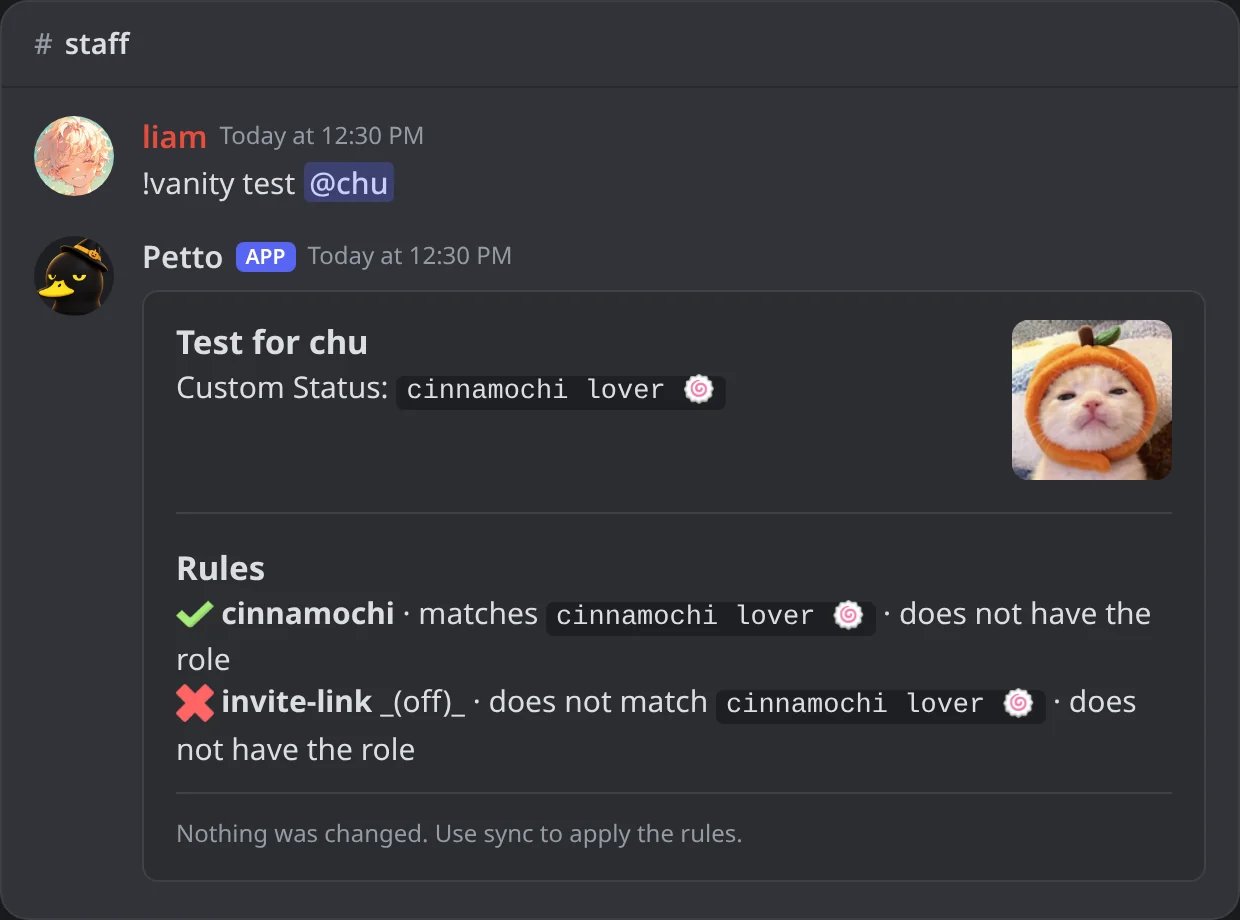
In Discord: !vanity test: what each rule says about a member, without changing anything.
!vanity sync
!vanity sync
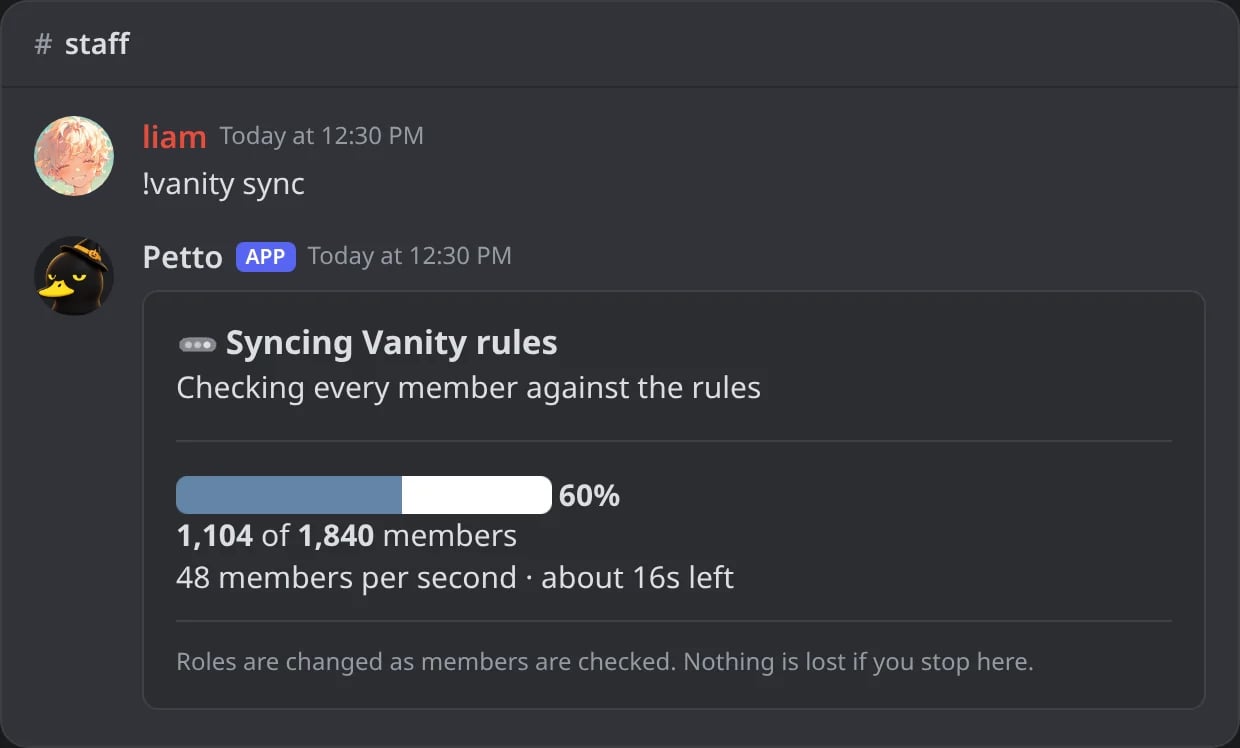
In Discord: !vanity sync while it runs: the progress bar, the count and the time left.
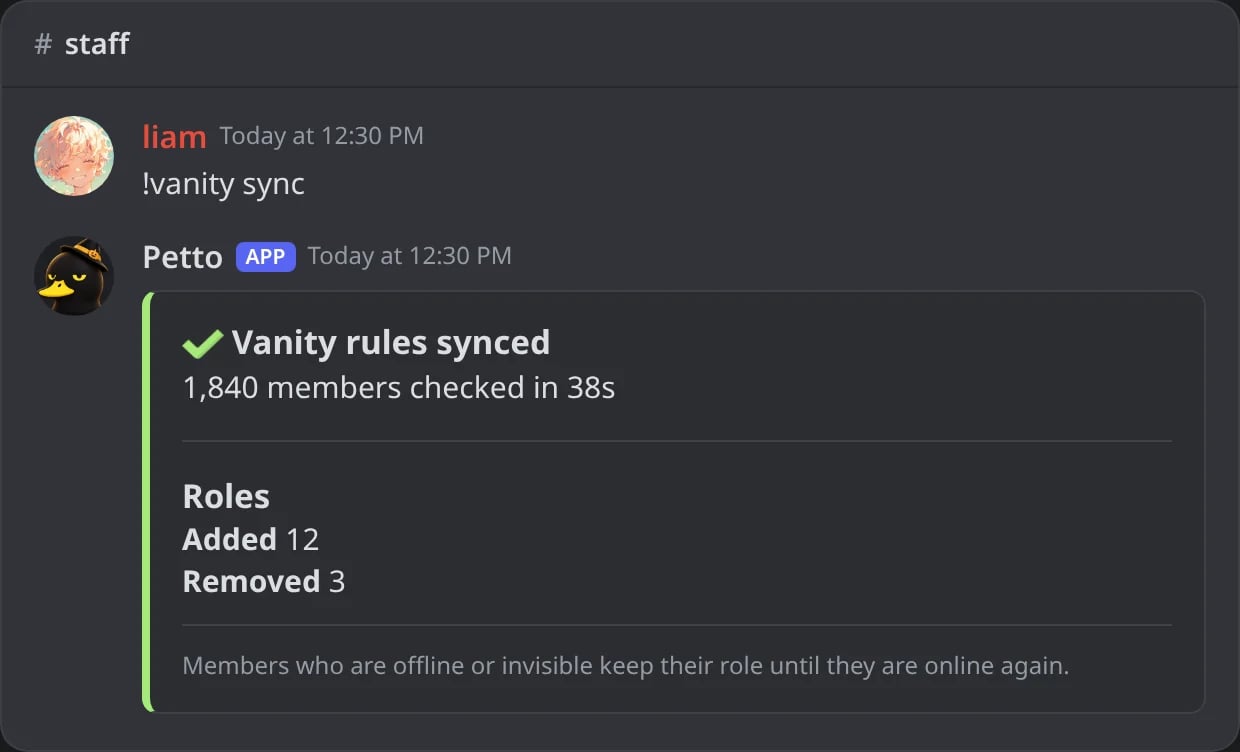
In Discord: when the sync ends: members checked and roles added and removed.
!vanity sync <user>
!vanity sync <user>

In Discord: !vanity sync for one member.
!vanity offline
!vanity offline
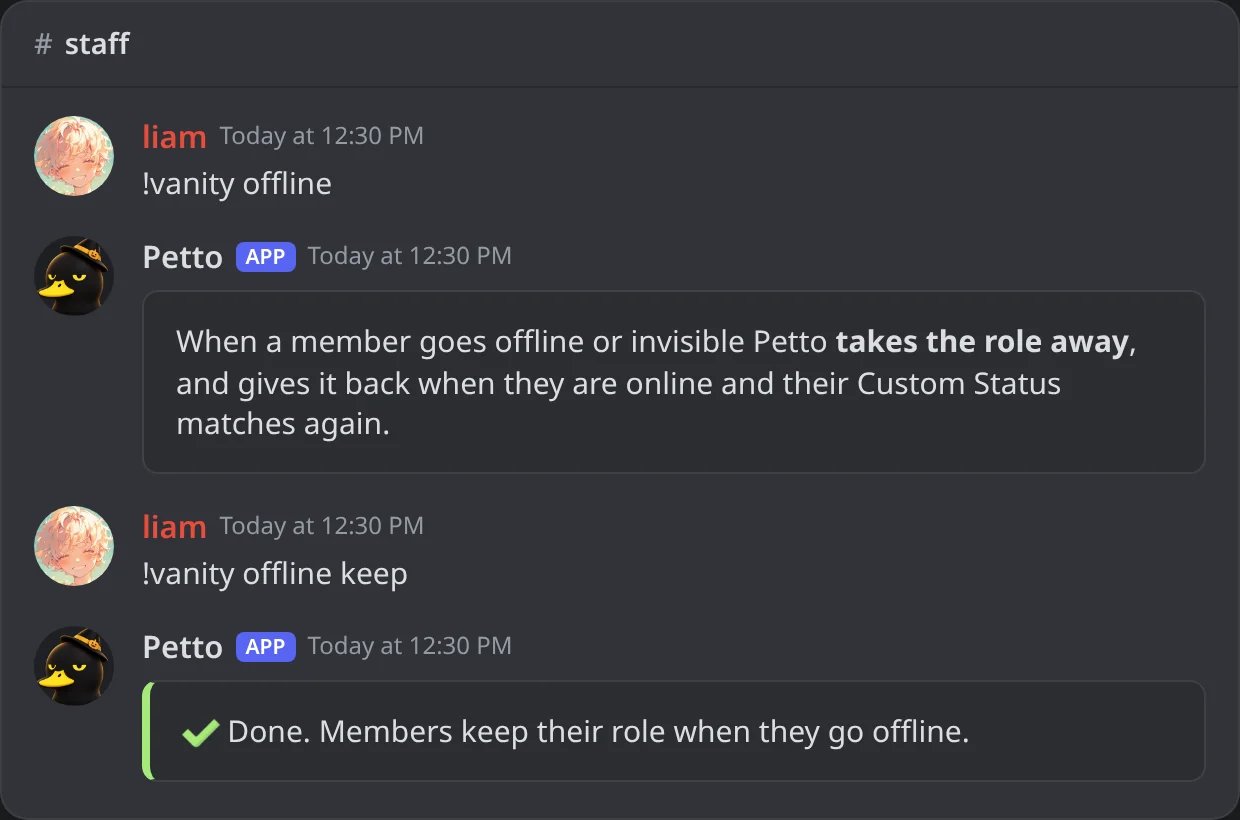
In Discord: !vanity offline shows the setting; with keep it changes it.
When a member goes offline
Discord hides the Custom Status of a member who is offline or invisible. Each server chooses what Petto does with the role then, with!vanity offline (or /vanity offline) or in the dashboard, under Vanity roles:
remove(the default): when Discord says the member went offline, Petto takes the role away. It gives it back when they are online with a matching Custom Status, and it thanks them again.keep: the member keeps the role until they are online again, and it only goes when Petto sees the status stop matching.
!vanity sync follows the same setting: with the default it asks Discord for the members with their presences and takes the role from those who are offline. If Discord is rate limited and Petto has to use what it remembers, offline members are left alone and the result says it is incomplete. A member Petto has no presence for is never changed, so a restart or a sweep cannot strip the roles of people who are online. Rules that read the name or the nickname are not affected: those are always visible. If the same role is also managed by another rule that still matches (a name rule, or a Server Tag rule), the role stays.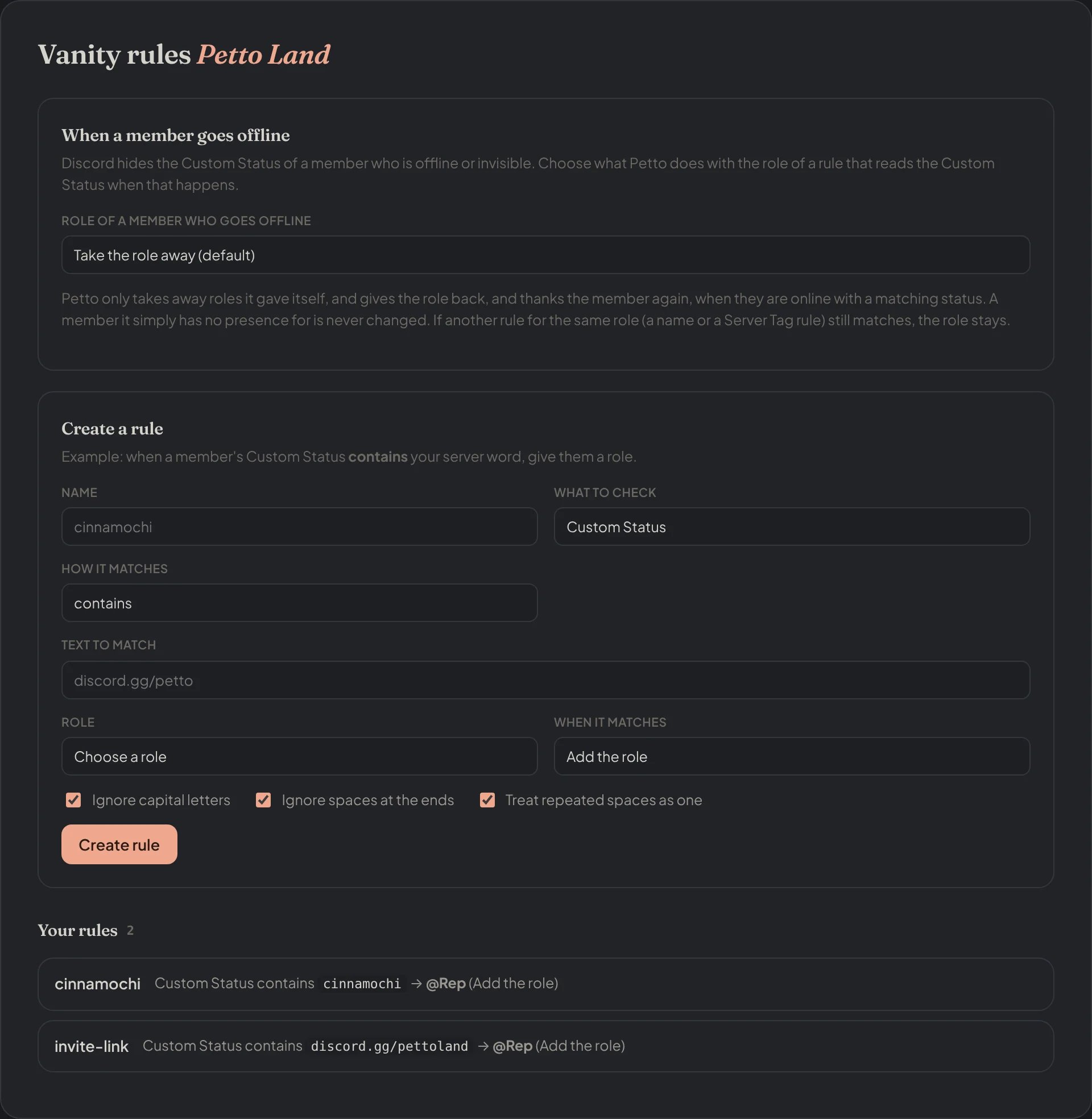
Dashboard → Vanity roles → Vanity rules: what happens when a member goes offline, the form to create a rule and the rules of the server.
Server Tag rules
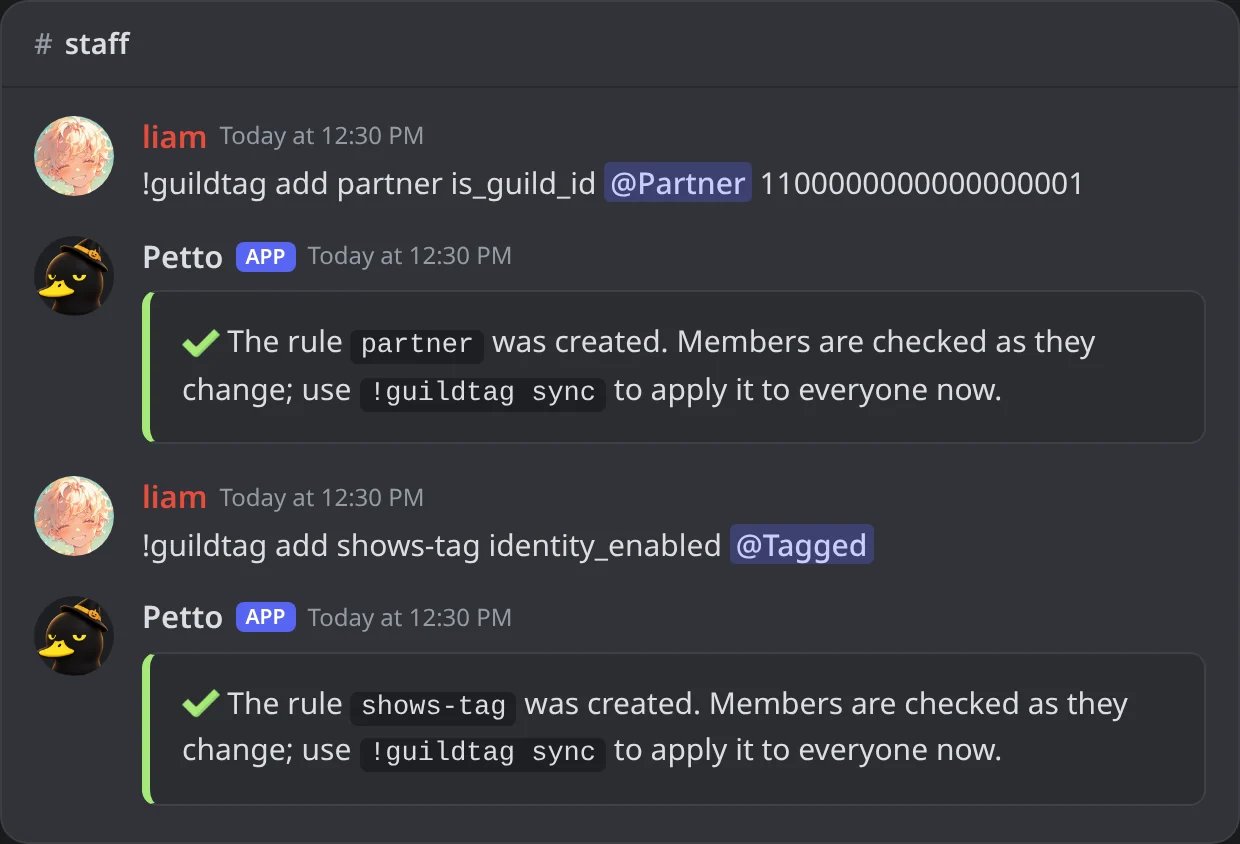
In Discord: the two example rules of Server Tags.
!guildtag has the same list, edit, remove, test, sync, notify and notify-off as !vanity.
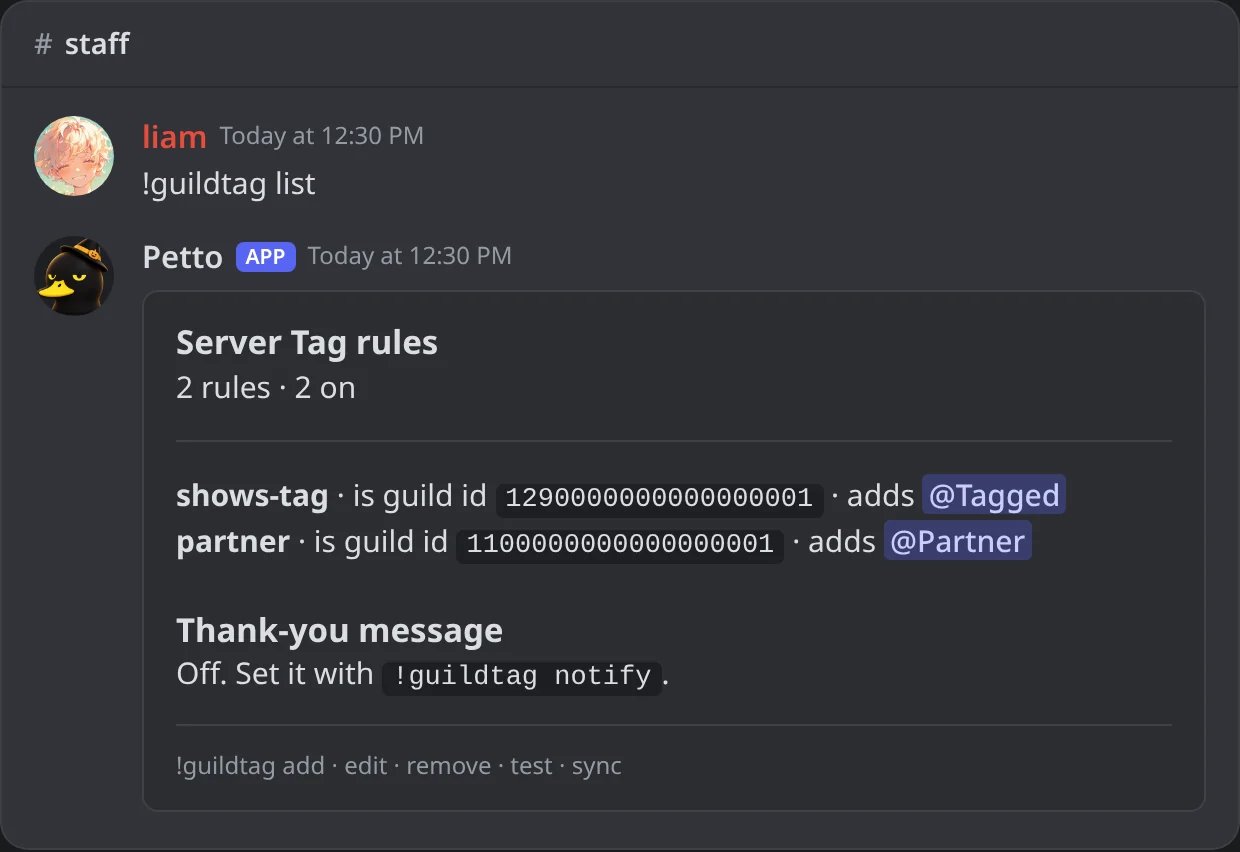
In Discord: !guildtag list.
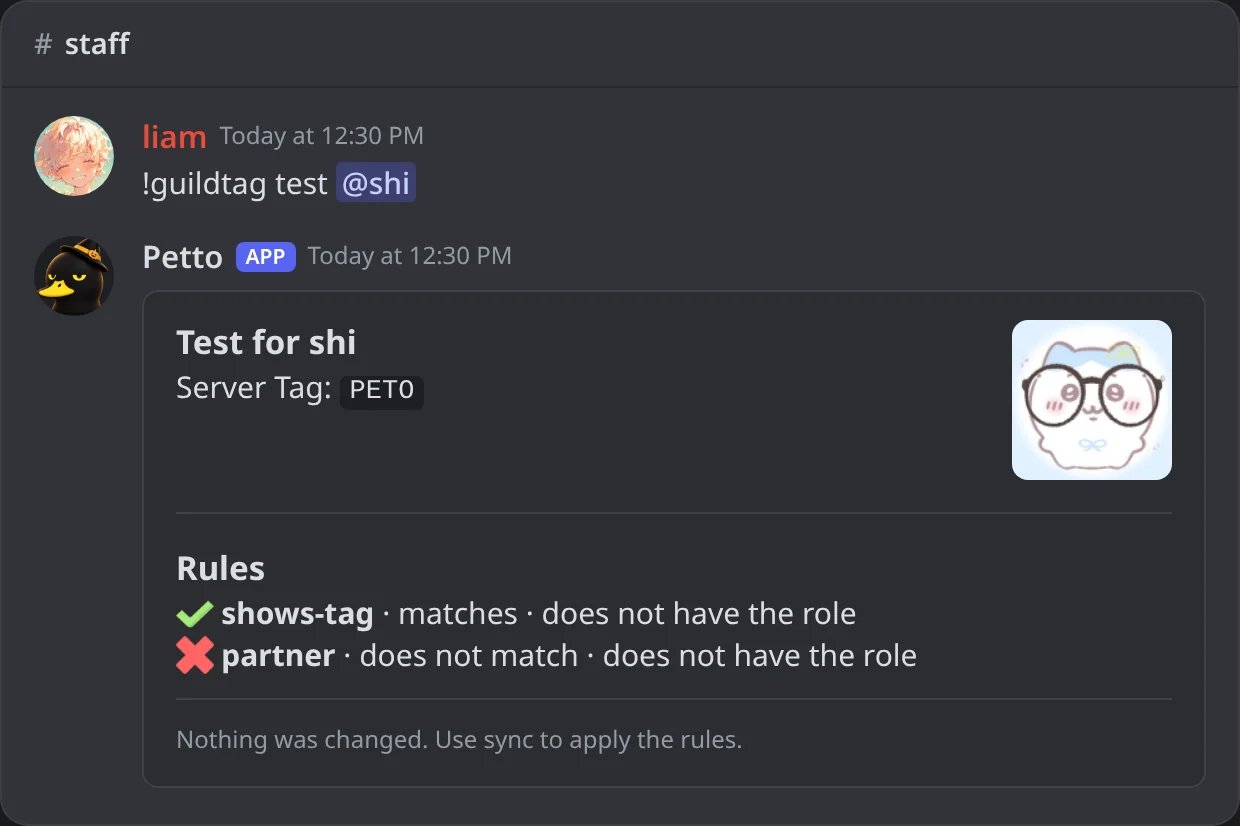
In Discord: !guildtag test: the tag Petto reads and which rules match.
!guildtag sync (or !identity sync) catches up.
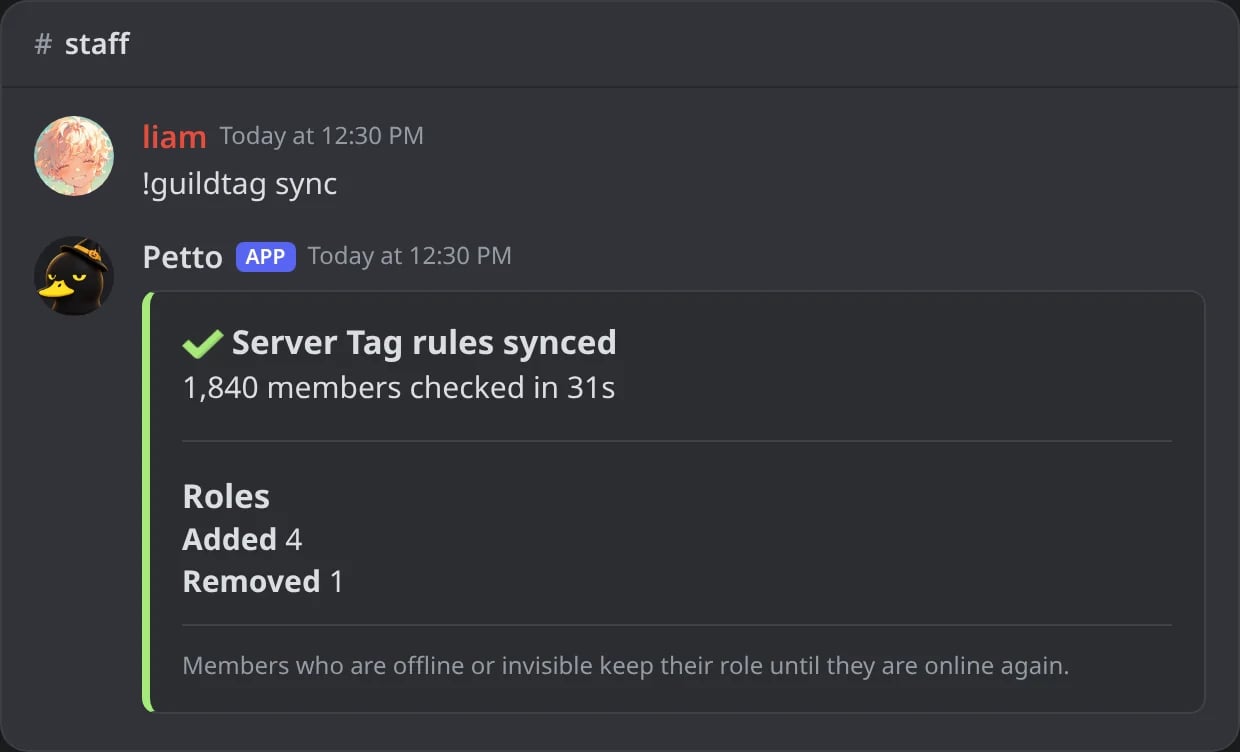
In Discord: !guildtag sync catches up.
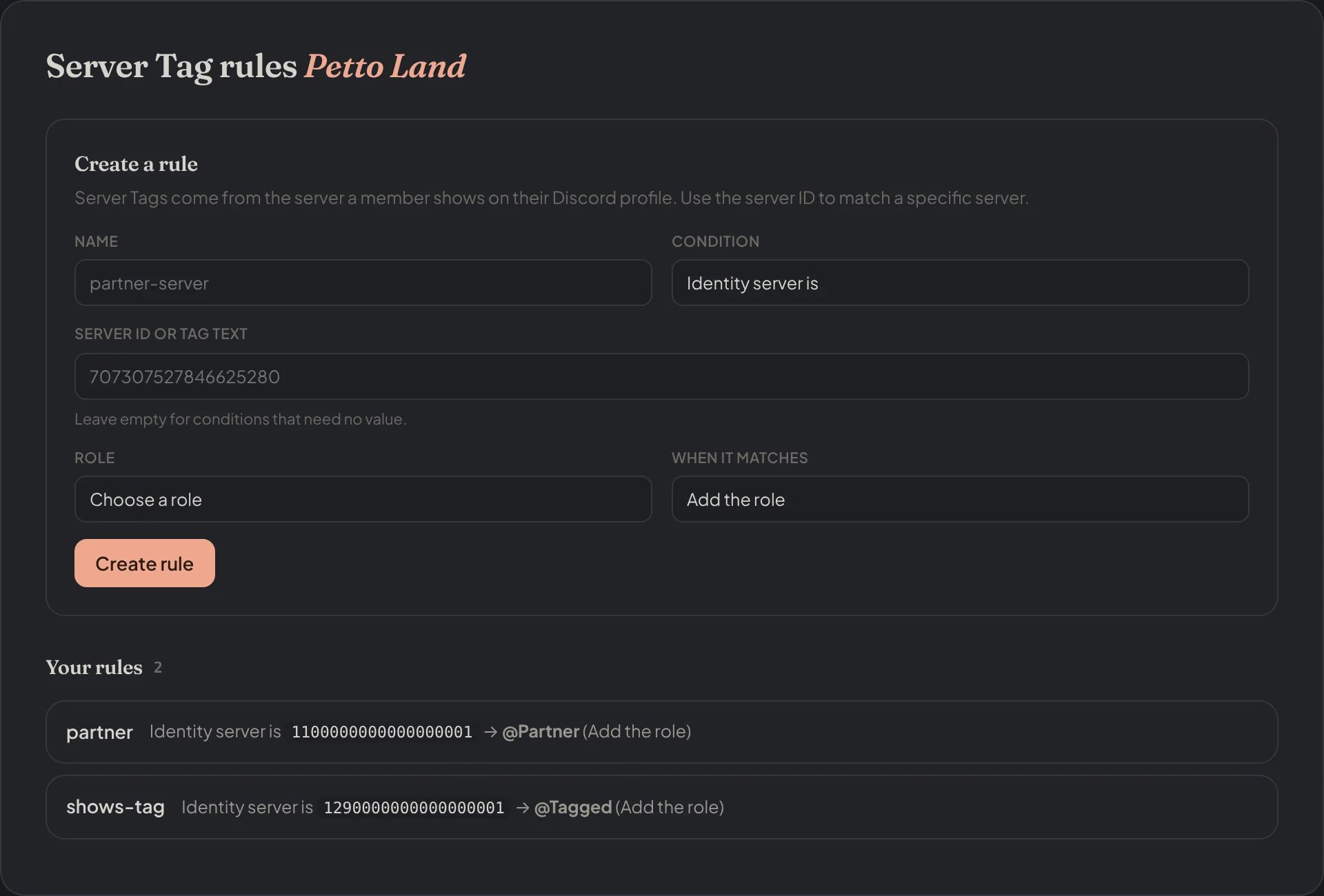
Dashboard → Vanity roles → Server Tag rules: the form to create a rule and the rules of the server.
How roles stay safe
- A role stays while at least one add rule matches and no remove rule does (a remove rule always wins).
- Petto only takes a role away if it remembers adding it itself. A role someone gave by hand is never removed, even if a rule later matches and stops matching.
- If the bot cannot read a value right now (the Custom Status of someone who is offline or invisible, because Discord hides it, or someone it has no presence for), the rule leaves their role as it is instead of treating it as empty. The role is only taken away when they are online and the status no longer matches.
- Bots are never changed.
- Several rules can manage the same role: it is one role. It stays while at least one add rule matches, goes when none does (and no remove rule matches), and the member is thanked once for each source (Vanity and Server Tag), not once per rule. A role that both a Vanity rule and a Server Tag rule manage is still one role.
Thank-you messages
!vanity notify #thanks
!vanity notify #thanks
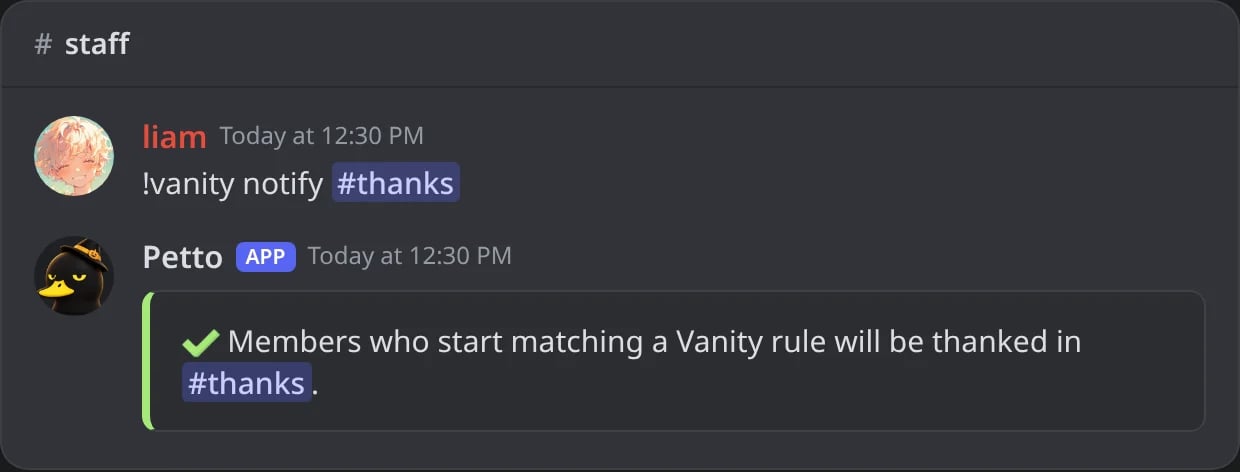
In Discord: the default thank-you in a channel.
!vanity notify #thanks my-embed none
!vanity notify #thanks my-embed none
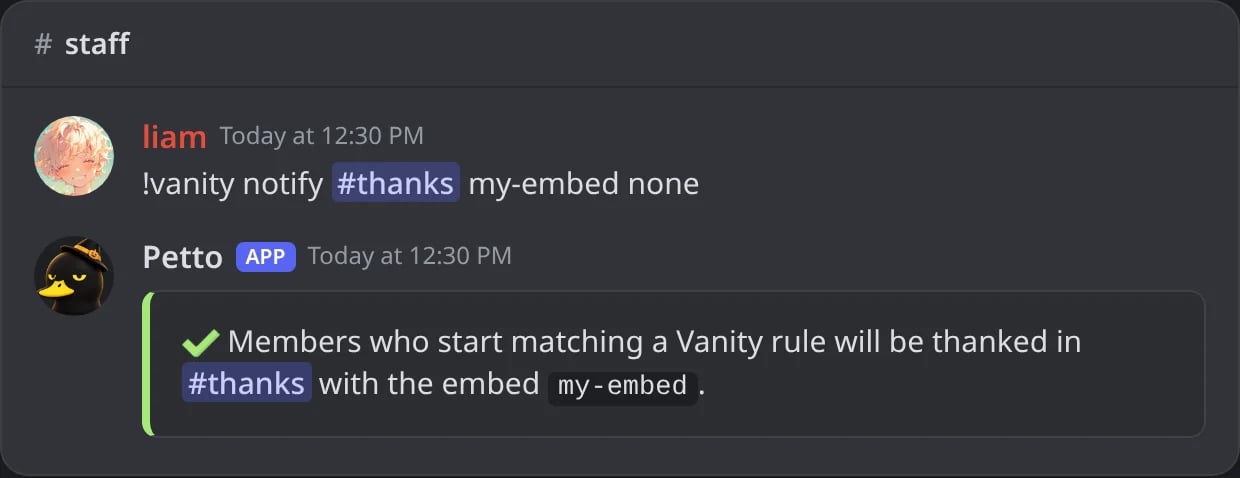
In Discord: with a saved embed and no ping.
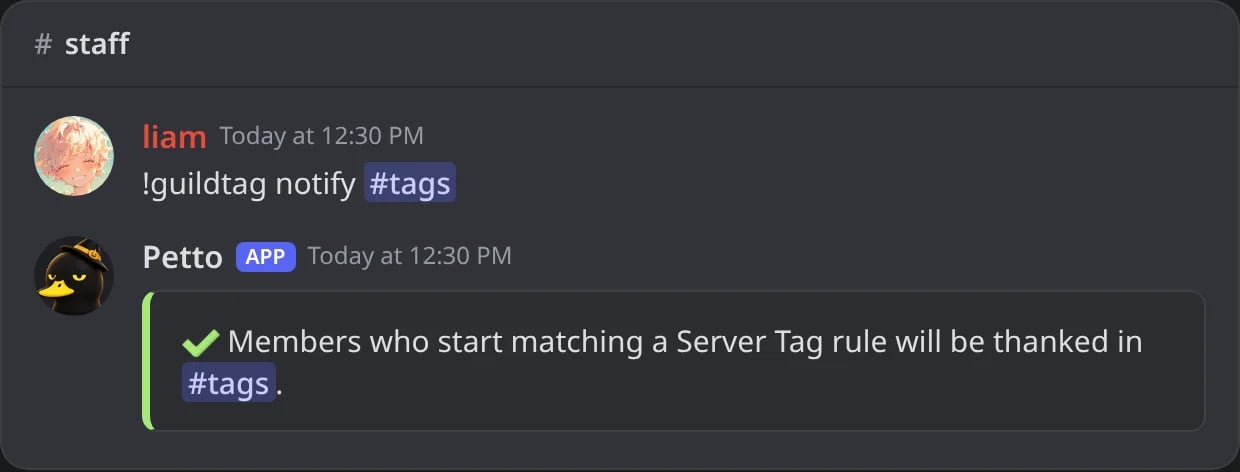
In Discord: the Server Tag thank-you.
!vanity notify-off
!vanity notify-off
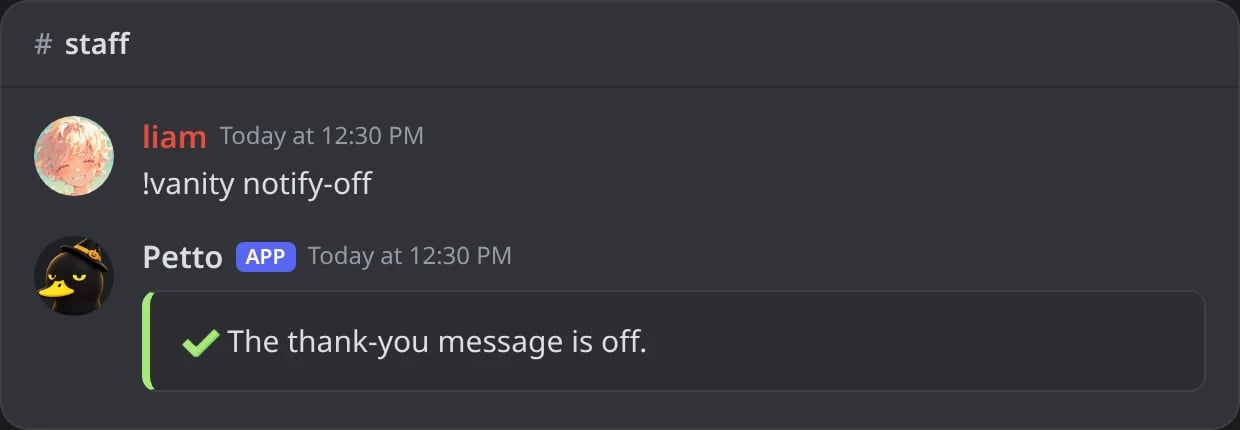
In Discord: !vanity notify-off.
embed is the name of a saved embed from Embeds (leave it empty for the simple message). With the slash command (/vanity notify, /guildtag notify) Discord lists your saved embeds under the option while you type, so you only have to pick one and ping is user (default) or none. The message is sent when a member starts matching a rule, not on every update. Without a saved embed it is a card with the member’s picture, the role they now have and the word of the rule.
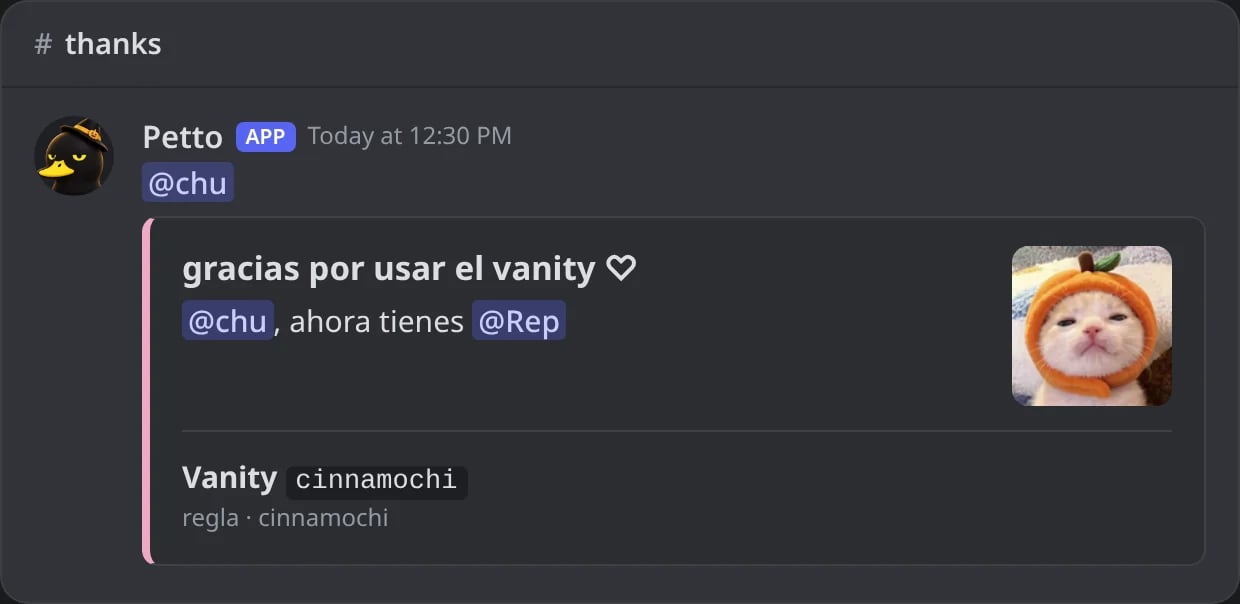
In Discord: the default thank-you when a member starts matching a Vanity rule.
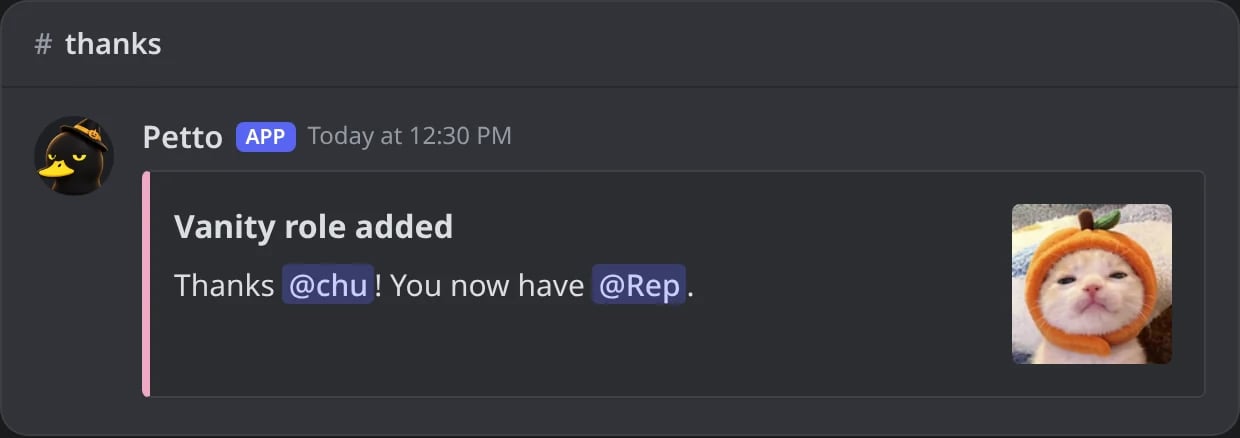
In Discord: the thank-you made from the saved embed my-embed.
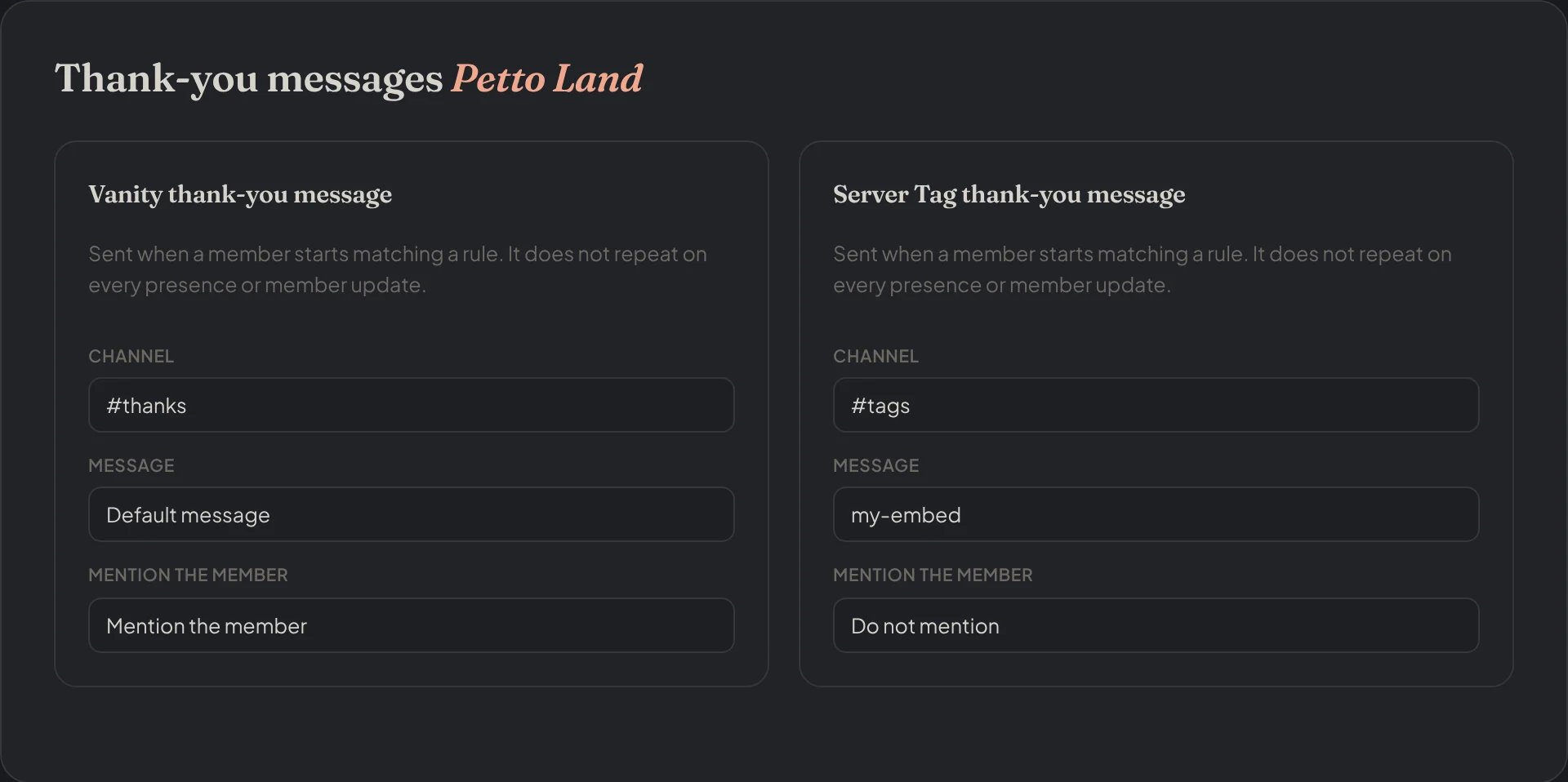
Dashboard → Vanity roles → Thank-you messages: the channel, the message and the mention of each thank-you.
Log of role changes
!identity logs
!identity logs
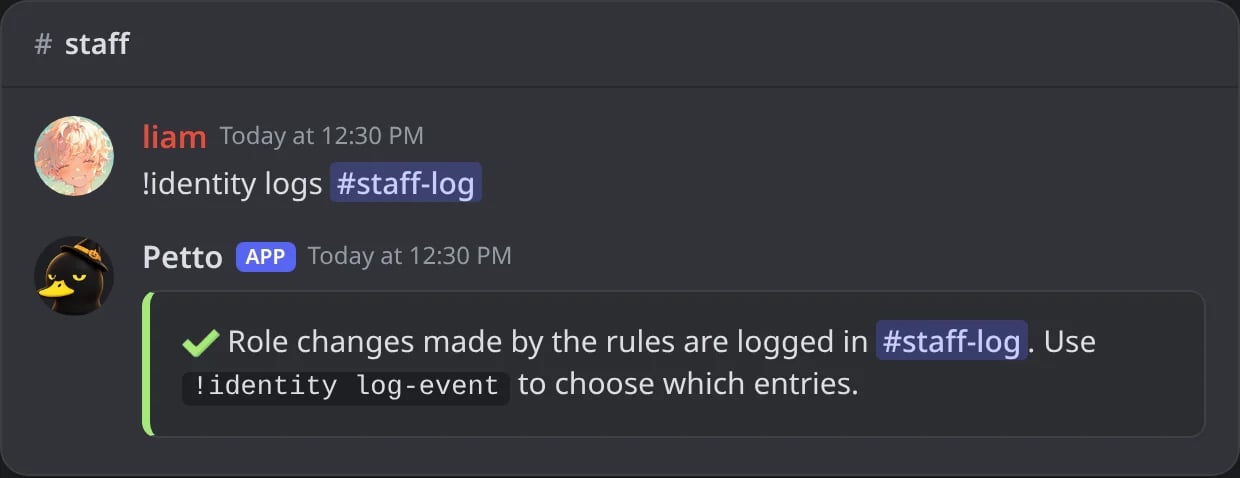
In Discord: !identity logs sets the channel of the log.
!identity log-event
!identity log-event
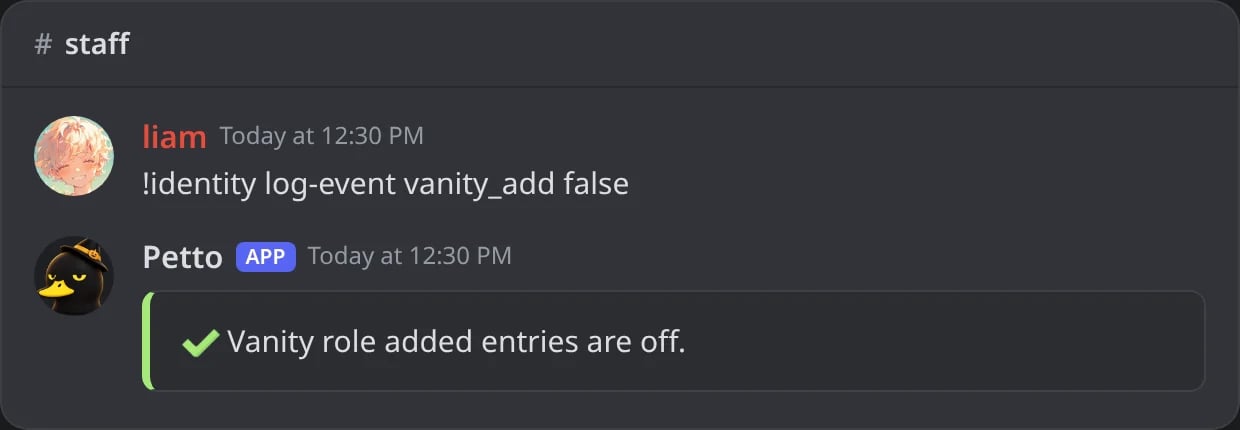
In Discord: one kind of entry turned off.
!identity log-embed
!identity log-embed
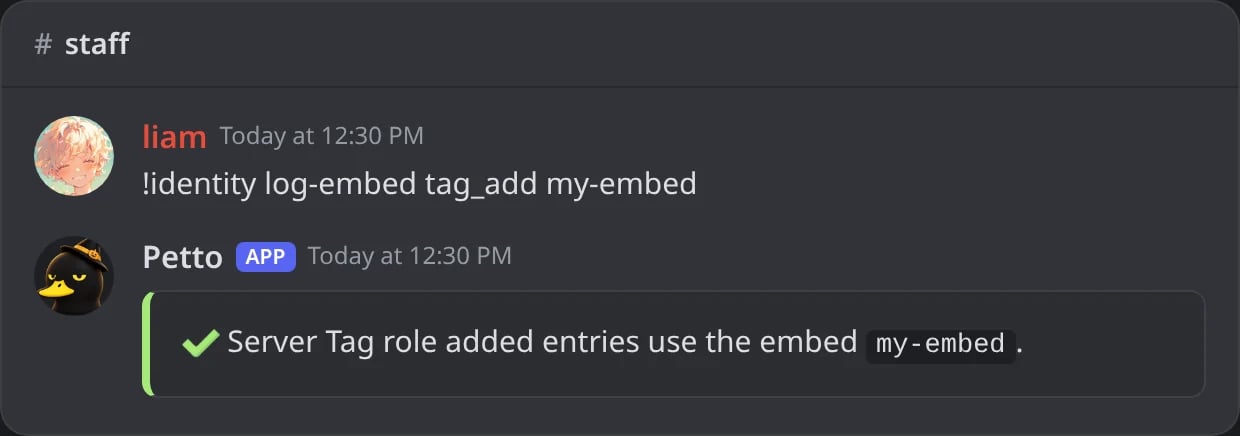
In Discord: a saved embed for one kind of entry.
!identity logs-off
!identity logs-off
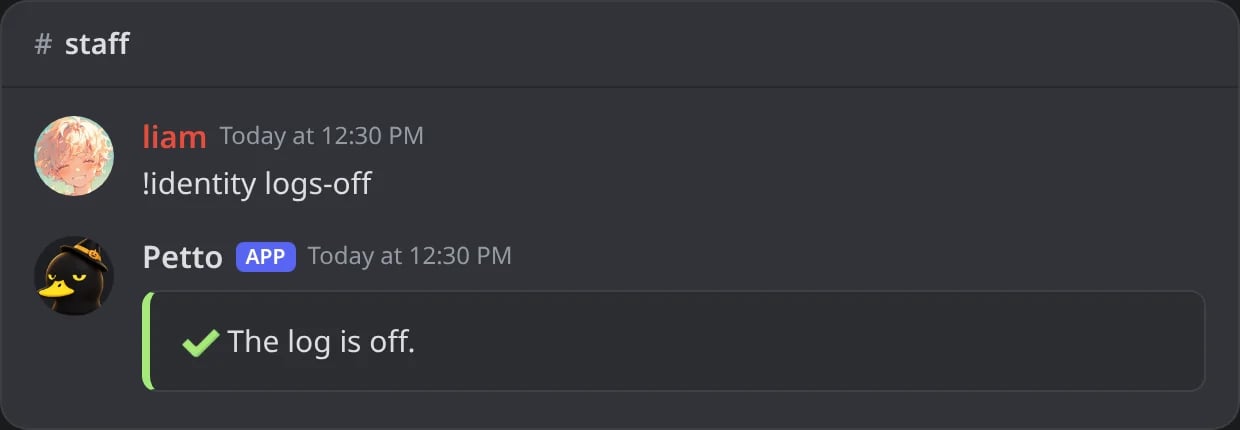
In Discord: the log turned off.
vanity_add, vanity_remove, tag_add, tag_remove and error. Without a saved embed each one is the same green or red embed the Vanity bot used, with Petto’s emoji, the role and the member, and the word (Vanity) or the reason (Server Tag). Pick a saved embed for an entry only if you want a different look.
!identity status shows the whole setup, and !identity sync applies every rule at once.
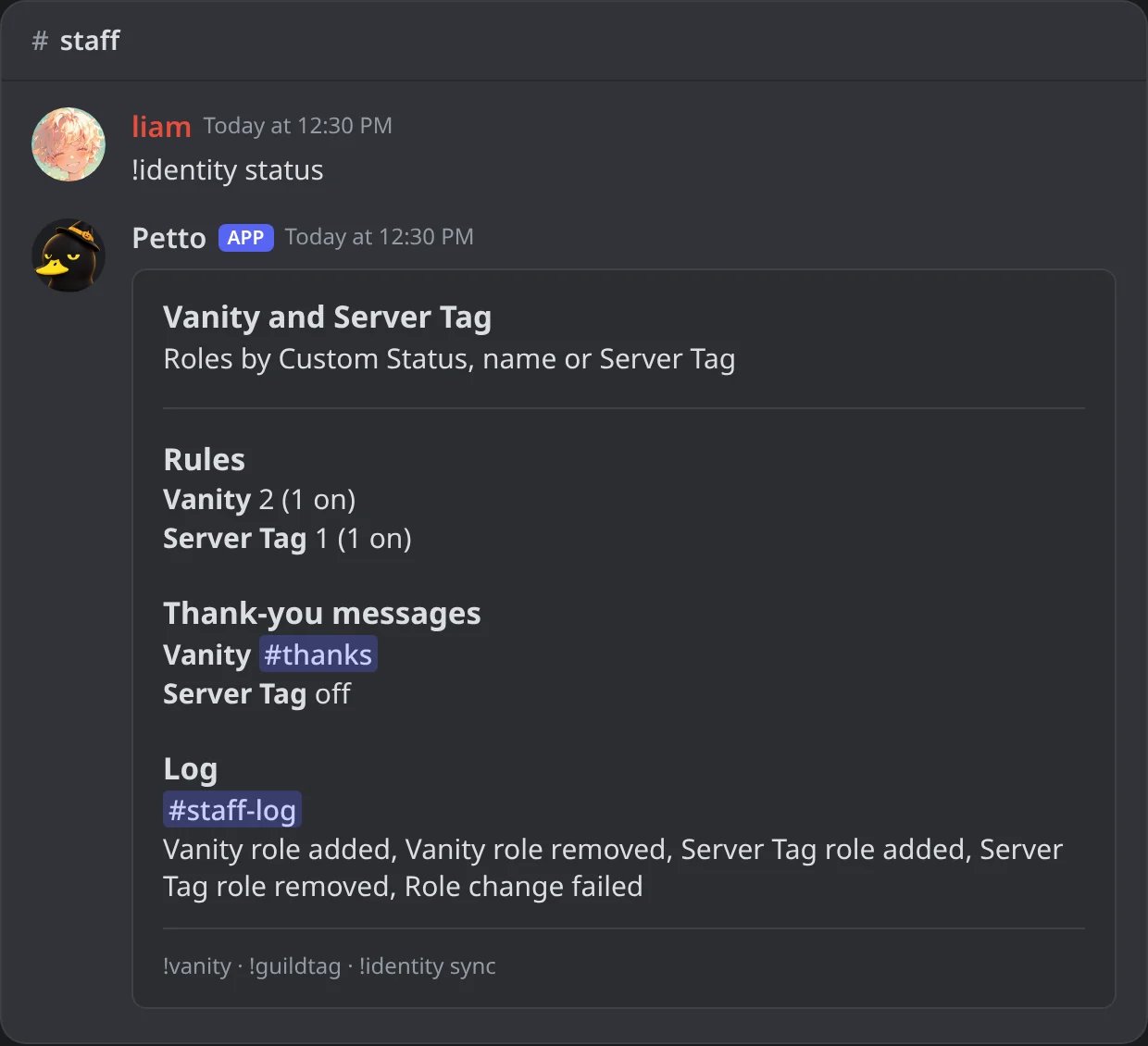
In Discord: !identity status: rules, thank-yous and log.
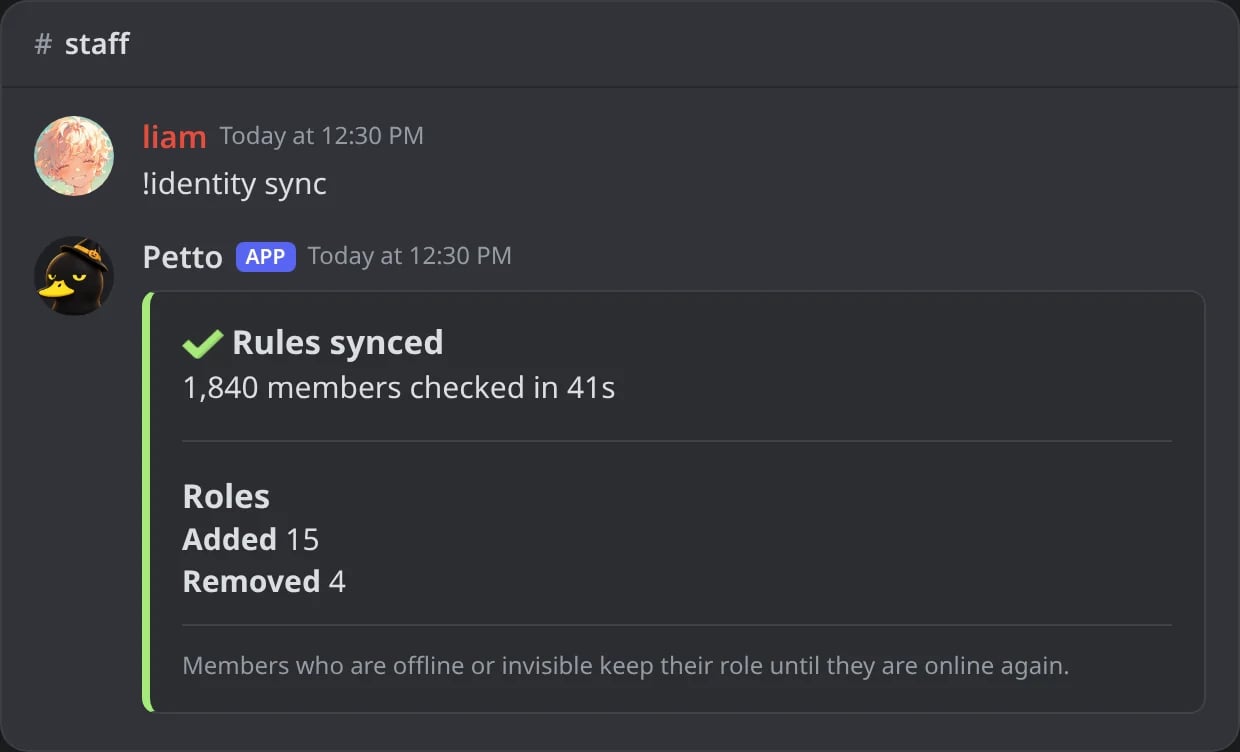
In Discord: !identity sync applies every rule.
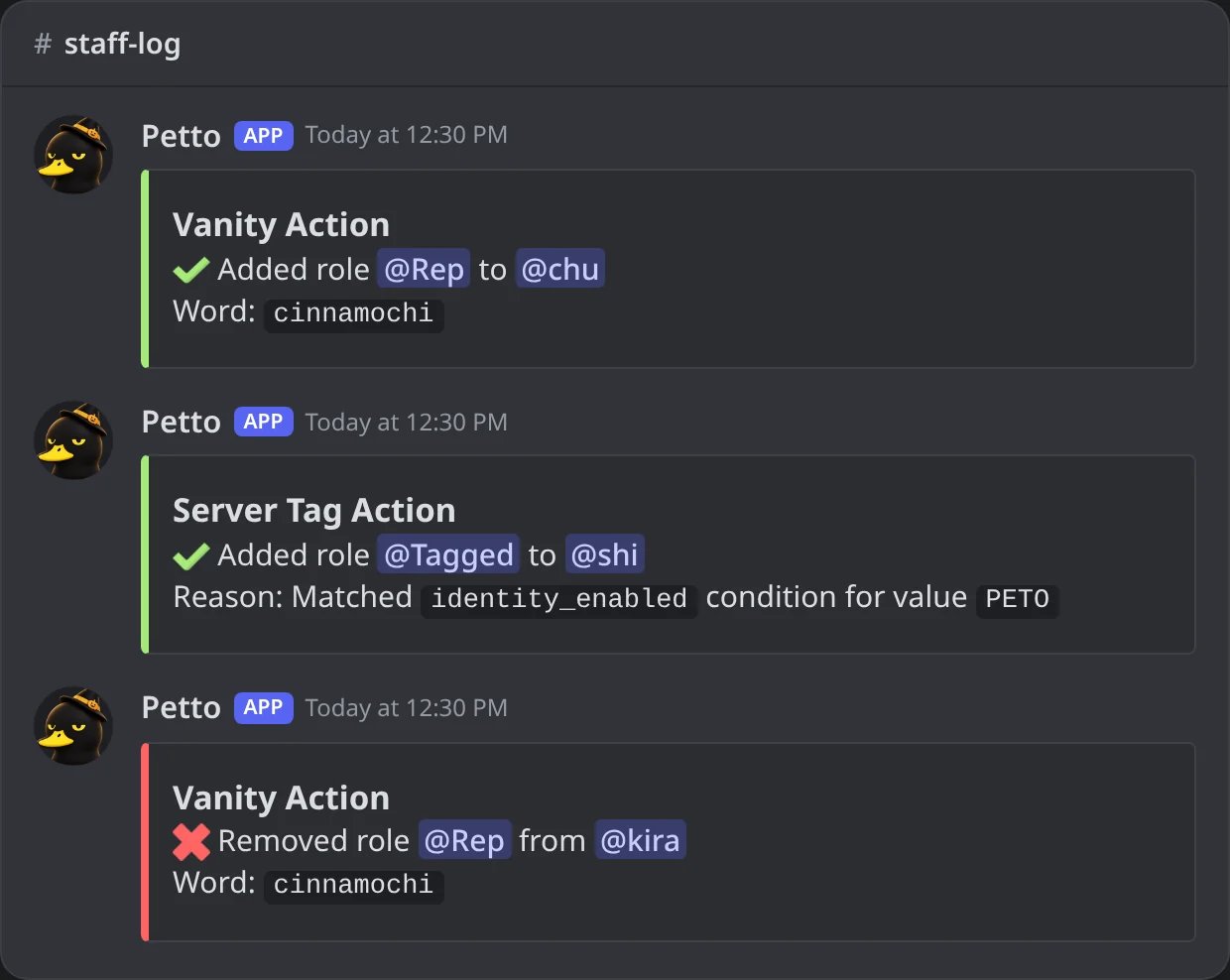
In Discord: three entries of the log, without a saved embed.
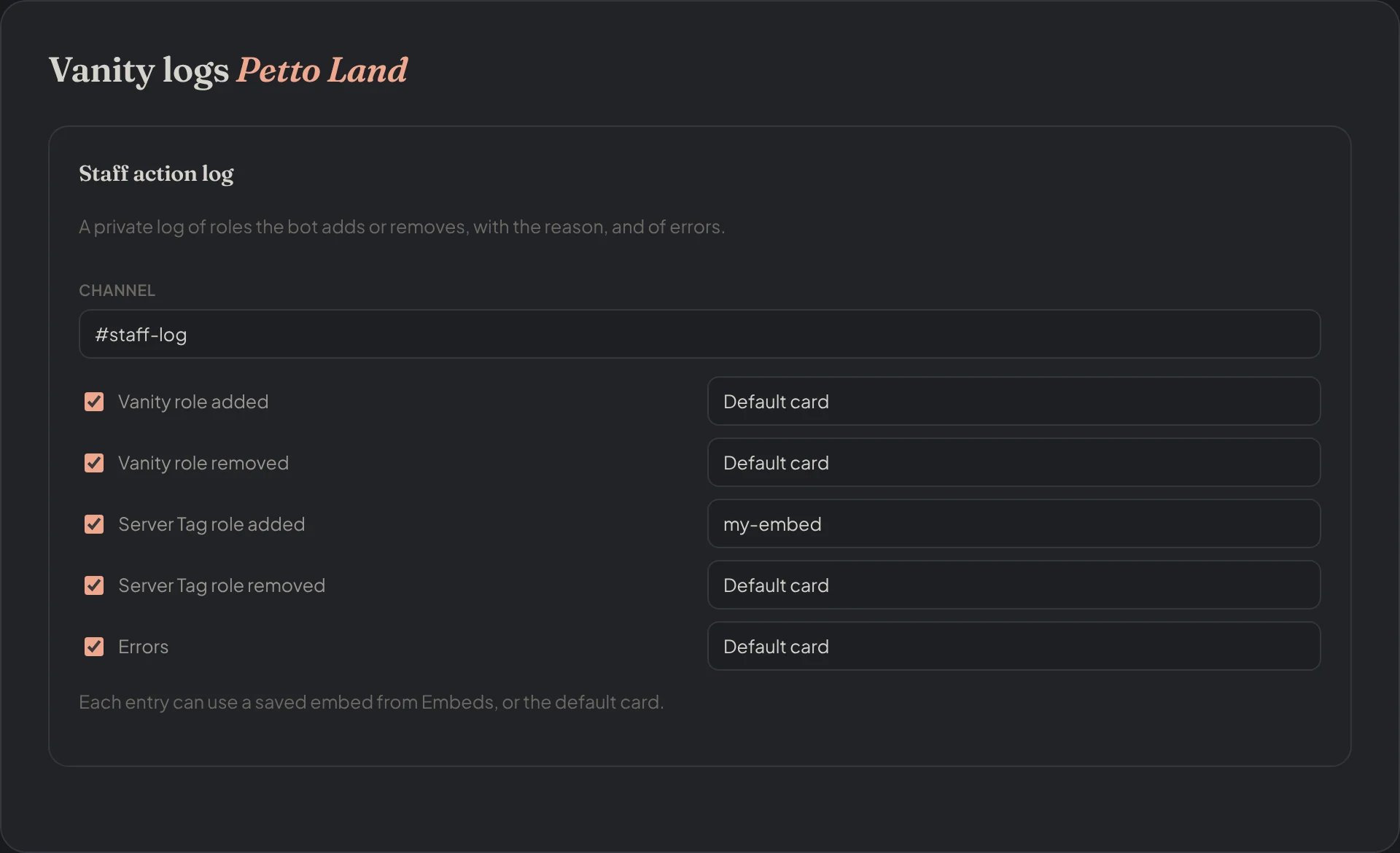
Dashboard → Vanity roles → Vanity logs: the channel, the kinds of entry and the saved embed of each one.
Variables for the messages
Use these in saved embeds for the thank-you messages and the log (the full list with examples is in Variables, and in Variables in the dashboard):custom_status rule, {vanity.value} is the member’s current Custom Status. In a Server Tag message, {tag} is the text of the tag. All the usual variables ({user.mention}, {guild.name}…) work too.
Roles that come back
Sticky roles (!stickyroles enable) give a member their roles back when they leave and rejoin. The roles of Vanity and Server Tag rules are the exception: the rules give them again if the member still matches.
Coming from the Vanity bot
The old Vanity bot is no longer needed. Its data (rules, who got which role, thank-you messages, log settings and saved embeds) is imported into Petto once by the team, so nothing is lost and no role is taken away. Messages that used the old variable names ({role}, {action.text}, {event.title}…) are updated to the new ones ({rule.role}, {rule.action_text}, {rule.event_title}…).
Troubleshooting
The role is not added
- Petto has Manage Roles and its role is above the target role.
- The right source was chosen (
custom_statusis not the username). - The text matches the comparison. Try
!vanity test @member. - Run
!vanity syncafter changing a rule.
The role is not taken away
- The server may be set to
keep(!vanity offline): then a member who is offline or invisible keeps the role, because Discord hides their Custom Status. Use!vanity offline remove(the default) if you want it to go when they go offline. - Petto only takes away roles it gave itself. A role someone gave by hand stays.
- If another rule that manages the same role still matches, the role stays. Check with
!vanity test @member.
The thank-you message does not arrive
Check!identity status, that the channel is a text channel Petto can write in, and that the saved embed exists. The message is sent when a rule starts matching; the same unchanged match does not repeat it.
The Server Tag looks empty or late
Discord may omit or delay Server Tag data. Use!guildtag test @member to see what Petto reads and !guildtag sync to catch up.