
Overview
Petto has a language for each server. It uses it for what members and staff read: replies, errors, buttons, menus, cards, the!help browser, and the private messages Petto sends for the server (sanctions, ticket transcripts, giveaways and so on).
A new server starts in the language of its Discord community settings: Spanish or Portuguese if the server is set to them, English for anything else. Servers that were already using Petto stay in English until someone changes it.
Change it
- With a command:
!languageshows the language of the server, and!language es,!language pt-BRor!language enchanges it. The alias is!lang. You need Manage Server. - In the dashboard: open Dashboard → Settings, then Basic settings, and pick the Server language.
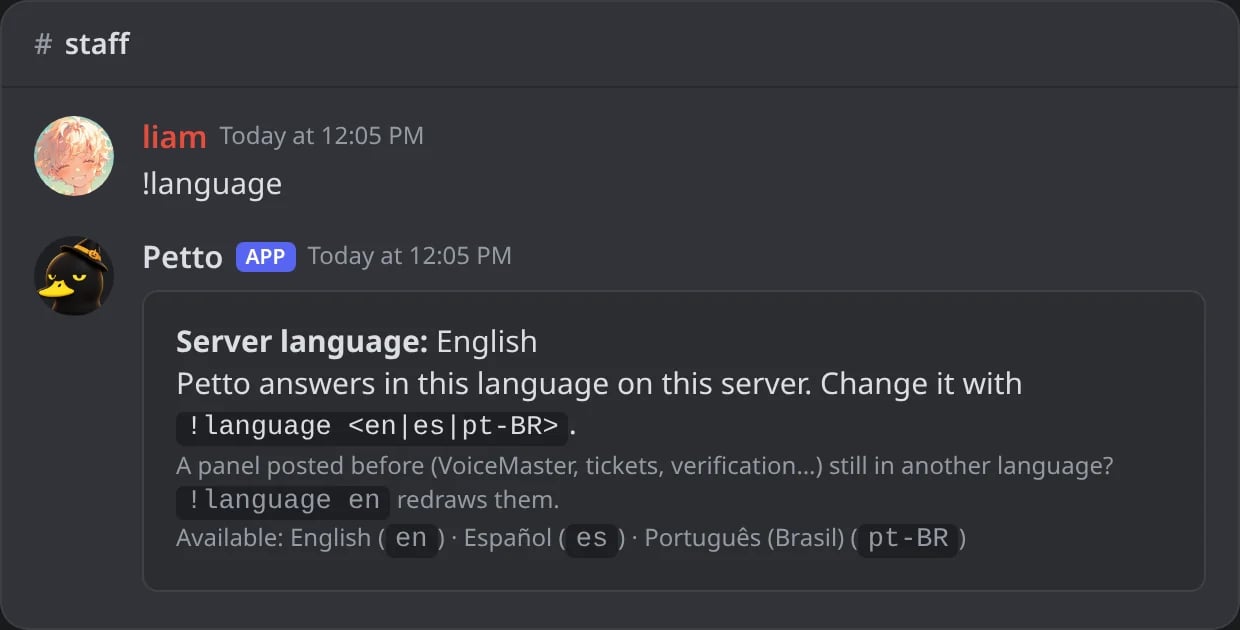
In Discord: !language alone shows the language of the server and how to change it.
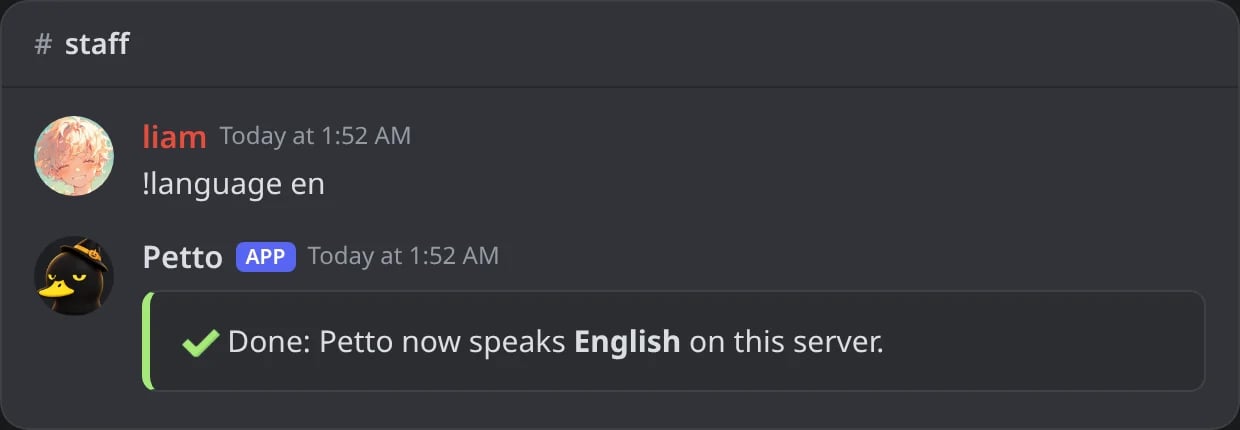
In Discord: !language changes the language, and the answer already comes in it.
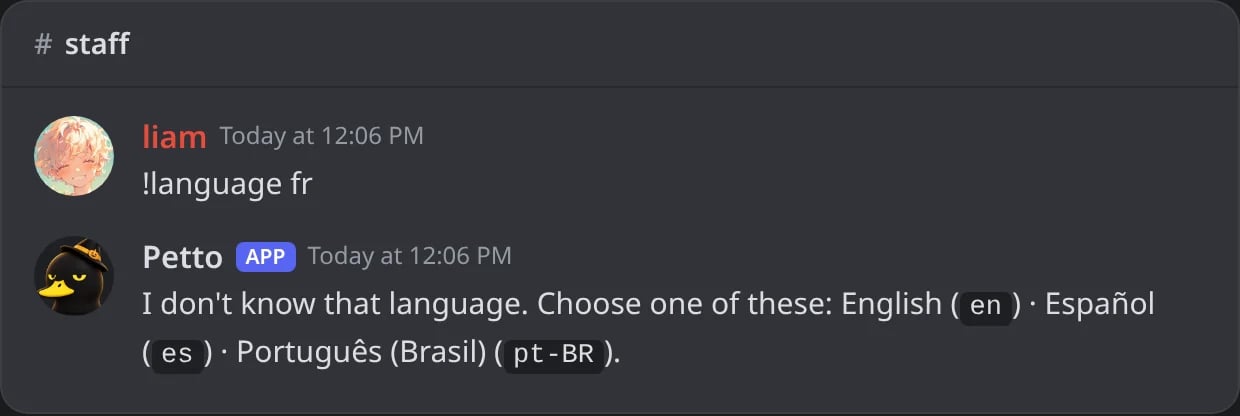
In Discord: a language Petto does not speak gets the list of the ones it does.
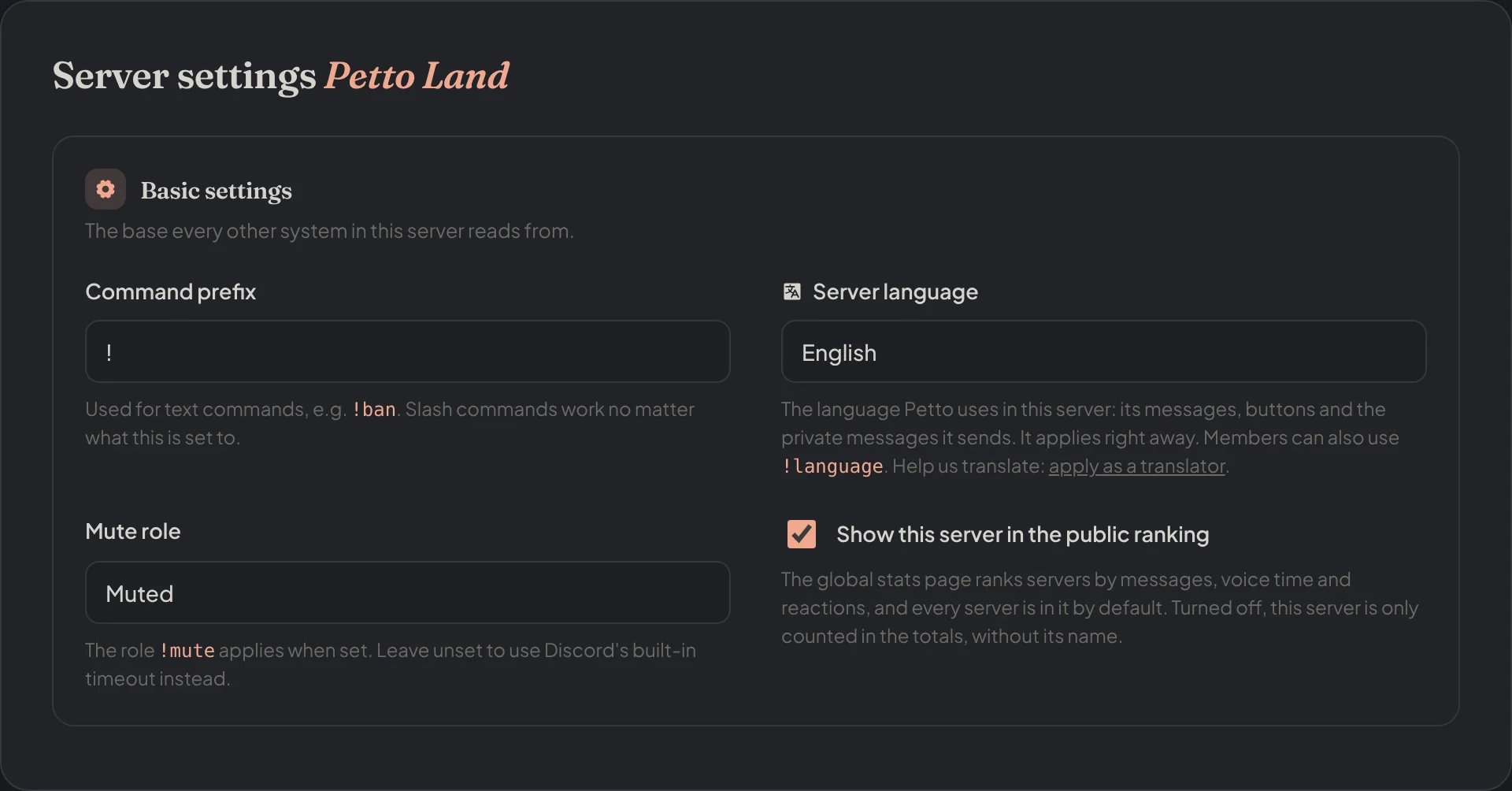
Dashboard → Dashboard → Settings: the Server language, next to the prefix and the mute role.
Language commands only exist with the prefix. Petto does not register a slash command for it.
What changes and what does not
- Translated: every message, button and menu of Petto, the descriptions in
!help, and the texts Petto writes by default (welcome, bump reminder, level up, case cards and the like) while you have not written your own. - Not translated: anything your server wrote by hand (custom welcome texts, embeds, ticket panels, autoresponders), names of commands and options, variables, logs for the Petto team, and the words Petto reads from what you type, such as
on,offandnone. - Defaults you saved: if a setting still holds Petto’s English default text, Petto shows and sends it in the language of the server. As soon as you edit the text, it is yours and stays as you wrote it.