
Write down what actually matters
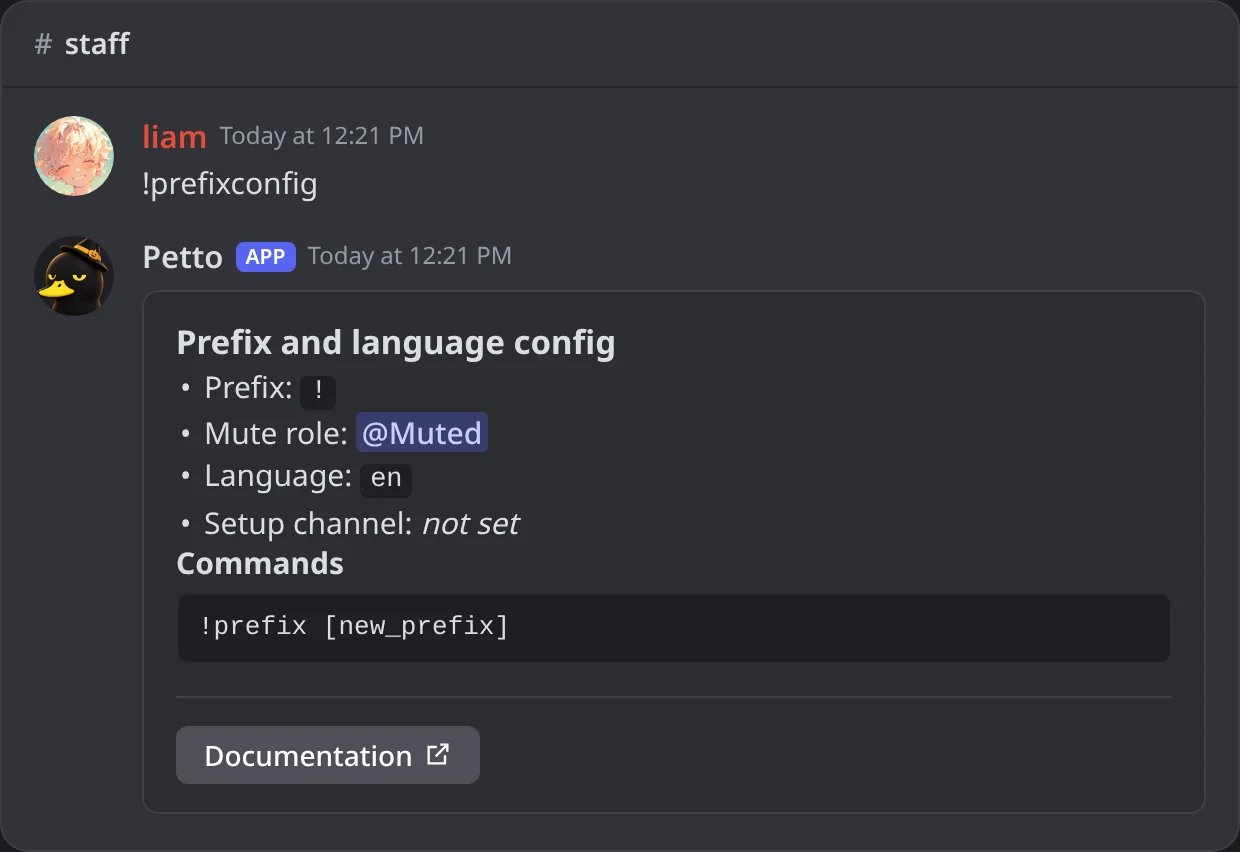
In Discord: !prefixconfig shows the basics to match with the old bot: prefix, mute role and language.
Set up Petto alongside the old bot first
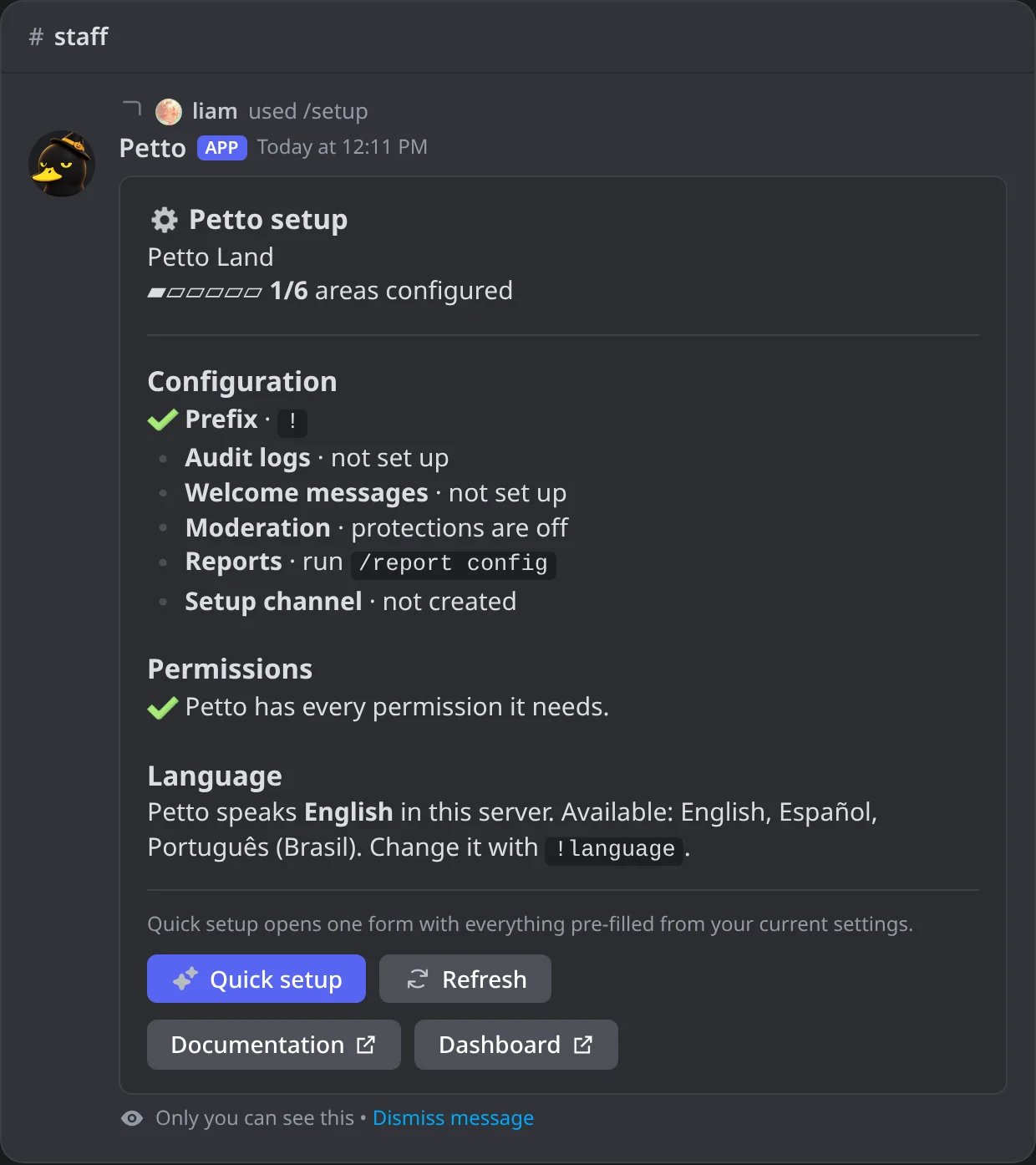
In Discord: /setup on a server that has just added Petto, with what is still to set up.
Recreate config, don't guess
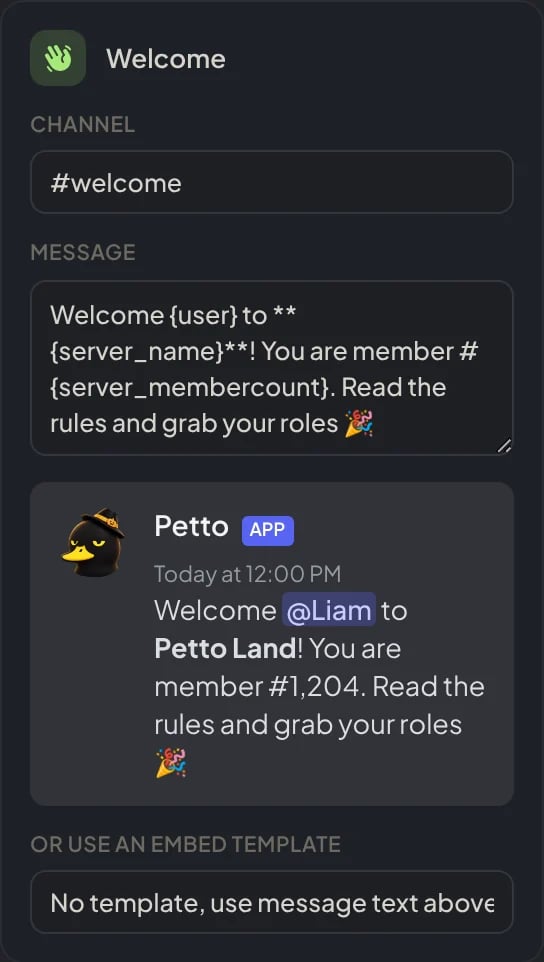
Dashboard → Security → Join Gate → Messages: the welcome text pasted with Petto's variables, and its preview.
Test each moved feature once
!welcome test), post a test autoresponder trigger, open a test ticket, before trusting the migration is complete.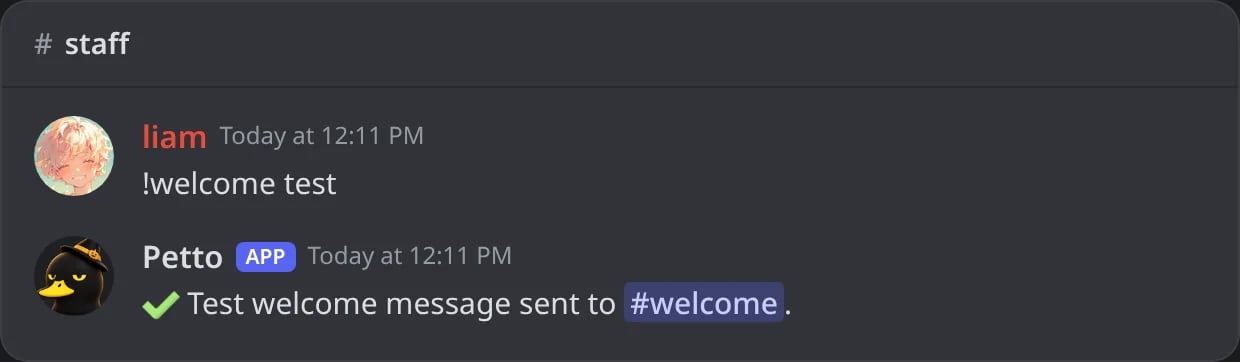
In Discord: !welcome test sends a test welcome with your own account.
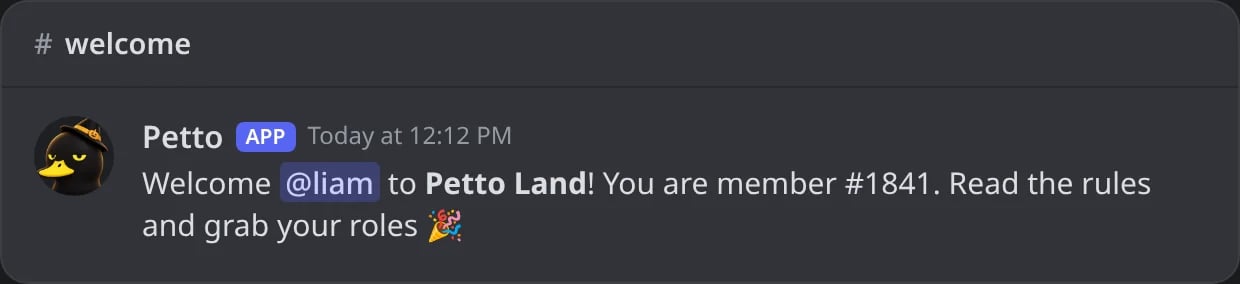
In Discord: the test welcome in the welcome channel.
Turn off the old bot's overlapping features
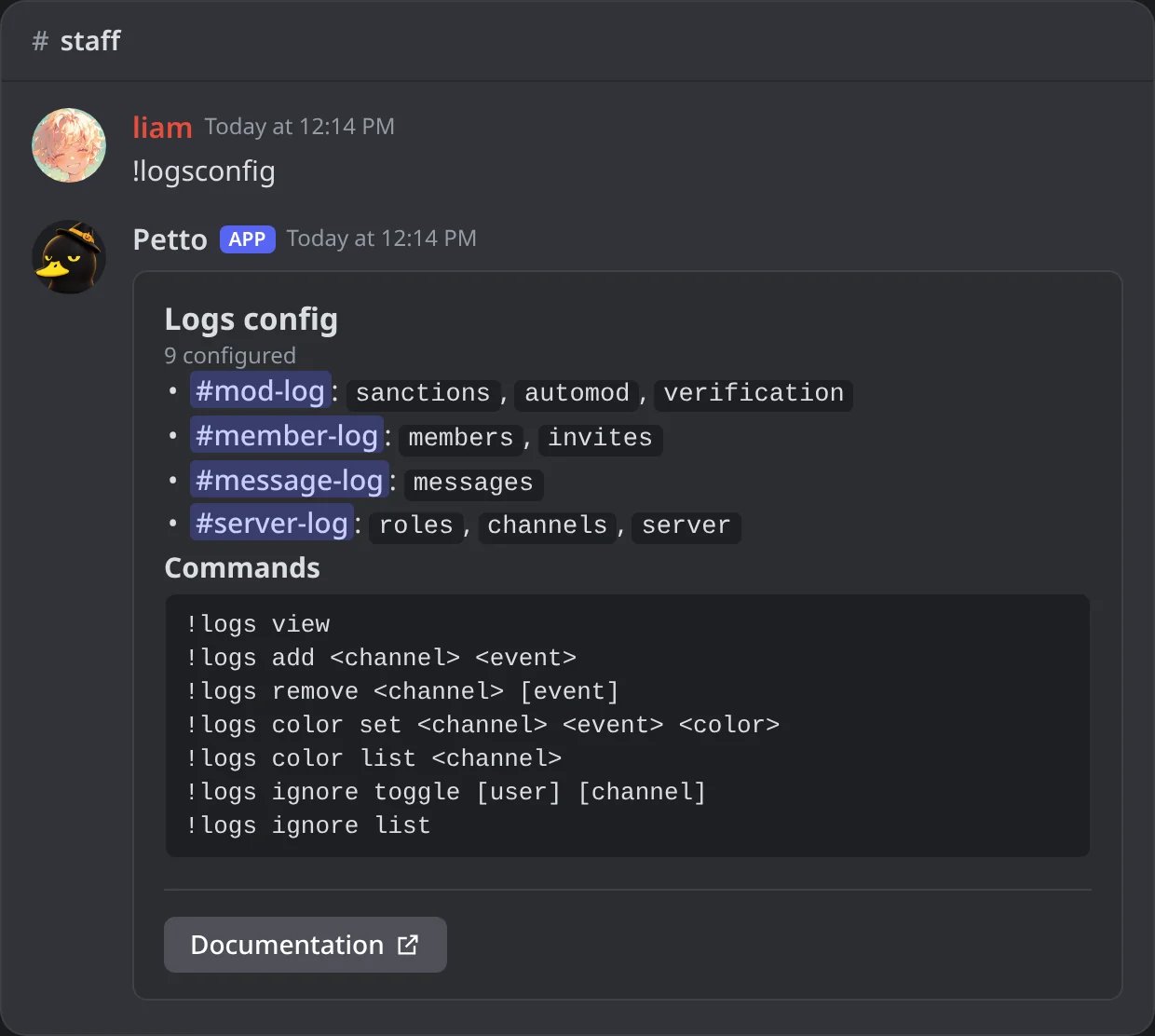
In Discord: !logsconfig confirms where Petto logs each event before the old bot's logs are turned off.
Remove the old bot last
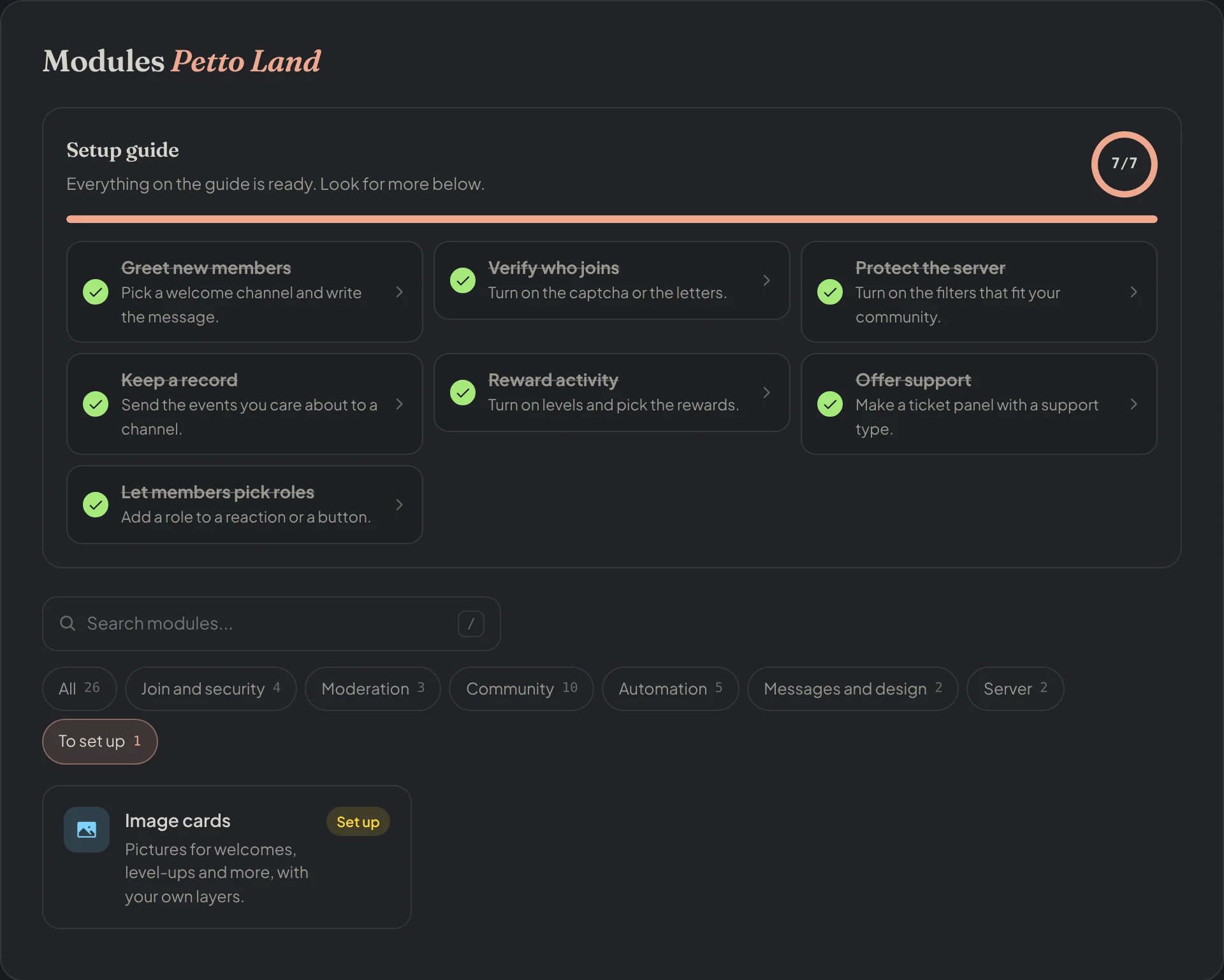
Dashboard → Modules → To set up: the setup guide complete and what is still left.
What doesn’t carry over, and why
Moderation case history
Moderation case history
XP and levels
XP and levels
!level join / !level manage xp to award a starting bonus if you want to soften that.Custom command / autoresponder syntax
Custom command / autoresponder syntax
{user}-style syntax) differ between bots and need translating, see Variables for Petto’s real list.