
Overview
Logging routes independent event categories to their own channels, so a mod-log channel isn’t one unreadable firehose. Each category can go to a different channel, or be left off entirely.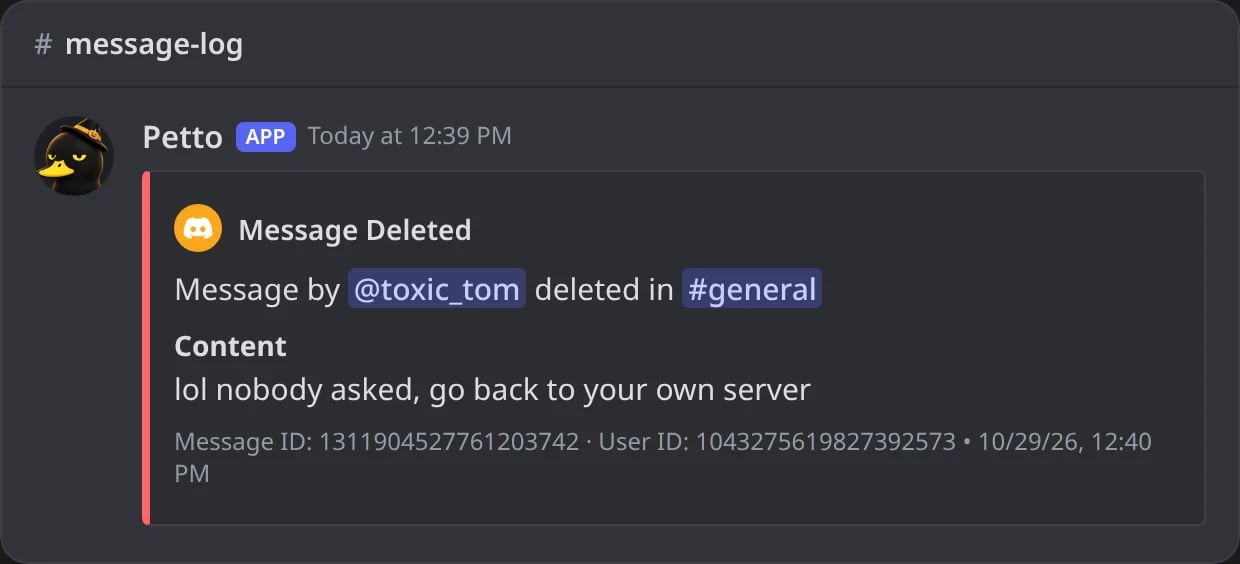
In Discord: a deleted message in the messages log.
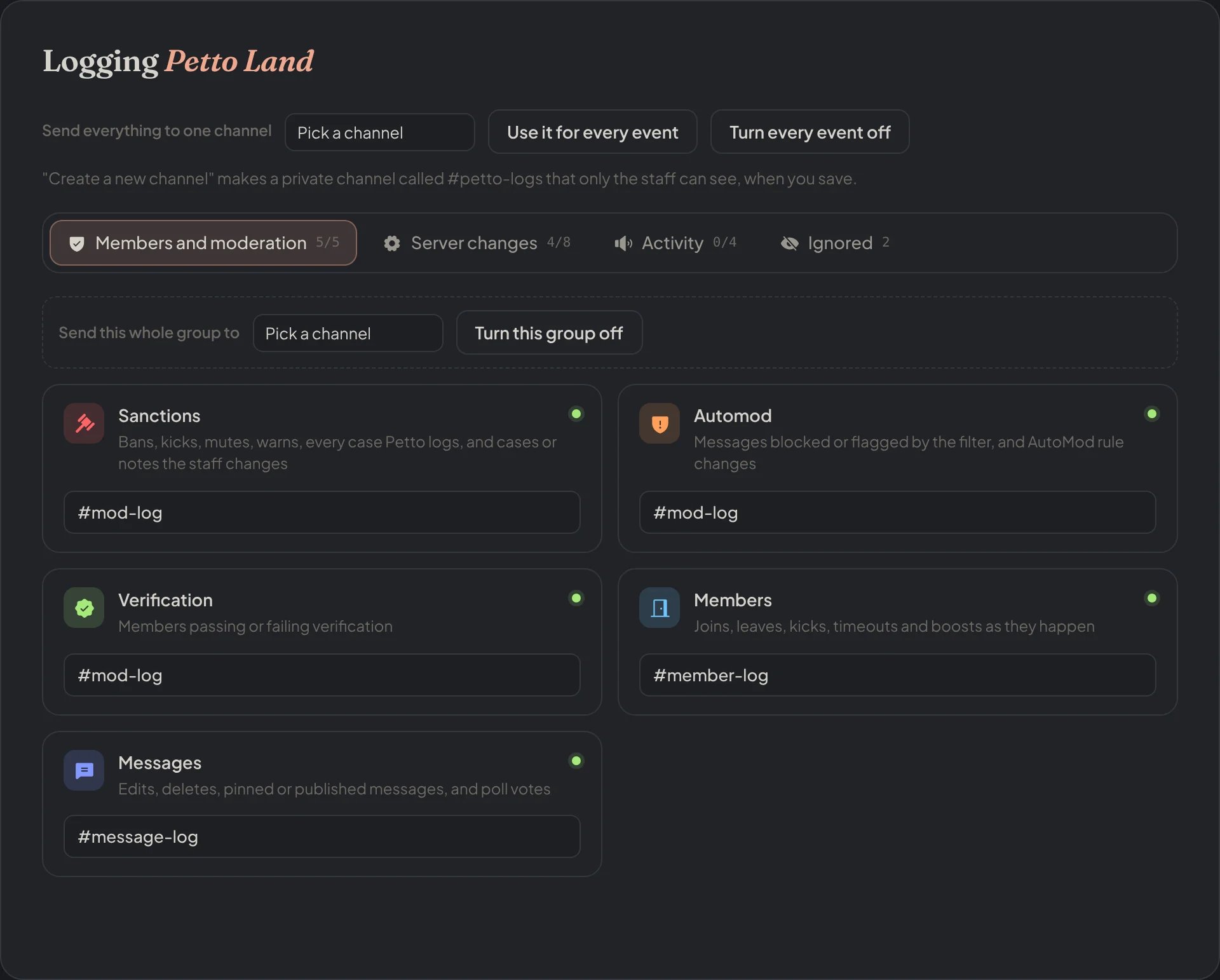
Dashboard → Security → Logging: one channel per category, or one channel for a whole group.
Server changes
Server changes
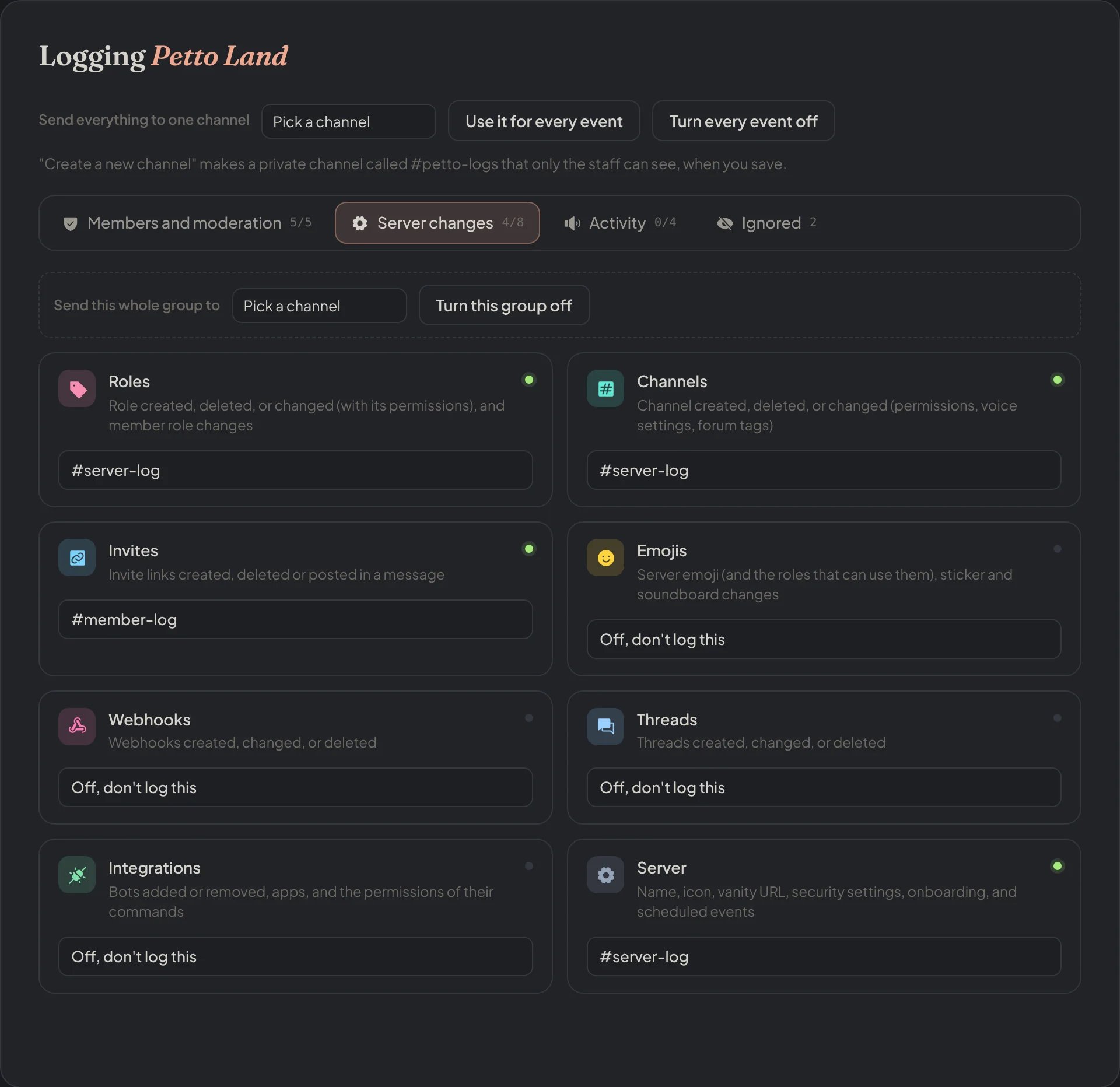
Dashboard → Security → Logging → Server changes: roles, channels, invites, emojis, webhooks, threads, integrations and server.
Activity
Activity
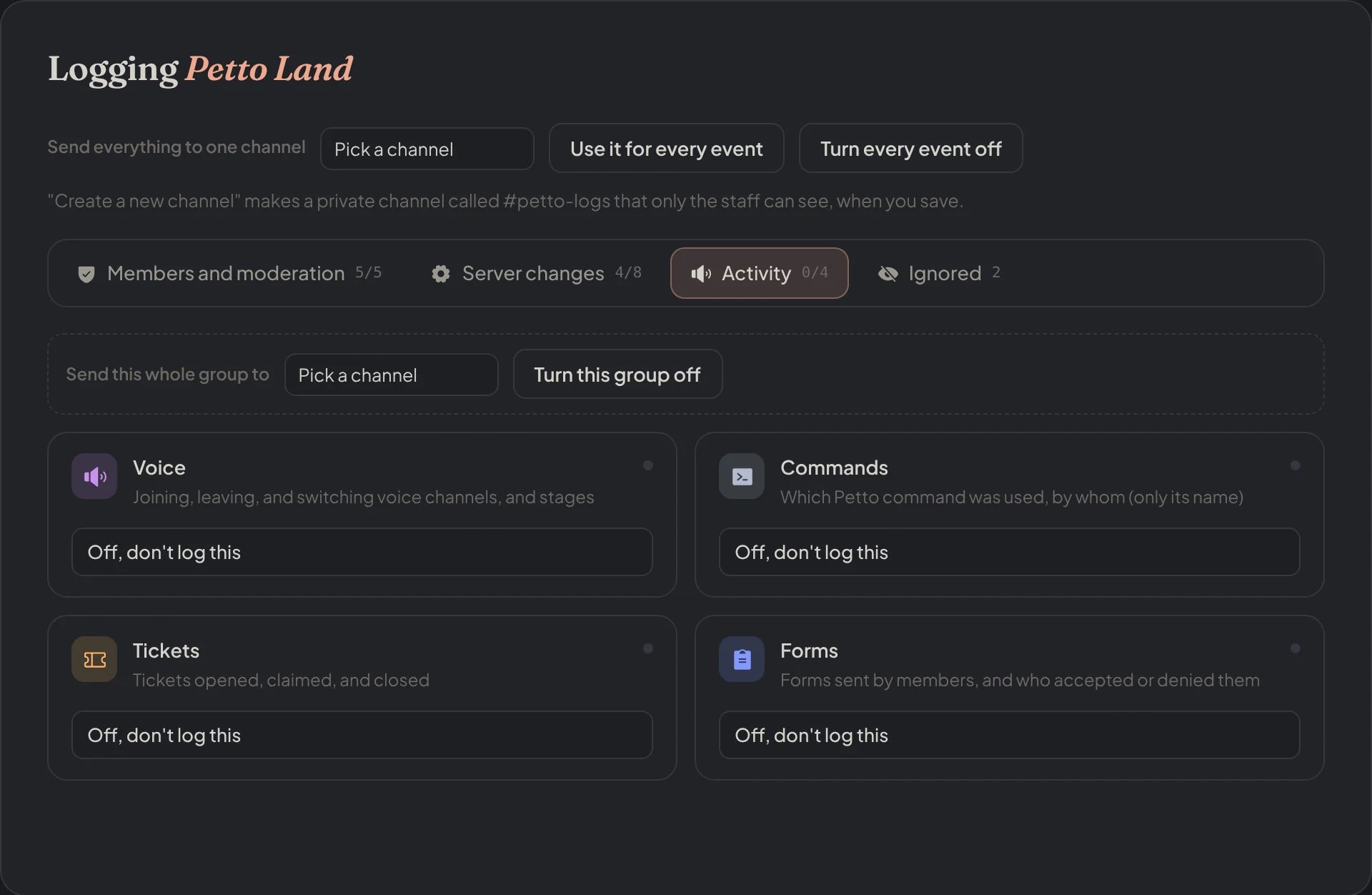
Dashboard → Security → Logging → Activity: voice, commands, tickets and forms.
Ignored
Ignored
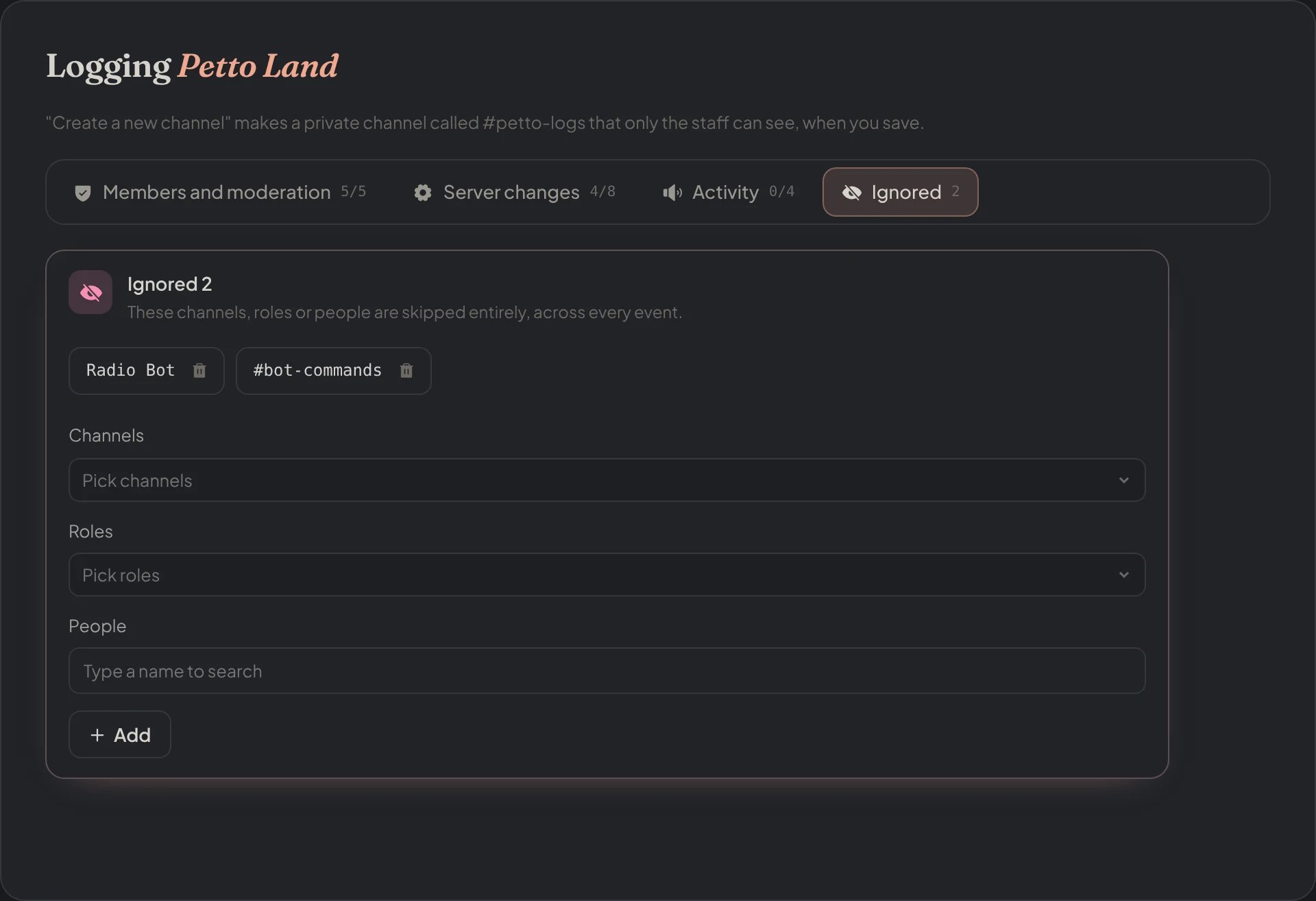
Dashboard → Security → Logging → Ignored: the channels, roles and people every category skips.
The categories
messages · members · roles · channels · invites · emojis · voice · server · sanctions · verification · automod · webhooks · threads · integrations · commands · forms · forums
messages
messages
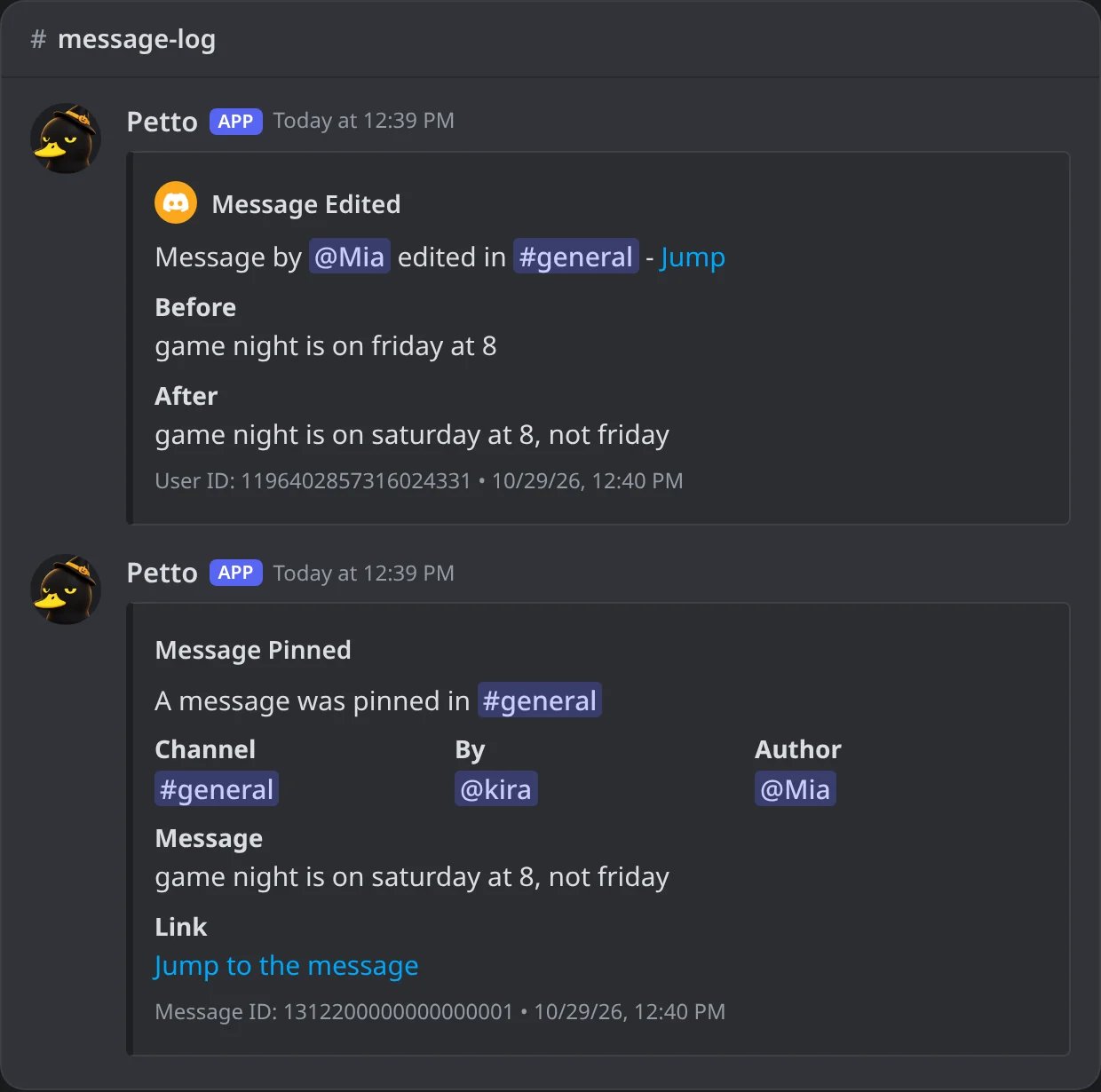
In Discord: a message edited and a message pinned.
members
members
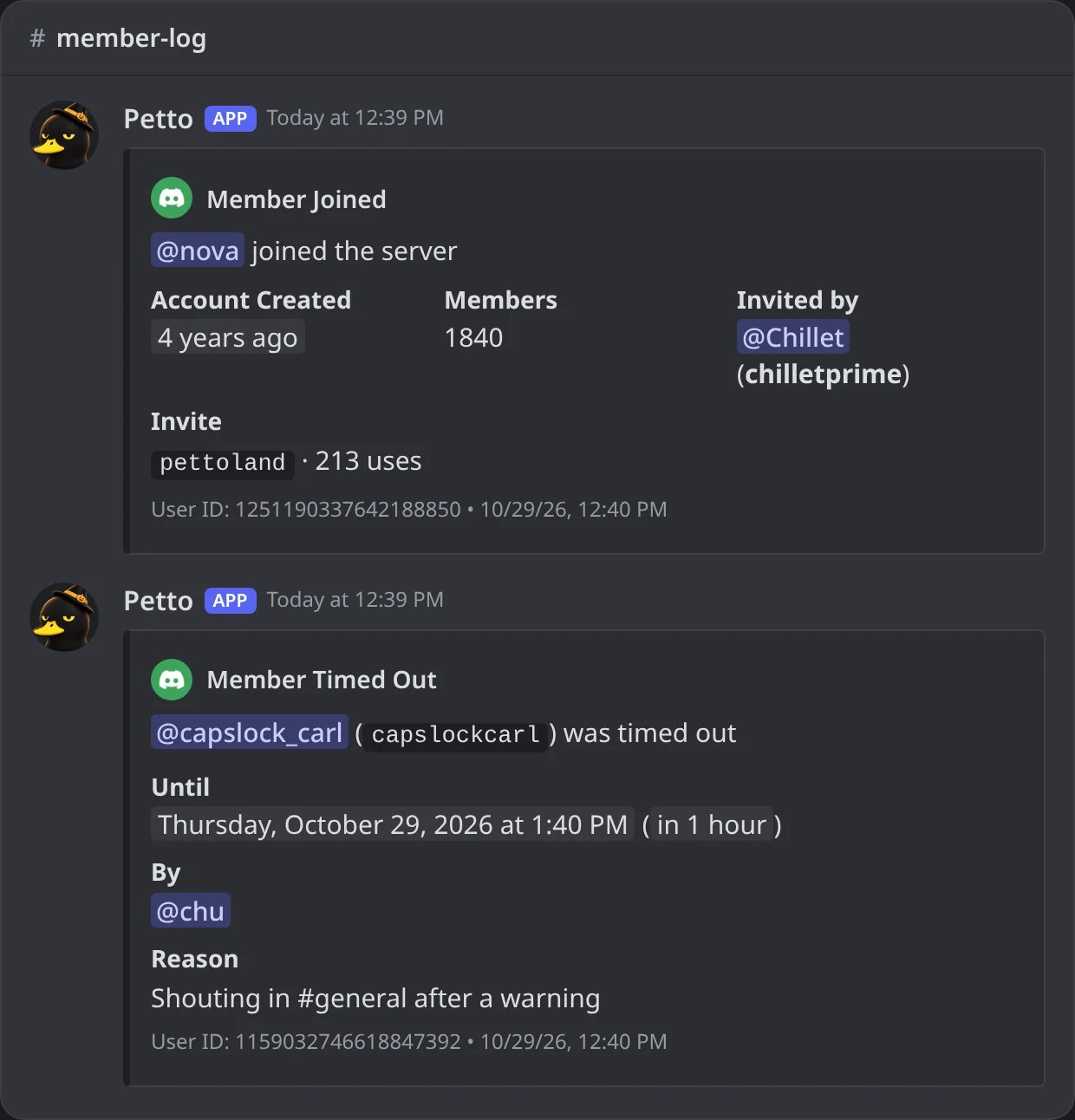
In Discord: a join with the invite used and a timeout with who and why.
roles
roles
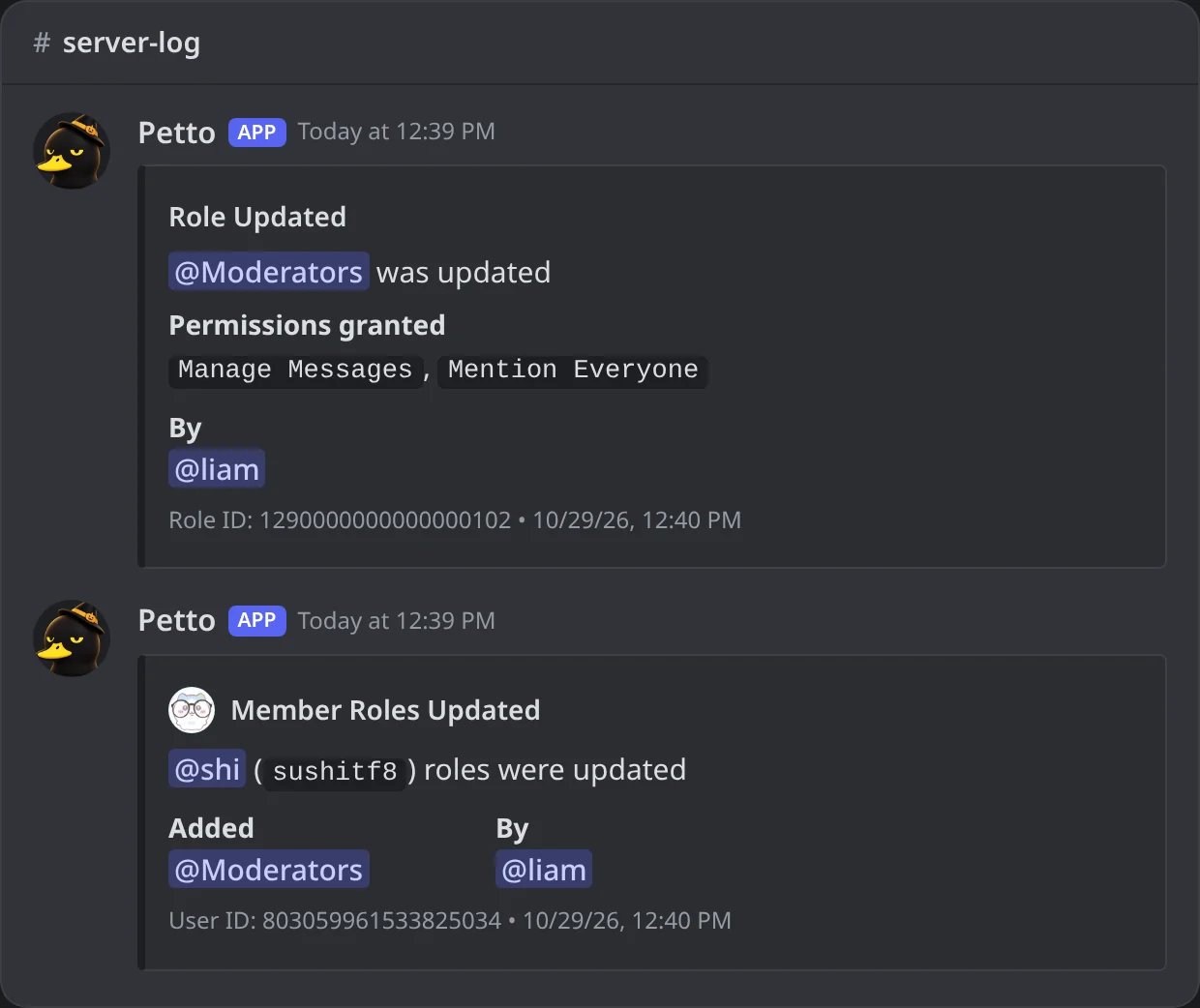
In Discord: a role given new permissions, and roles added to a member.
channels
channels
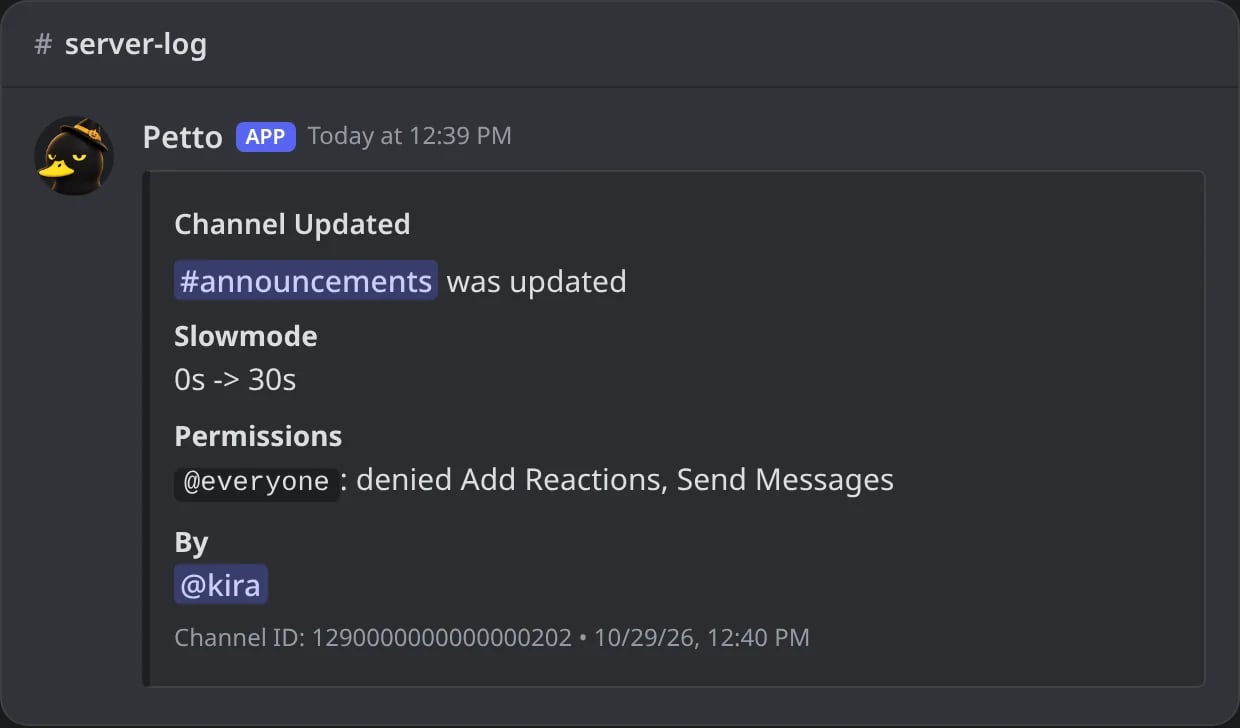
In Discord: slowmode and a permission of everyone changed.
invites
invites
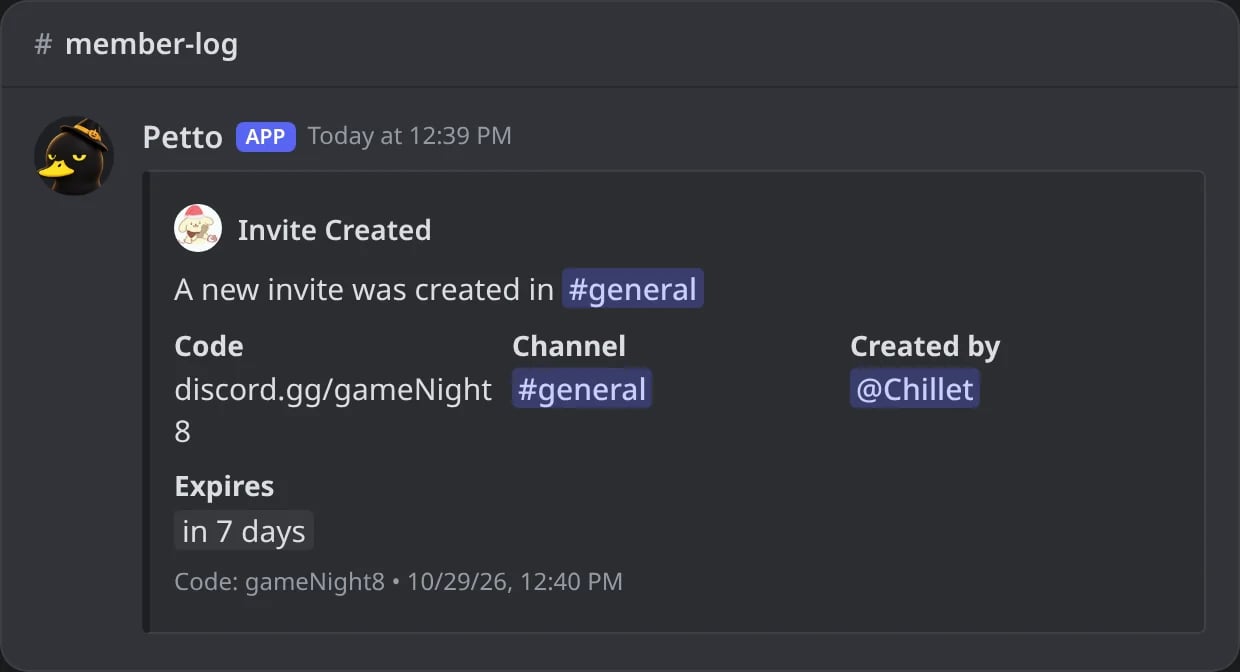
In Discord: an invite created.
emojis
emojis
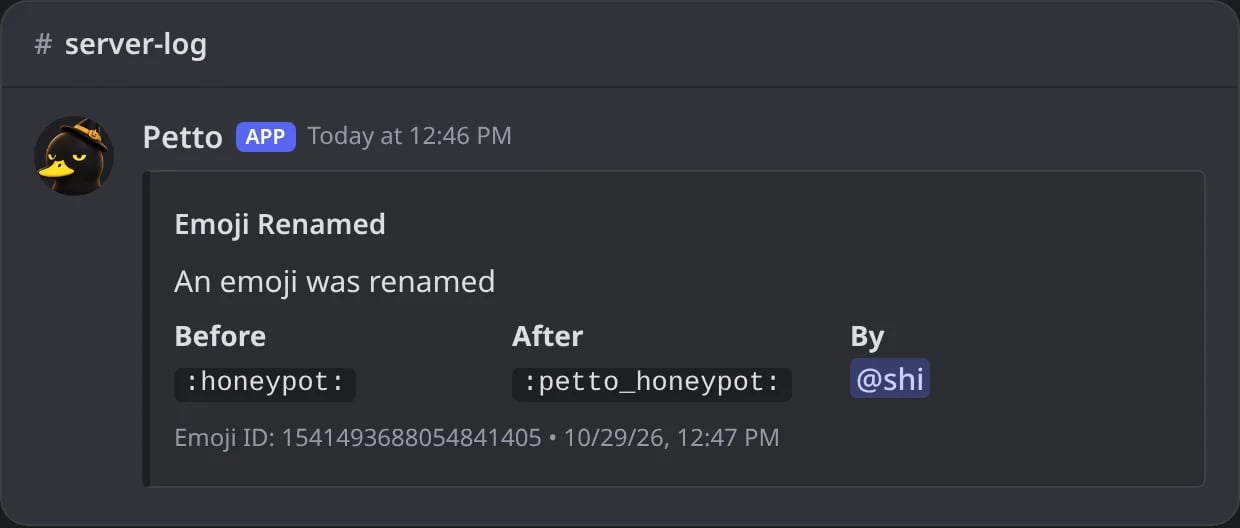
In Discord: an emoji renamed.
voice
voice
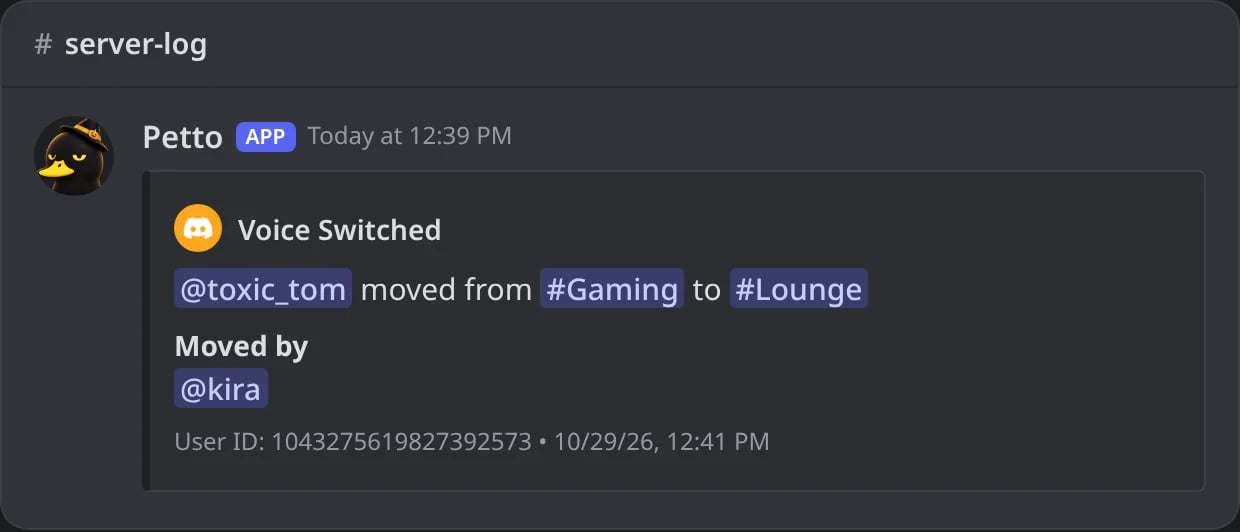
In Discord: a member moved between voice channels.
server
server
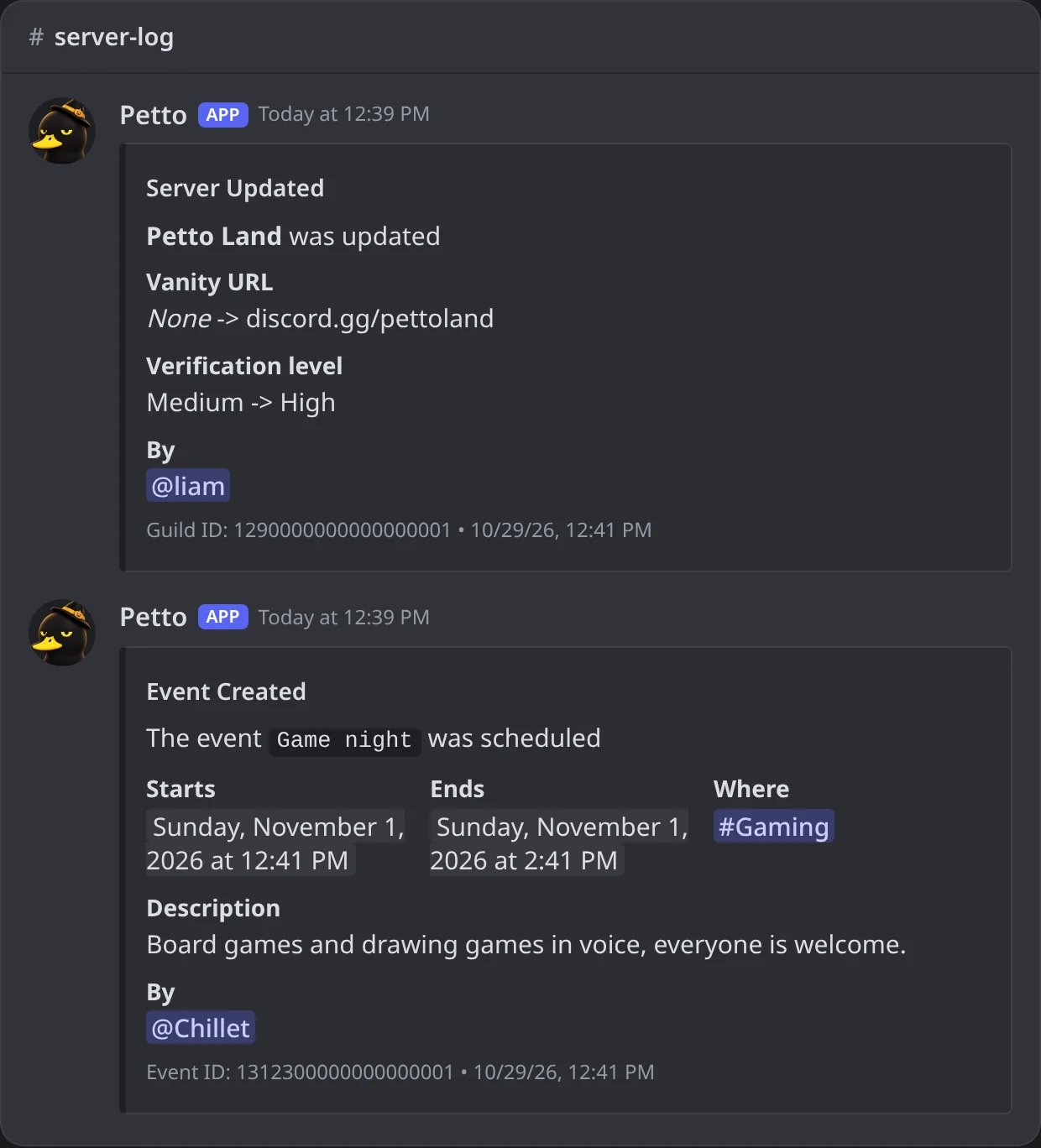
In Discord: the vanity URL and the verification level changed, and an event created.
sanctions
sanctions
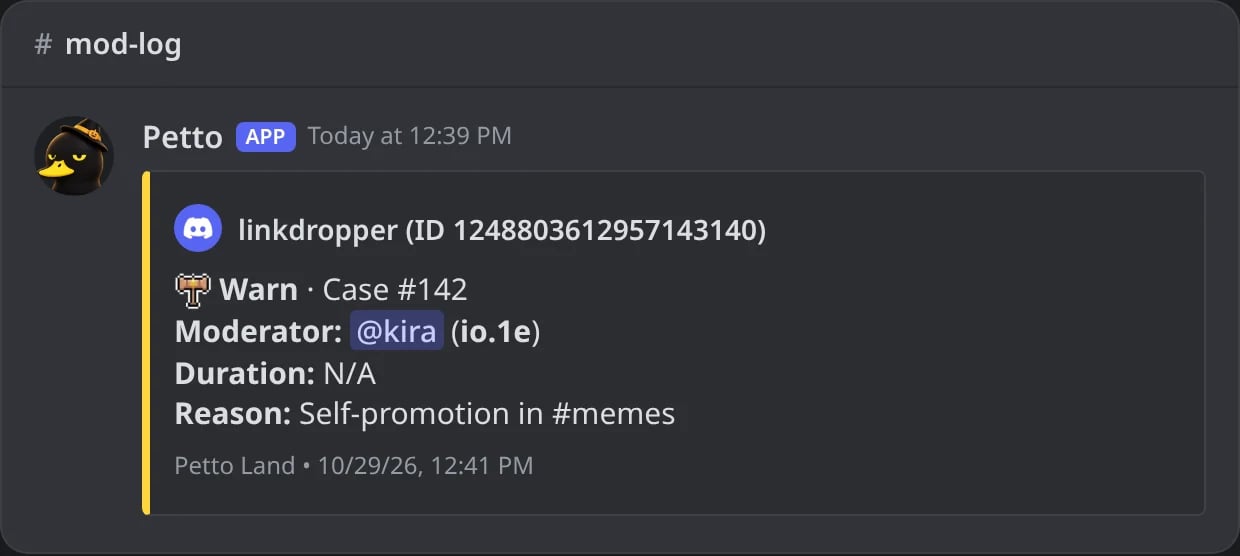
In Discord: a warn, as every case is logged.
verification
verification
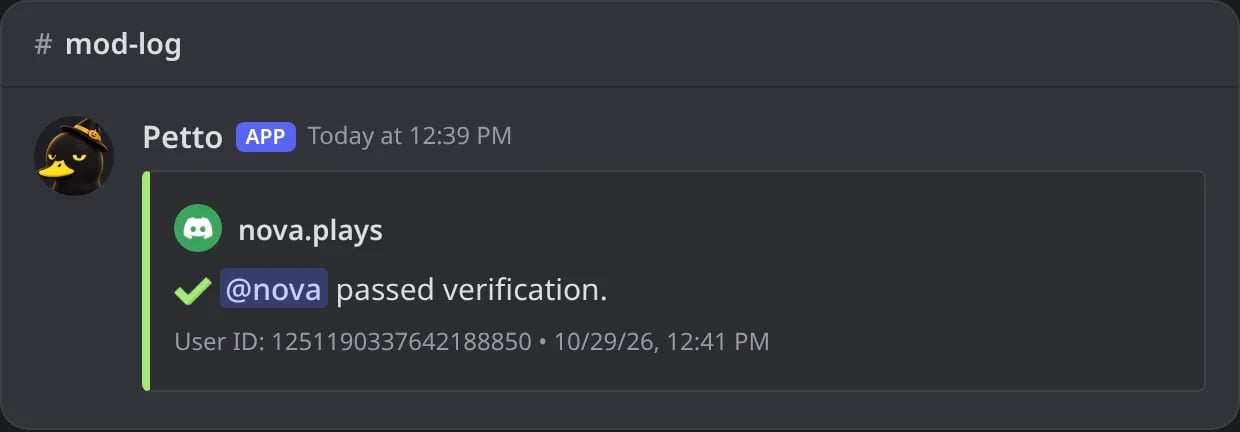
In Discord: a member who passed verification.
automod
automod
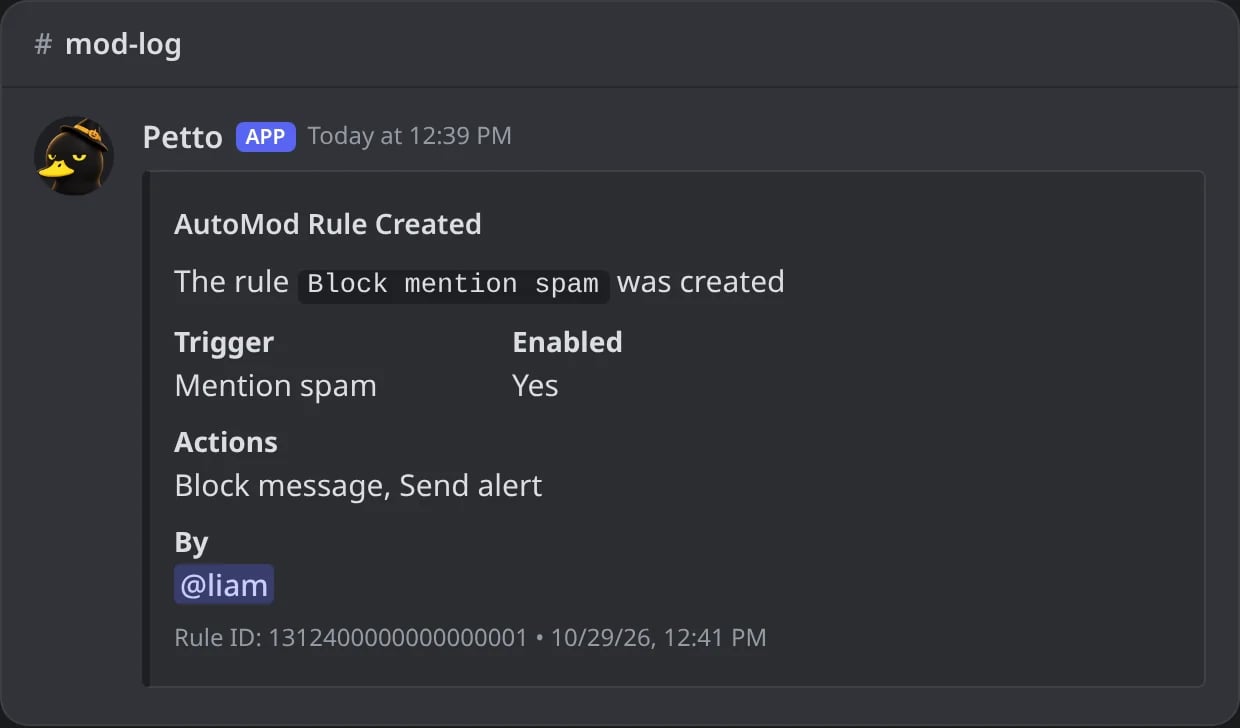
In Discord: a Discord AutoMod rule created.
webhooks
webhooks
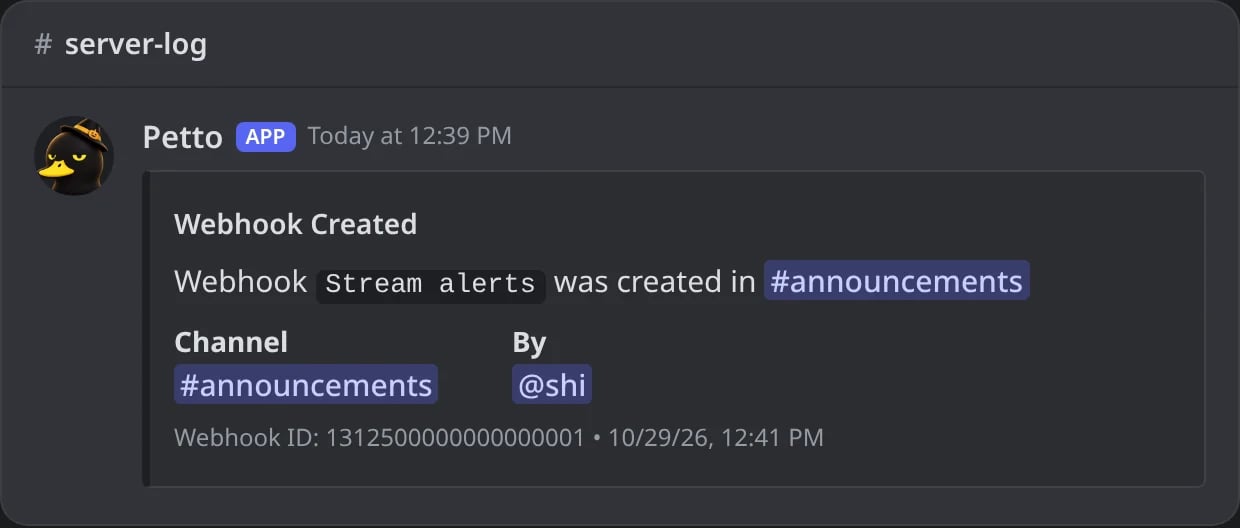
In Discord: a webhook created.
threads
threads
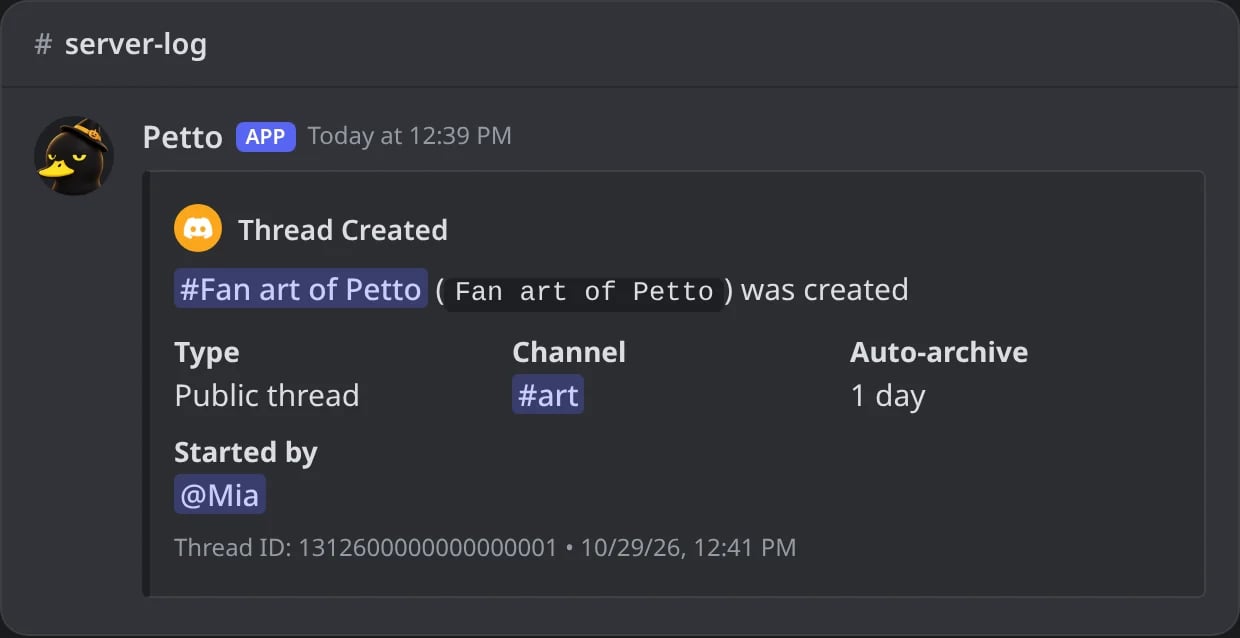
In Discord: a thread created.
integrations
integrations
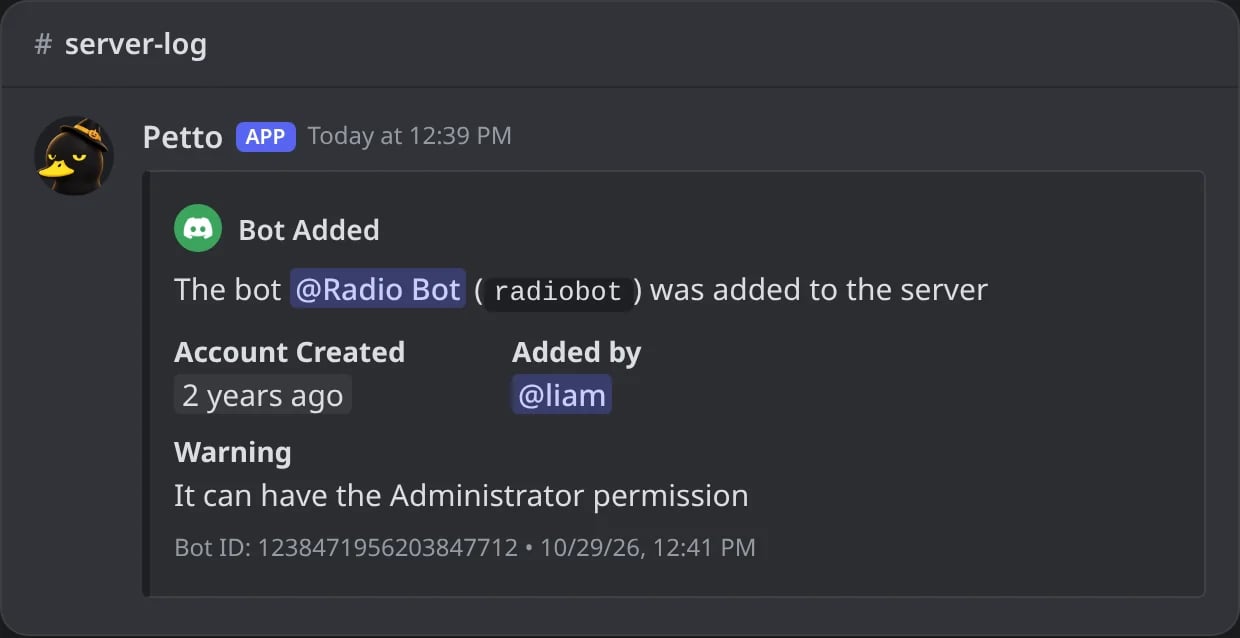
In Discord: a bot added, with the Administrator warning.
commands
commands
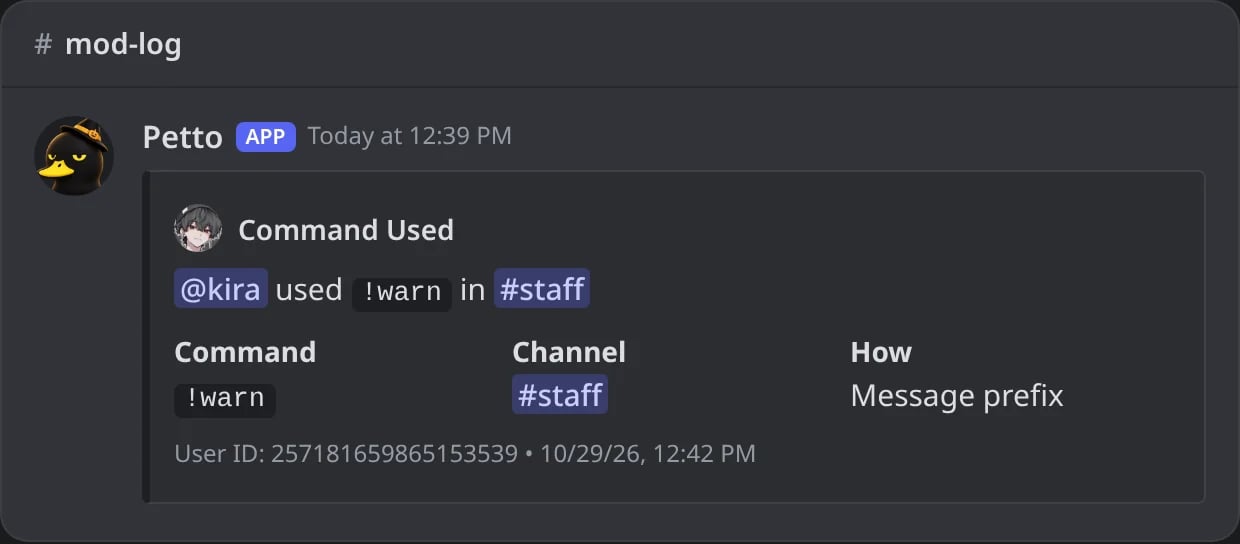
In Discord: only the name of the command is logged.
forms
forms
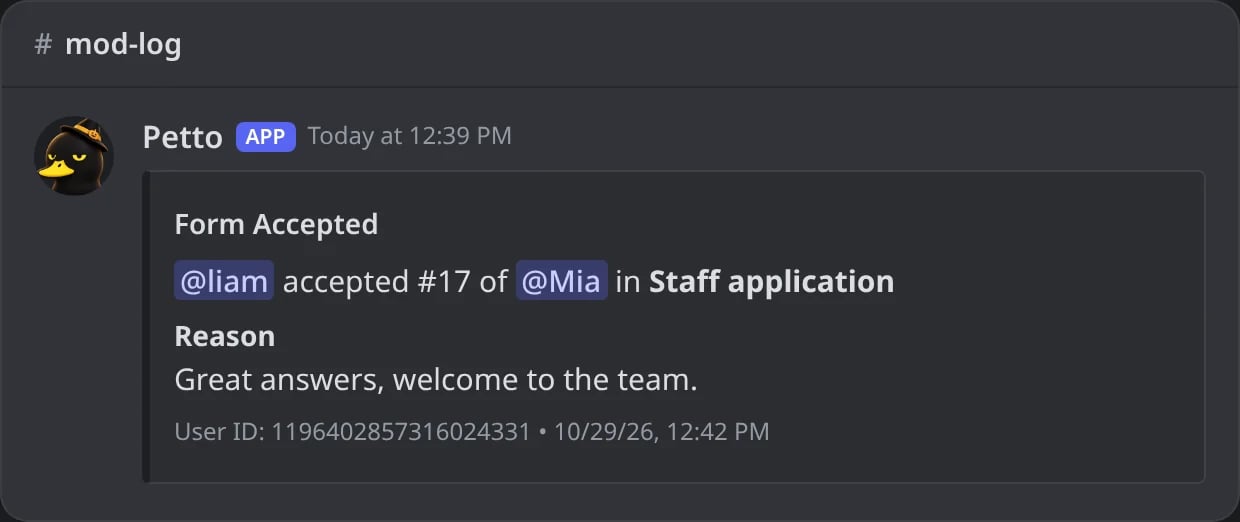
In Discord: a form answer accepted, with the reason.
Commands
!logs view
!logs view
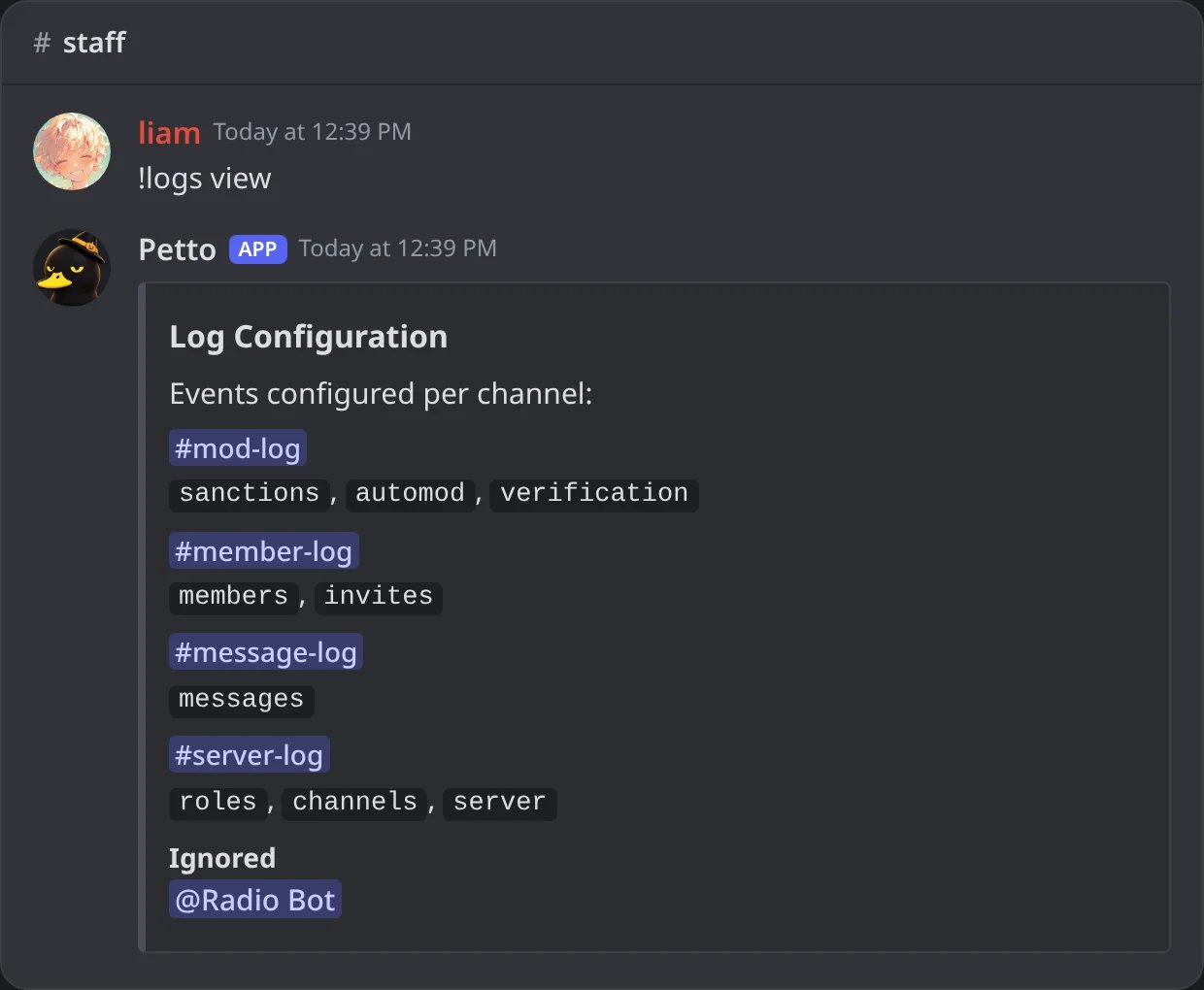
In Discord: every channel with its categories, and what is ignored.
!logs add
!logs add
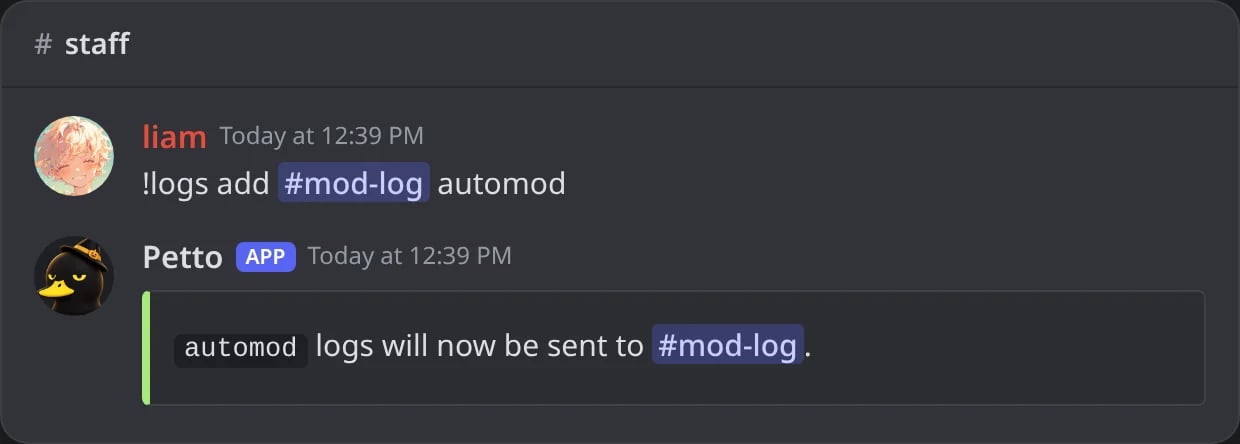
In Discord: a category sent to a channel.
!logs remove
!logs remove
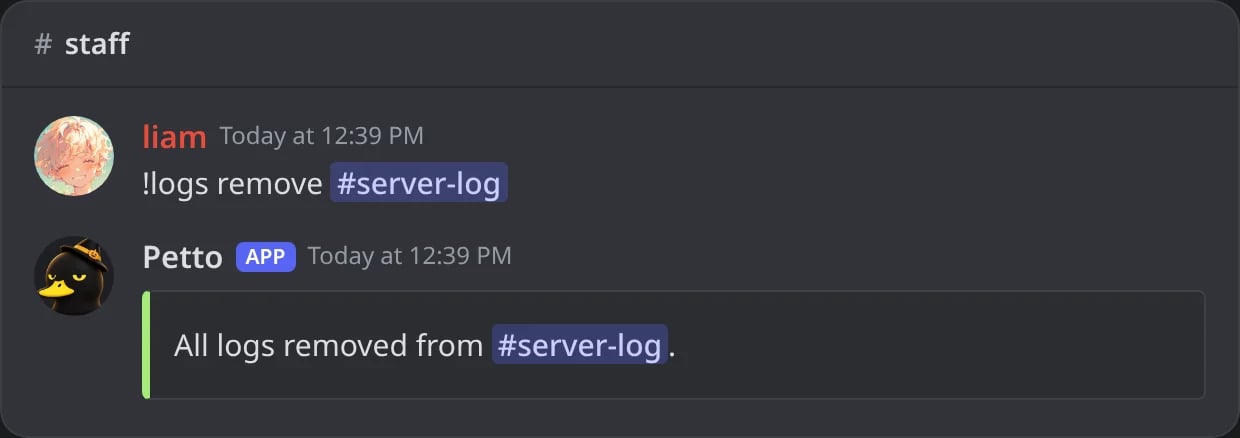
In Discord: every category of a channel removed at once.
!logs (alias !log) needs Manage Server. Omitting event on !logs remove clears every category routed to that channel at once. !logs add #channel all sends every category to that channel (the ones it already gets are kept), like the “everything to one channel” box of the dashboard. Answers to forms go to the forms category.
Common layouts
- One channel
- Staff split
- Security watch
#logs, except what a noisy bot does.Per-channel color override
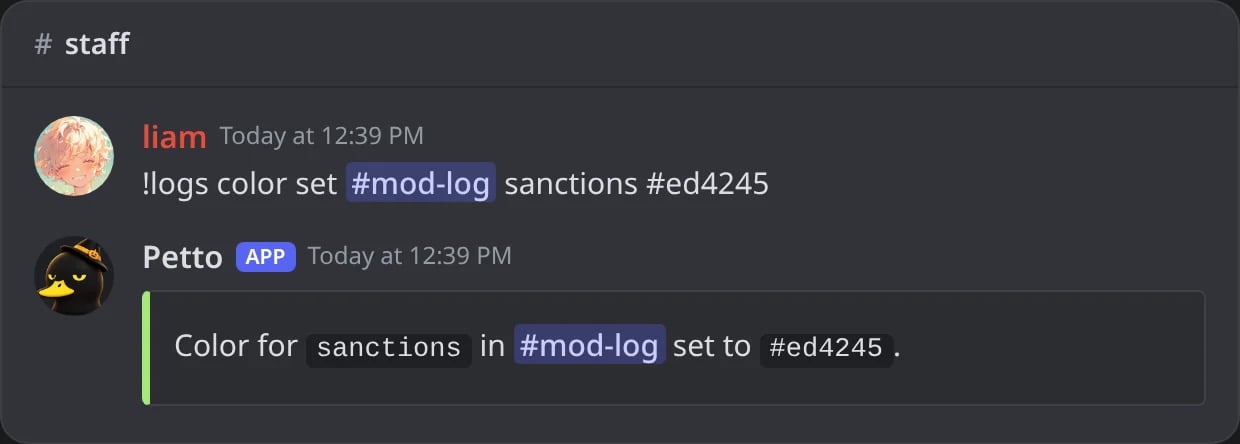
In Discord: sanctions in red in mod-log.
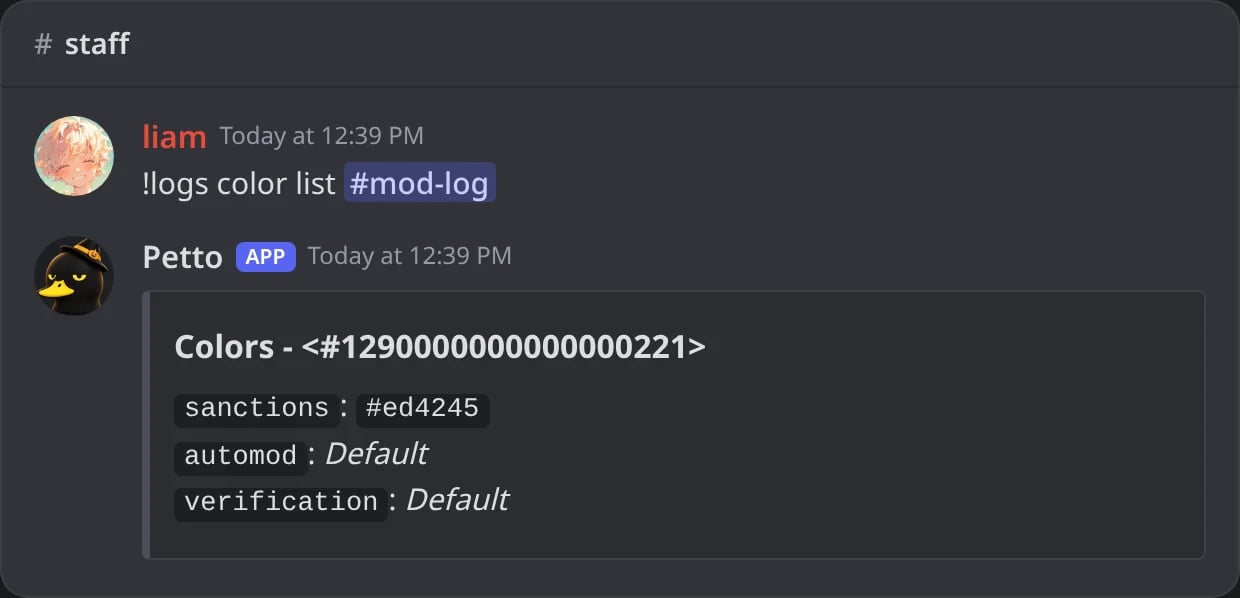
In Discord: the colors of a channel.
Ignoring users or channels
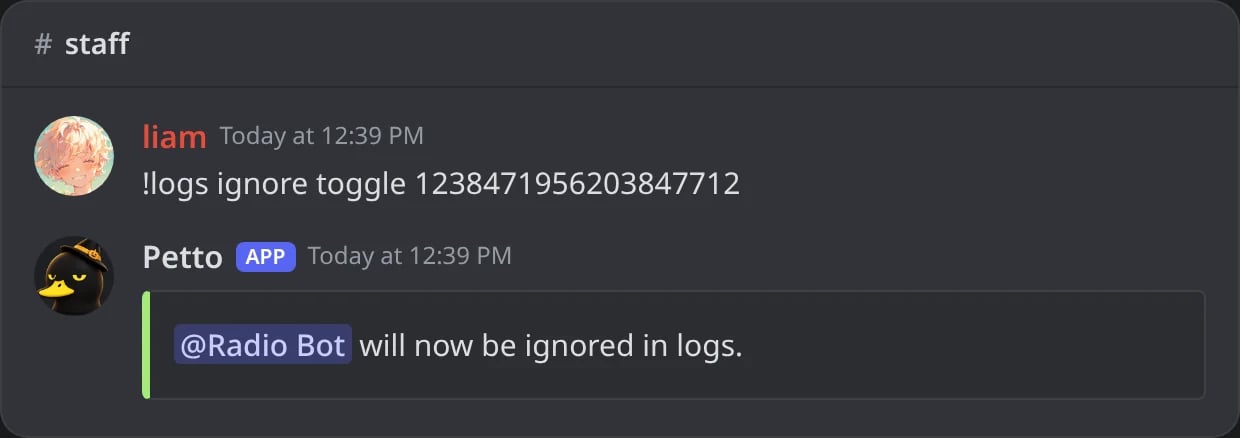
In Discord: a bot ignored by every category.
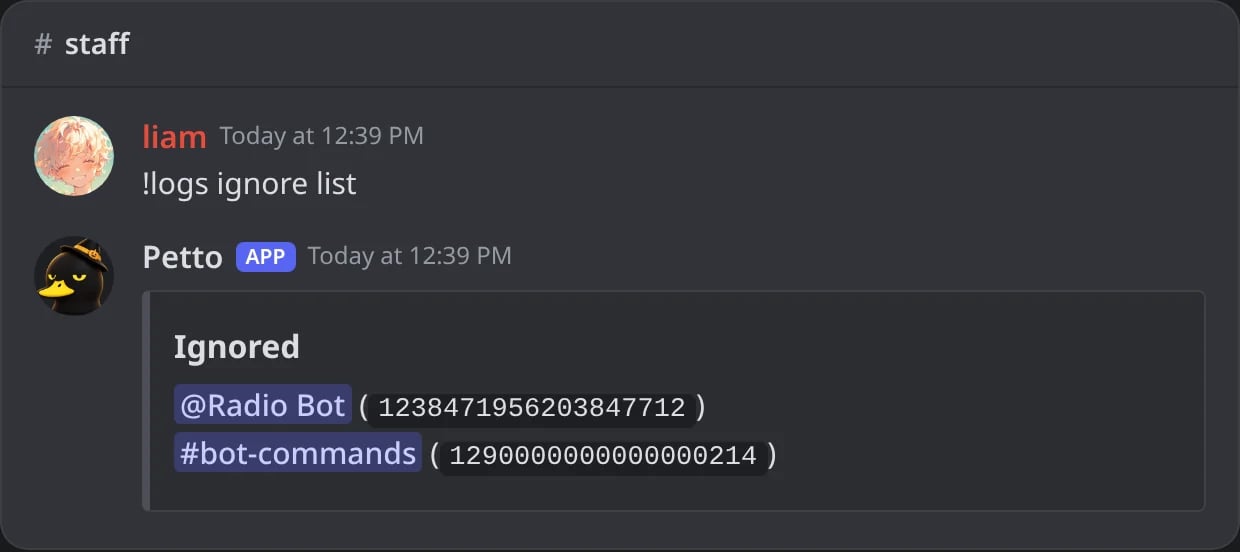
In Discord: what is ignored.