
Overview
Every command starts with a prefix of the server:! and the word petto by default (!help and petto help both work). The word petto always works, whatever prefixes you choose (even if the server uses only !n), and it cannot be removed. Arguments are positional and space-separated, wrap anything with spaces in “quotes”.
A server can have several prefixes, up to 10. The first one is the main prefix: help, cards and examples show it. A server that chose a prefix of its own keeps exactly that one.
If you forget a custom prefix, mention Petto instead: @Petto prefix always works and shows the current one.
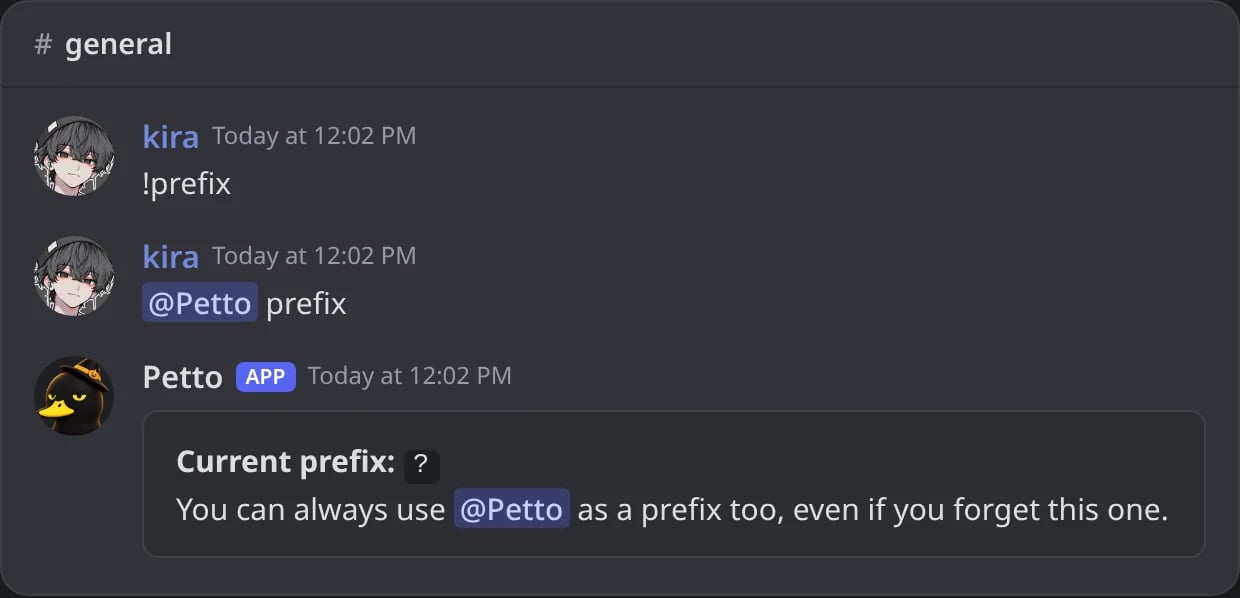
In Discord: with a forgotten prefix, !prefix gets no answer, but a mention of Petto does.
Several prefixes
- A symbol (
!,,,?,p!) is typed attached to the command:,help. A space after it (, hello) is not a command. - A word (it ends in a letter or a number, like
petto) is not case sensitive and needs a space:petto helporPetto help. It only starts a command when the next word is a real command, an alias or a custom command, sopetto is greatis just chat. - The longest prefix goes first, so with
!and!!in the list,!!helpis read with!!. - Only the main prefix answers “I don’t know that command”, and only to a word written like a command (
!hello). The other prefixes, the word ones and your own prefix stay silent when the word is not a command. - The comma is not a default. Other bots use
,, so Petto does not answer to it unless you add it:!prefix add ,. - Your own prefix (
!myprefix) and the custom commands that start with the prefix work with every prefix of the list. - Each prefix has 1 to 12 characters, no spaces, no
@and no backticks, and cannot be repeated.
Skipping an optional argument
Commands with several optional fields in a row (like!ticket category edit or !welcome setup) let you skip straight to the one you want with --fieldname value, instead of typing every field before it.
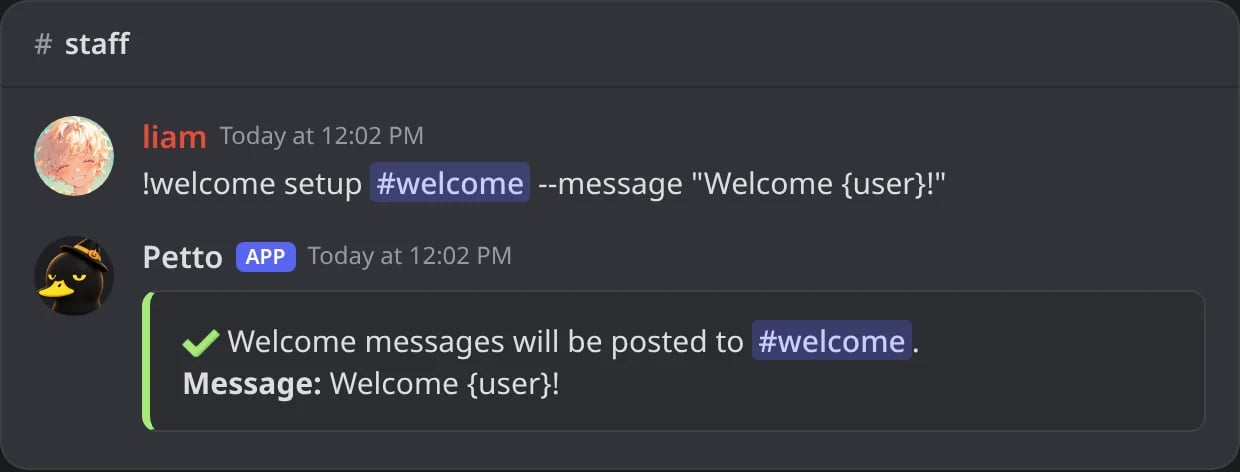
In Discord: --message fills the message of !welcome setup without typing the fields before it.
--flags can appear in the same command. This only matters for optional fields, required ones always need a plain value in order. A name with an underscore can be written with a dash too: --window-seconds 10 is --window_seconds 10.
Commands
!prefix with no argument to see the list. !prefix add <prefix> adds one (up to 10), !prefix remove <prefix> removes one (the last one cannot be removed), and !prefix reset goes back to ! and petto. !prefix <prefix> (or !prefix set <prefix>) makes that prefix the only one, as it always did (petto and the mention of Petto still work). It needs Manage Server. !help opens the browser of every command, with buttons to the dashboard, the docs, the Commands page of the website and the support server, and !help ticket category add looks one up directly, including a specific subcommand. !prefix also works as !pfx, and !help as !h.
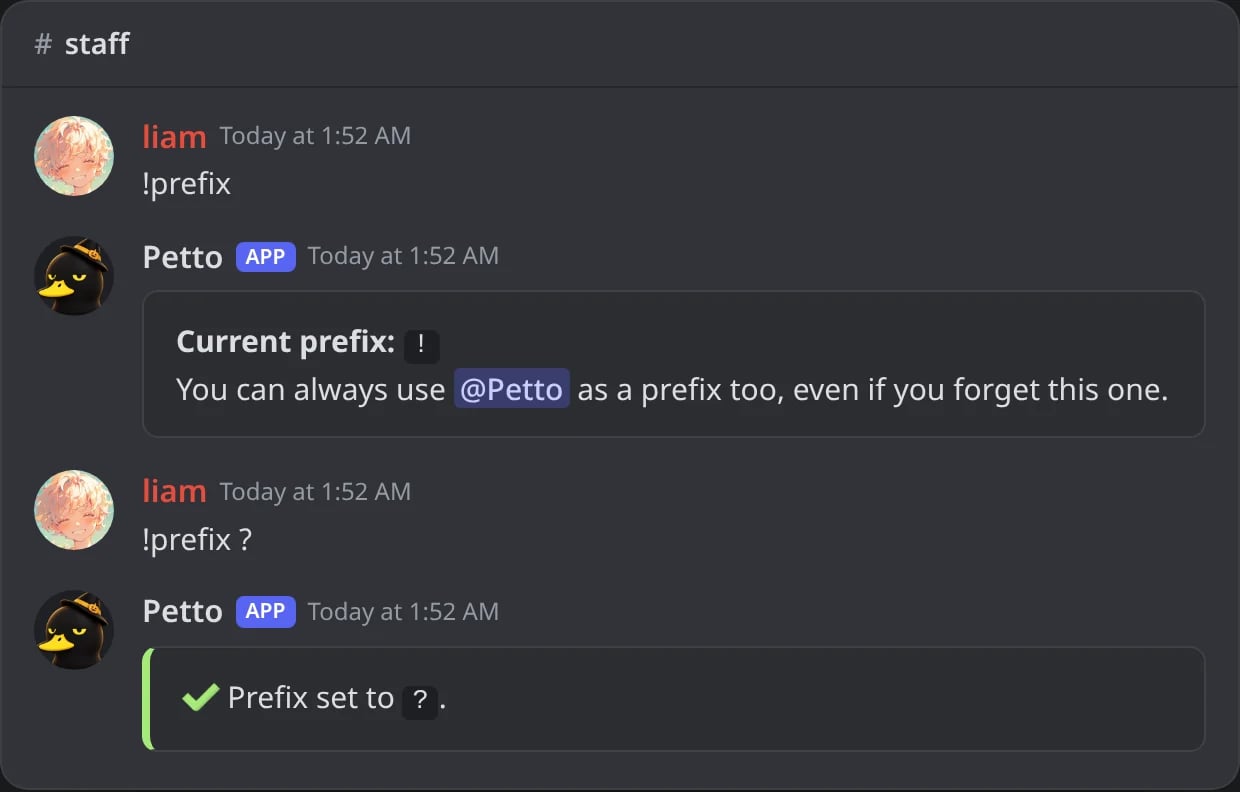
In Discord: !prefix shows the current prefix, and !prefix ? changes it.
!prefix petto!
!prefix petto!
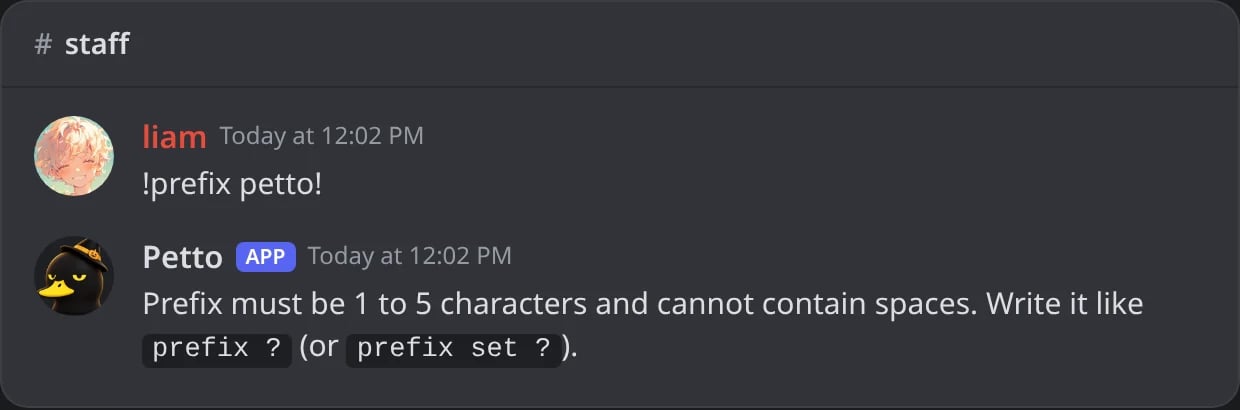
In Discord: a prefix longer than 5 characters is refused.
!help
!help
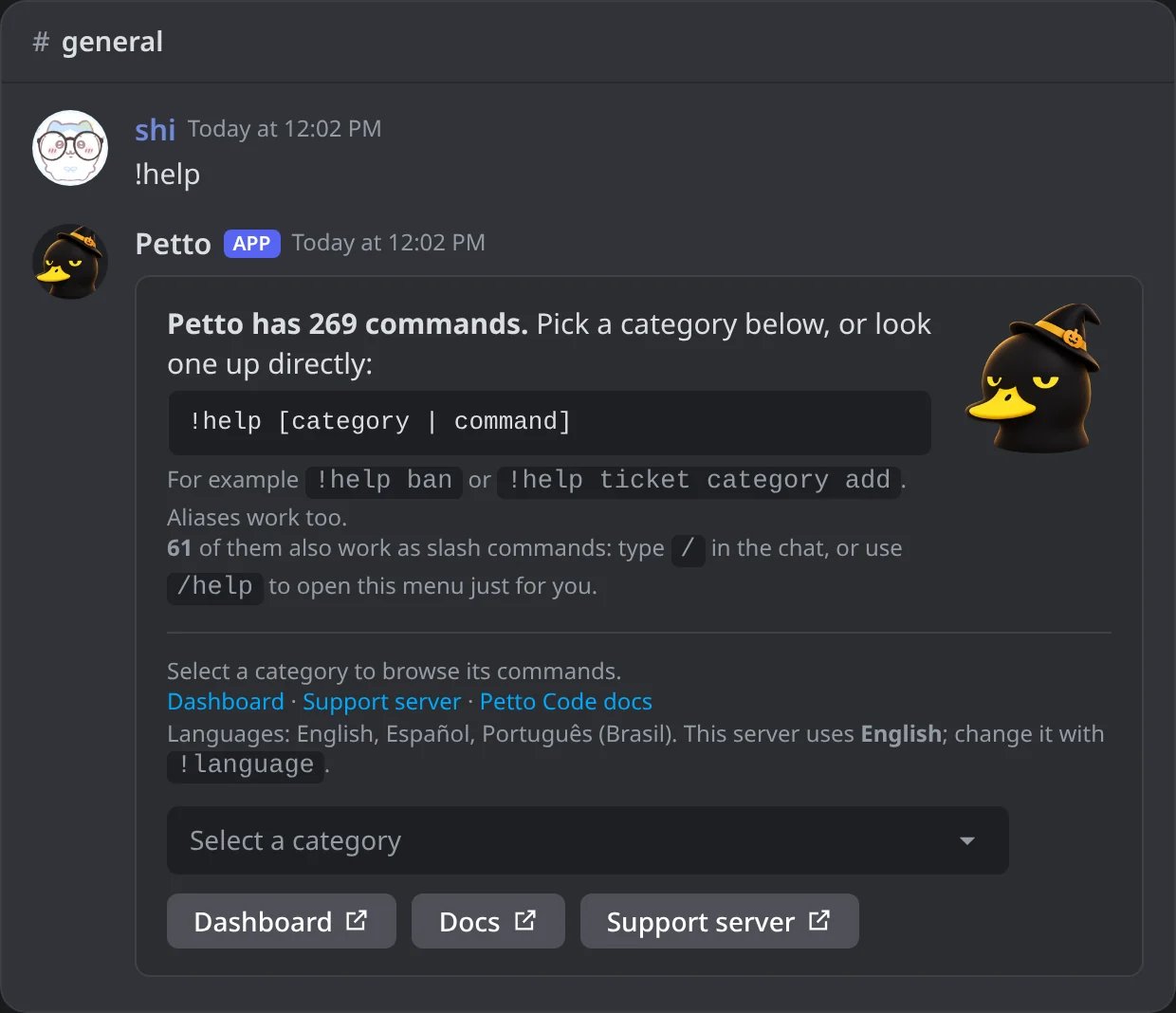
In Discord: !help, with the categories in a menu and links to the dashboard, the docs and the support server.
!help: a category
!help: a category
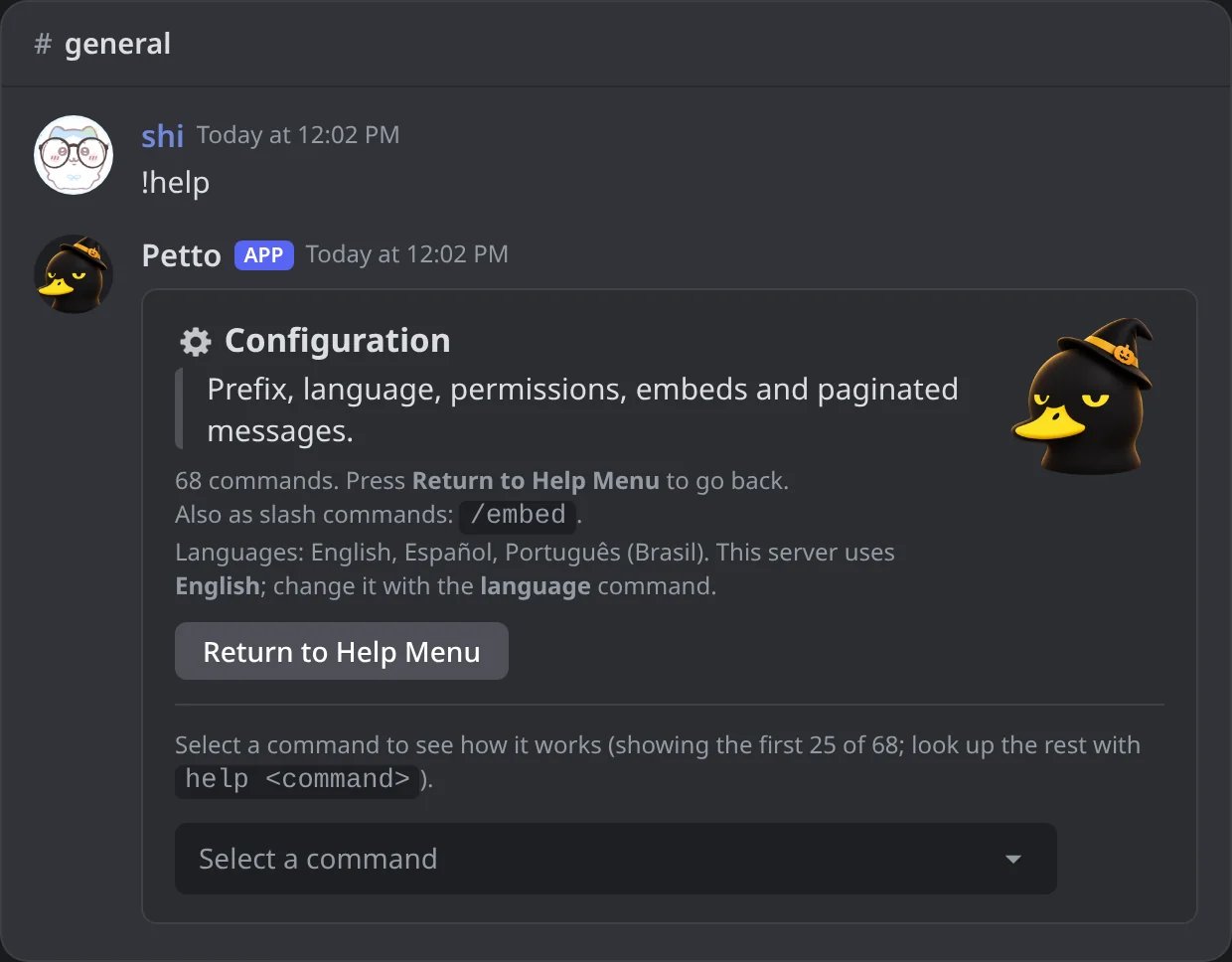
In Discord: after picking Configuration in the menu, the same message lists its commands.
!help "ticket category add"
!help "ticket category add"
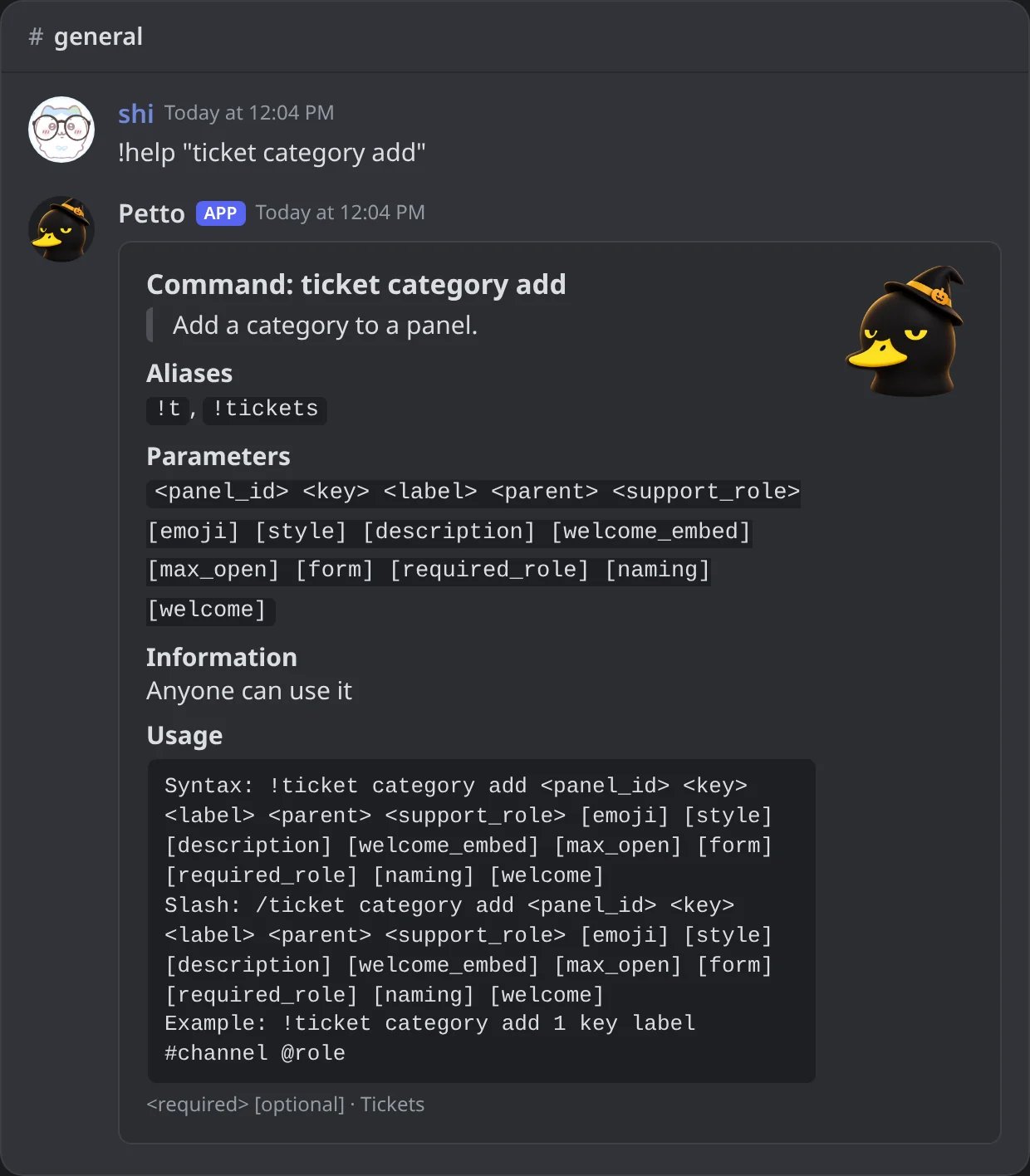
In Discord: one subcommand looked up directly, with its aliases, options and both forms.
!help tiket
!help tiket
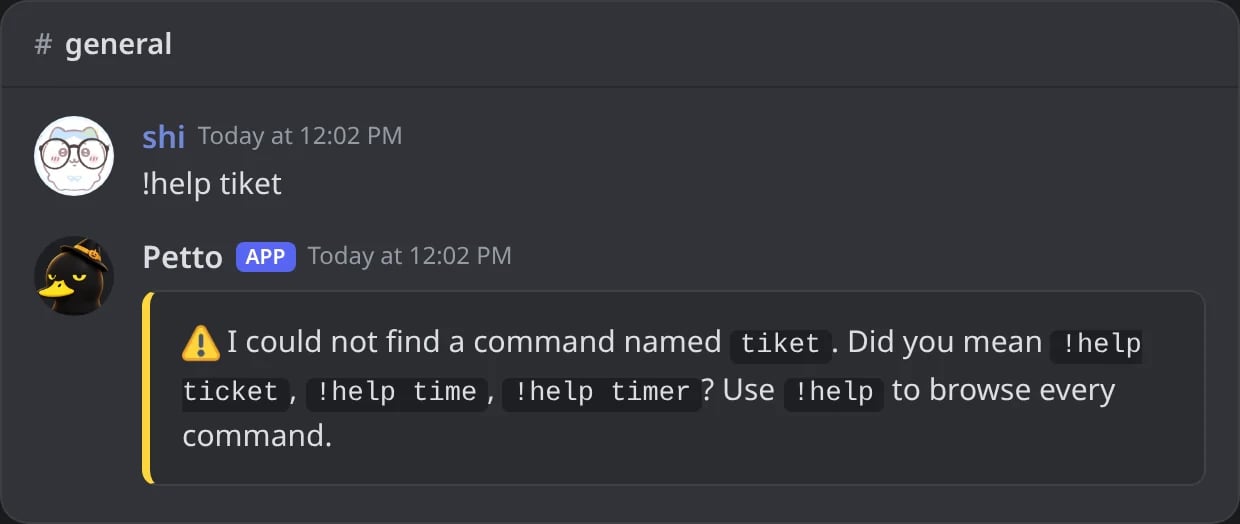
In Discord: a command typed wrong gets the closest names.
@, more than 10) before saving, and it works on a phone.
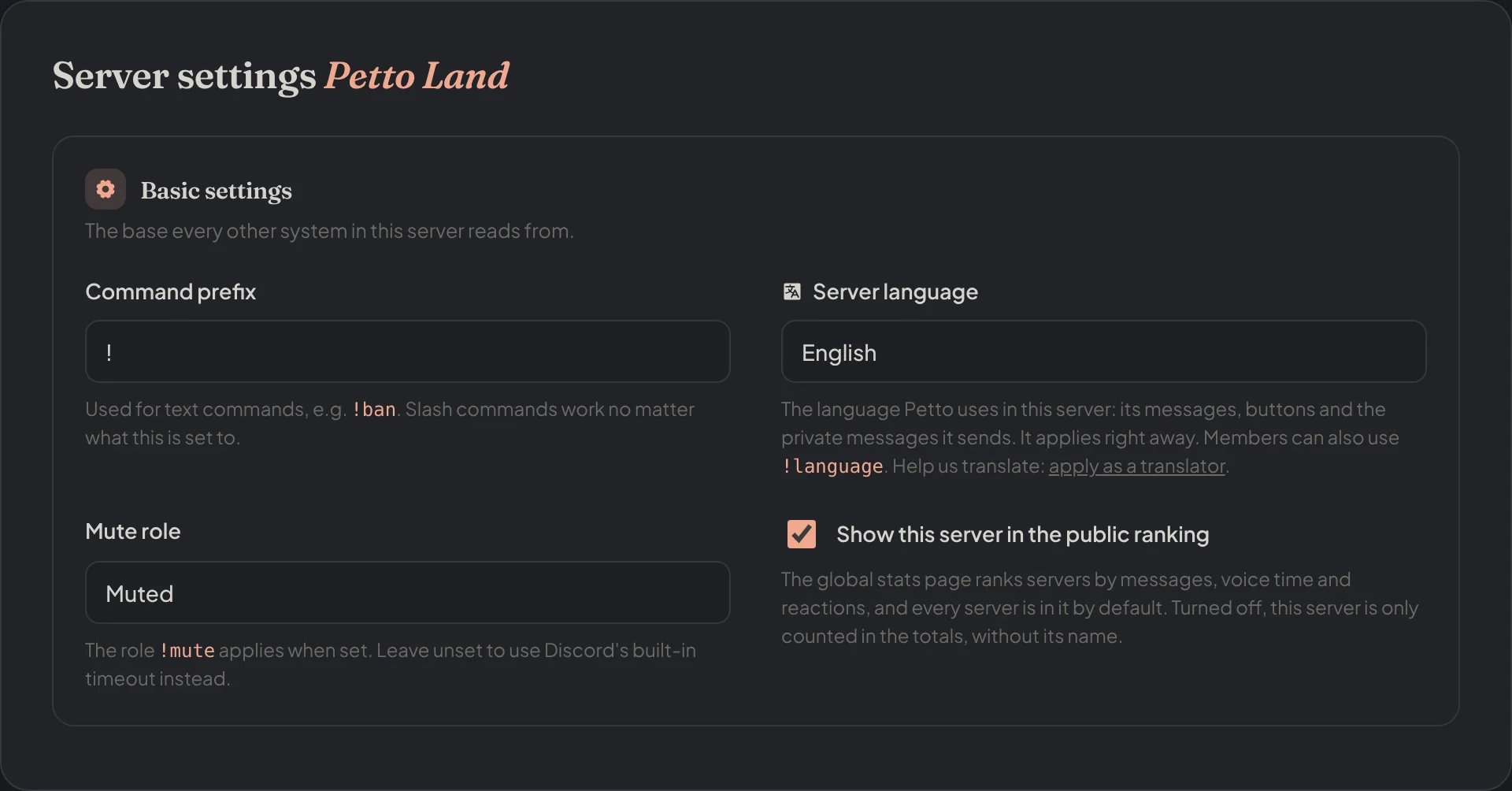
Dashboard → Dashboard → Settings: the Command Prefixes, next to the server language and the mute role.
Slash commands
Every command works with the prefix. The everyday ones are also in Discord’s/ menu, with the same answers and the same checks, so members who never learned a prefix can still use them. The prefix form keeps working for all of them.
!<module>config cards and a few team tools stay prefix only.
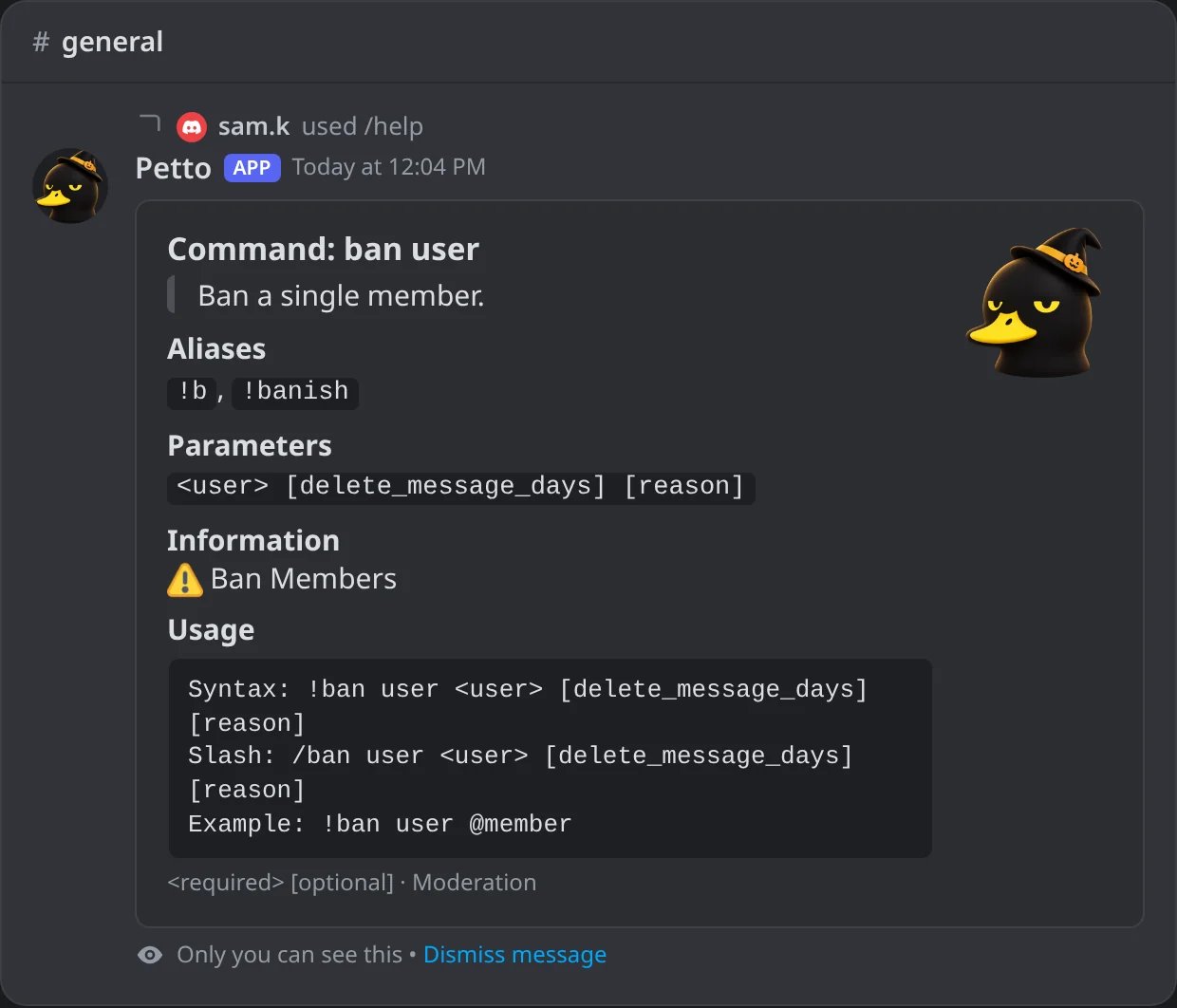
In Discord: /help shows the slash form next to the prefix syntax.
Who sees each slash command
Discord hides a slash command from members who don’t have the permission it needs, so the/ menu only shows what someone can use:
!moderation can use it from the / menu too: allow the command for that role there, and Petto’s own checks still apply. The everyday slash commands are not offered in DMs. See Command permissions for how Petto checks a command.