
Overview
Reminds the server to/bump on Disboard again once its 2-hour cooldown ends, with an optional thank-you message right after a successful bump.
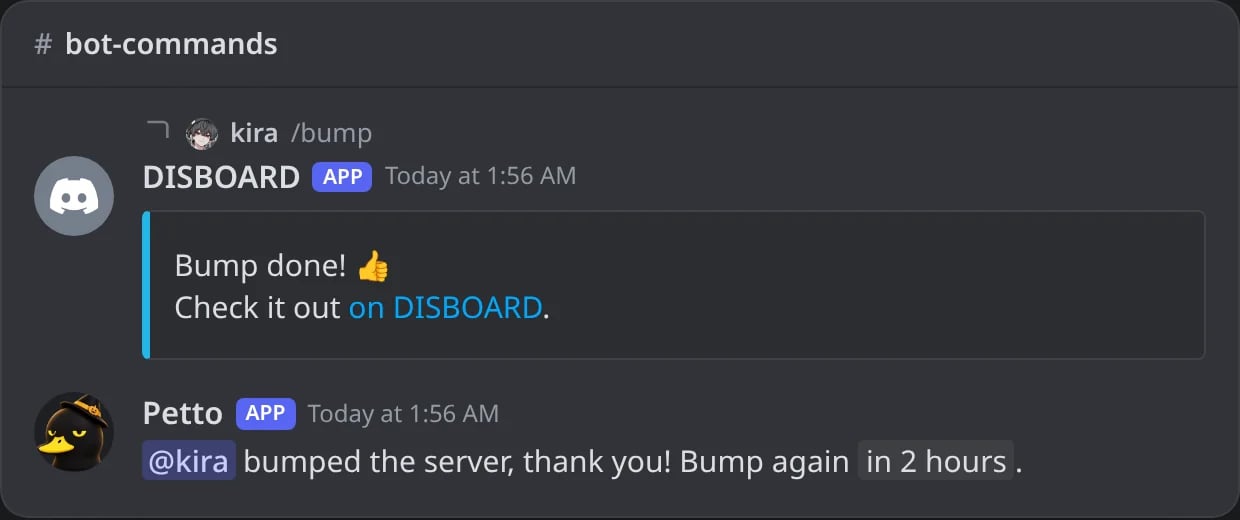
In Discord: the thank-you right after a bump, with the time of the next one.

In Discord: two hours later, the reminder that it is time to bump again.
Commands
!bumpreminder channel
!bumpreminder channel
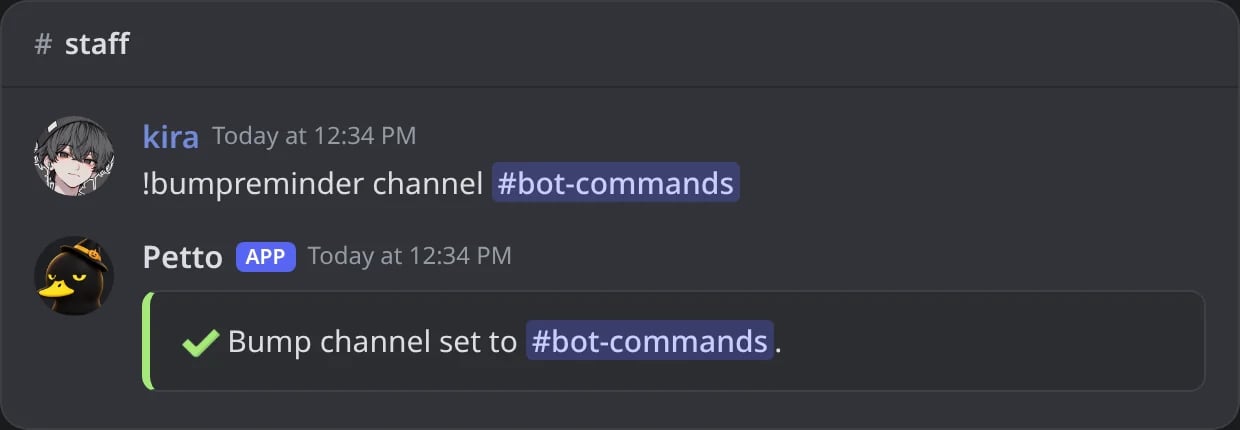
In Discord: the channel where DISBOARD is bumped.
!bumpreminder message
!bumpreminder message
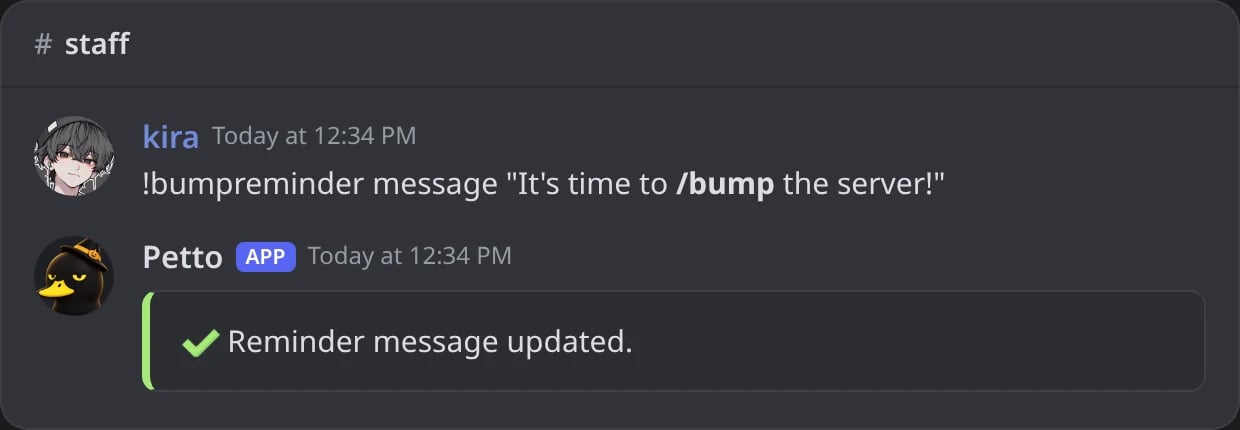
In Discord: the text of the reminder.
!bumpreminder thankyou
!bumpreminder thankyou
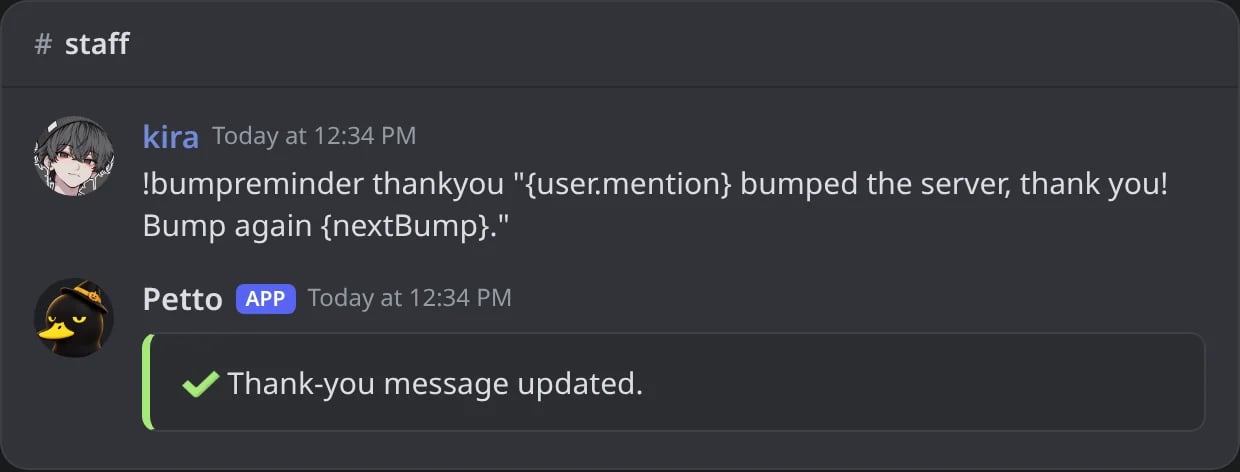
In Discord: the text of the thank-you, with {nextBump}.
!bumpreminder template
!bumpreminder template
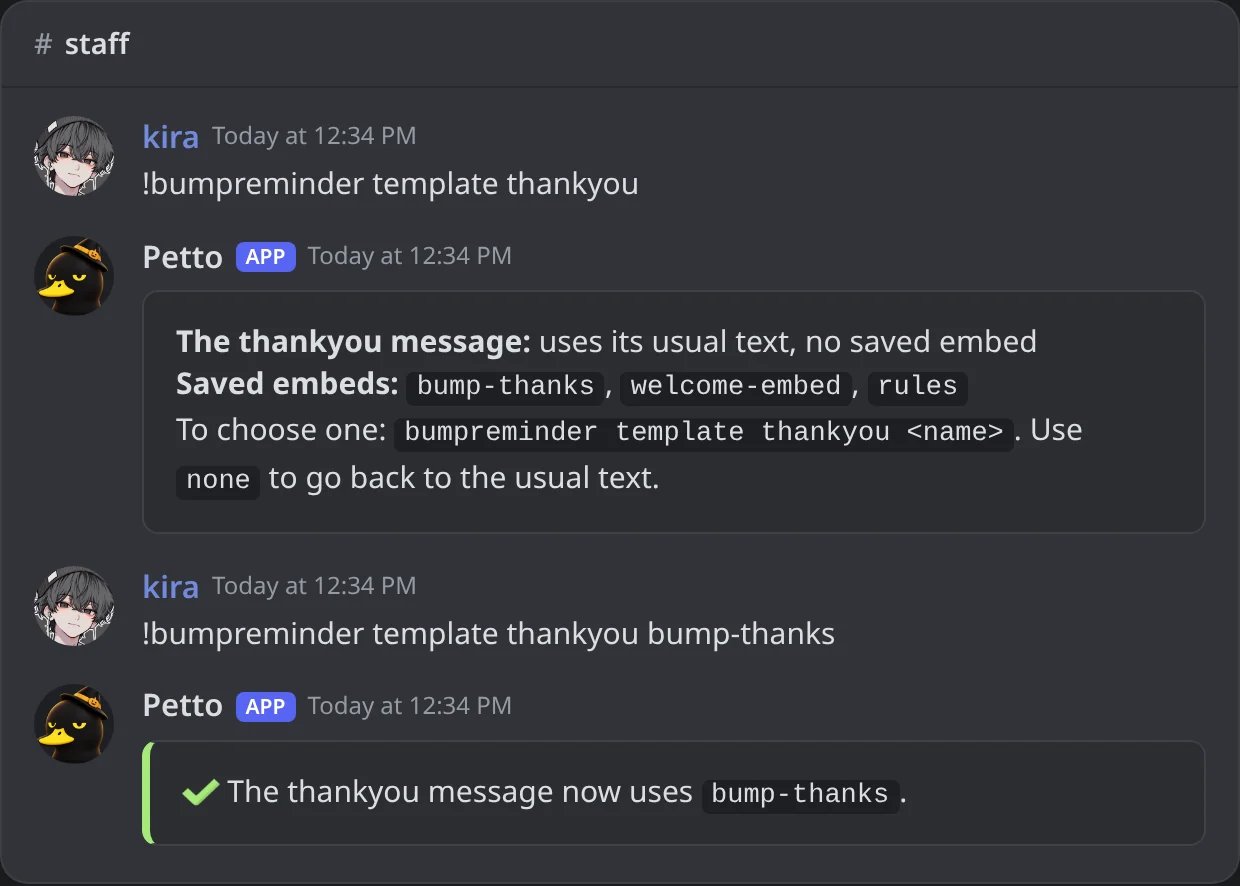
In Discord: without a name it says what is in use and lists the saved embeds; with a name it uses it.
!bumpreminder pingable
!bumpreminder pingable
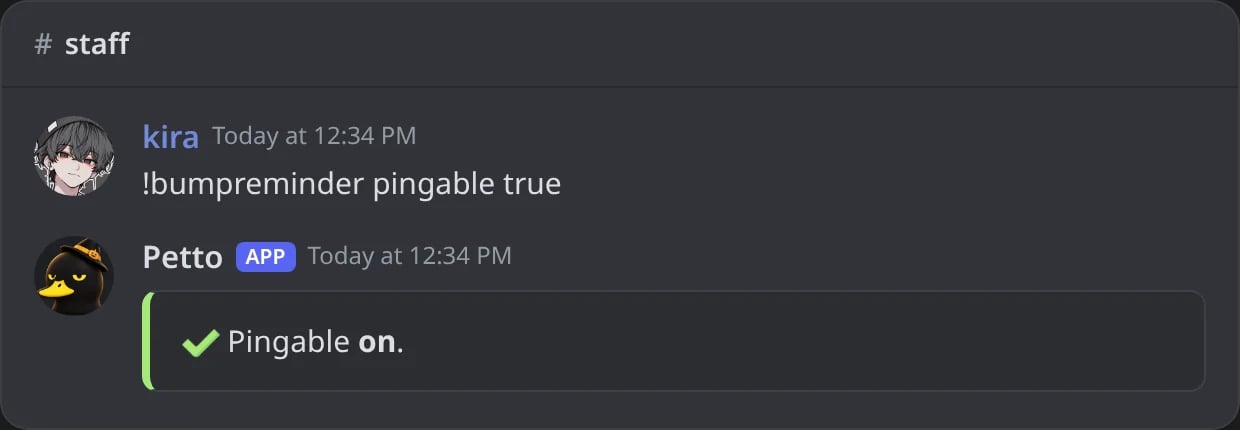
In Discord: the reminder can ping the members and roles it mentions.
!bumpreminder autolock
!bumpreminder autolock
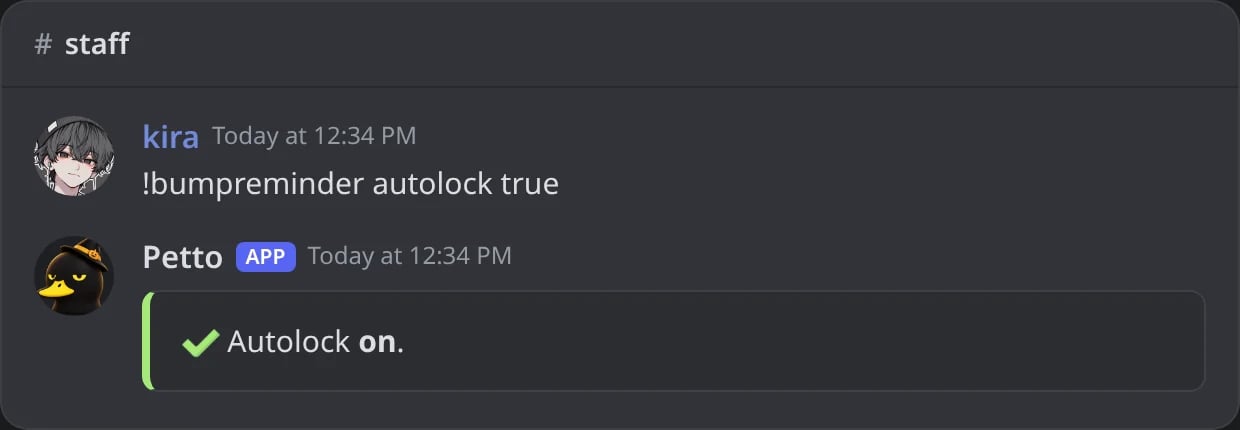
In Discord: the channel is locked between bumps.
!bumpreminder autoclean
!bumpreminder autoclean
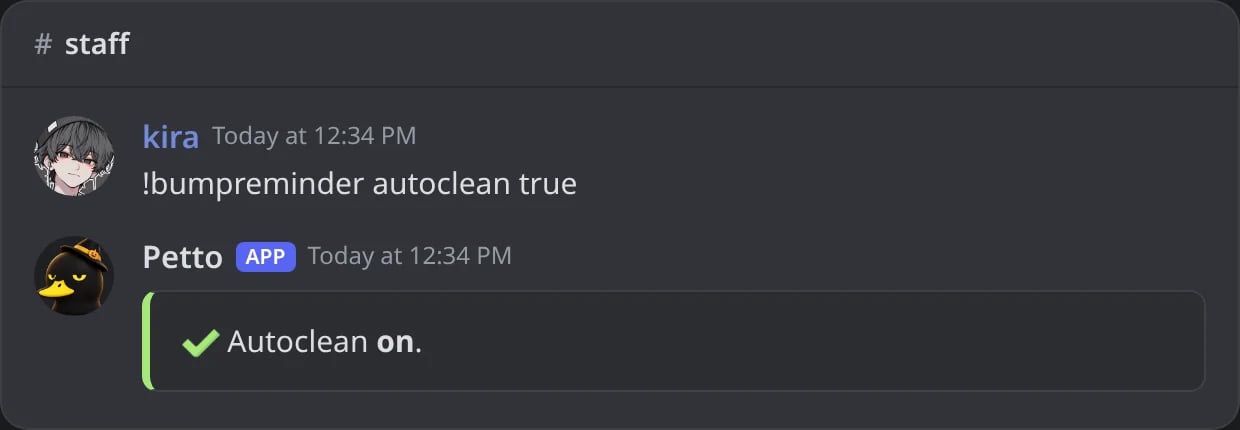
In Discord: chatter in the bump channel is deleted.
!bumpreminder status
!bumpreminder status
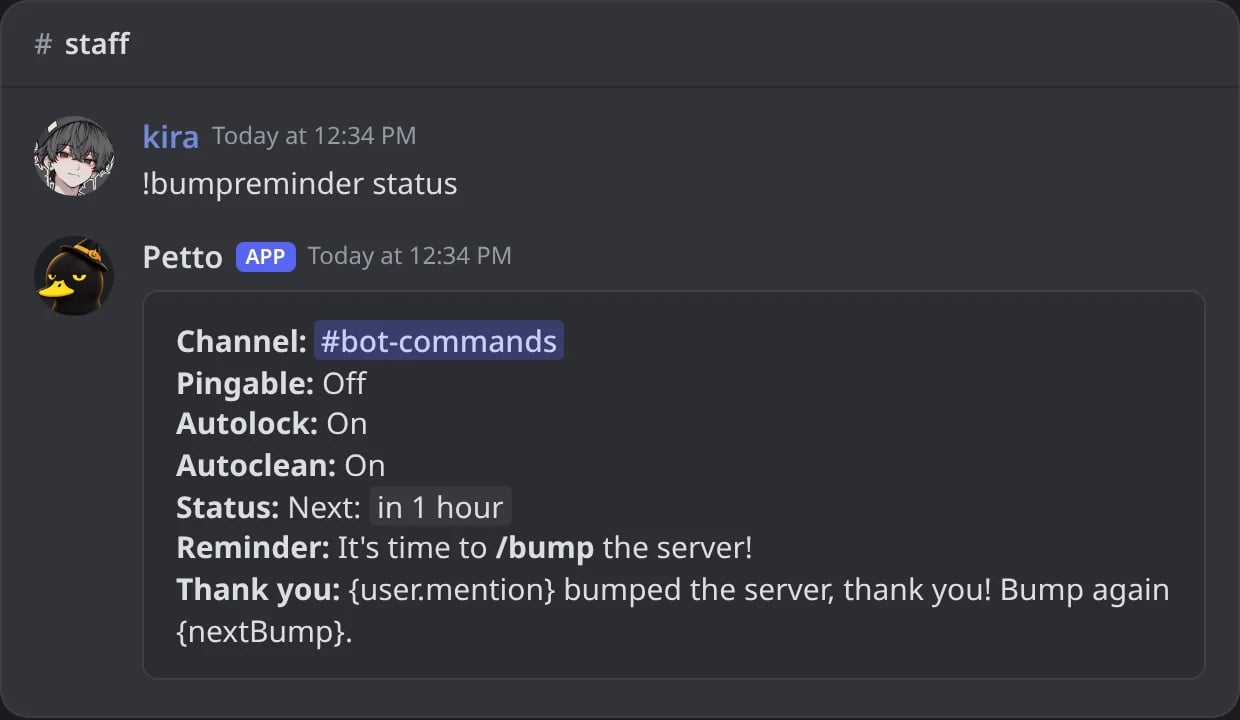
In Discord: the channel, the three switches, when the next bump is and both texts.
!bumpconfig
!bumpconfig
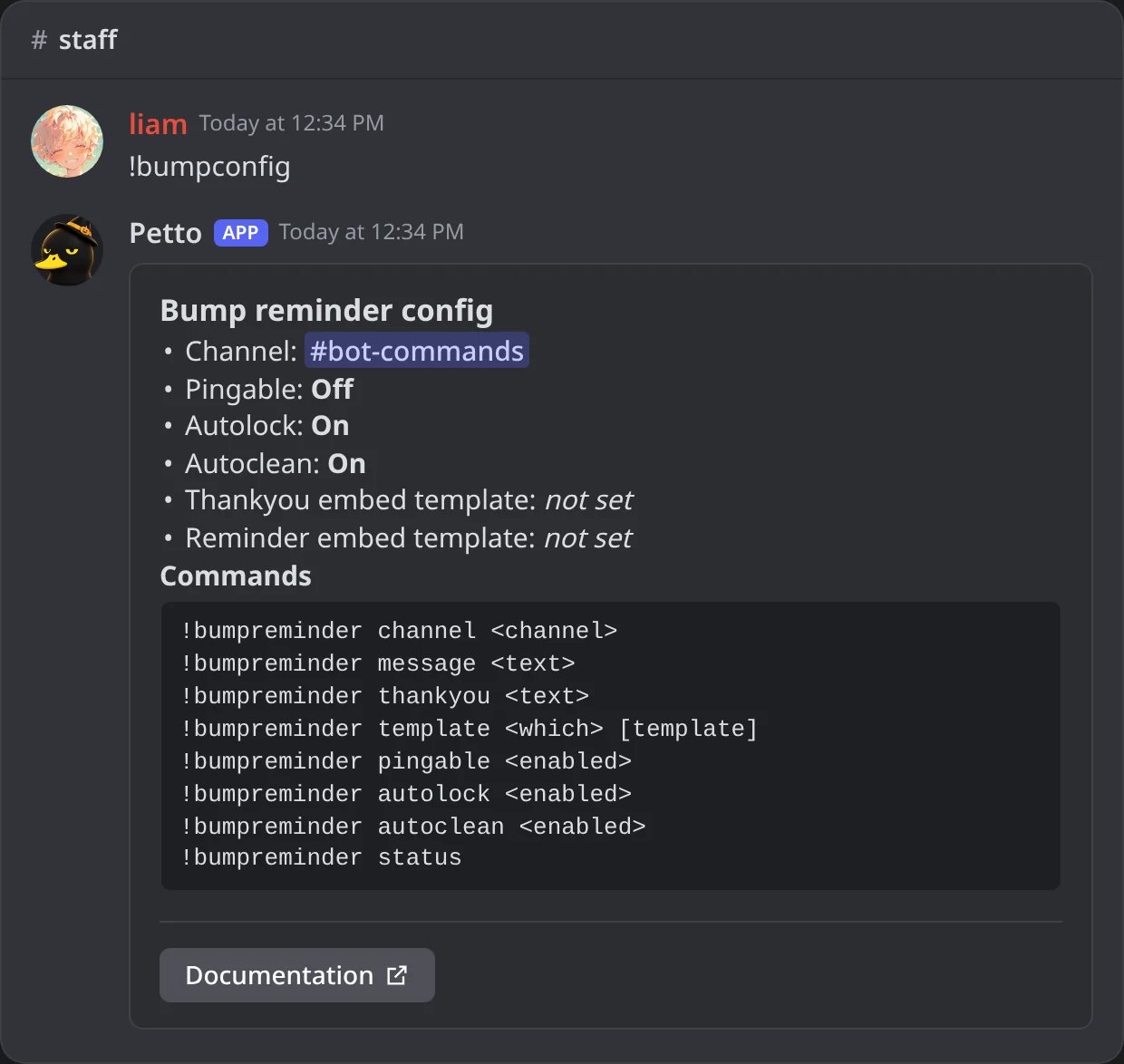
In Discord: !bumpconfig, the settings of the bump reminder and the commands to change them.
{nextBump} variable is only available in the thank-you message, a relative time until the next bump is allowed. template without a name says which saved embed each message uses and lists the saved embeds. !bumpreminder also works as !bump. !bumpconfig shows what is set now for the bump reminder and every command to change it.
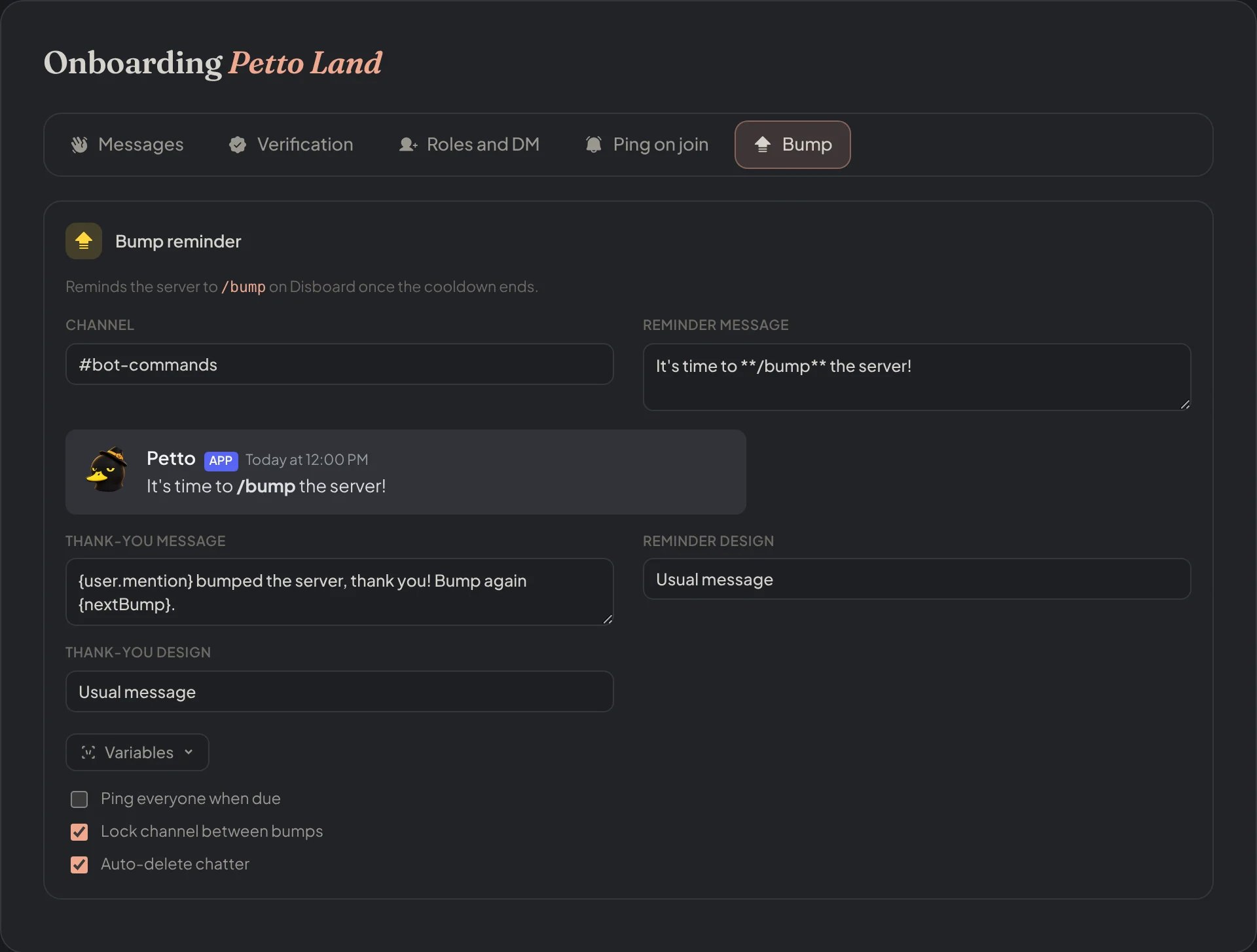
Dashboard → Security → Join Gate → Bump: the channel, both messages, their designs and the three switches.