
Overview
Boosters can create a custom colored role for themselves, and share it with a limited number of other members. Creating, changing and sharing a role needs the member to be boosting the server; removing it, unsharing it andshared do not.
It is a thank-you that members see: the role goes just above the base role you pick, so its color shows in the member list and in chat. Staff can manage every booster role, and the dashboard decides what happens when someone stops boosting.
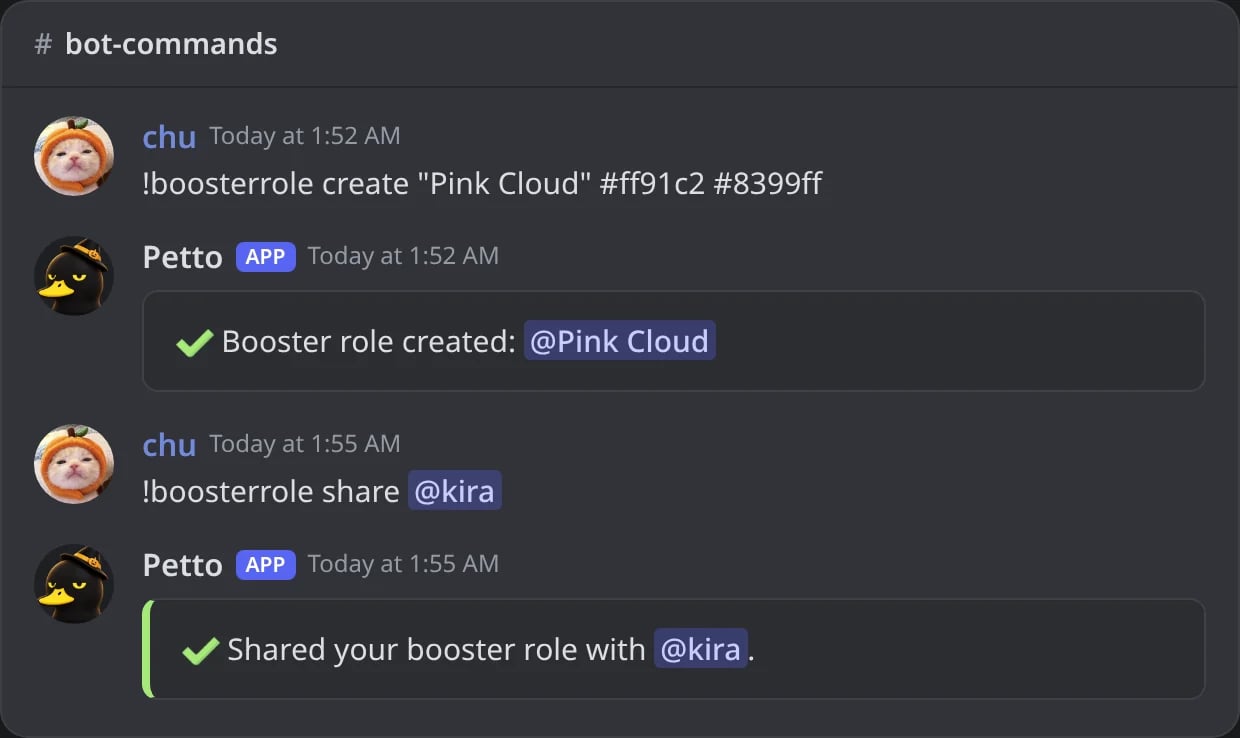
In Discord: a booster creates a gradient role and shares it with a friend.
Creating and styling your role
hex2 creates a gradient role. icon accepts an image URL, a custom emoji (not an animated one), a sticker ID, or a picture attached to the message. A normal emoji such as 🎀 is refused. random picks a random color, and remove deletes your role.
!boosterrole create
!boosterrole create
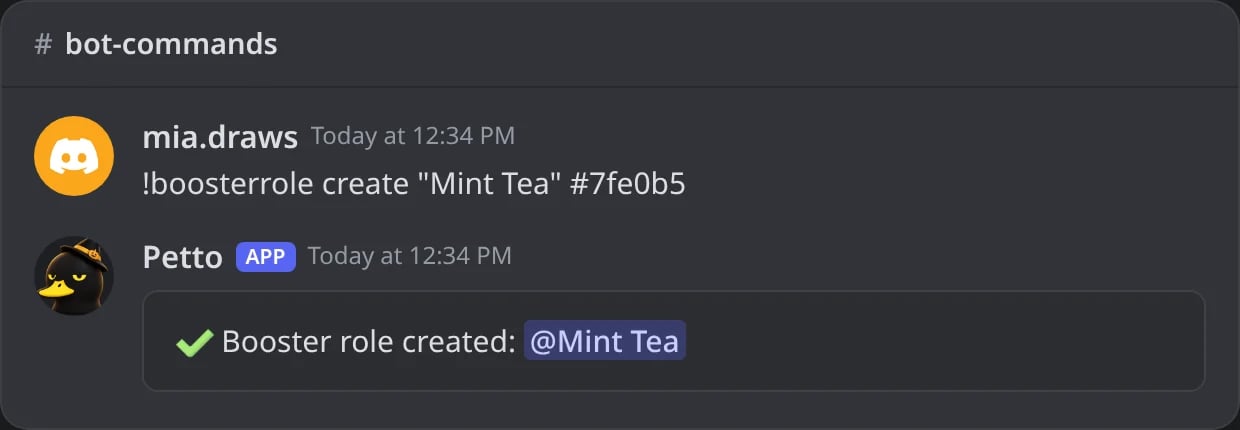
In Discord: a booster role with one color.
Refused: not boosting
Refused: not boosting
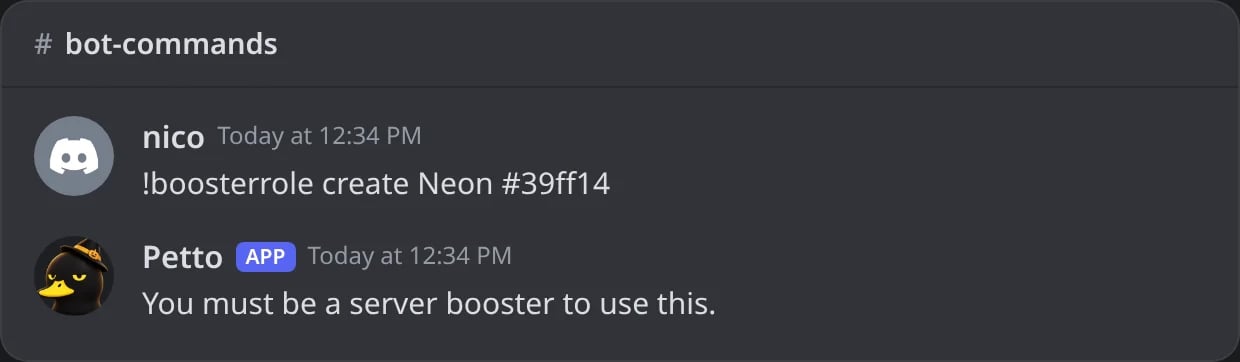
In Discord: a member who does not boost cannot make a role.
!boosterrole color
!boosterrole color
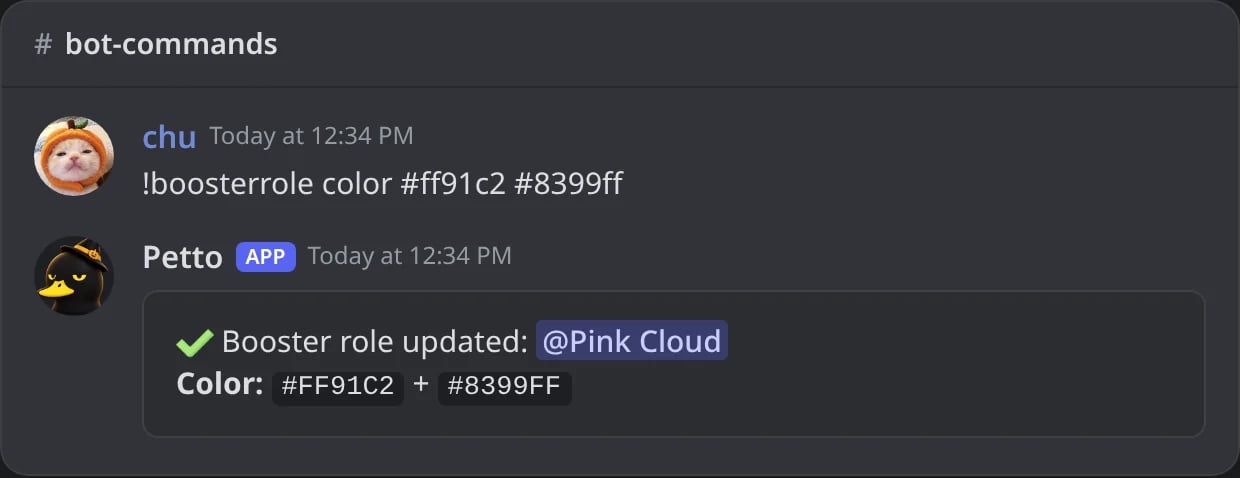
In Discord: two colors make a gradient.
!boosterrole color (during the wait)
!boosterrole color (during the wait)
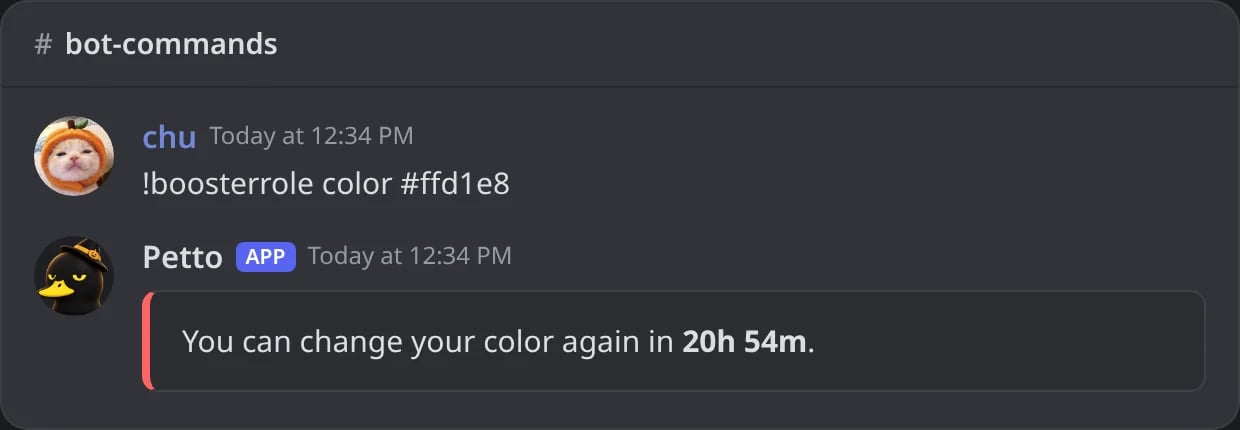
In Discord: a change too soon after the last one: Petto says when it can be changed again.
!boosterrole rename
!boosterrole rename
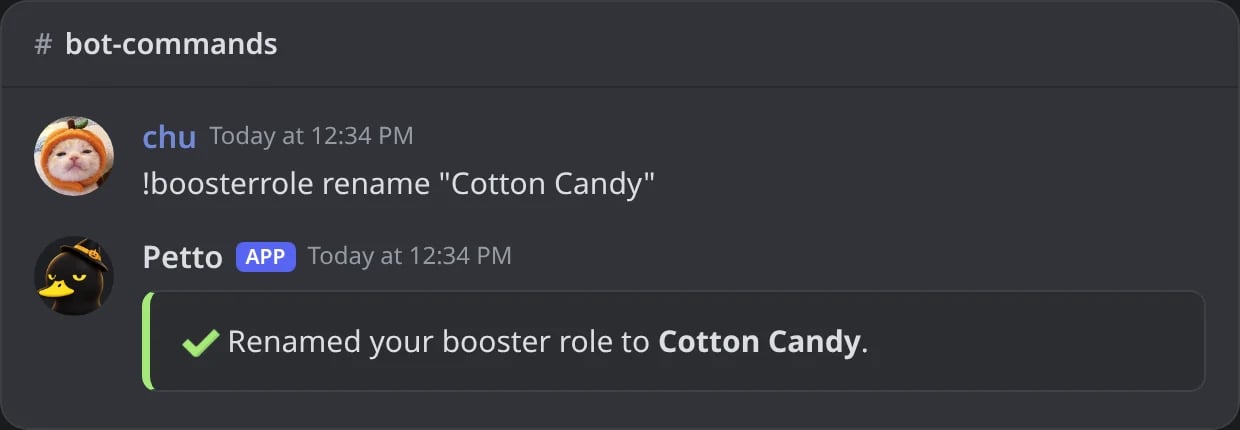
In Discord: a new name for your role.
!boosterrole icon
!boosterrole icon
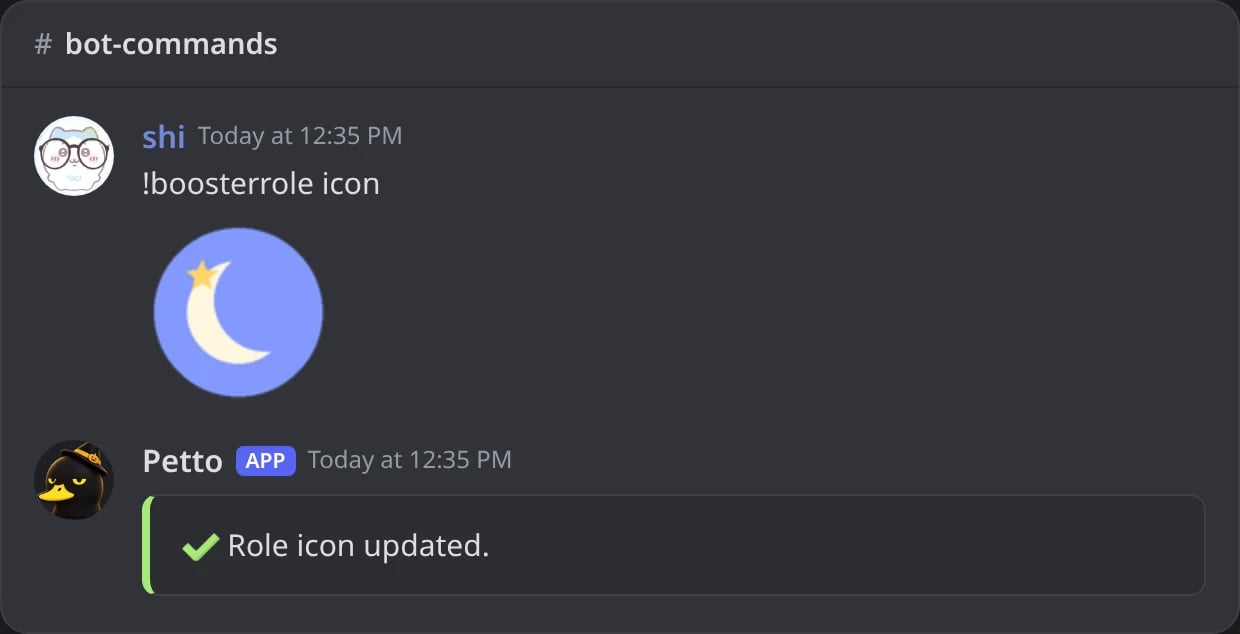
In Discord: a picture attached to the message becomes the role icon.
!boosterrole random
!boosterrole random
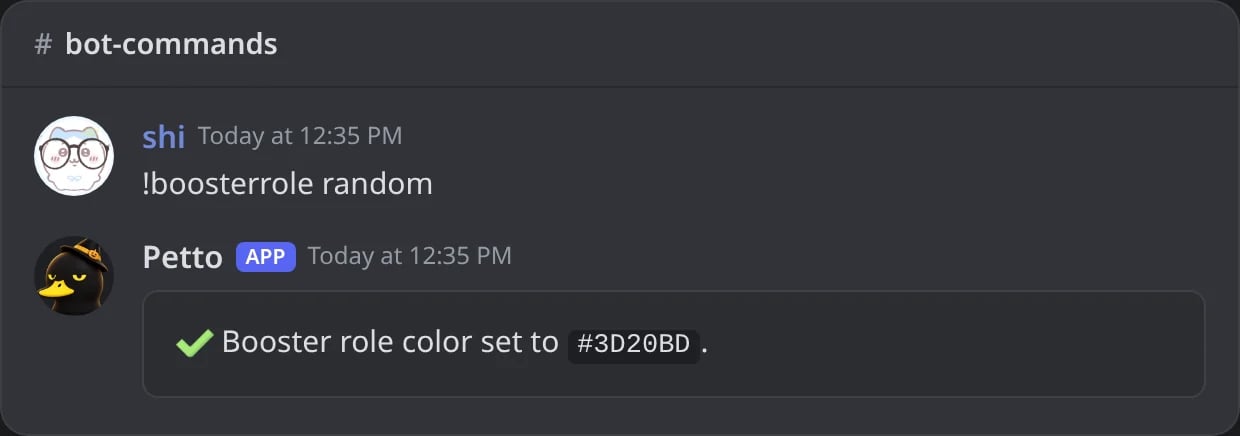
In Discord: a random color.
!boosterrole remove
!boosterrole remove
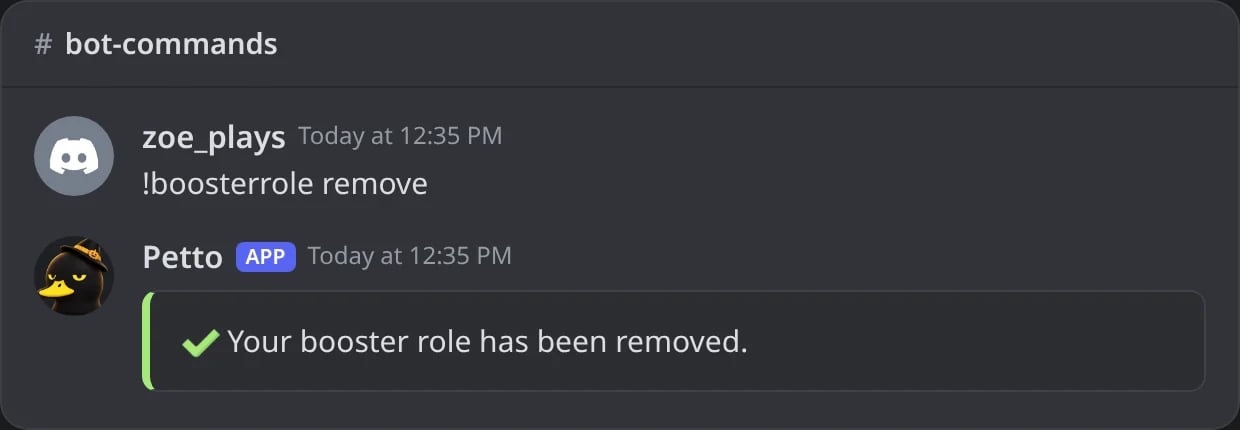
In Discord: your booster role deleted (no boost needed).
Sharing
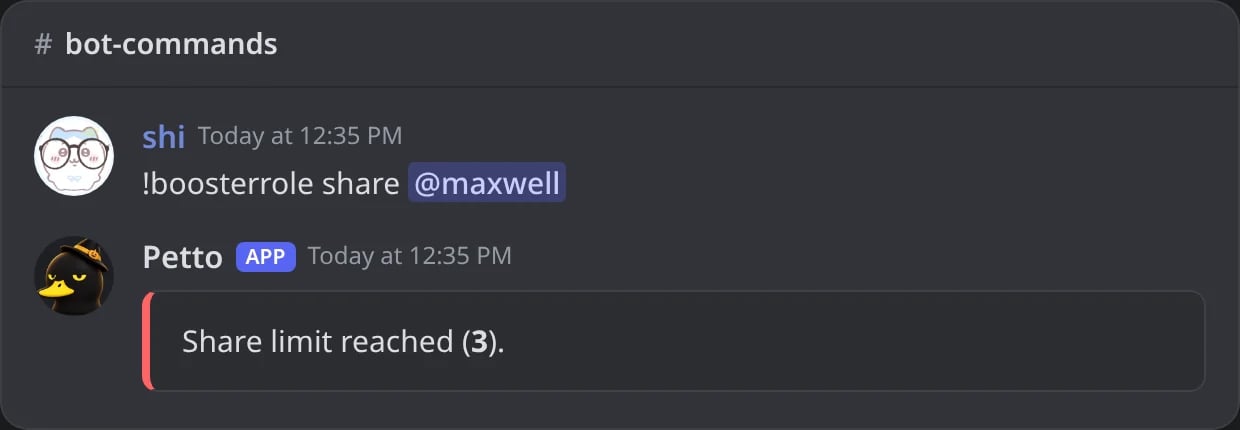
In Discord: the role already has as many members as the share limit allows.
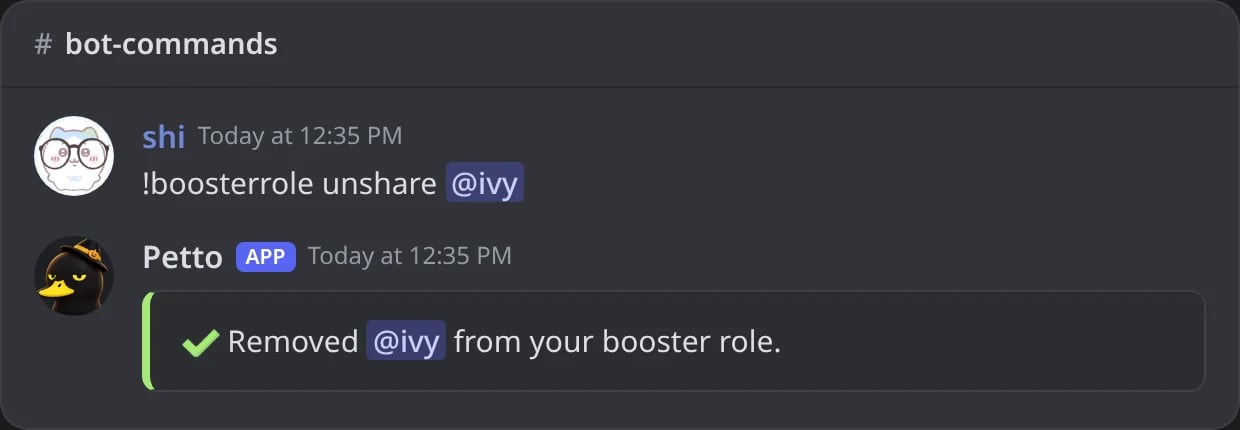
In Discord: a friend taken off your role.
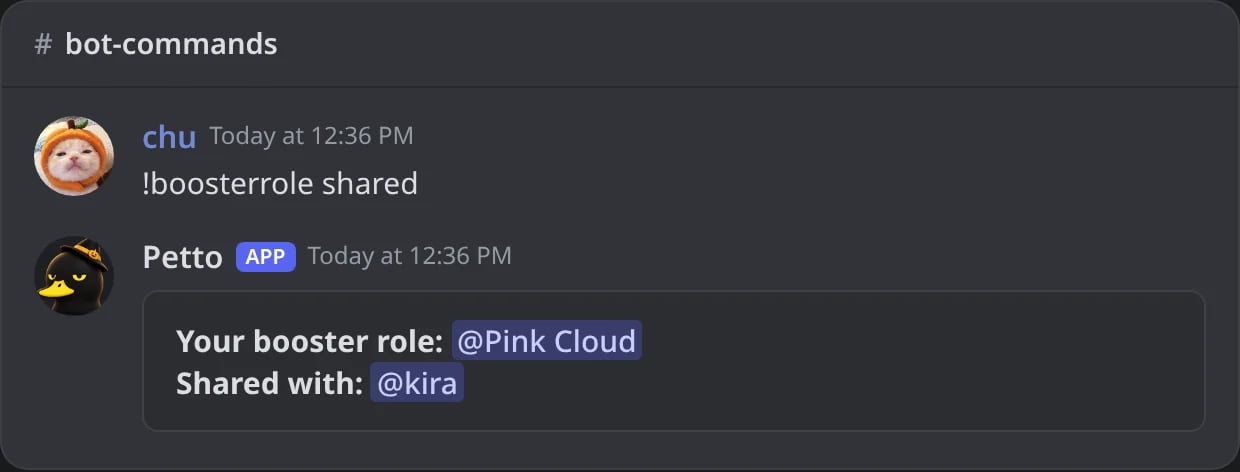
In Discord: your role and who has it.
Staff administration
Directly manage any member’s booster role, bypassing their own cooldowns and limits.link associates an already-existing role with a member as their booster role, useful if one was created manually. cleanup deletes booster roles belonging to members who are no longer boosting.
!boosterrole admin set
!boosterrole admin set
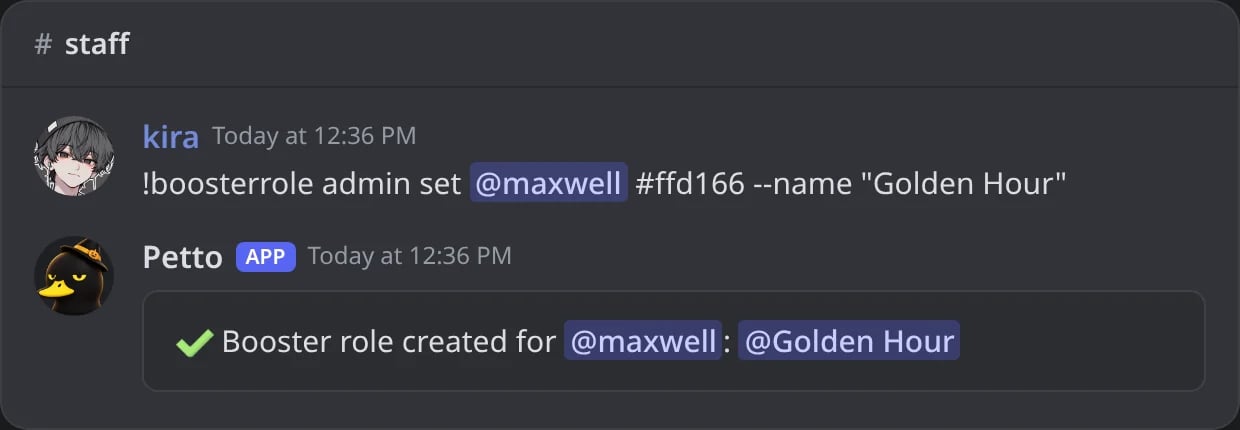
In Discord: a role made for a member by the staff.
!boosterrole admin rename
!boosterrole admin rename
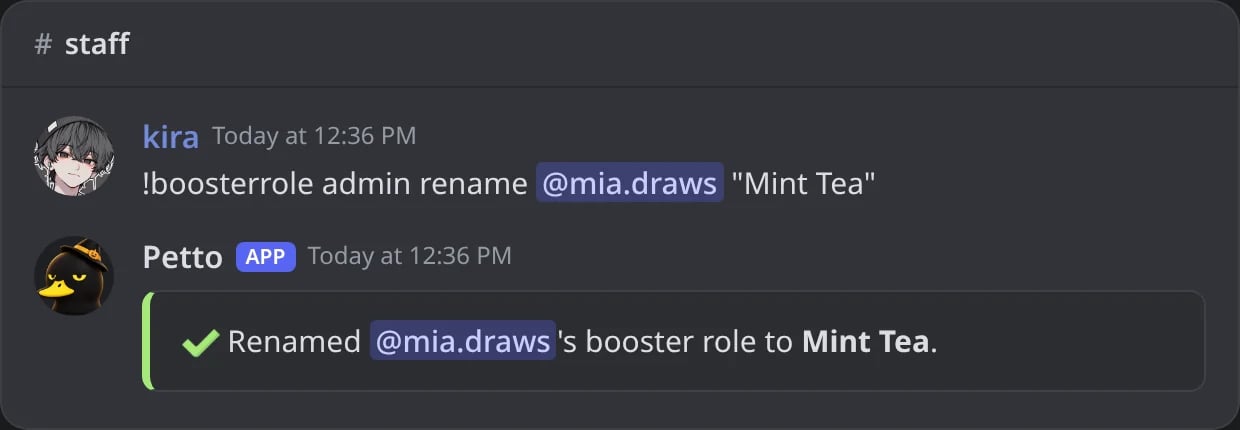
In Discord: the role of a member renamed.
!boosterrole admin icon
!boosterrole admin icon
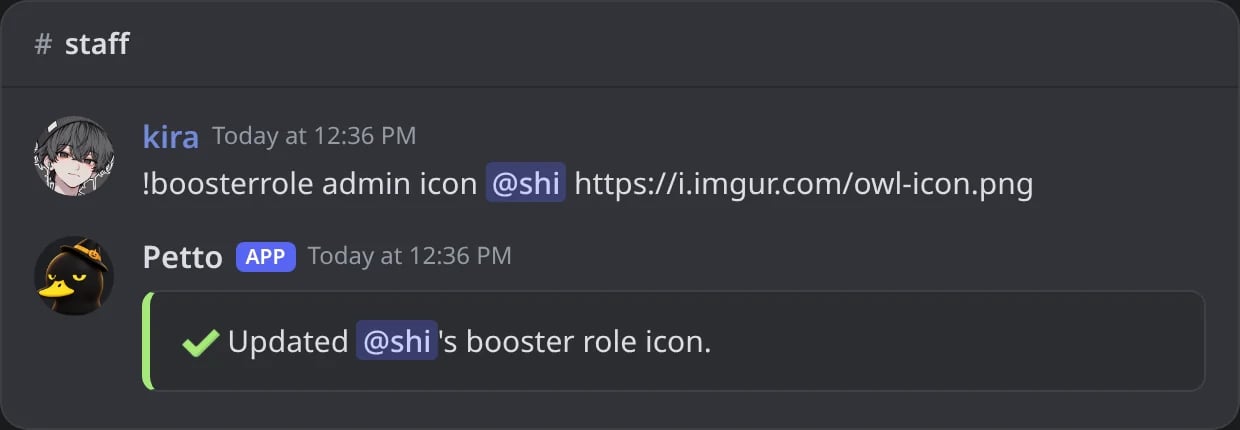
In Discord: an icon put on the role of a member.
!boosterrole admin remove
!boosterrole admin remove
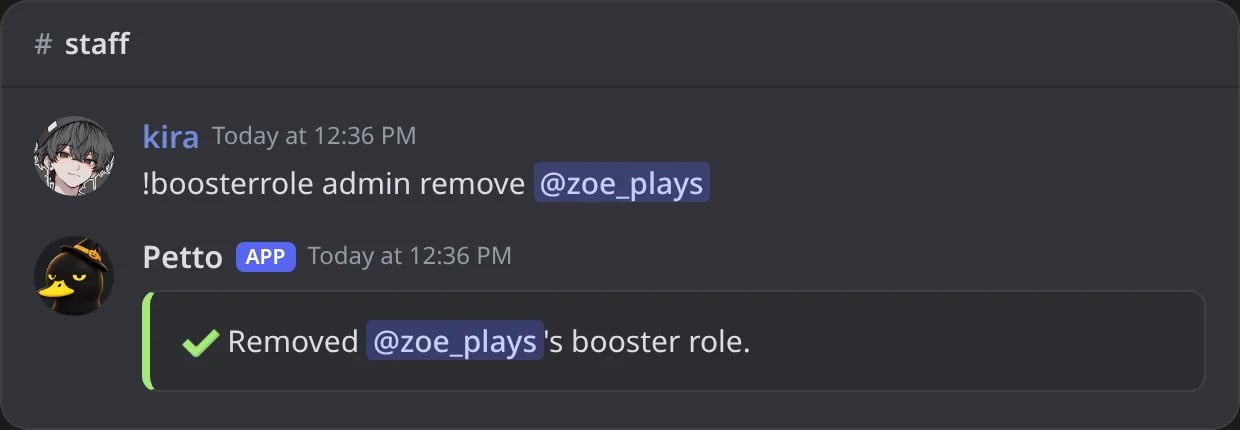
In Discord: the role of a member deleted.
!boosterrole admin list
!boosterrole admin list
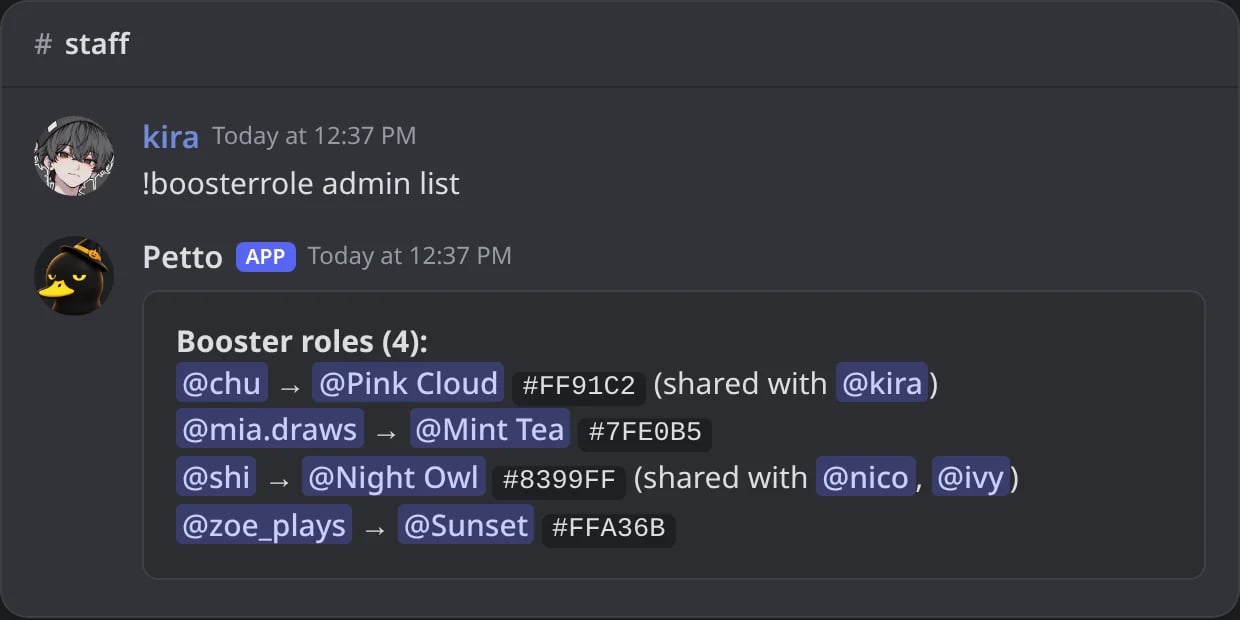
In Discord: every booster role with its owner, color and who it is shared with.
!boosterrole admin link
!boosterrole admin link
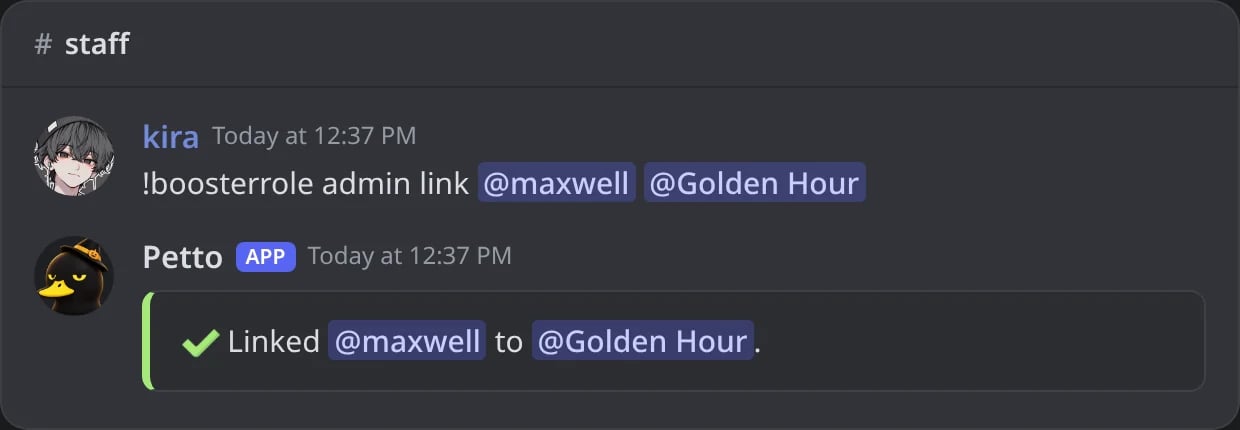
In Discord: a role the server already had becomes the booster role of a member.
!boosterrole admin cleanup
!boosterrole admin cleanup
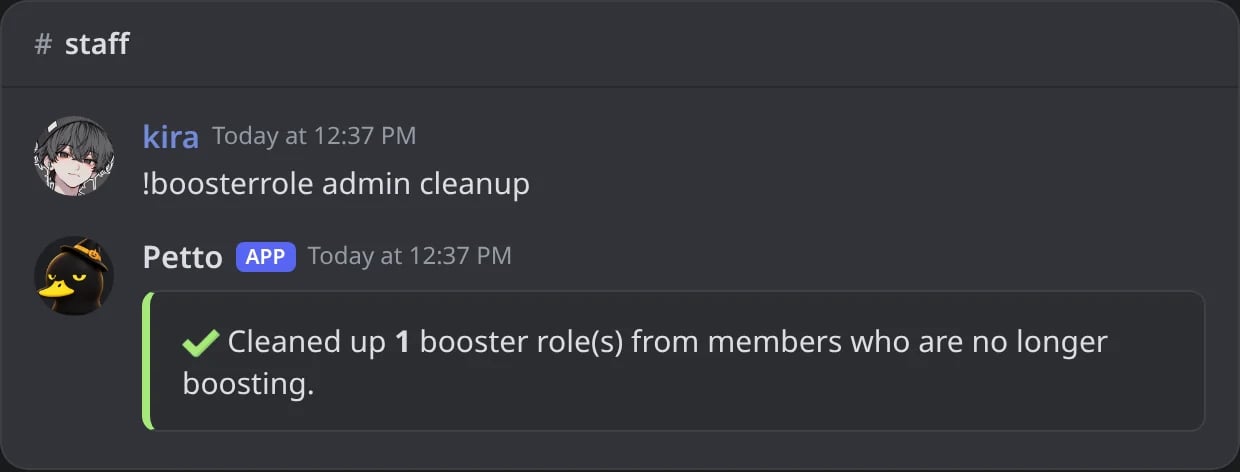
In Discord: the roles of members who no longer boost are deleted.
Server-wide settings
!boosterrole admin base
!boosterrole admin base
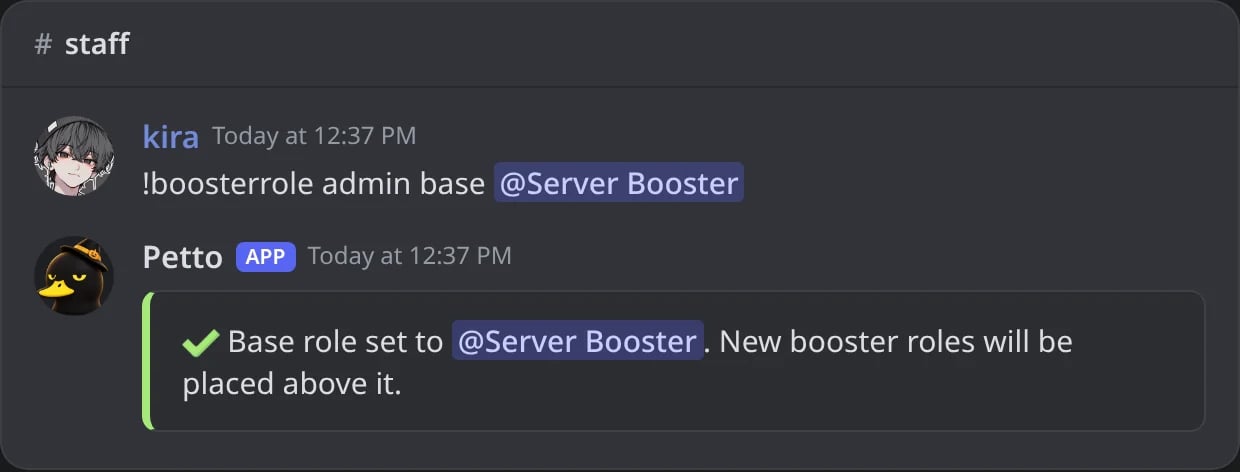
In Discord: new booster roles go above this role.
!boosterrole admin limit
!boosterrole admin limit
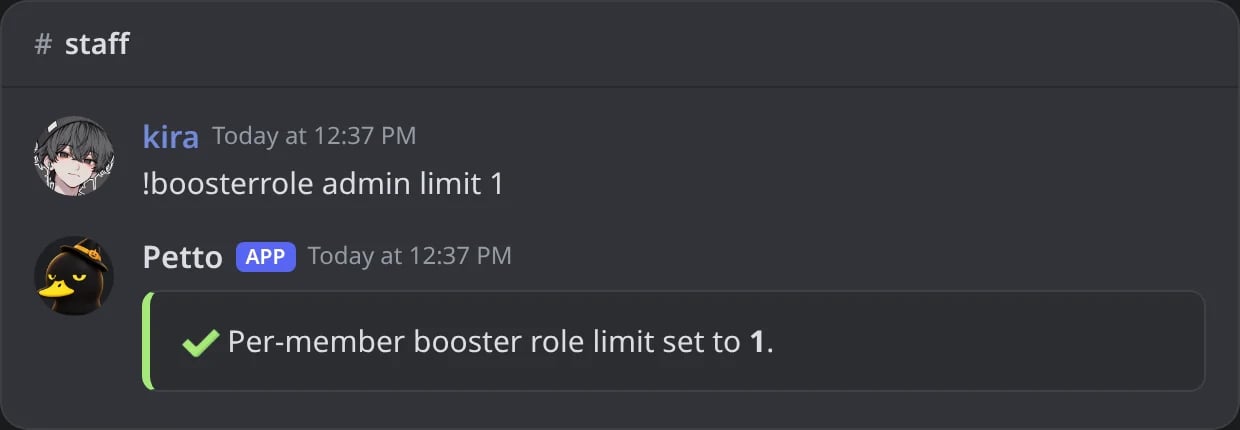
In Discord: one booster role per member.
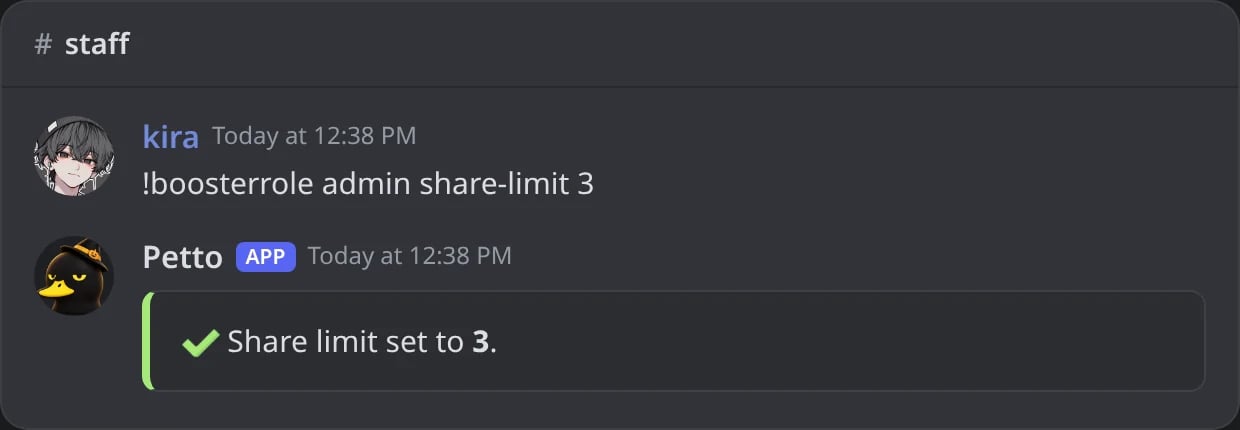
In Discord: the share limit set to 3.
!boosterrole admin cooldown
!boosterrole admin cooldown
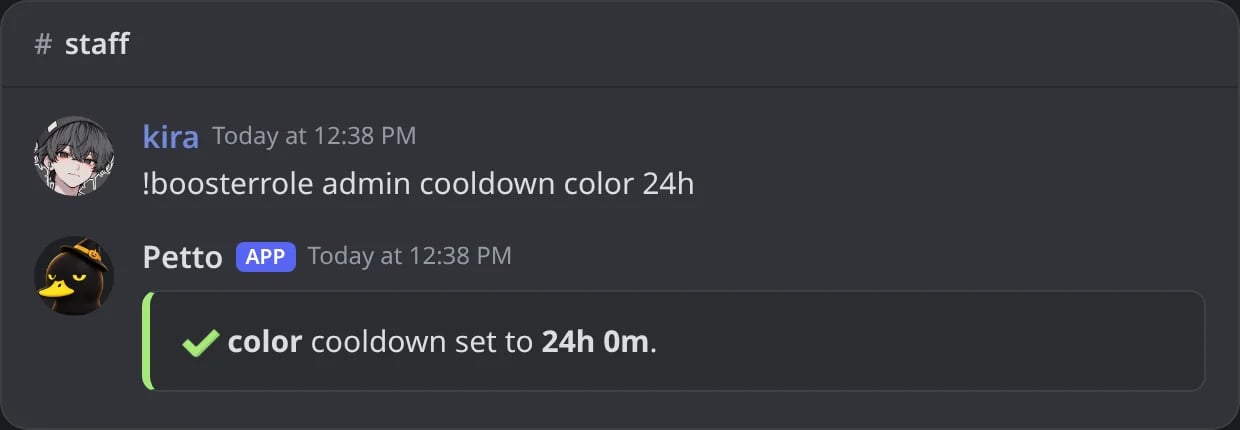
In Discord: the wait between color changes.
!brconfig (also !boosterroleconfig) shows these settings as the server has them, with the commands that change them. It needs Manage Server.
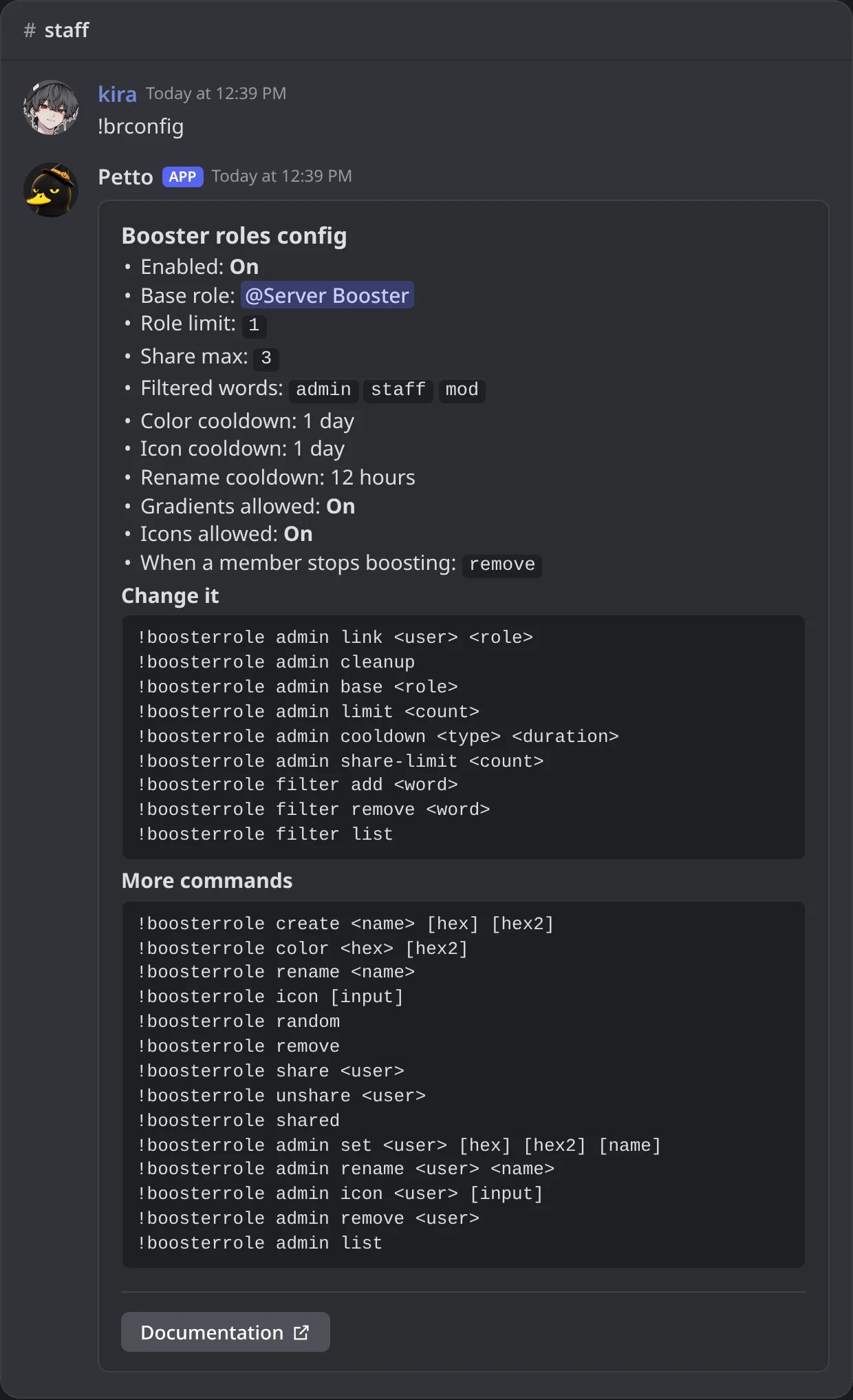
In Discord: the settings card of booster roles.
Filtered words
Block specific words from booster role names.!boosterrole filter add
!boosterrole filter add
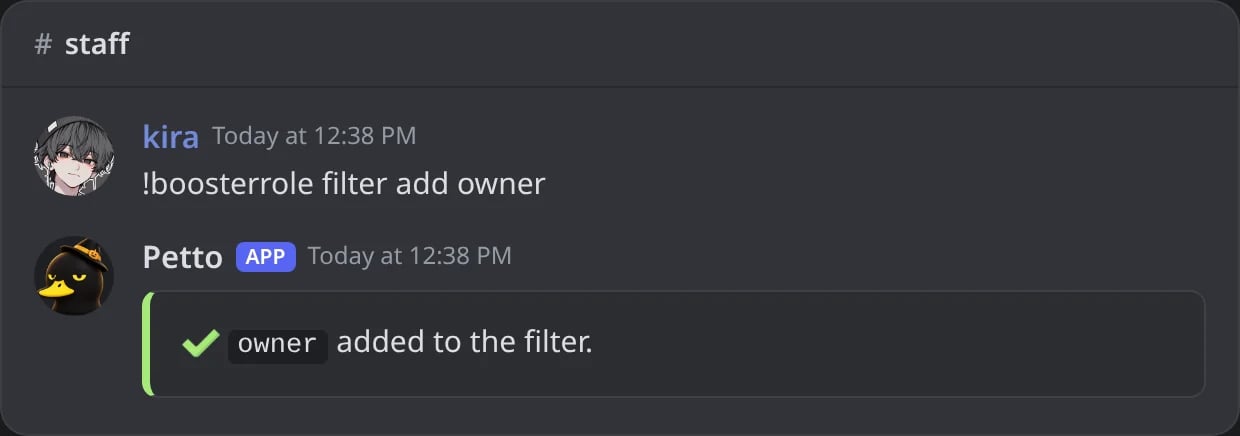
In Discord: a word added to the filter.
!boosterrole filter remove
!boosterrole filter remove
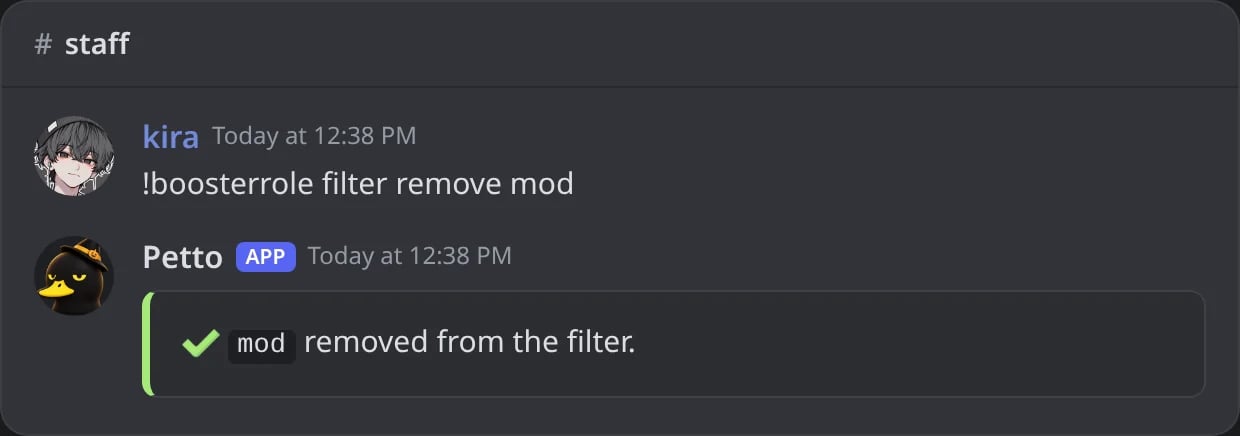
In Discord: a word allowed again.
!boosterrole filter list
!boosterrole filter list
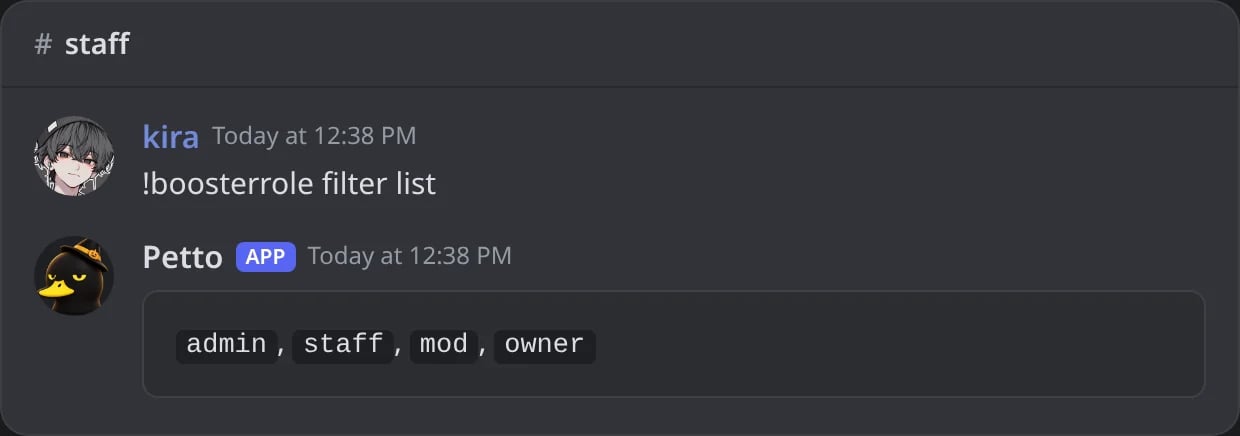
In Discord: the filtered words.
A name with a filtered word
A name with a filtered word
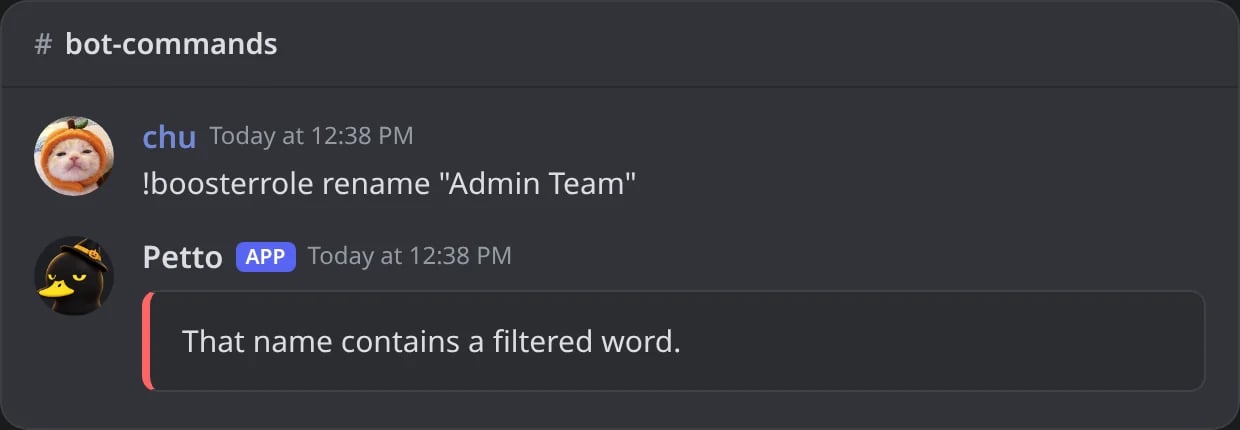
In Discord: a name that contains a filtered word is refused.
Dashboard
The Booster Roles page, in Community on the dashboard, shows how many booster roles, boosts and lapsed boosters the server has, and warns when Petto is missing Manage Roles.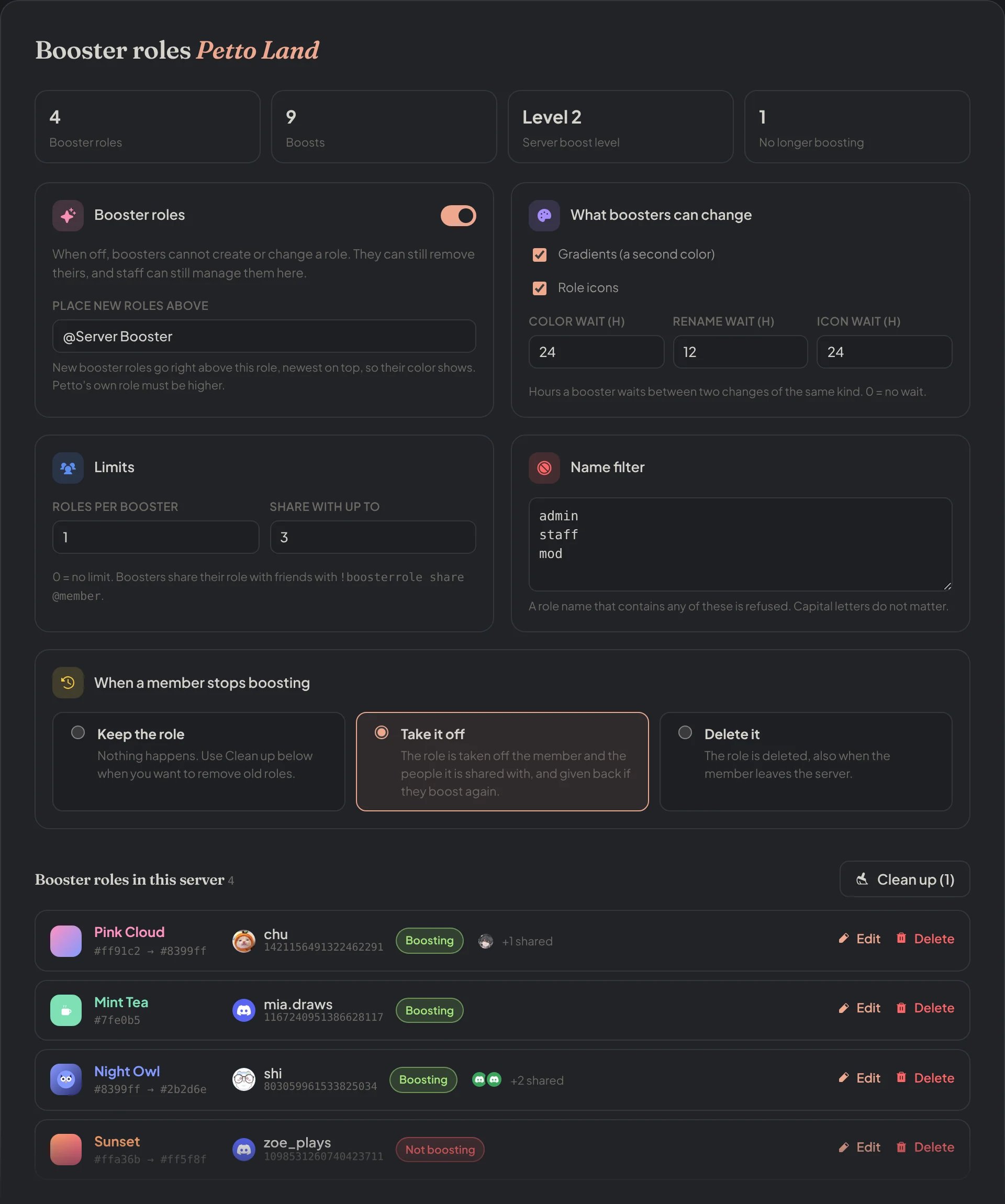
Dashboard → Community → Booster Roles: the counts, the switch, the base role, what boosters can change, the limits, the name filter and what happens when someone stops boosting.
- Booster roles on or off. When off, boosters cannot create or change a role (
create,color,rename,icon,random,share). They can still remove theirs, and staff can still manage every role. - Place new roles above: the same as
admin base. By default, the Server Booster role. - What boosters can change: allow or not gradients (a second color) and role icons (icons need boost level 2), and the waits for color, rename and icon changes in hours (0 = no wait). The staff commands are not limited by these.
- Limits: roles per booster, and Share with up to: how many members can have a role, counting its owner (3 = the owner and 2 friends). 0 = no limit.
- Name filter: one word or phrase per line, the same list as
filter. - When a member stops boosting:
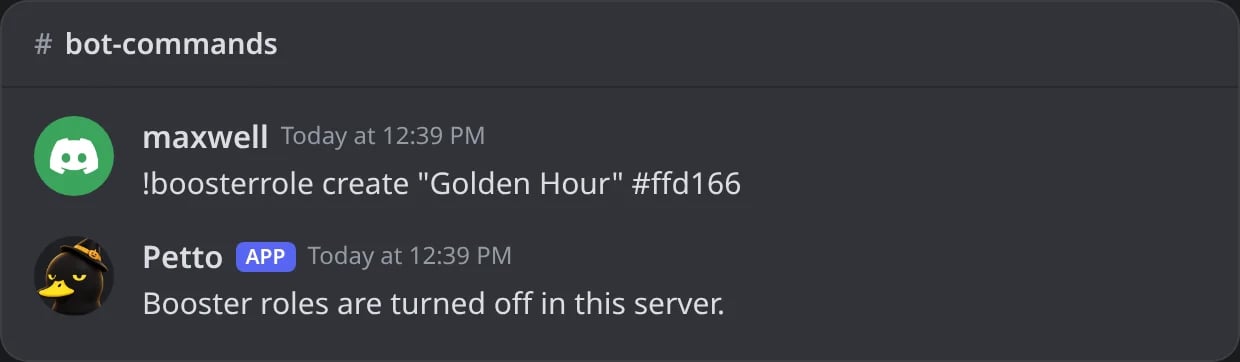
In Discord: with booster roles turned off, a booster who tries to make one is told so.
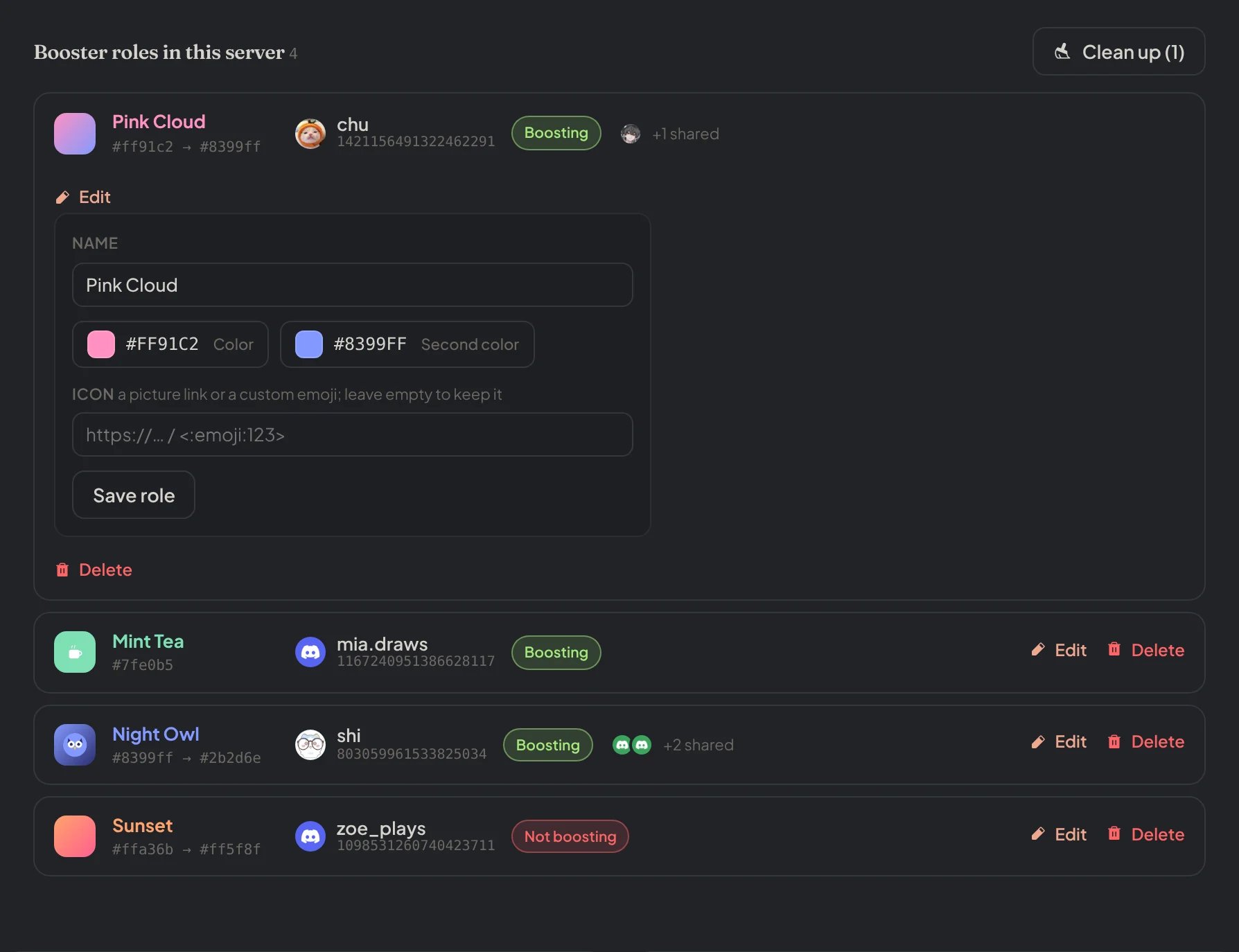
Dashboard → Community → Booster roles: the list of booster roles with the editor of one open.
- Give a booster role creates a role for a member, or changes the one they have, with a name and colors. No limit or wait applies, like
admin set. Members who boost but have no role yet are listed to pick quickly. - Link an existing role makes a role the server already has the booster role of a member, like
admin link. The member gets the role.
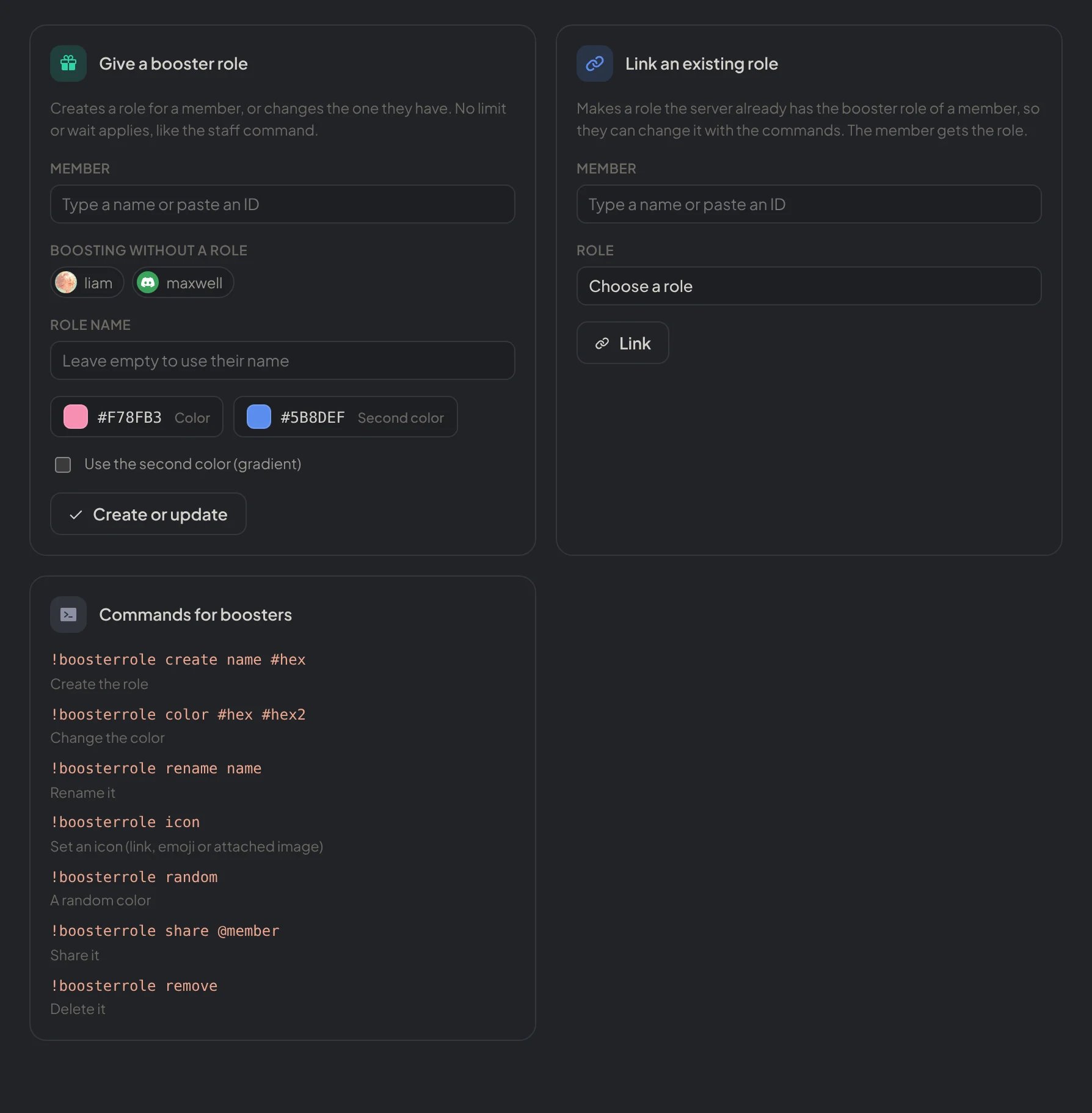
Dashboard → Community → Booster roles: Give a booster role, with the members who boost without one, and Link an existing role.