
Overview
A join-gate backed by an actual captcha, not a reaction or a fake “click here” button. Each server chooses how its members prove they are human: the Cloudflare check (Turnstile), letters in a picture, or both. Turn it on when raids, spam bots or throwaway accounts are a problem: until a member passes the check, they only hold the unverified role and cannot see the rest of the server. Petto’s verification does not hold the welcome: it is sent when the member joins, or after they accept the server rules if the welcome is set to wait for them. To welcome only verified members, make the verified role the one that opens your channels, and use Discord’s Membership Screening for the wait.Commands
!verify setup
!verify setup
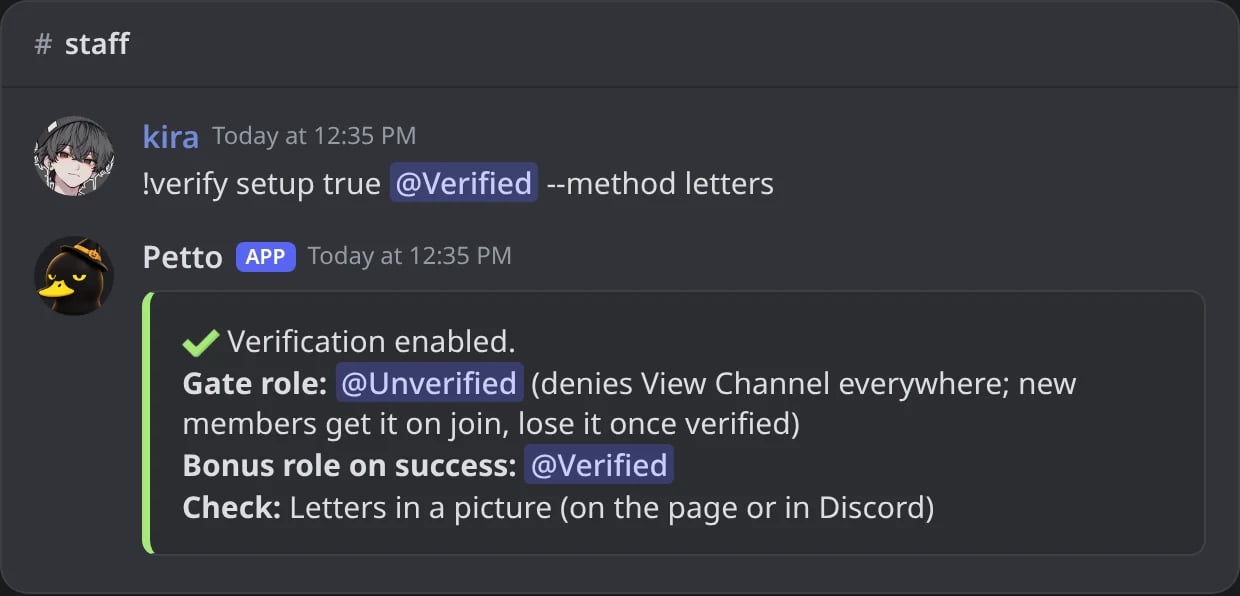
In Discord: verification on, with @Verified and the letters check.
!verify status
!verify status
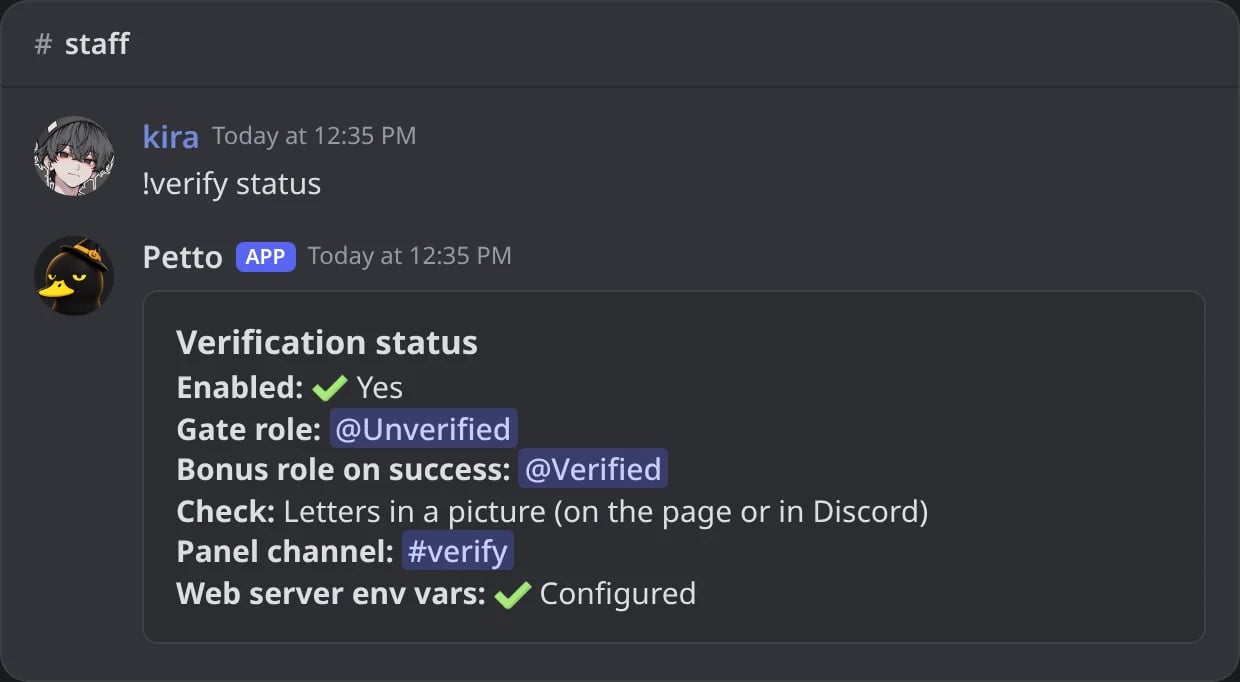
In Discord: everything verification uses in the server.
!verify send
!verify send
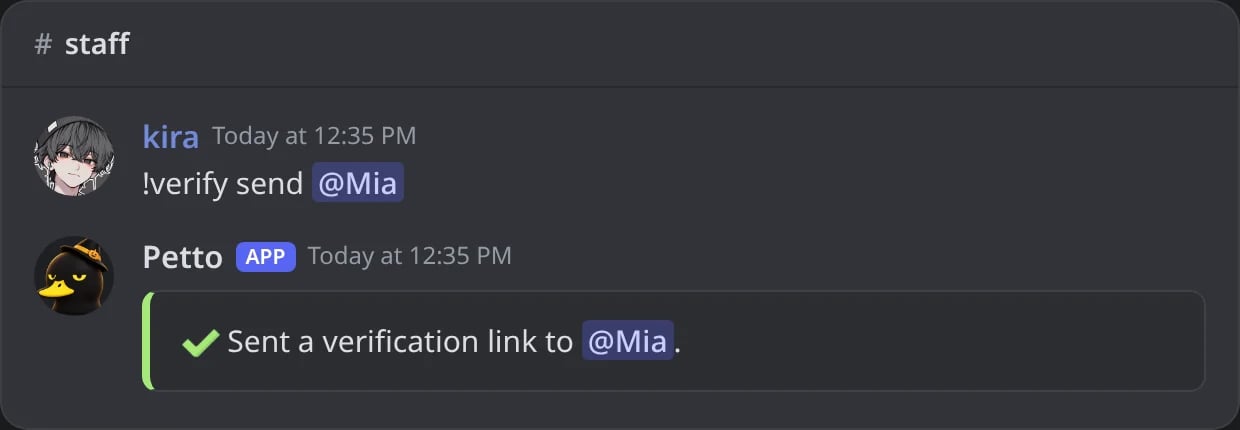
In Discord: a new verification link sent to Mia by DM.
!verify template
!verify template
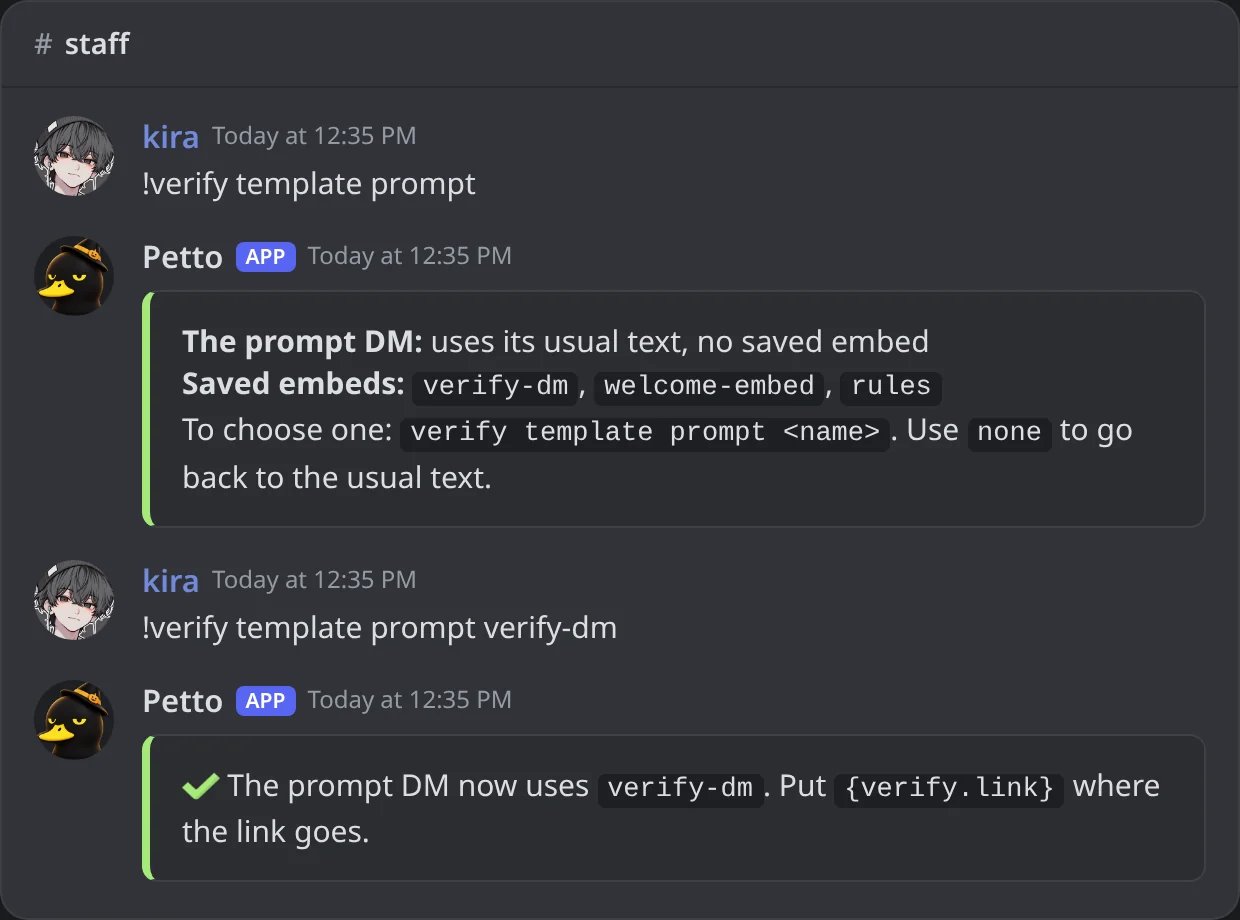
In Discord: without a name it says what the DM uses; with one, the DM uses that saved embed.
!verify channel
!verify channel
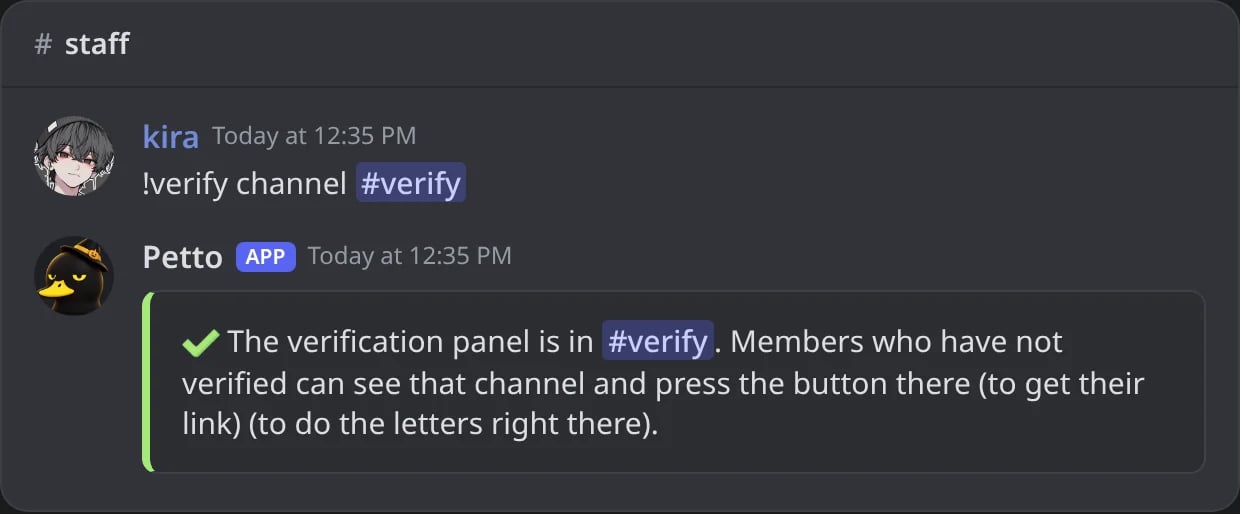
In Discord: the panel posted in #verify.
!verifyconfig
!verifyconfig
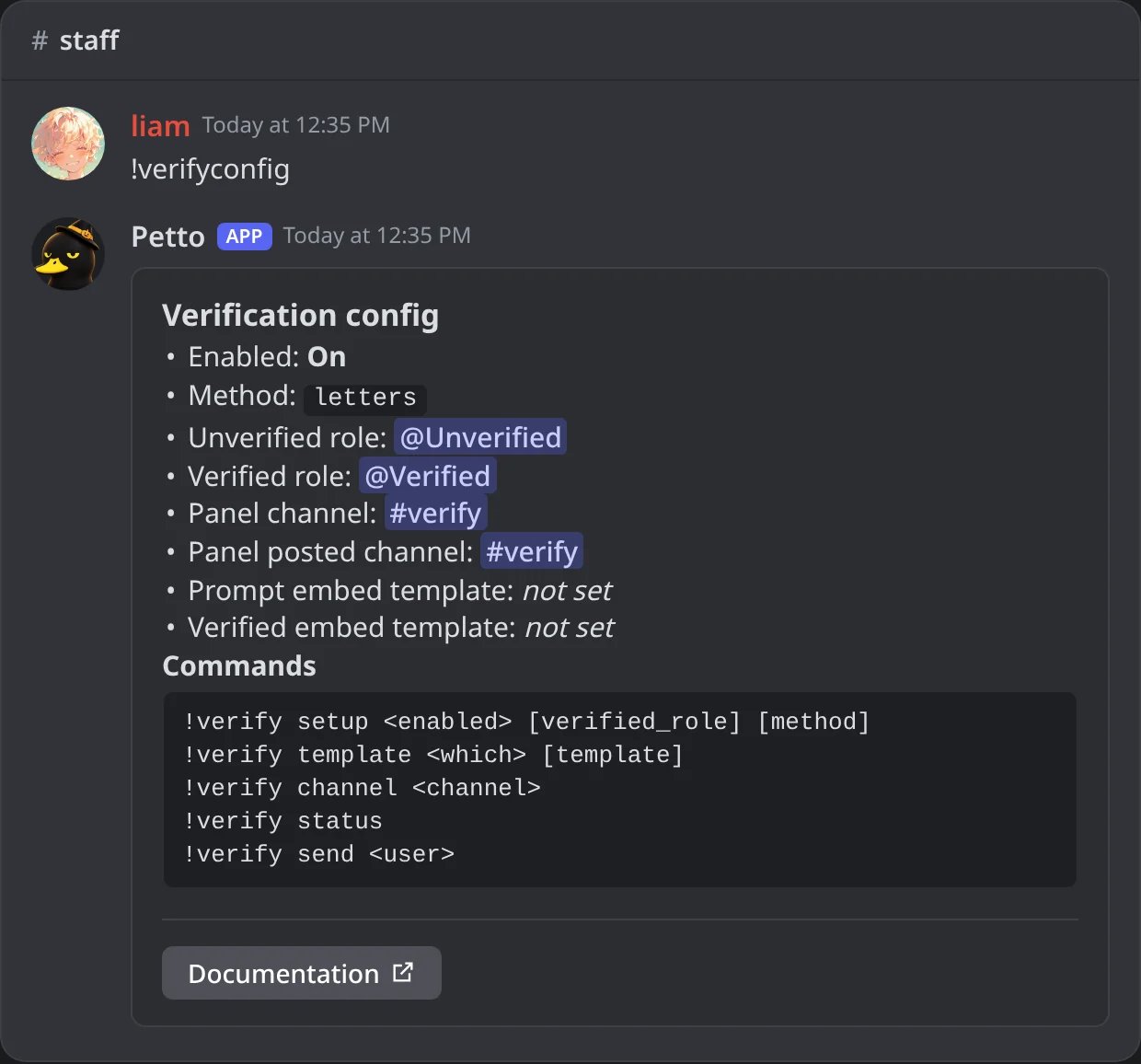
In Discord: !verifyconfig, the settings of verification and the commands to change them.
template uses a saved embed for the DMs: which is prompt (the link, use {verify.link}, see Variables) or verified, and none goes back to the usual message. verified_role is optional, granted once someone passes the check. !verify status shows which check the server uses. send manually (re)sends a verification link to a member, useful if their original link expired. template without a name says which saved embed each DM uses. !verify also works as !vf. !verifyconfig shows what is set now for verification and every command to change it.
Like every DM from Petto, this one starts with a grey From <server> line and has info, delete and report buttons: see DMs from Petto.
Set it up from the dashboard
In the dashboard (Onboarding, tab Verification) press Set it up for me: Petto makes the Unverified and Verified roles and a#verify channel (what you already chose is kept), posts the panel and turns verification on. Send the panel now posts it right away in the channel you picked, and the switch on the card turns verification on or off without pressing Save. Panel picture puts a picture at the top of the panel (a link that starts with https): save it and press Send the panel now to change a panel that is already posted. Without a picture the panel is the usual one. The DMs can have pictures too, with a saved embed chosen with !verify template.
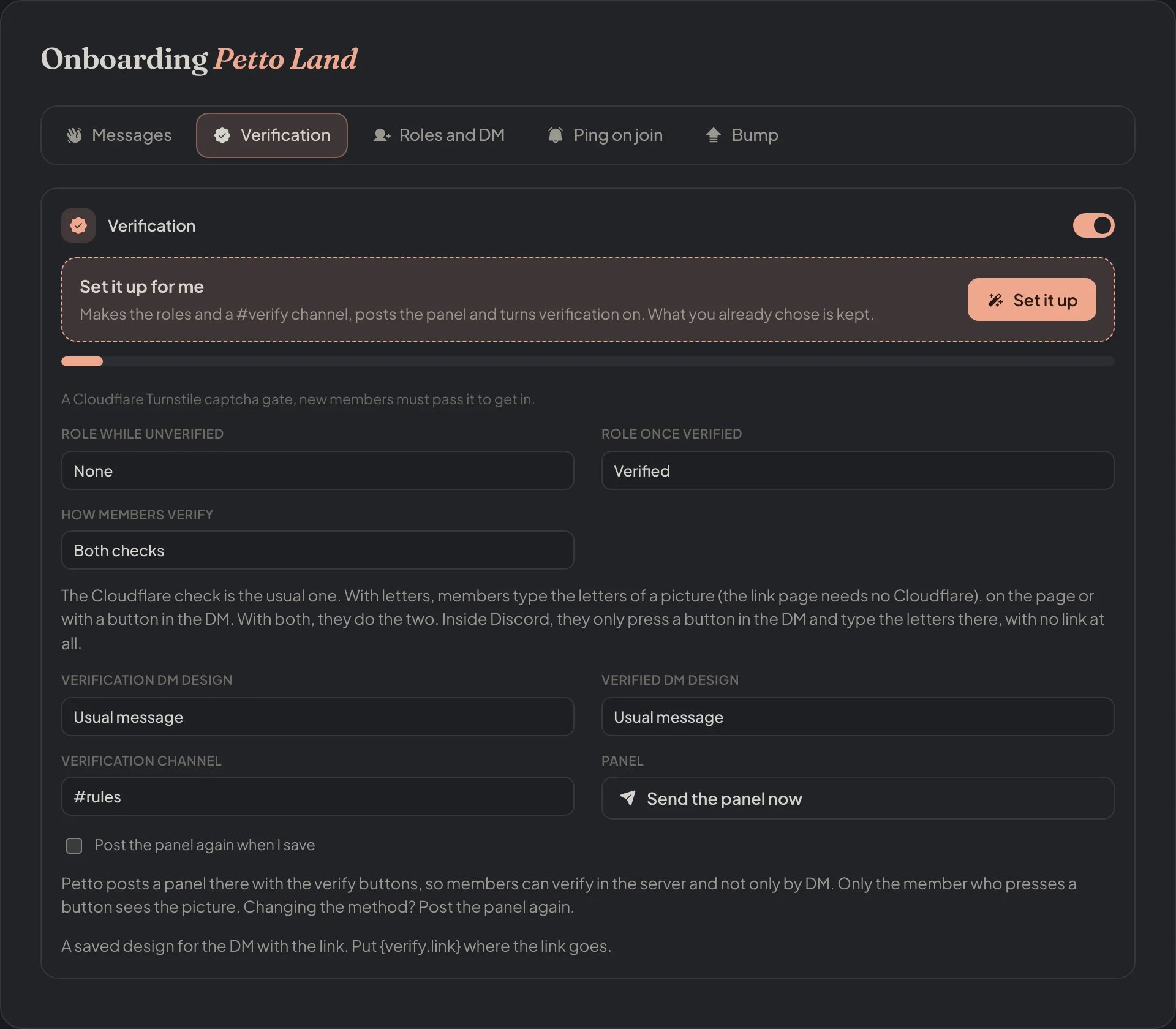
Dashboard → Security → Join Gate → Verification: the roles, the check, the DM designs and the panel channel.
Set it up for me: working
Set it up for me: working
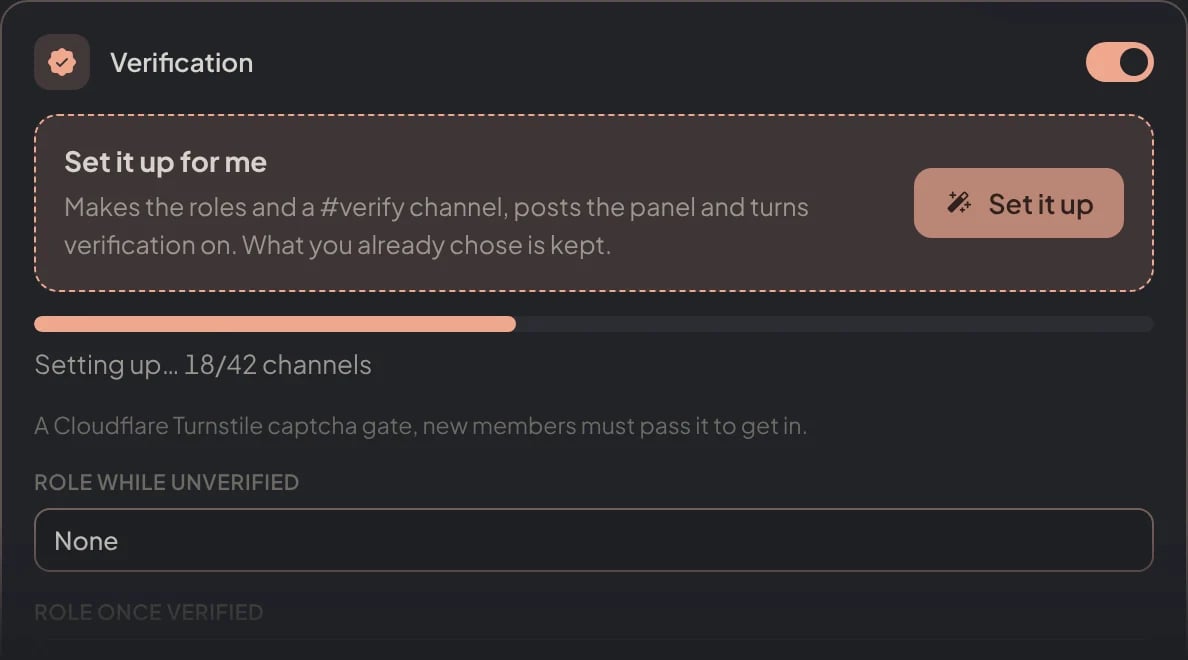
Dashboard → Security → Join Gate → Verification: while Petto sets it up, the card shows how far it is.
Set it up for me: done
Set it up for me: done
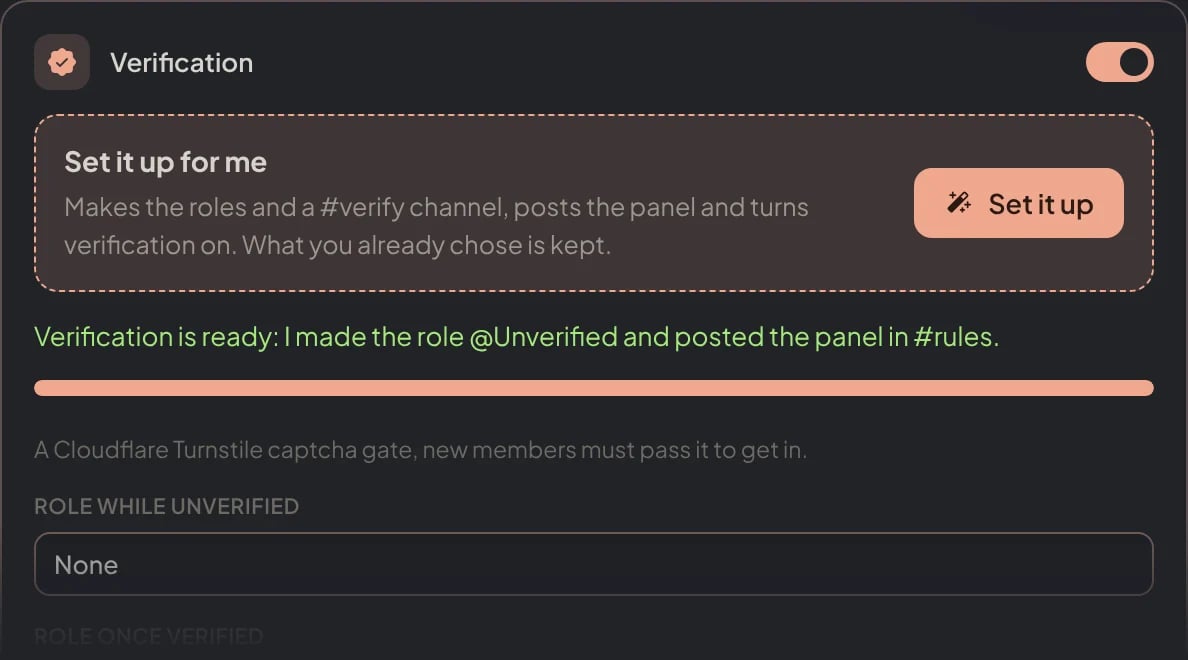
Dashboard → Security → Join Gate → Verification: what Petto made and where the panel is.
Send the panel now
Send the panel now
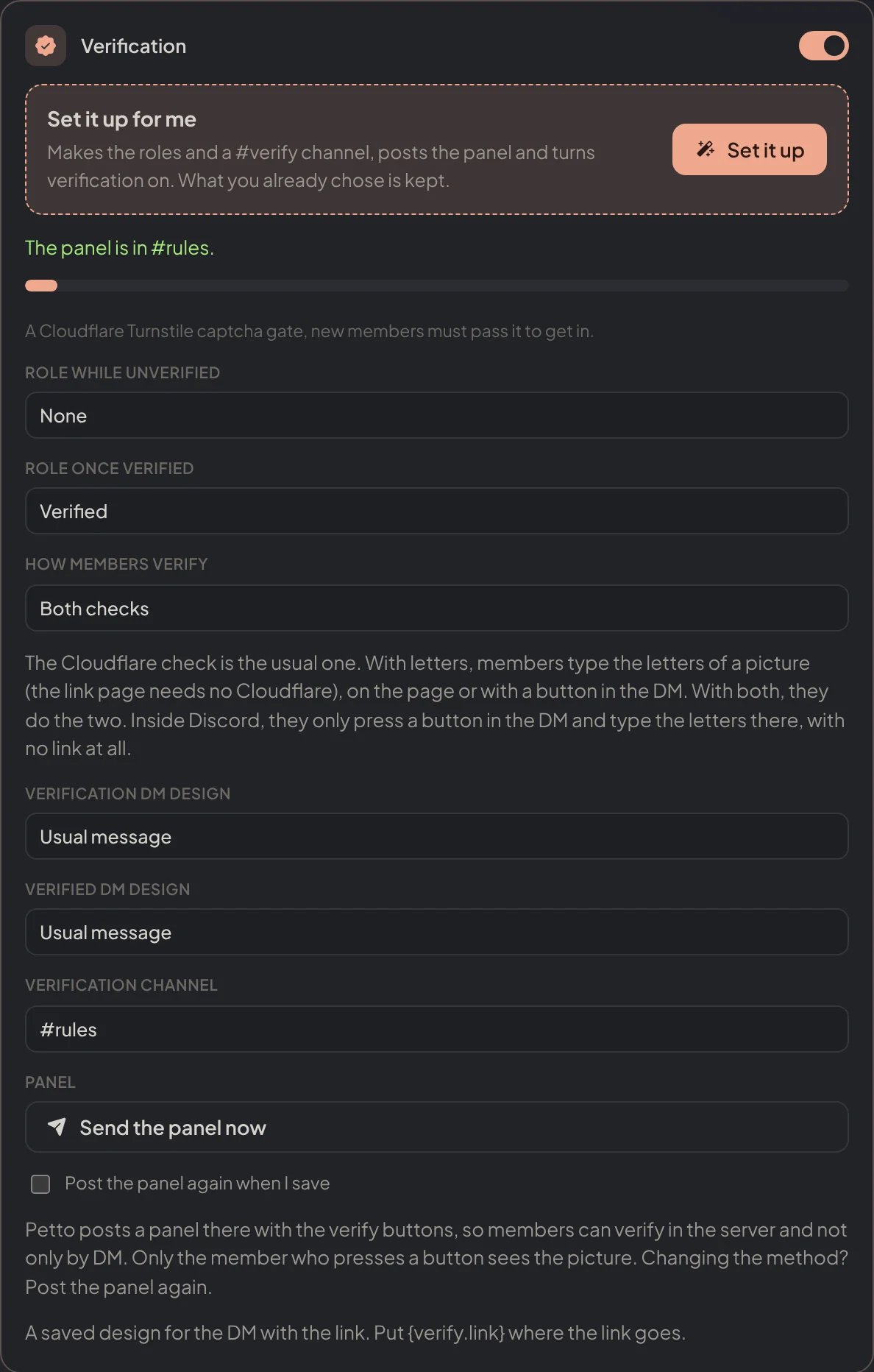
Dashboard → Security → Join Gate → Verification: the panel posted right away in the channel picked.
The check
turnstile and both: the link
turnstile and both: the link
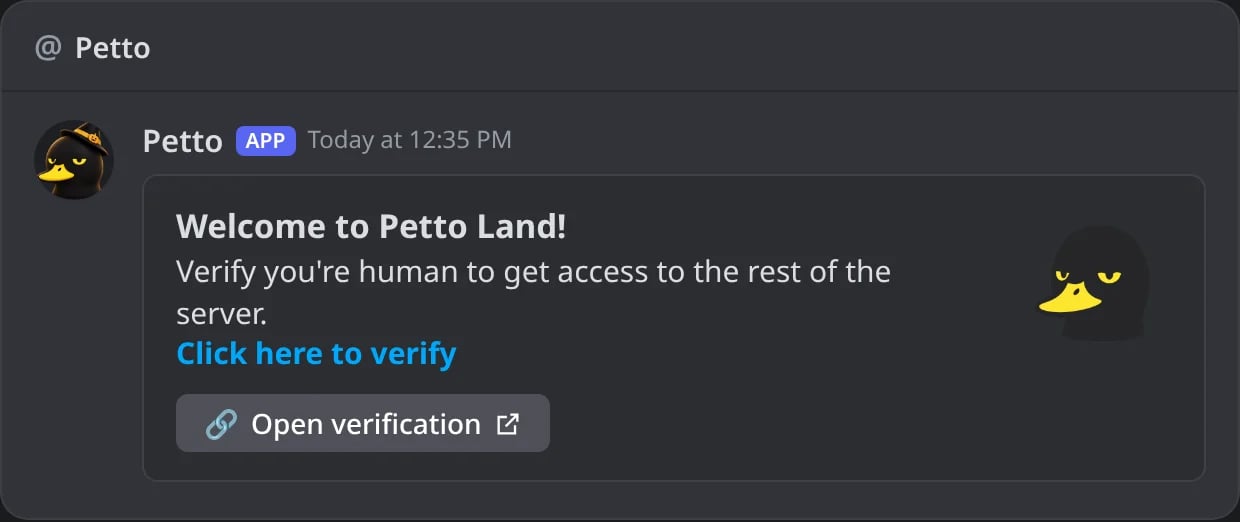
In Discord: the DM a new member gets with the Cloudflare check: the link, also as a button.
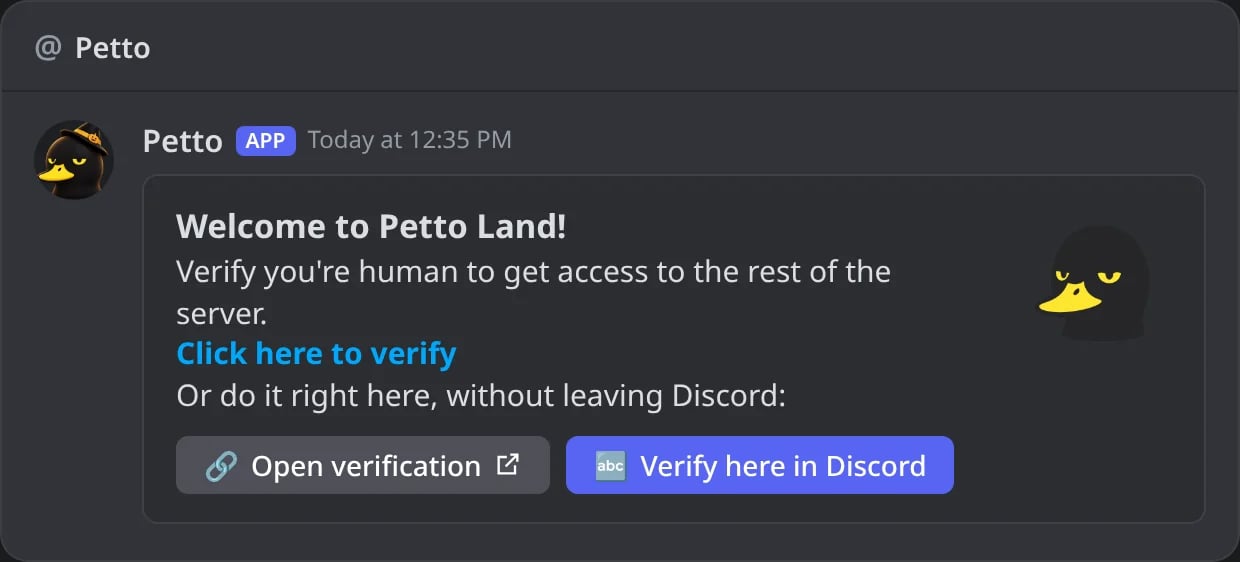
In Discord: with the letters, the DM also has Verify here in Discord.
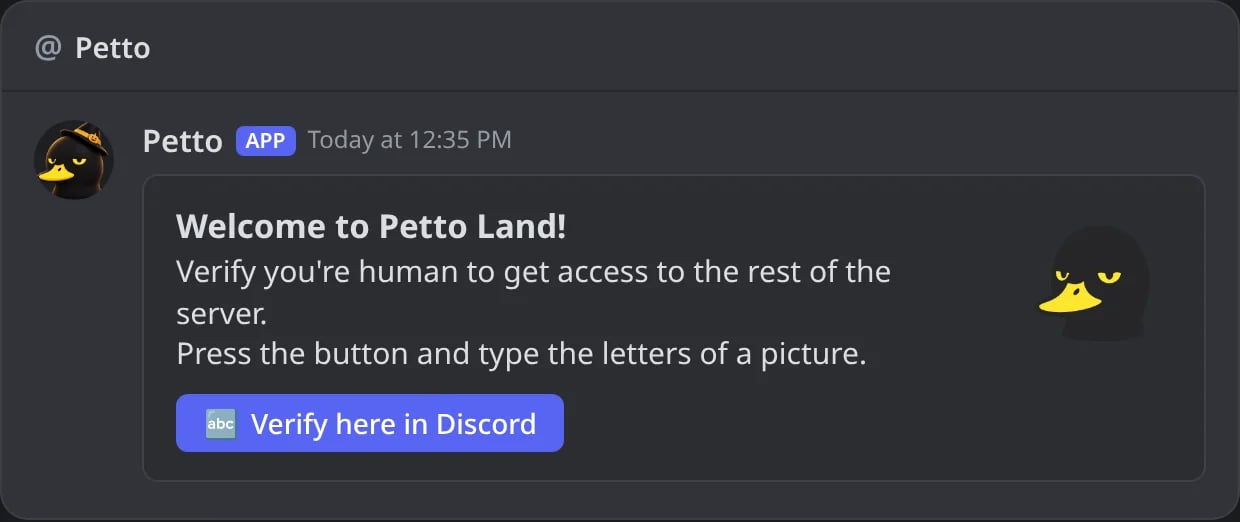
In Discord: inside Discord, the DM has no link, only the button.
0 and O, 1, I and L). Small and big letters both work. A picture lasts 5 minutes, the member can ask for a new one, and 5 wrong answers lock the link for 10 minutes. Nothing is stored: the answer travels signed inside the page, tied to that member’s link.
With letters the DM has the link and a button “Verify here in Discord”, so the member picks where to do it. With discord there is only the button, and the web server of verification is not needed (only its secret). The picture, the 5-minute time limit and the 5 tries are the same in both places.
1. Verify here in Discord
1. Verify here in Discord
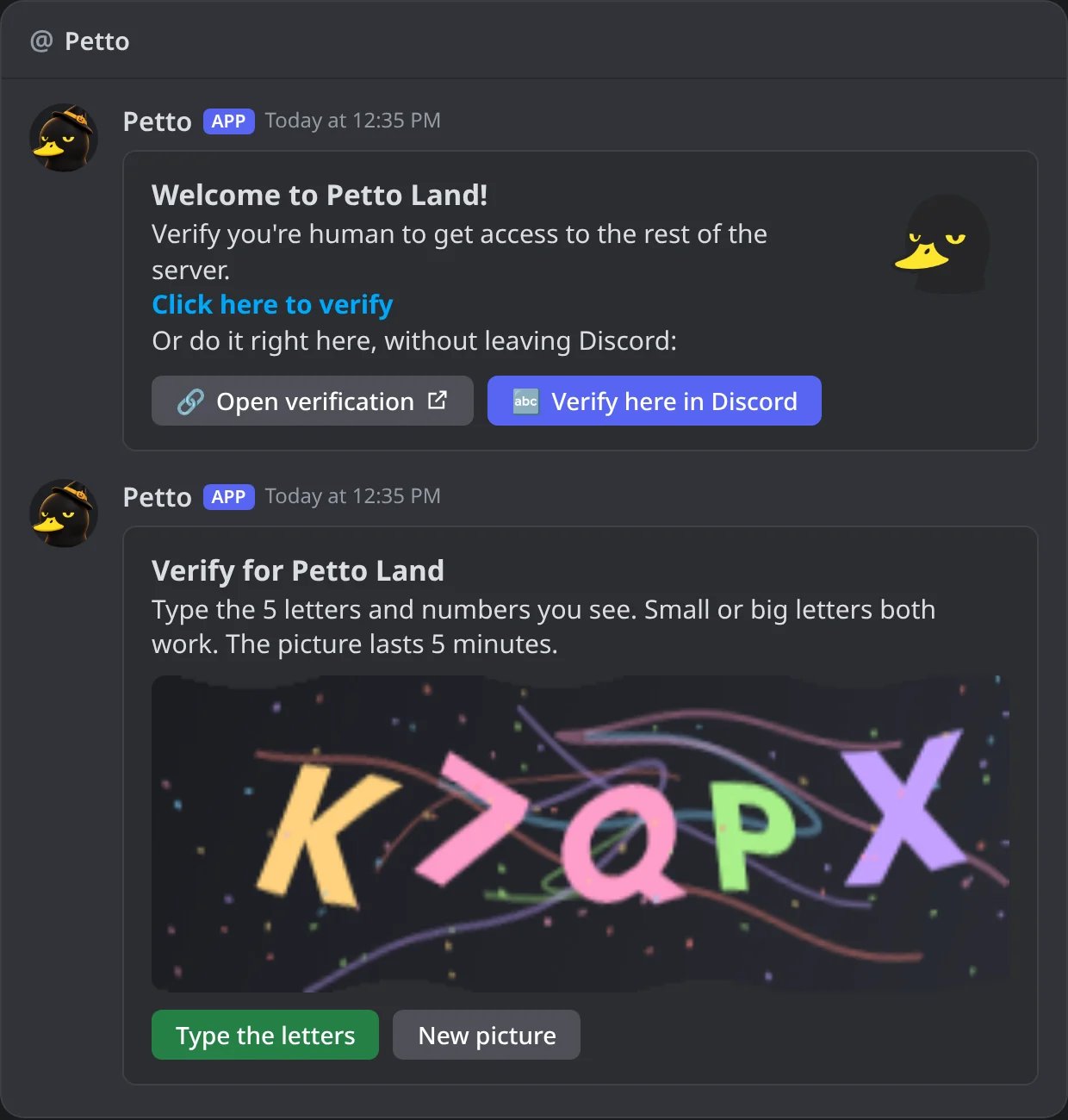
In Discord: the button answers with the picture, and the buttons to type the letters or get a new picture.
2. Type the letters
2. Type the letters
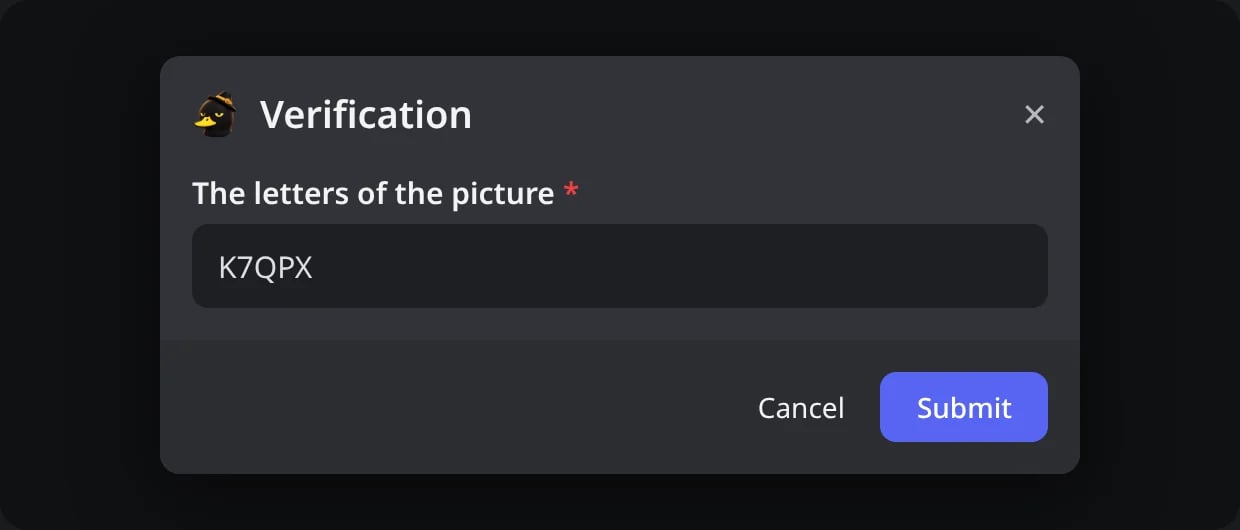
In Discord: the small form where the member types the letters.
3. Verified
3. Verified
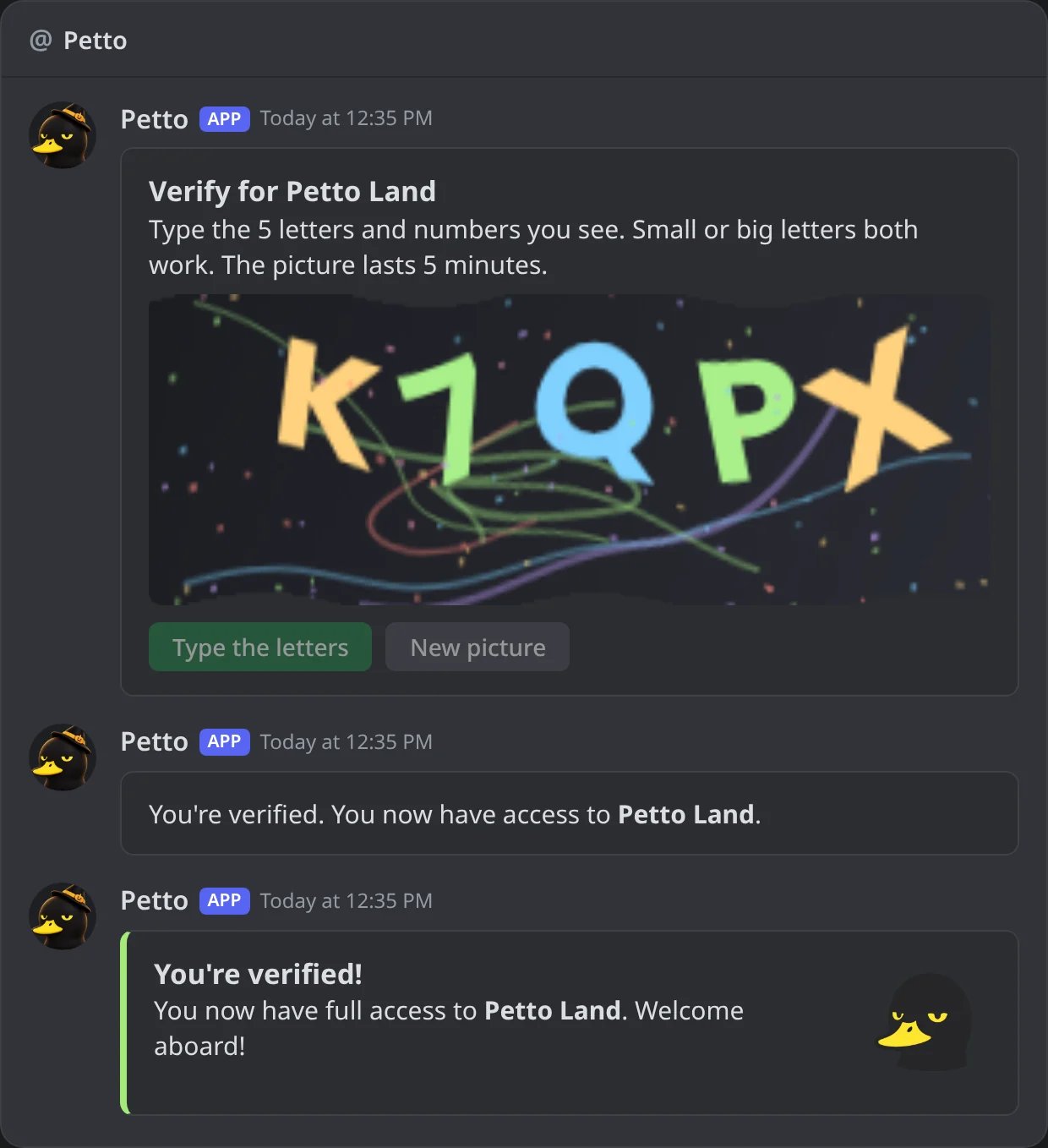
In Discord: right letters: the picture stops working, the member is in, and the verified DM arrives.
Verify in a channel · New
Not everyone has DMs open, so you can also put the verification in a channel: run!verify channel #verify and Petto posts a panel there with the buttons the method allows (the personal link, and/or “Verify here in Discord”). Petto opens that one channel to the unverified role (read only), and every answer, the picture included, is private to the member who pressed the button. Running the command again moves the panel.
The same choice is in the Onboarding page of the dashboard, next to the roles.
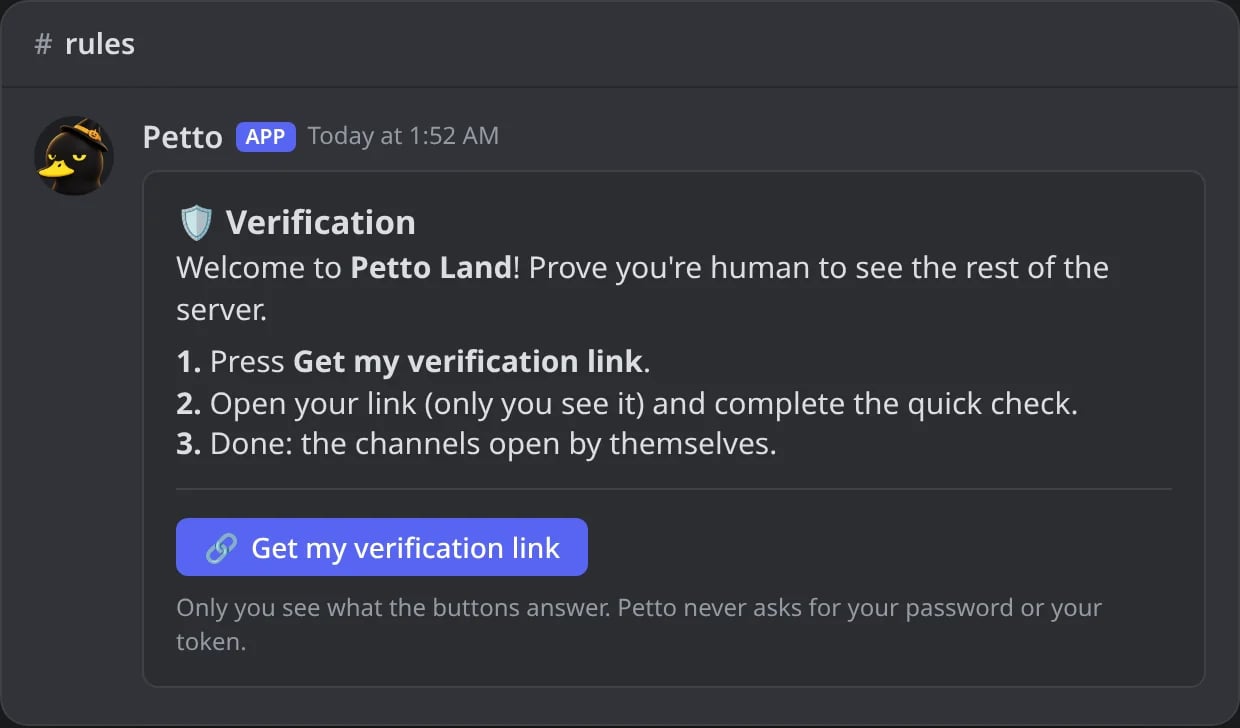
In Discord: the verification panel in a channel.
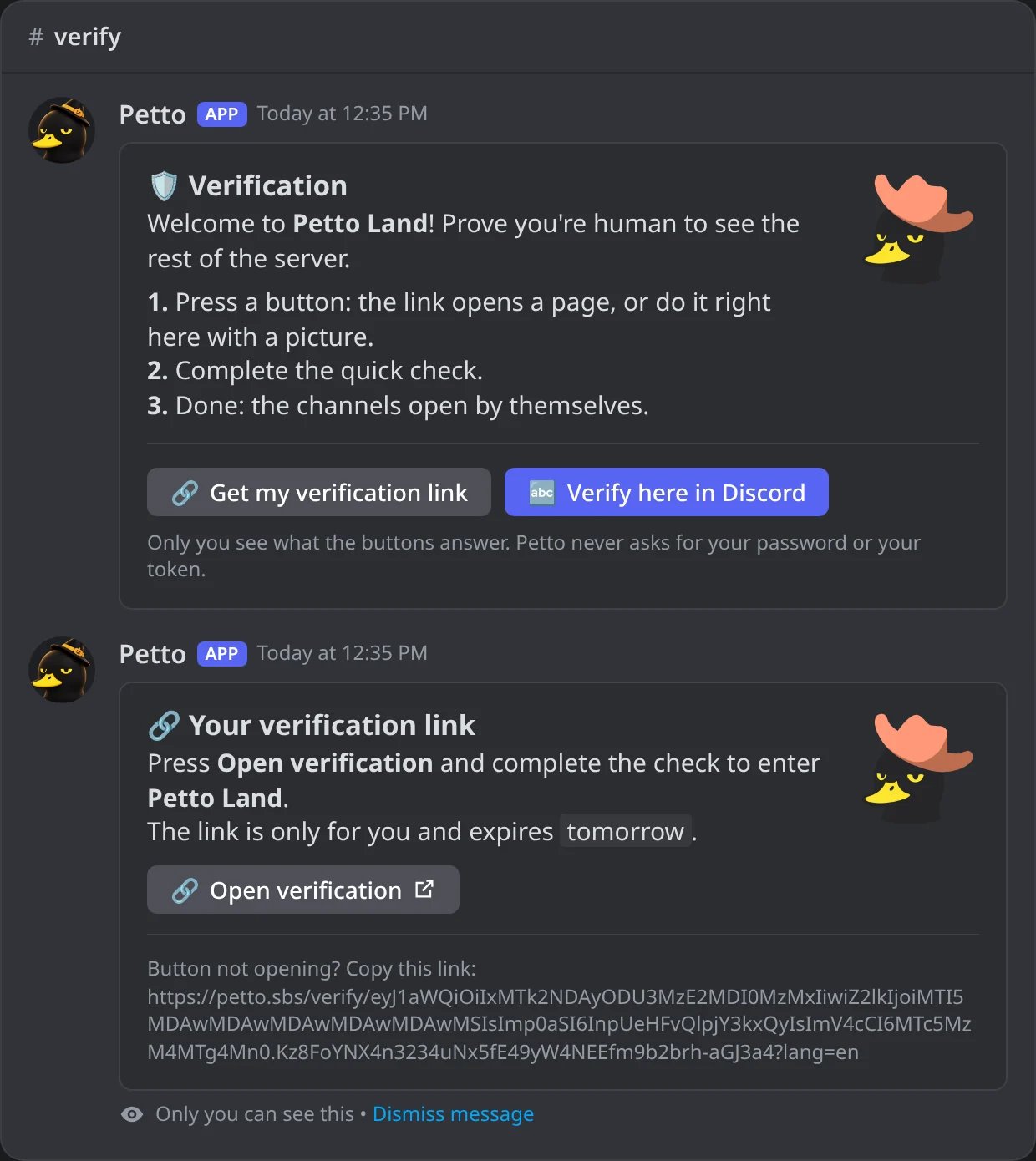
In Discord: Get my verification link answers only the member who pressed it, with the personal link.
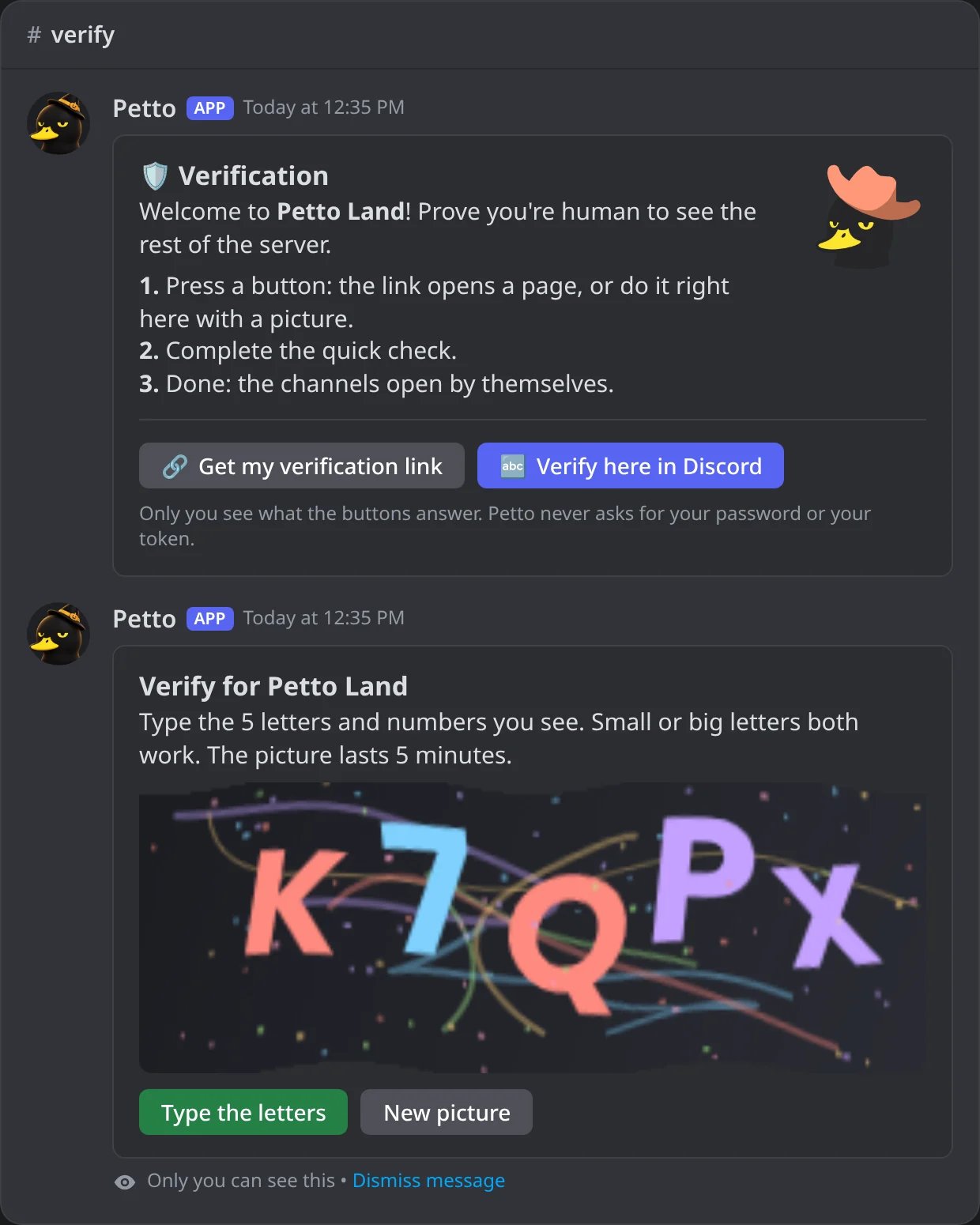
In Discord: Verify here in Discord answers only that member, with the picture.
The page
The link opens a page that says which server the member is verifying for and speaks English, Spanish or Portuguese: the language of the server, which the link carries (a link without it opens in the language of the browser).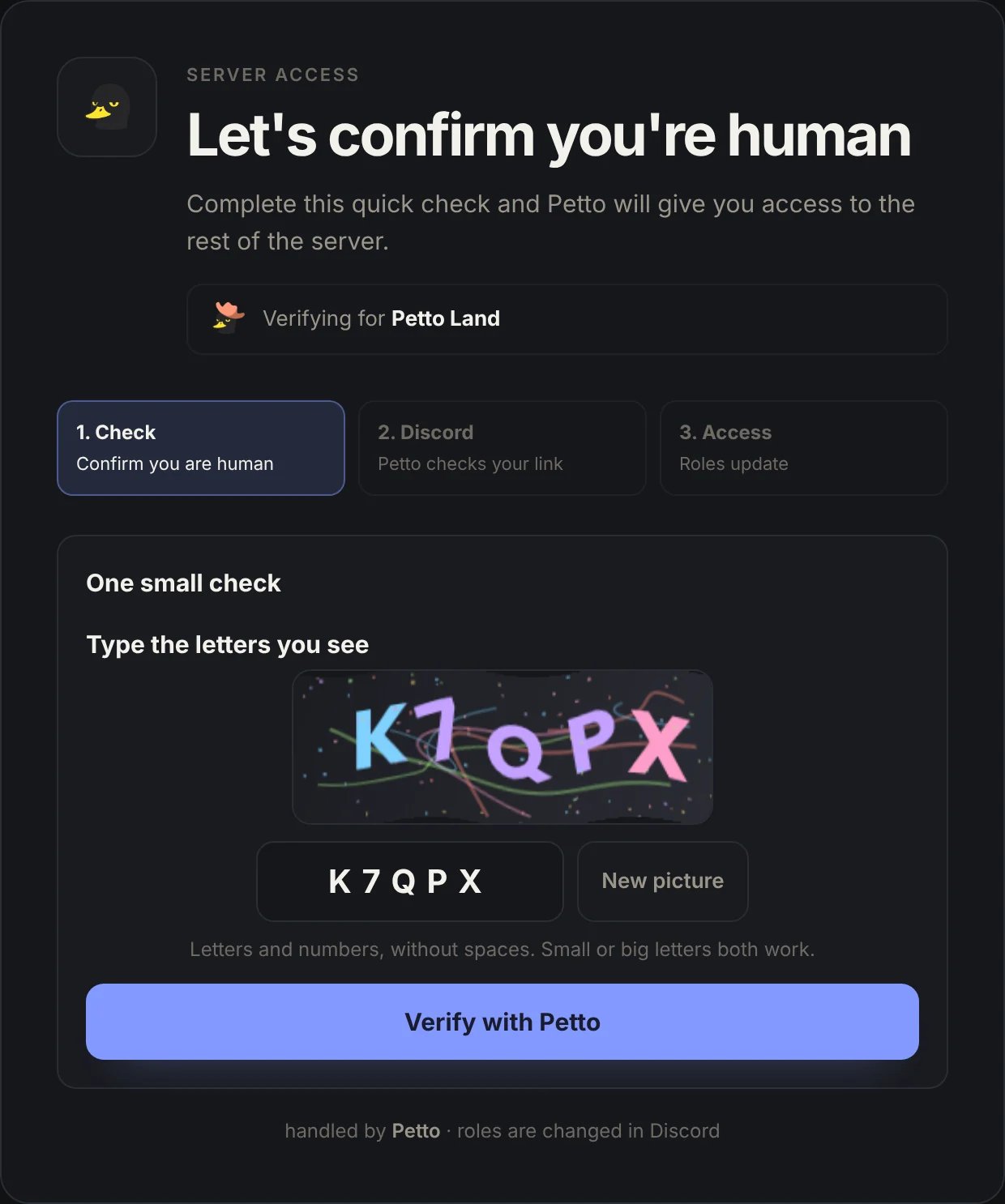
On the web: the page of the link with the letters check, for Petto Land.
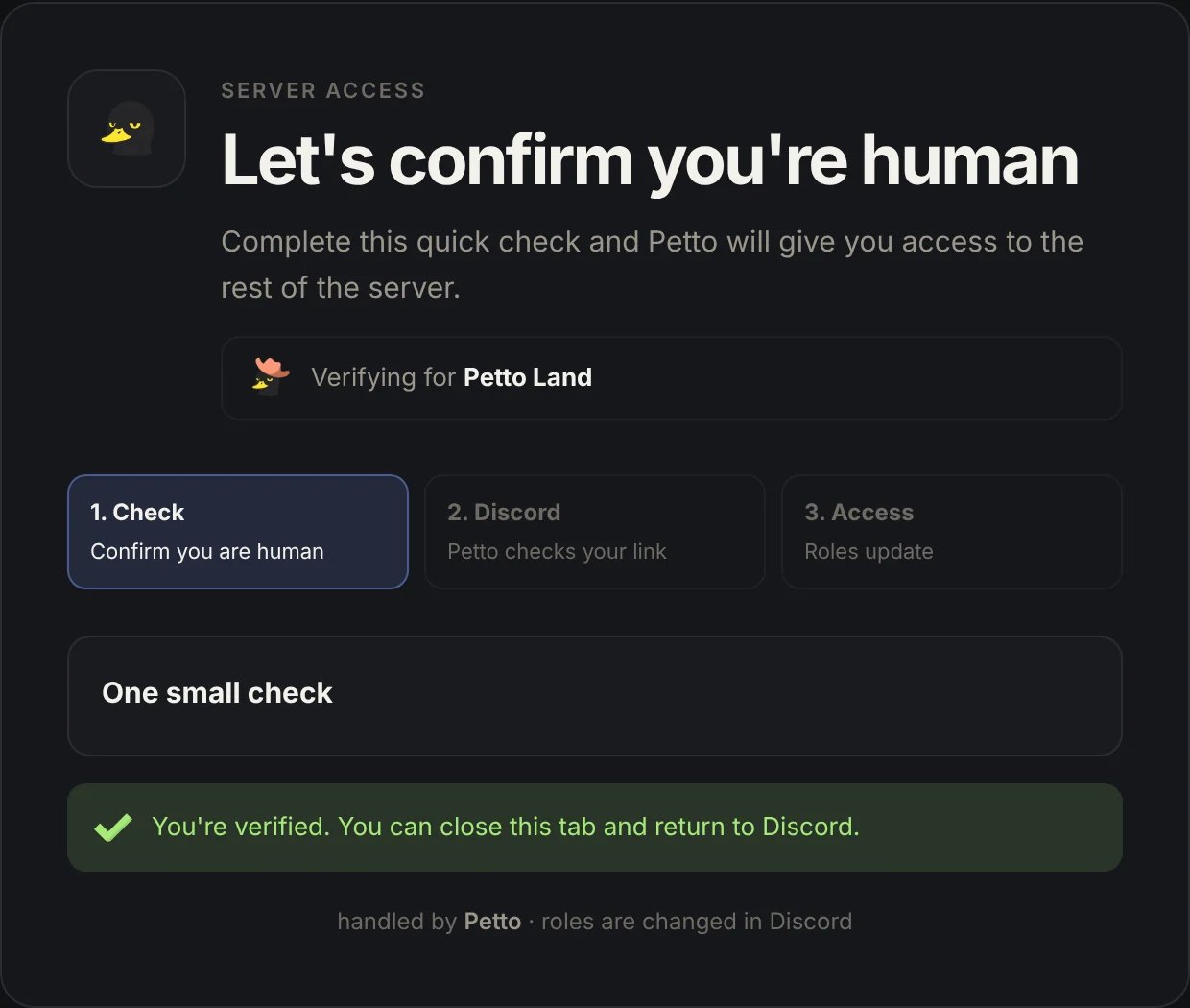
On the web: after the check, the member can go back to Discord.
How it works
- A new member gets restricted access on join.
- They complete the check (Cloudflare, letters, or both) through a link Petto sends them.
- On success, they get the configured
verified_role(if set).