
Overview
Sent to a channel of your choice whenever a new member joins. Use plain text with variables, or a saved embed.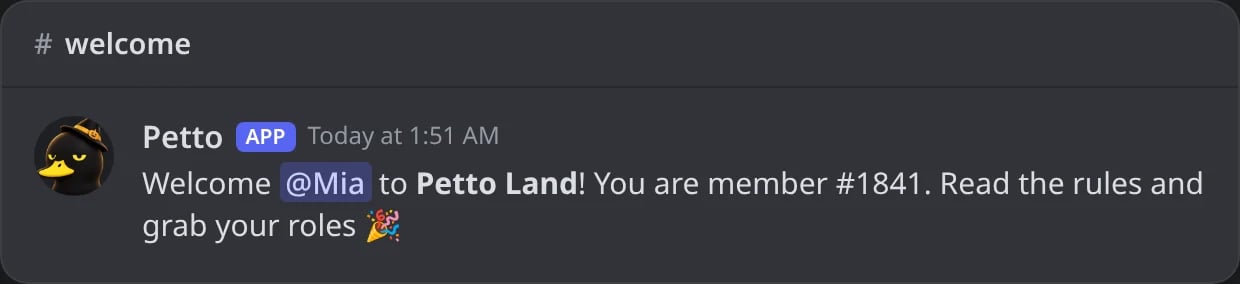
In Discord: the welcome Petto posts when a member joins.
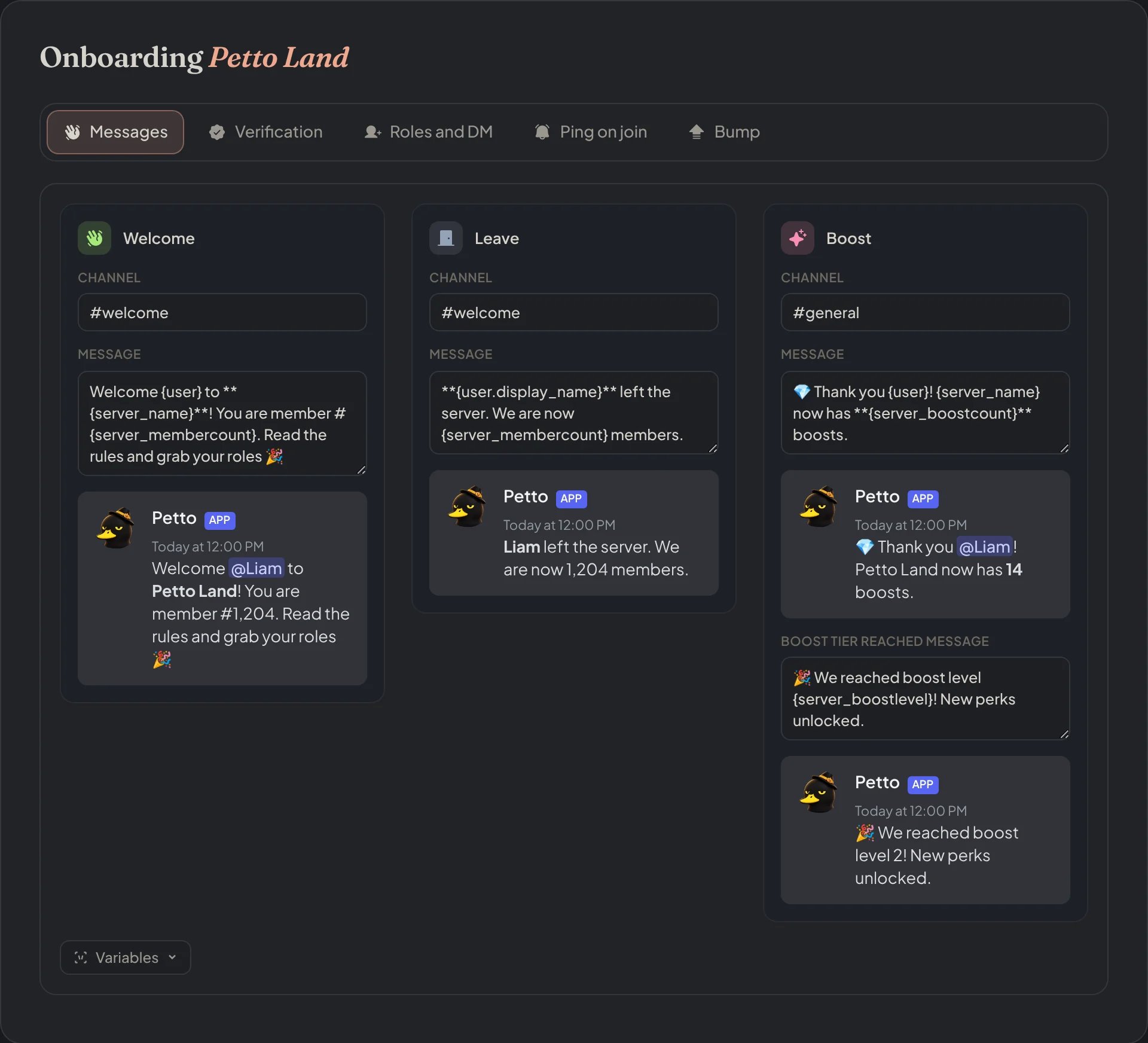
Dashboard → Security → Join Gate → Messages: the welcome, leave and boost messages, each with a live preview.
Commands
!welcome setup (a message)
!welcome setup (a message)
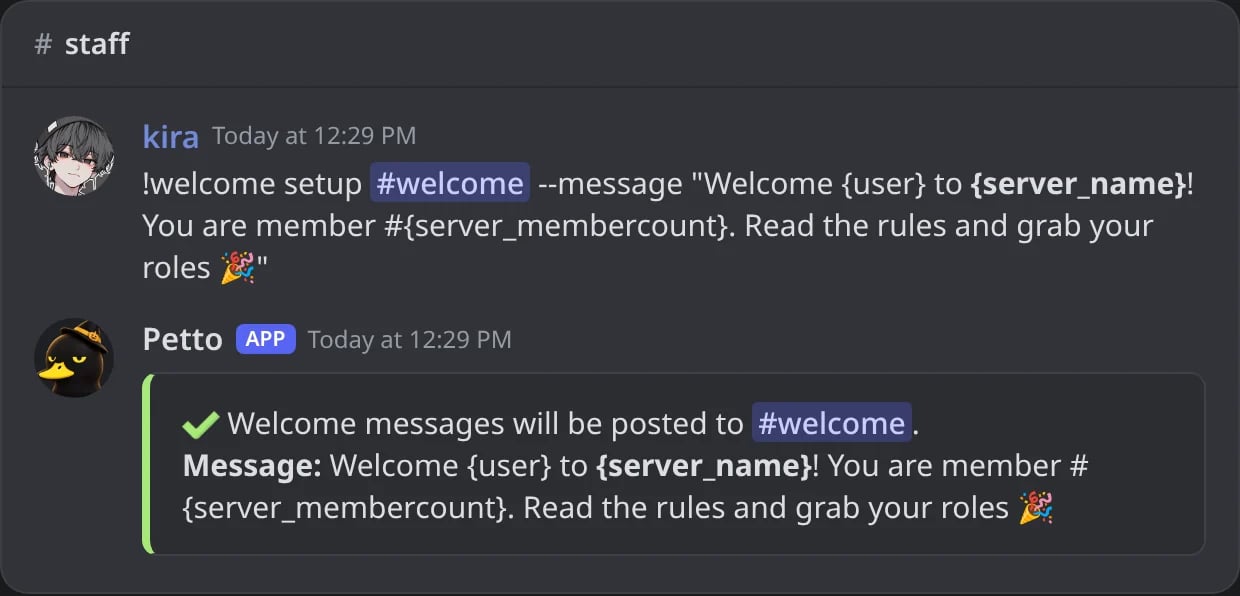
In Discord: the welcome is set to a text with --message.
!welcome setup (a saved embed)
!welcome setup (a saved embed)
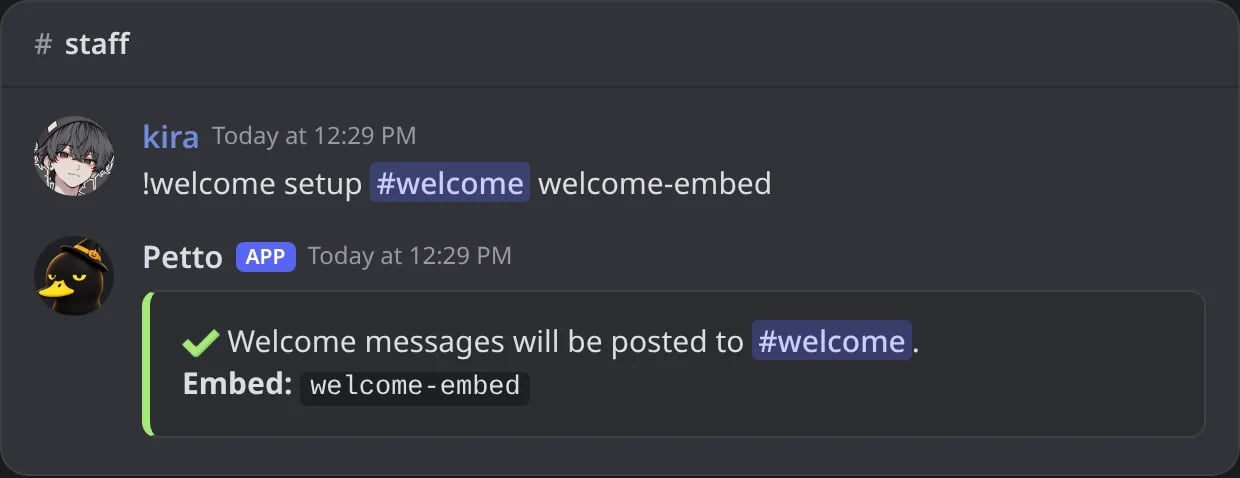
In Discord: the welcome uses the saved embed welcome-embed.
!welcome status
!welcome status
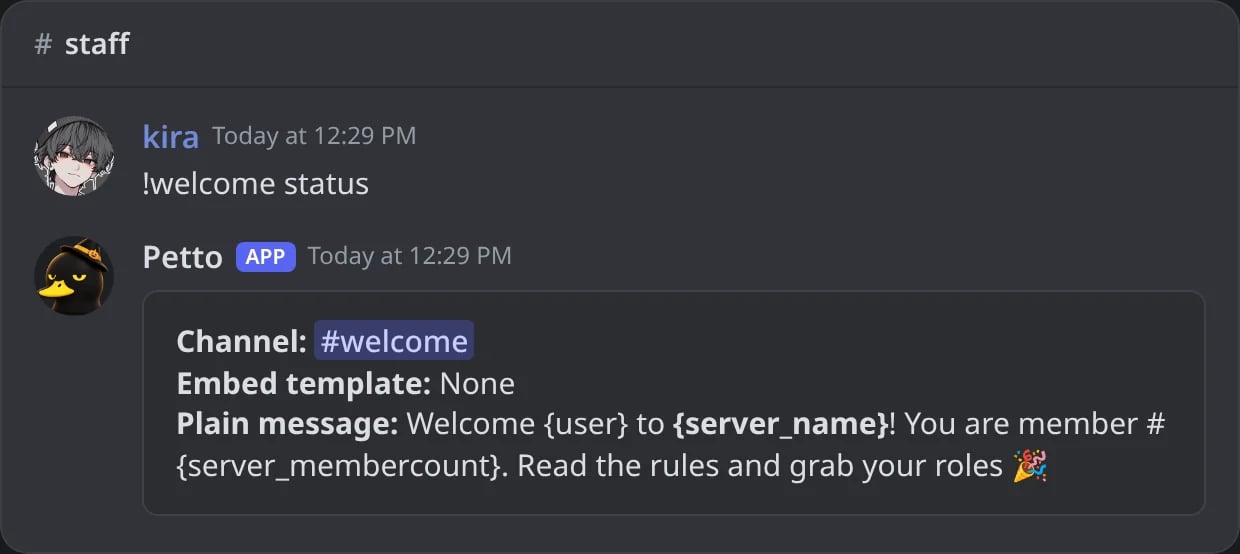
In Discord: the channel, the embed and the message of the welcome.
!welcome test
!welcome test
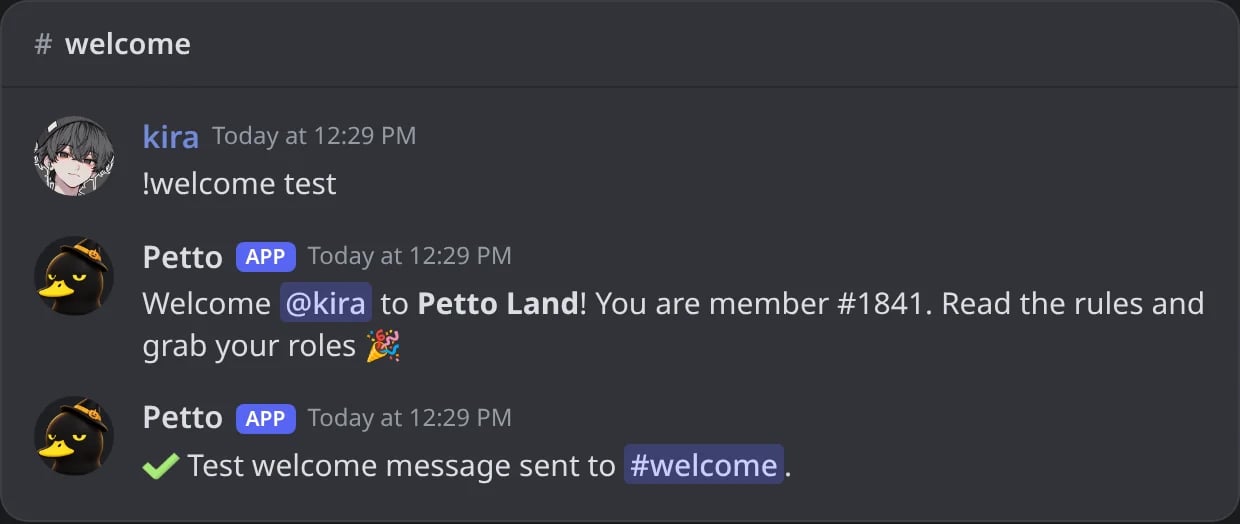
In Discord: the test posts the welcome with your own account, then confirms it.
!welcome test (nothing set up)
!welcome test (nothing set up)
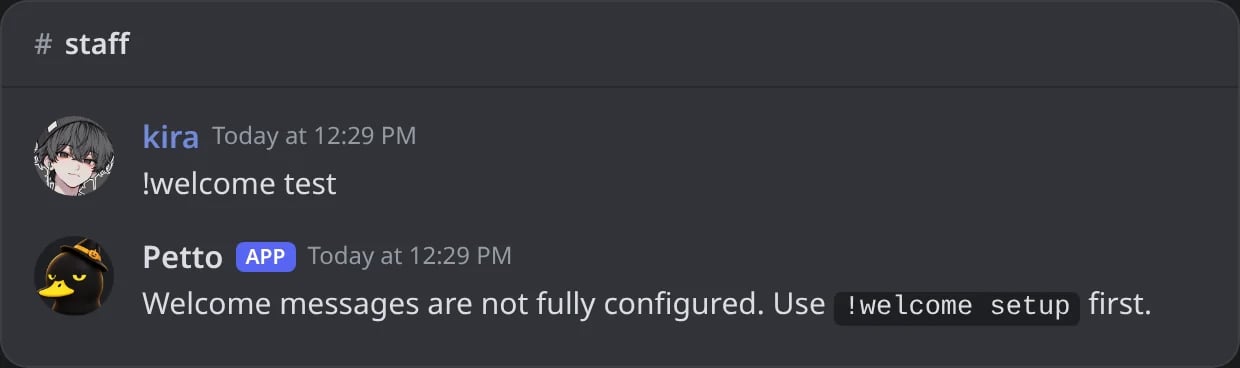
In Discord: a test before the welcome has a channel and a message.
!welcome disable
!welcome disable
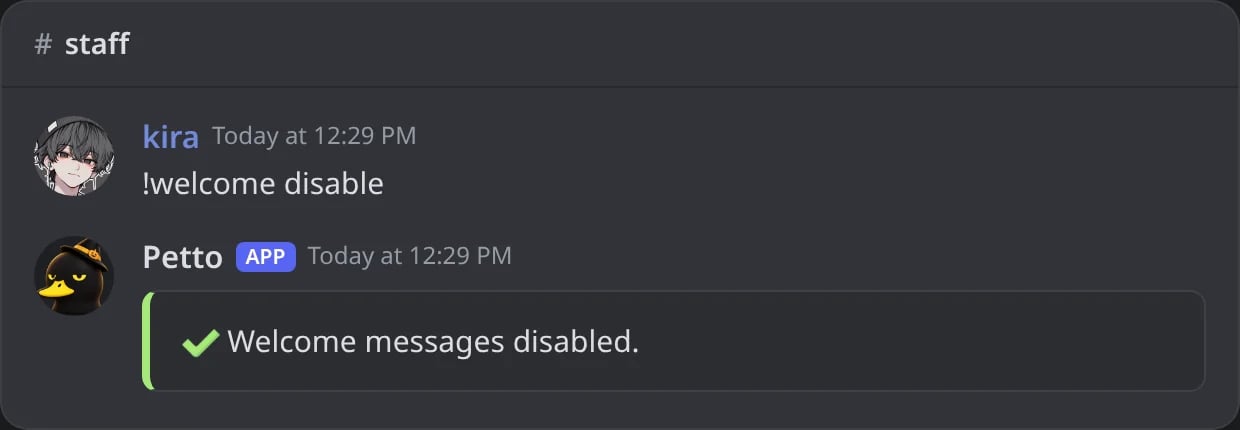
In Discord: the welcome messages are turned off.
!welcomeconfig
!welcomeconfig
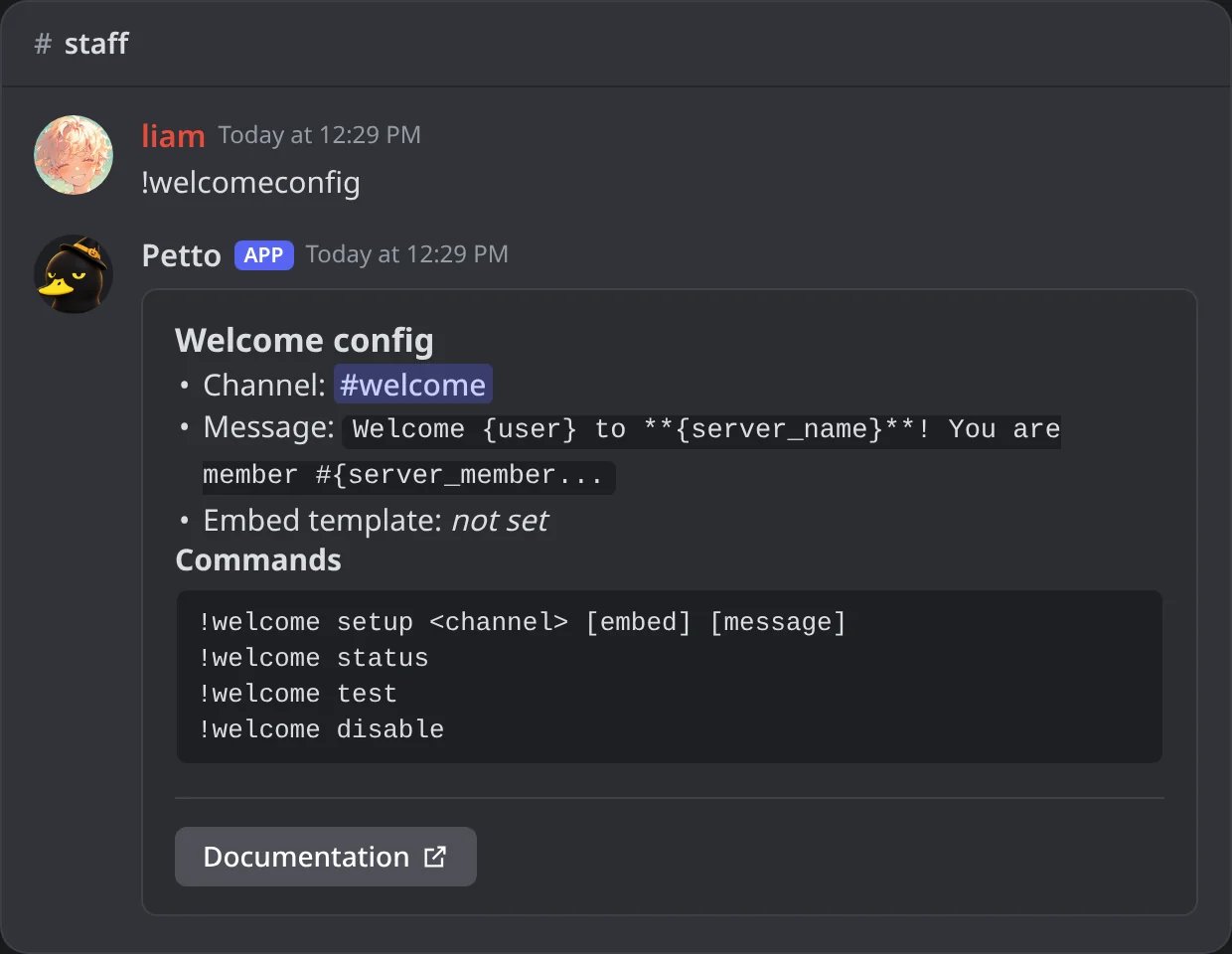
In Discord: !welcomeconfig, the settings of the welcome messages and the commands to change them.
embed takes priority over message if both are set. test sends the message with your own account as the new member, without anyone actually joining. !welcome also works as !wc. !welcomeconfig shows what is set now for the welcome messages and every command to change it.
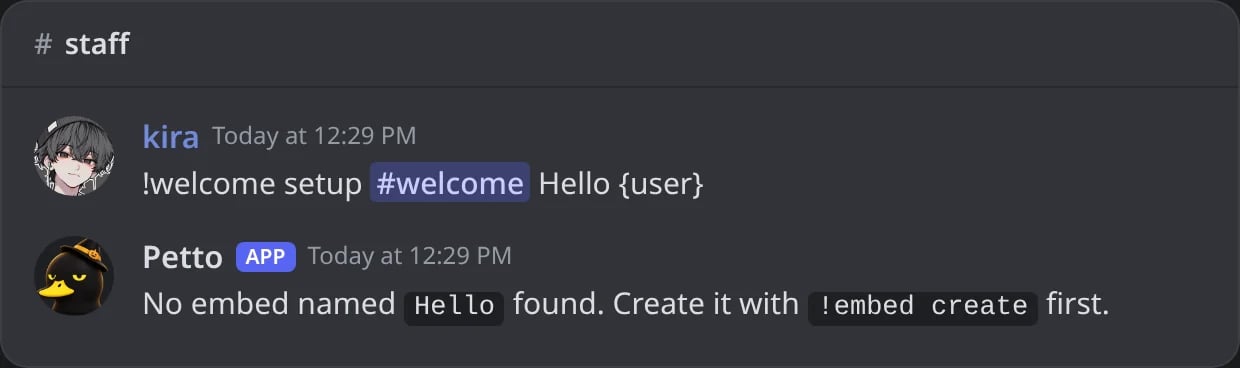
In Discord: without --message, the first word is read as the name of a saved embed.
When the welcome is sent
By default the welcome is sent the moment the member joins, as it always was. A server can choose when it goes out (dashboard: Security → Join Gate → Messages → Welcome → Send the welcome):Second welcome
A server can have two welcomes: for example one in a welcome channel and another in the general chat. The second one has its own channel, message (or saved embed or design, with the same variables) and its own switch. It is sent right after the first one, follows the same wait setting, and if one cannot be posted (the channel is gone or Petto cannot write in it) the other is still sent; the log says it once an hour.!welcome status and !welcome test cover both welcomes, and the dashboard has a Second welcome card next to the first one.
Examples
Every example can be pasted as it is. The results show what a member called Liam sees when he joins Cozy Corner as its 1,204th member.- Simple
- Member number
- Who invited them
- Random greeting
- With an image card
Using a saved embed
Make the embed
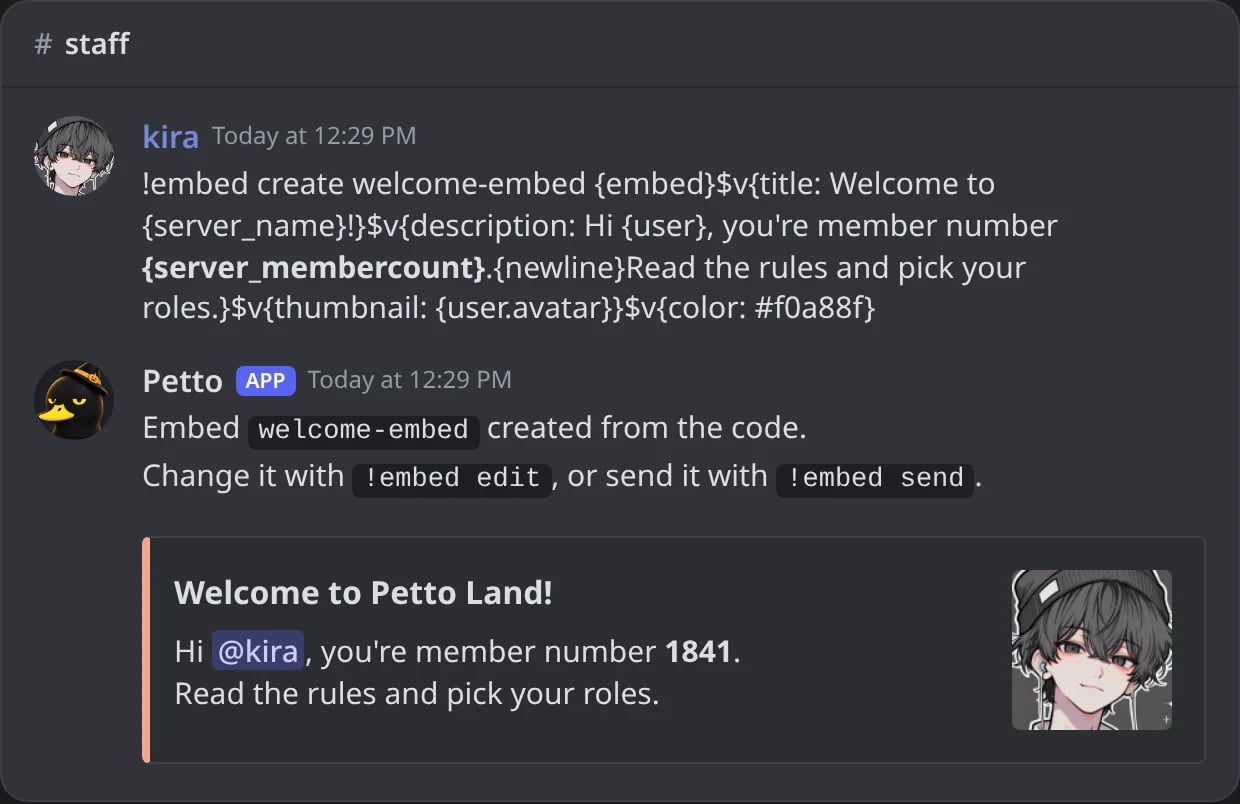
In Discord: the embed is saved from one code and Petto shows it filled for you.
Point the welcome at it
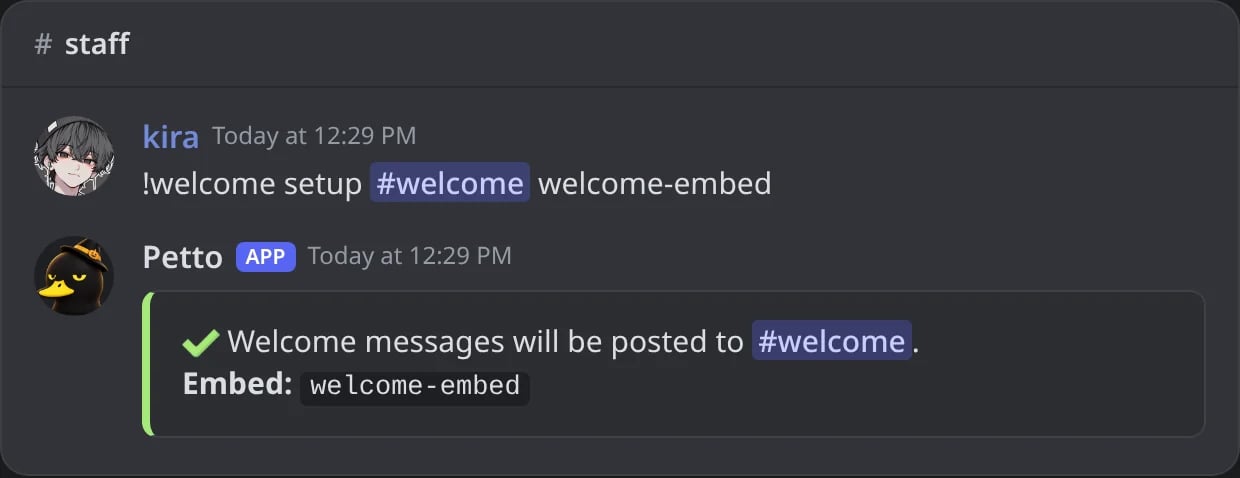
In Discord: the welcome now uses welcome-embed.
Try it
#welcome with your own name, avatar and the real member count.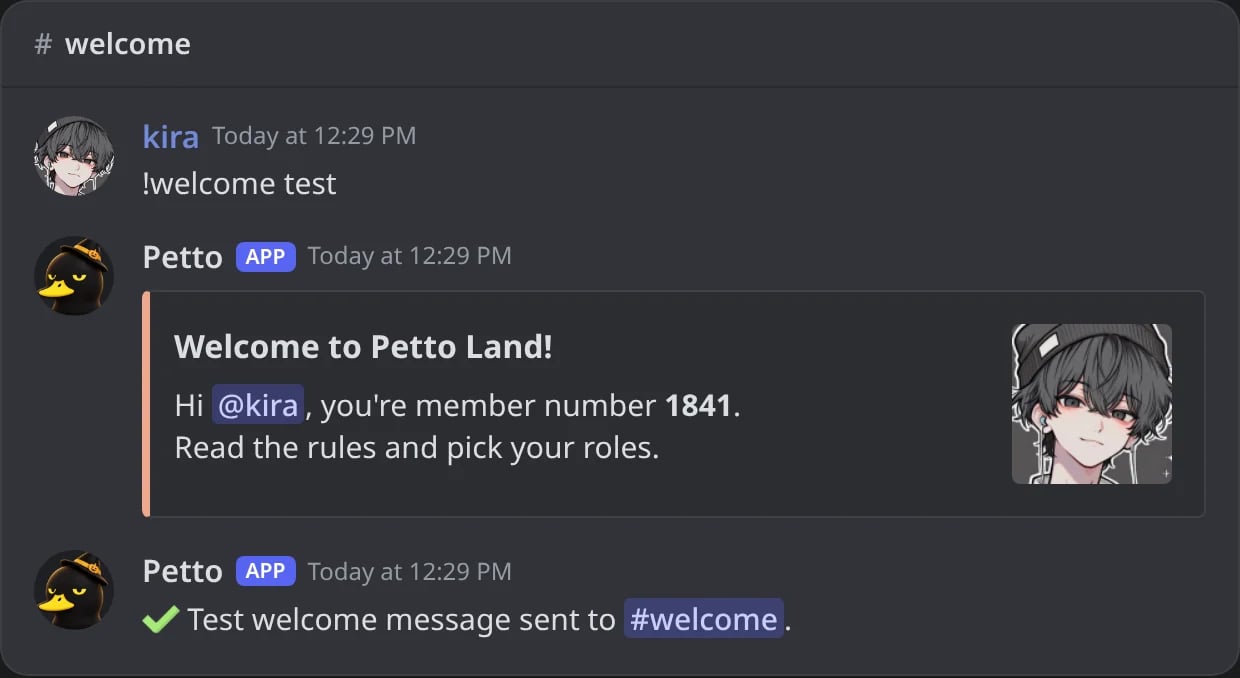
In Discord: the test posts the embed with your name, avatar and the real member count.
Variables
Every variable works. The ones made for welcomes: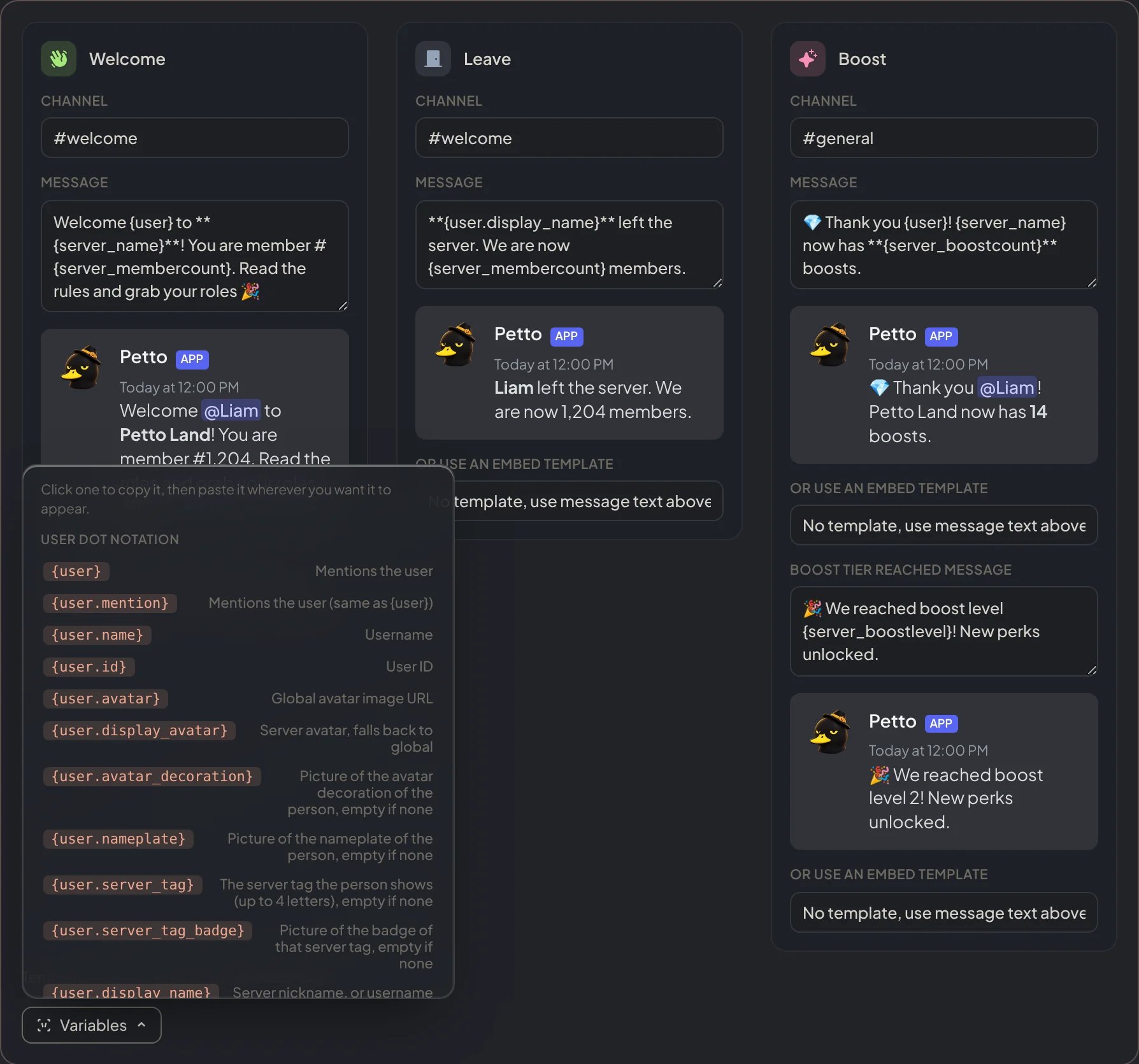
Dashboard → Security → Join Gate → Messages: the Variables menu lists every variable; click one to copy it.
! before a mention (!@everyone, !@Moderators) to show it without notifying anyone: see Silent mentions.