
Overview
Sends a direct message to new members the moment they join, independent of the channel welcome message. Useful for rules, an invite to introduce themselves, or anything you don’t want cluttering a public channel. Like every DM from Petto, this one starts with a greyFrom <server> line and has info, delete and report buttons: see DMs from Petto.
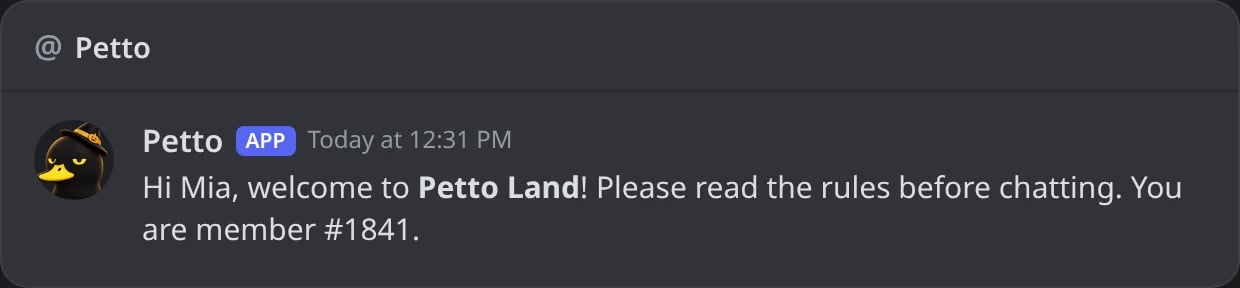
In Discord: the DM Mia gets the moment she joins Petto Land.
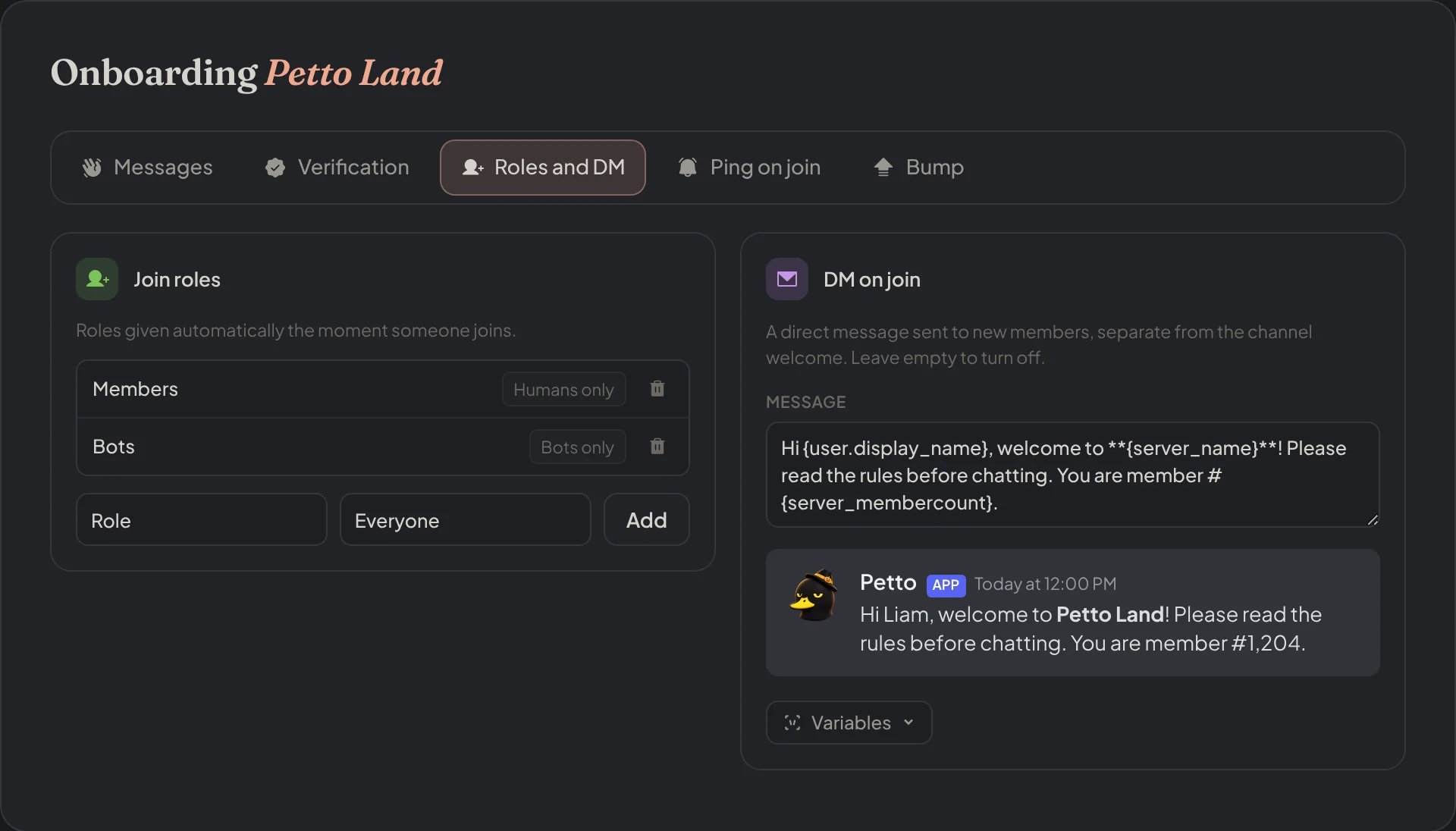
Dashboard → Security → Join Gate → Roles and DM: the join roles and the DM on join with its preview.
Commands
!dmonjoin setup
!dmonjoin setup
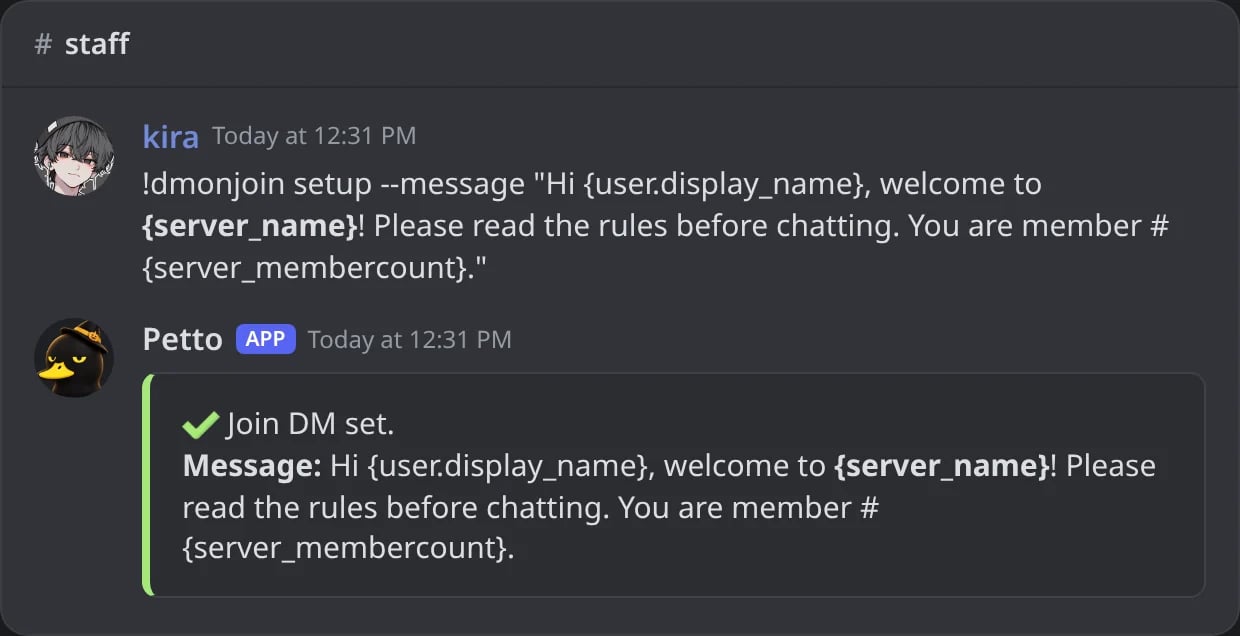
In Discord: the DM is set to a text with --message.
!dmonjoin setup (nothing given)
!dmonjoin setup (nothing given)
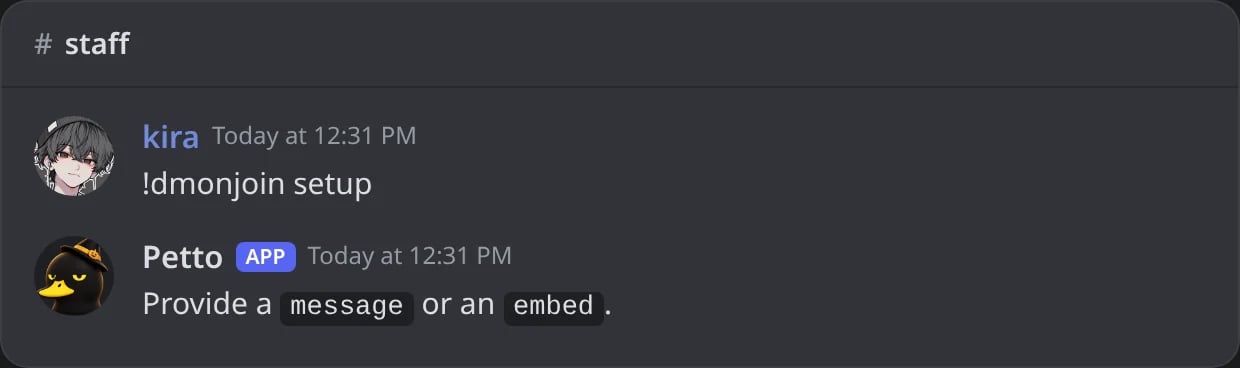
In Discord: setup without a message or an embed.
!dmonjoin status
!dmonjoin status

In Discord: the embed and the message of the DM.
!dmonjoin test
!dmonjoin test
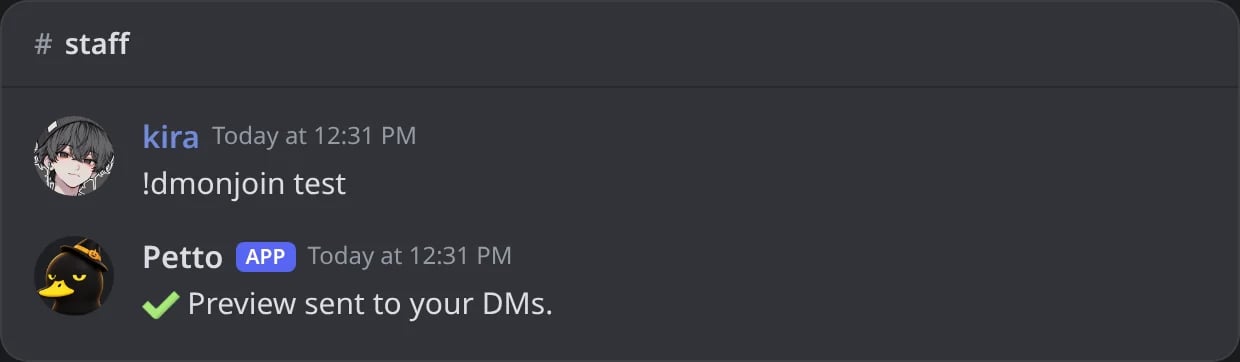
In Discord: the preview goes to your DMs.
!dmonjoin test (the DM)
!dmonjoin test (the DM)
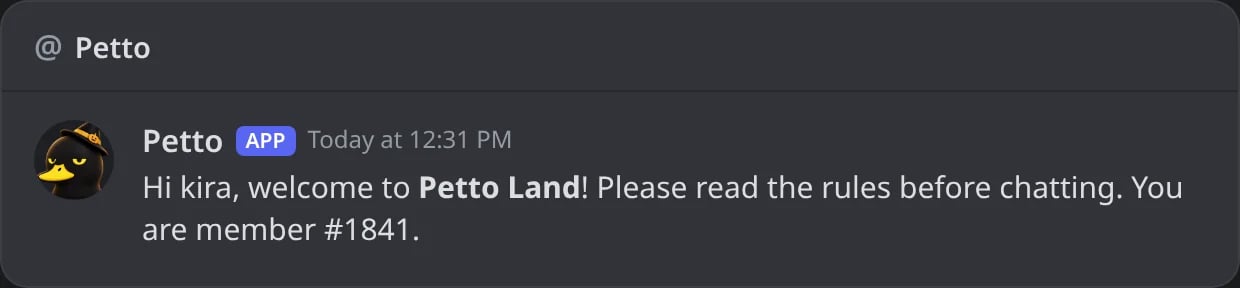
In Discord: the preview in your DMs, filled with your own name.
!dmonjoin disable
!dmonjoin disable
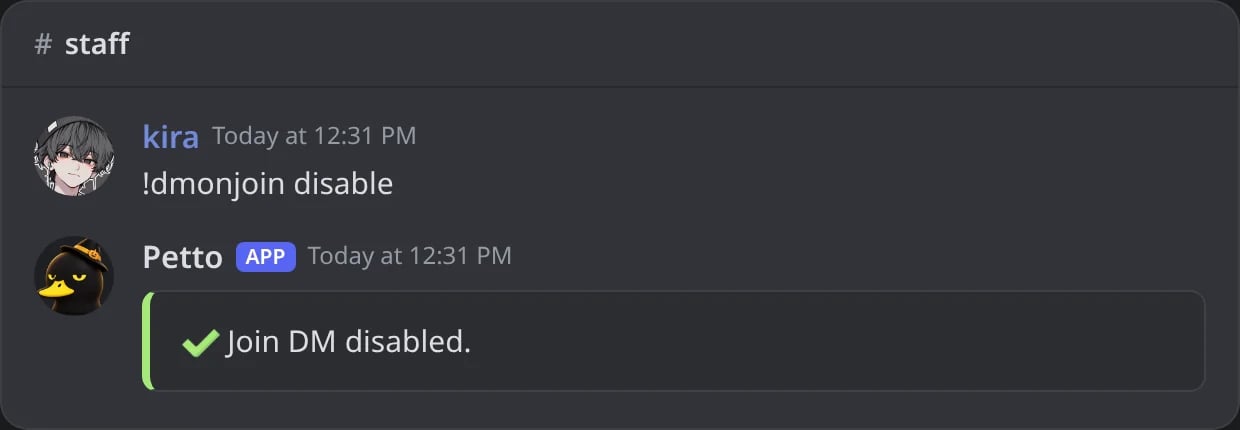
In Discord: the DM on join is turned off.
!dmonjoinconfig
!dmonjoinconfig
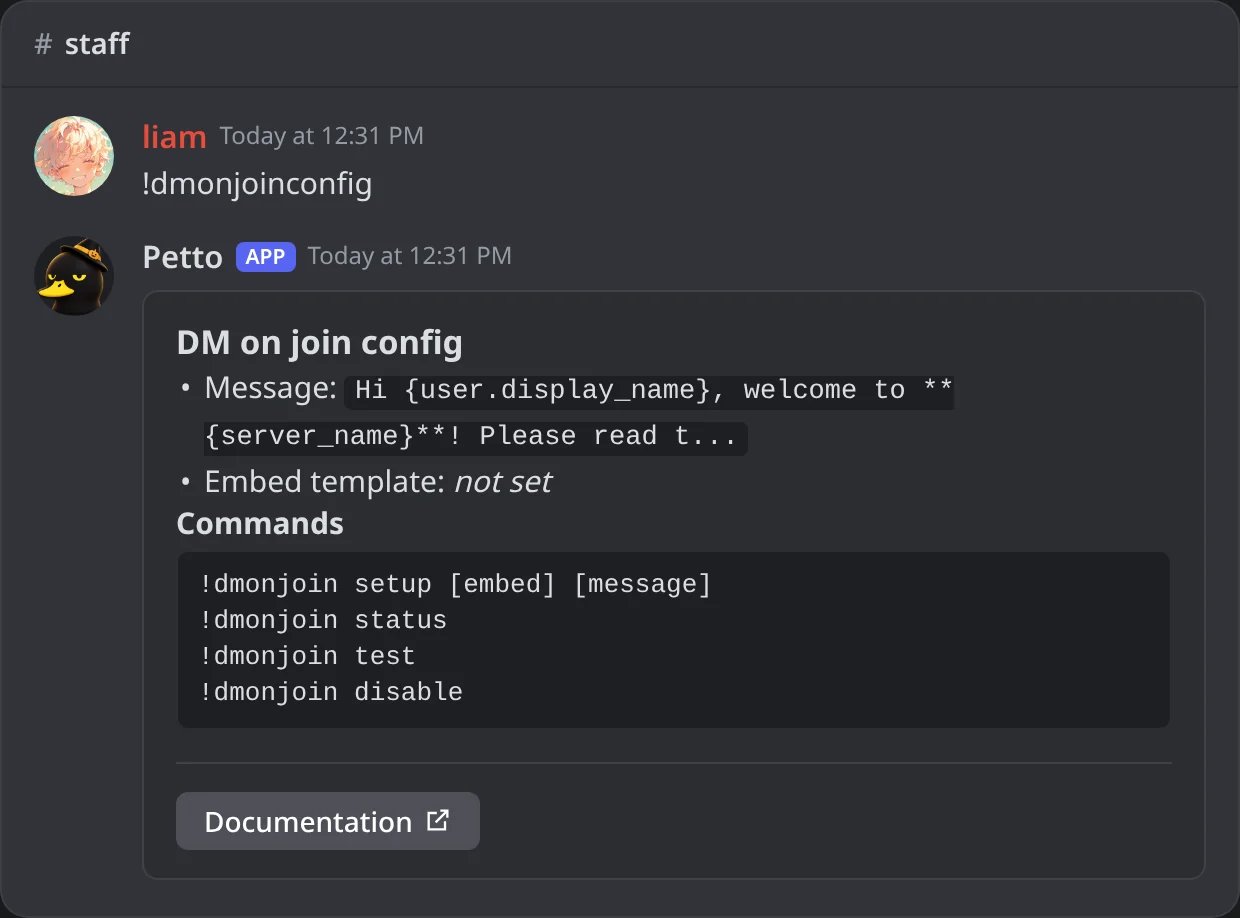
In Discord: !dmonjoinconfig, the settings of the DM on join and the commands to change them.
embed takes priority over message if both are set. setup needs a message or an embed. test DMs yourself a preview. !dmonjoin also works as !dmjoin. !dmonjoinconfig shows what is set now for the DM on join and every command to change it.
Examples
- Rules reminder
- Thank the inviter
- Saved embed
{channel} point at the DM itself, so mention channels by writing them out (<#123456789012345678>) instead. The invite variables work here like in welcome messages.
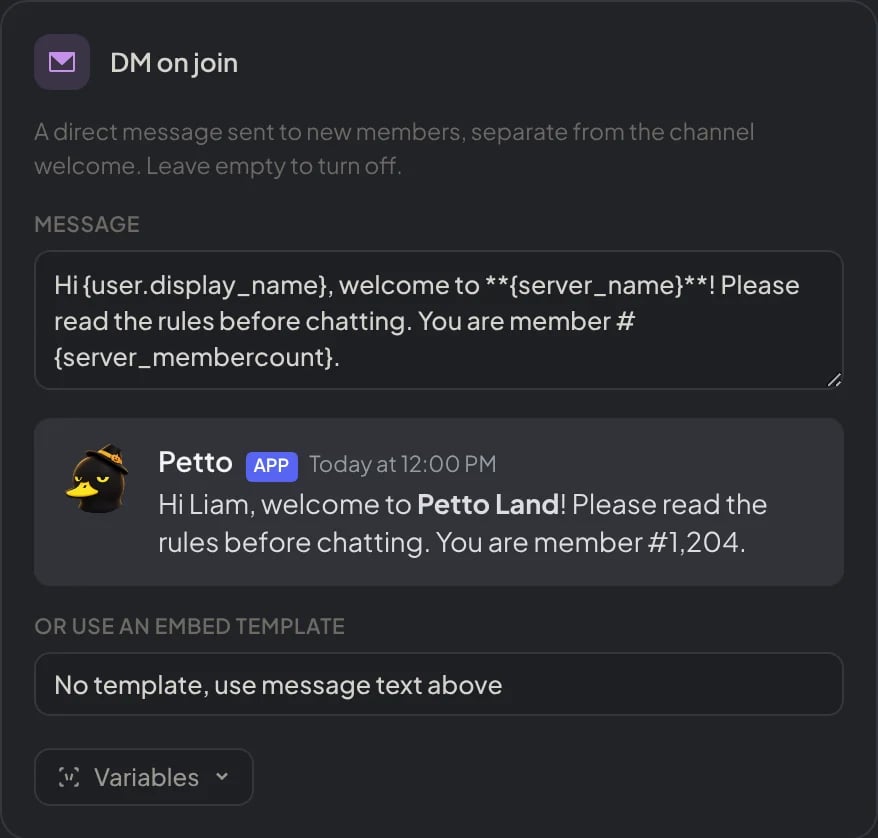
Dashboard → Security → Join Gate → Roles and DM: the DM on join card, with the message and its preview.