
What it does
A lockdown, while it is on:- closes the text channels so nobody can write, react or start threads (everyone, not the staff)
- deletes the invites and blocks new ones
- can raise the verification level of the server to High
!raidmode and !raidstate are aliases of !lockdown. !lock is a different command: it only locks the channel you are in (see Channel). With no channels chosen, it closes every text channel. It can end by itself after the minutes you choose (a job checks every minute), and it posts a notice in the channel you pick.
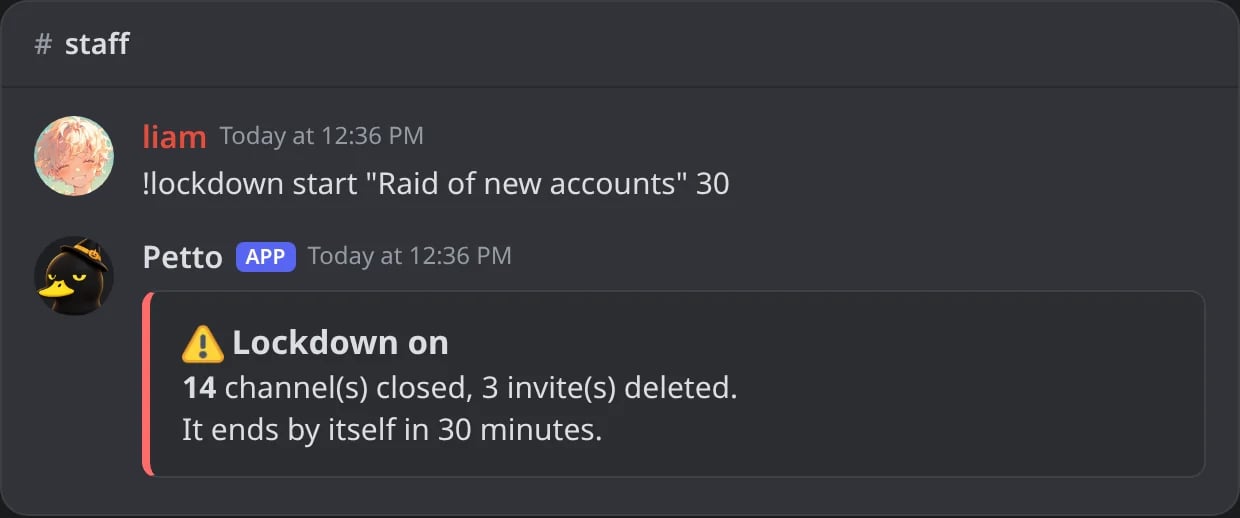
In Discord: a lockdown started for 30 minutes.
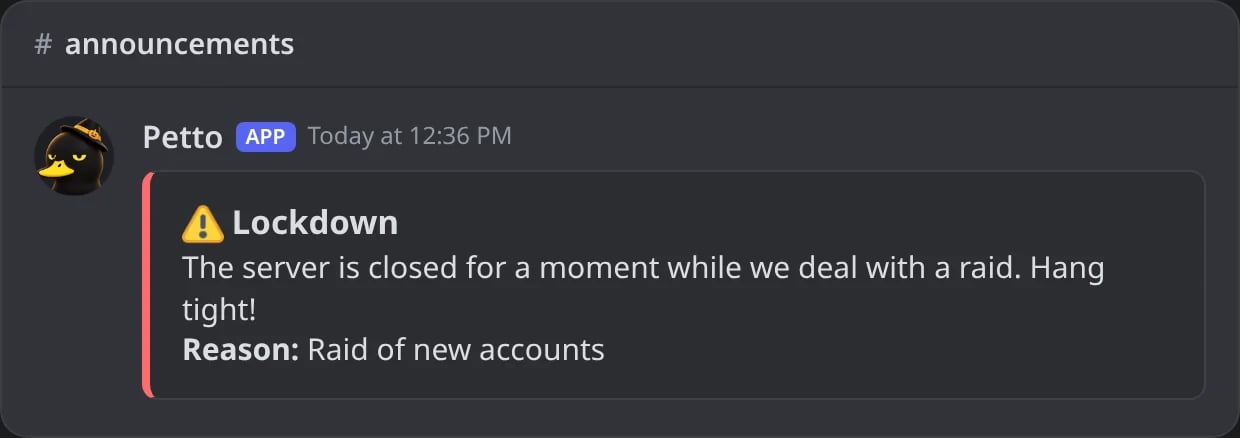
In Discord: the notice the members read in the channel you picked.
!lockdown end
!lockdown end
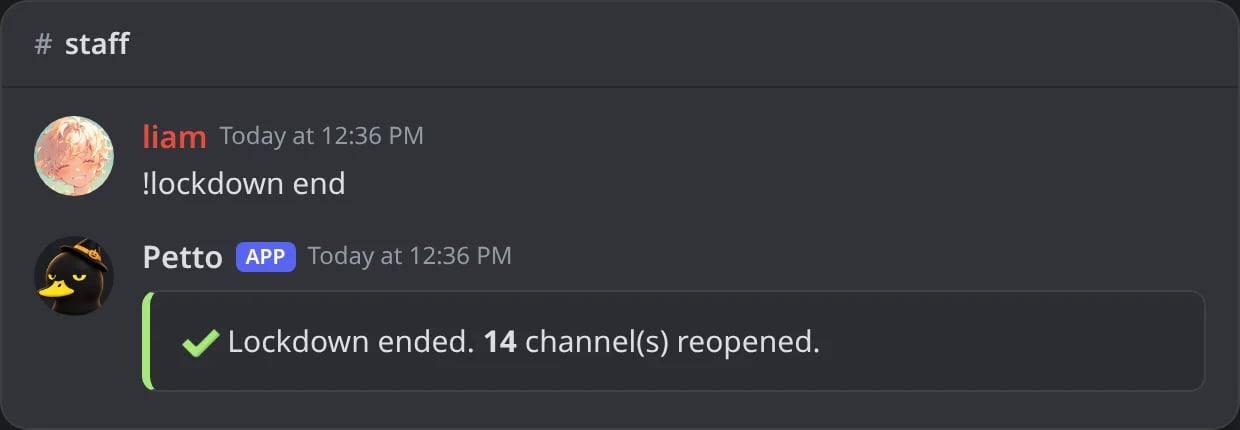
In Discord: the lockdown ended and every channel reopened.
!lockdown status
!lockdown status
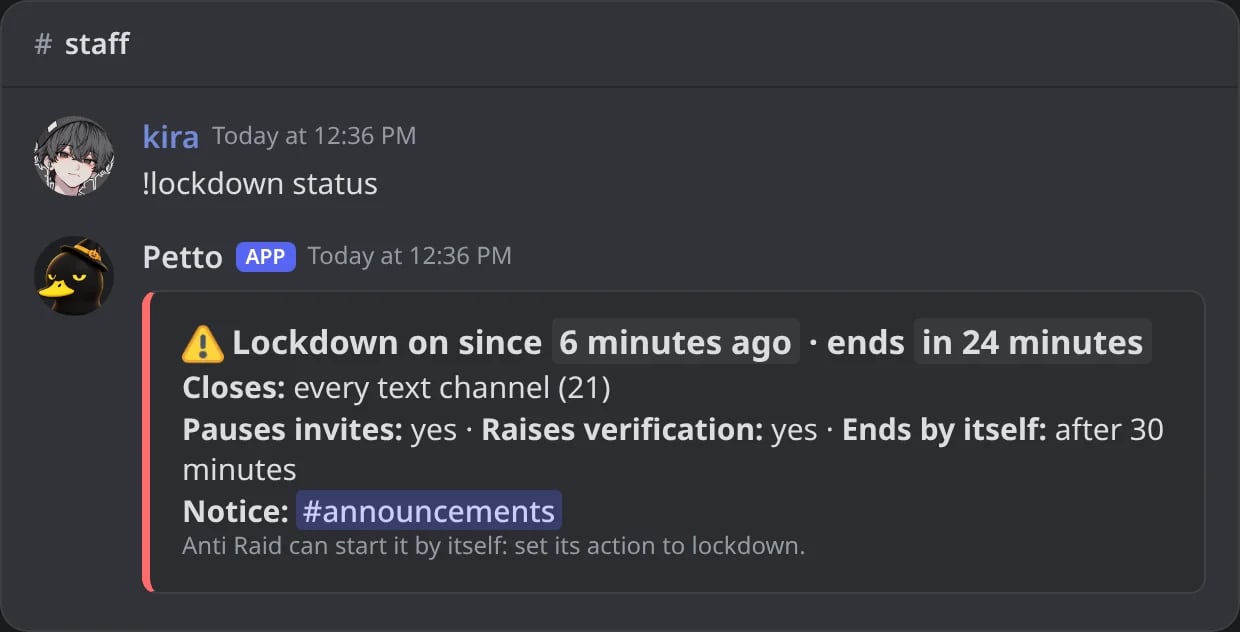
In Discord: a lockdown that is on, and how it is set.
!lockdown config
!lockdown config
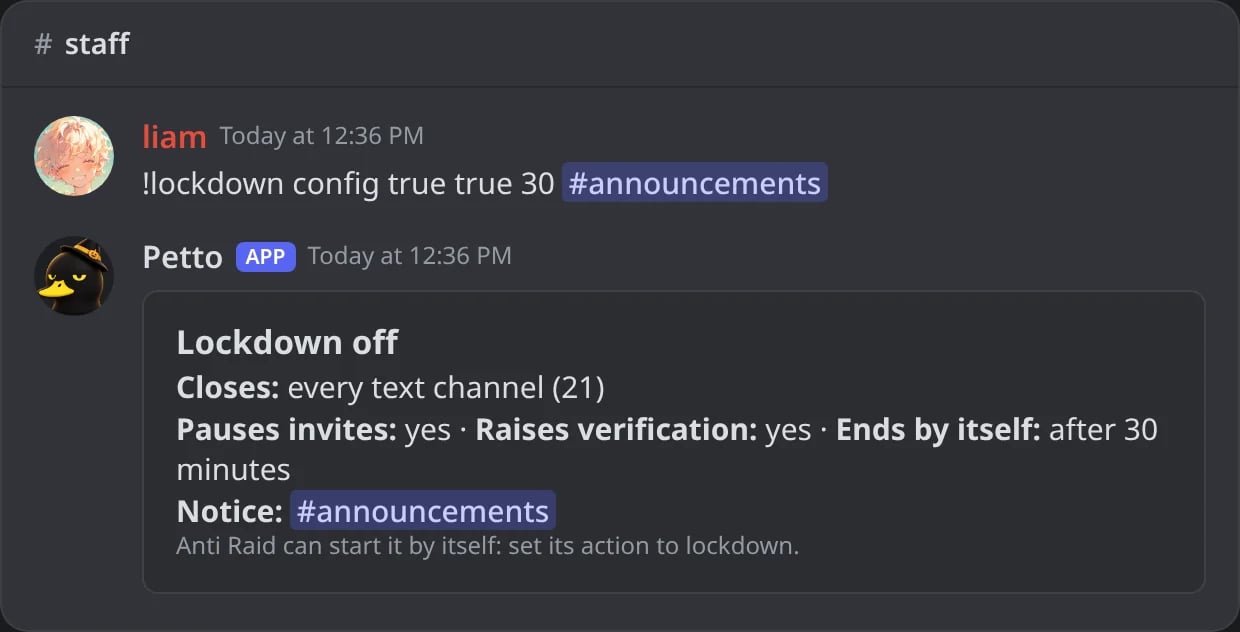
In Discord: what a lockdown does: invites, verification, the automatic end and the notice channel.
!lockdown channel add
!lockdown channel add
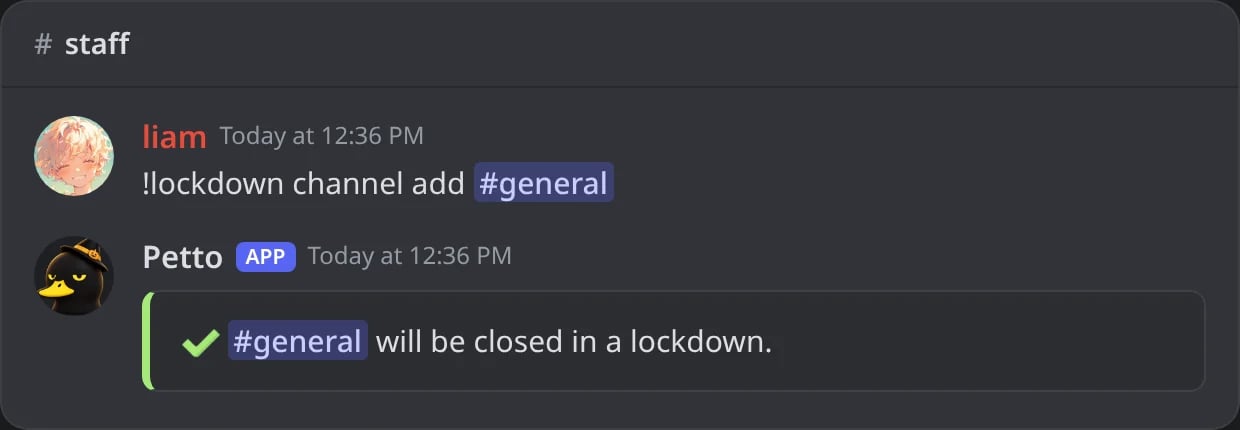
In Discord: a channel the lockdown closes.
!lockdown channel remove
!lockdown channel remove
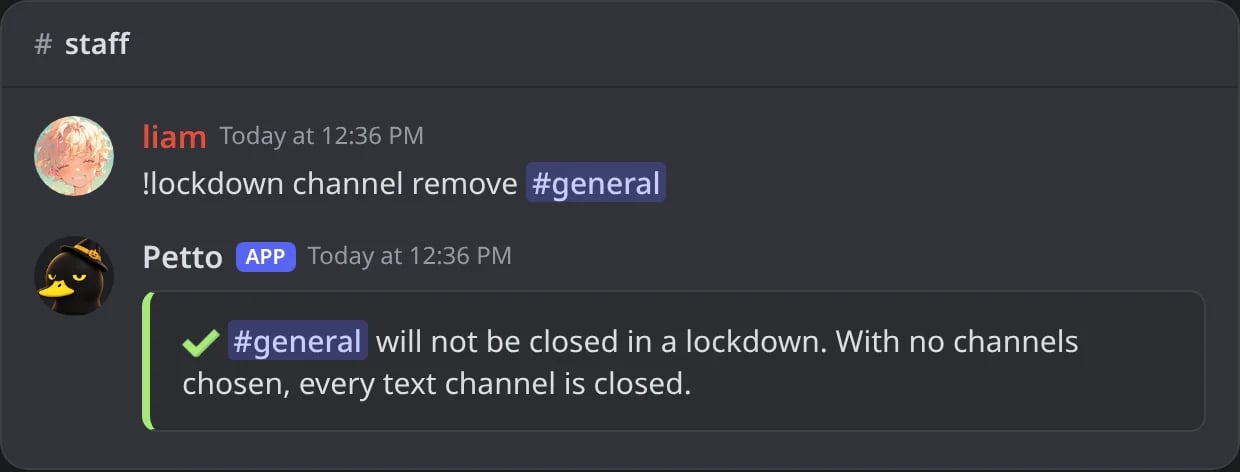
In Discord: with no channels chosen, every text channel is closed again.
Anti Raid can start it
In!automod raid (and in the dashboard, Anti-raid & nuke), set the action to lockdown. When a burst of joins is detected, the lockdown starts by itself.
The anti-nuke’s panic mode can start it too, when several protections act within a few minutes.
The dashboard has a Lockdown tab with the state, Start and End buttons and what it does.
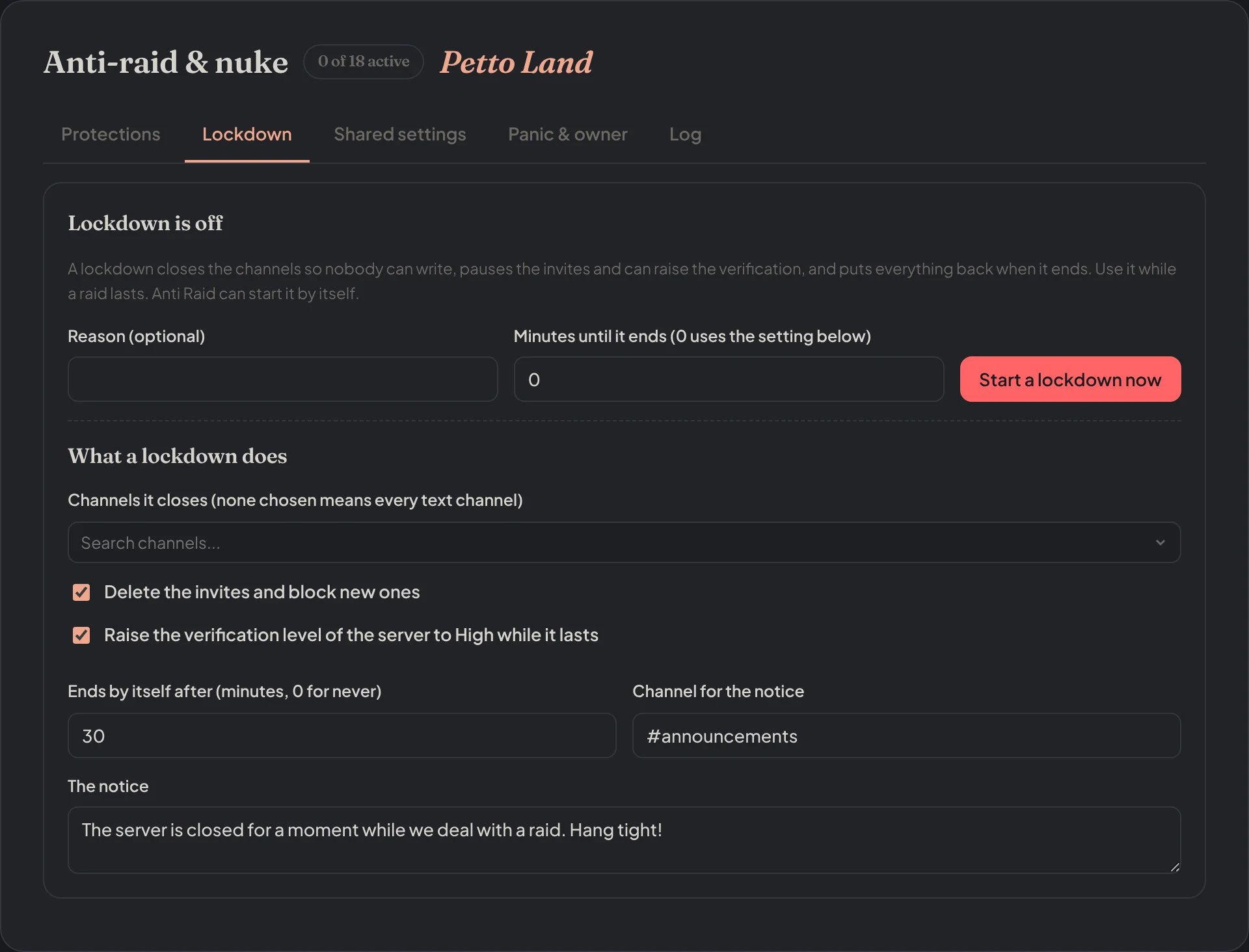
Dashboard → Moderation → Anti-raid & nuke → Lockdown: start it and choose what it does.