
Overview
Create a command that replies with saved text or a saved embed, and supports every variable. Use them for anything your server repeats: the rules, the social links, a hug or a dice roll. The member types!name, and Petto answers in the channel as a reply.
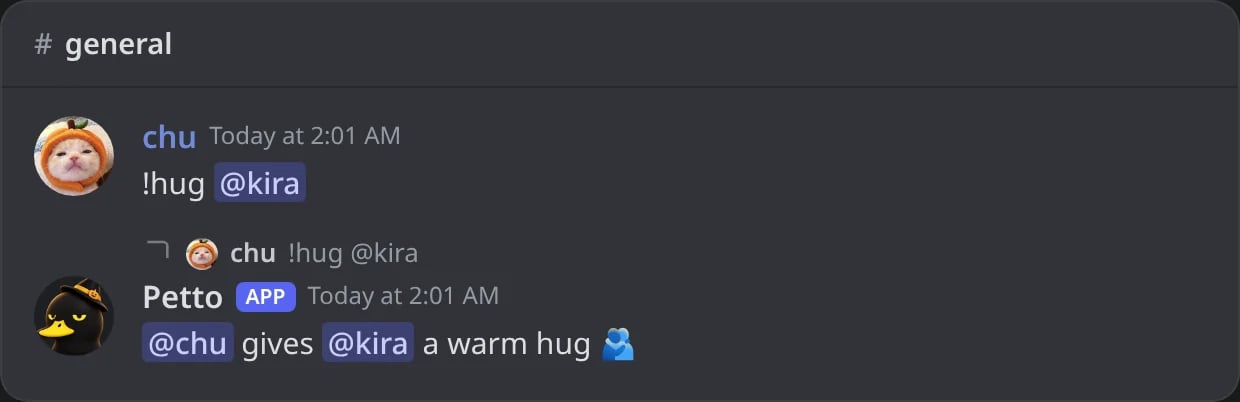
In Discord: the hug command of the examples, used on another member.
Commands
!customcommand add
!customcommand add
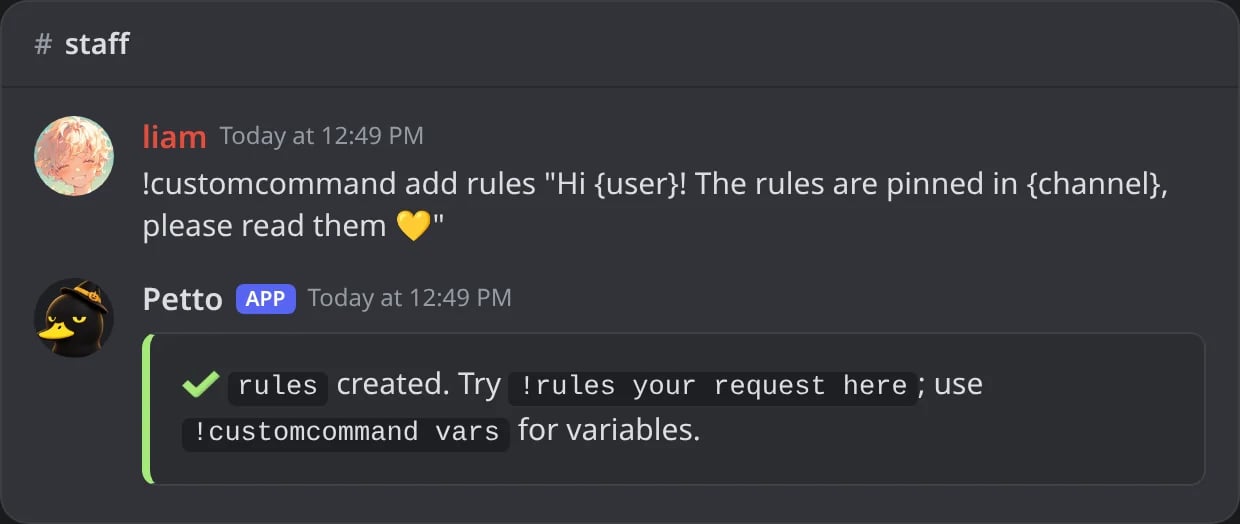
In Discord: !rules is created.
!customcommand add (saved embed)
!customcommand add (saved embed)
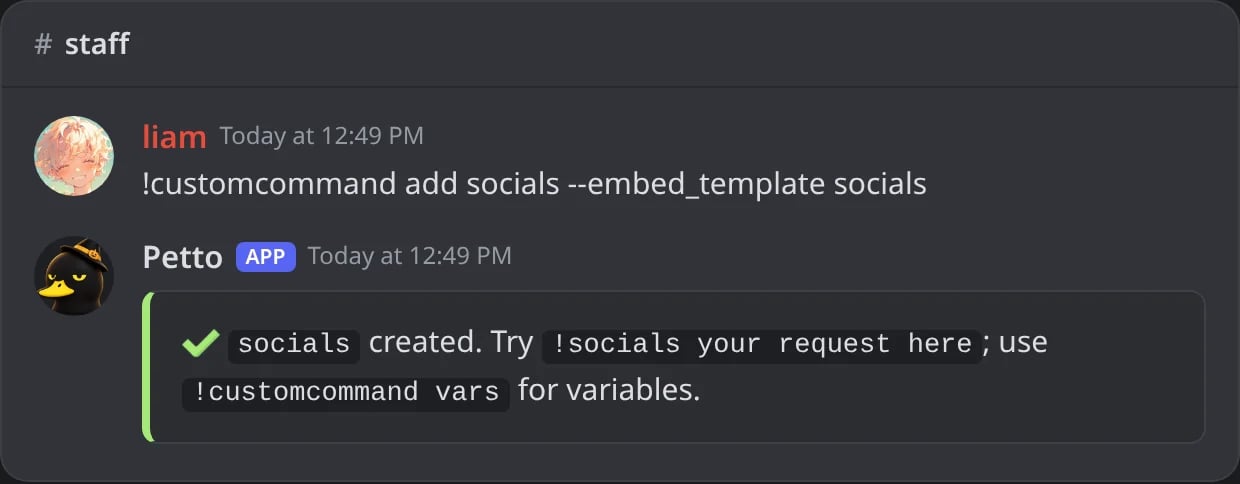
In Discord: a command that sends the saved embed socials.
!customcommand add (a name Petto uses)
!customcommand add (a name Petto uses)
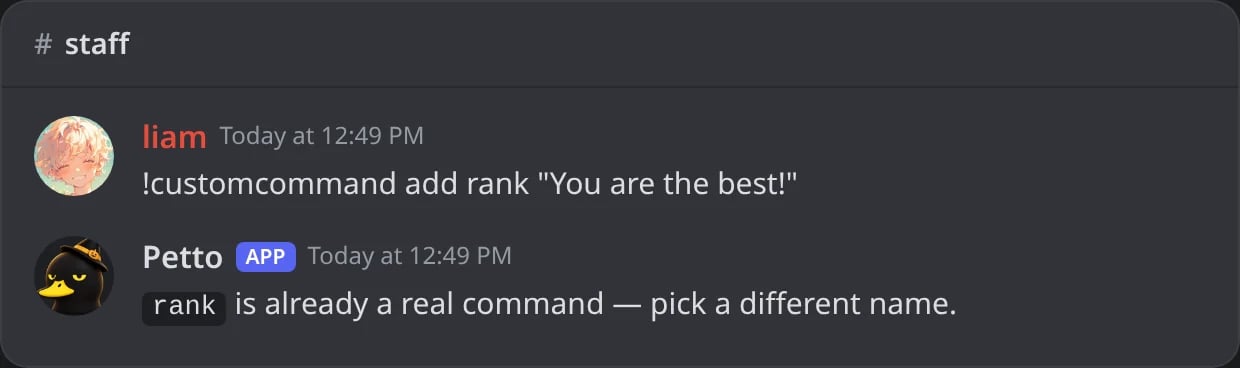
In Discord: rank is a command of Petto, so the name is refused.
!customcommand edit
!customcommand edit
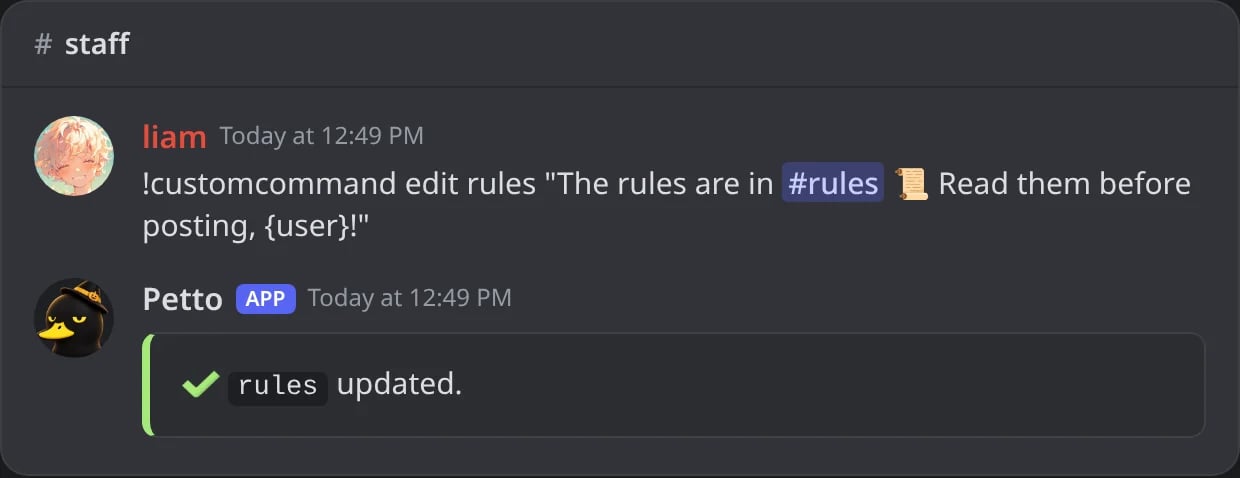
In Discord: !rules gets a new text.
!customcommand remove
!customcommand remove
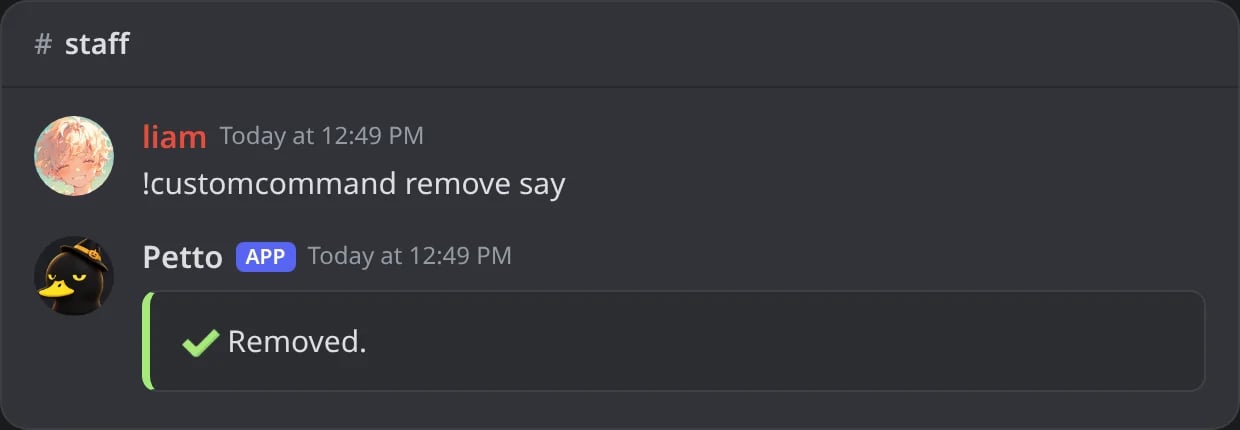
In Discord: !say is deleted.
!customcommand list
!customcommand list
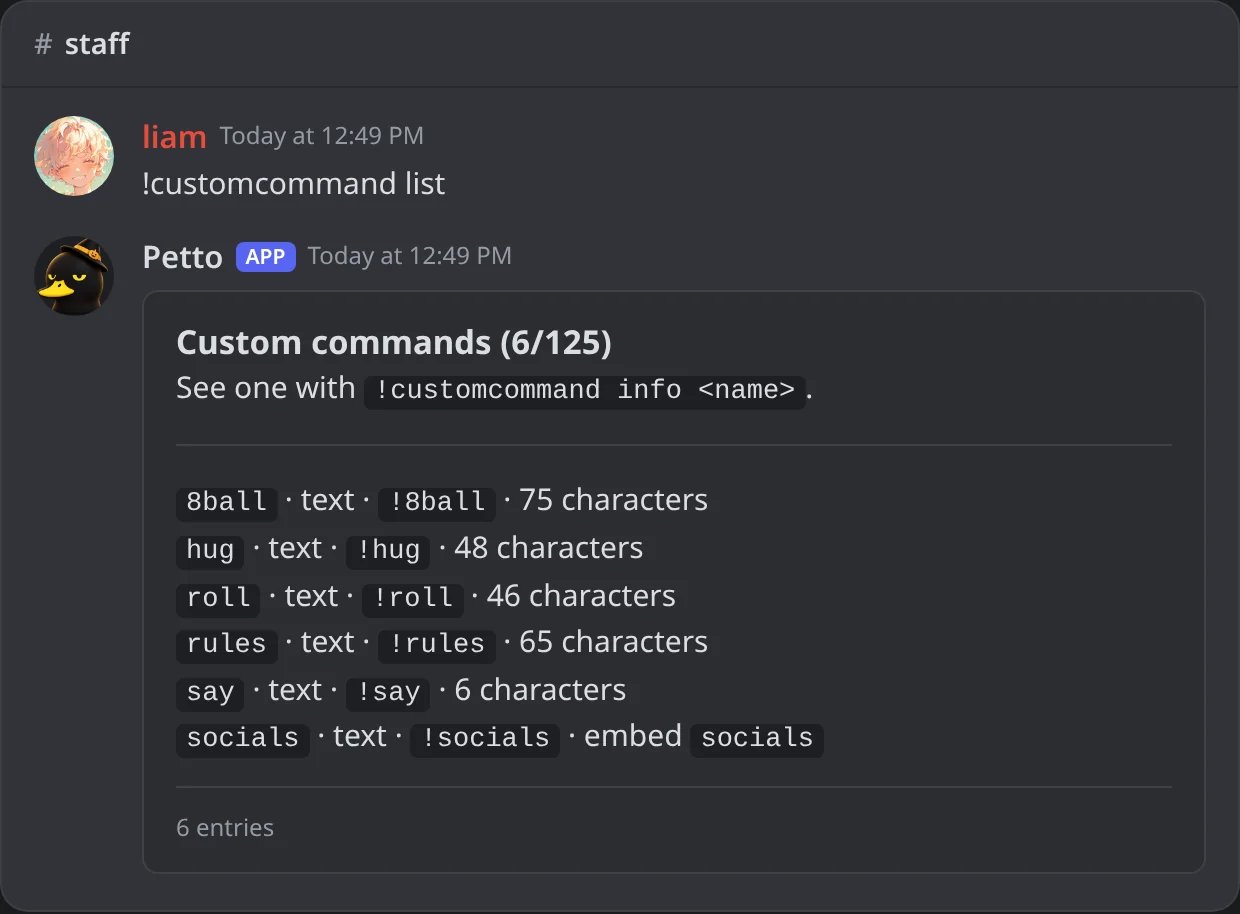
In Discord: the commands of the server, sorted by name, with how they start and their size.
!customcommand show
!customcommand show
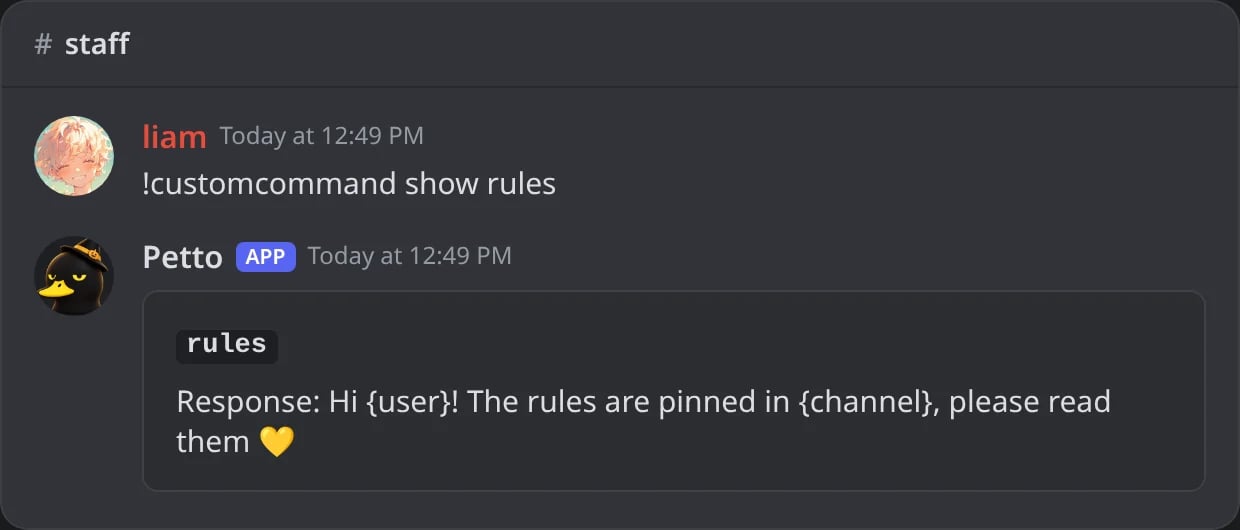
In Discord: the saved reply of !rules, with its variables as written.
!customcommand info
!customcommand info
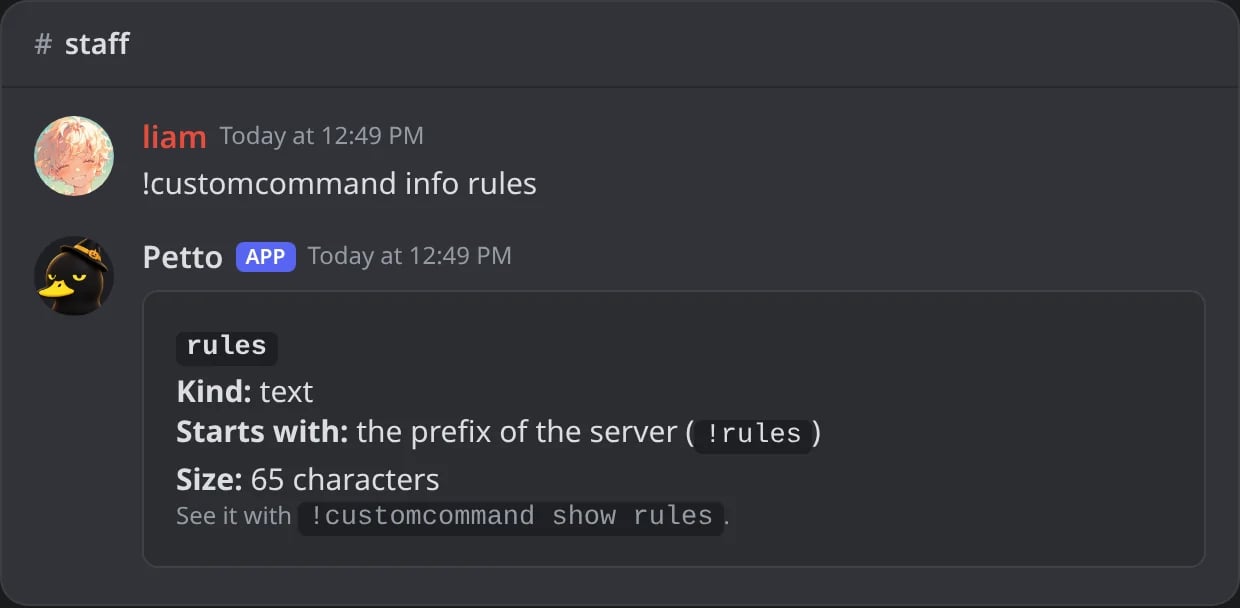
In Discord: what !rules is: a text command, how it starts and its size.
!customcommand rename
!customcommand rename
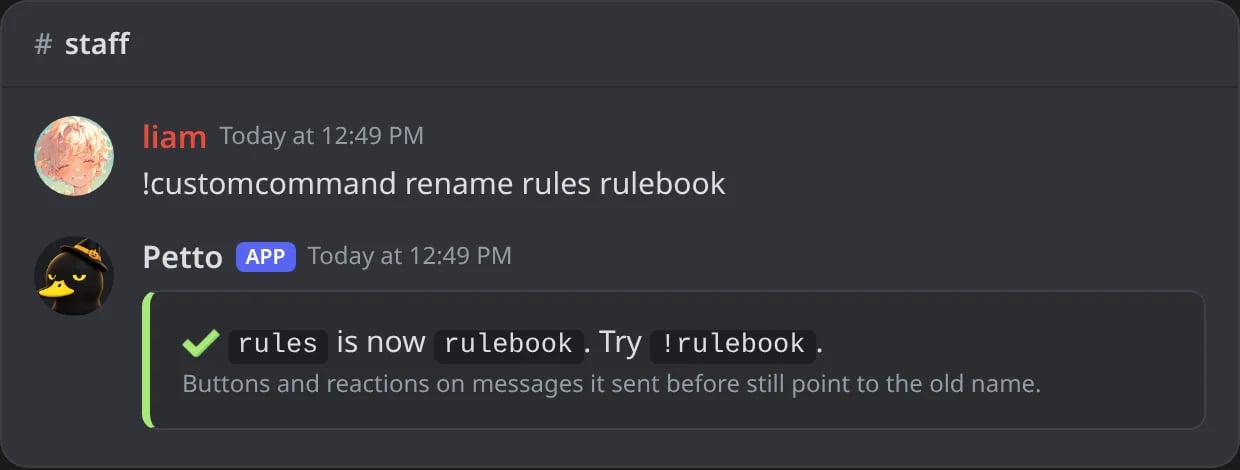
In Discord: !rules is now !rulebook.
!rules (the result)
!rules (the result)
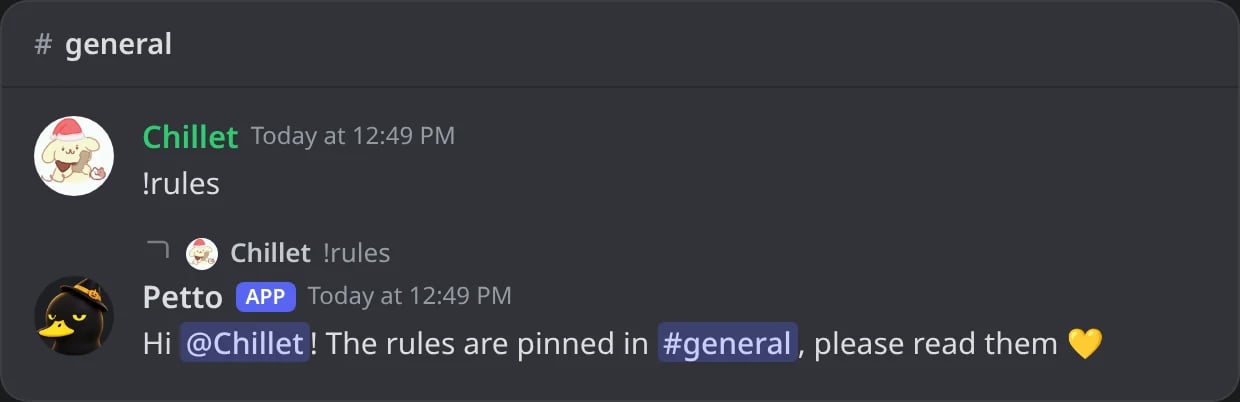
In Discord: a member uses !rules and Petto answers as a reply.
!cc is the short name of !customcommand. A name that is already a command of Petto (like rank) is refused, and so is a name that another custom command has.
Arguments
Whatever the member types after the command can be used in the reply. Text in quotes counts as one argument, and mentions typed by members never ping anyone or cause mass mentions.!customcommand vars shows these variables and the reply flags in Discord. When the reply uses an argument and the member types nothing after the command, Petto asks for the text instead of sending an empty reply.
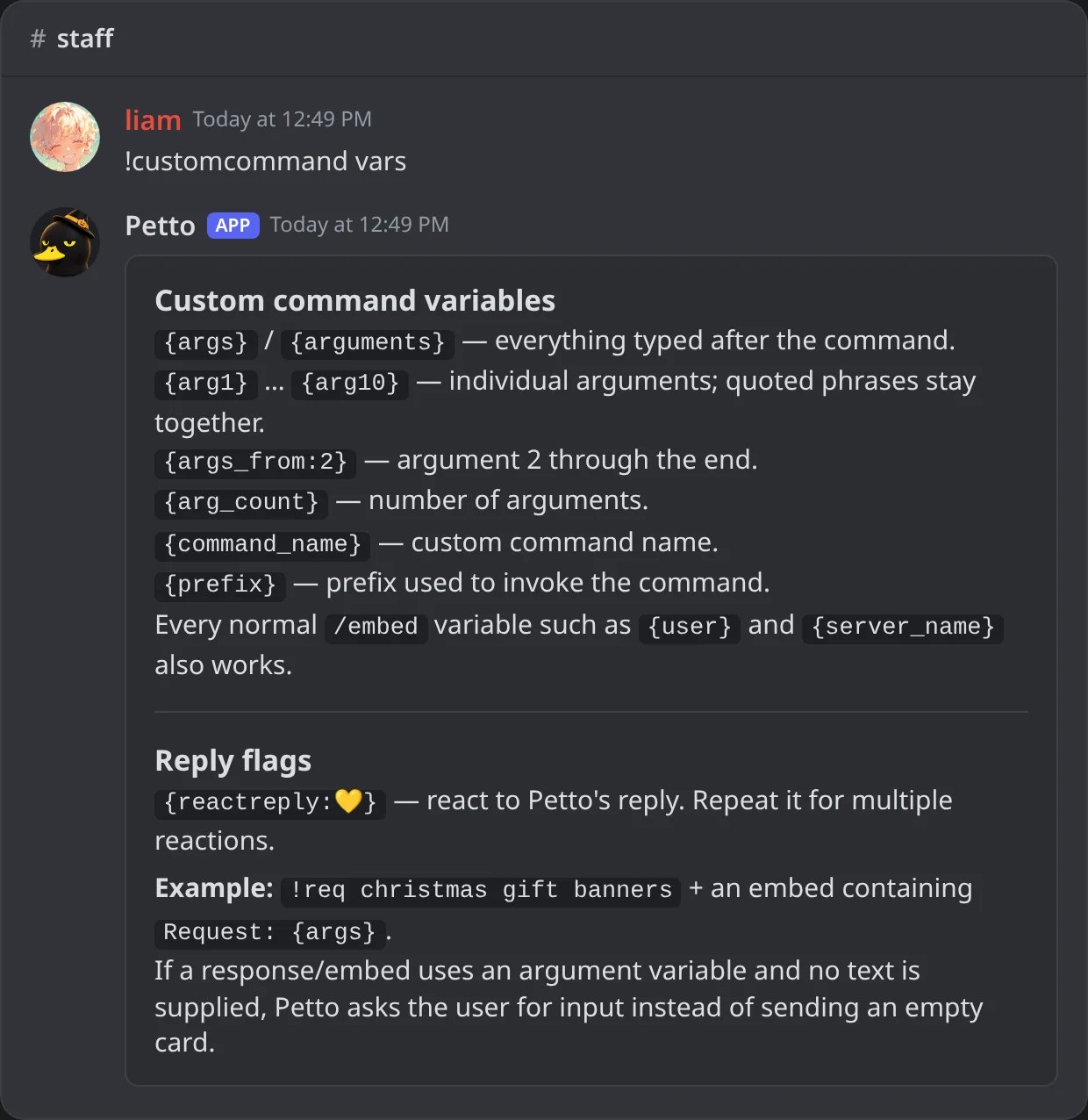
In Discord: !customcommand vars, the arguments, the variables and the reply flags.
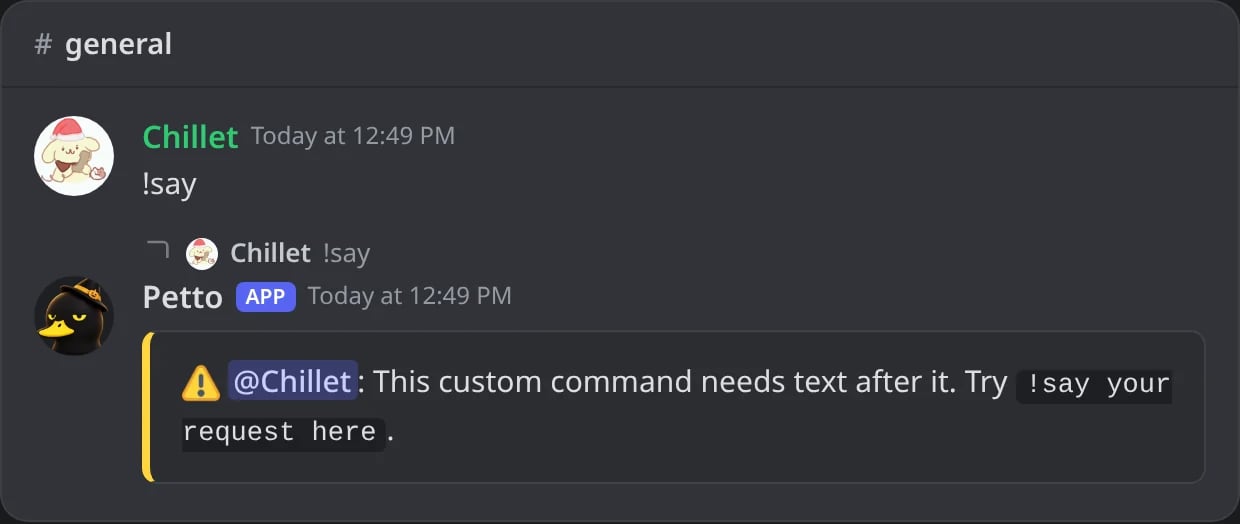
In Discord: !say needs text after it, so Petto asks for it.
Examples
- Hug
- Say
- 8 ball
- Dice
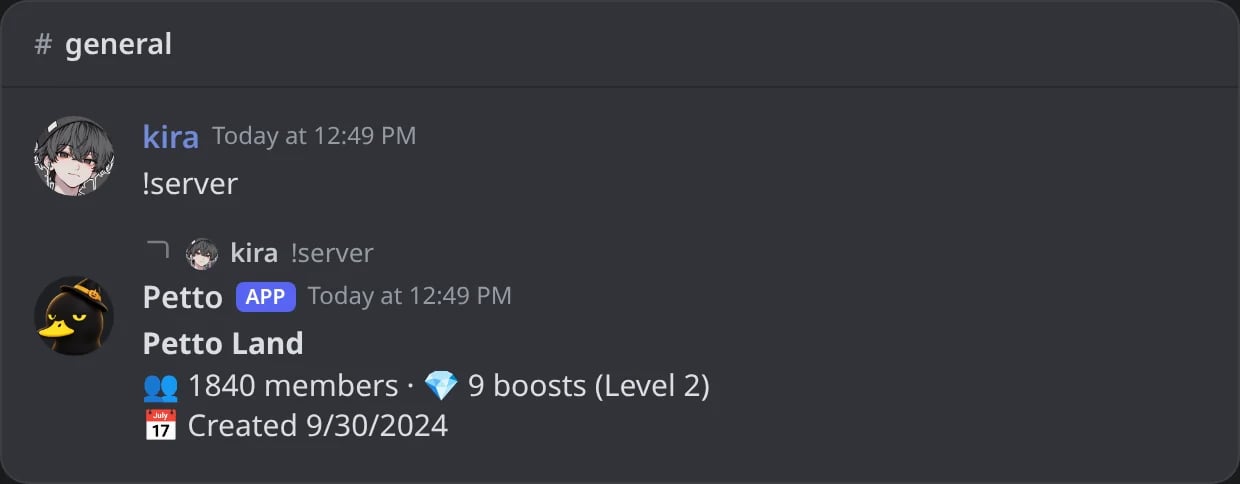
- Server info
- Vote
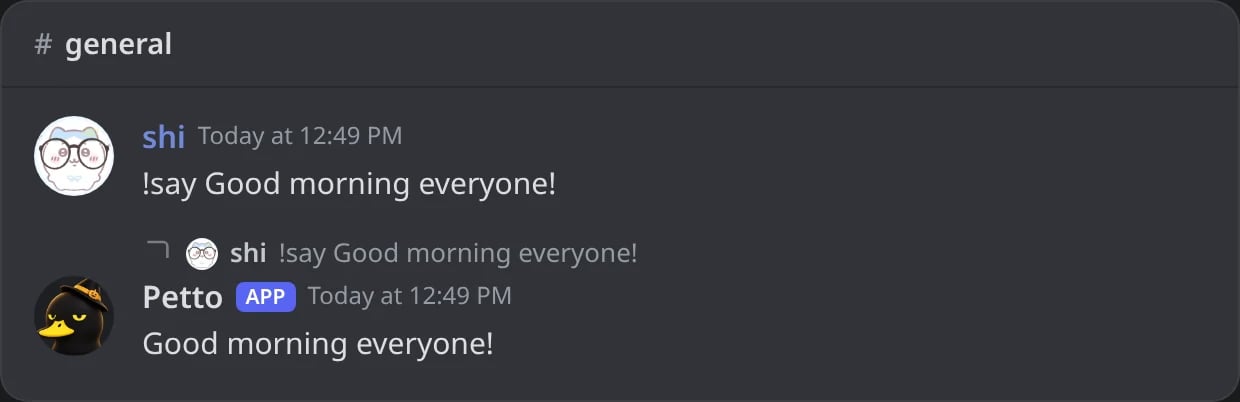
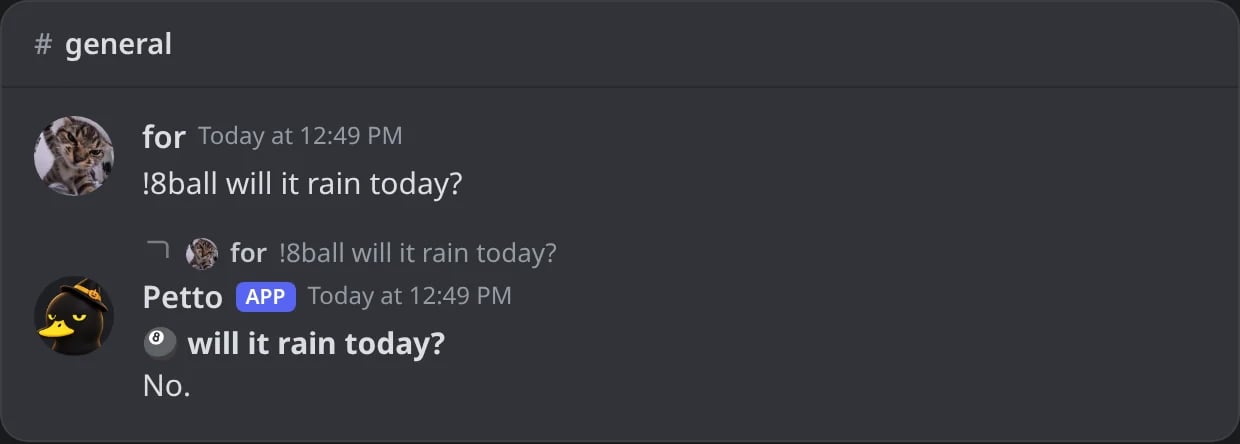
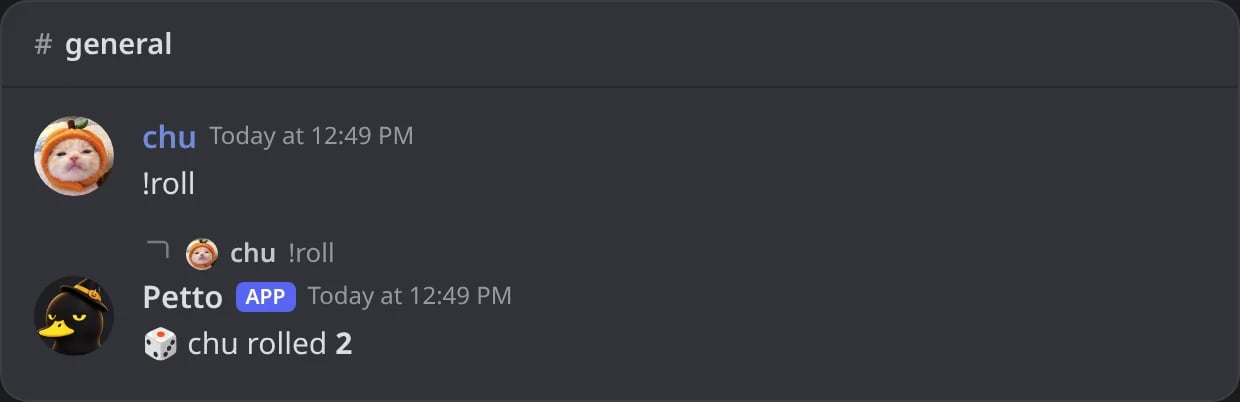
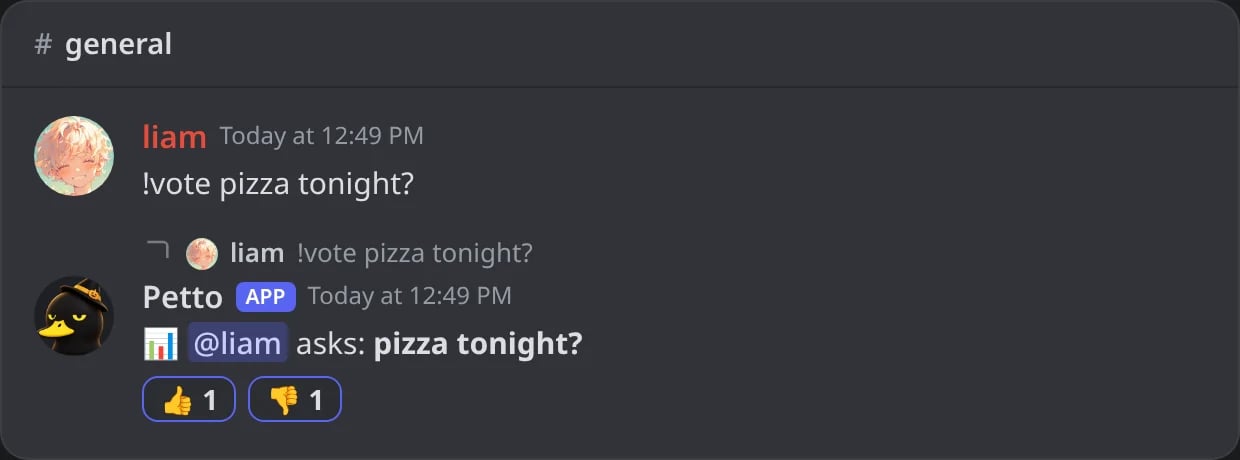
if), saved data or buttons, write the command in Petto Code instead.
Put a ! before a mention in a reply (!@Role, !{user.mention}) to show it without notifying anyone: see Silent mentions.
Plain text or embed
Ifembed_template is set, it takes priority over response, the saved embed is sent instead of plain text. Manage embed templates on the dashboard’s Embeds page or with !embed. A custom command can use an embed template alone, with no text. Editing a command keeps the fields you leave out.
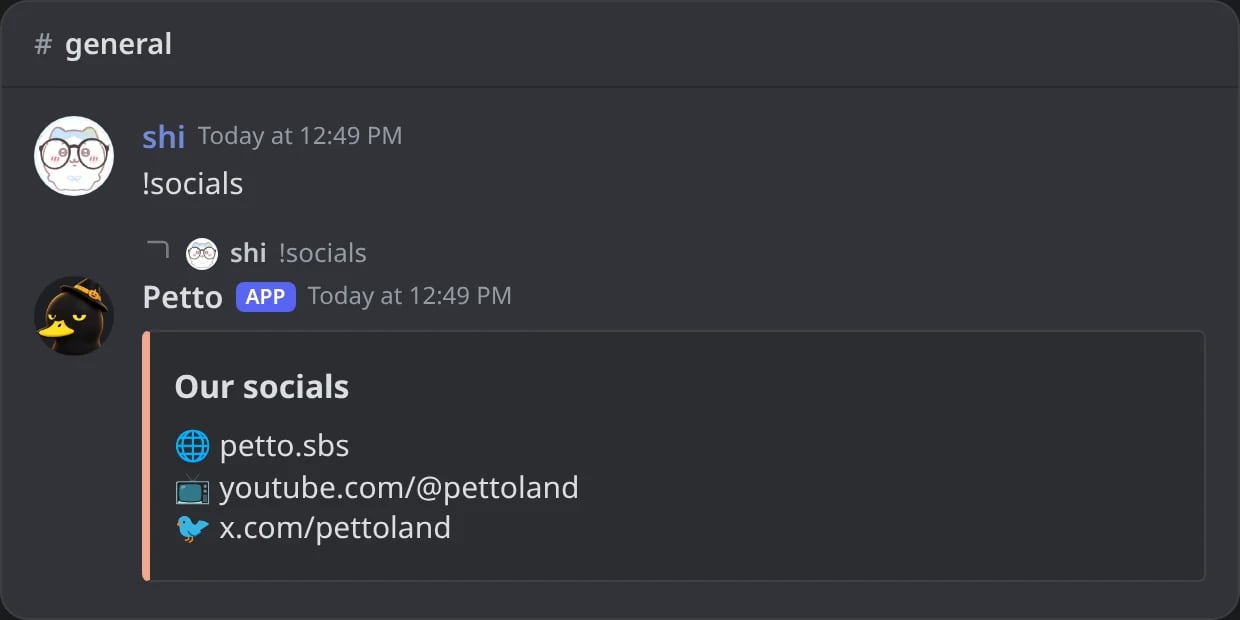
In Discord: !socials sends its saved embed instead of text.
Limits
A Free server can have 125 custom commands and a Premium server 250 (commands in code count too). See Premium.Dashboard
The same commands are in Automation → Custom commands of the dashboard: each command as a member would use it and Petto’s answer, a button to delete it, and a form to add one with its text or a saved embed. Commands written in code are edited in Commands in code.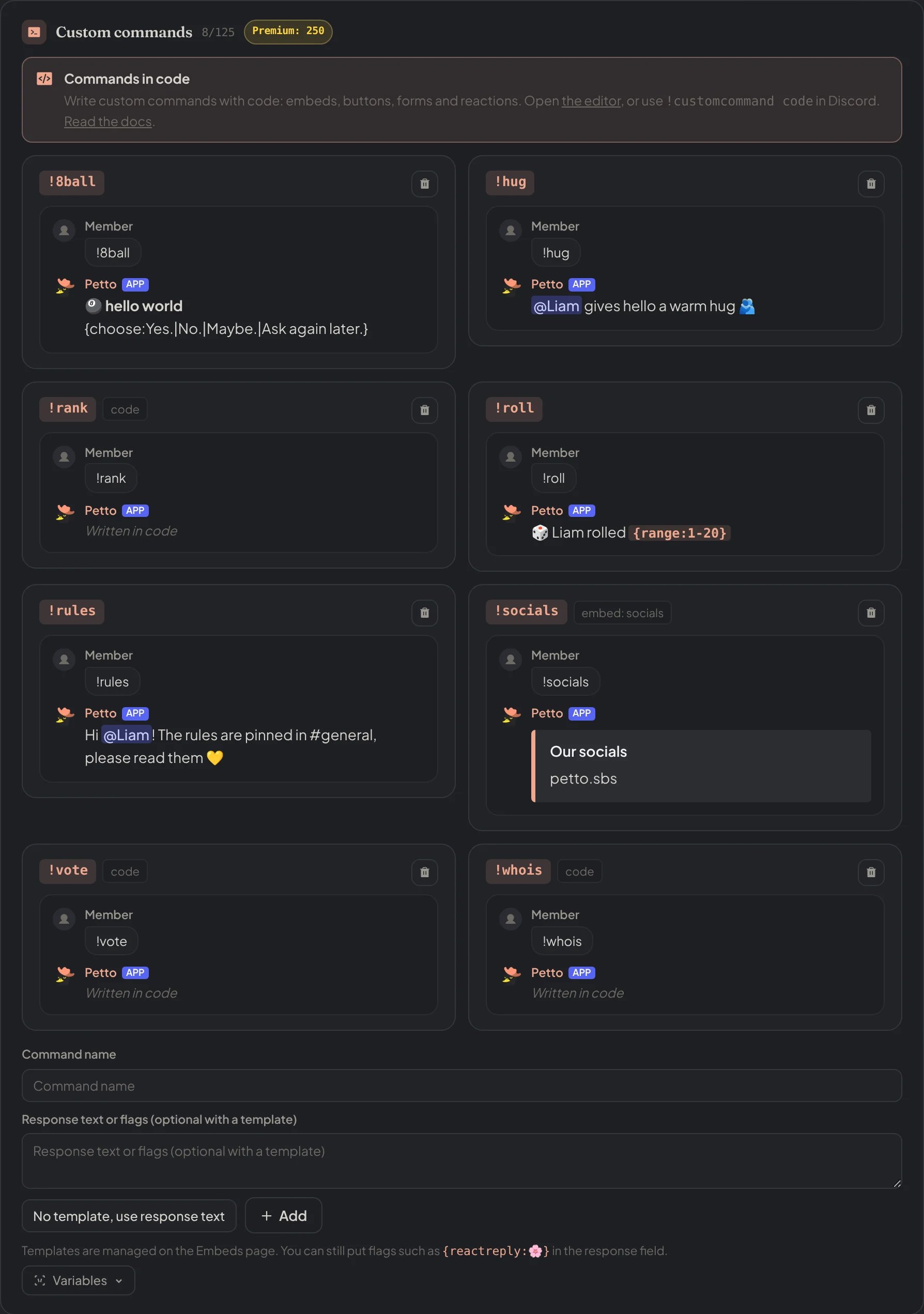
Dashboard → Automation → Custom commands: every command as a member would use it and Petto's answer, and the form to add one.