
Overview
The Config Management page of the dashboard (Dashboard → Config Management) shows a live, read-only snapshot of the configuration of the main modules of your server, including anything not yet set (shown as its real default, not hidden): the prefix and Petto’s look, AutoMod and anti-nuke, levels, tickets, giveaways, logs, custom commands, autoresponders, sticky messages, reaction roles, disabled commands, reports, booster roles, the welcome messages, verification and the bump reminder. For some of them it shows how many there are. Use it before a big change, to keep a copy of how things were, or to compare two servers you run. The snapshot on the page is written as YAML and is read only: change the settings on their own pages. At the top, a strip of numbers shows how many custom commands, autoresponders, reaction roles, timers, feeds, log channels and more the server has, read from the snapshot below. Press one to jump to its part of the file. The viewer has a search box that highlights matches (and can show only the matching lines), a Wrap lines switch, Copy, Download YAML, and a list to jump to each module. A card lists what a snapshot includes and what it does not: members’ data, messages, uploaded files and tokens are never in it.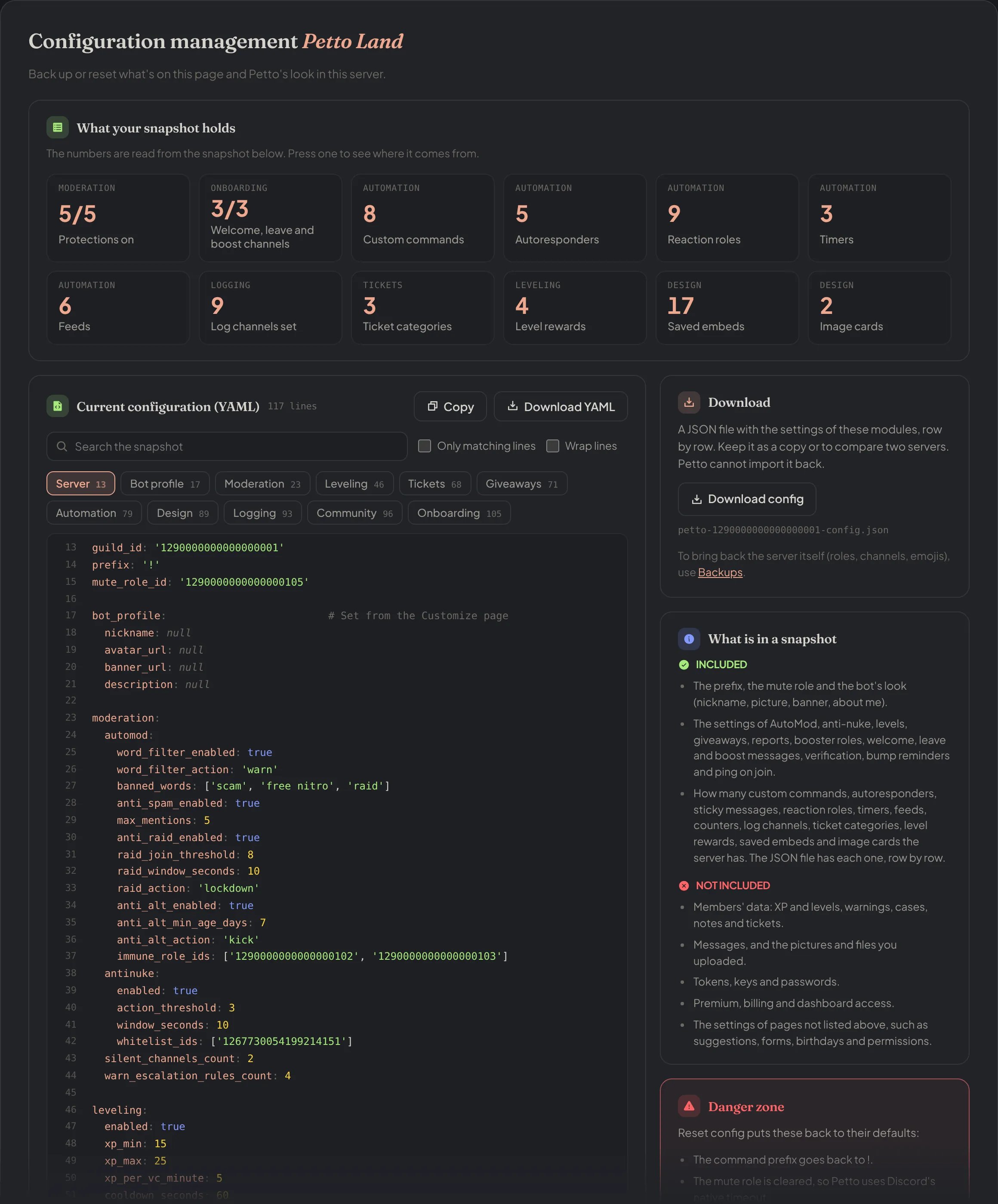
Dashboard → Dashboard → Config Management: the strip of numbers, the YAML viewer with its toolbar and list of modules, and the cards for Download, what is in a snapshot and the Danger zone.
Download
Download config saves a JSON file with the settings of the same modules, row by row (and the timers, feeds, counters, saved embeds and image cards), useful for backups or comparing configuration across servers. Petto cannot import this file back.Reset
The Reset config button is in the Danger zone card, which lists what it changes. It resets the basics back to defaults: prefix, mute role, and bot appearance (nickname/avatar/banner/about me). It does not touch other modules like moderation, automation, or leveling, those are reset individually where they’re configured.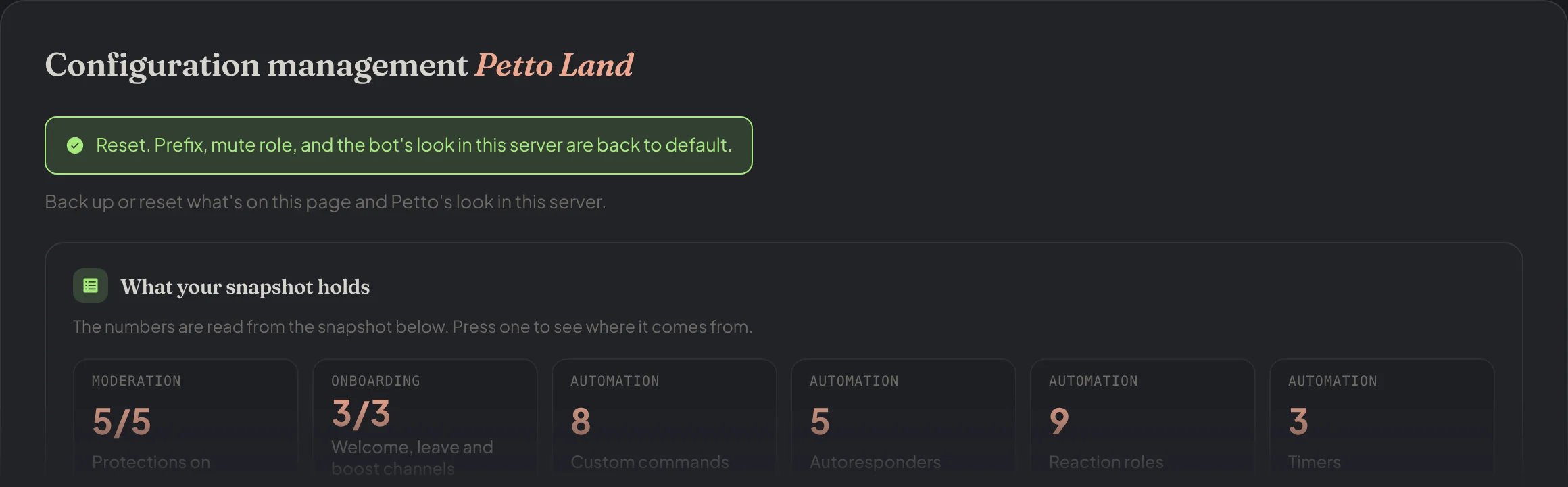
Dashboard → Dashboard → Config Management: after Reset config (the browser asks first), the notice says what went back to default.