
Overview
Leveling tracks XP per member with a curve and cooldown you control, not a fixed formula. Every!level subcommand below requires Manage Guild.
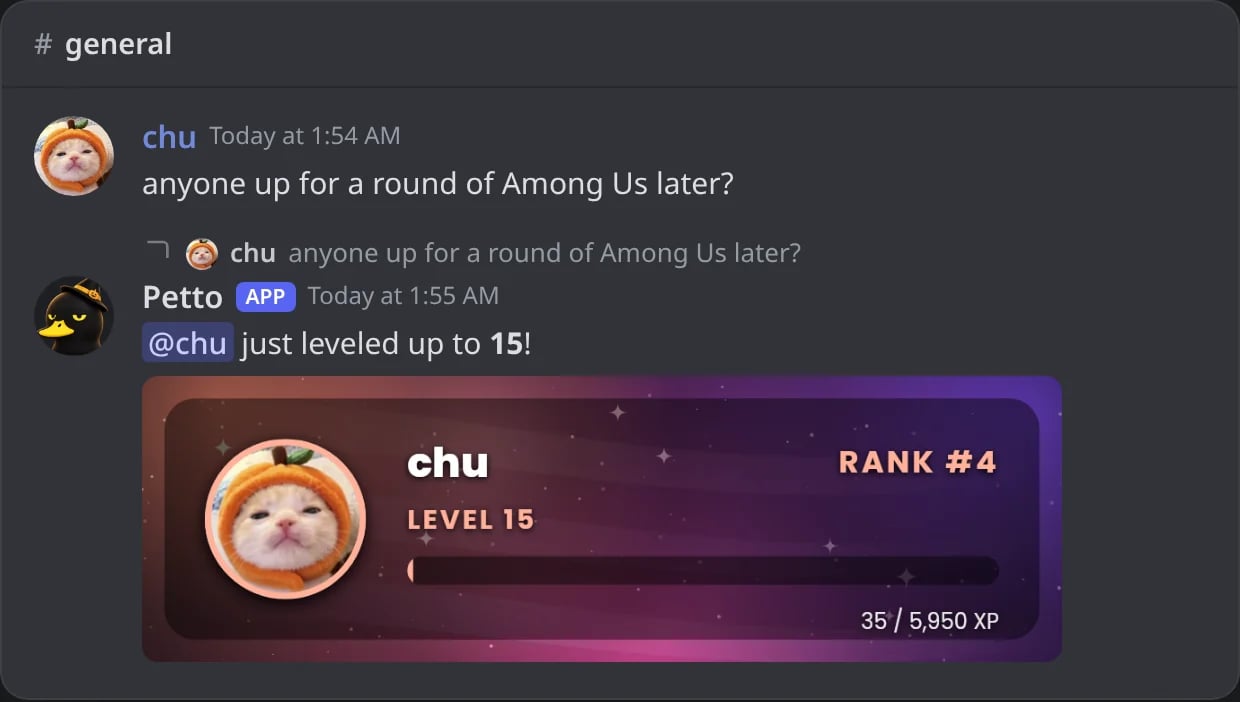
In Discord: a message makes a member level up, and Petto answers it with the level-up message and the level card.
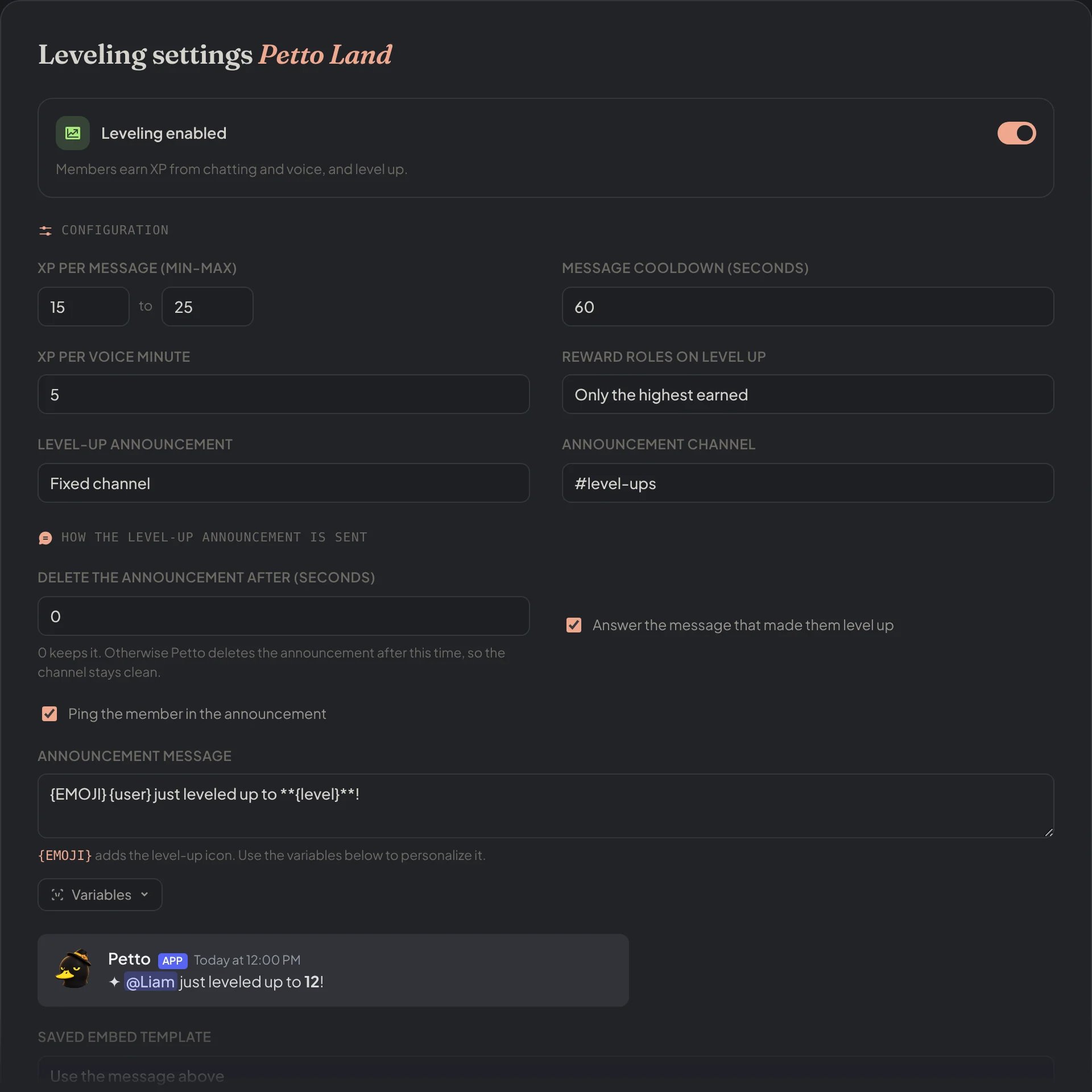
Dashboard → Leveling → Leveling: XP per message and per voice minute, the cooldown, the reward roles mode and the level-up announcement with its preview.
Turning it on and setting the rate
!level enable
!level enable
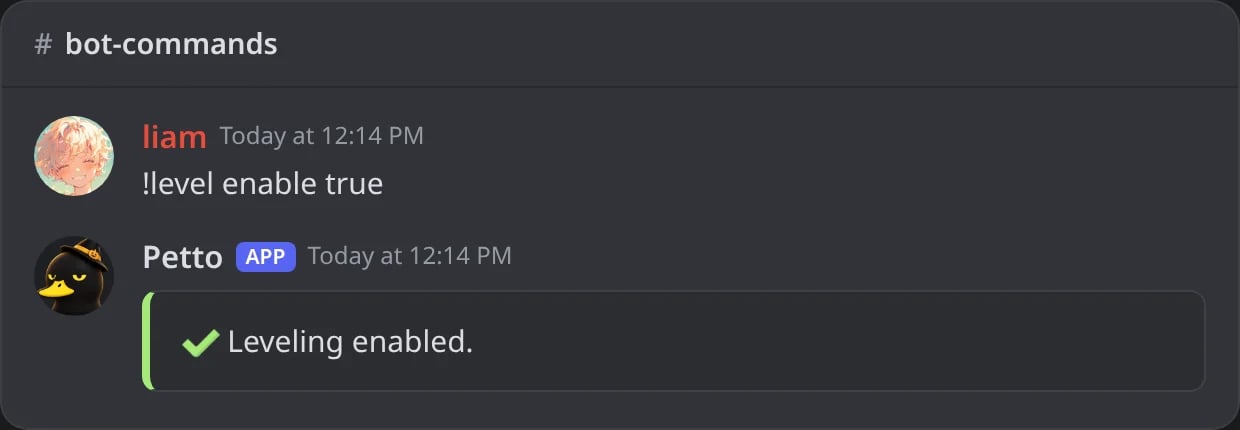
In Discord: leveling is turned on.
!level xp
!level xp
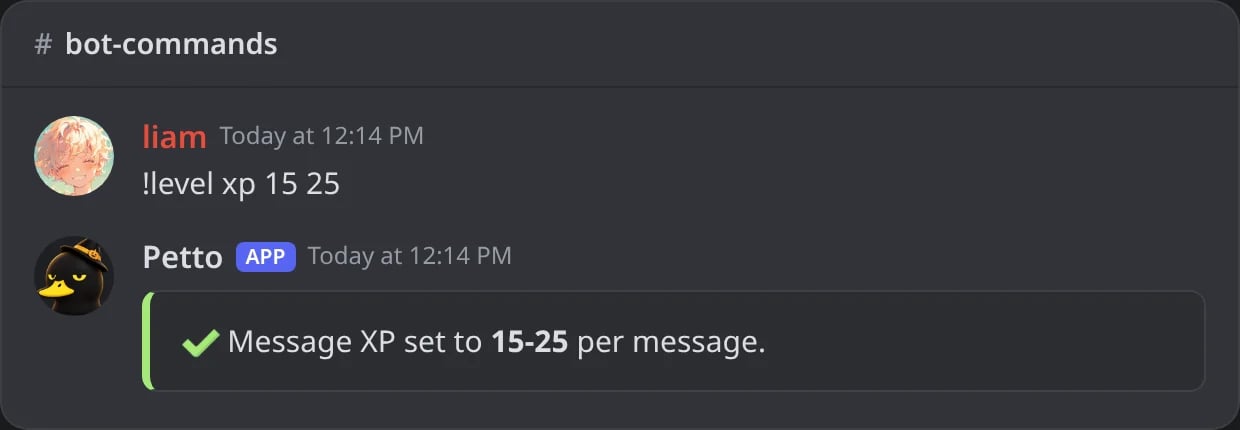
In Discord: the XP of each message is set between 15 and 25.
!level voice-xp
!level voice-xp
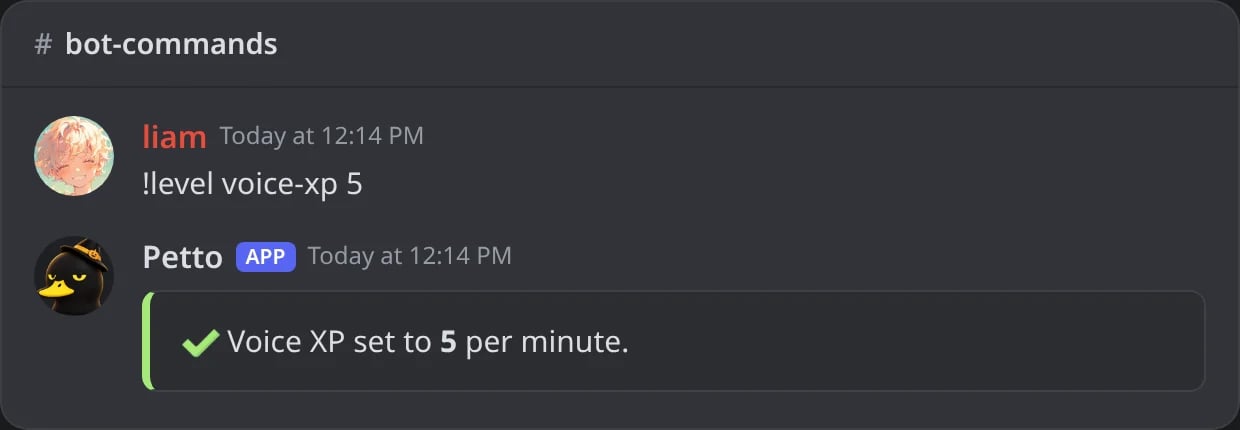
In Discord: 5 XP for each minute in voice.
!level cooldown
!level cooldown
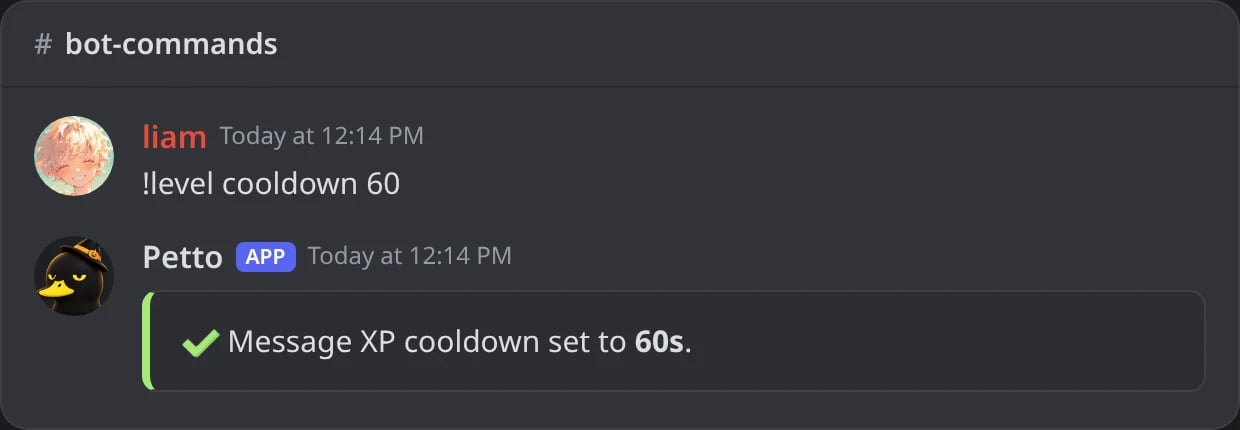
In Discord: a member earns message XP once a minute at most.
min and max, on a per-member cooldown. voice-xp is a flat amount per minute in voice, no cooldown.
The XP curve
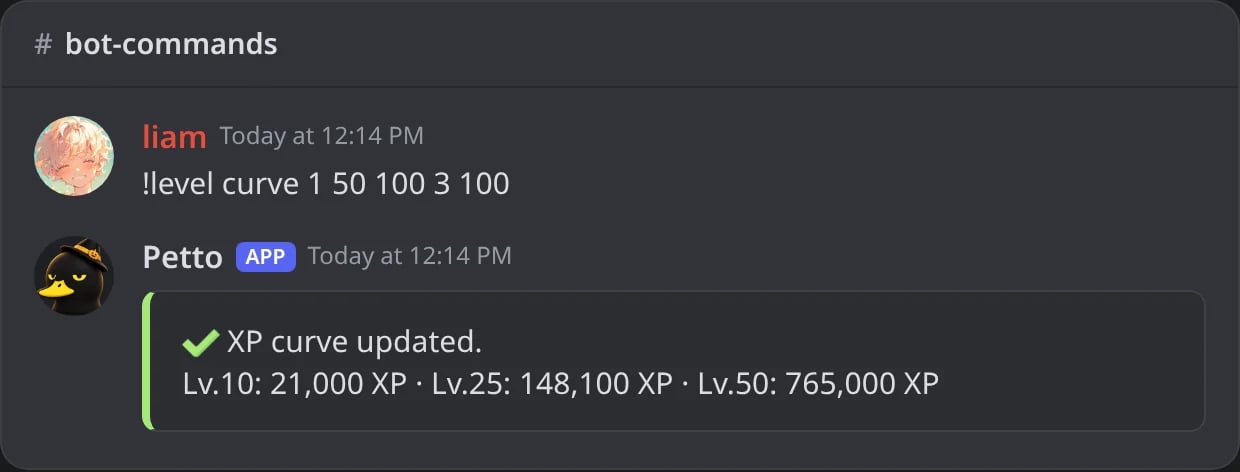
In Discord: a new curve, with the total XP it asks for levels 10, 25 and 50.
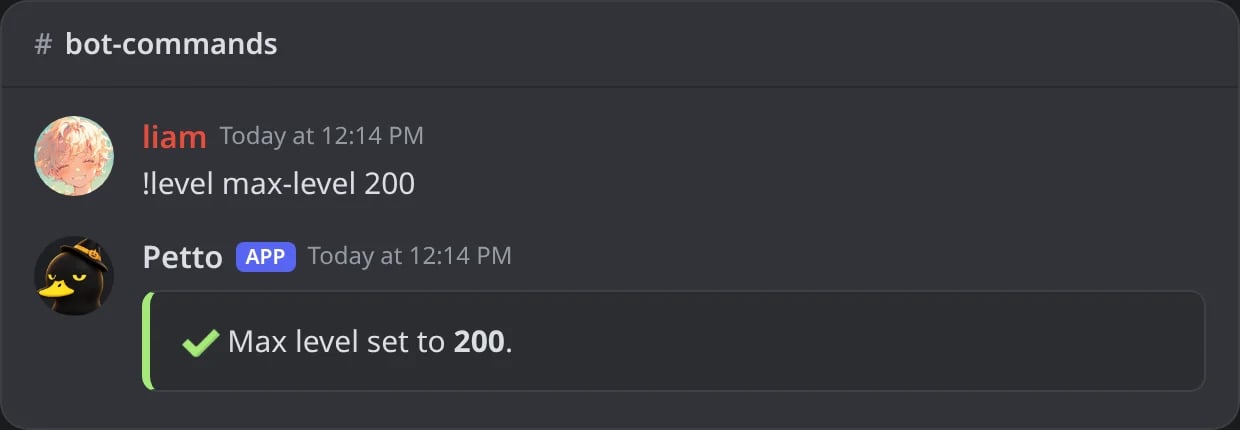
In Discord: the highest level is now 200.
a=1, b=50, c=100, difficulty=2.5, rounding=50.
Notifications
!level notify channel --every 5
!level notify channel --every 5
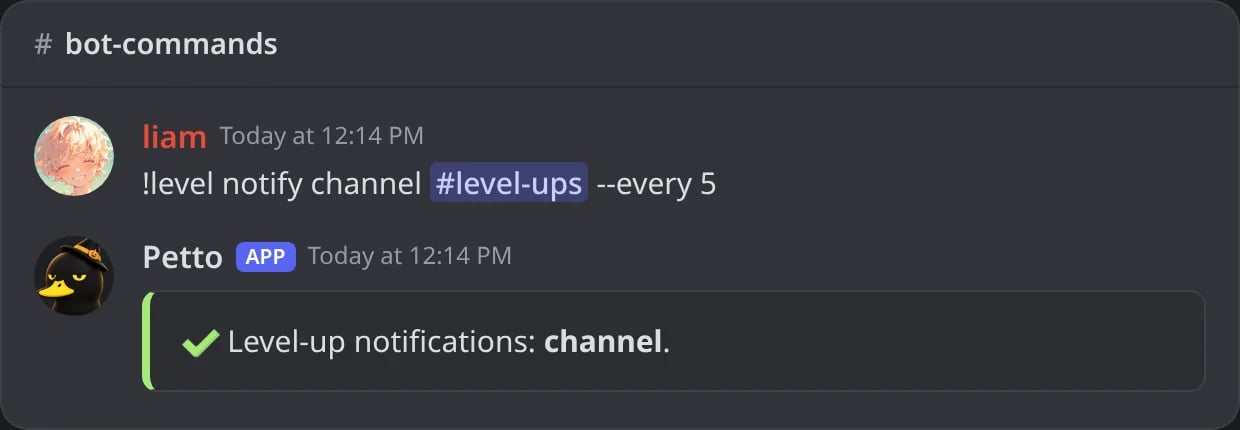
In Discord: level-ups go to #level-ups, every 5 levels.
!level notify reply --message
!level notify reply --message
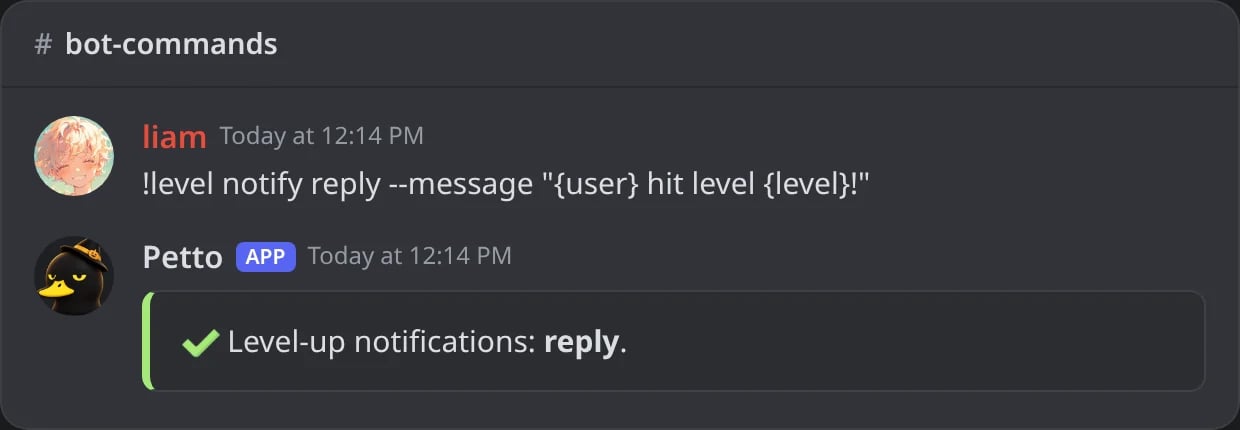
In Discord: the announcement answers in the same channel, with its own text.
!level notify reply --delete_after
!level notify reply --delete_after
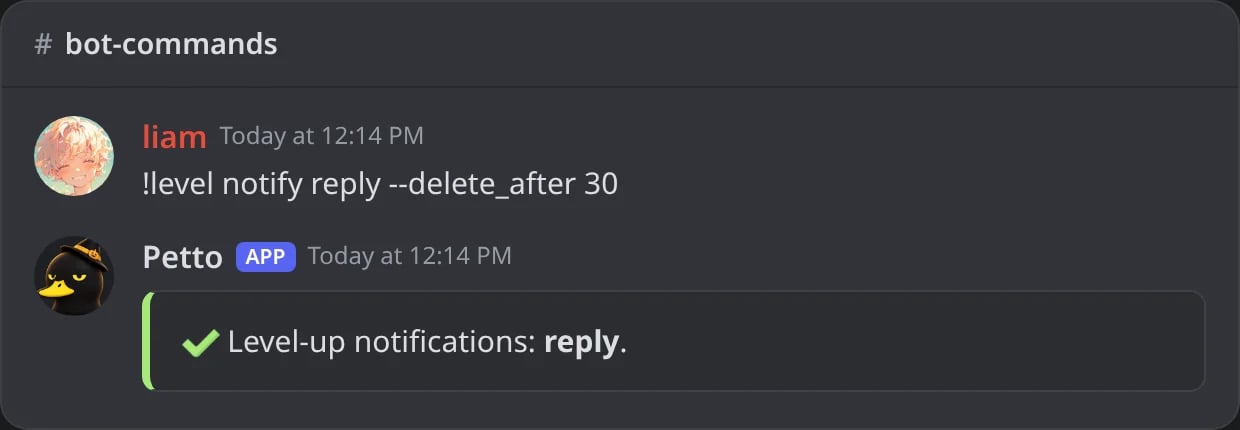
In Discord: the announcement deletes itself after 30 seconds.
!level notify --milestone
!level notify --milestone
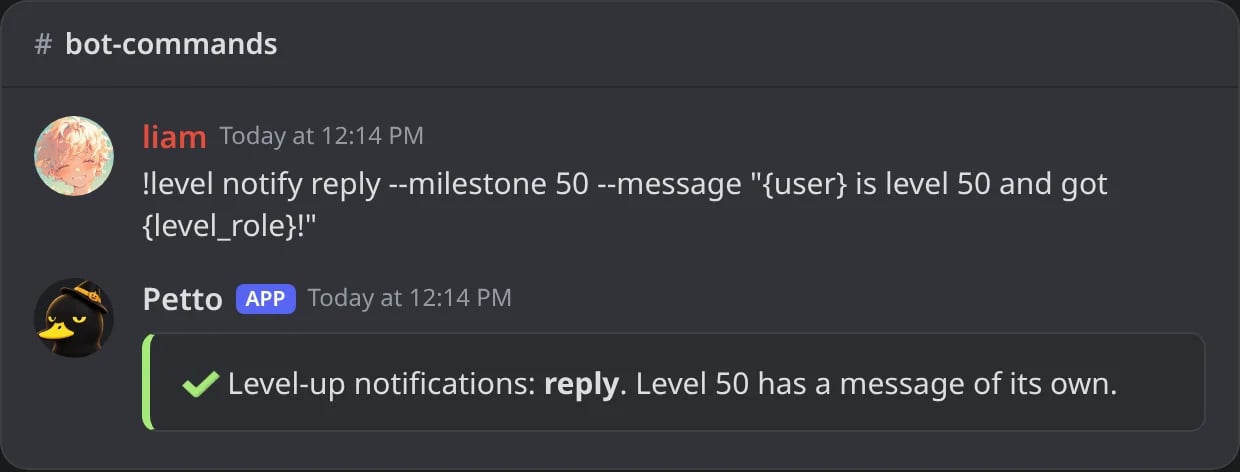
In Discord: level 50 gets a message of its own.
!level voice-notify
!level voice-notify
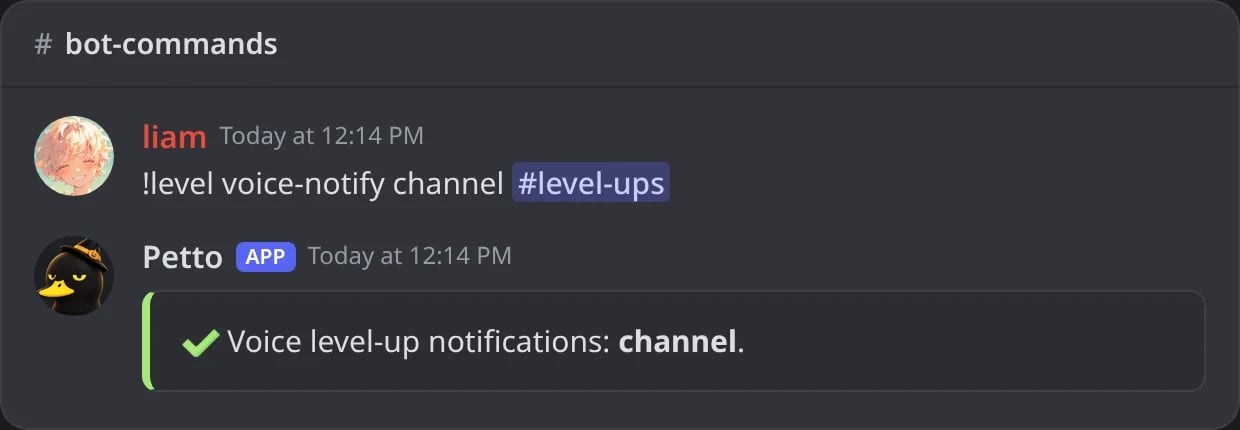
In Discord: voice level-ups are announced in #level-ups.
mode is off, reply (in the channel they leveled up in), channel (fixed), or dm. Voice level-ups can also be reply: they go to the chat of the voice channel the member is in. every limits announcements to every N levels instead of every single one. message supports {user}, {level}, {level_xp}, {level_rank}, {level_role} (the reward role they just earned) and every embed variable.
Like every DM from Petto, this one starts with a grey From <server> line and has info, delete and report buttons: see DMs from Petto.
Examples
- Classic
- Progress
- Reward role
- Quiet DM
- Voice

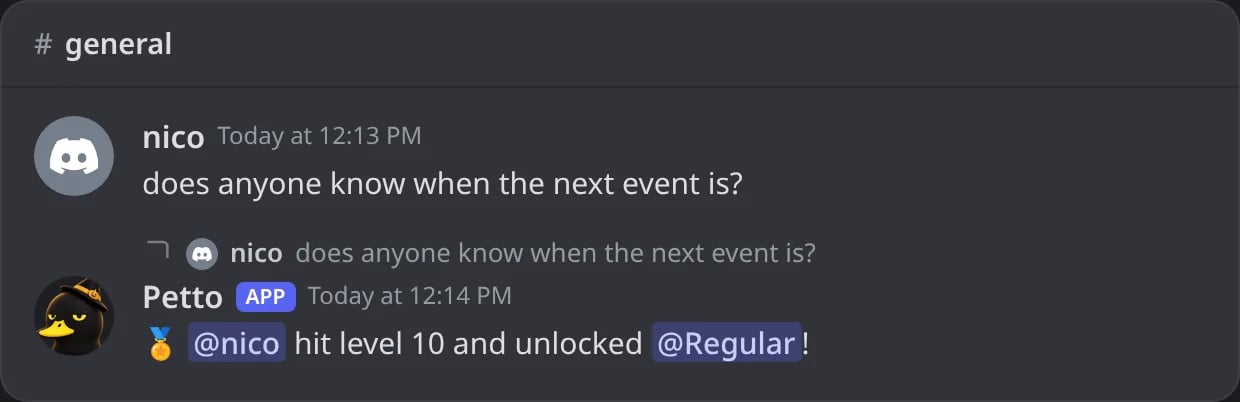
In Discord: chu levels up and Petto answers the message with the classic text.



Variables
{level_xp_current} and {level_xp_needed}, is in Variables. Variables are found whatever their case and with spaces inside the braces, so {user.mention}, { User.Mention } and {USER_MENTION} all work, and so do the names other bots use ({mention}, {member}, {level.xp}, {level.rank}…). A variable Petto does not know stays as you wrote it, so a typo is easy to see.
Rank and rankings
!rank answers with a card (a picture with the avatar, name, level, position and a progress bar), the embed, or both, depending on !level rank-style. The embed shows the level, the position out of all ranked members, the XP of this level so far and the XP it needs, the progress bar and the total XP, plus the time in voice for a voice rank. card names the image card to use; a server without one gets a default card, with its own color for voice.
!rank (card)
!rank (card)
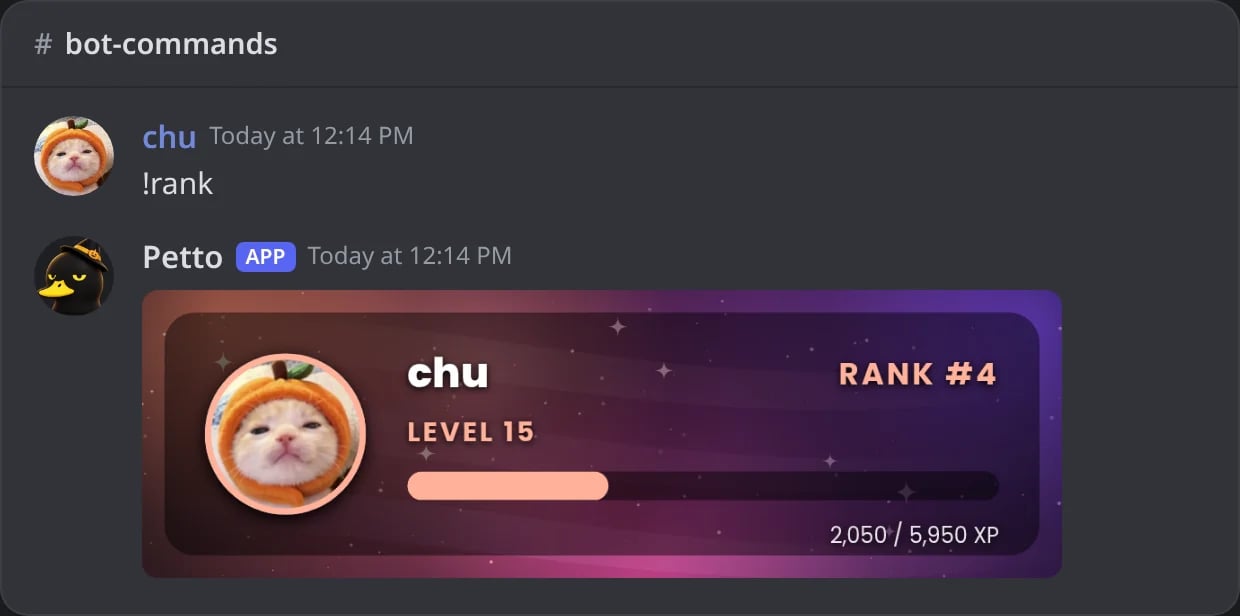
In Discord: the default rank card.
!rank @user voice
!rank @user voice

In Discord: the voice rank of another member, on the teal card.
!rank (embed)
!rank (embed)
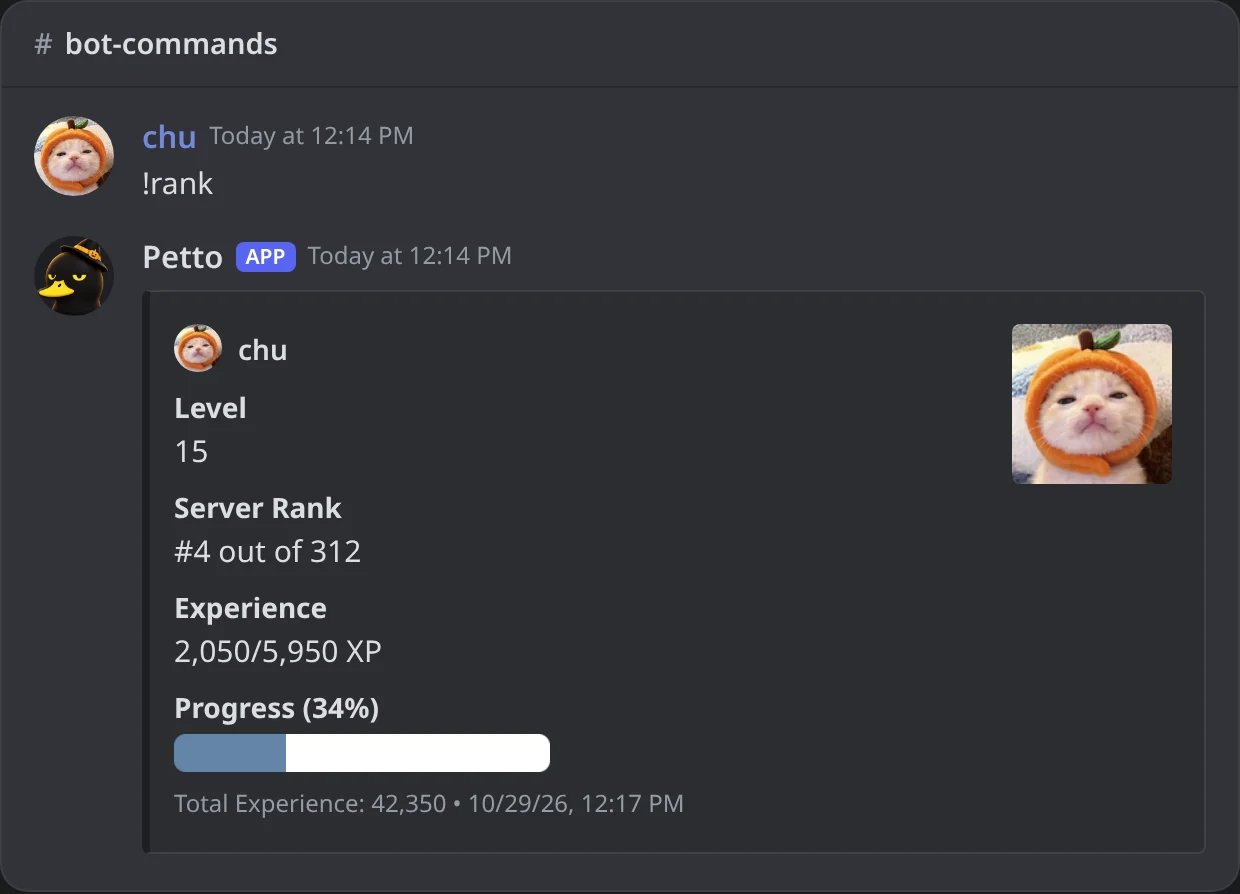
In Discord: the rank as an embed, with rank-style embed.
!rank (both)
!rank (both)
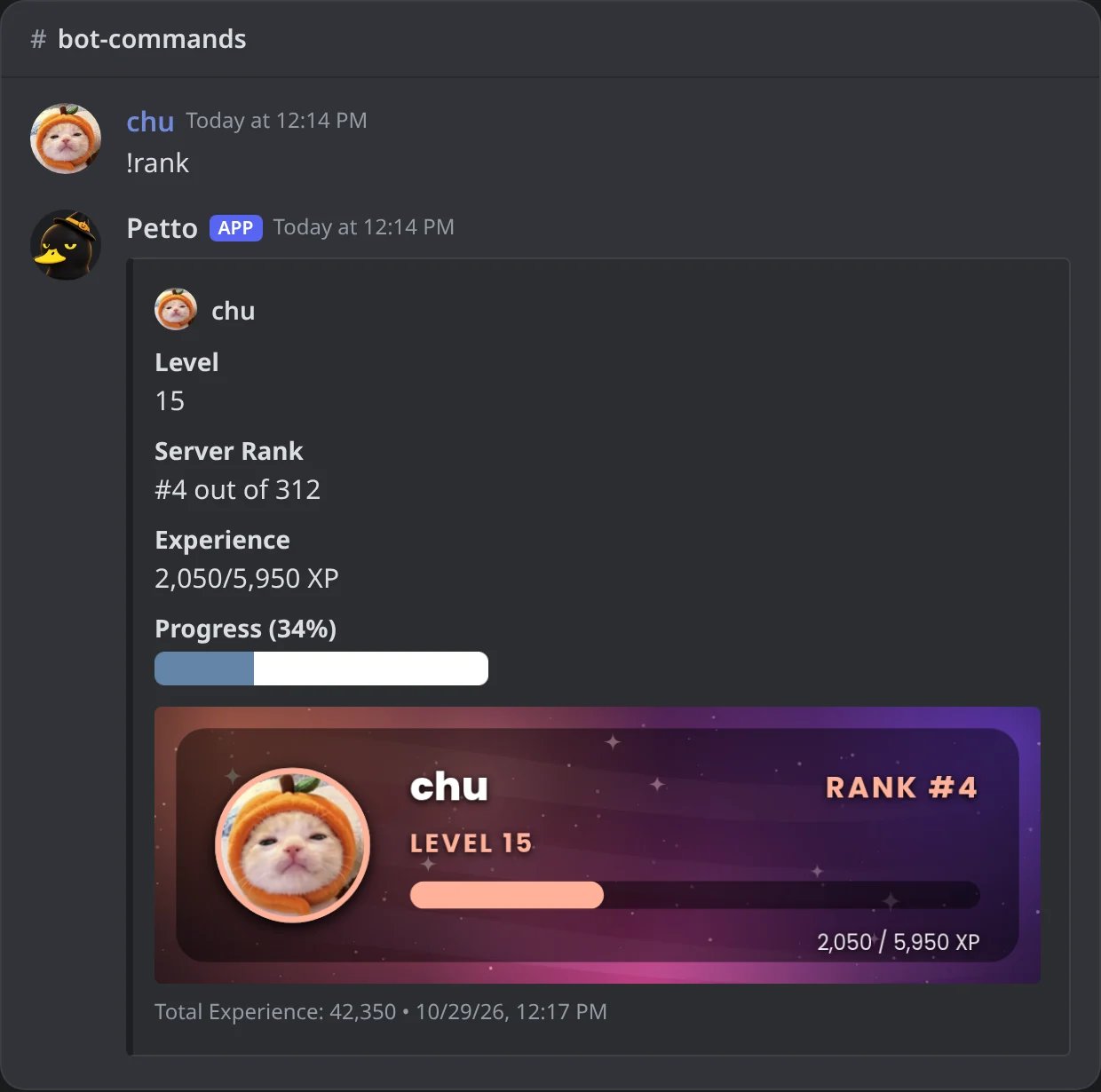
In Discord: the embed with the card inside it, with rank-style both.
!level rank-style
!level rank-style
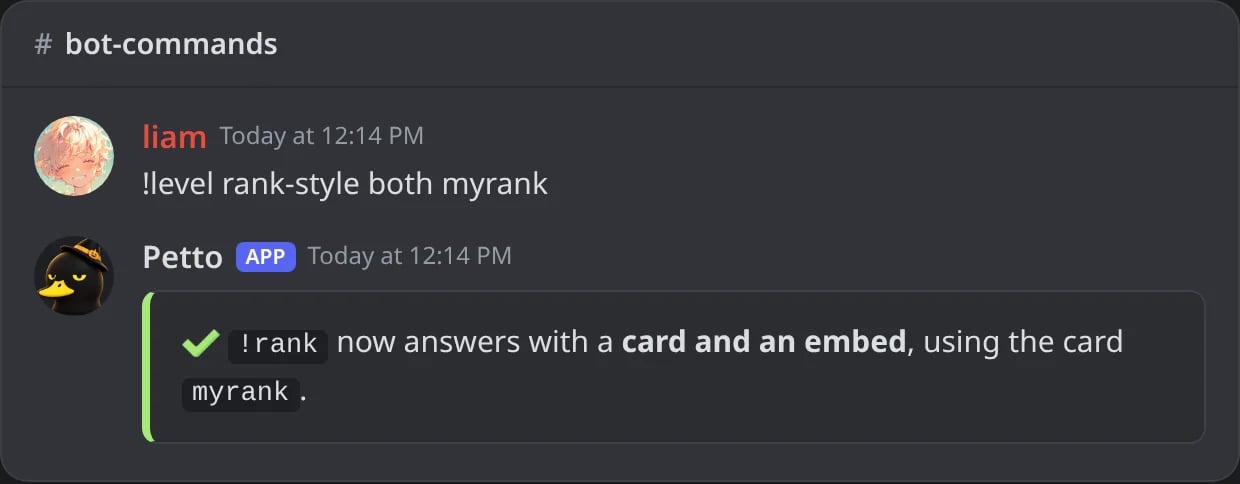
In Discord: !rank now answers with the card and the embed, using the card myrank.
!top shows the leaderboard for messages or voice. period is all (default), week or month, and the weekly and monthly rankings start empty by themselves each week and month.
!top
!top
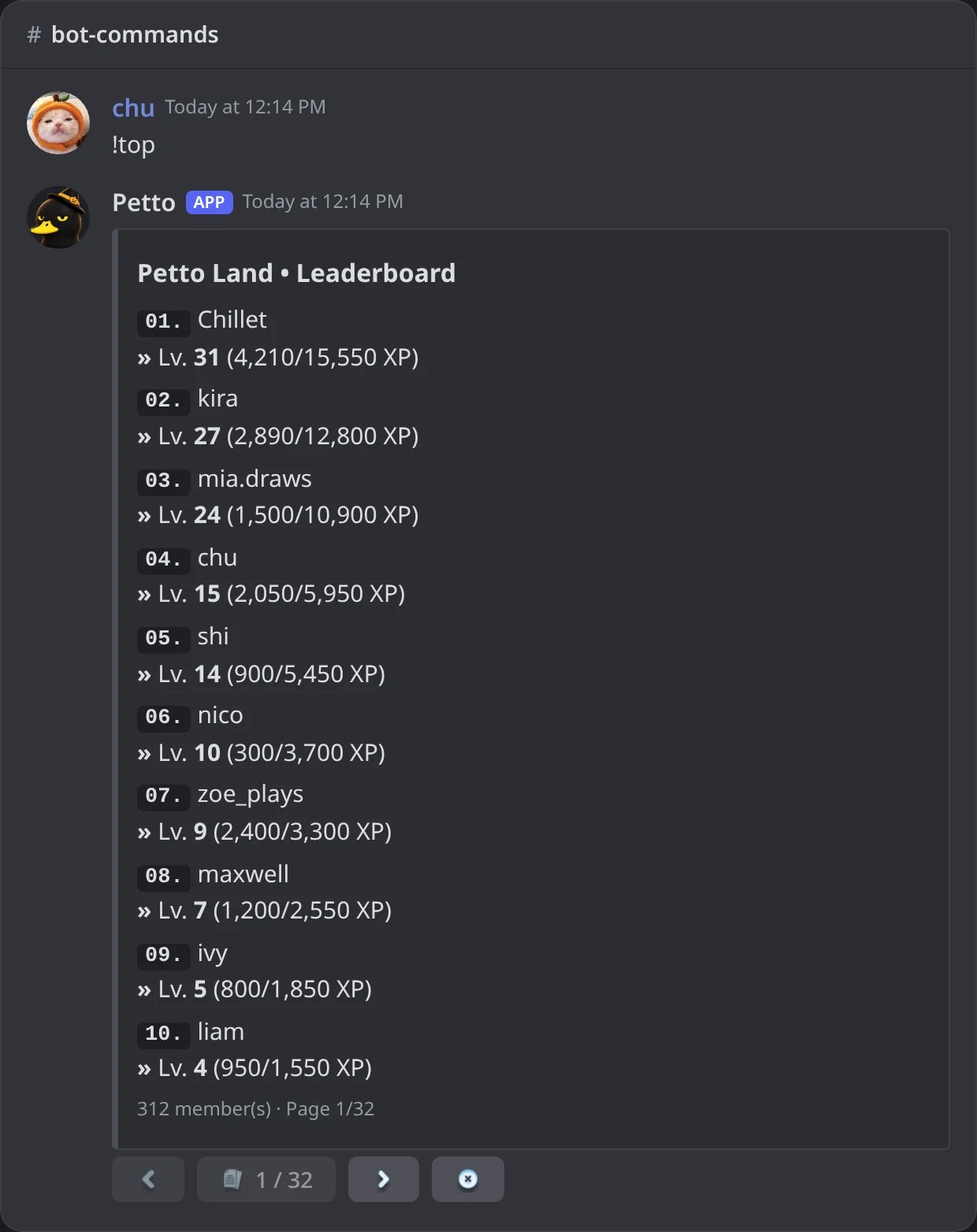
In Discord: the leaderboard of the server, 10 members per page with buttons.
!top 1 messages week
!top 1 messages week
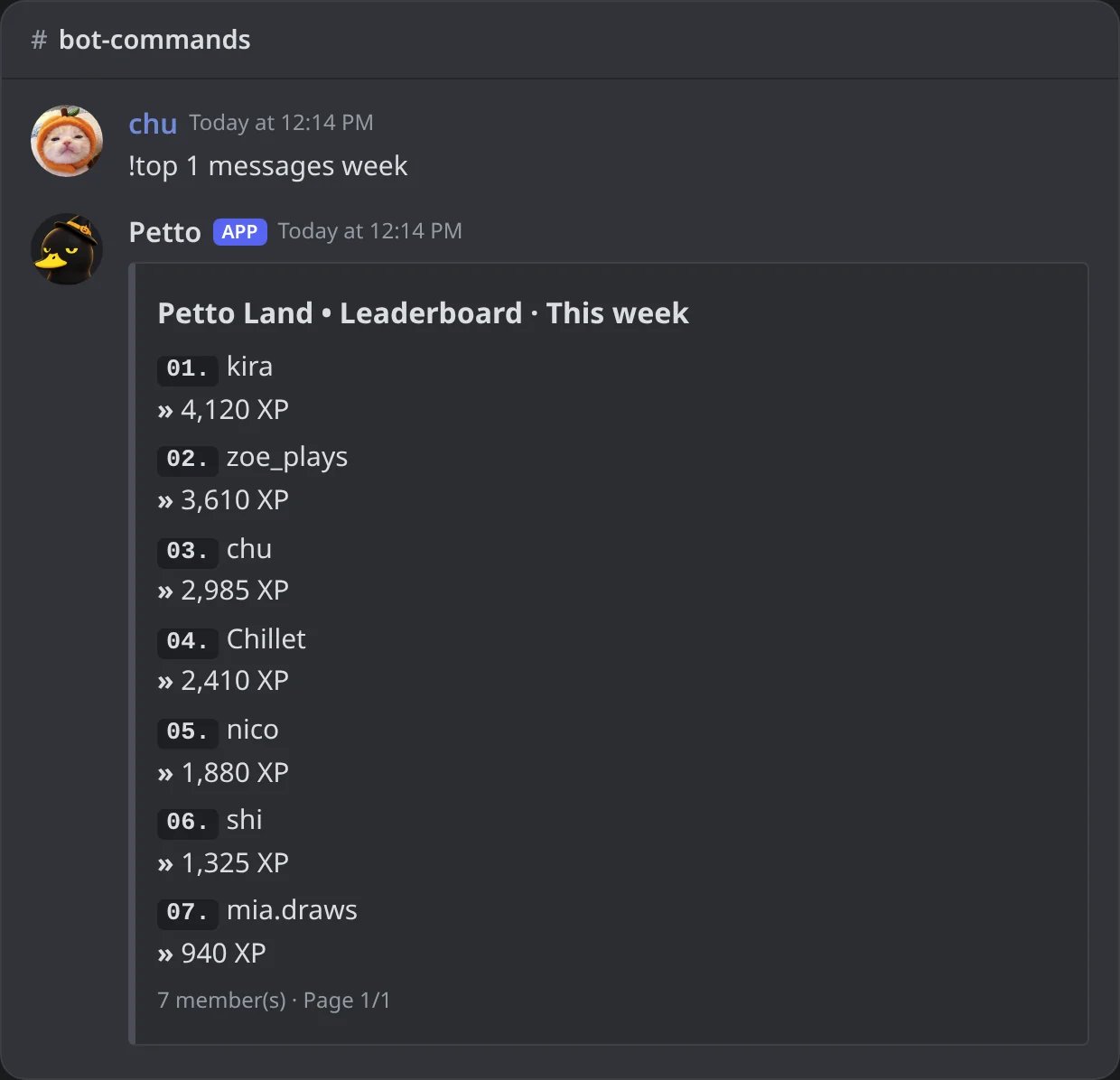
In Discord: the ranking of this week, by the XP earned in the week.
!top 1 voice
!top 1 voice
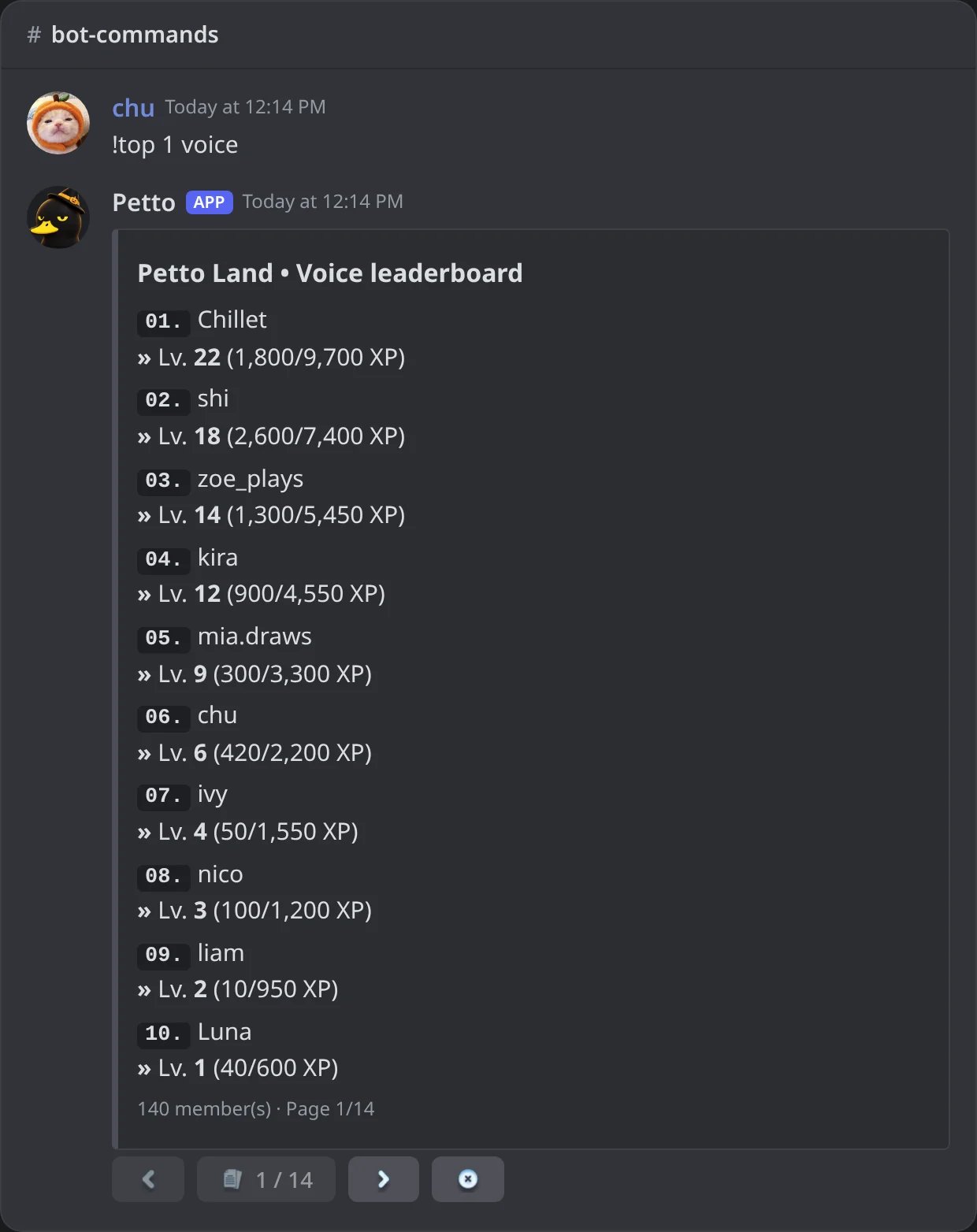
In Discord: the voice leaderboard.
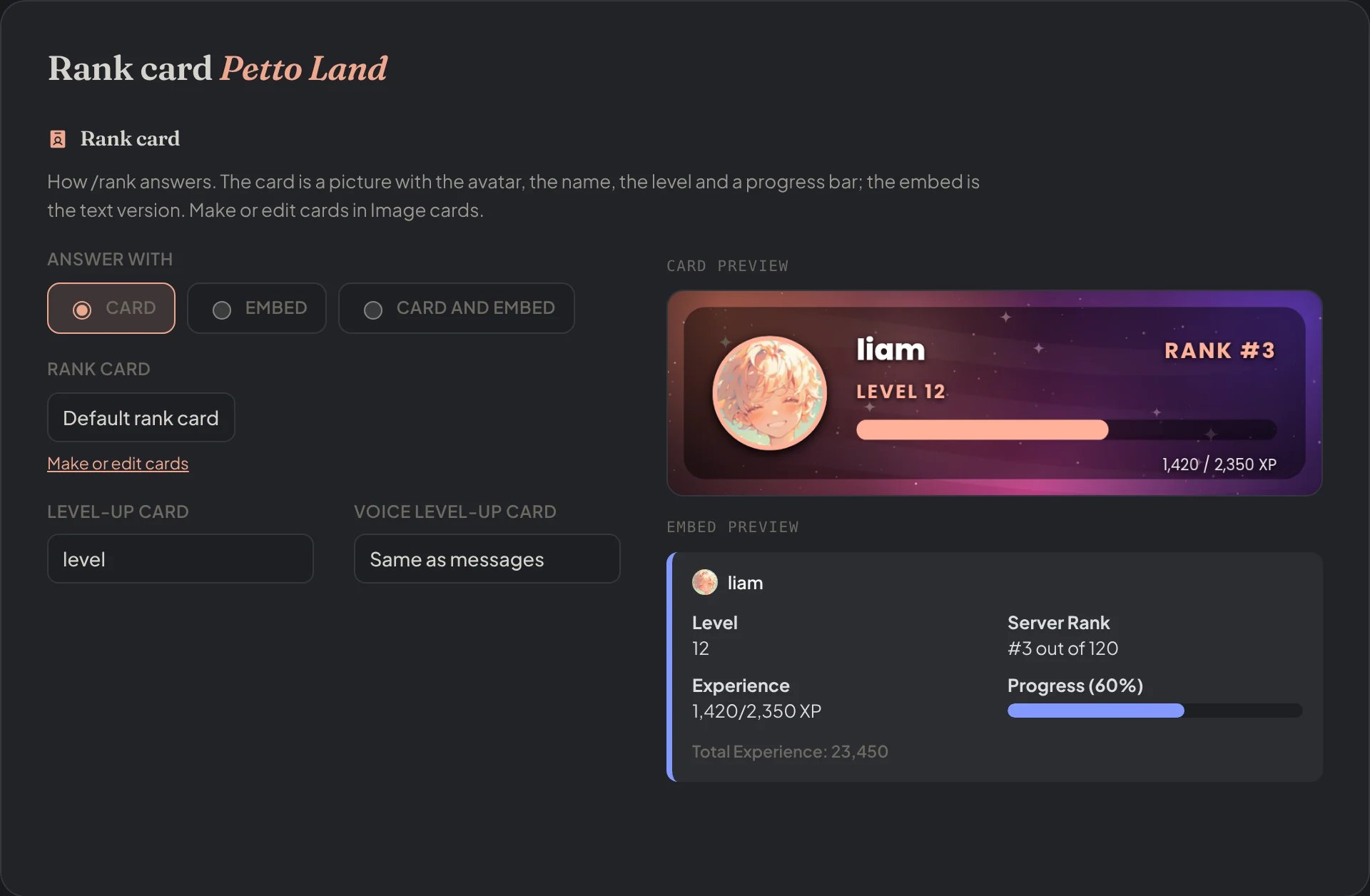
Dashboard → Leveling → Rank card: card, embed or both, the cards of the rank and of the level-up, and the previews.
Public leaderboard page
A server can show its ranking on the website. It is off until you turn it on in the dashboard (Leveling, then Leaderboard, Public page).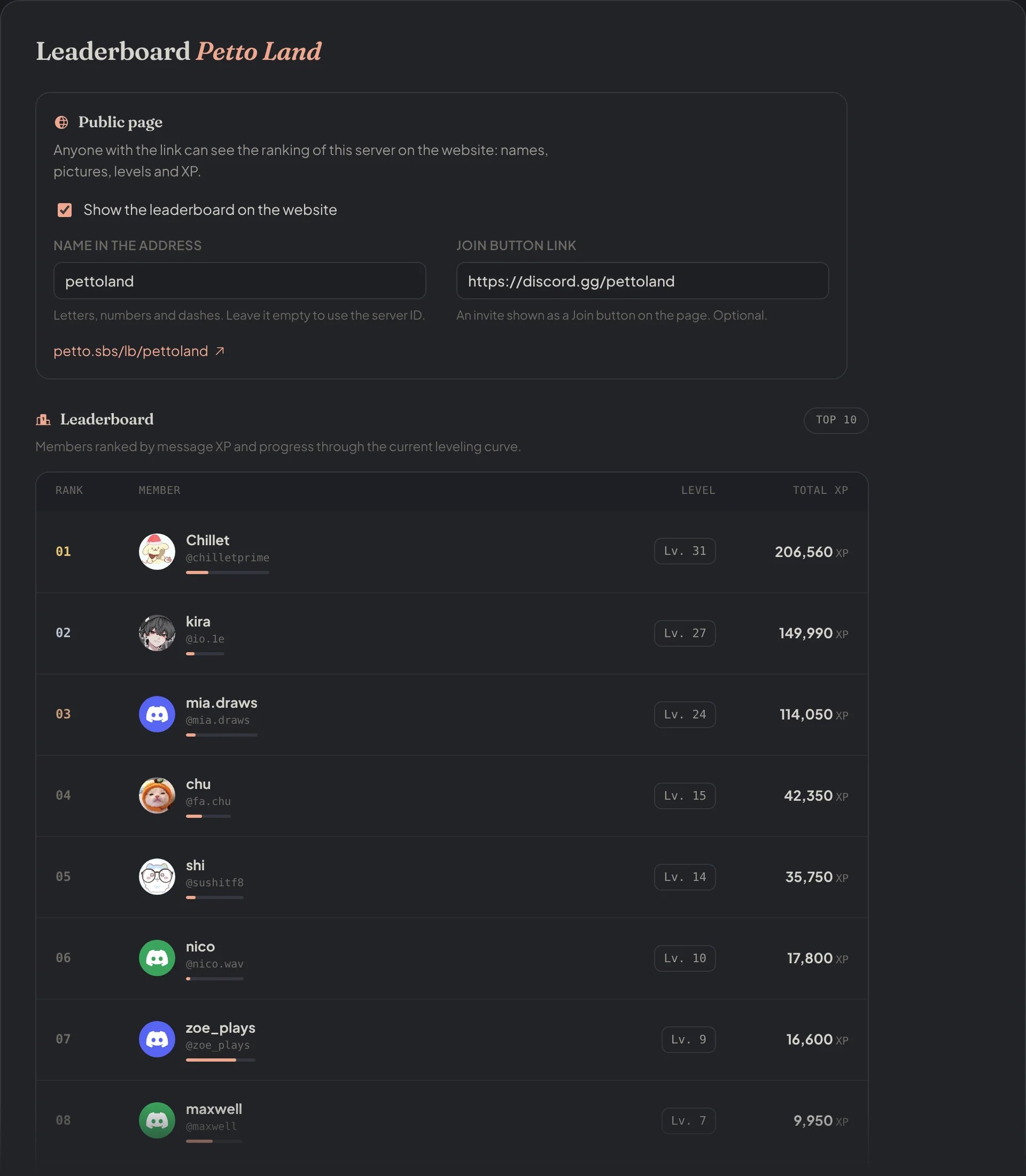
Dashboard → Leveling → Leaderboard: the Public page switch, the name in the address, the Join button link and the ranking.
- The page is at
petto.sbs/lb/<name>. The name is the one you choose (2 to 32 letters, numbers or dashes), or the server ID if you leave it empty. It also exists as/es/lb/<name>and/pt-br/lb/<name>. - It shows the top 500 by messages or by voice, 25 per page: name, picture, level and XP of each member. Nothing else of a member is shown, and a member who left appears as a former member.
- An optional Join button takes people to an invite of your choice (it has to start with
https://). - Turning the switch off makes the page answer “not public” at once.
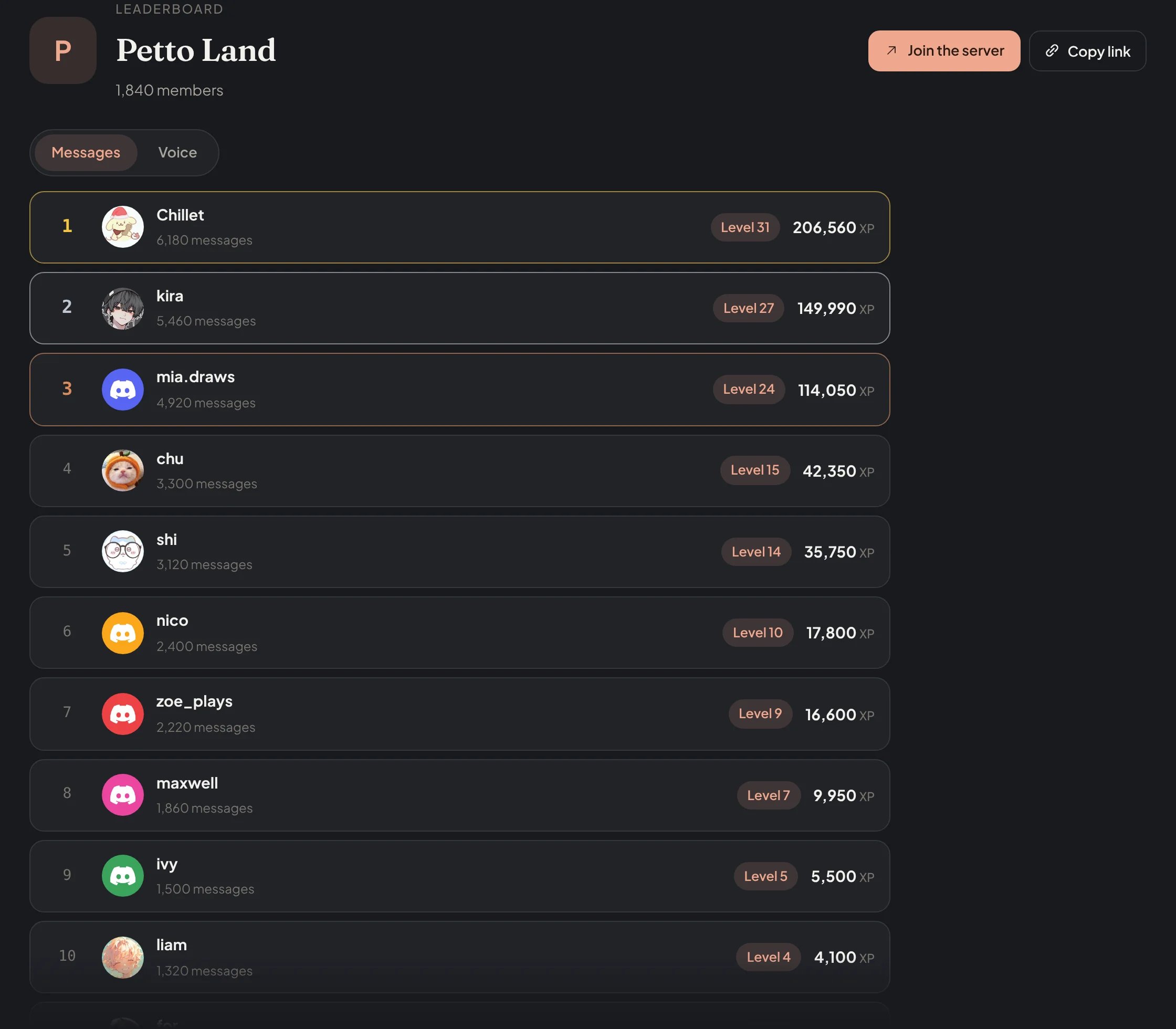
On the website: petto.sbs/lb/pettoland, the public ranking of Petto Land with the Join button.
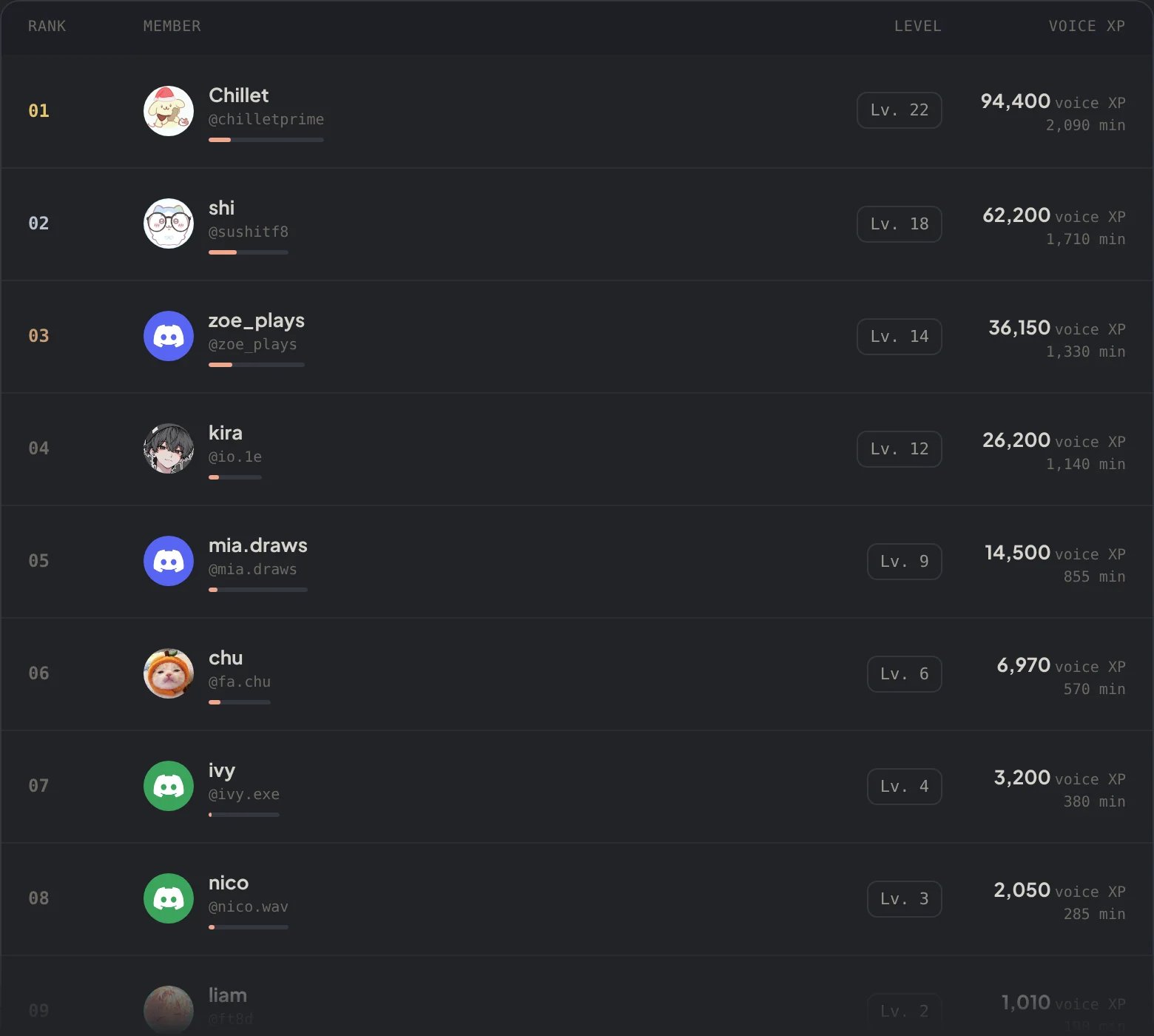
Dashboard → Leveling → Voice leaderboard: the members by voice XP, with their minutes in voice.
Anti-abuse rules
!level rules
!level rules
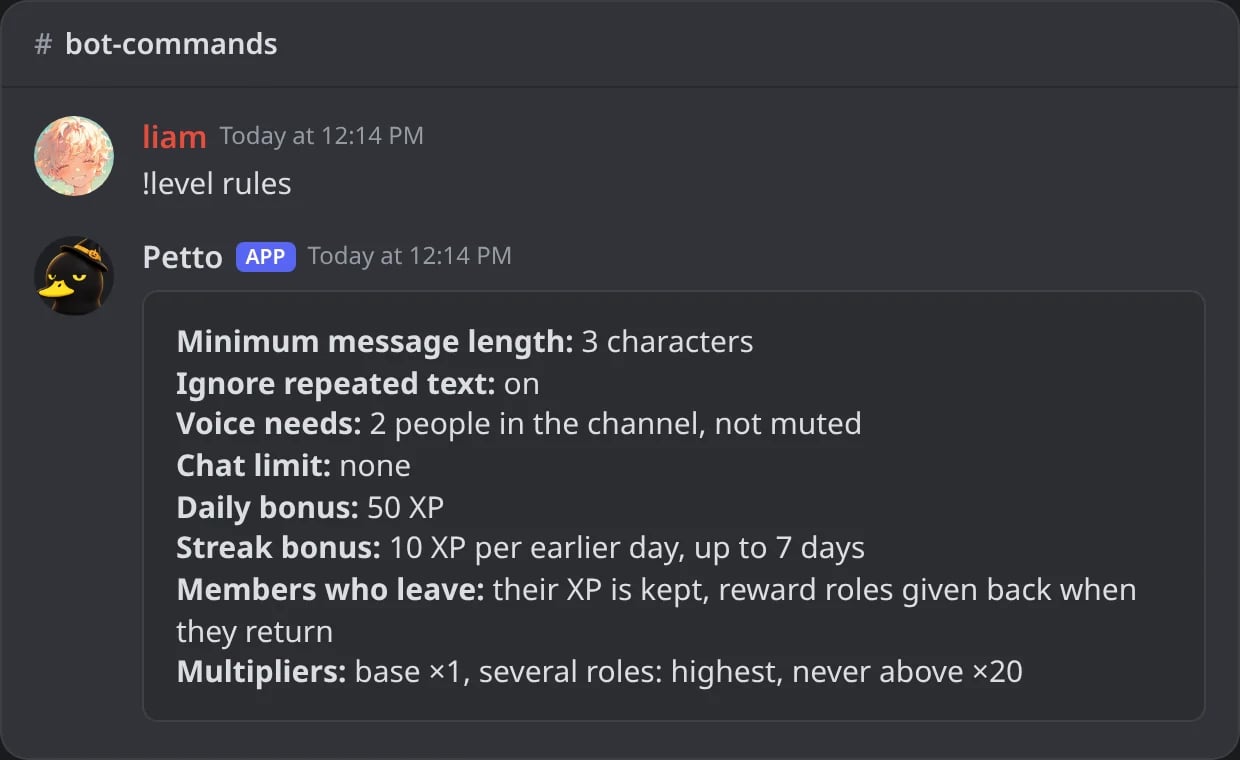
In Discord: with no options, the rules of the server now.
!level rules min_chars
!level rules min_chars
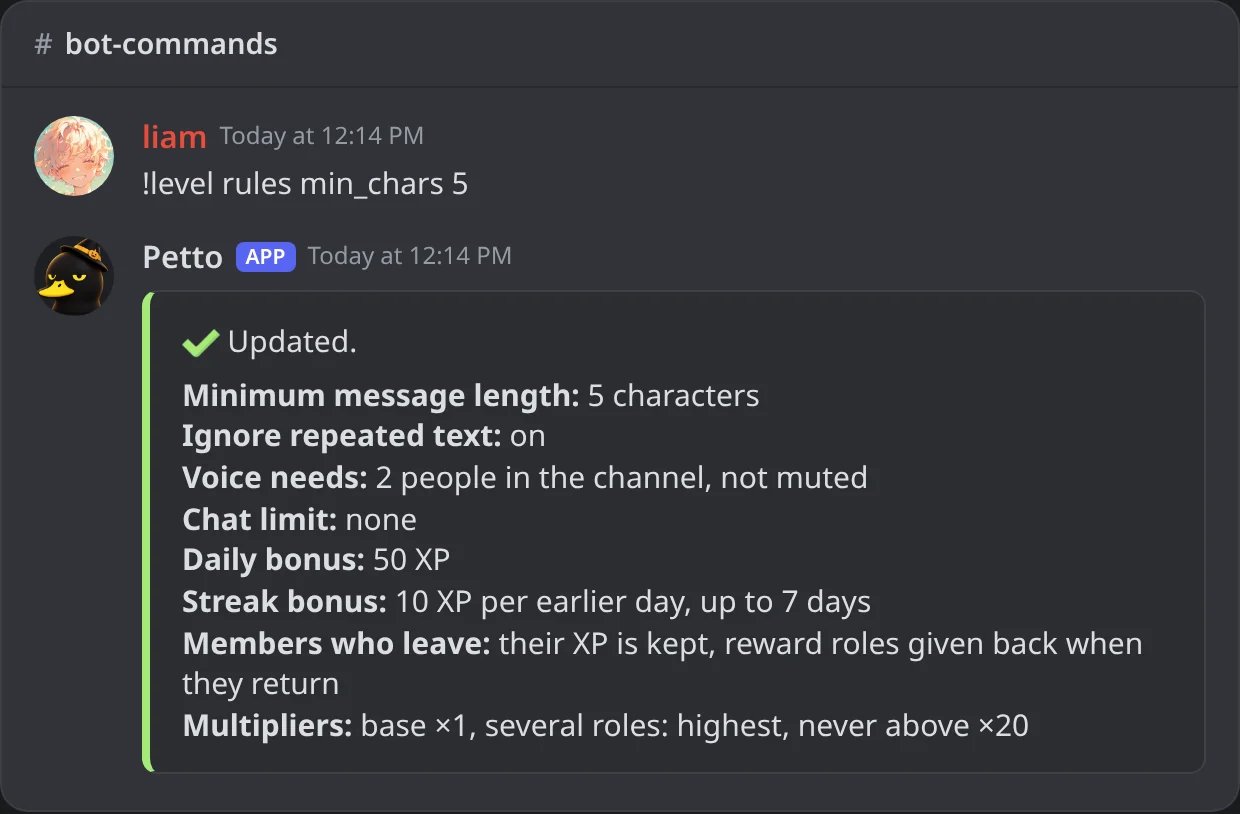
In Discord: messages under 5 characters stop earning XP.
!level rules anti_repeat
!level rules anti_repeat
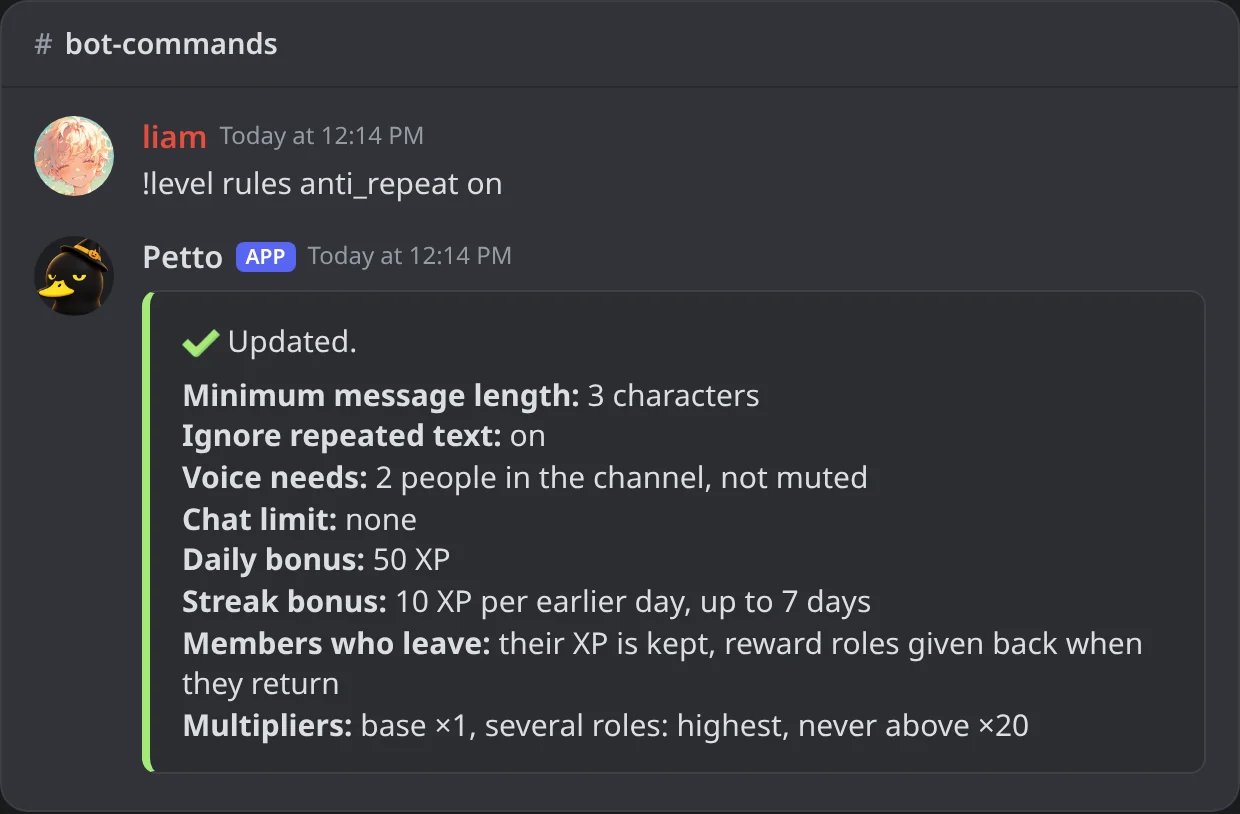
In Discord: repeated text earns no XP again.
A value out of range
A value out of range
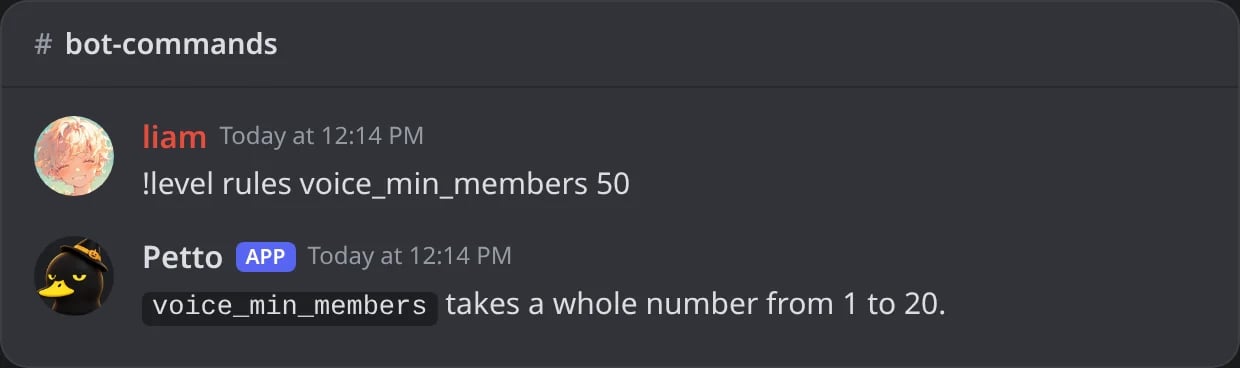
In Discord: a value out of range is refused and Petto says what the rule takes.
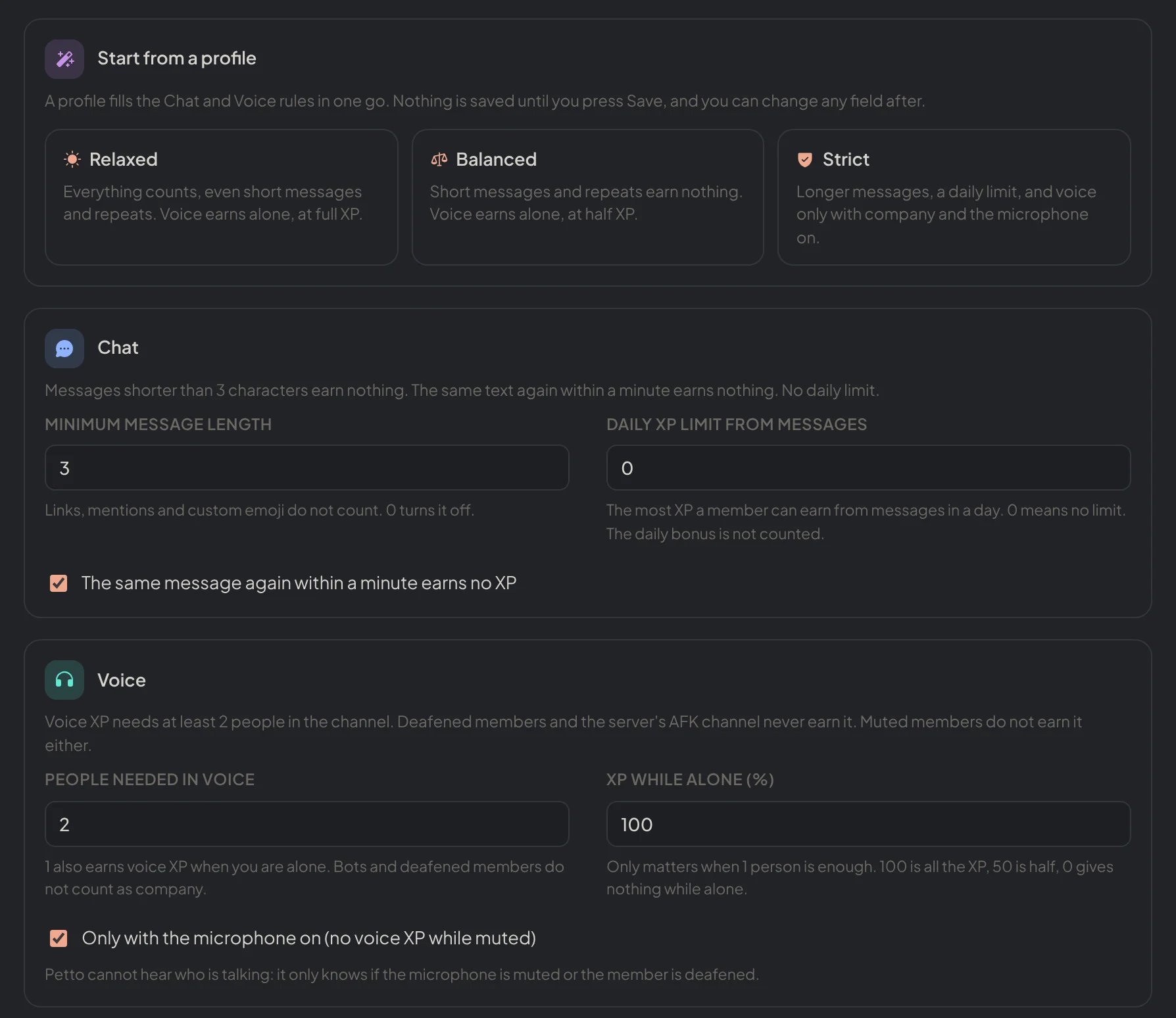
Dashboard → Leveling → Rules and events: the profiles, and the rules of chat and of voice.
XP events
!level event add
!level event add
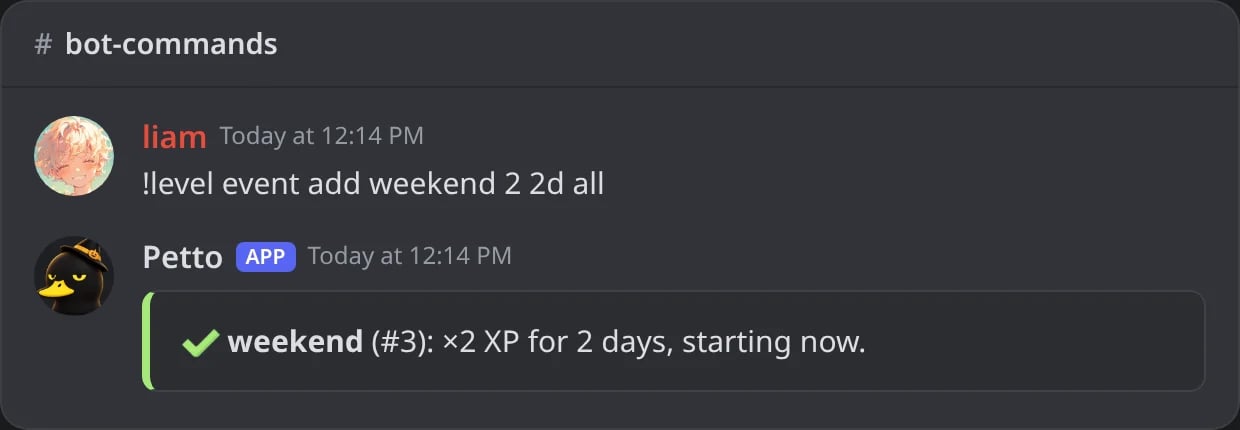
In Discord: a double XP weekend that starts now.
!level event add (later)
!level event add (later)
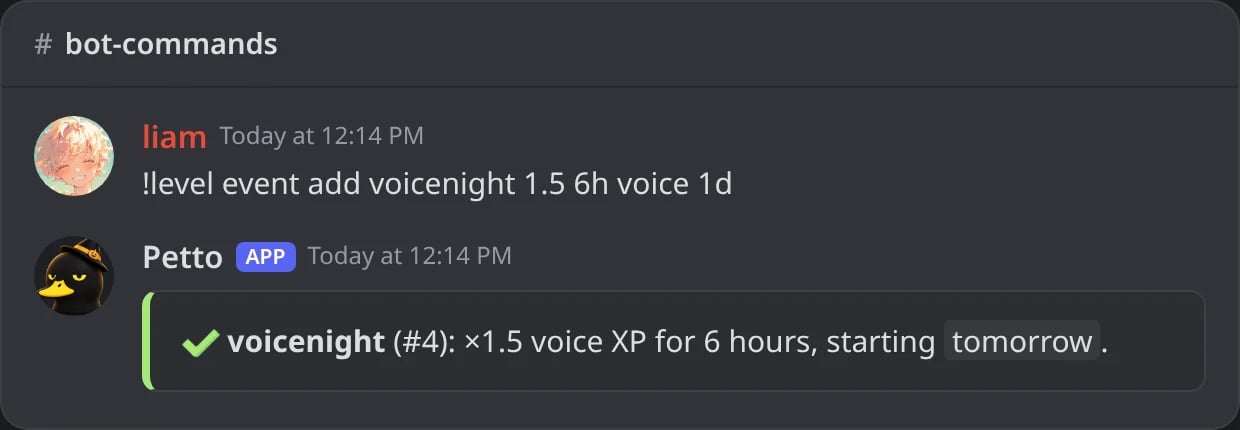
In Discord: a voice event that starts tomorrow.
!level event list
!level event list
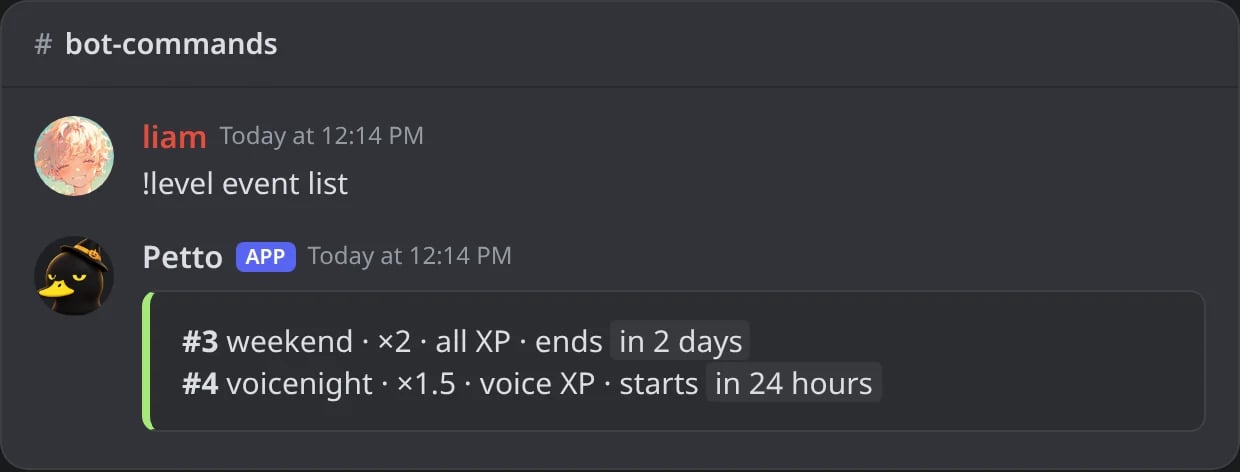
In Discord: the events running and coming.
!level event remove
!level event remove
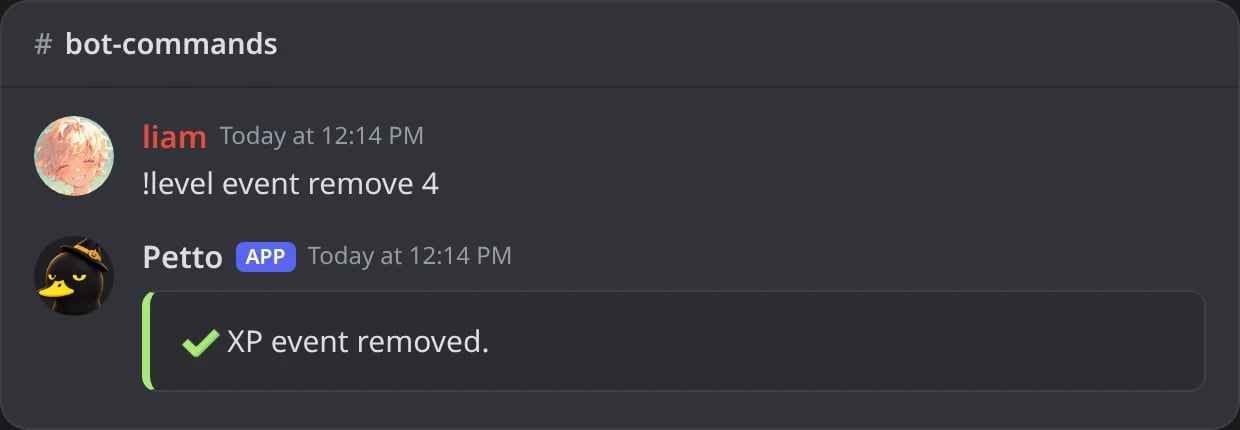
In Discord: an event cancelled by its number.
applies_to is all, text or voice, and starts_in schedules it for later instead of starting it now. The multiplier goes from 1.1 to 20, an event lasts from 1 minute to 60 days, and a server can have 25 events running or coming at once.
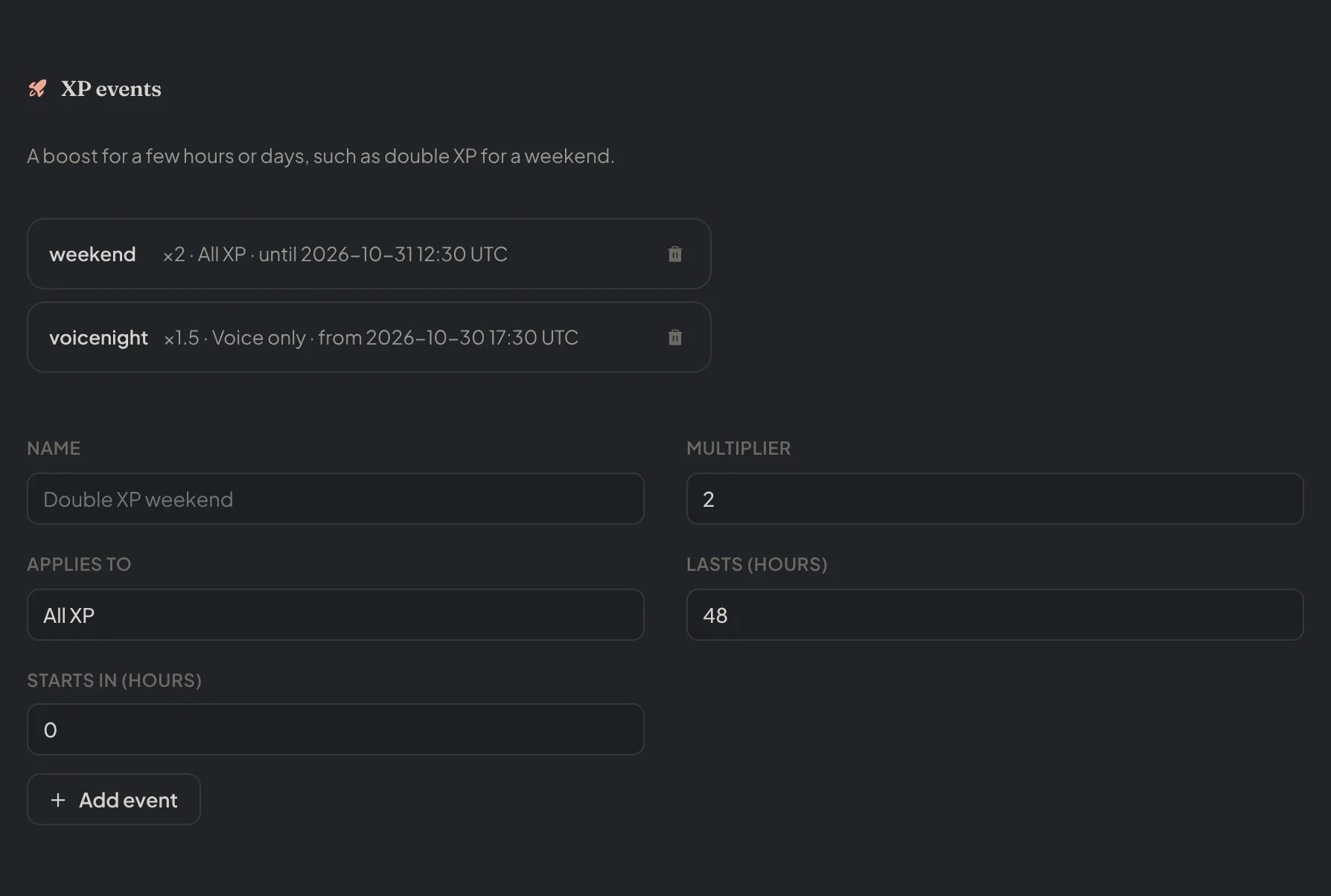
Dashboard → Leveling → Rules and events: the XP events, and the form to add one.
Daily bonus and streaks
Setdaily_bonus and streak_bonus with !level rules to give extra XP for the first activity of the day, plus an extra amount for each earlier day in a row, up to streak_max_days. The streak is {level_streak} in the level-up messages.
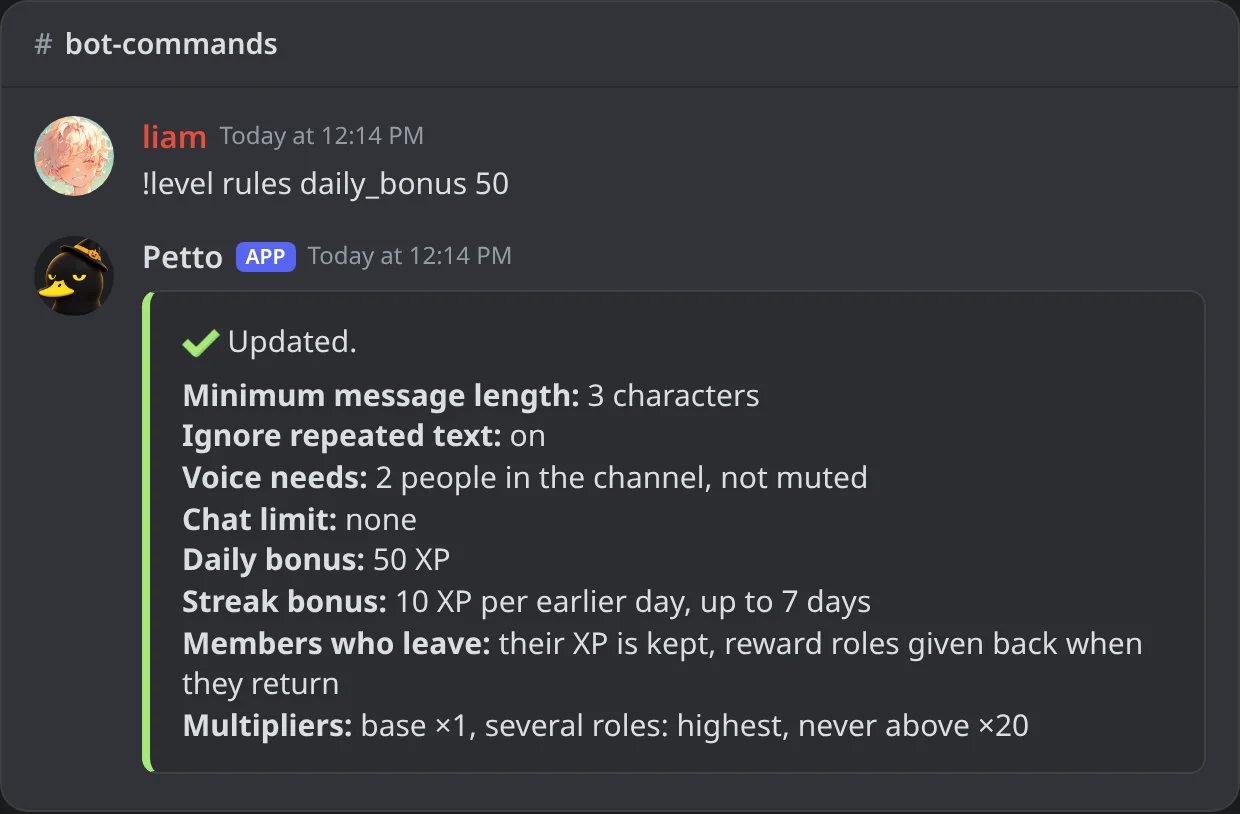
In Discord: 50 XP for the first activity of each day.
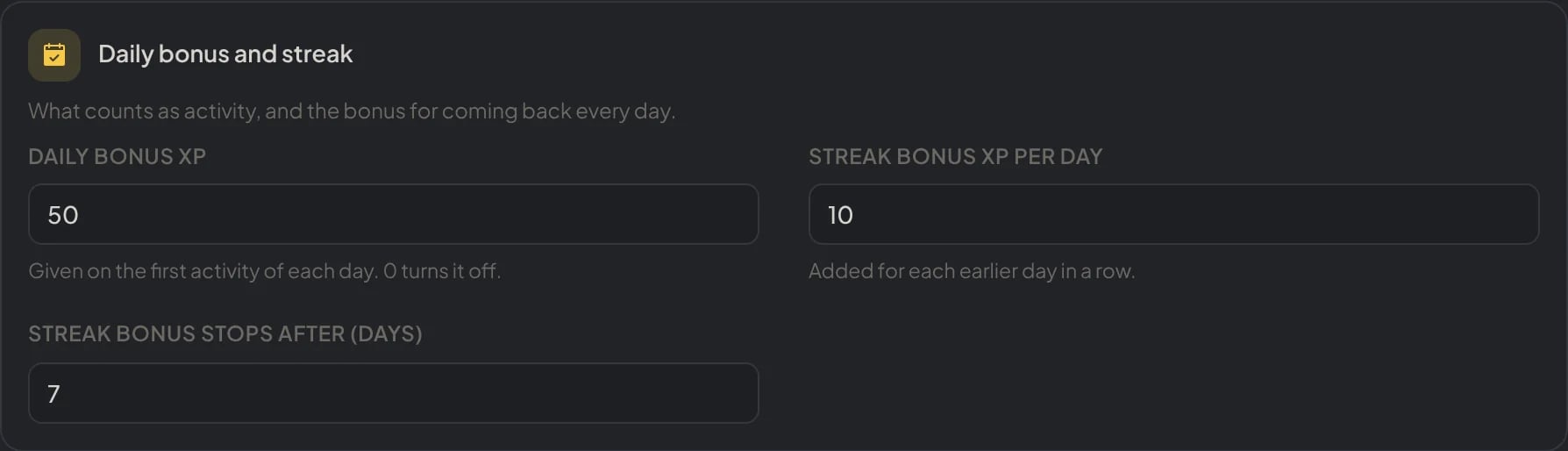
Dashboard → Leveling → Rules and events: the daily bonus and the streak.
Voice leveling
Voice time has its own settings, so voice and message levels can follow different rules.!level voice-enable
!level voice-enable
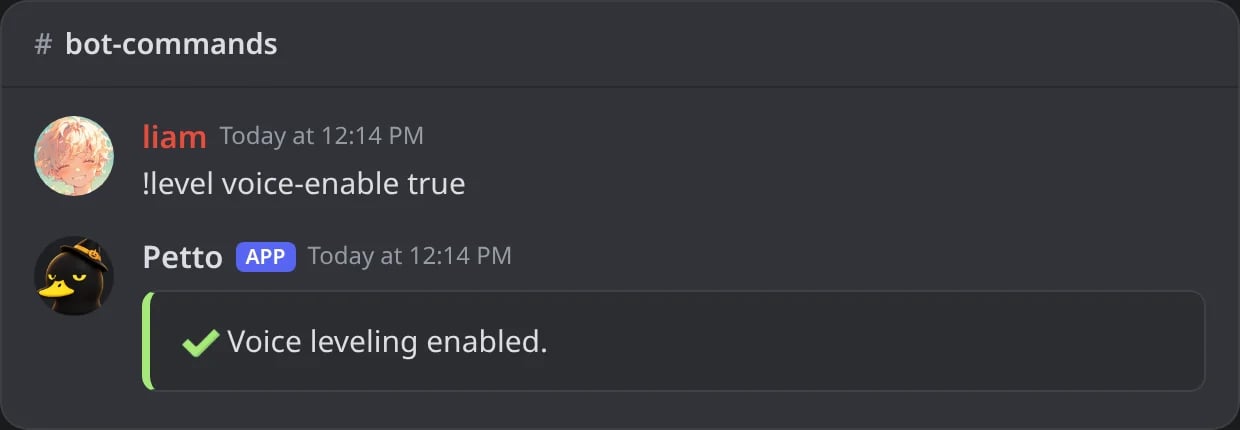
In Discord: voice leveling is turned on.
!level voice-curve
!level voice-curve
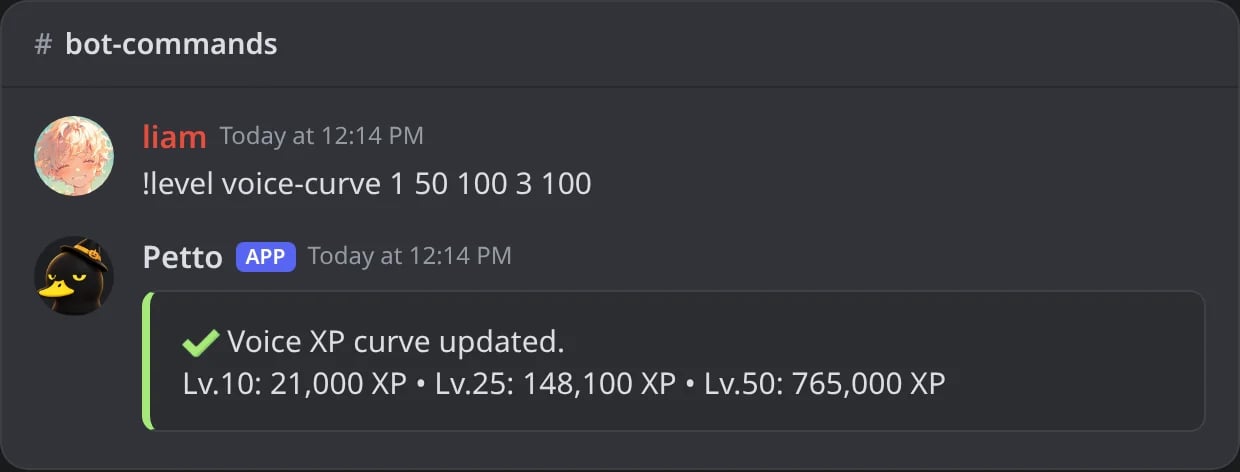
In Discord: a new voice curve with its preview.
!level voice-max-level
!level voice-max-level
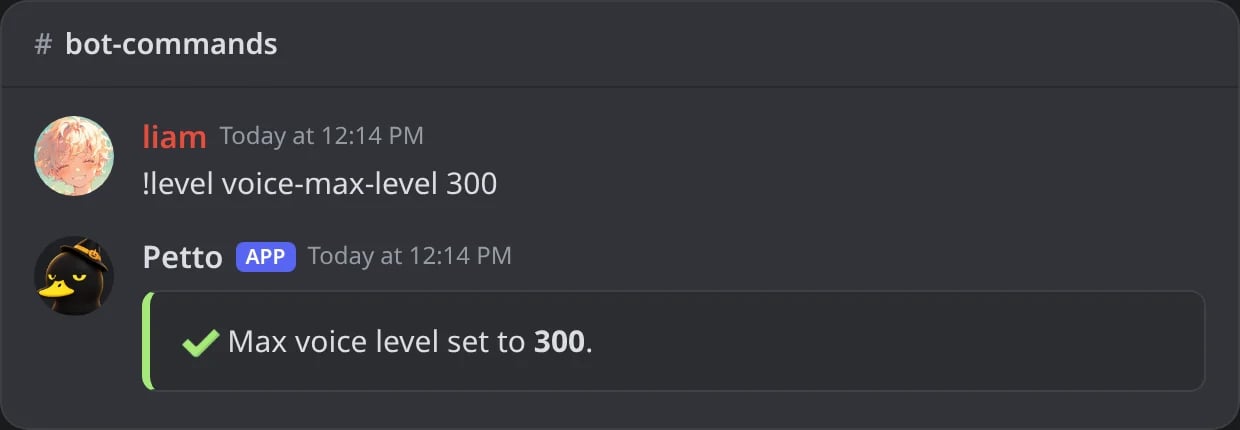
In Discord: the highest voice level is now 300.
!level voice-role-mode
!level voice-role-mode
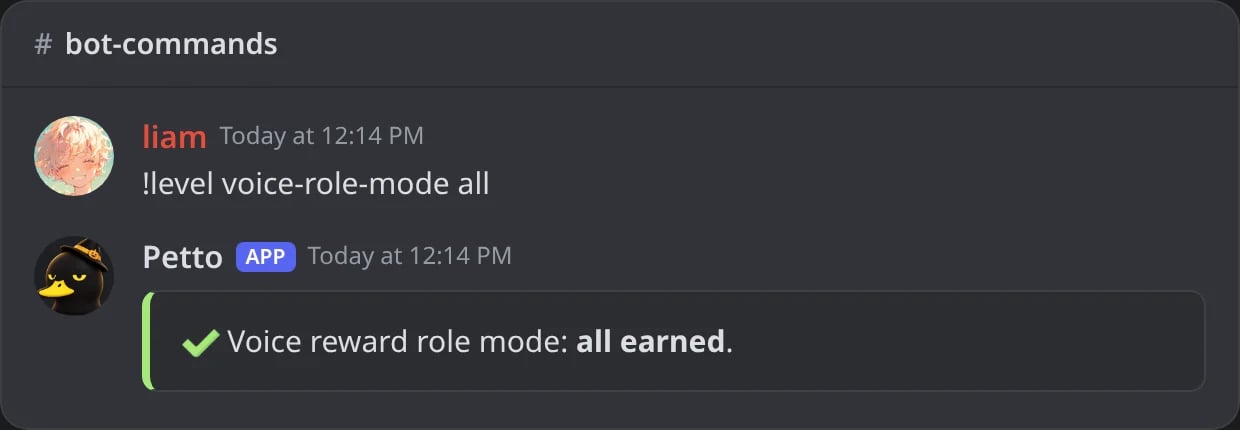
In Discord: members keep every voice reward role.
!level voice-ignore
!level voice-ignore
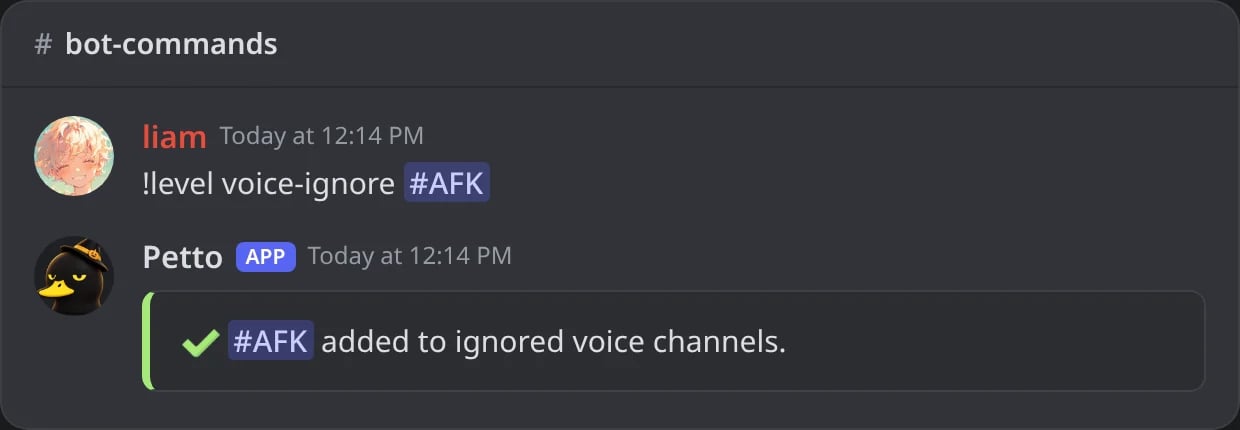
In Discord: the AFK channel stops giving voice XP.
voice-enableturns leveling by voice time on or off (the amount per minute is!level voice-xp).voice-curveis the same formula as the XP curve, applied to voice, and its defaults are the same too (a=1,b=50,c=100,difficulty=2.5).voice-max-levelis the highest voice level (default 1000).voice-role-modesays if members keep every voice reward role (all) or only the highest (highest, the default).voice-ignoretoggles a voice channel, or a whole category, in or out of voice XP, like!level ignoredoes for text channels. Run it again to undo it.- Voice levels have reward roles of their own:
!level reward add 10 @Talker --type voice. See Level Rewards.
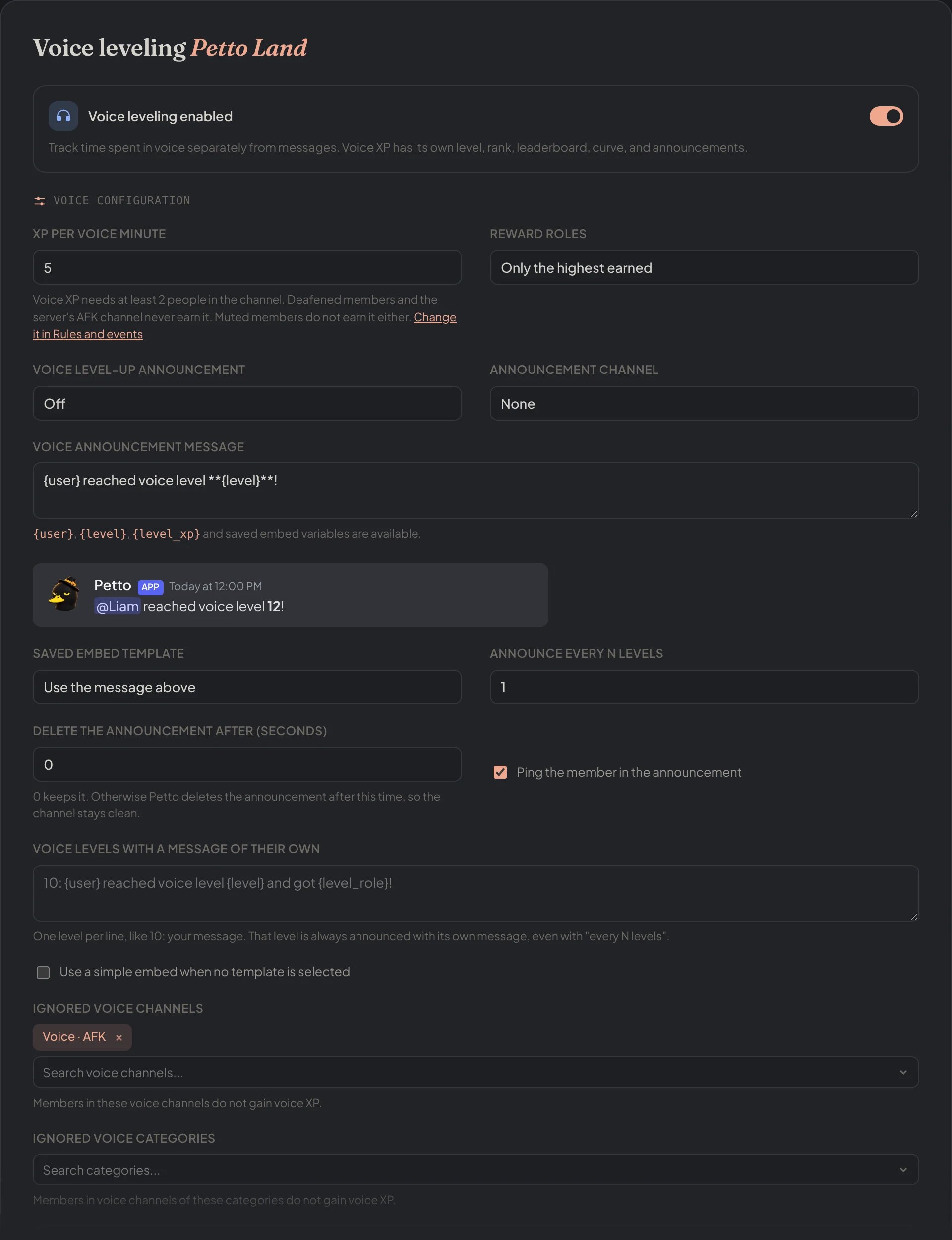
Dashboard → Leveling → Voice leveling: the switch, the XP per minute, the reward roles, the announcement with its preview and the ignored channels.
Who earns XP
!level ignore (channel)
!level ignore (channel)
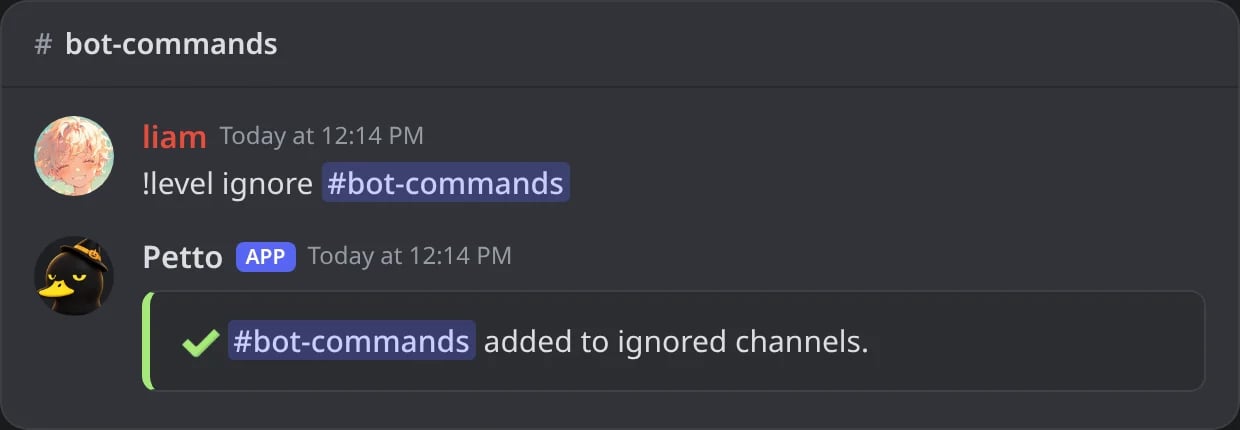
In Discord: a channel that earns no XP.
!level ignore (category)
!level ignore (category)
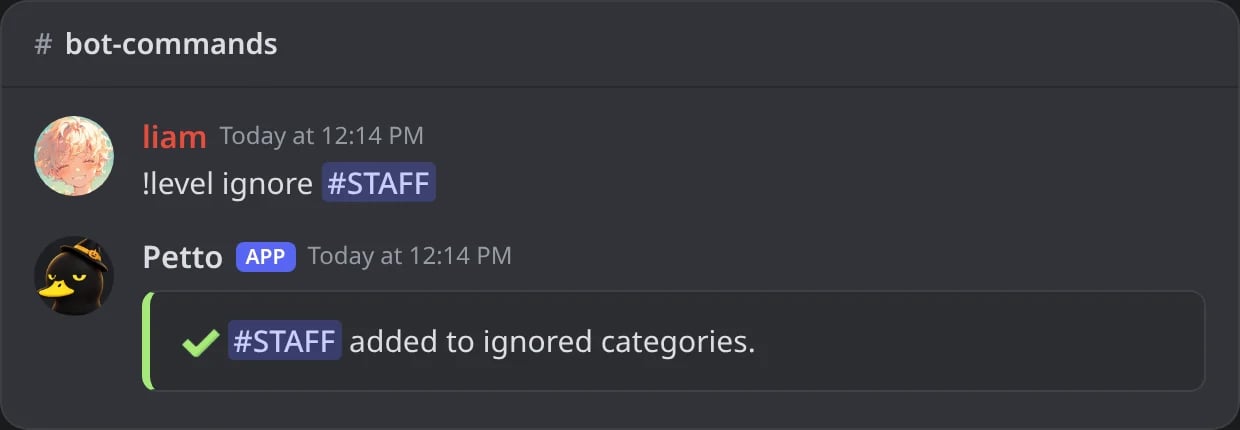
In Discord: a whole category that earns no XP.
!level ignore --role
!level ignore --role
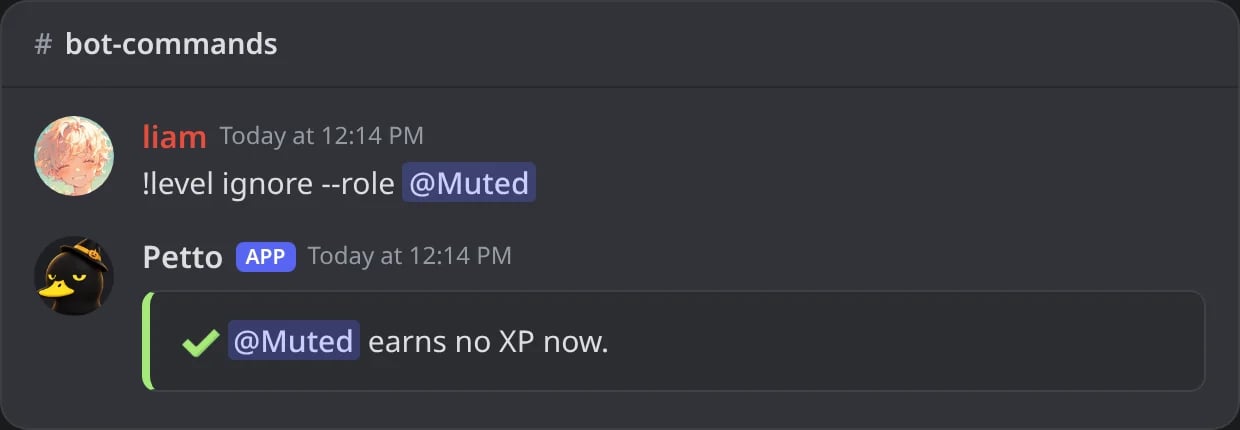
In Discord: a role whose members earn no XP.
!level ignore --only_role
!level ignore --only_role
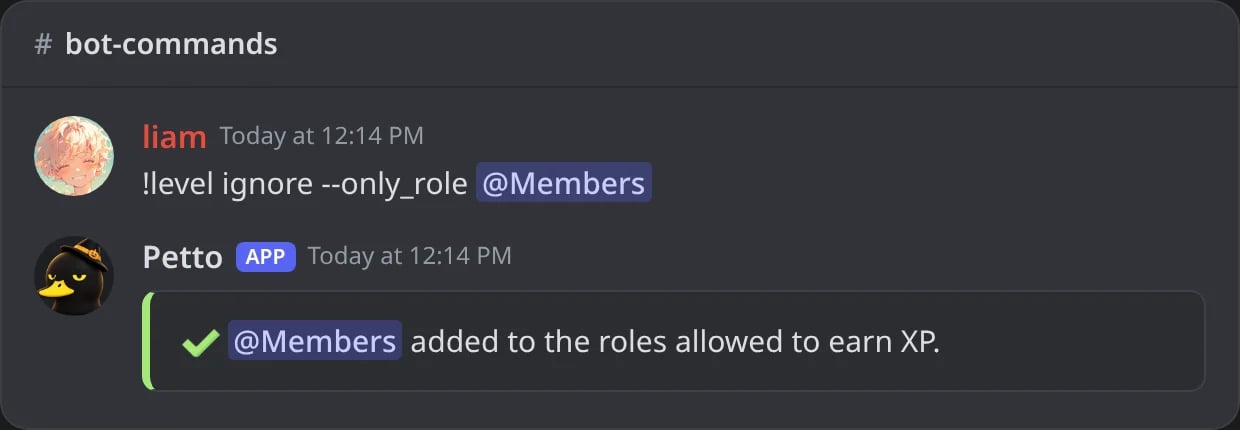
In Discord: only the members with this role earn XP.
--, like --role @Muted. All of these can also be set in the dashboard, in Leveling and in Rules and events.
channelcan be a channel or a category. Channels on the list, and every channel of a category on the list, grant no XP.roleis a role whose members earn no XP.only_rolepicks the roles that are the only ones allowed to earn XP. With none picked, everyone can earn XP.
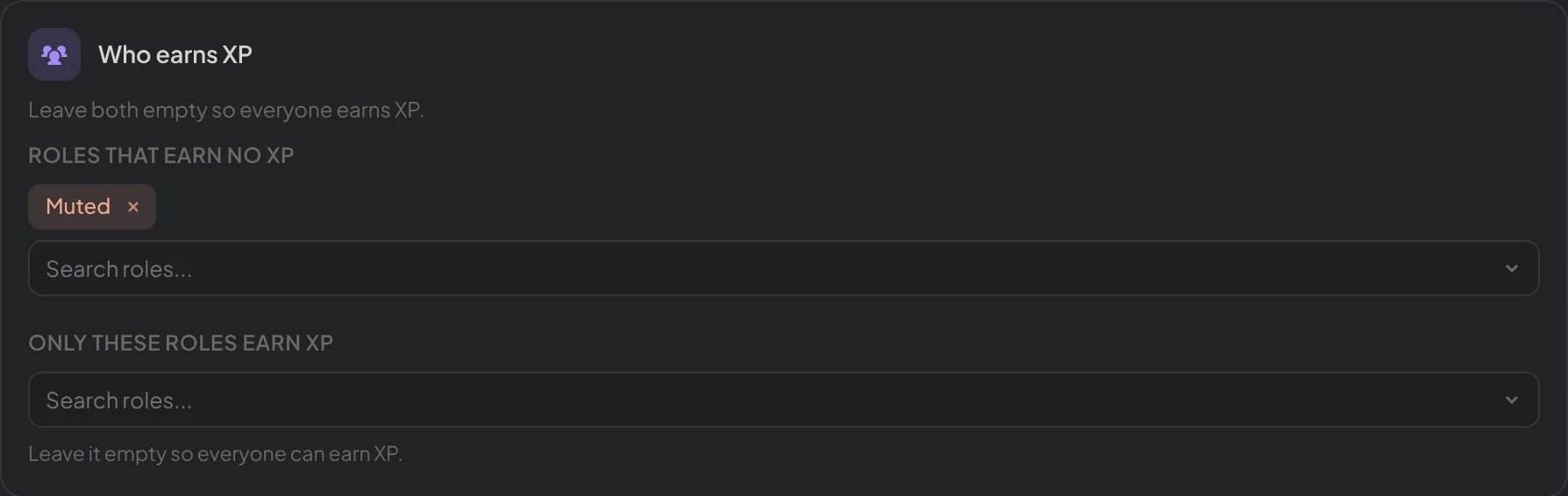
Dashboard → Leveling → Rules and events: the roles that earn no XP and the only roles that earn it.
Members who leave and come back
!level rules restore_roles
!level rules restore_roles
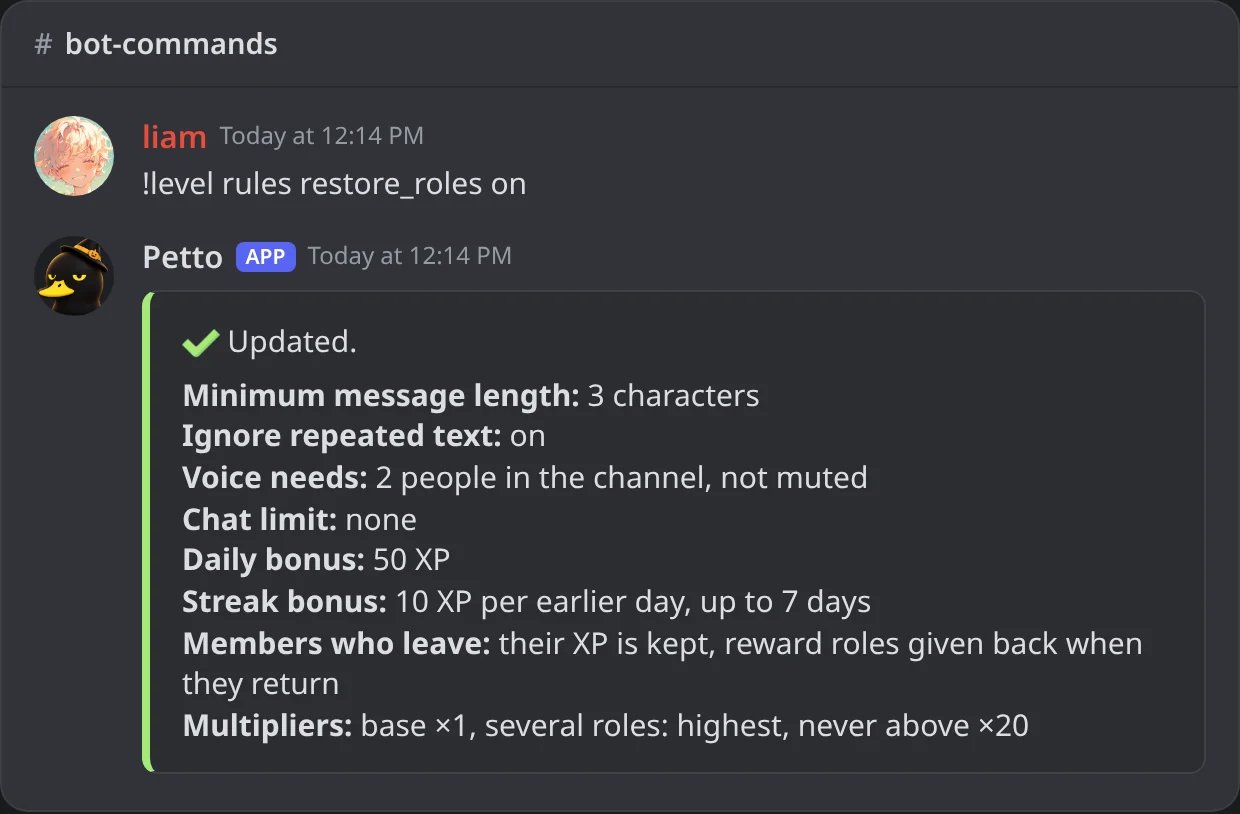
In Discord: members who come back get their reward roles back.
!level rules reset_on_leave
!level rules reset_on_leave
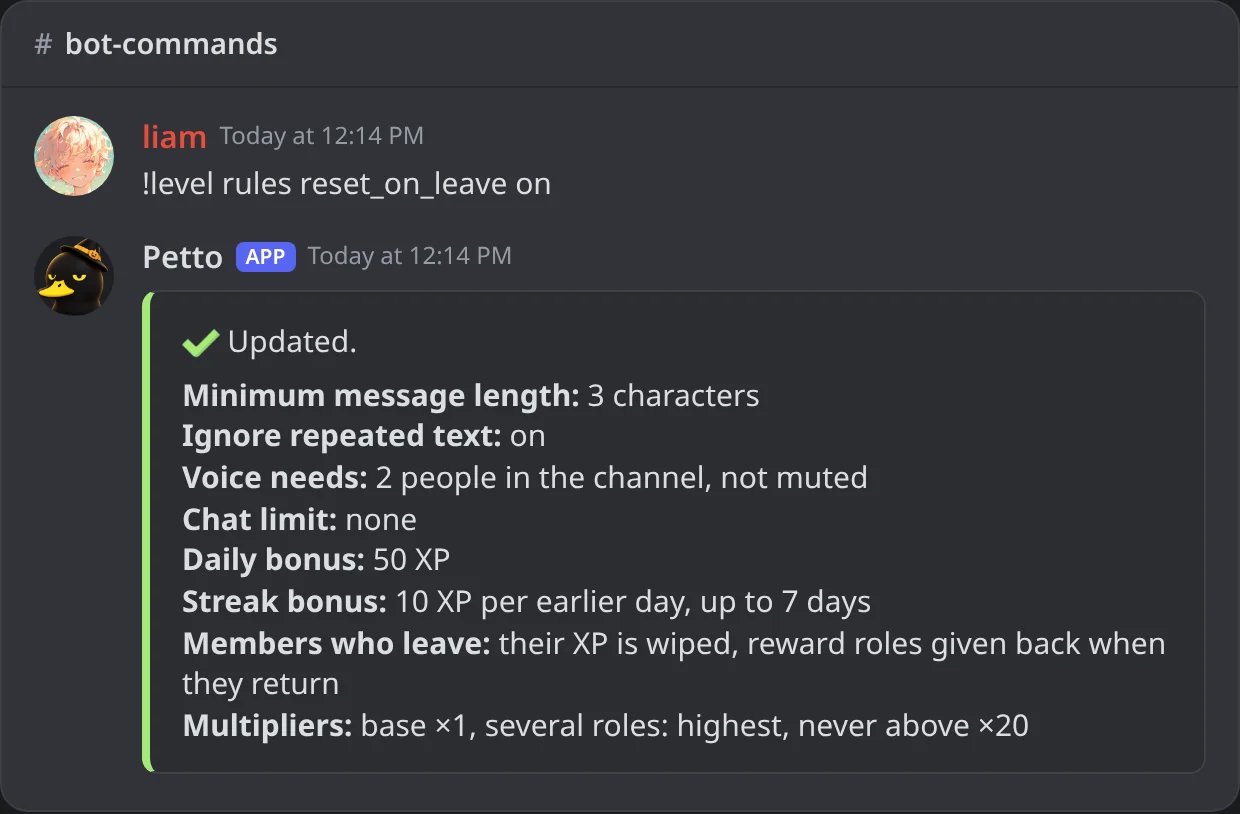
In Discord: the XP of a member who leaves is wiped.
!level manage sync
!level manage sync
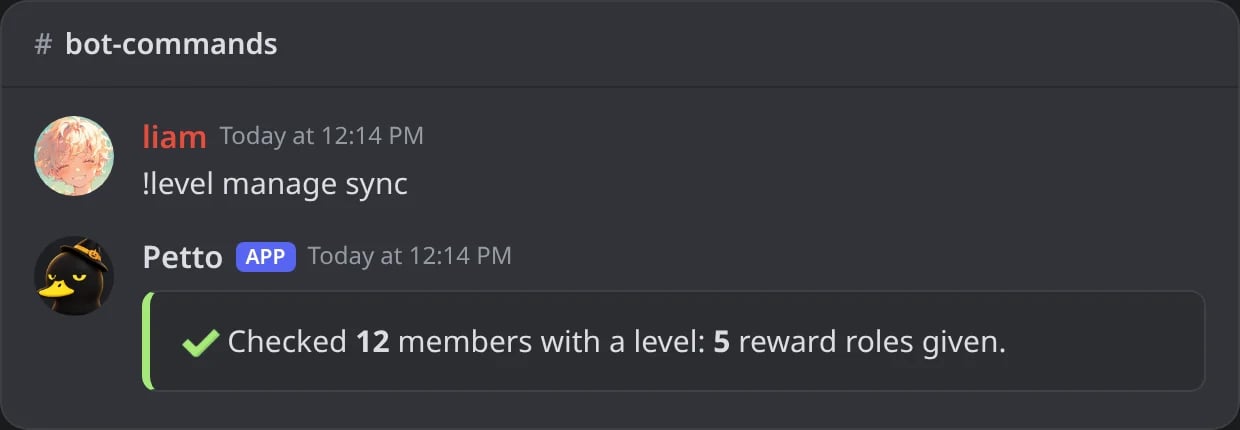
In Discord: the members with a level get the reward roles they were missing.
restore_roles(on by default): a member who returns gets back the reward roles their levels earned.reset_on_leave(off by default): the XP and level of a member who leaves are wiped. Off keeps them.manage syncchecks every member who has a level and gives the reward roles they earned and do not have yet, for message and voice levels. It is for after adding rewards to a server that already has levels. It checks up to 2000 members each time, with a short pause, so run it again for the rest of a big server.

Dashboard → Leveling → Rules and events: what happens to the XP and the reward roles of a member who leaves.
Join bonus
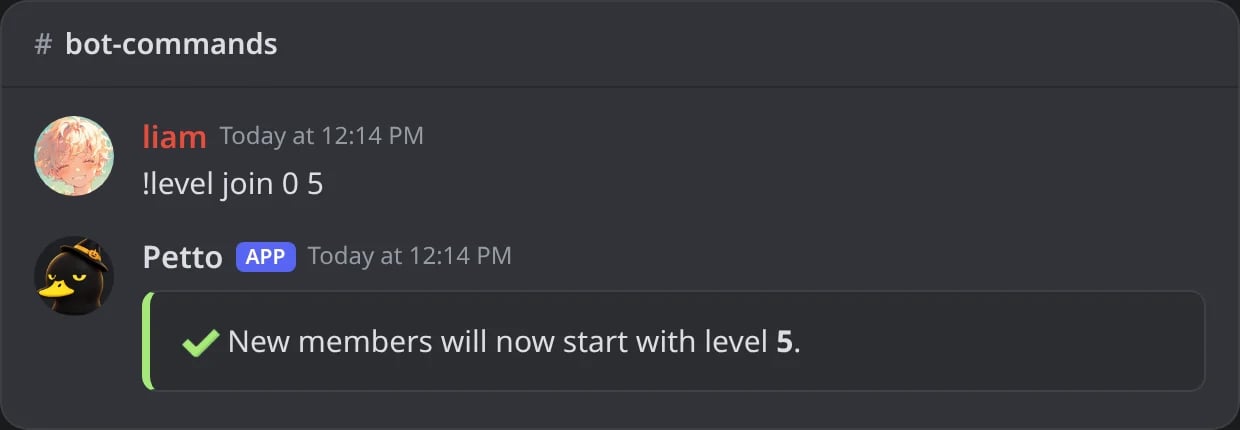
In Discord: new members start at level 5.
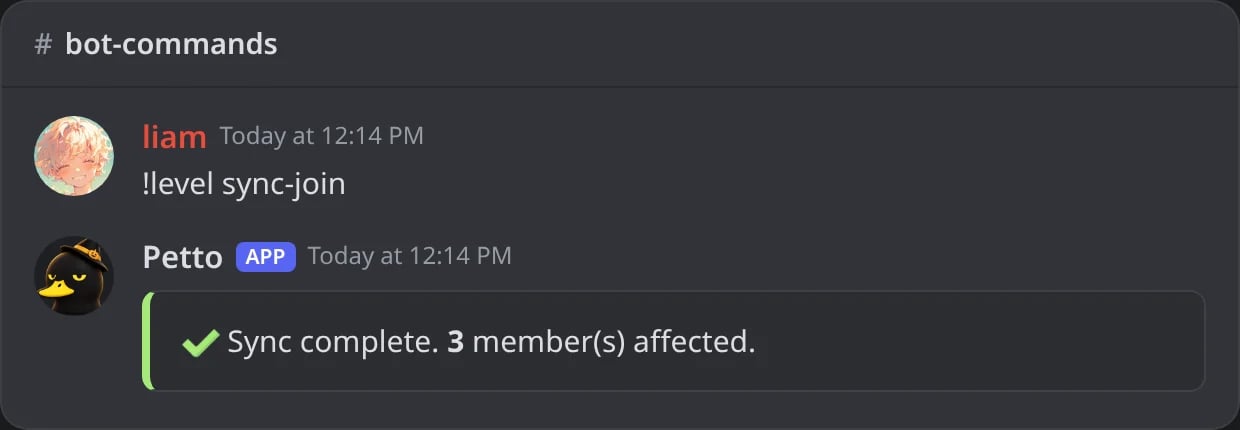
In Discord: the bonus is given to the members who are still at zero.
level takes priority if both are set. sync-join retroactively applies the current bonus to every member who’s still at zero.
Manual XP/level management
!level manage xp add
!level manage xp add
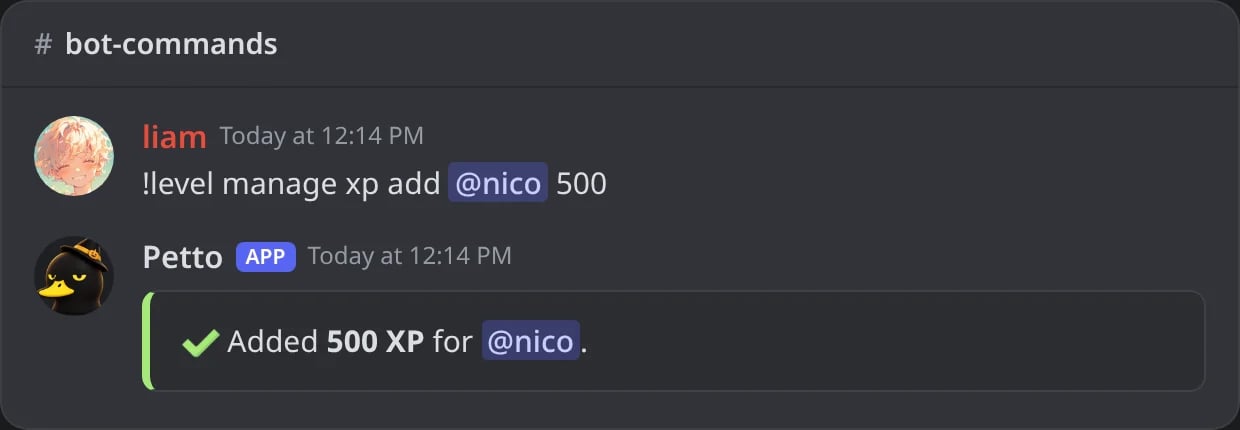
In Discord: 500 XP added to a member.
!level manage xp transfer
!level manage xp transfer
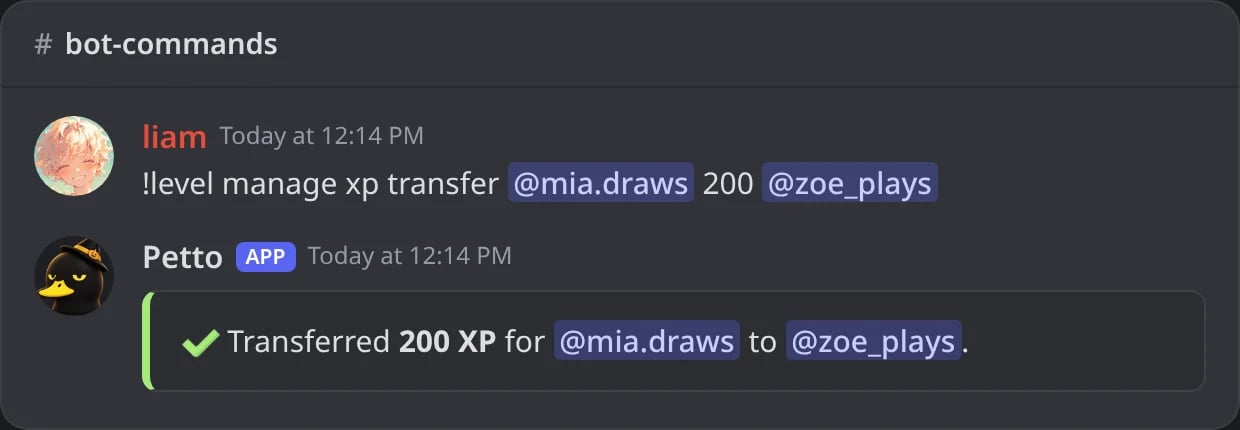
In Discord: 200 XP moved from one member to another.
!level manage level
!level manage level
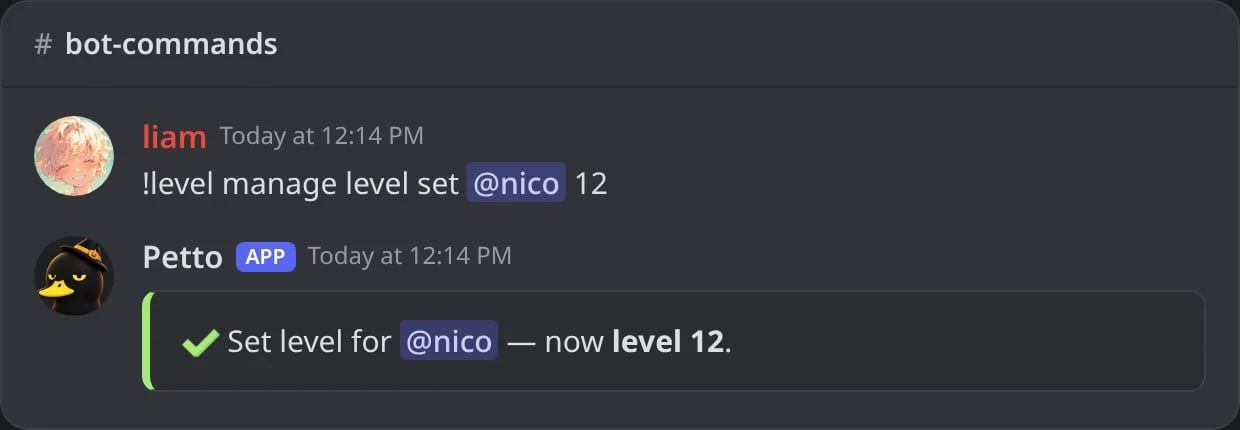
In Discord: a member set at level 12 (the XP follows).
!level reset
!level reset
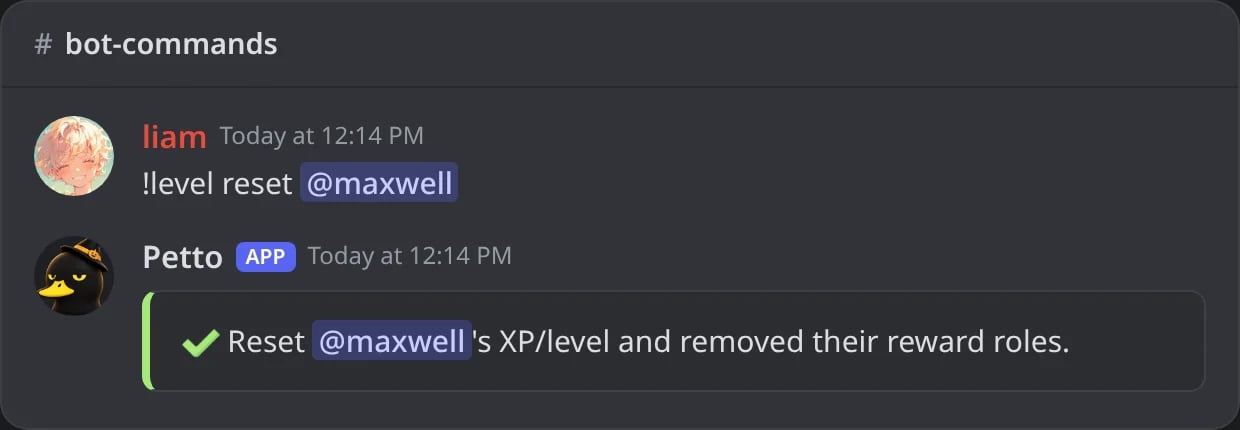
In Discord: the XP, the level and the reward roles of a member are wiped.
action is add, set, remove, or (XP only) transfer to another member. reset wipes a member’s XP/level and removes their reward roles.
Status
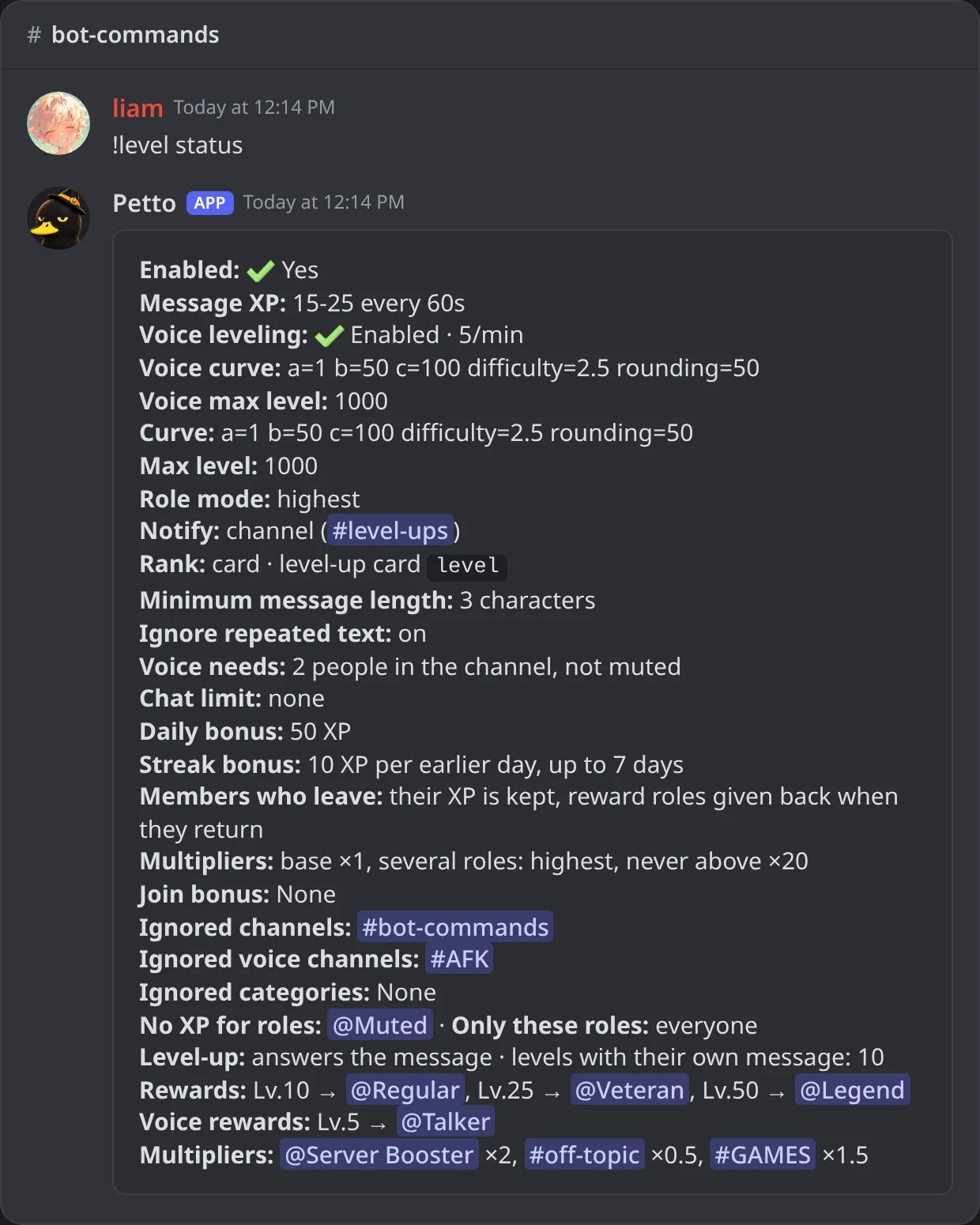
In Discord: the whole configuration in one card.
!levelconfig (short name !xpconfig, needs Manage Server) answers with a card of what this server has stored for leveling, and every !level command to change it.
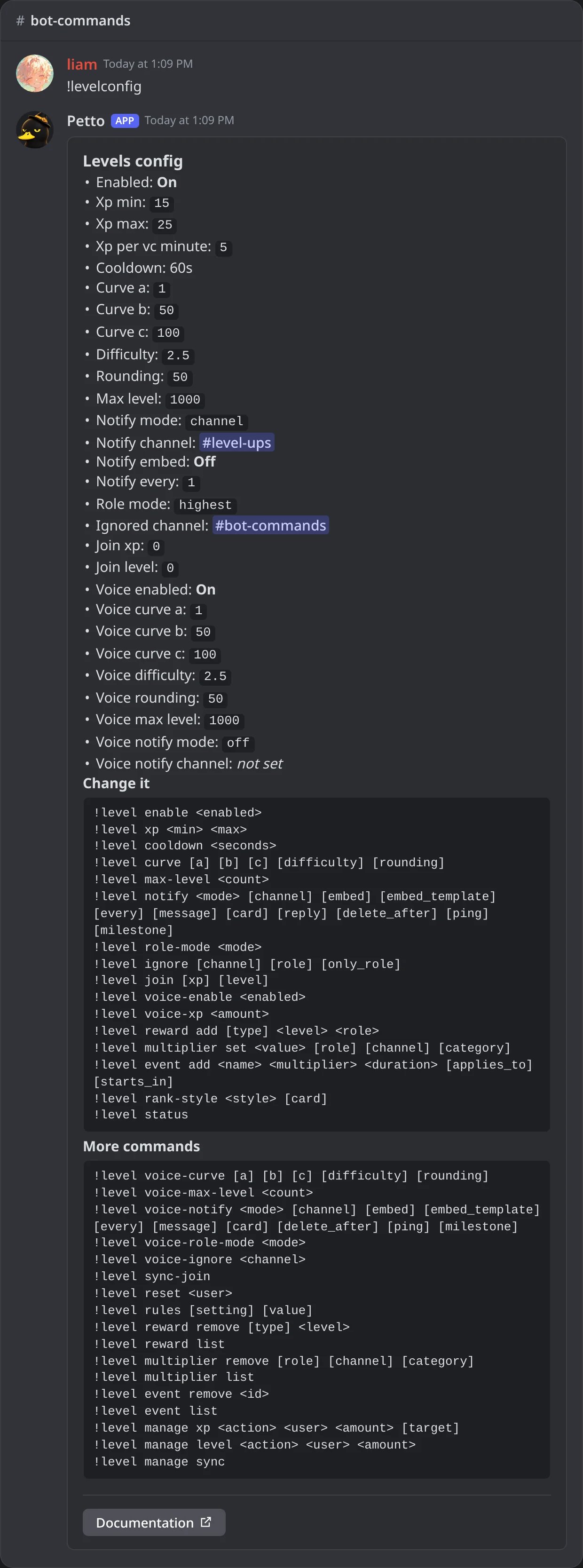
In Discord: the settings card of the module, with every command to change it.