
Overview
Members send ideas to a channel. Each idea is a message with two vote buttons, and each person has one vote: pressing the other button switches it, pressing the same one takes it back. The staff answers each suggestion (approve, deny, consider or mark as implemented), with a reason that is shown in the message.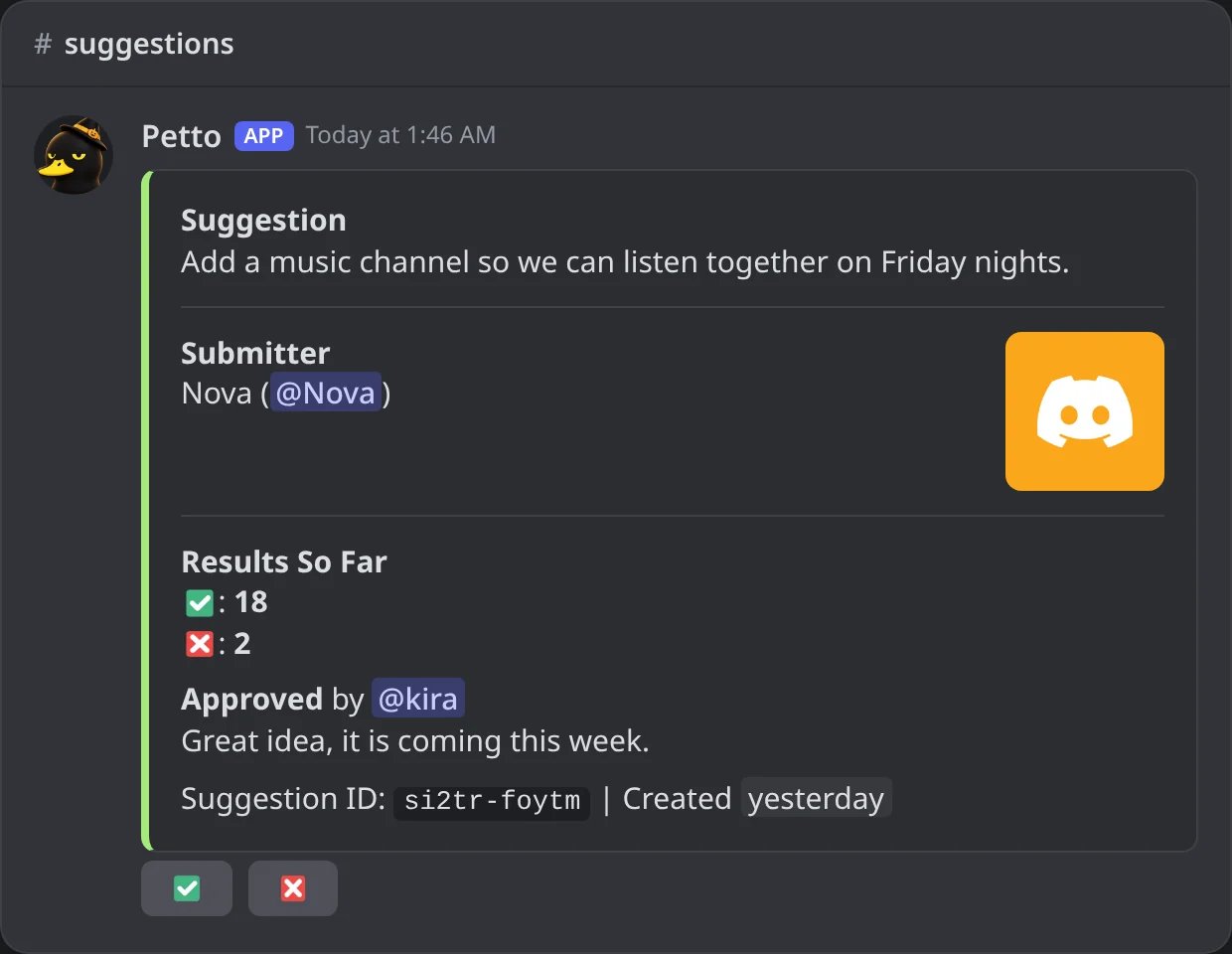
In Discord: a suggestion the staff approved, with the votes and the reason.
si2tr-foytm), or in the dashboard, in Suggestions, with a Who voted button (the names in favor and against) and the buttons Approve, Deny, Consider, Implemented and Reopen under each suggestion and a field for the reason.
Each suggestion has an ID like si2tr-foytm and a number in the server (#12).
How members suggest
There are three ways, and each one can be turned on or off:- The command:
!suggest <text>(short name!sug). A picture can be attached to the message. - Writing in the suggestions channel: Petto turns the message into a suggestion and removes the original.
- A button:
!suggestion panelposts a message with a button that opens a form.
!suggest
!suggest
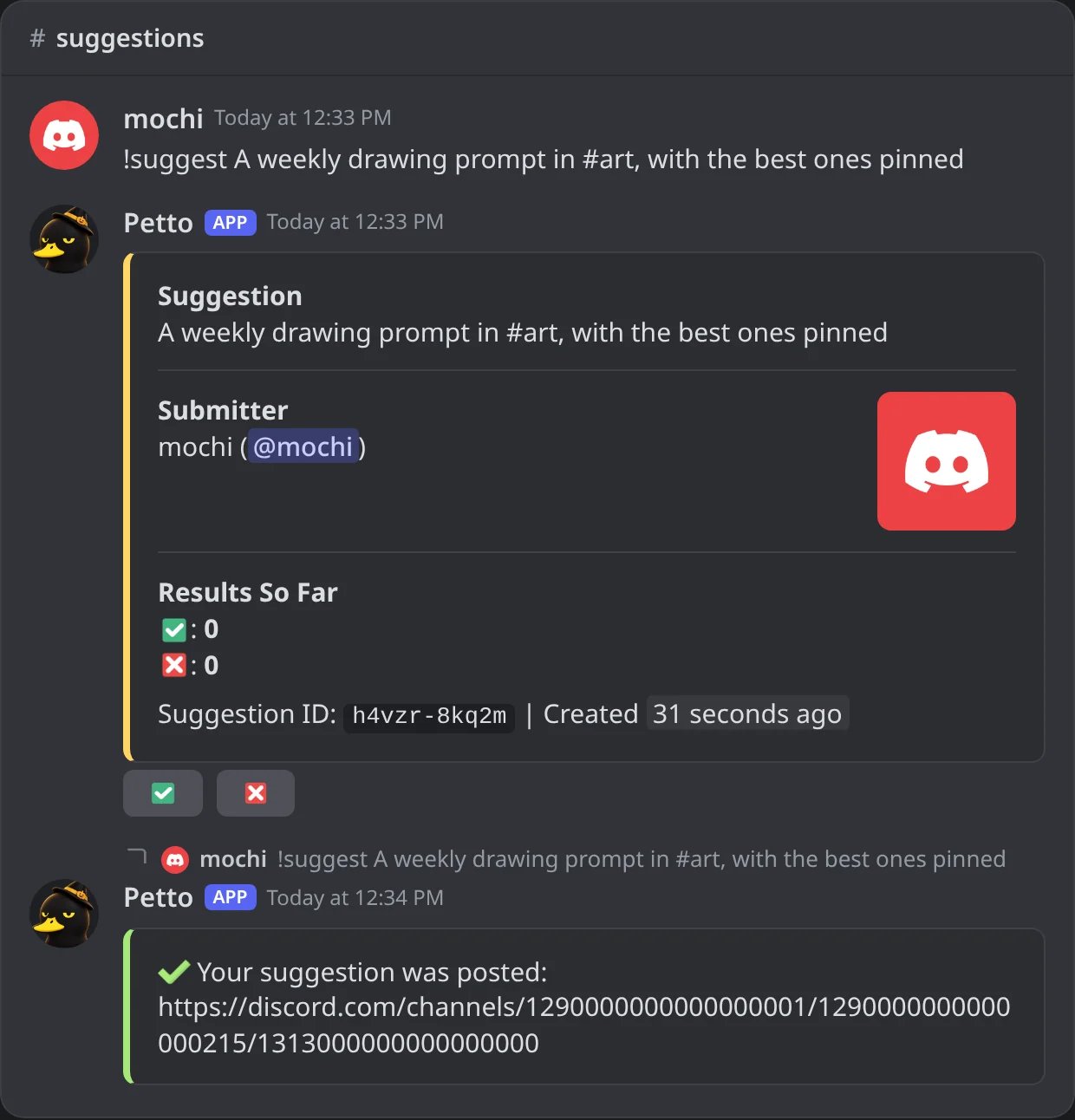
In Discord: a member suggests with the command: the suggestion with its vote buttons, and the answer with its link.
Writing in the channel
Writing in the channel
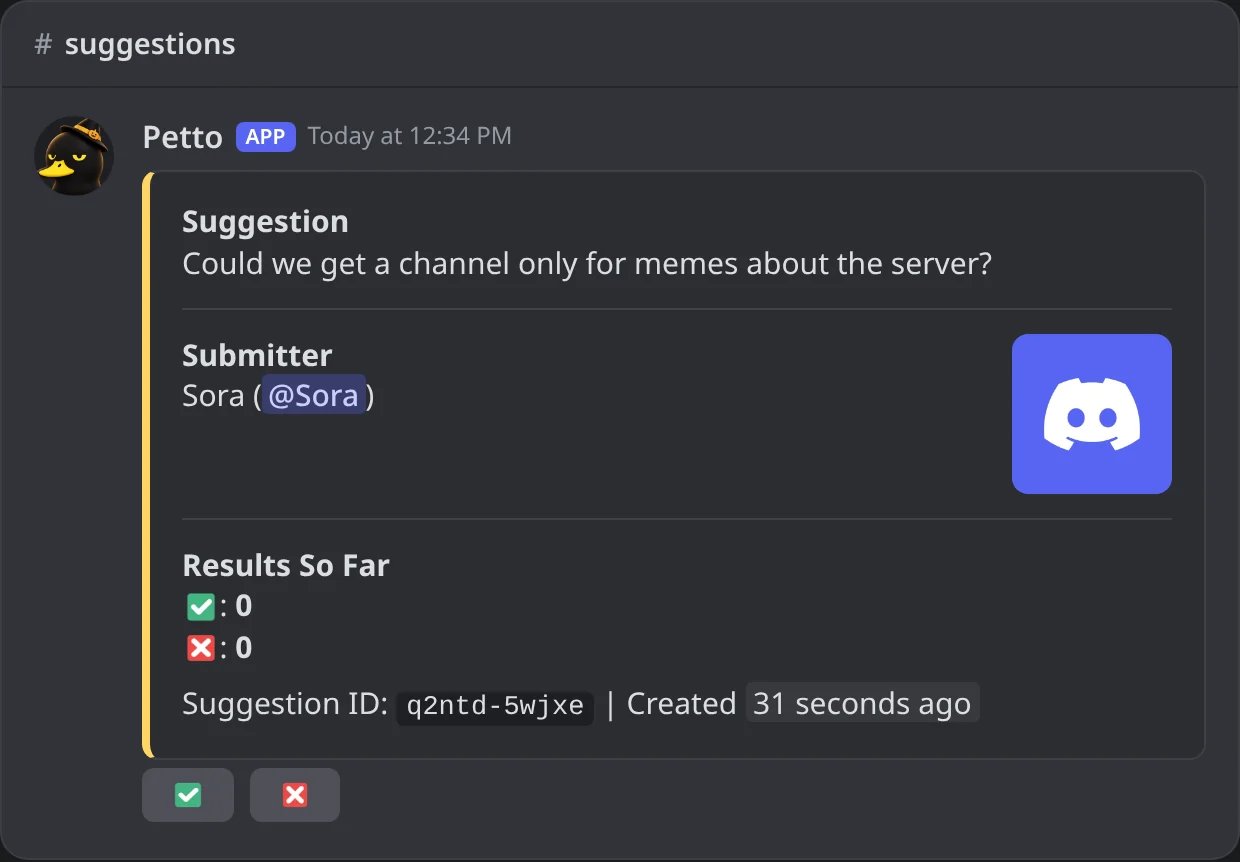
In Discord: a message written in the channel, already turned into a suggestion (the original is removed).
The panel
The panel
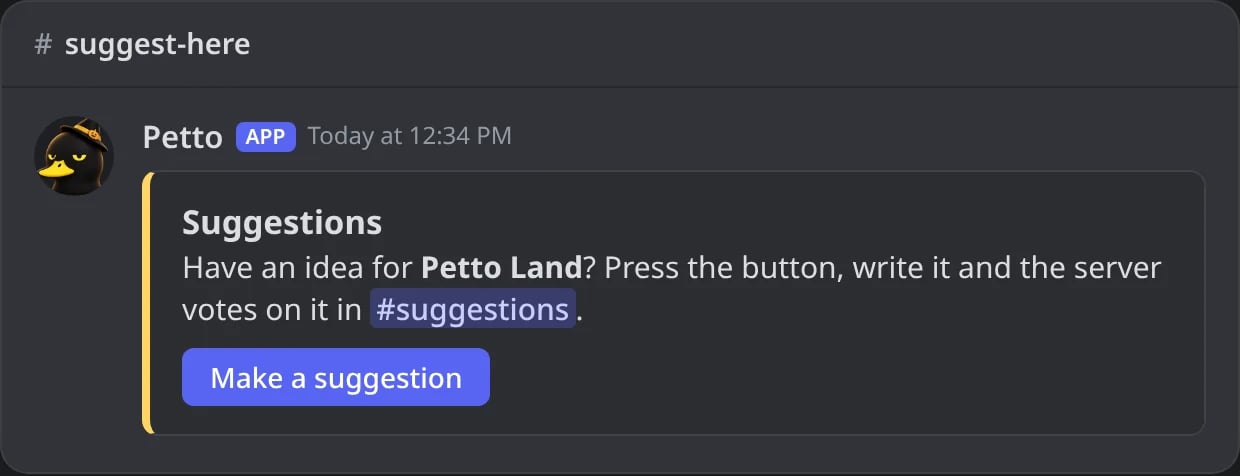
In Discord: the panel of !suggestion panel, with its button.
The form of the panel
The form of the panel
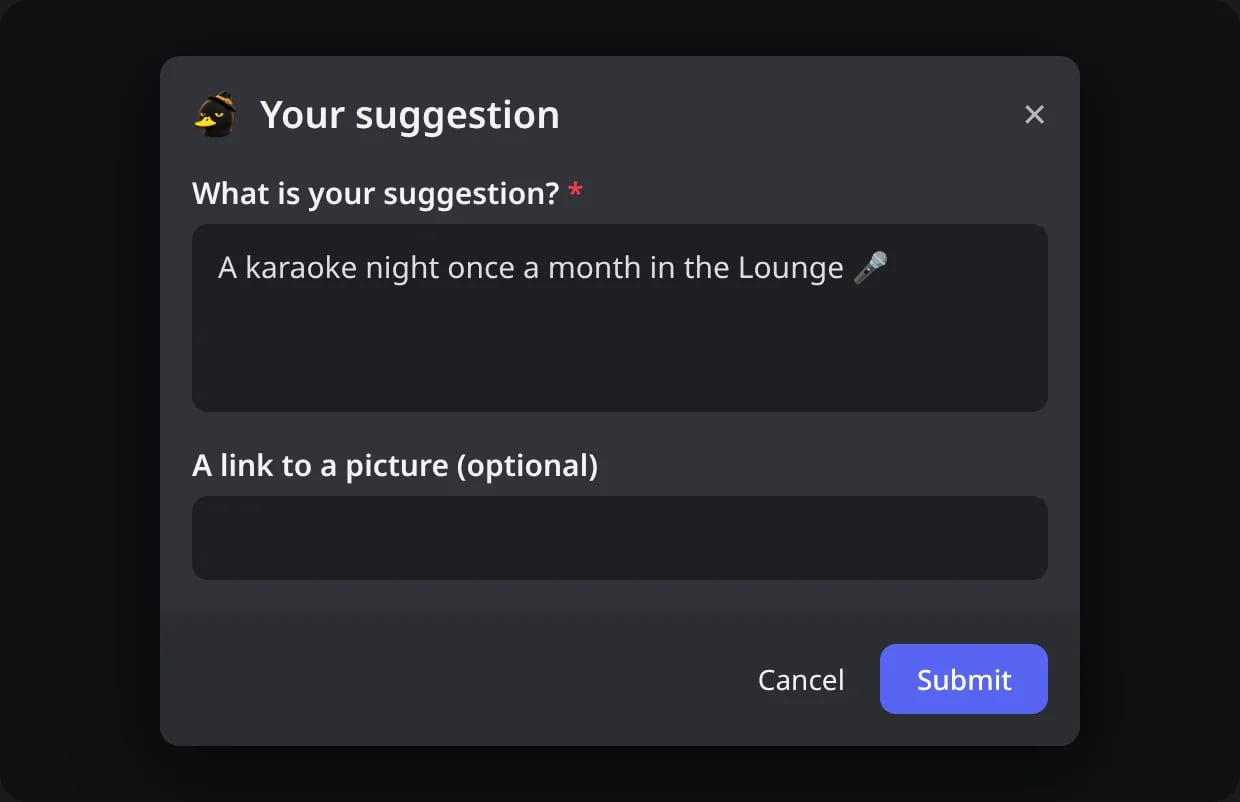
In Discord: the form the button opens.
For administrators
!suggestion setup
!suggestion setup
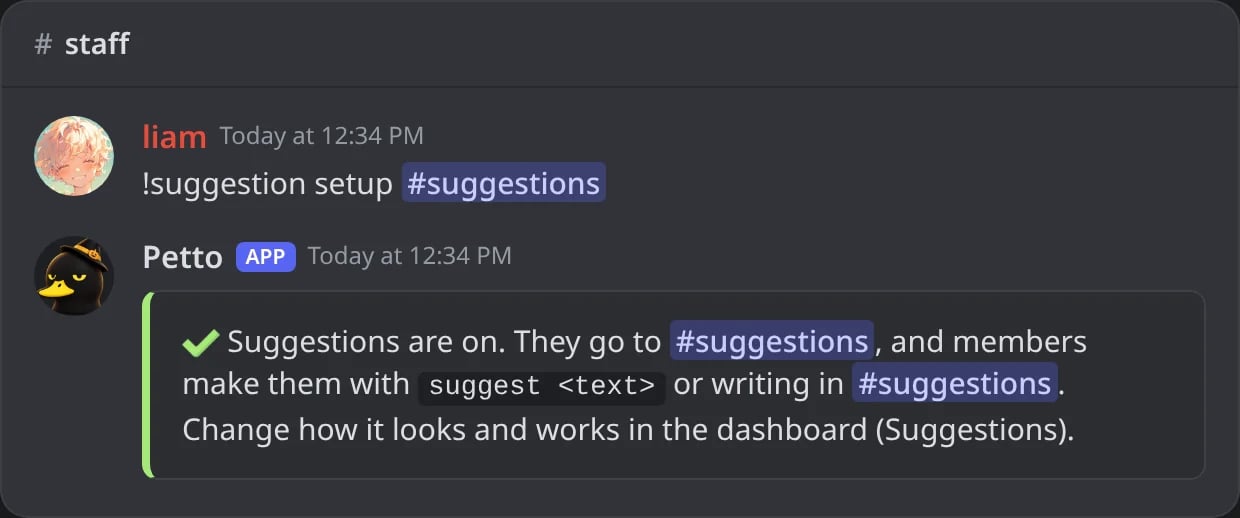
In Discord: suggestions turned on in #suggestions.
!suggestion set listen
!suggestion set listen
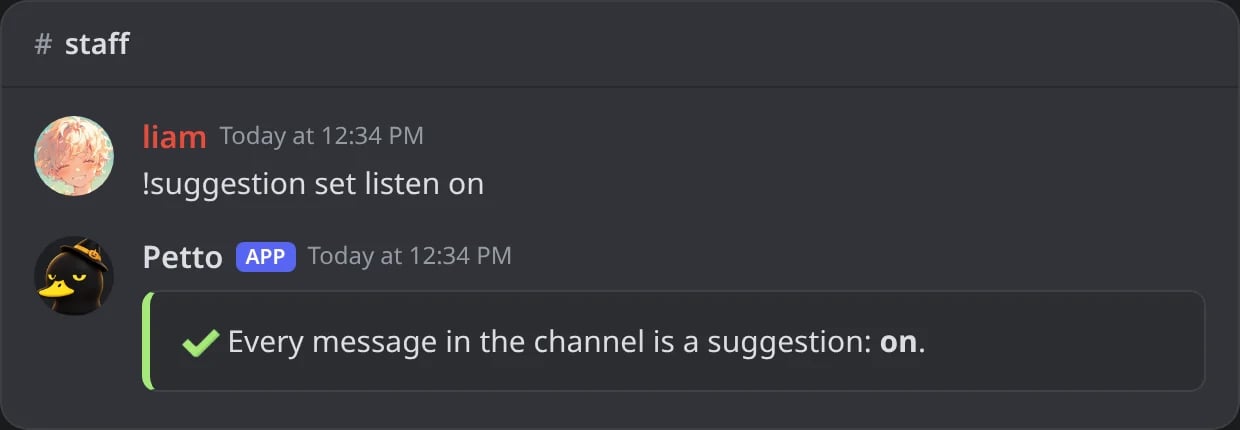
In Discord: every message of the channel becomes a suggestion.
!suggestion set up_emoji
!suggestion set up_emoji
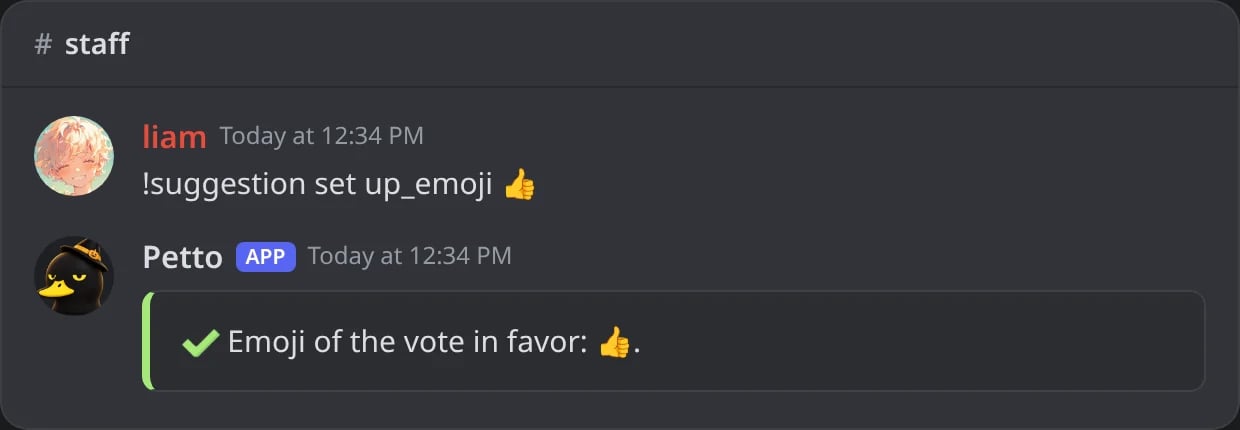
In Discord: a new emoji for the vote in favor.
!suggestion panel
!suggestion panel
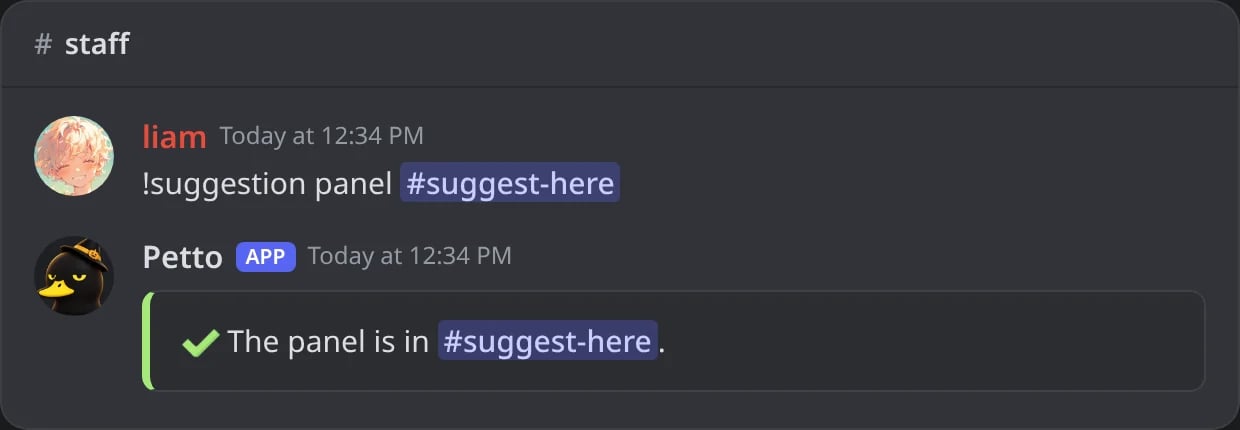
In Discord: the panel is posted in another channel.
!suggestion config
!suggestion config
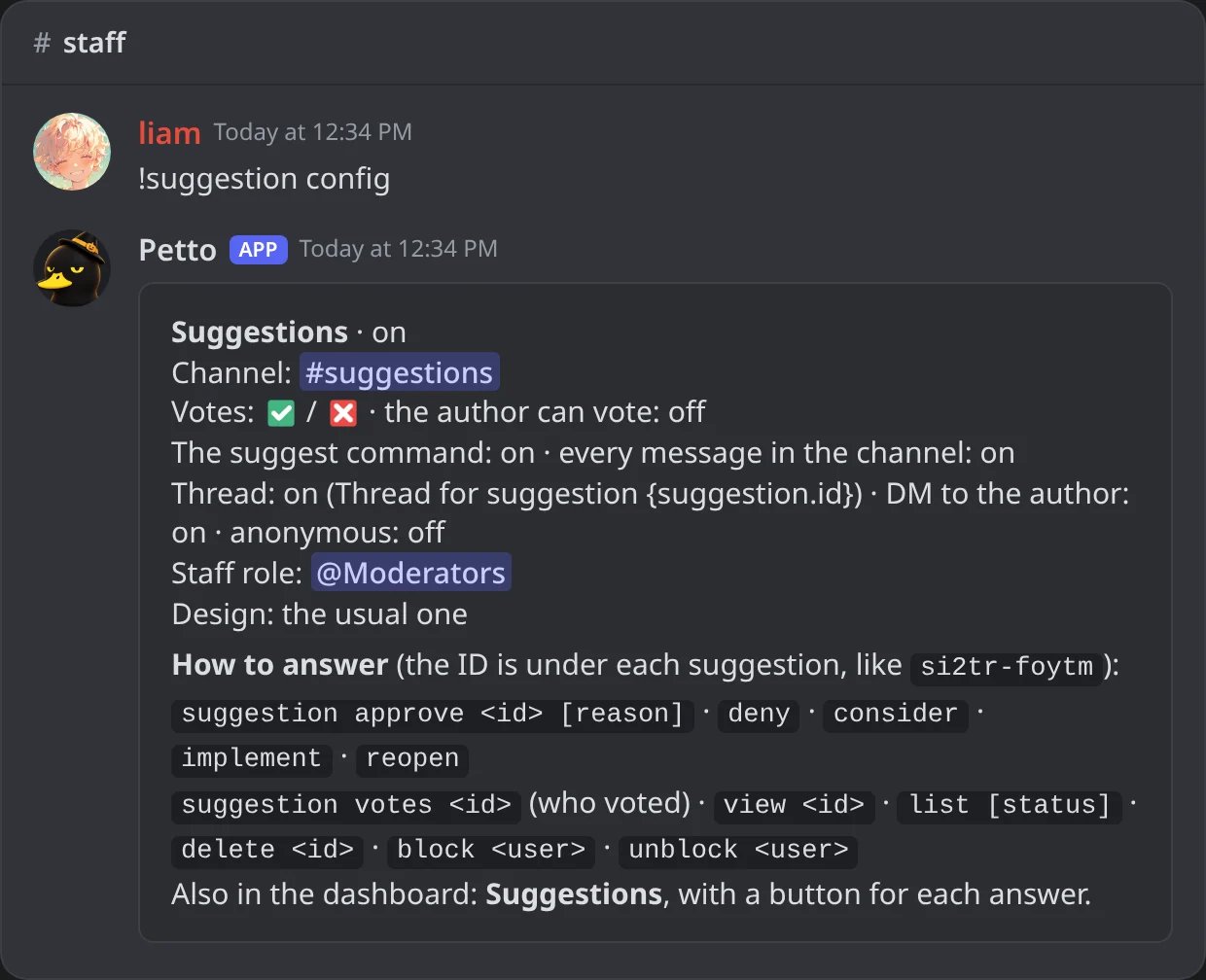
In Discord: how suggestions are set up, and how to answer them.
!suggestion enable
!suggestion enable
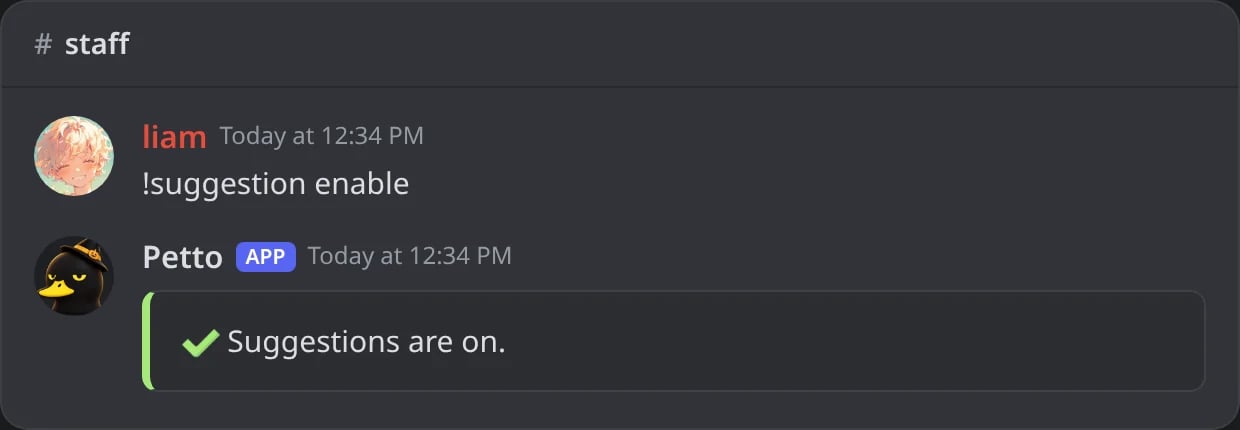
In Discord: suggestions are turned on again.
!suggestion disable
!suggestion disable
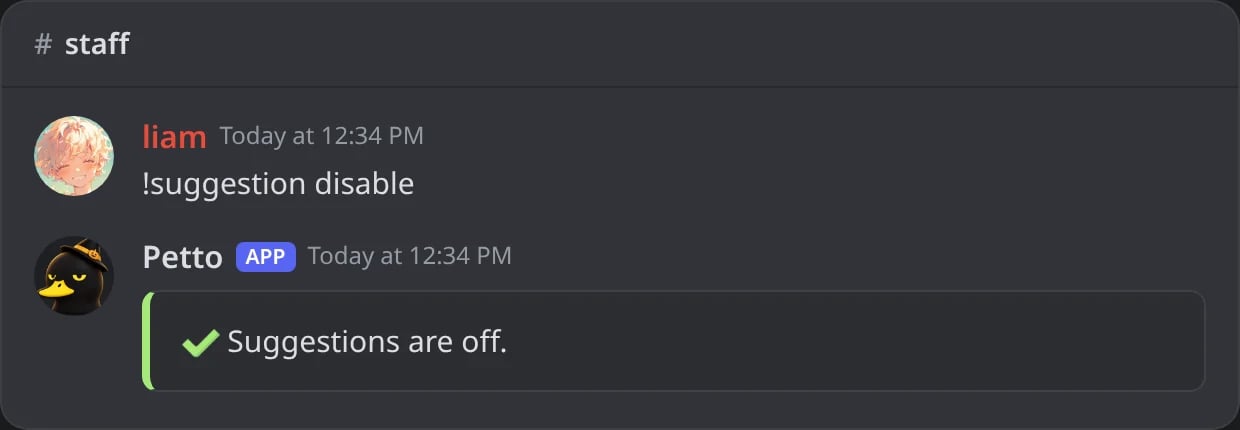
In Discord: suggestions are turned off.
listen, command, thread, self_vote, dm, anonymous, colors, up_emoji, down_emoji, thread_name, staff_role and design. Everything can also be changed in the dashboard (Suggestions), where you can also pick the color of each status or turn the colors off.
For the staff
Members with Manage Server, or the staff role you pick, can answer:!suggestion votes
!suggestion votes
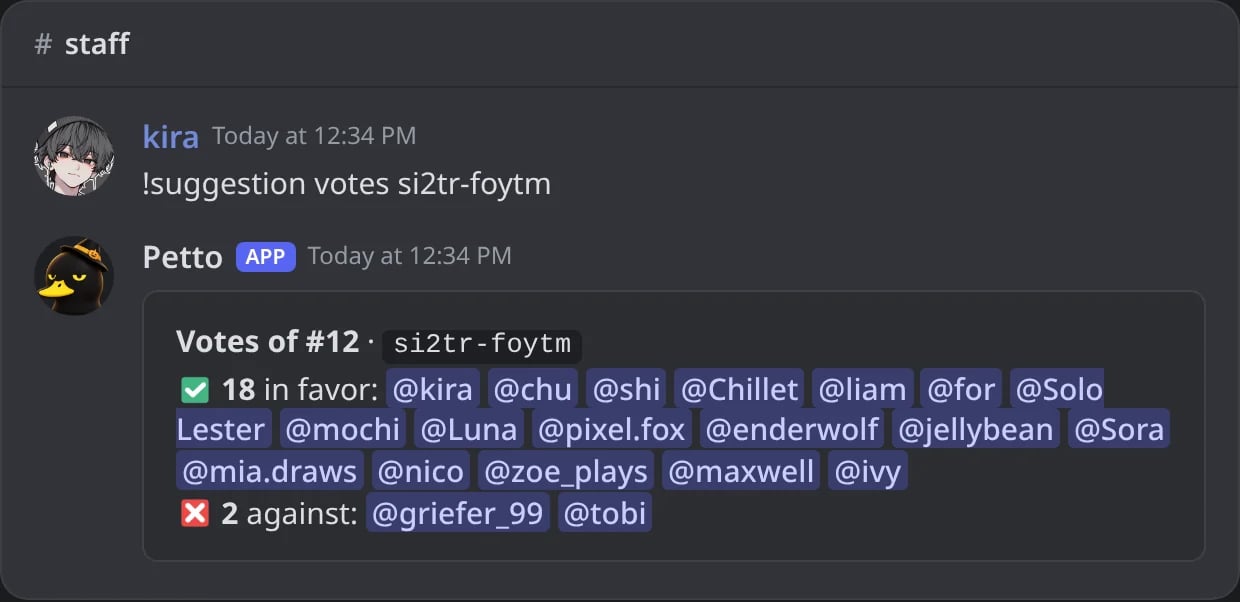
In Discord: who voted, in favor and against.
!suggestion approve
!suggestion approve
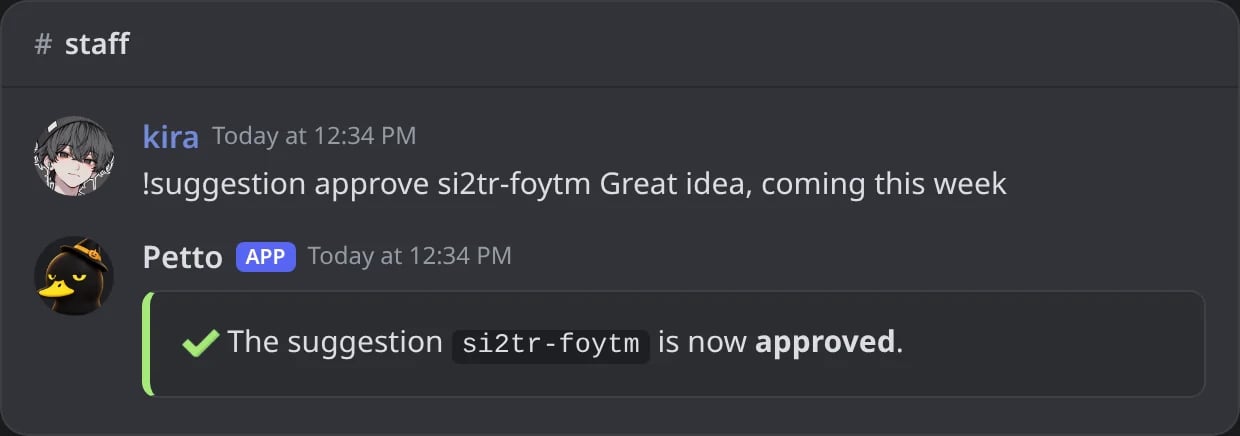
In Discord: a suggestion approved with a reason.
!suggestion deny
!suggestion deny
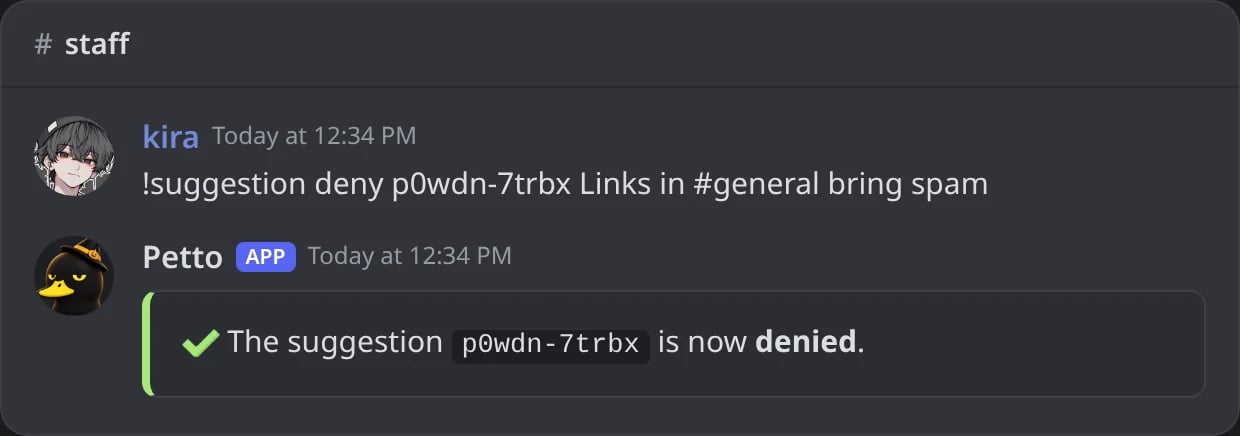
In Discord: a suggestion denied with a reason.
!suggestion consider
!suggestion consider
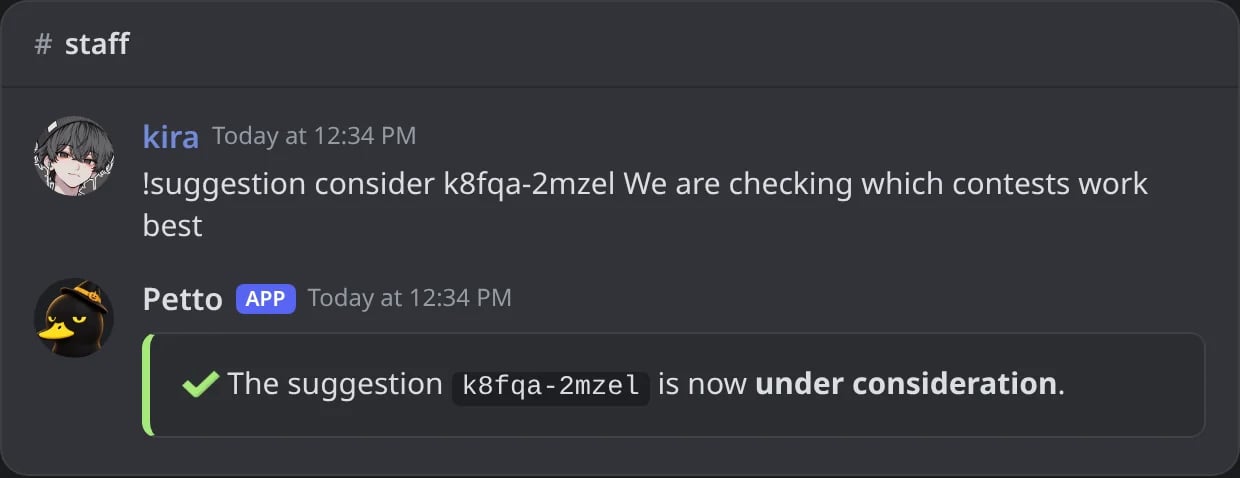
In Discord: a suggestion under consideration.
!suggestion implement
!suggestion implement
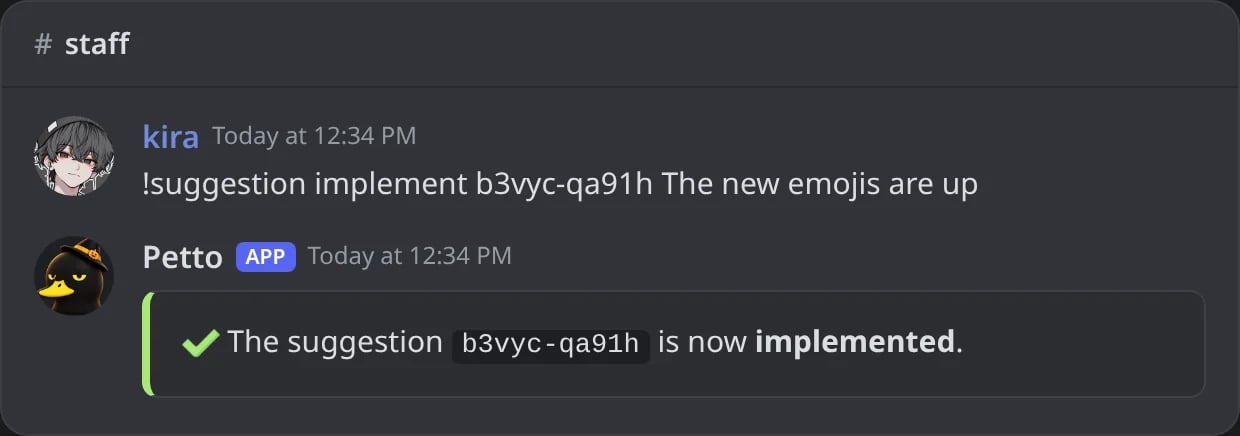
In Discord: a suggestion marked as implemented.
!suggestion reopen
!suggestion reopen
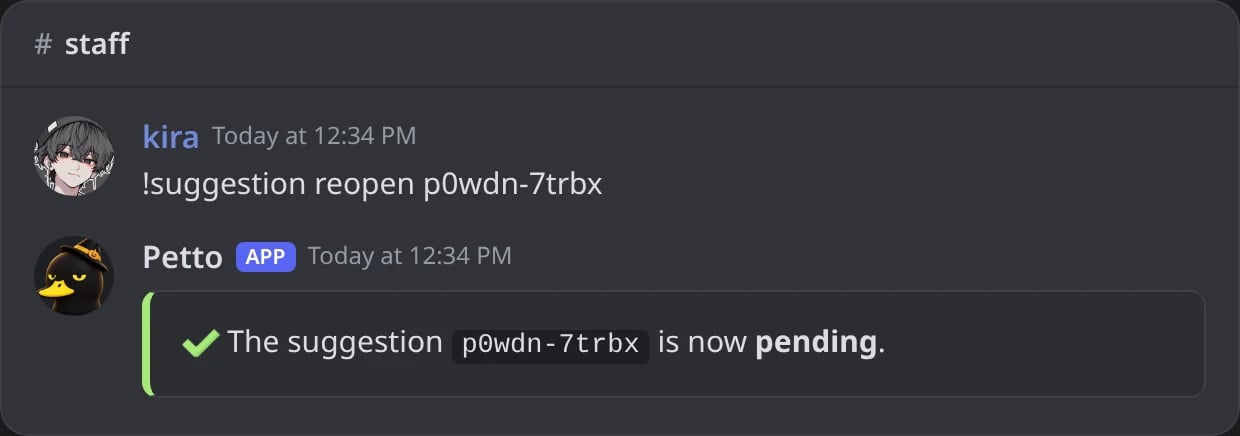
In Discord: a denied suggestion back to pending.
!suggestion delete
!suggestion delete
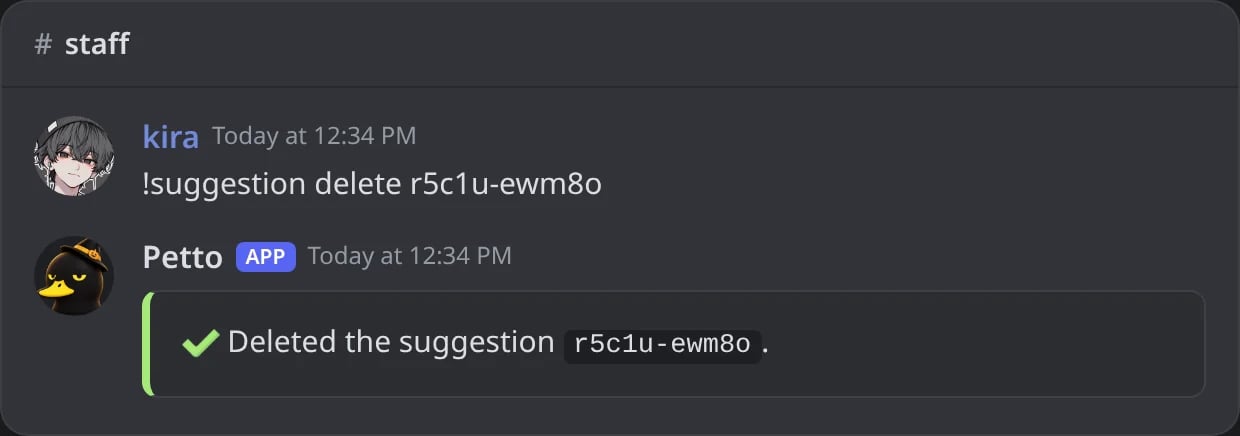
In Discord: a suggestion deleted with its message and thread.
!suggestion view
!suggestion view
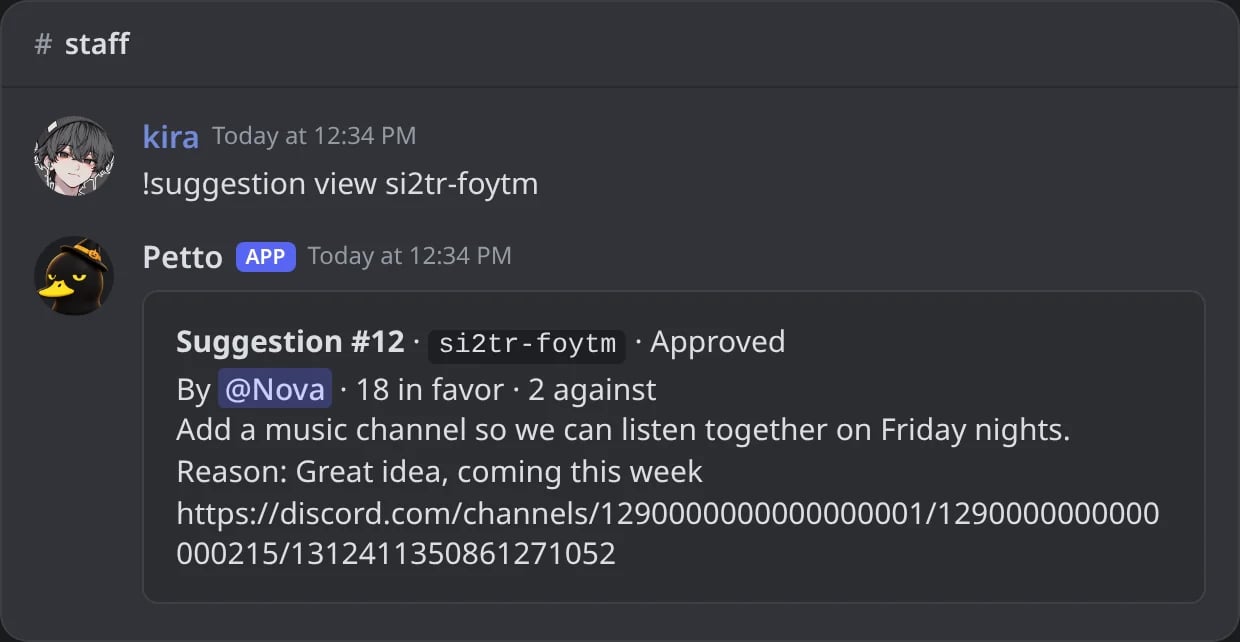
In Discord: one suggestion with its votes, its reason and its link.
!suggestion list
!suggestion list
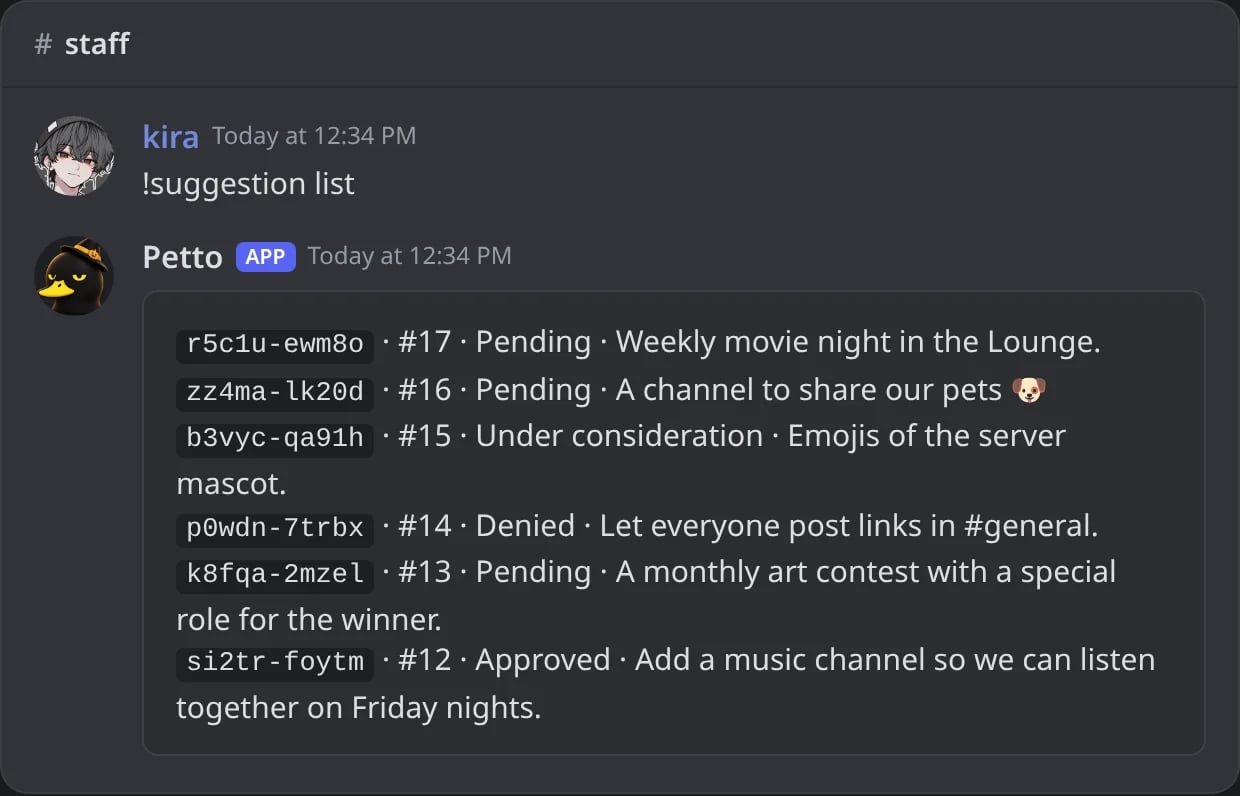
In Discord: the latest suggestions with their status.
!suggestion block
!suggestion block
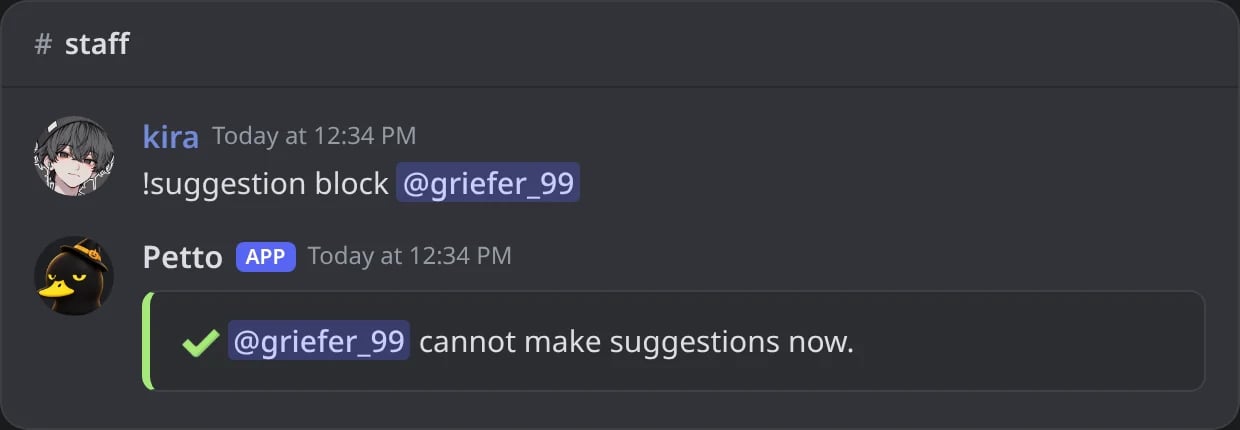
In Discord: a member blocked from suggesting.
!suggestion unblock
!suggestion unblock
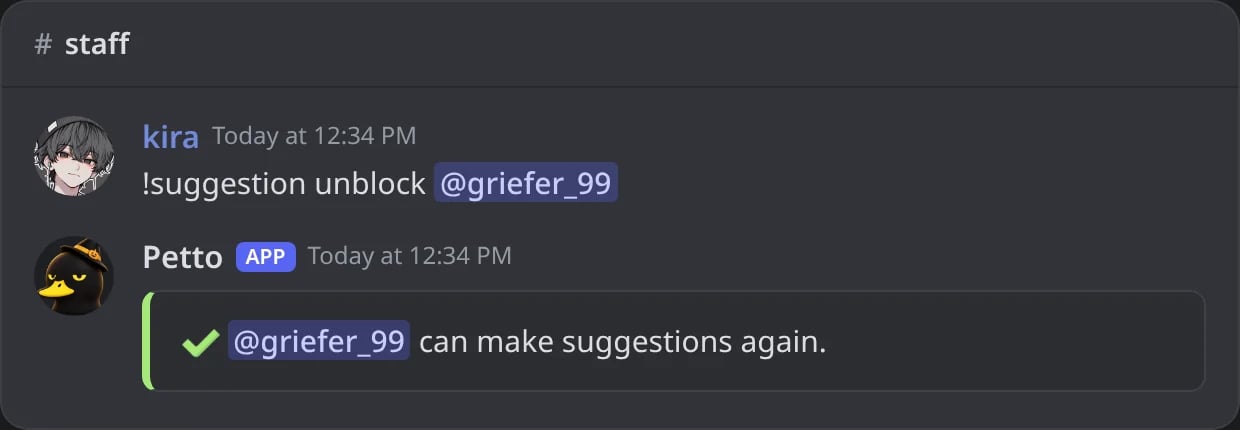
In Discord: the member can suggest again.
reopen takes it back to pending and opens the votes again. Deleting removes the message and its thread. A blocked member cannot make suggestions. The Suggestions page of the dashboard has a Blocked from suggesting list with who blocked each member and when, an Unblock button, and a box to block one more member.
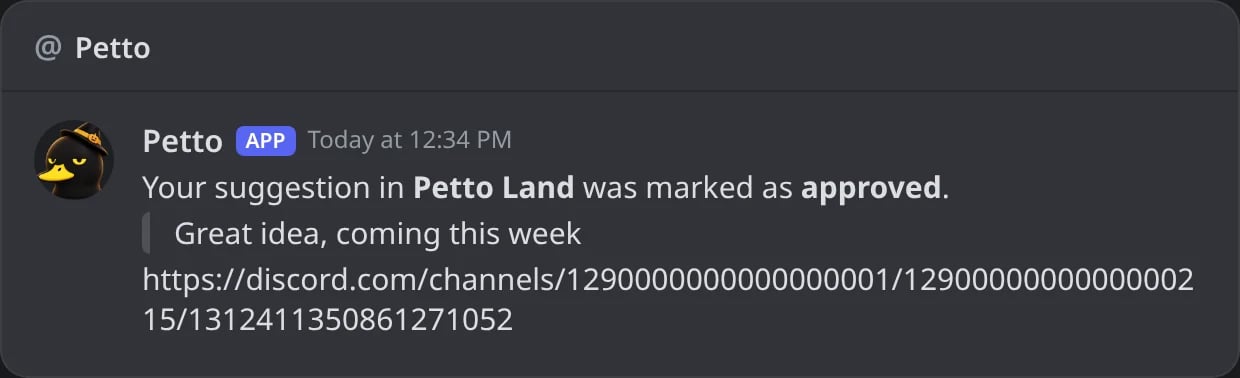
In Discord: the DM the author gets when the staff answers.
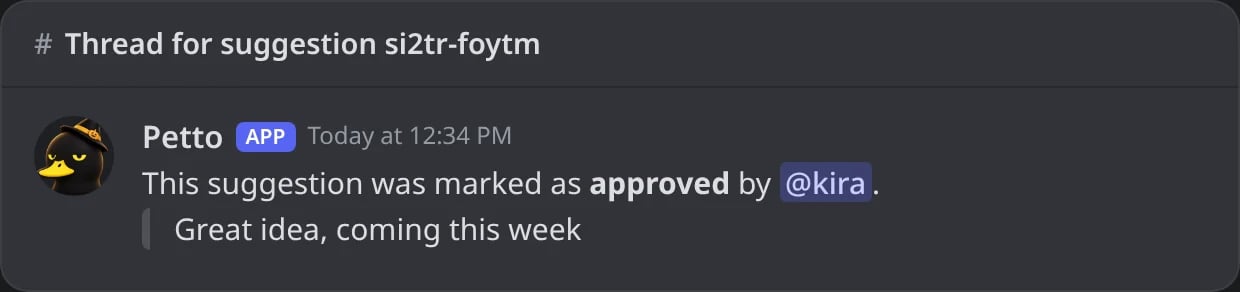
In Discord: the message in the thread of the suggestion.
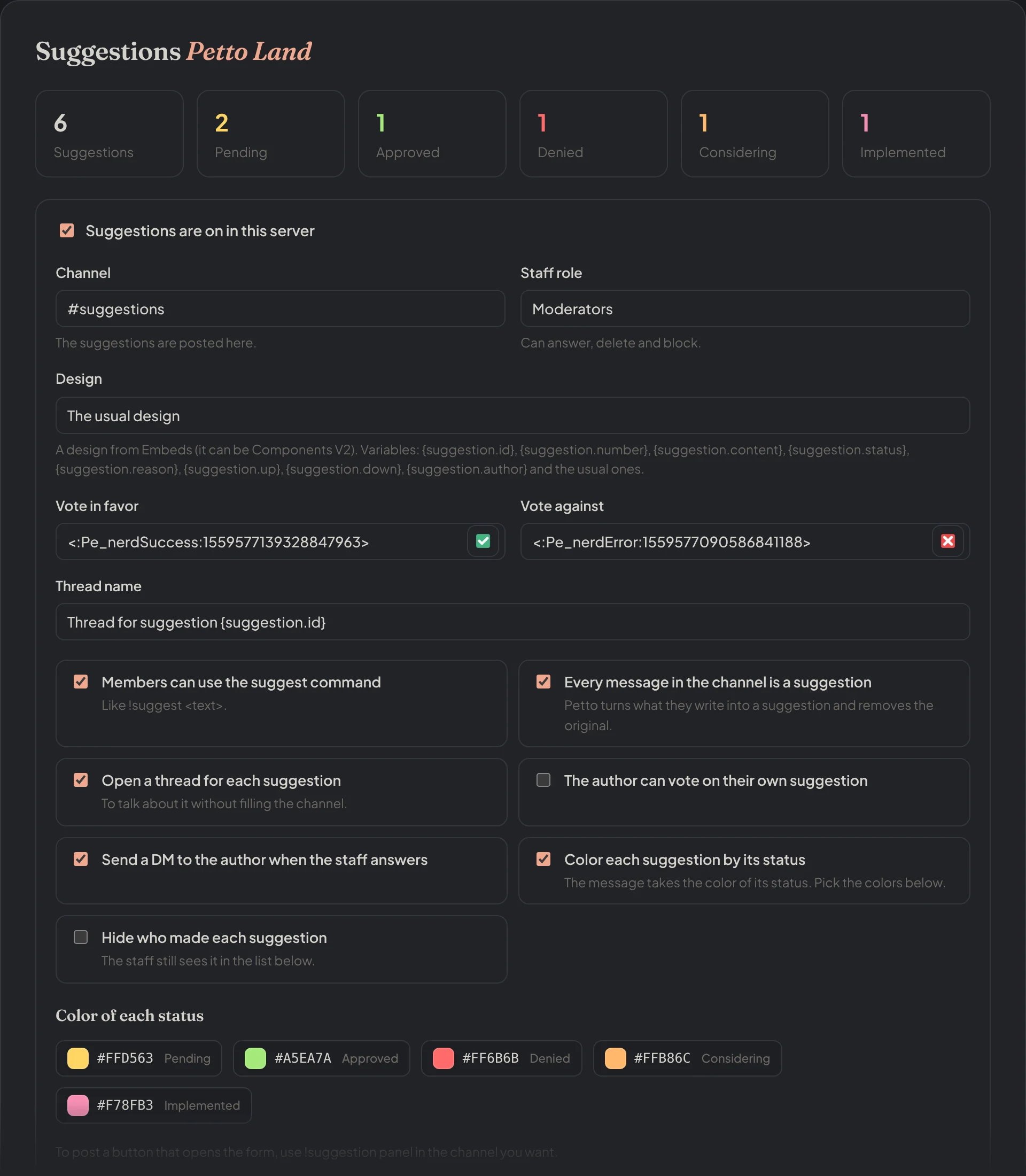
Dashboard → Community → Suggestions: the count of each status and every setting.
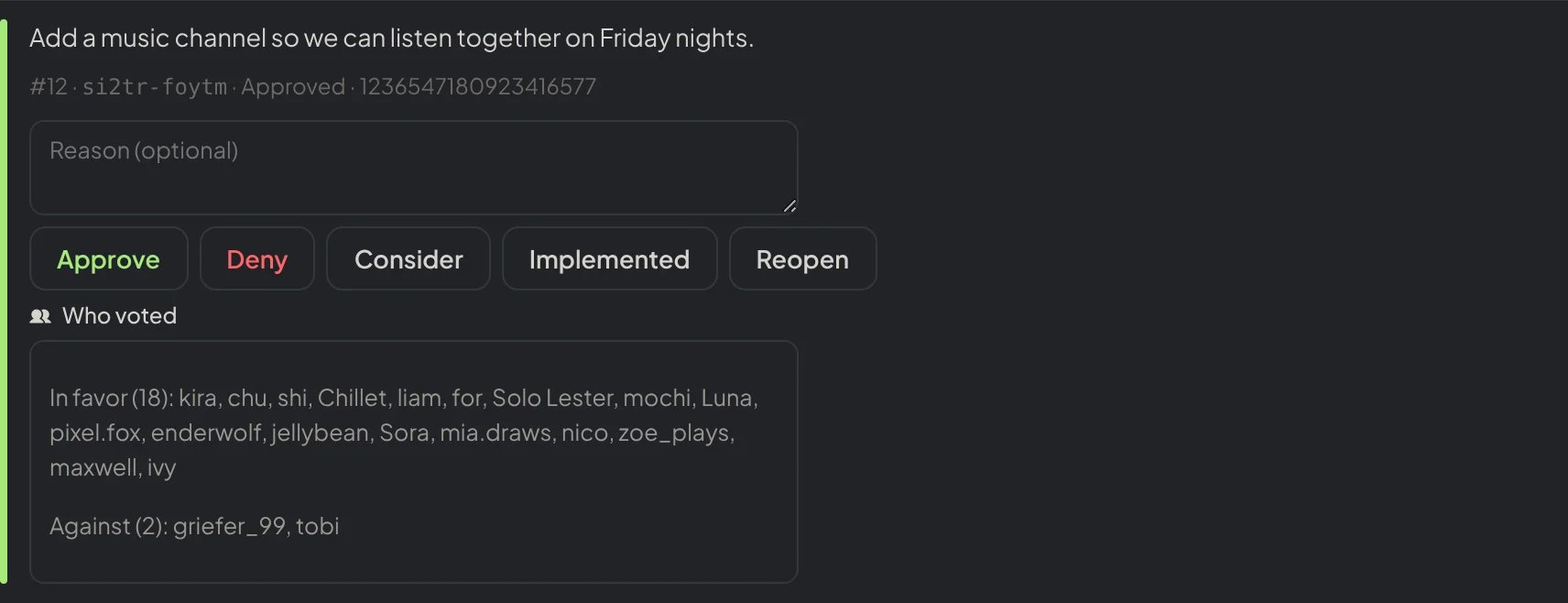
Dashboard → Community → Suggestions: a suggestion of the list with its answer buttons, the reason and who voted.
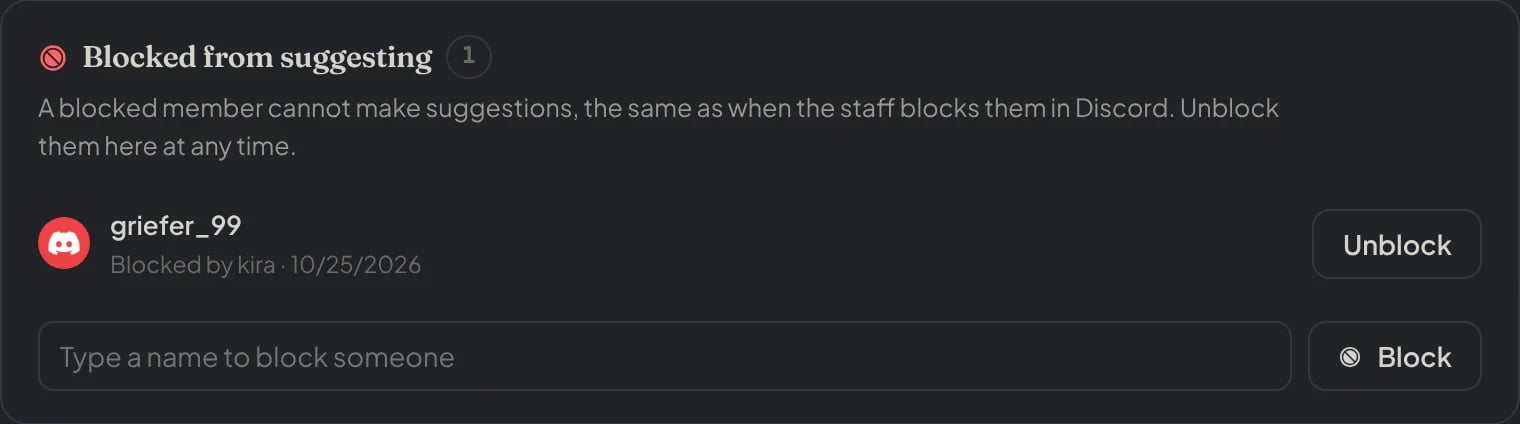
Dashboard → Community → Suggestions: the members blocked from suggesting.
Make it yours
Pick a saved embed as the design (it can be a Components V2 design) and write it with these variables:Example design
Make the embed
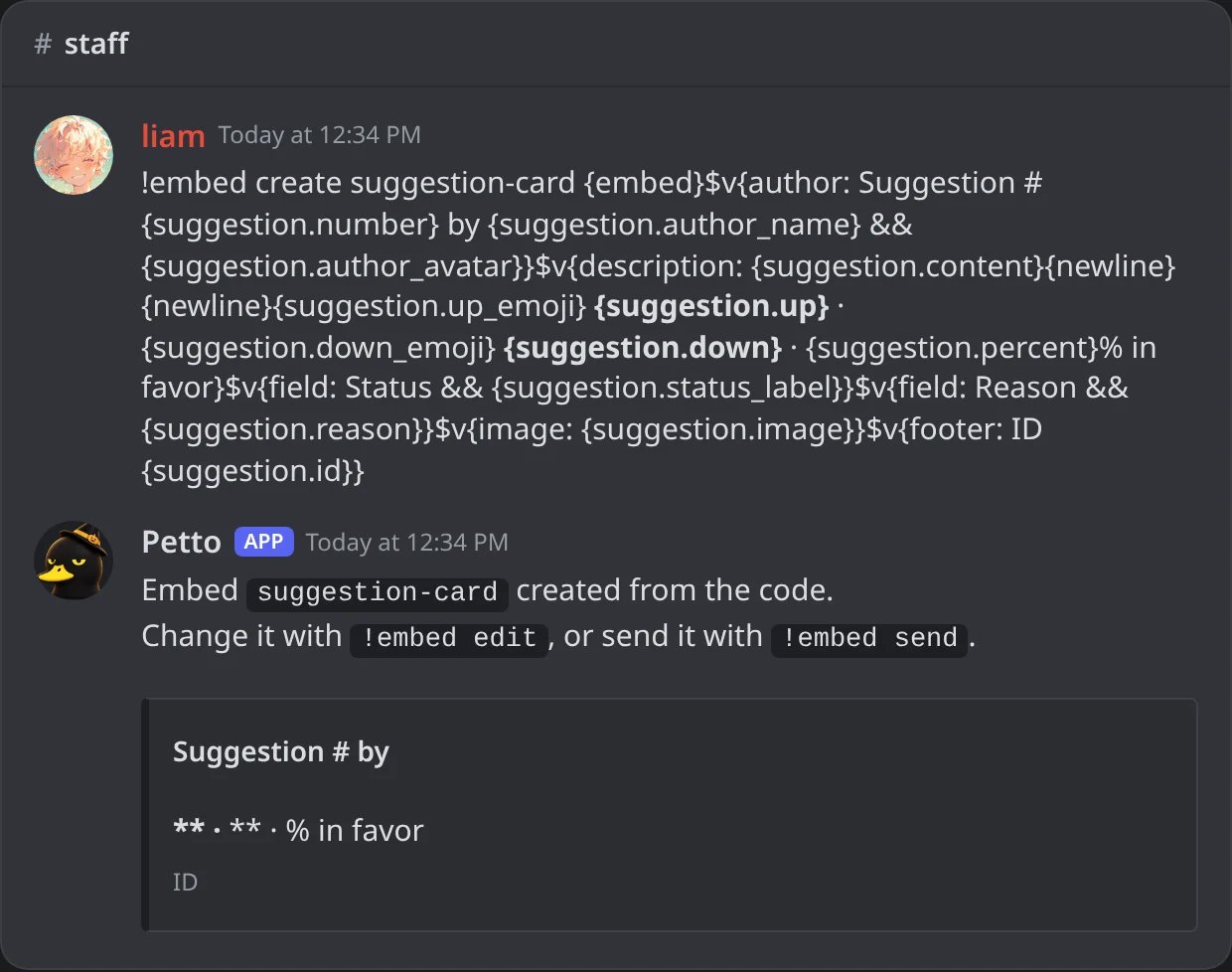
In Discord: the design is saved; its preview has no suggestion yet, so the suggestion values are empty.
Use it as the design
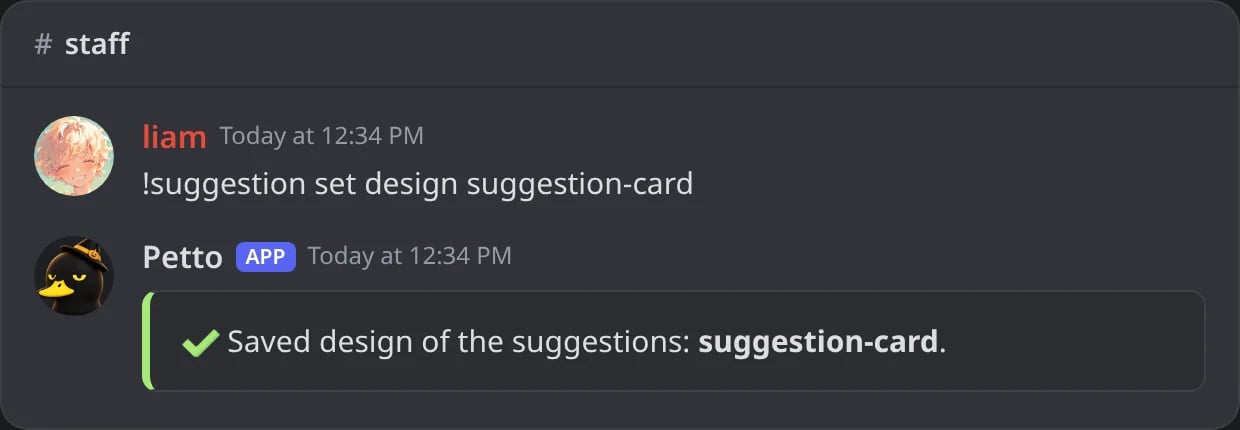
In Discord: the saved design is now the one of the suggestions.
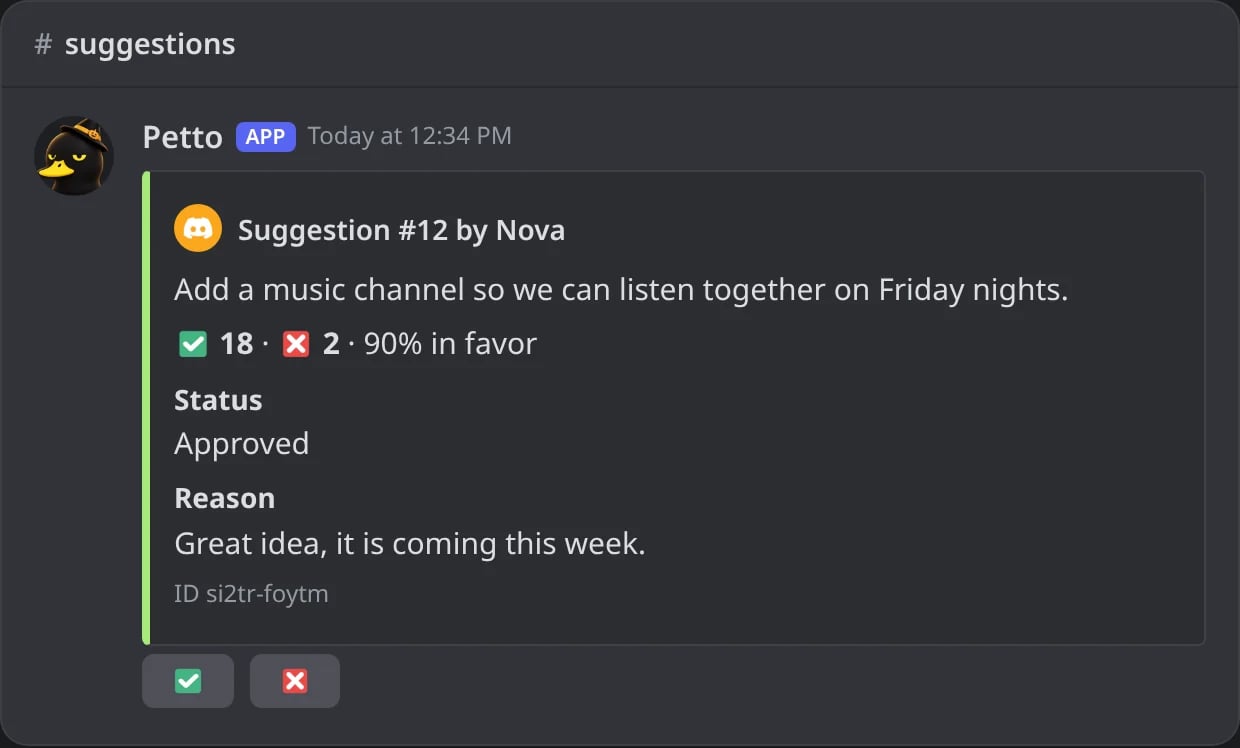
In Discord: an approved suggestion with that design.
{suggestion.status_label} and {suggestion.reason} are empty, and a field whose value ends up empty is left out, so both fields only appear once the staff answers.
Thread names
The name of the thread (!suggestion set thread_name) has its own short placeholders: {suggestion.id}, {suggestion.number} and {suggestion.status}.
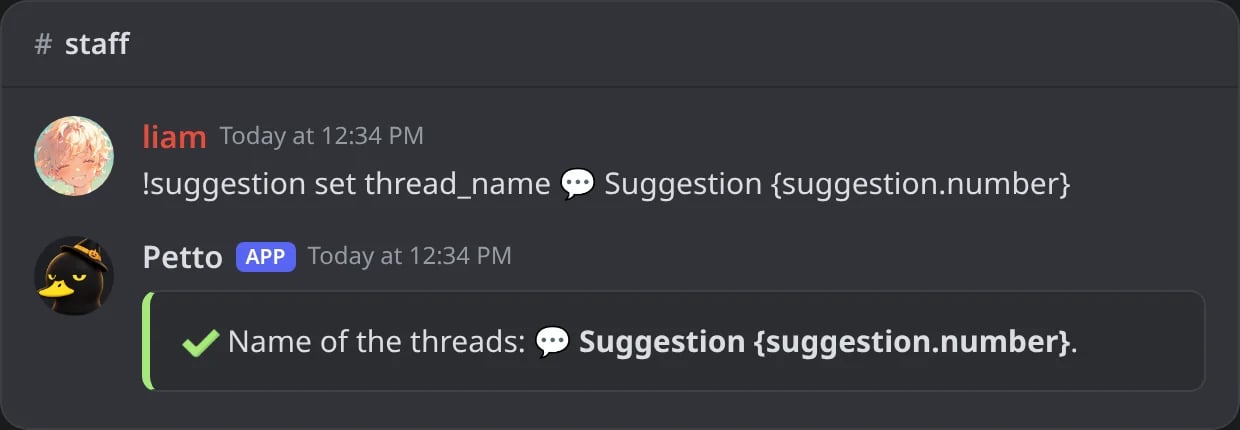
In Discord: a new name for the threads.