
Overview
Members write a confession and Petto posts it without their name. You choose how it looks (title, color, a saved design), who it looks like it comes from (a name and picture through a webhook), and whether the staff checks each one first. Anyone can reply anonymously in a thread under a confession.- The confession goes out as a card in the color you picked (green by default) with its ID under it. It shows the name
Anonymousand a picture: the one you chose, else the picture Petto has in your server, else the usual one of Petto. - The panel with the Confess button always stays at the bottom: after each confession it is sent again under it.
- A button under it opens a form to reply. The replies go in a thread and are anonymous too.
- If the staff checks first, the confession waits in a review channel with Approve and Reject buttons.
- Petto keeps who confessed only for the staff, so they can see who it was or block them. You can turn that off: then nothing is kept.
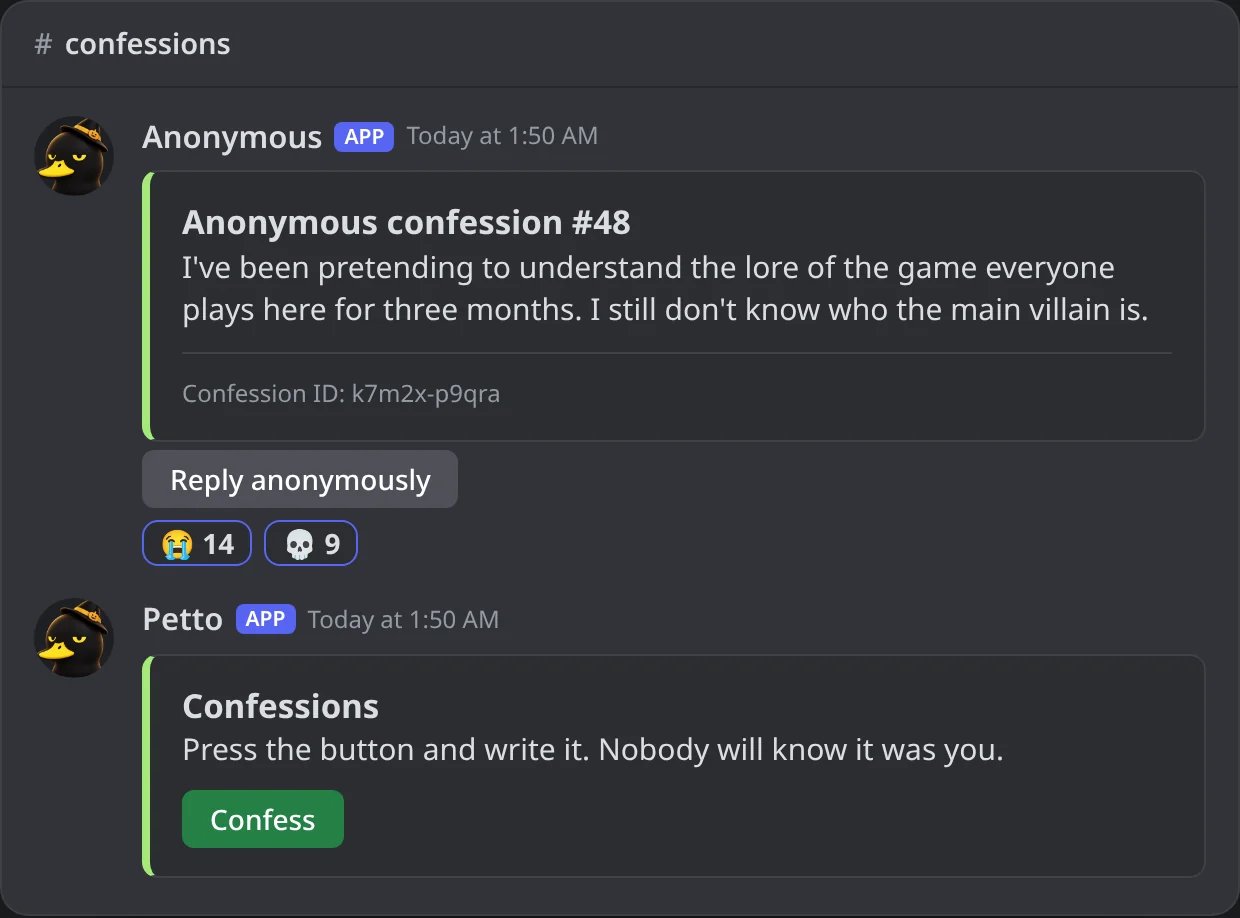
In Discord: a confession as the channel shows it, with the panel sent again under it.
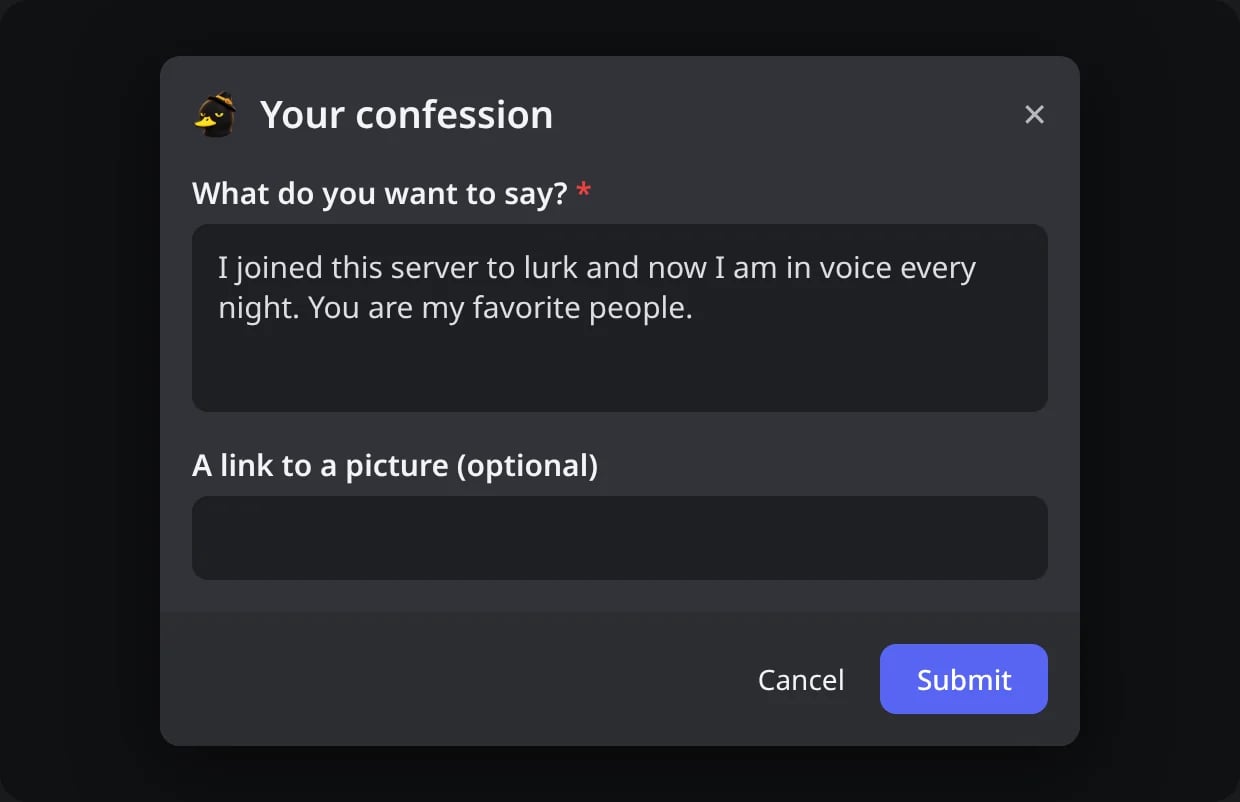
In Discord: the form of the Confess button.
2. The answer only the member sees
2. The answer only the member sees
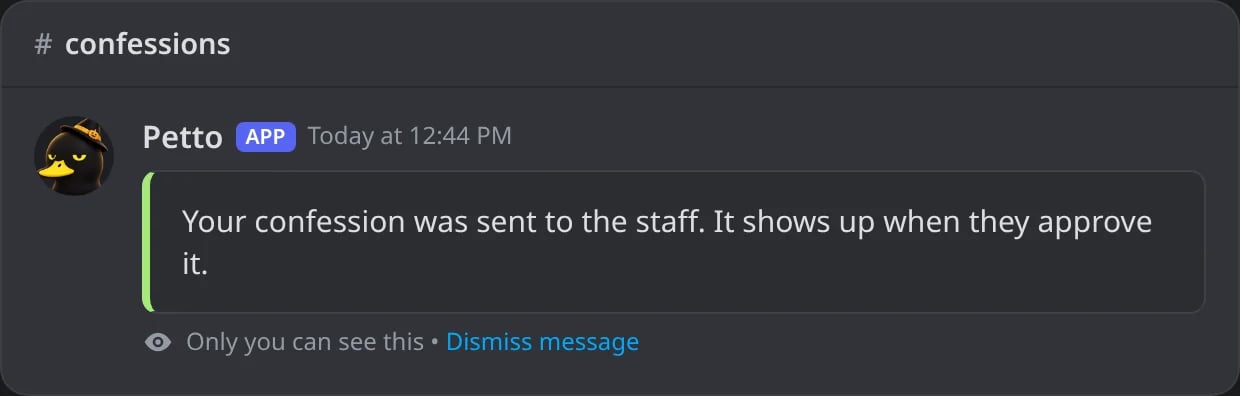
In Discord: with the staff checking first, the member is told it went to the staff.
3. The review queue
3. The review queue
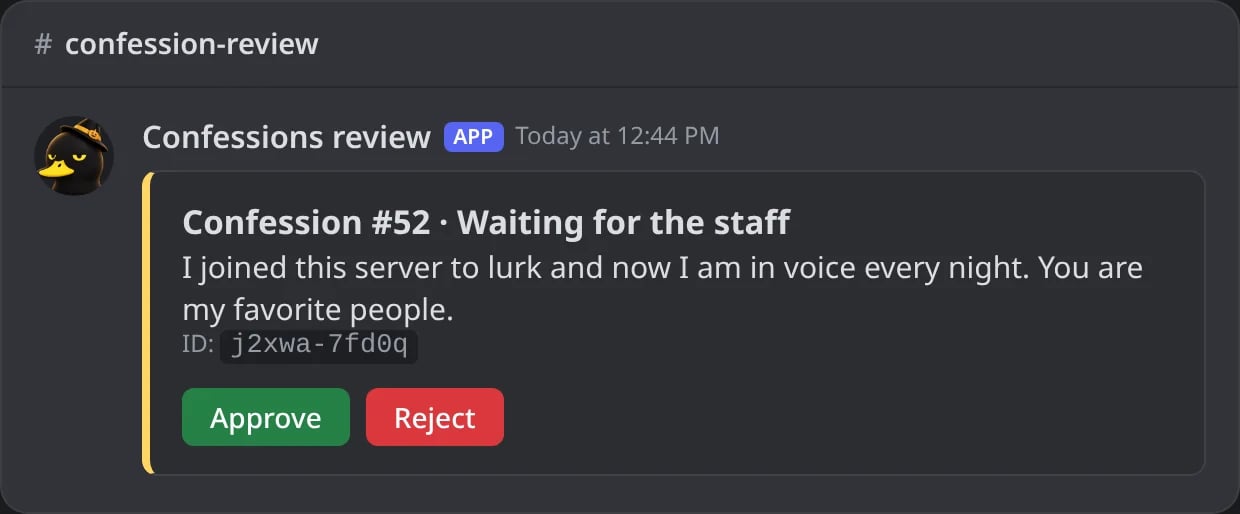
In Discord: the confession waits in the review channel with Approve and Reject.
4. Approved
4. Approved
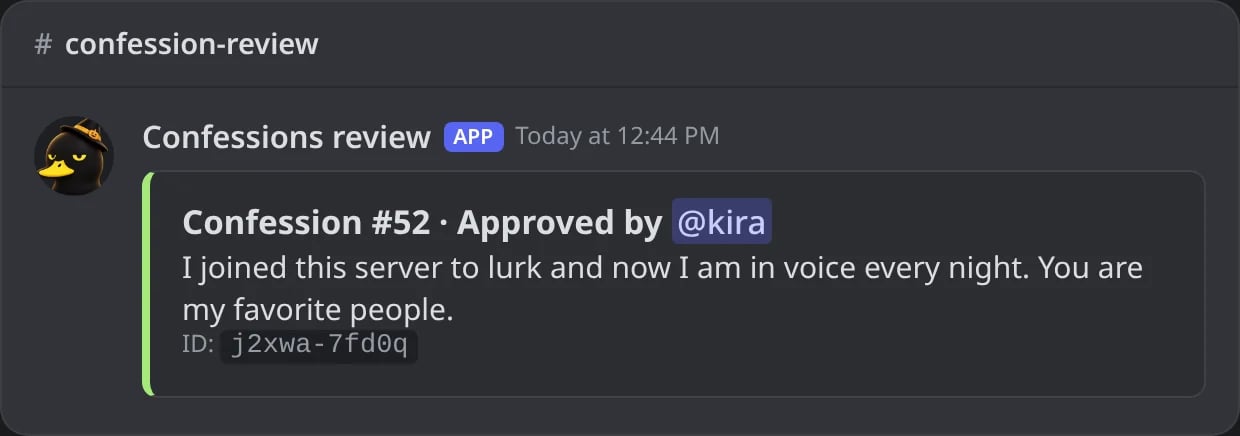
In Discord: the card after Approve; the confession goes out in the channel.
5. Rejected
5. Rejected
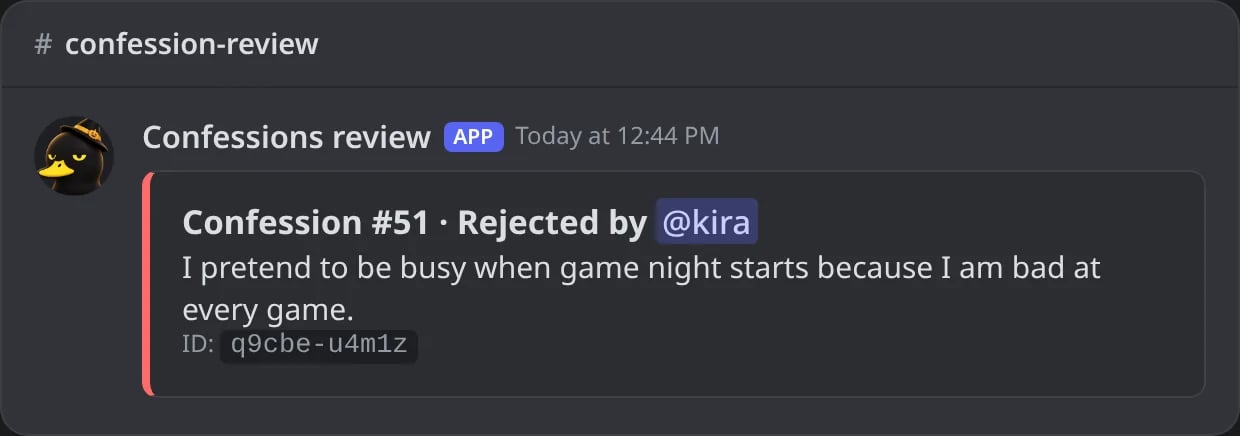
In Discord: the card after Reject; nothing is posted.
6. Reply anonymously
6. Reply anonymously
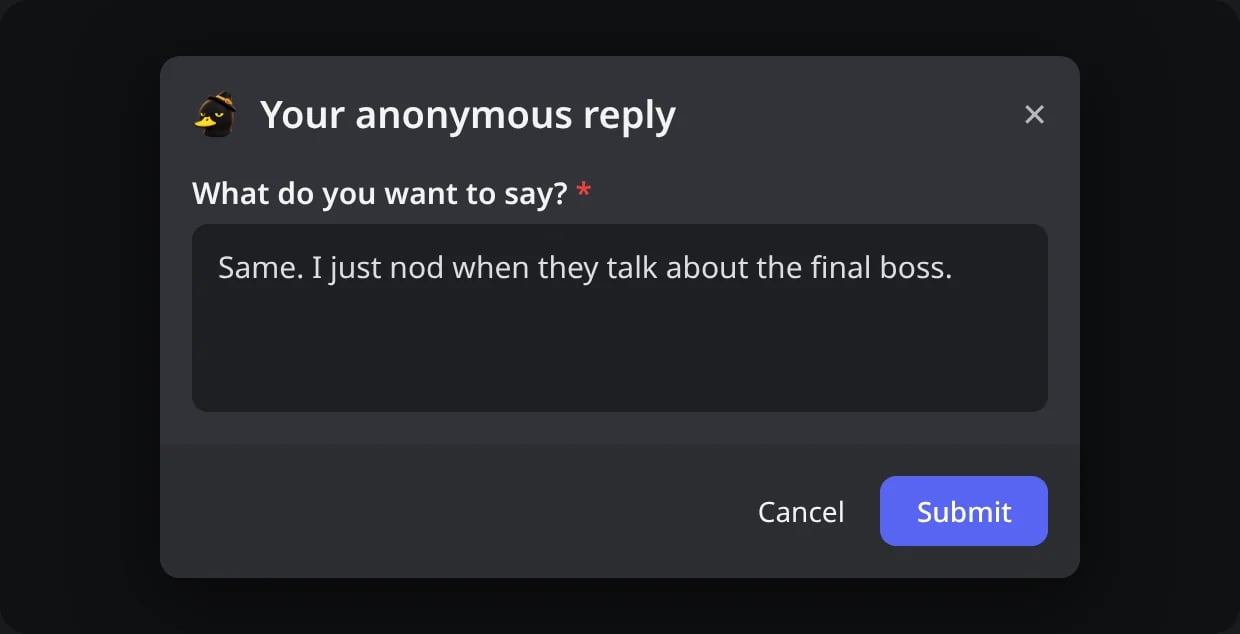
In Discord: the form of the Reply anonymously button.
7. The reply in the thread
7. The reply in the thread
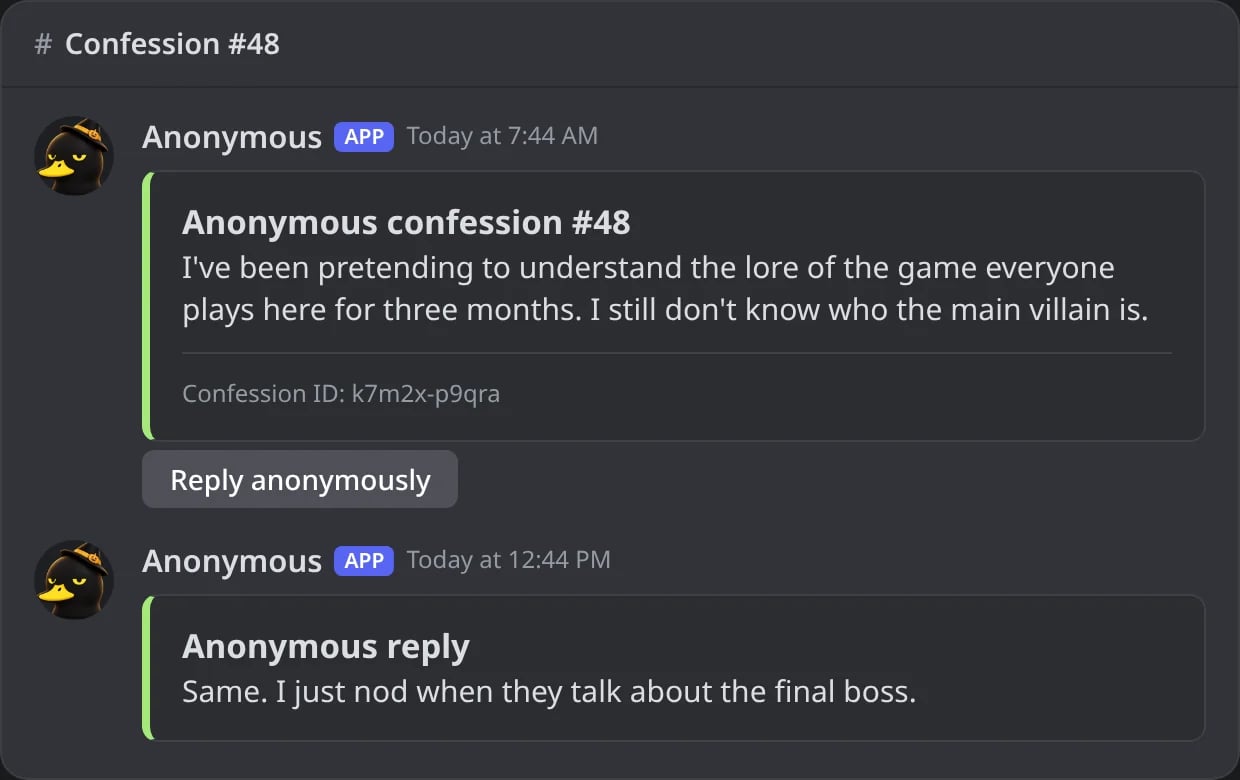
In Discord: the anonymous reply in the thread of the confession.
Commands
!confess
!confess
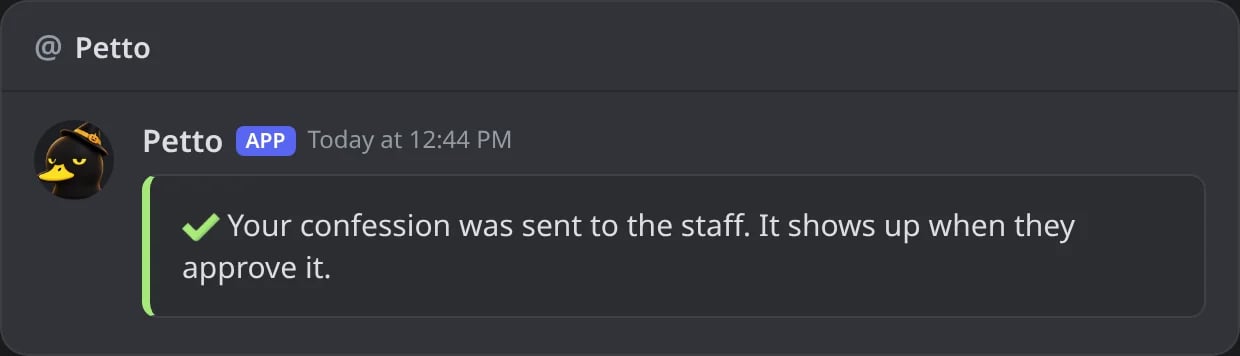
In Discord: with !confess the message of the member is deleted and the answer comes in a DM.
!confession setup
!confession setup
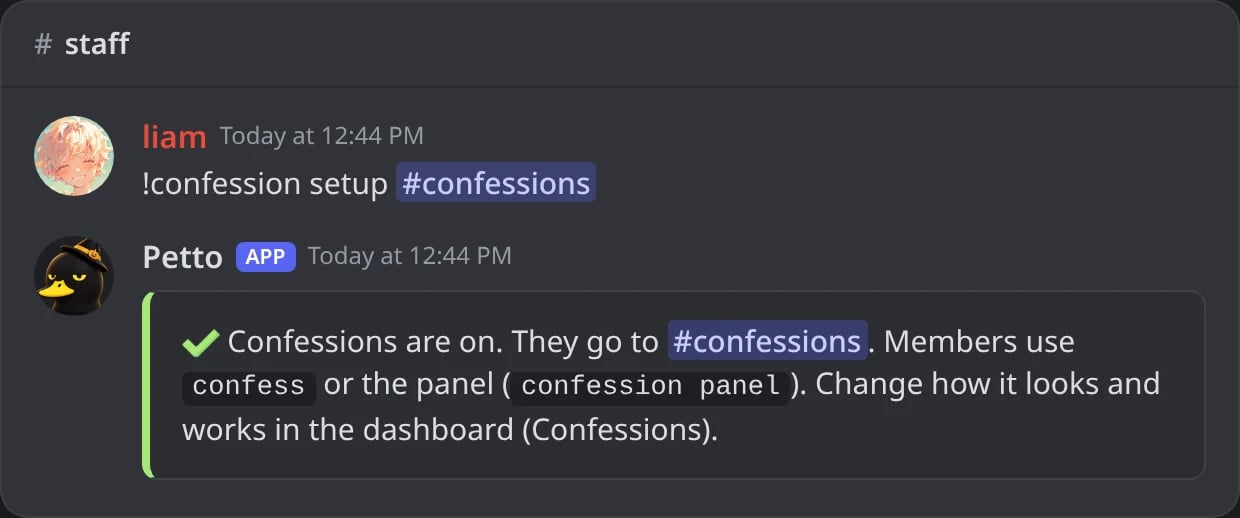
In Discord: confessions turned on in #confessions.
!confession panel
!confession panel
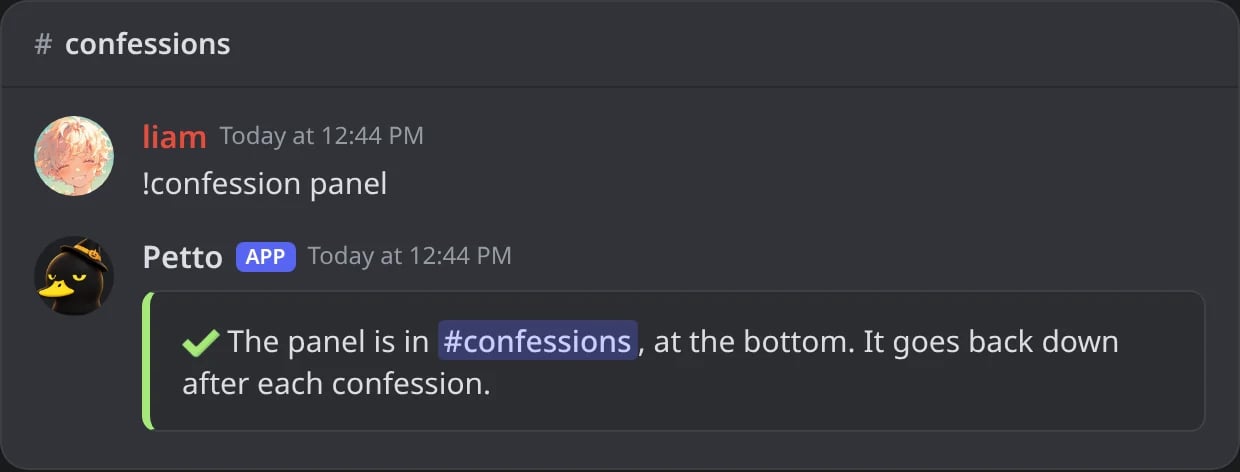
In Discord: the panel goes to the bottom of the channel.
!confession config
!confession config
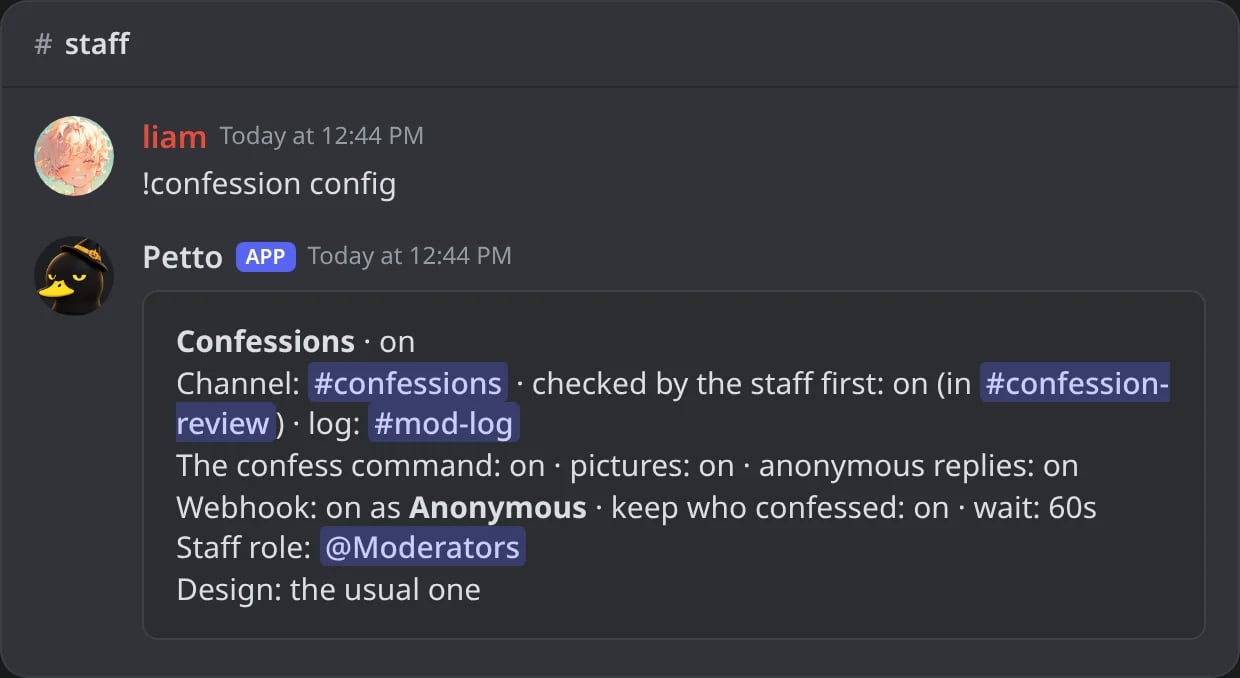
In Discord: how confessions are set up.
!confession set review
!confession set review
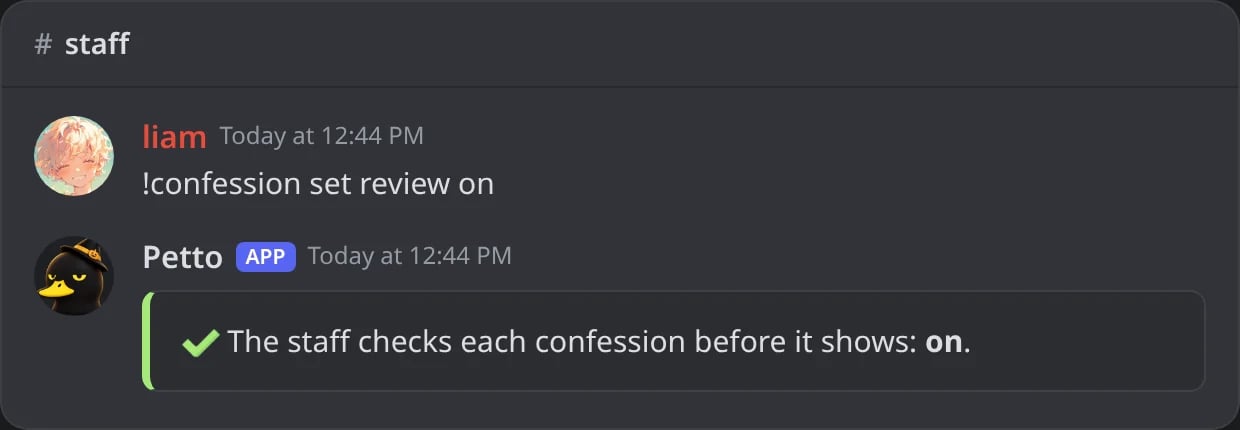
In Discord: the staff checks each confession first.
!confession set review_channel
!confession set review_channel
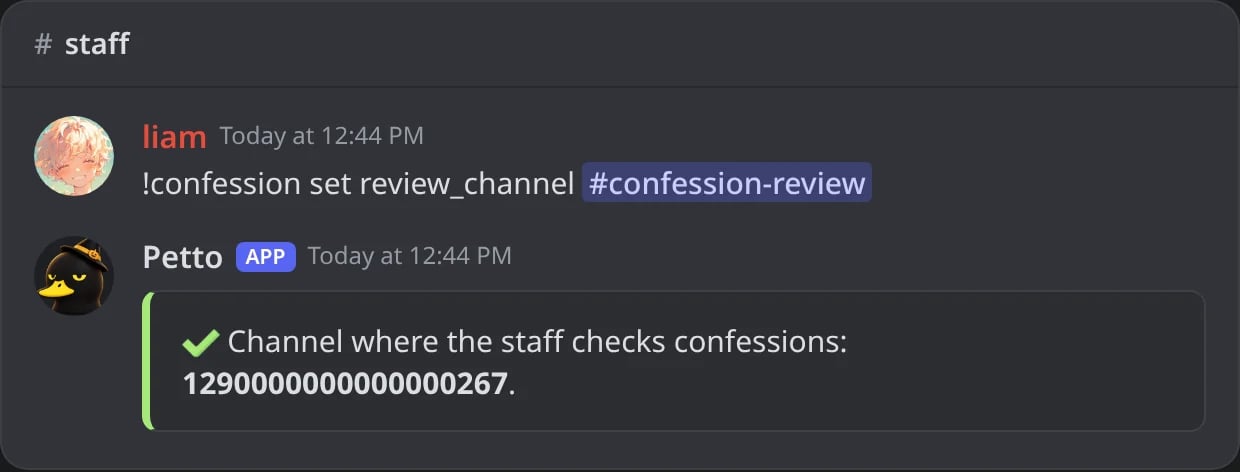
In Discord: the channel of the review (Petto answers with its ID).
!confession set webhook_name
!confession set webhook_name
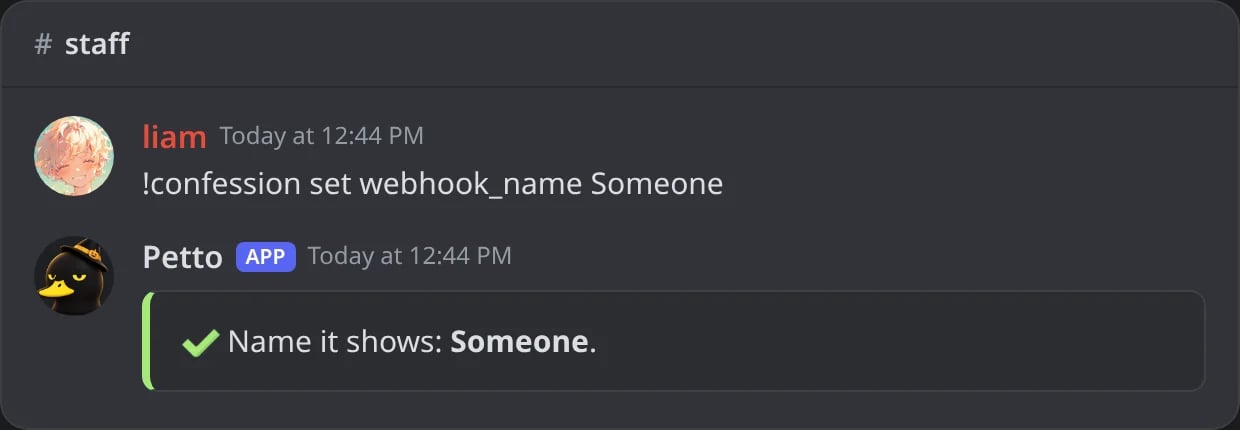
In Discord: the name the confessions show.
!confession approve
!confession approve
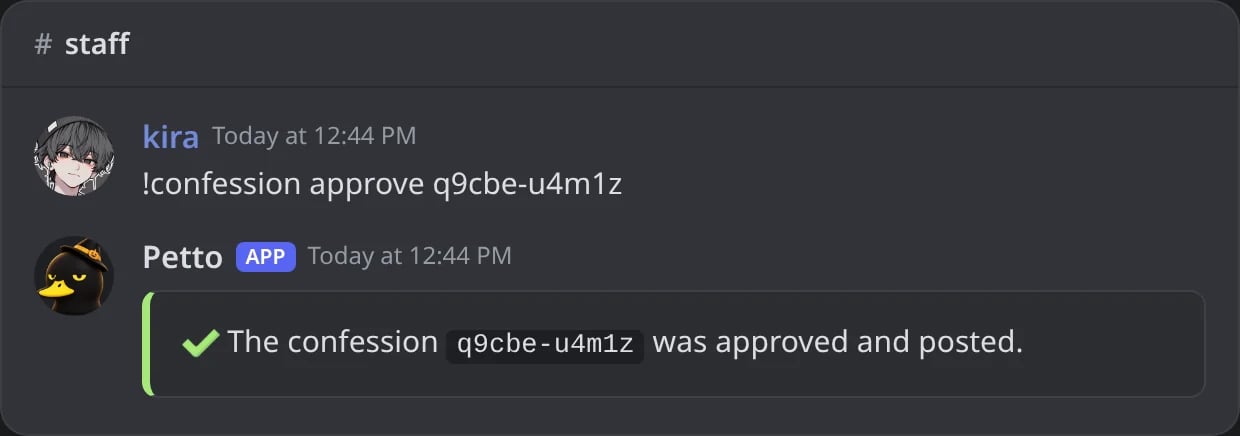
In Discord: a waiting confession approved and posted.
!confession reject
!confession reject
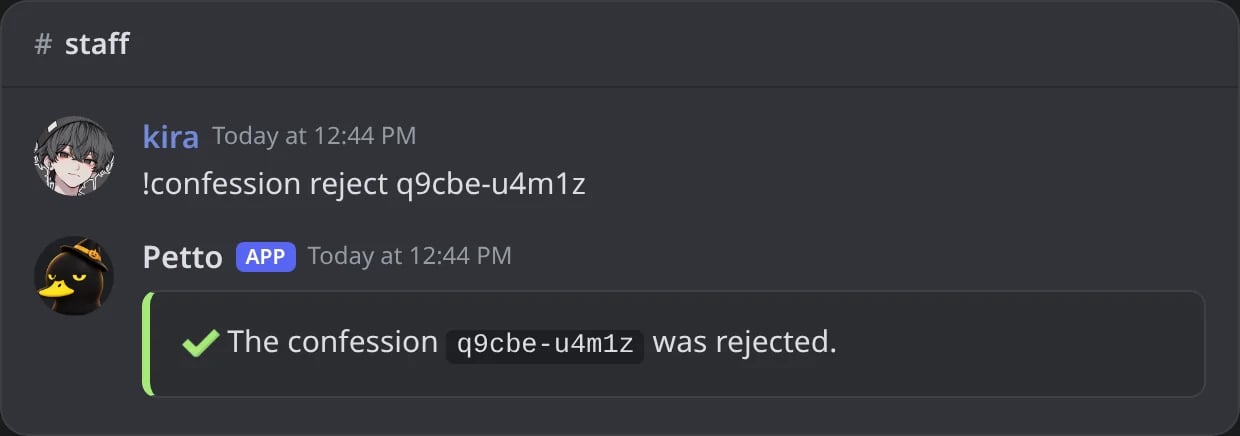
In Discord: a waiting confession rejected.
!confession reveal
!confession reveal
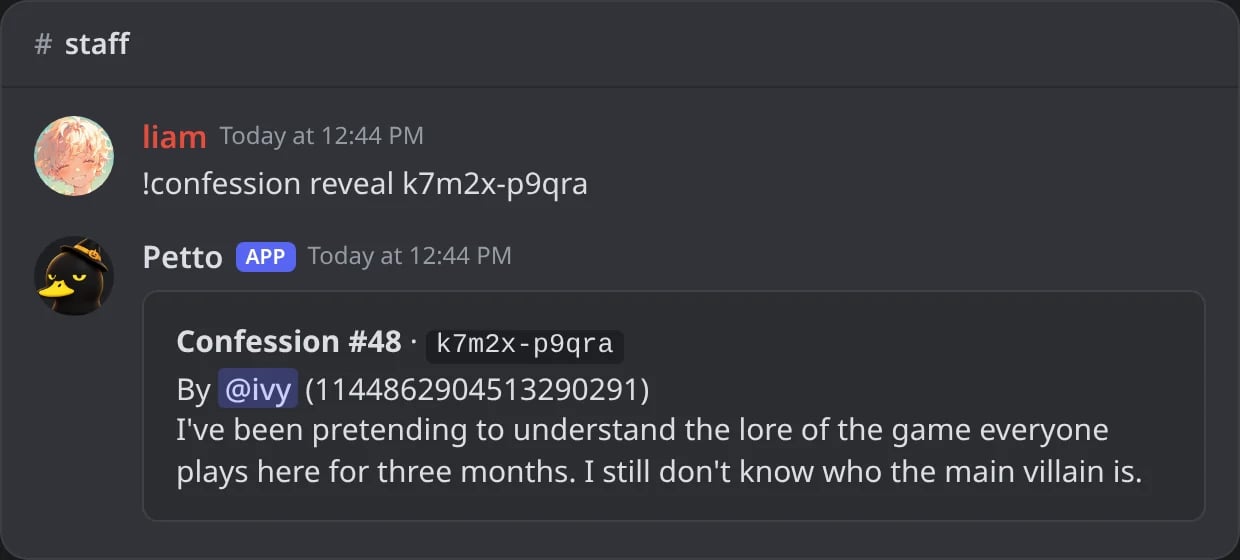
In Discord: who made a confession, only for Manage Server.
!confession delete
!confession delete
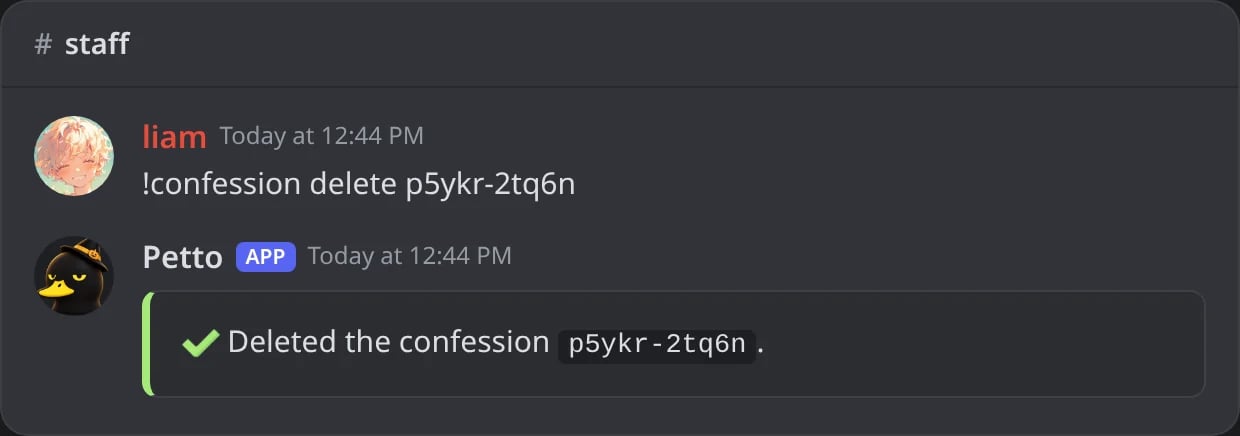
In Discord: a confession deleted with its message.
!confession list
!confession list
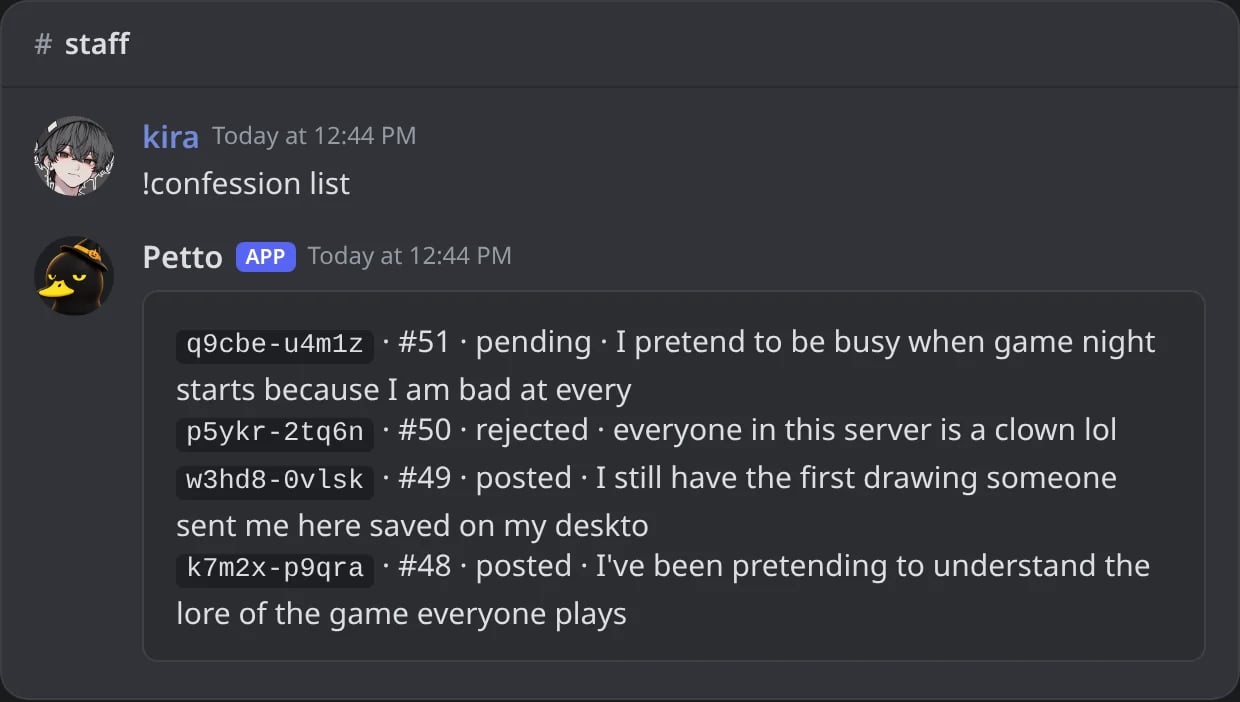
In Discord: the latest confessions with their status.
!confession block
!confession block
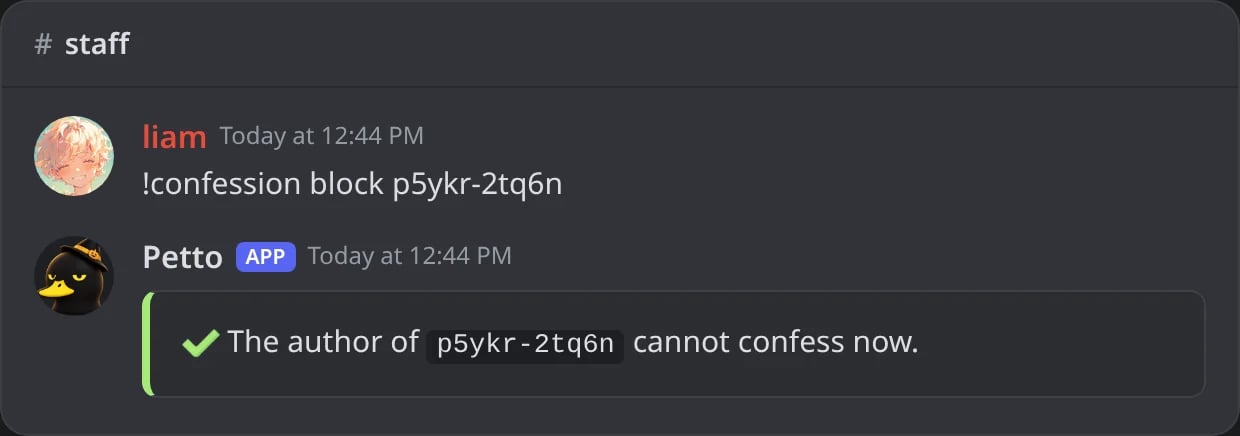
In Discord: the author of a confession blocked by its ID, without seeing who it was.
!confession unblock
!confession unblock
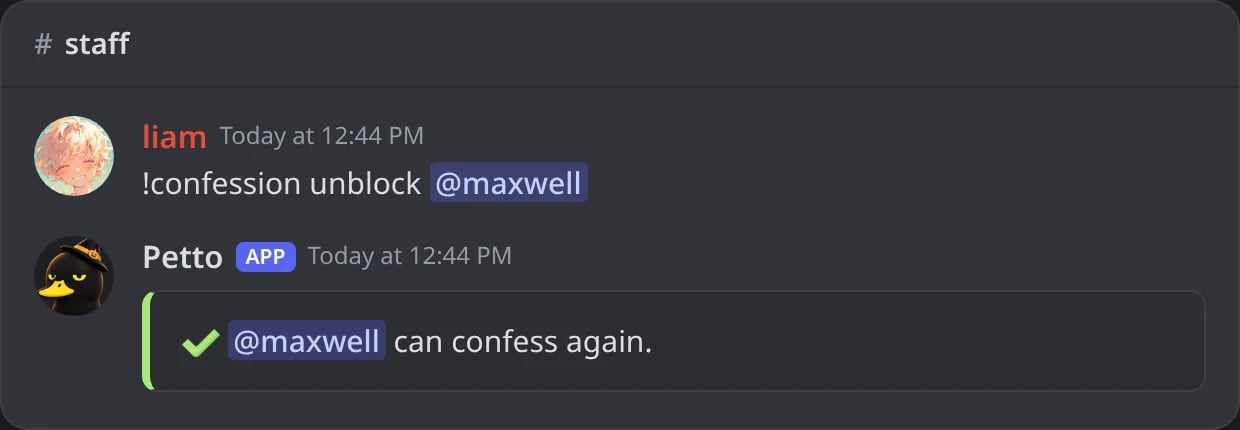
In Discord: the member can confess again.
!confession disable
!confession disable
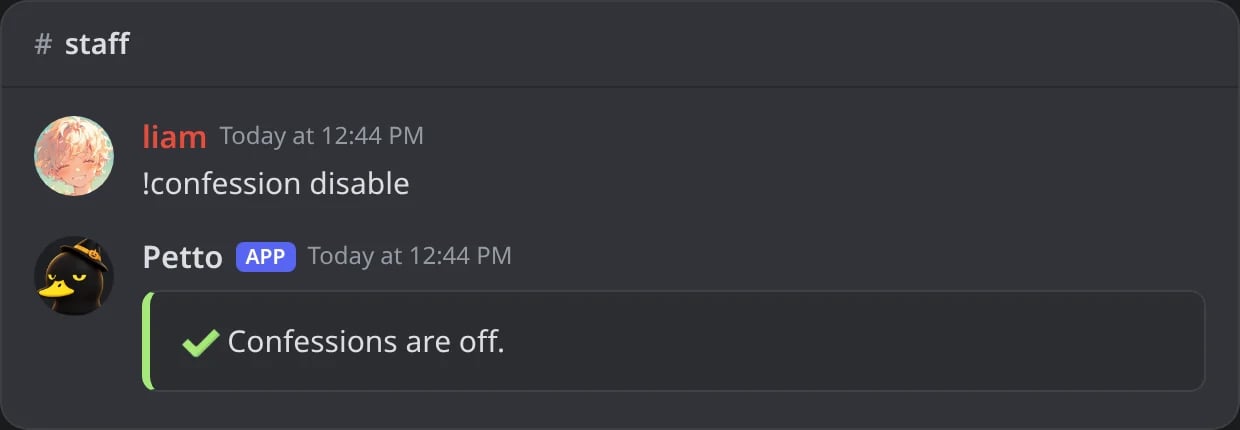
In Discord: confessions turned off.
!confession enable
!confession enable
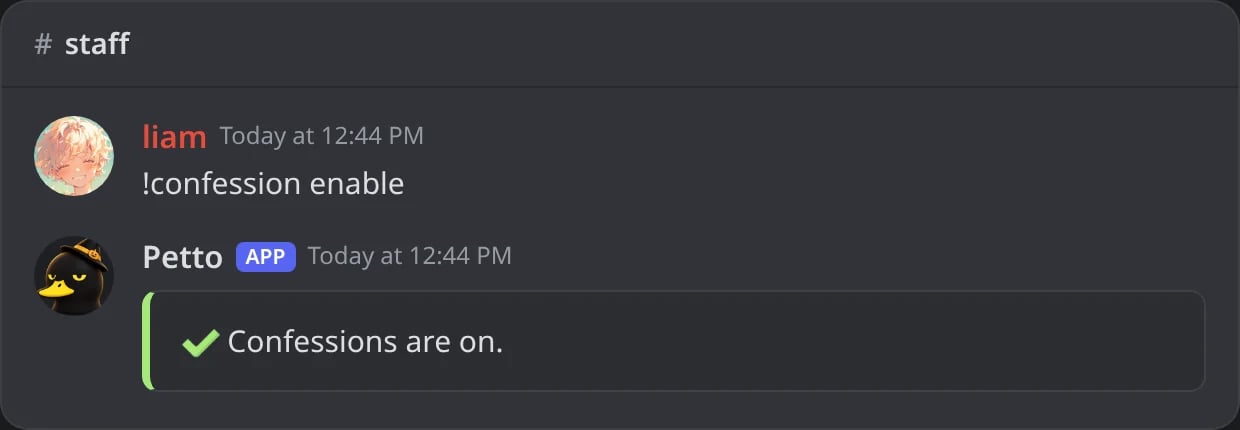
In Discord: confessions turned on again.
confess (a picture can be attached) or with the Confess button of the panel, which opens a form. The answer is only for them, so nobody sees who used it: from the button it is a message only they can see, and with !confess Petto deletes their message and sends the answer in a DM.
Who can do what
Settings
Change them with!confession set <setting> <value> or in the dashboard (Confessions).
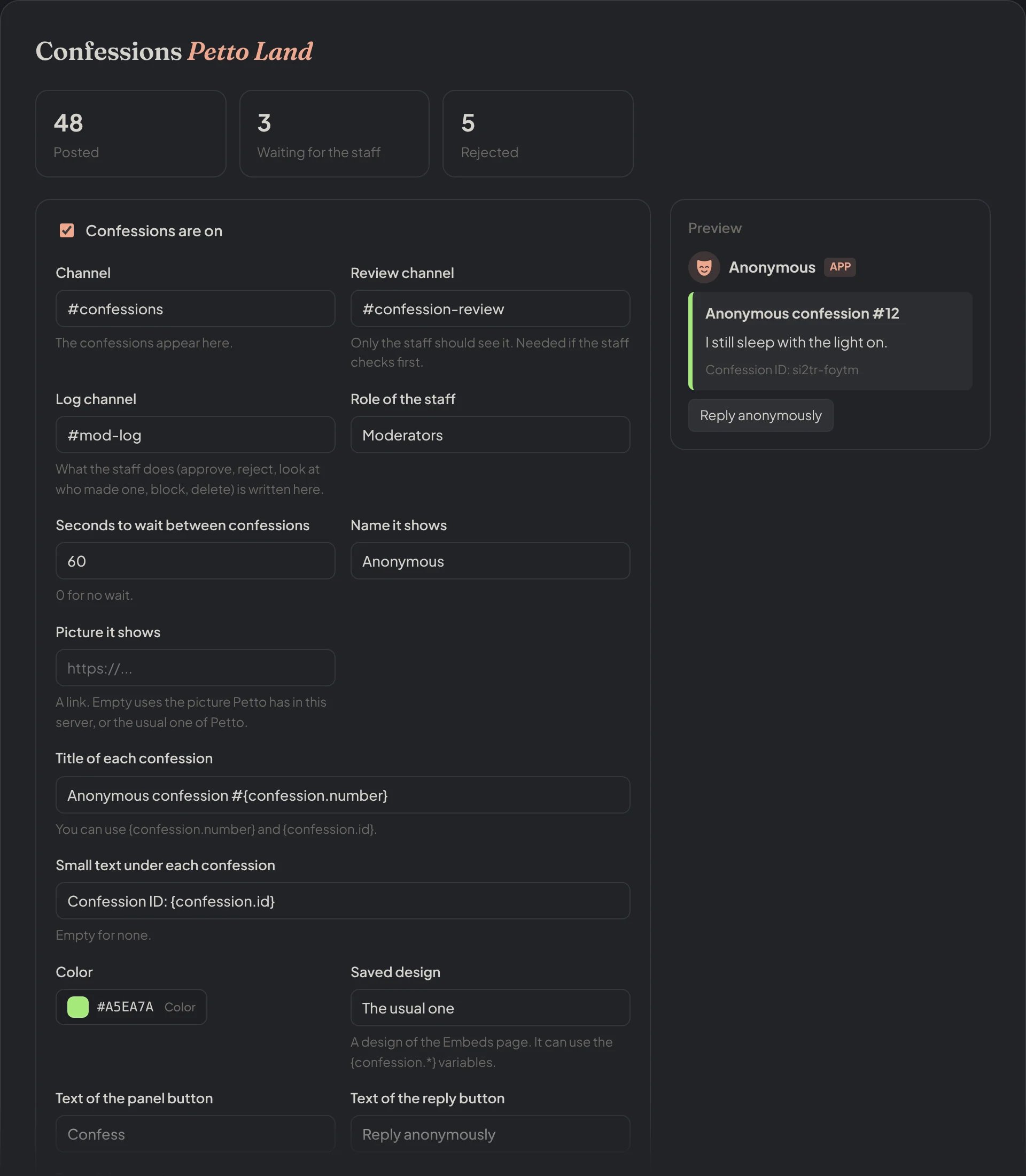
Dashboard → Community → Confessions: the counts and every setting of the module.
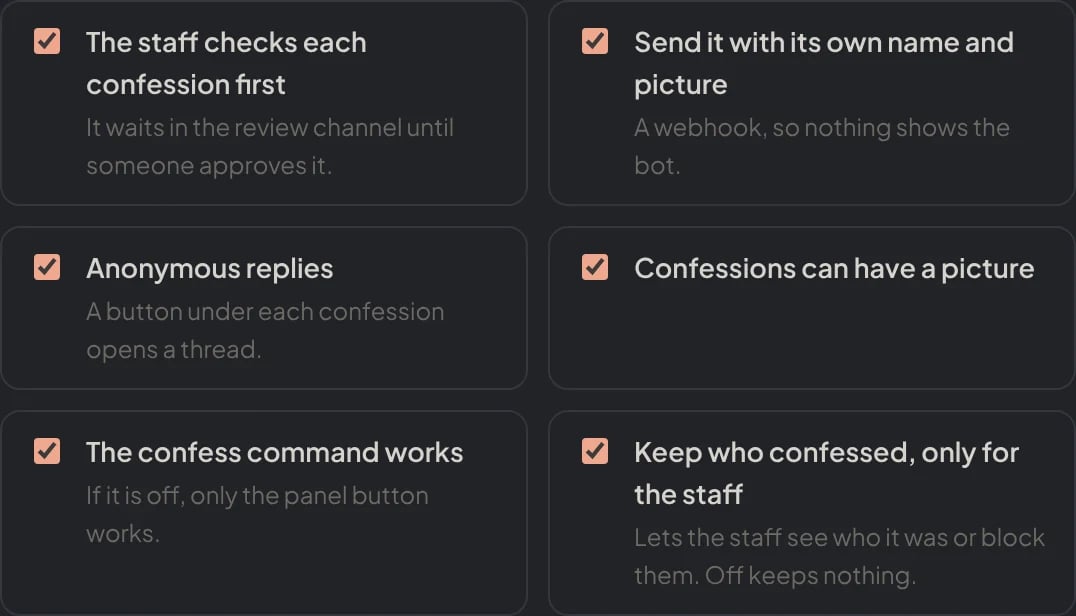
Dashboard → Community → Confessions: the switches of the module.
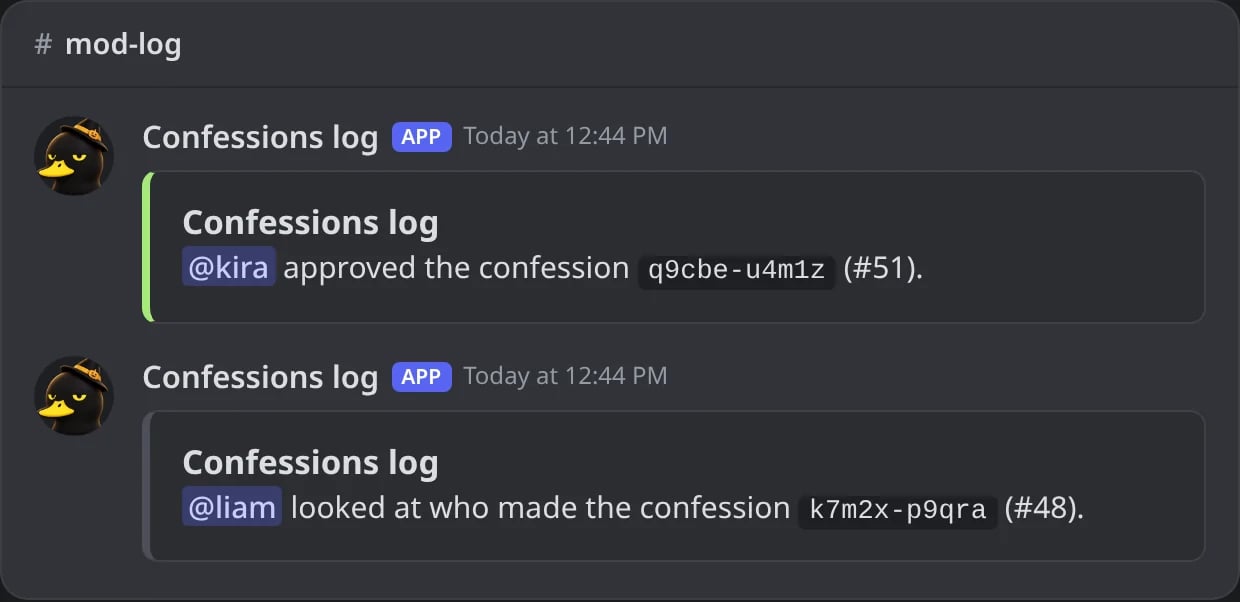
In Discord: what the log channel gets when the staff approves a confession or looks at who made one.
Your own design
Pick a design of the Embeds page and the confession uses it. Inside it you can write:{server_name} work too. Examples for each one are in Variables.