
Overview
The monkeyboard works exactly like the starboard, but with the monkey. Where the star marks what a server loves, the 🐒 marks the opposite: the message that deserves a facepalm, the worst take of the week, the thing that made everyone laugh for the wrong reasons. When a message gets enough 🐒 reactions, Petto copies it to the monkeyboard channel. It has its own channel, its own emoji, its own count and its own reposts, so a server can have both boards at once, or only one.
In Discord: a meme with five 🐒, reposted in the monkeyboard.
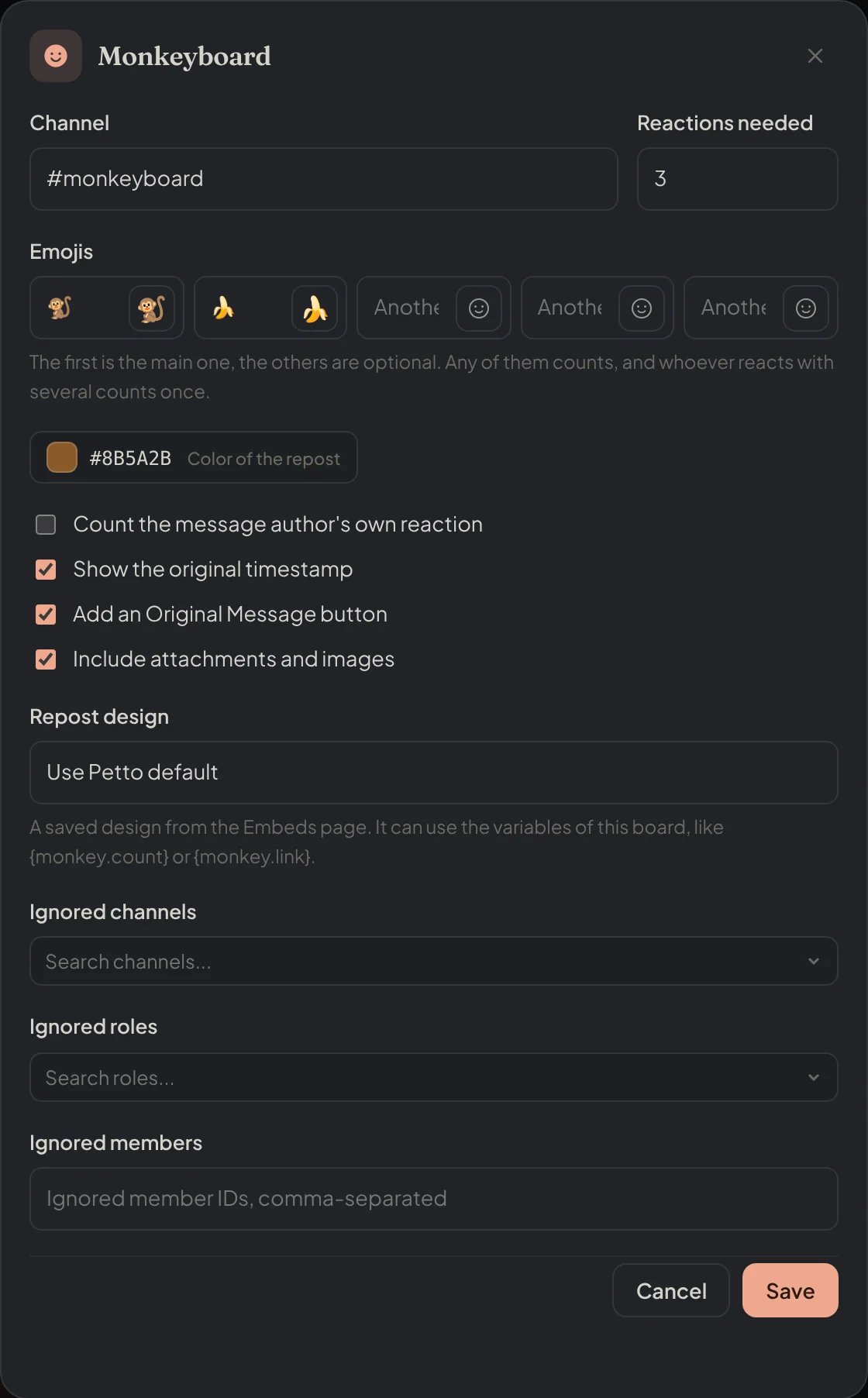
Dashboard → Community → Boards: the window of the Monkeyboard, opened with its edit button.
Setting it up
!monkeyboard set
!monkeyboard set
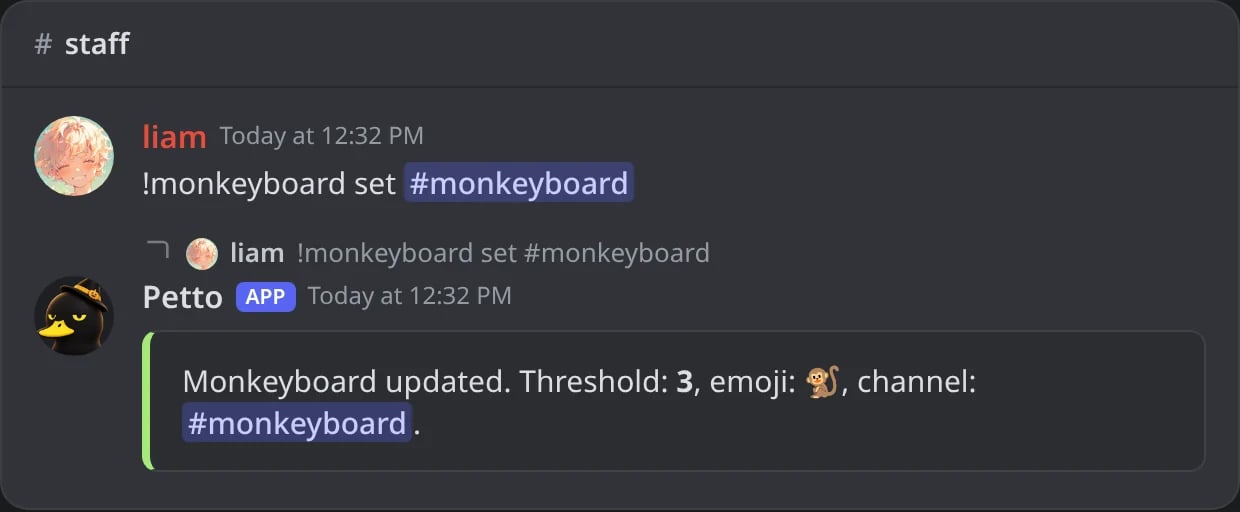
In Discord: the channel of the reposts.
!monkeyboard enable
!monkeyboard enable
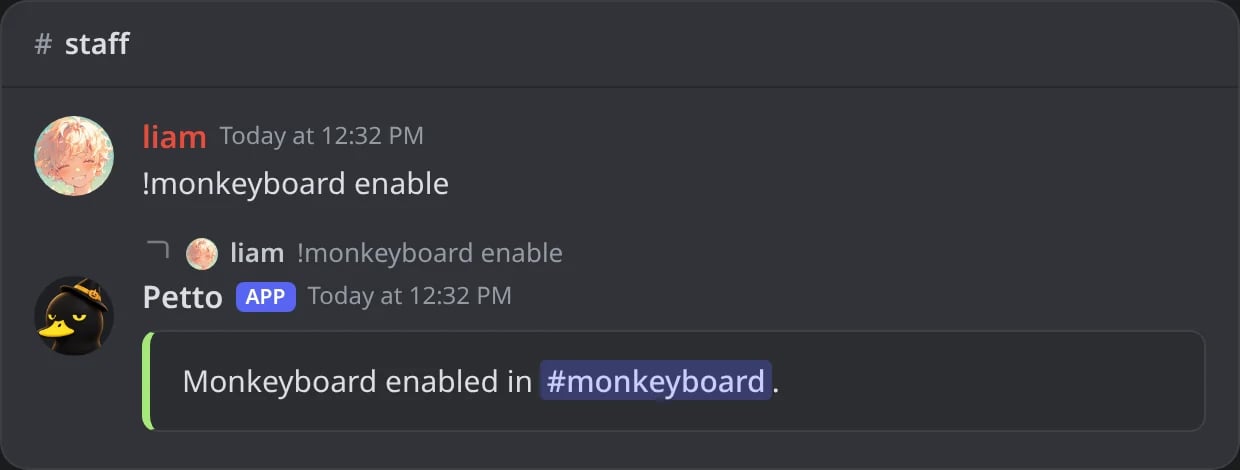
In Discord: the board turned on with the current settings.
!monkeyboard disable
!monkeyboard disable
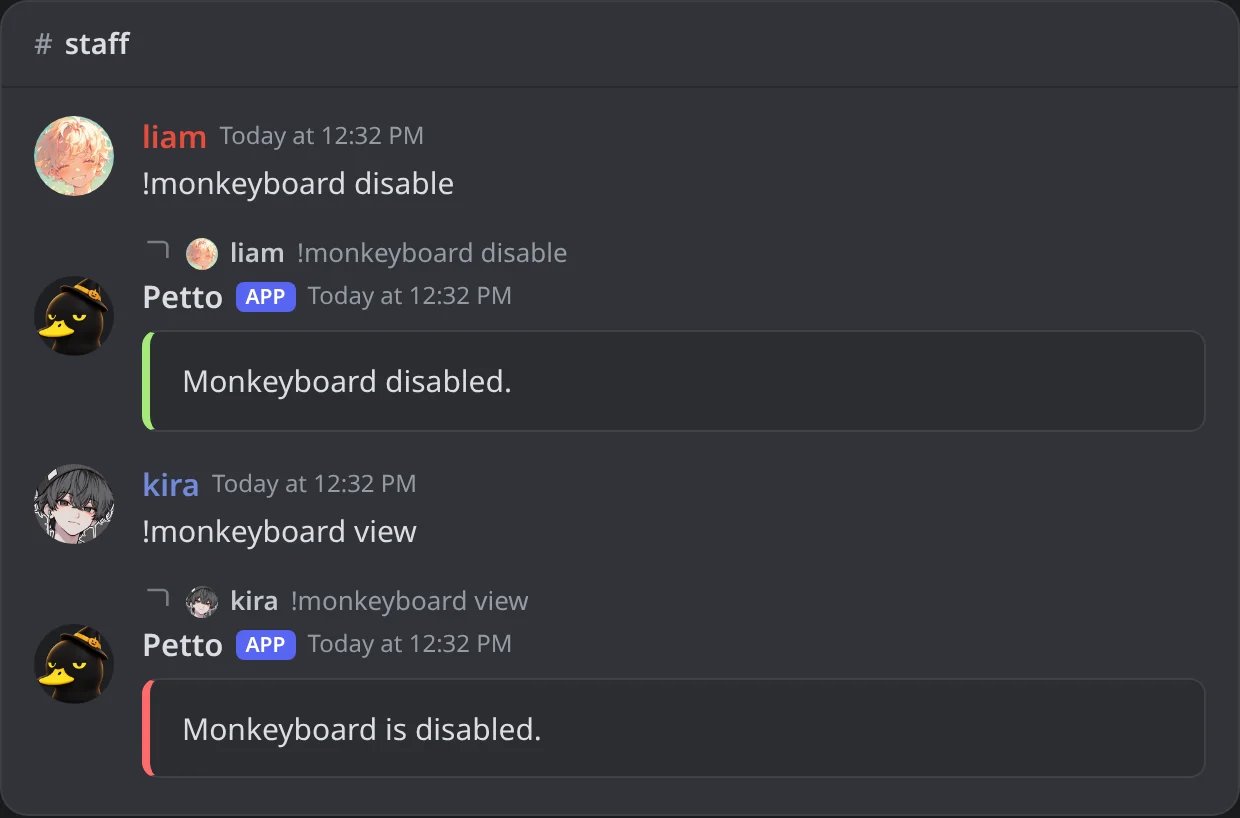
In Discord: the board turned off; view then says it is disabled.
!monkeyboard threshold
!monkeyboard threshold
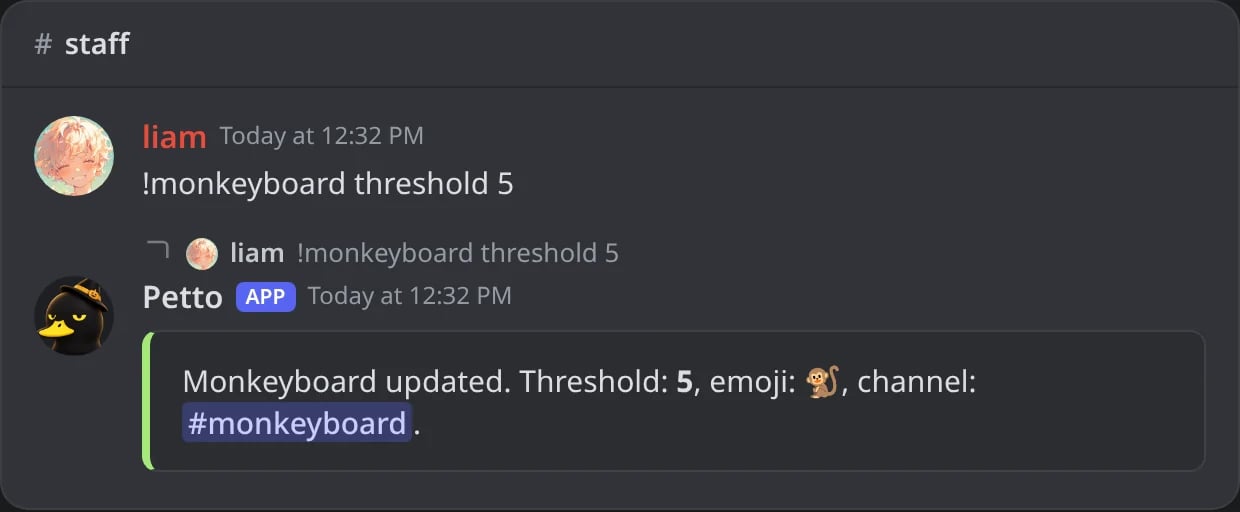
In Discord: how many reactions a message needs.
!monkeyboard emoji
!monkeyboard emoji
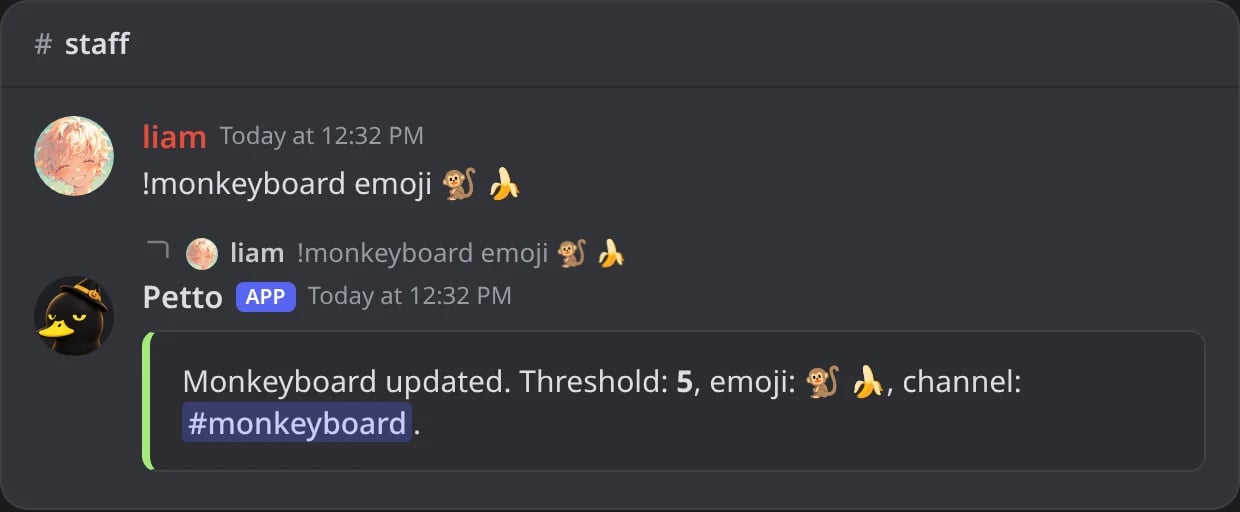
In Discord: two emojis: the first is the main one.
!monkeyboard view
!monkeyboard view
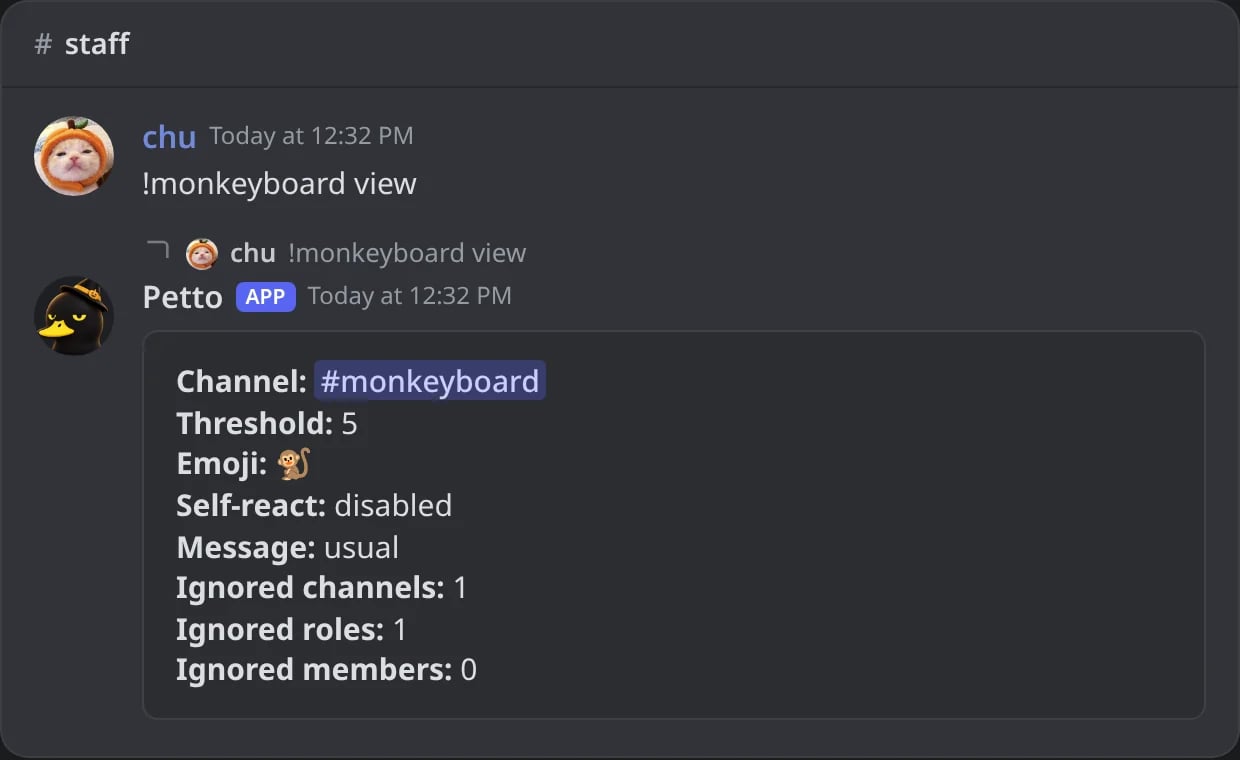
In Discord: the current settings.
setchooses the channel where the reposts go.enableturns it on with the current settings, anddisableturns it off (and forgets the reposts it made).thresholdis how many reactions a message needs (from 1 to 100, default 3).emojiis the reaction that counts, a Unicode or a custom emoji (default 🐒). You can give up to 5 (!monkeyboard emoji 🐒 🍌): the first is the main one, a message counts with any of them, and someone who reacts with several counts once.viewshows the current settings.
!mkb and !monkey.
The rest
Everything else is the same as in the starboard, with the same words:!monkeyboard selfmonkey <enabled>: let people count their own reaction (off by default).!monkeyboard ignore <channel|role|member> <target>andunignore: messages from there never reach the board.!monkeyboard message <template>(ornone): a saved embed for the reposts. It has its own{monkey.*}variables:{monkey.count},{monkey.emoji},{monkey.channel},{monkey.link},{monkey.author},{monkey.content},{monkey.image}and the rest, the same ones the starboard has as{star.*}.!monkeyboardconfigshows the whole configuration in one place.
!monkeyboard selfmonkey
!monkeyboard selfmonkey
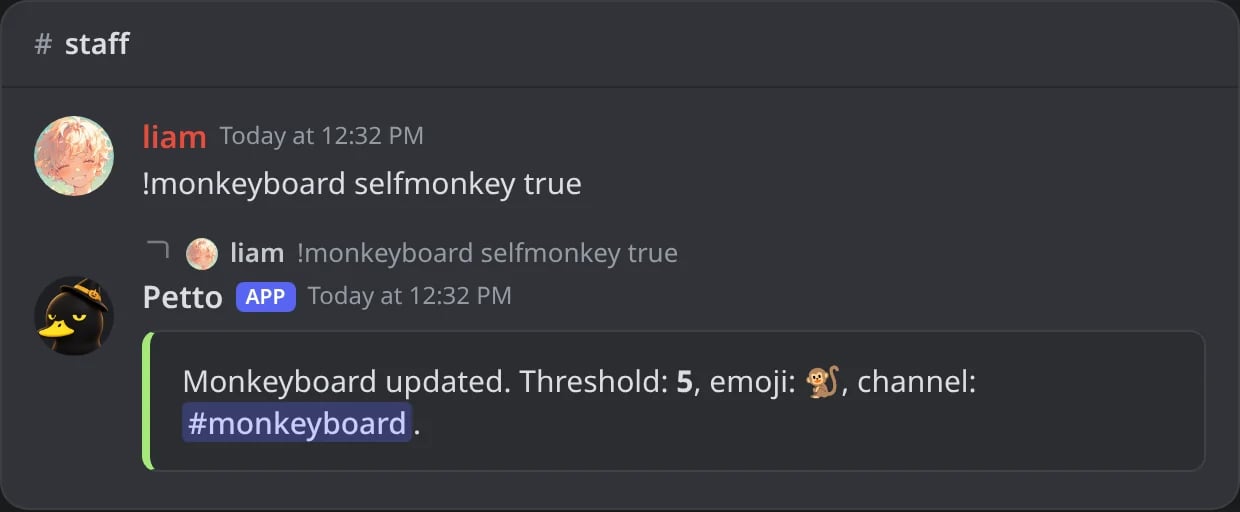
In Discord: the author's own reaction counts now.
!monkeyboard ignore
!monkeyboard ignore
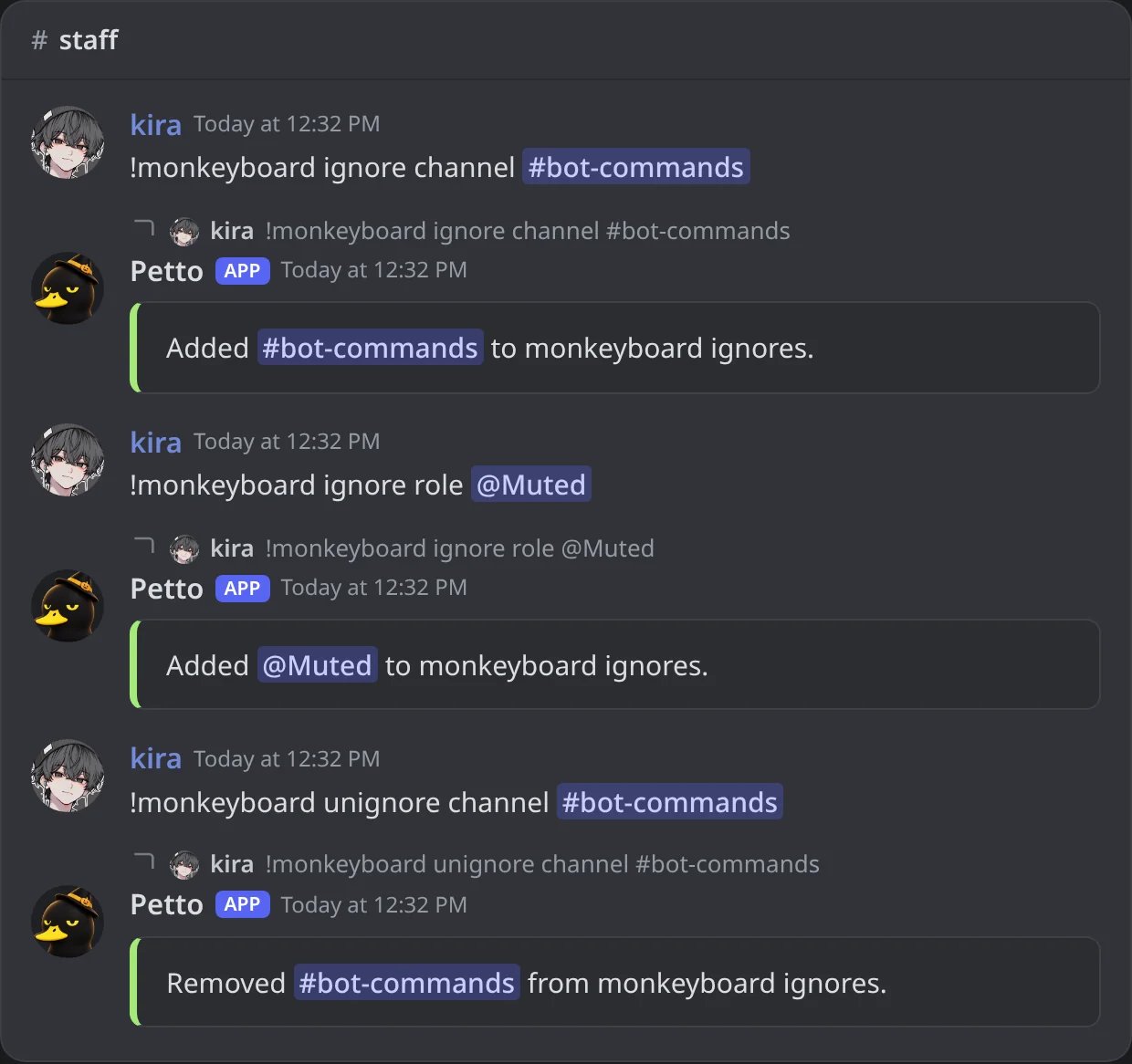
In Discord: a channel and a role ignored, and the channel taken back with unignore.
!monkeyboard message
!monkeyboard message
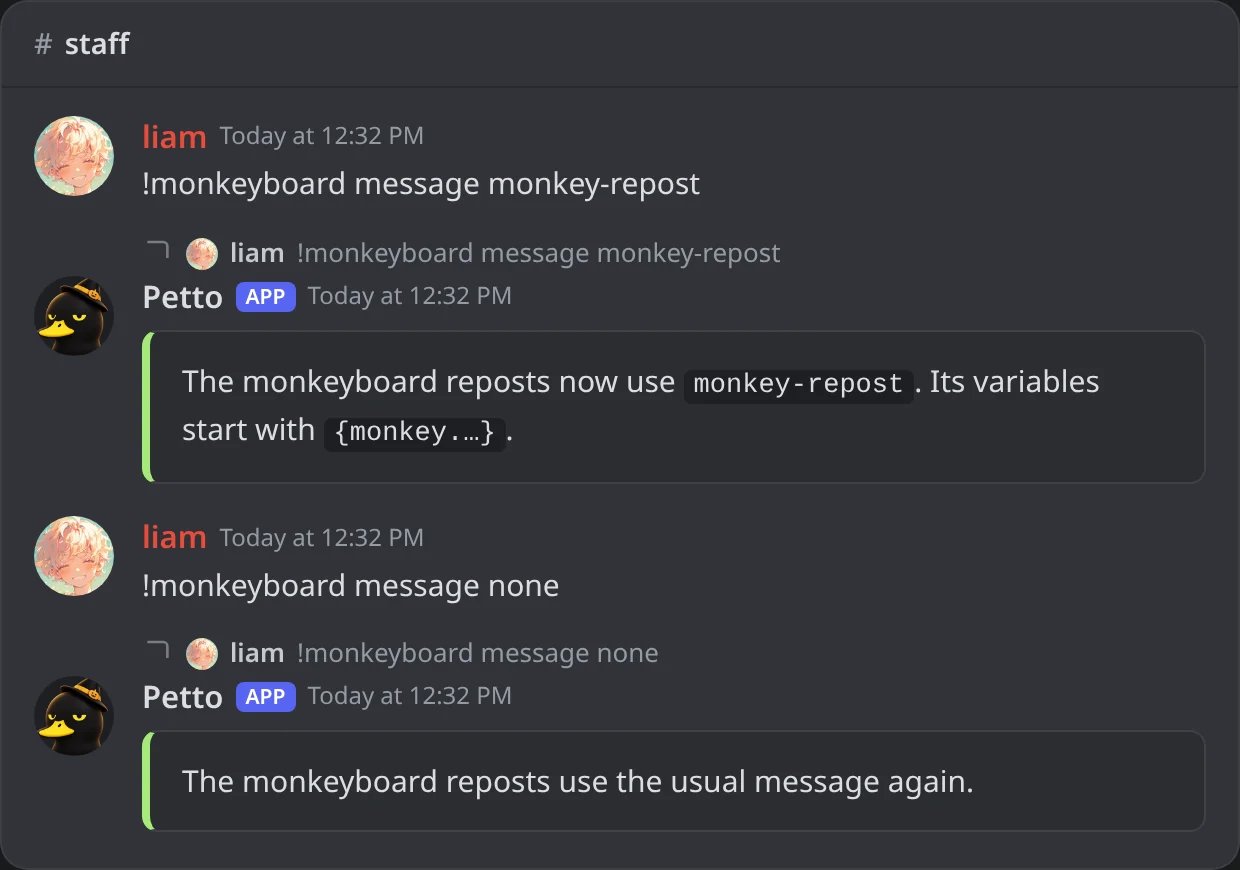
In Discord: a saved embed for the reposts, and none to go back to the usual one.
!monkeyboardconfig
!monkeyboardconfig
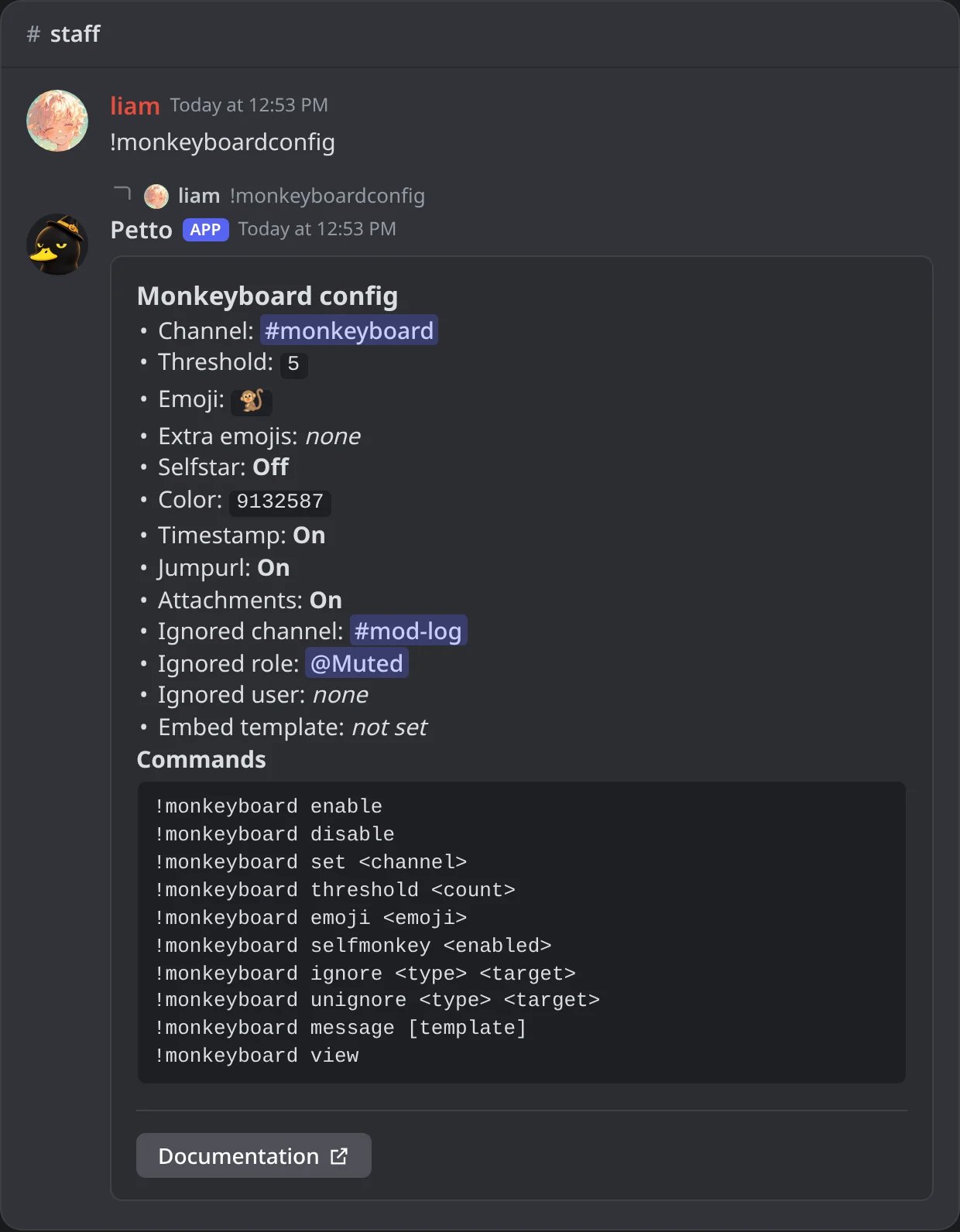
In Discord: the whole configuration of the monkeyboard.