
Overview
Turn off any built-in command, either everywhere in the server or in one specific channel. Use it when a command does not fit your server, or only gets in the way somewhere, like a fun command in a serious channel. A member who uses a disabled command gets a short notice that says where it is off, and the notice deletes itself.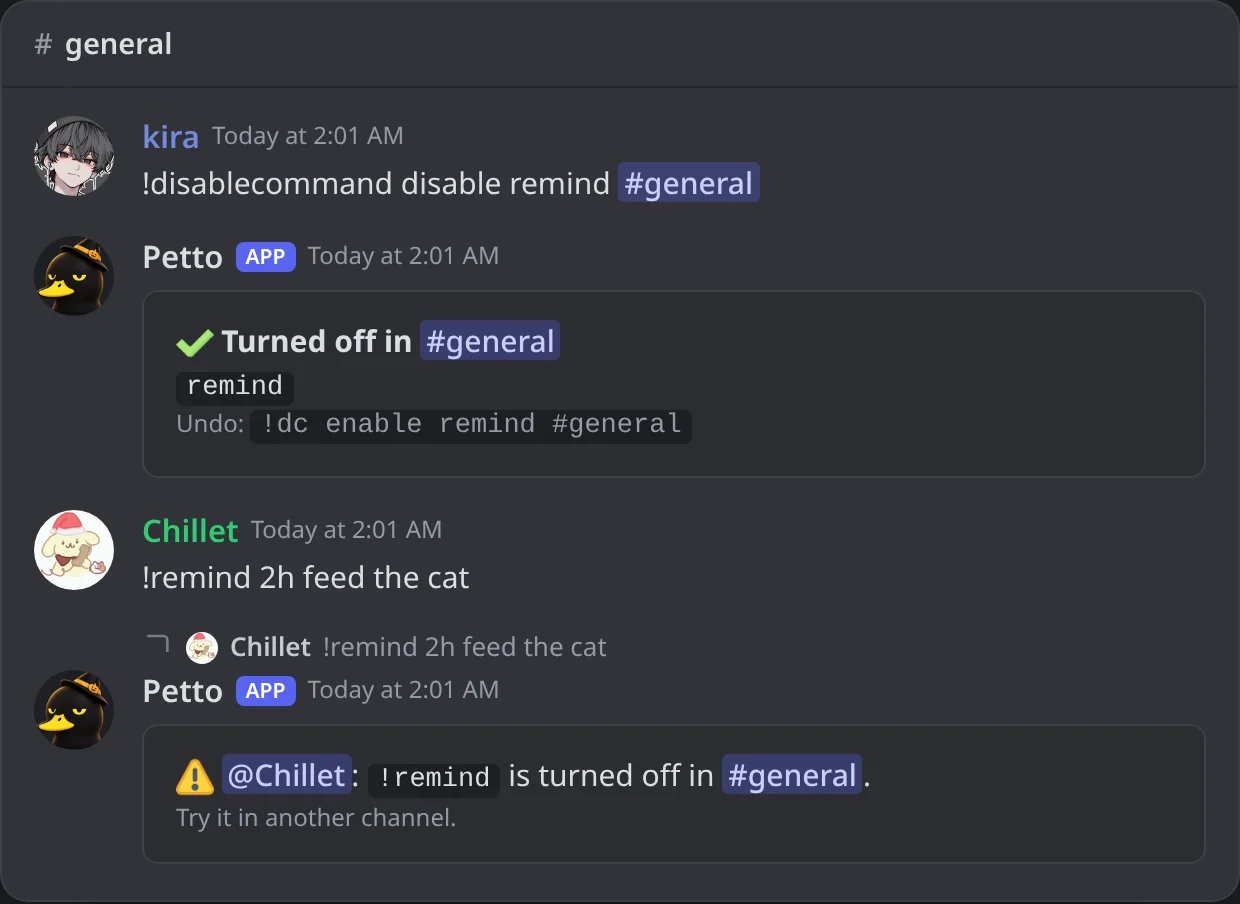
In Discord: !remind turned off in one channel, and what a member sees when they use it there.
Commands
!disablecommand disable steal
!disablecommand disable steal
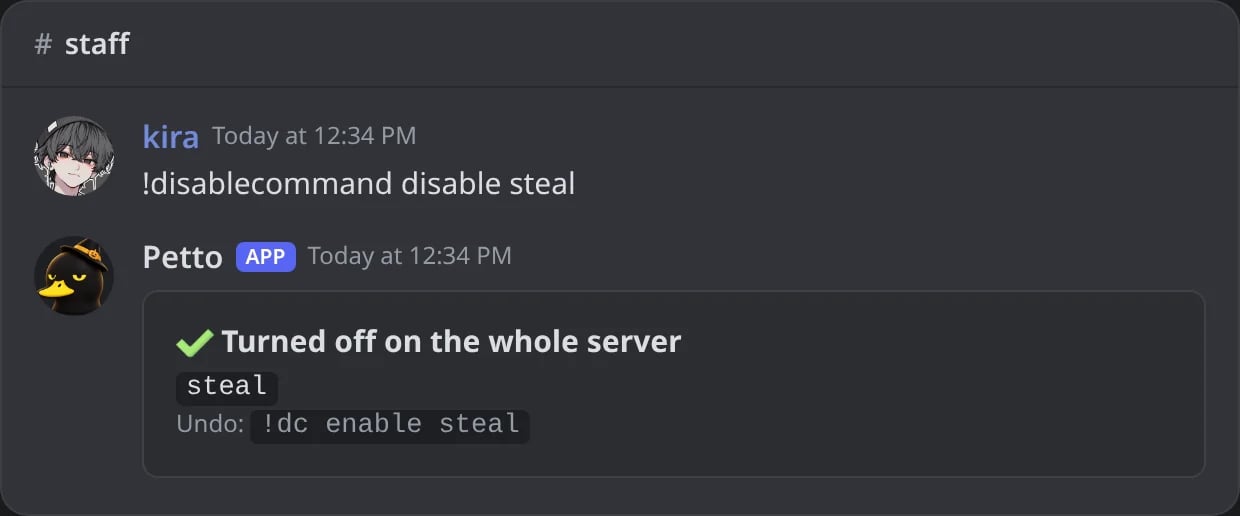
In Discord: !steal turned off on the whole server, with the command to undo it.
!disablecommand disable roles emojis channels
!disablecommand disable roles emojis channels
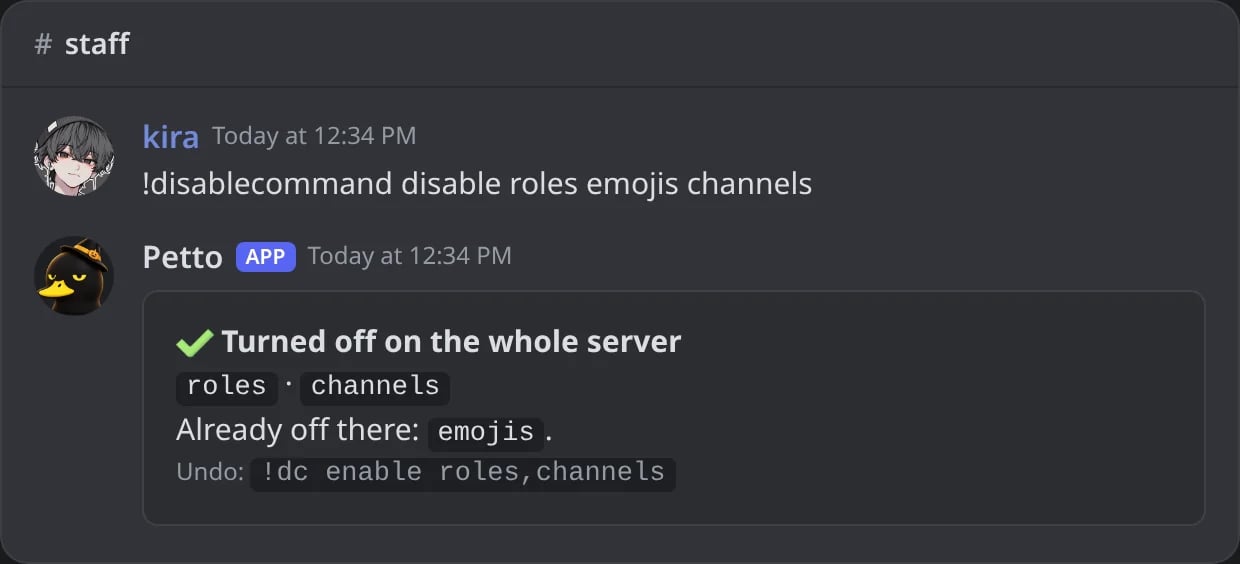
In Discord: several commands at once; the one that was already off is listed apart.
!disablecommand disable 8ball roll #staff-only
!disablecommand disable 8ball roll #staff-only
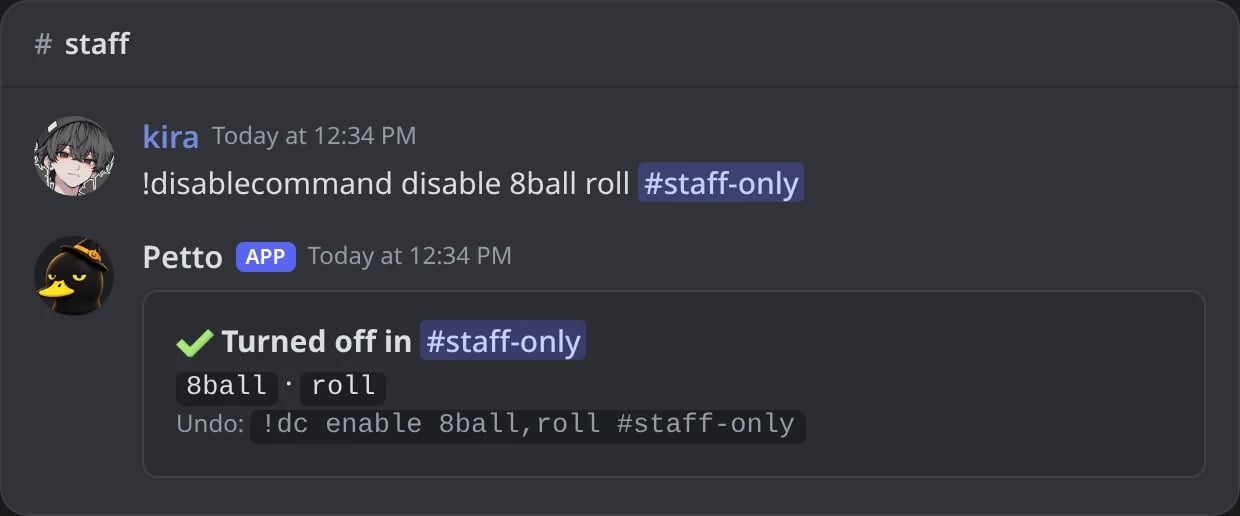
In Discord: two commands turned off in one channel only.
!disablecommand disable category:fun #announcements
!disablecommand disable category:fun #announcements
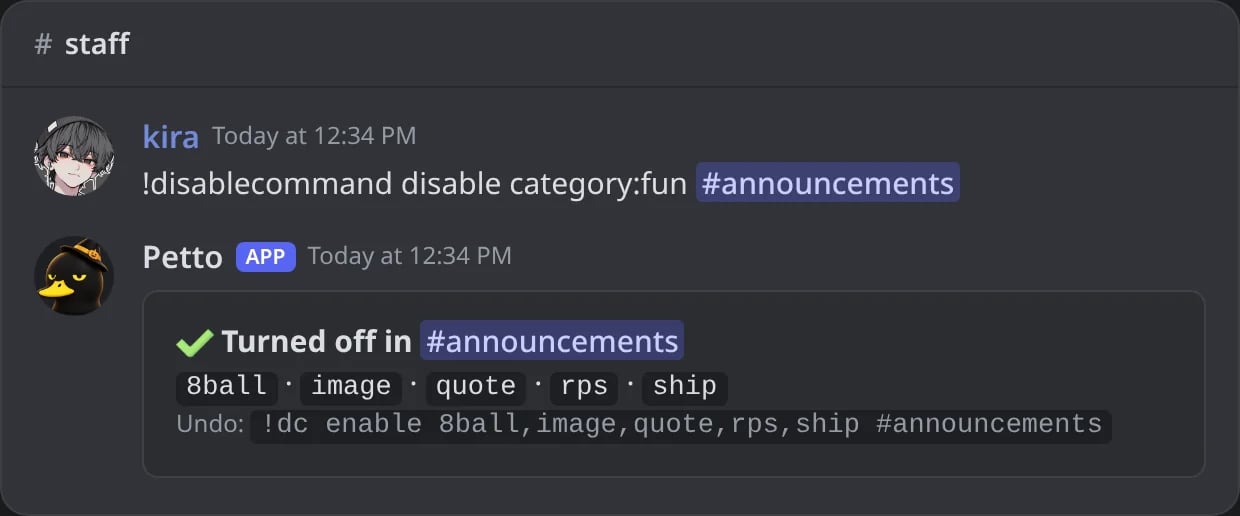
In Discord: every command of the fun category turned off in #announcements.
!disablecommand disable help (refused)
!disablecommand disable help (refused)
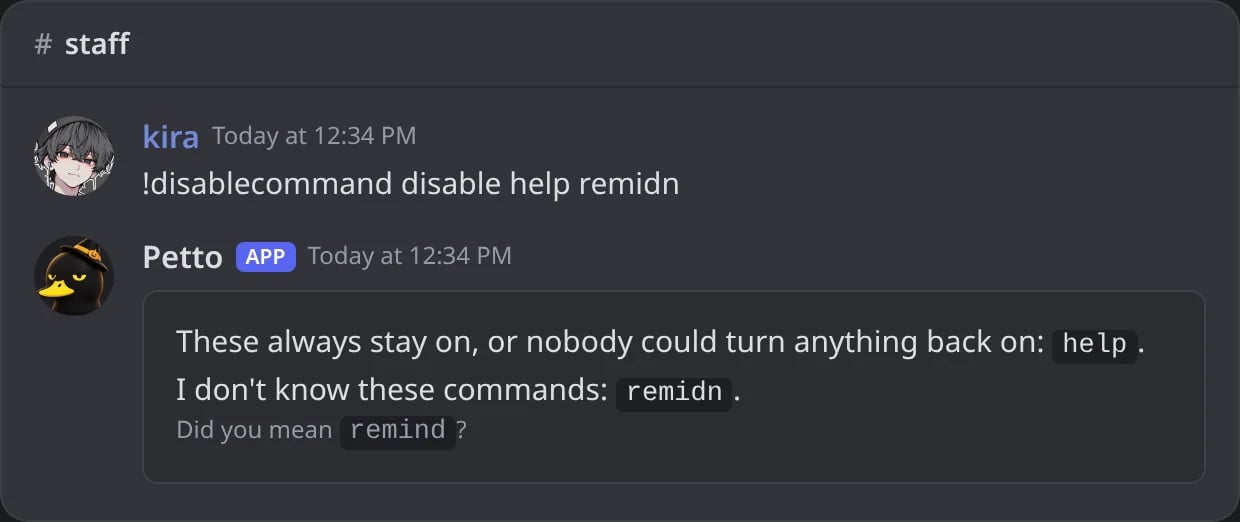
In Discord: help always stays on, and a name with a typo gets a suggestion.
!disablecommand enable remind #general
!disablecommand enable remind #general
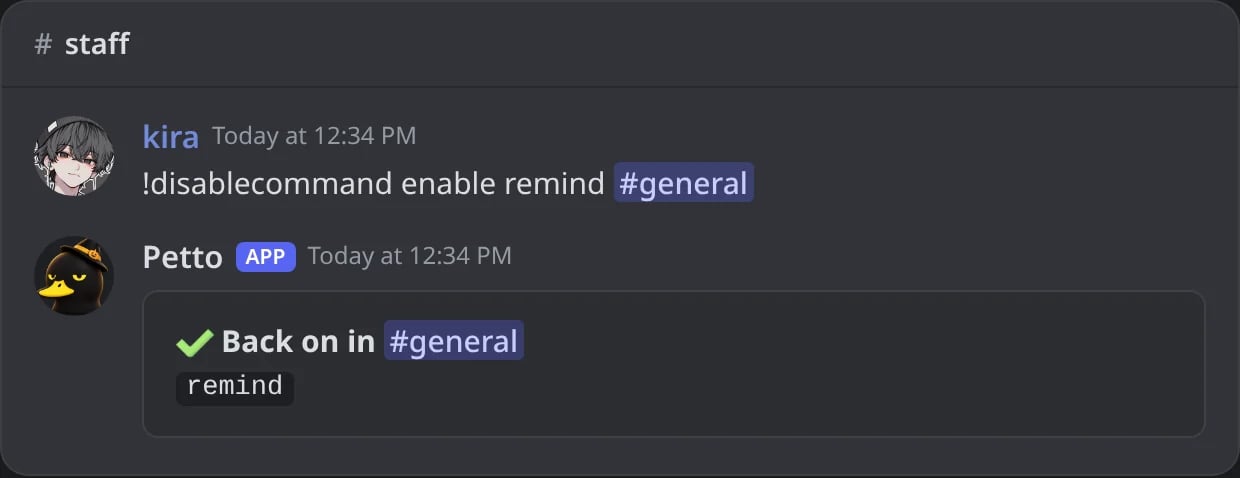
In Discord: !remind works again in #general.
!disablecommand enable all
!disablecommand enable all
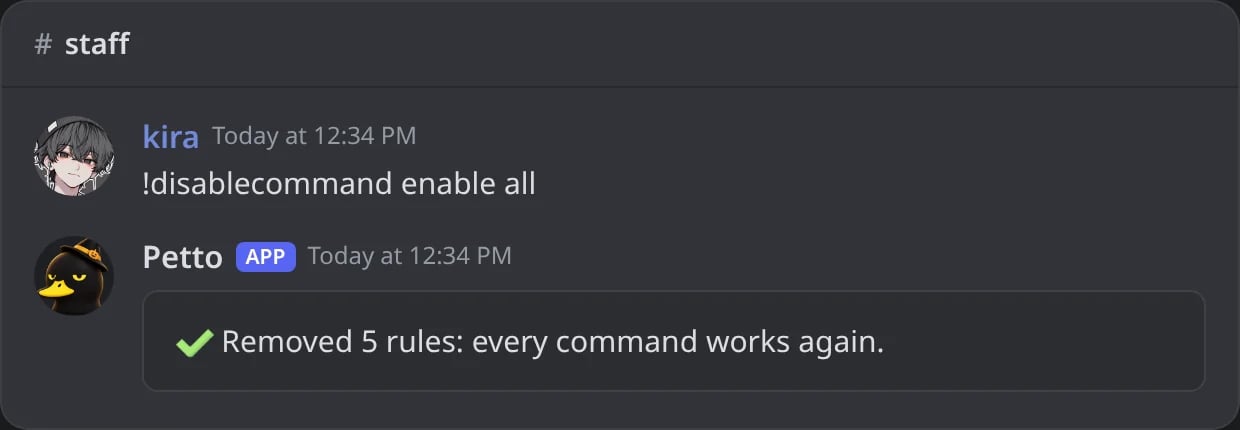
In Discord: every rule of the server removed at once.
!disablecommand list
!disablecommand list
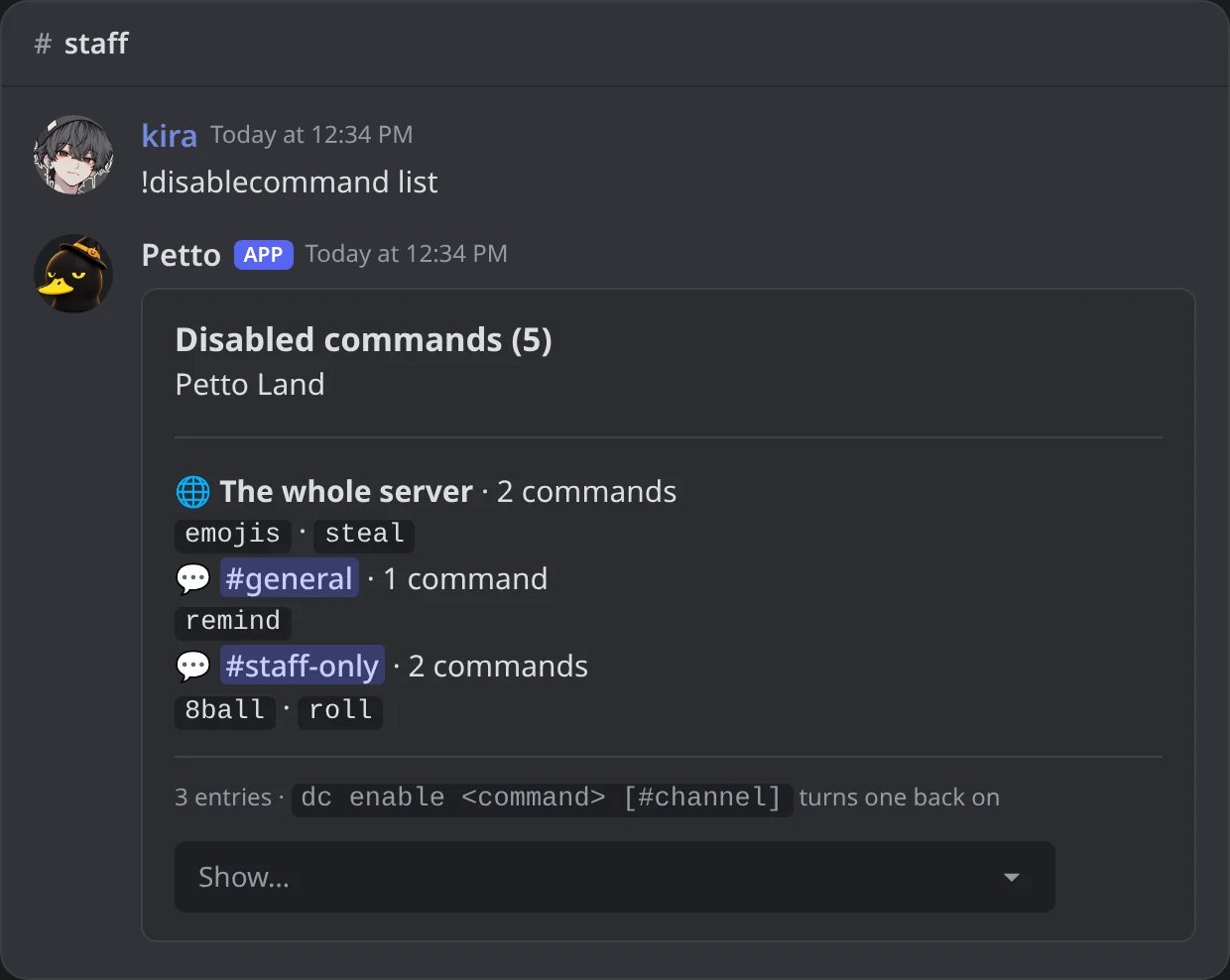
In Discord: the rules grouped by place, with the menu that filters them.
!disablecommand clear #staff-only
!disablecommand clear #staff-only
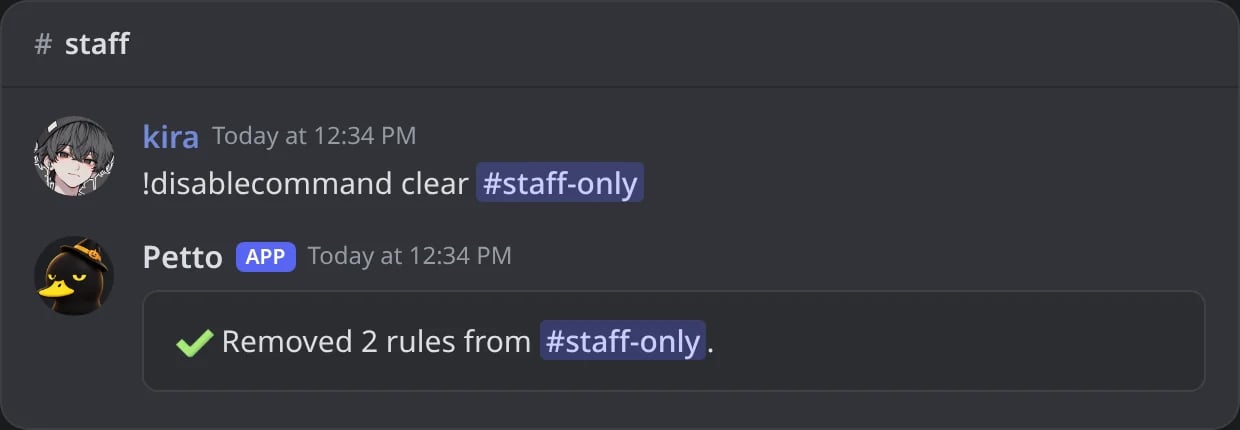
In Discord: the two rules of one channel removed.
channel empty to disable it server-wide, or set it to only disable that command in one channel while it keeps working everywhere else. Up to 10 channels at once work too. The words can go in any order (!dc #staff-only 8ball), and !dc is the short name.!help with category:<name> (category:fun). Aliases work too. enable without a channel turns the command back on everywhere; with a channel it only removes the rule of that channel. enable all clears every rule of the server. clear removes every rule, or only the ones of a channel. list shows a page at a time, and a menu filters the rules for the whole server or for single channels; with a channel it shows only what applies there.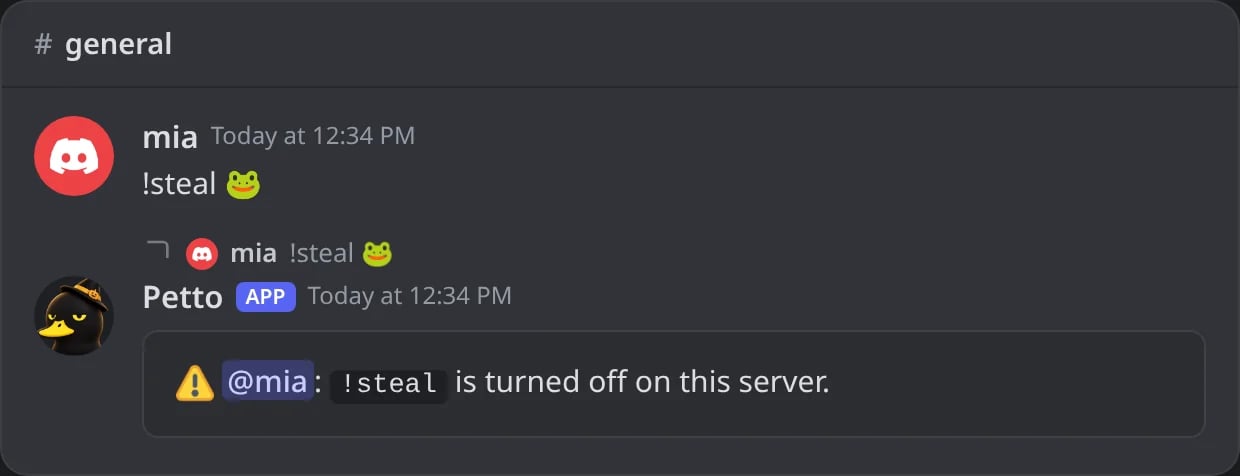
In Discord: what a member sees when a command is off on the whole server; the notice deletes itself.
Dashboard
The same rules are in Automation → Disabled Commands of the dashboard: the commands grouped by category to switch off for the whole server, the rules grouped by place, and a form to turn a command off in some channels.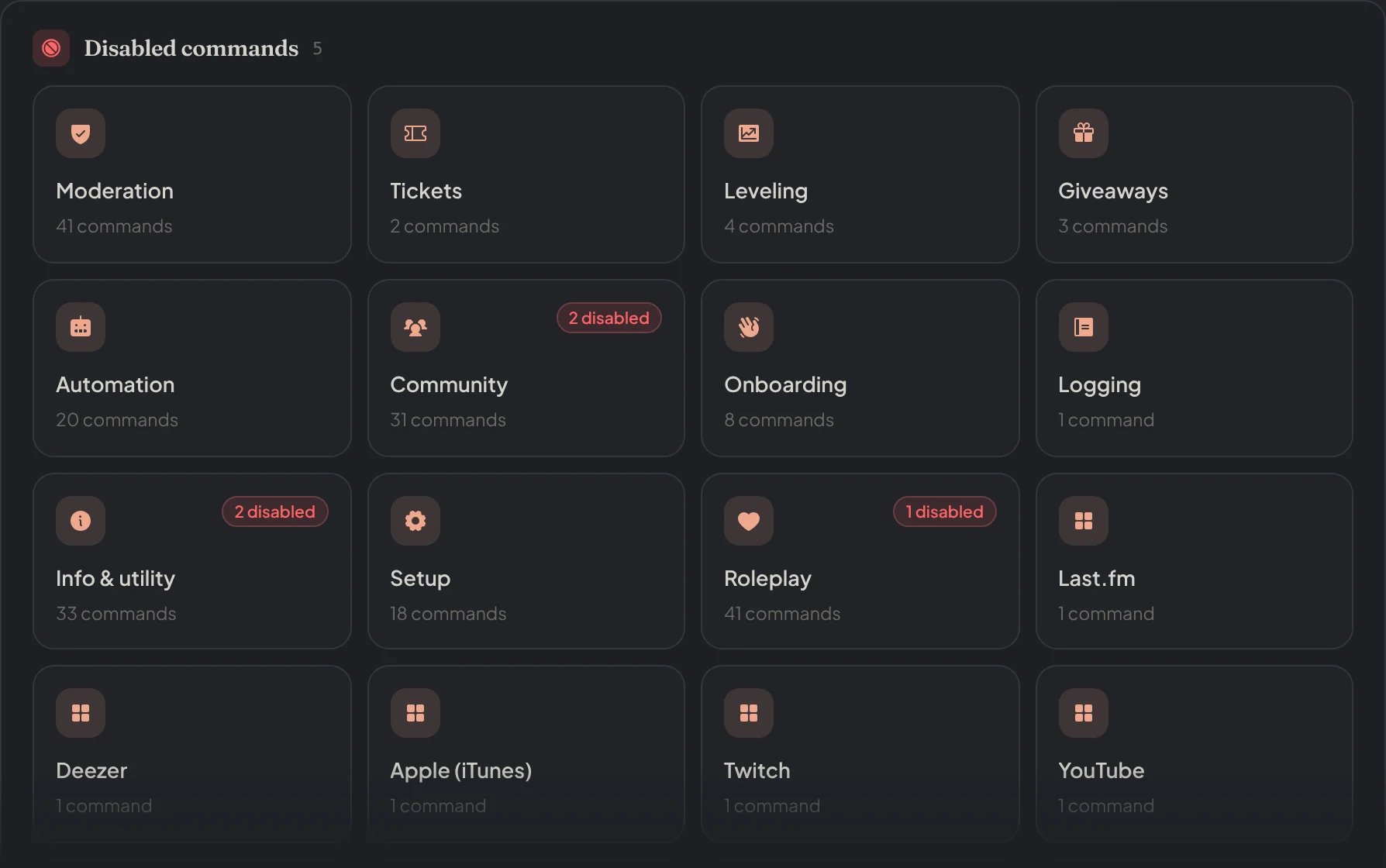
Dashboard → Automation → Disabled Commands: the commands by category, with how many are off in each.
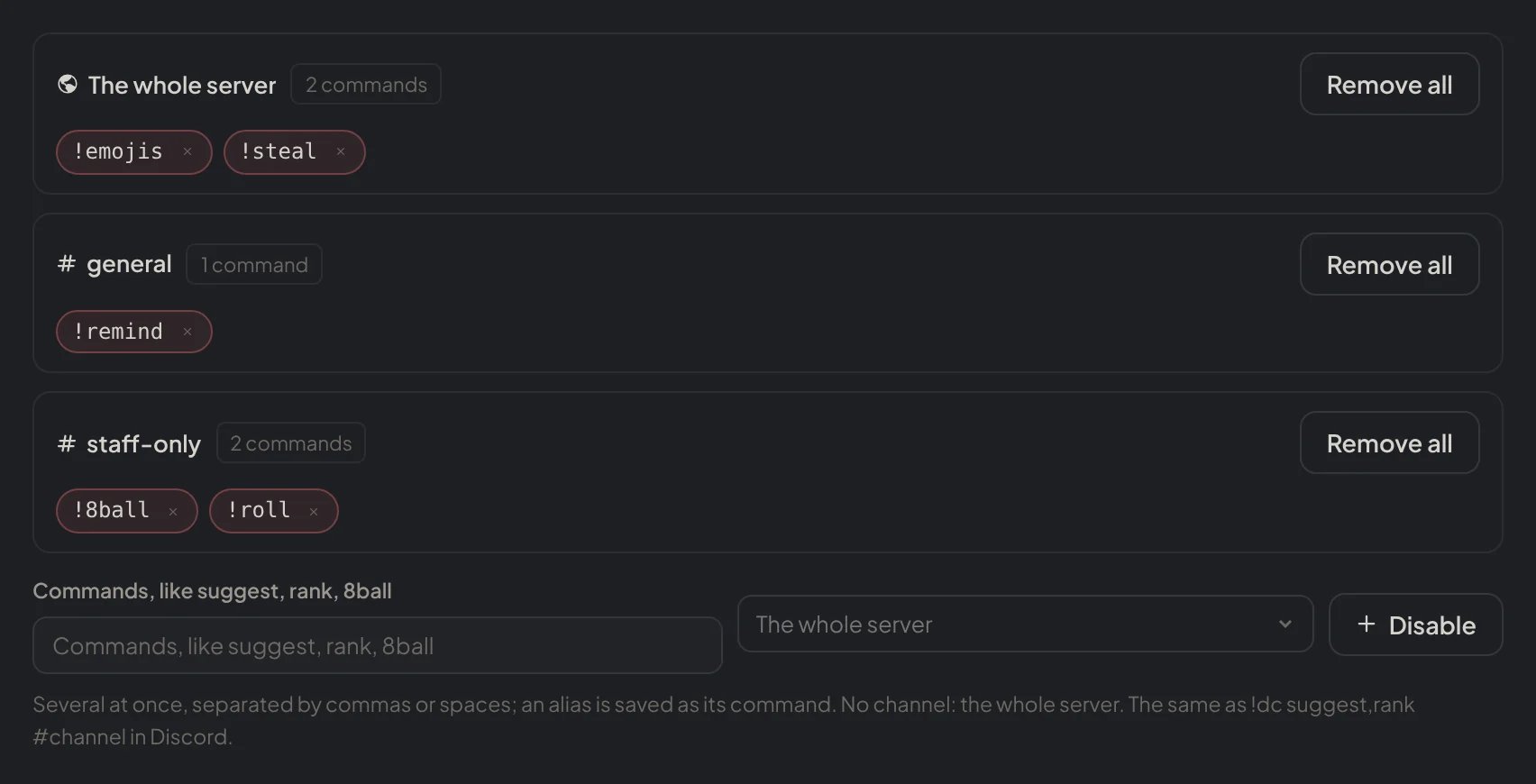
Dashboard → Automation → Disabled Commands: the rules grouped by place and the form to turn commands off.