
Overview
A paginated message is a single message from Petto that holds up to 25 pages, with buttons underneath to move between them. Use it for rules split into sections, a guide, a list of roles or anything too long for one embed.!pagination (also !pn and !pages) is a prefix command. It needs Manage Messages in the channel of the message, and reset needs Administrator.
Where a command asks for <message>, give any of these:
- The message link (right click or long press on the message, then Copy Message Link).
#channelfollowed by the message ID.- The message ID alone, when the message is in the channel you are typing in.
- Nothing, when you reply to the message with the command.
Setup
Start the message
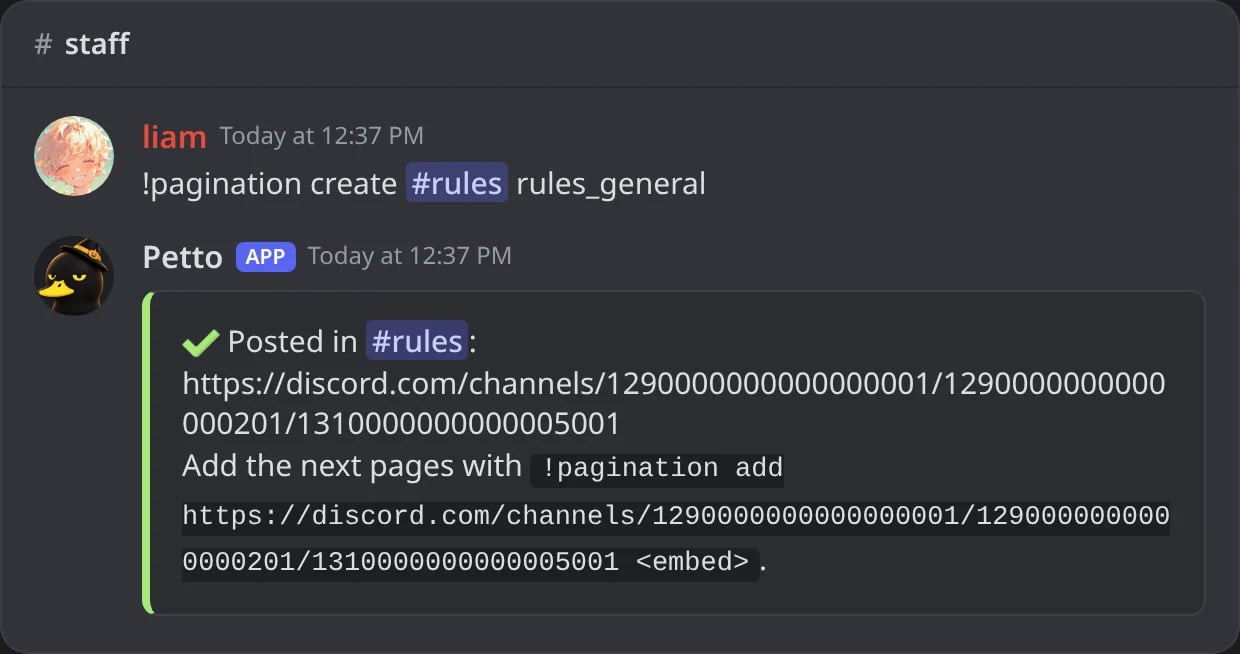
In Discord: !pagination create posts page 1 and says how to add the next one.
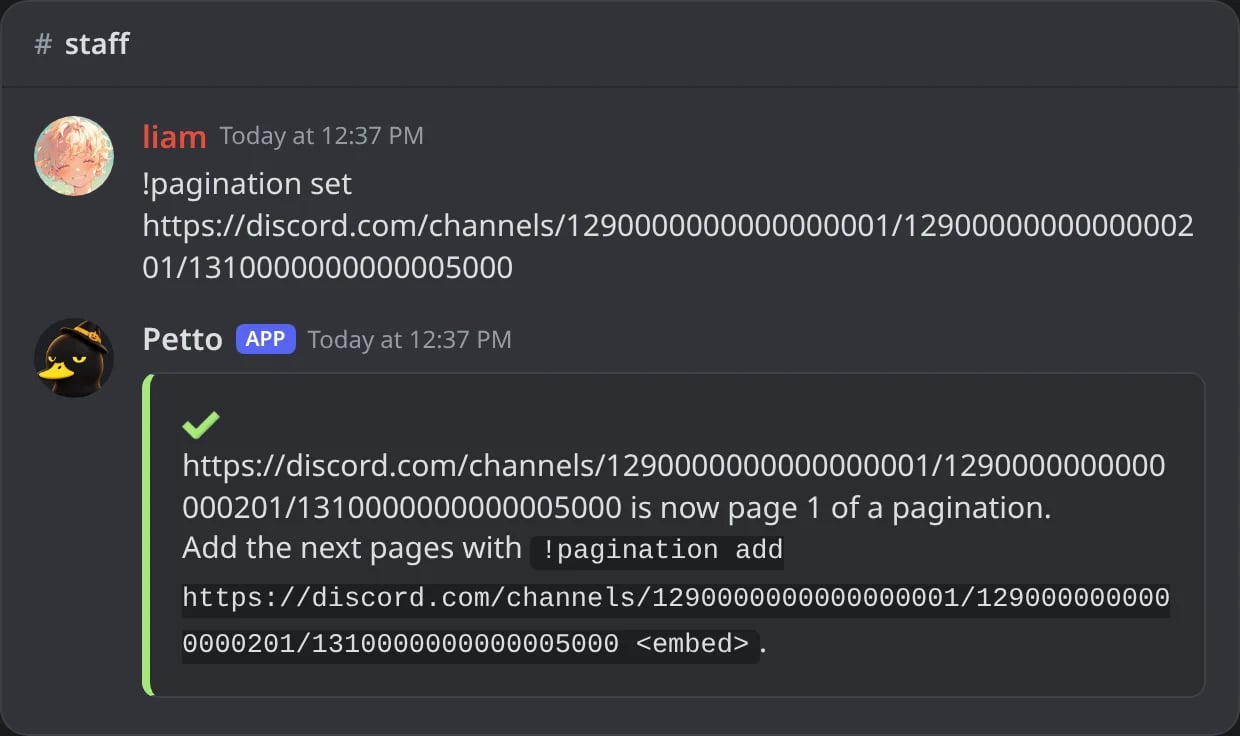
In Discord: !pagination set makes a message Petto sent page 1.
Add the next pages
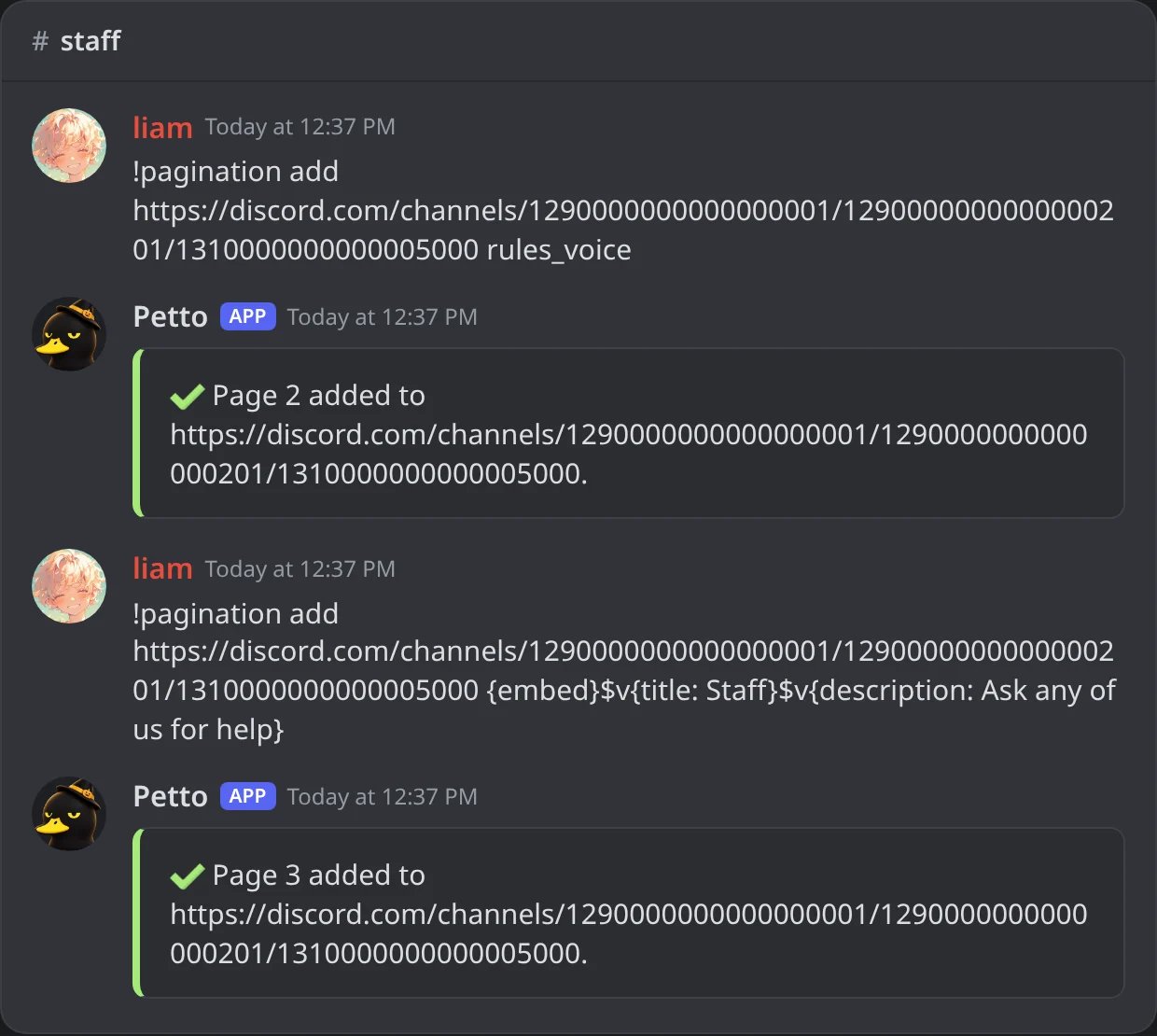
In Discord: !pagination add with a saved embed, then with an embed code.
Change a page
edit works as well as update.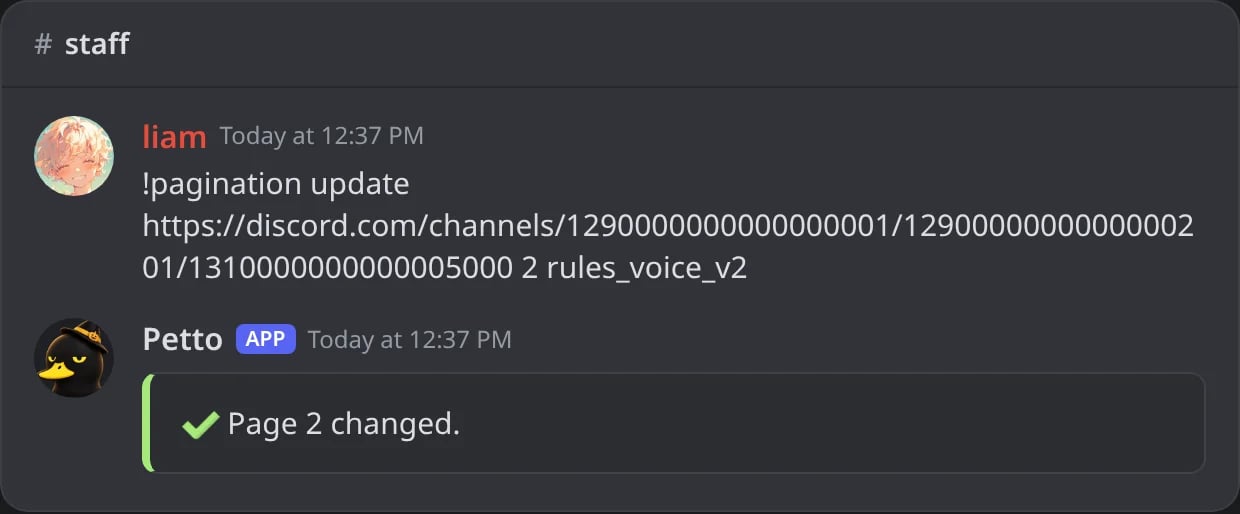
In Discord: !pagination update puts another embed in page 2.
Remove a page
delete to stop the pagination instead.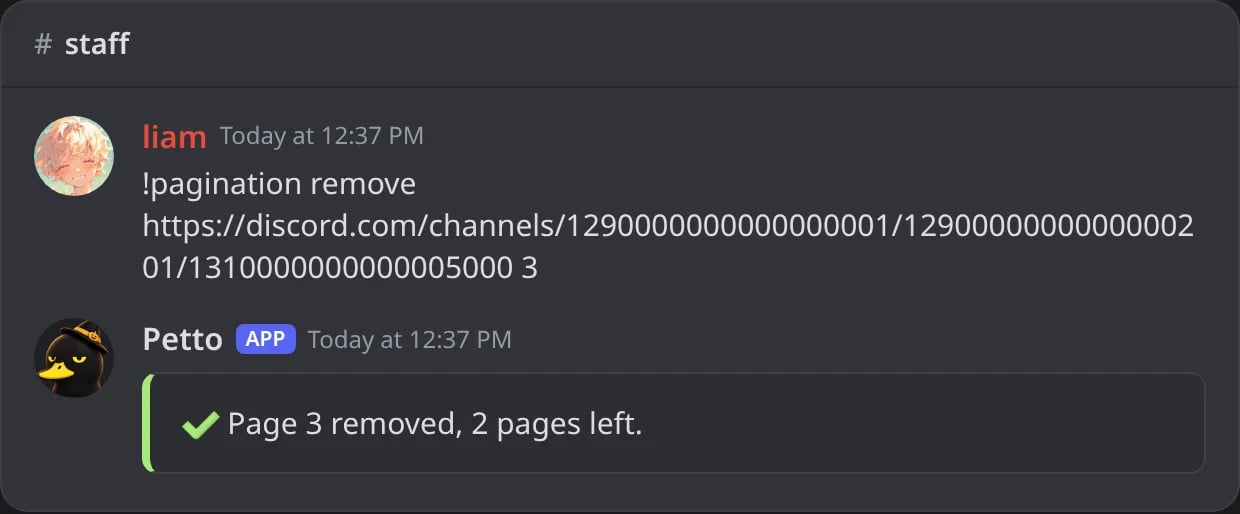
In Discord: !pagination remove takes page 3 out and says how many are left.
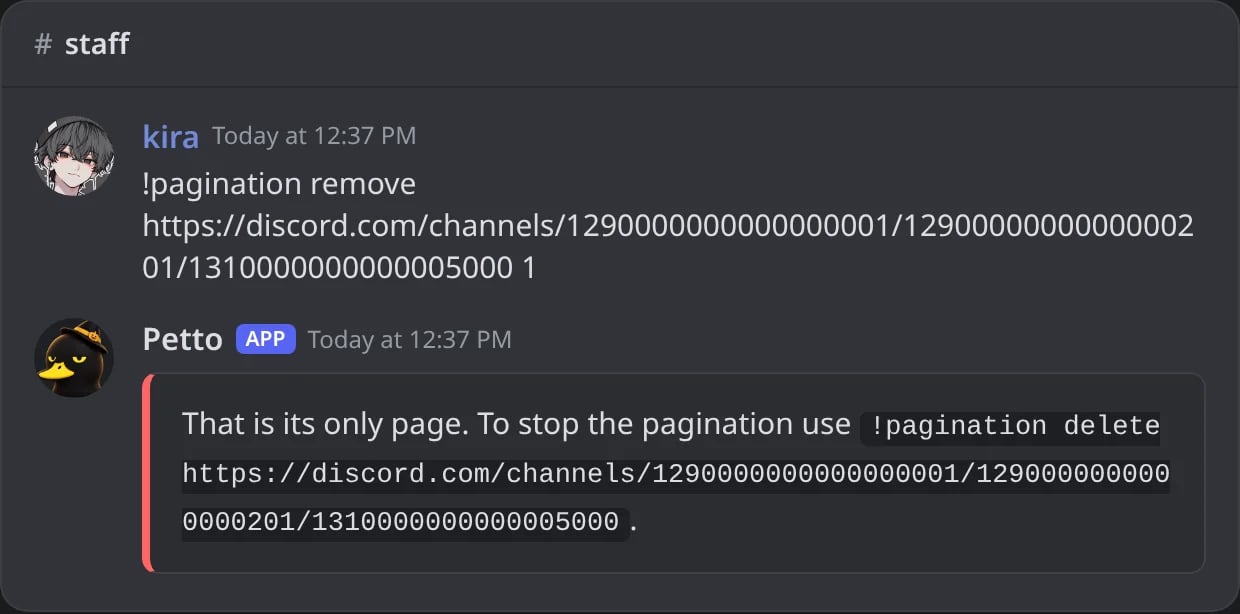
In Discord: the only page cannot be removed: Petto points to delete.
Related commands
Stop a pagination or delete its message
Stop a pagination or delete its message
--message to delete the message too. del works as well as delete.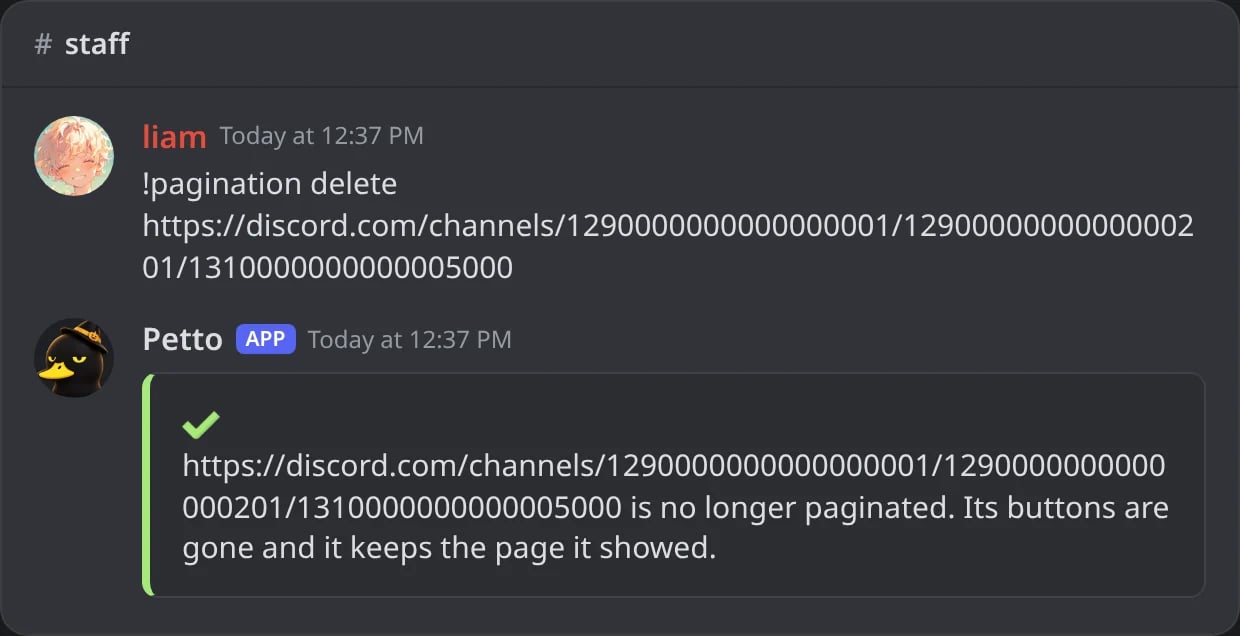
In Discord: !pagination delete takes the buttons off; the message keeps its page.
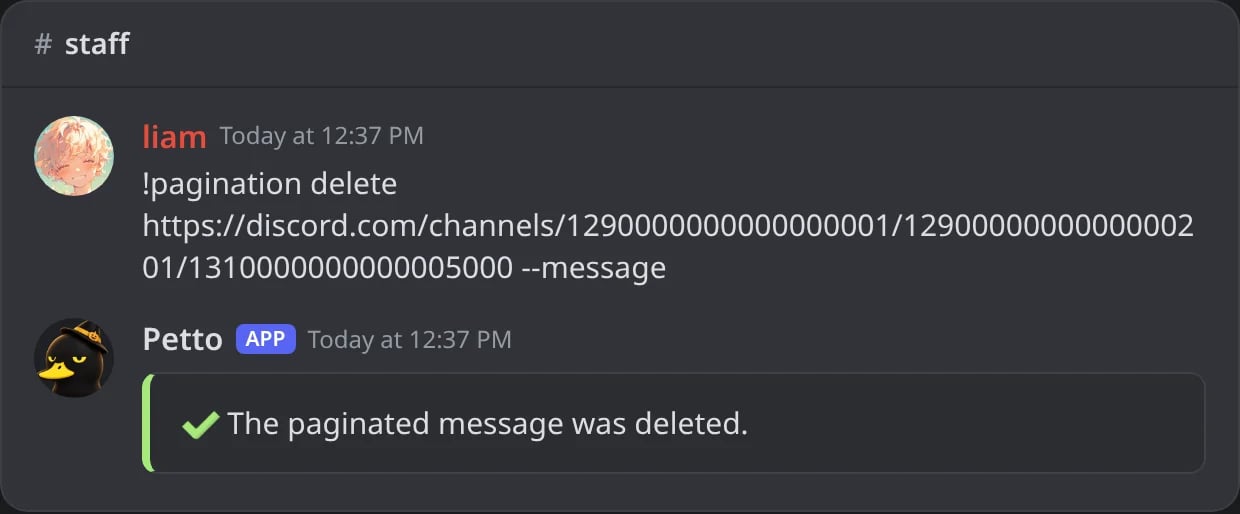
In Discord: with --message the message is deleted too.
Stop every pagination of the server
Stop every pagination of the server
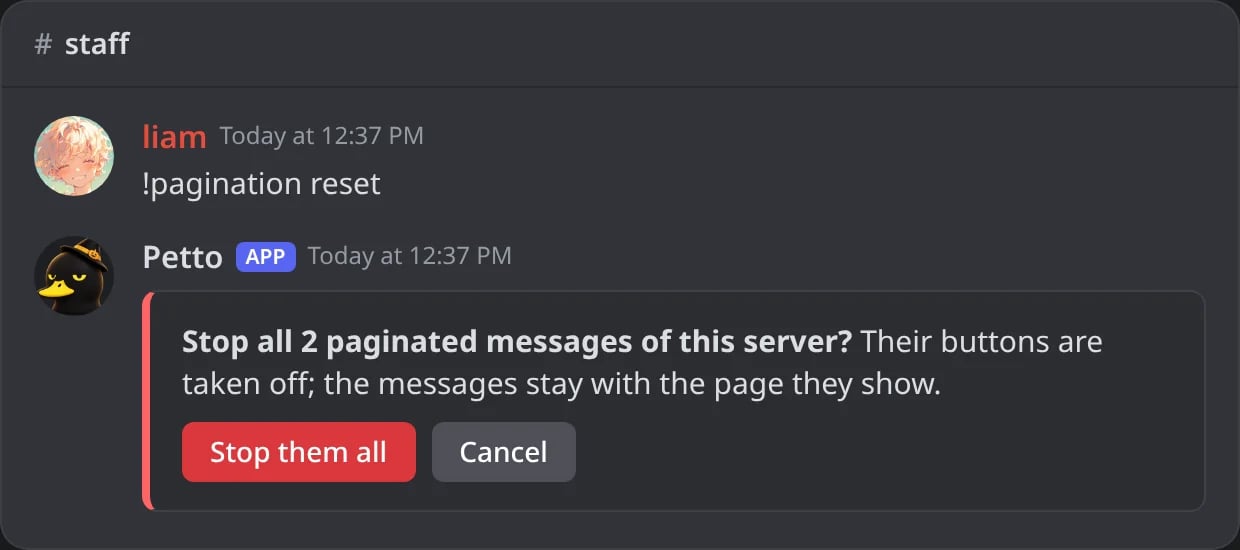
In Discord: !pagination reset asks first, with a Stop them all button.
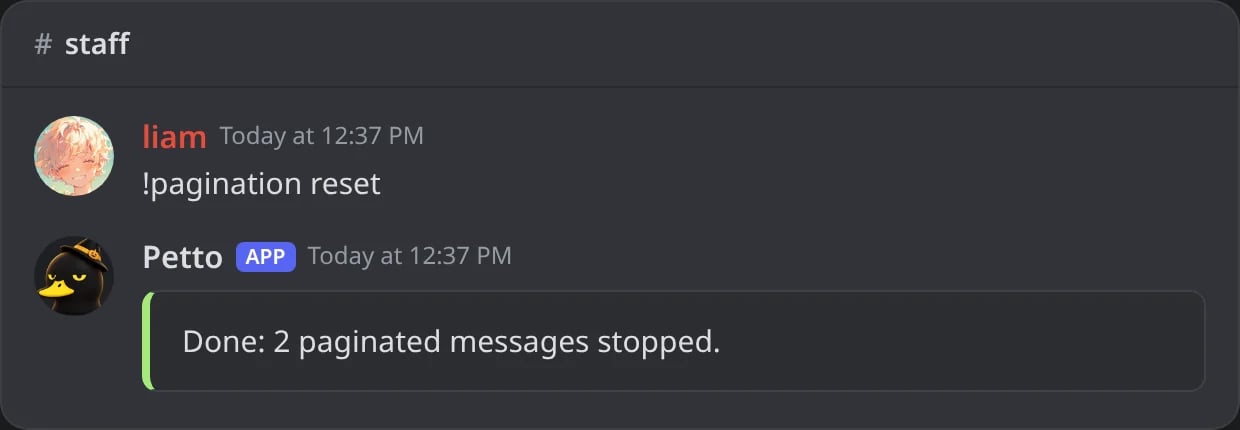
In Discord: after the click: every pagination is stopped.
List the paginated messages
List the paginated messages
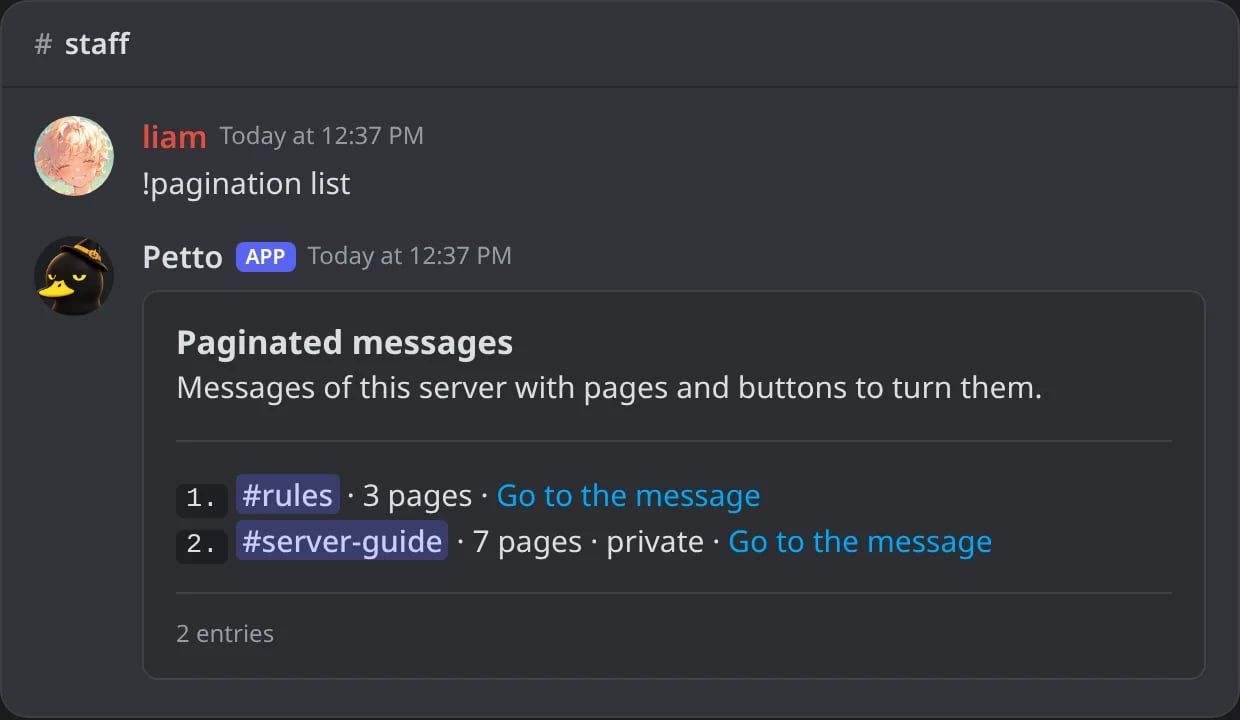
In Discord: !pagination list: each message with its channel, pages, private or not, and a link.
See the pages of a message
See the pages of a message
show and info work as well as view.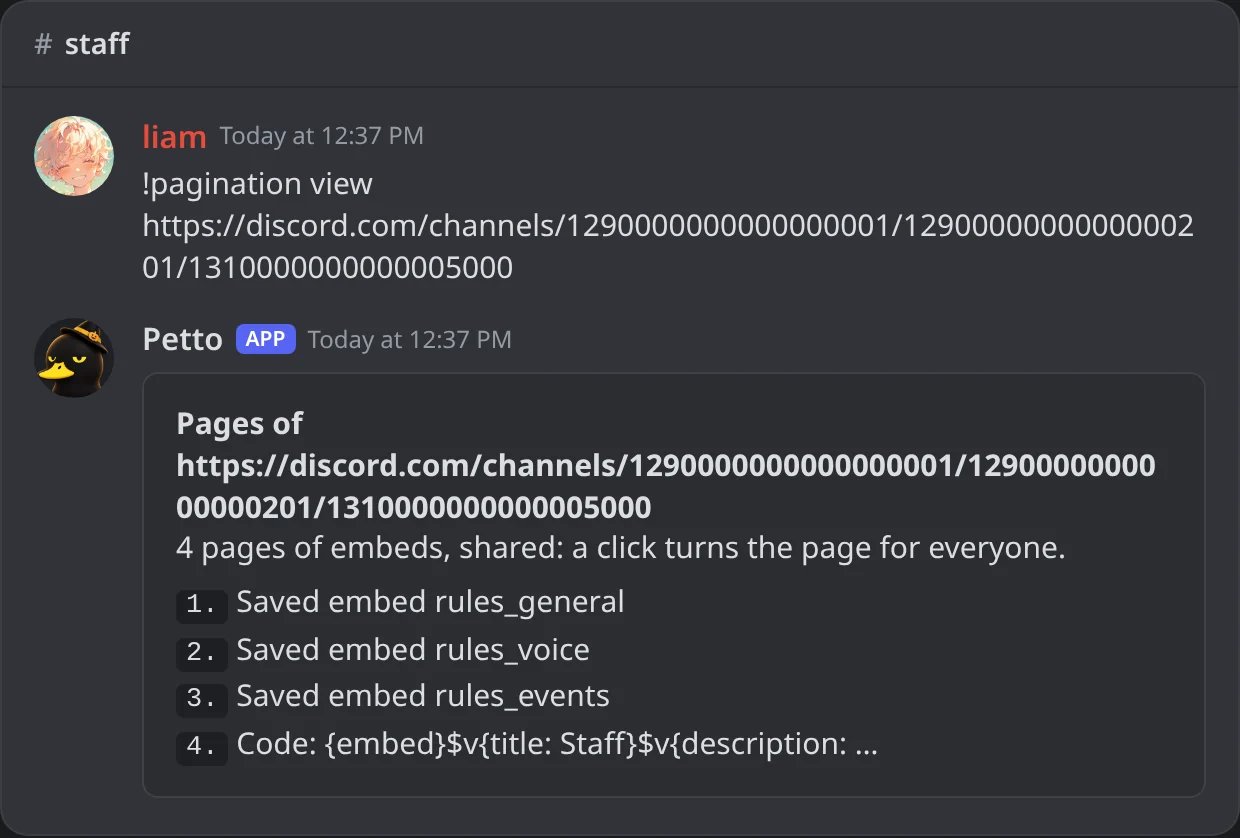
In Discord: !pagination view: the pages in order and their kind.
Move a page
Move a page
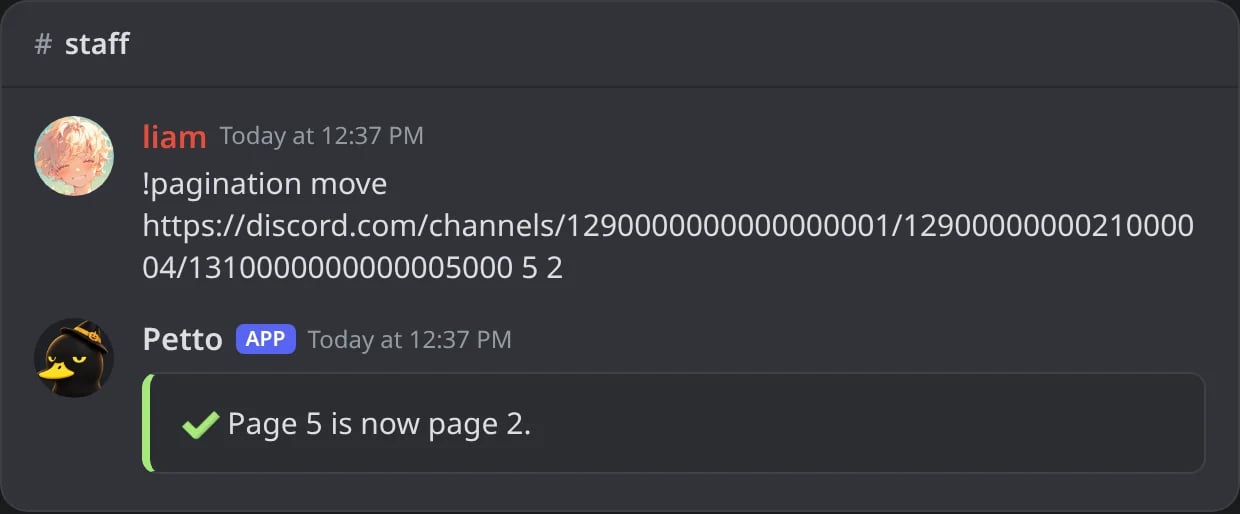
In Discord: !pagination move: page 5 becomes page 2.
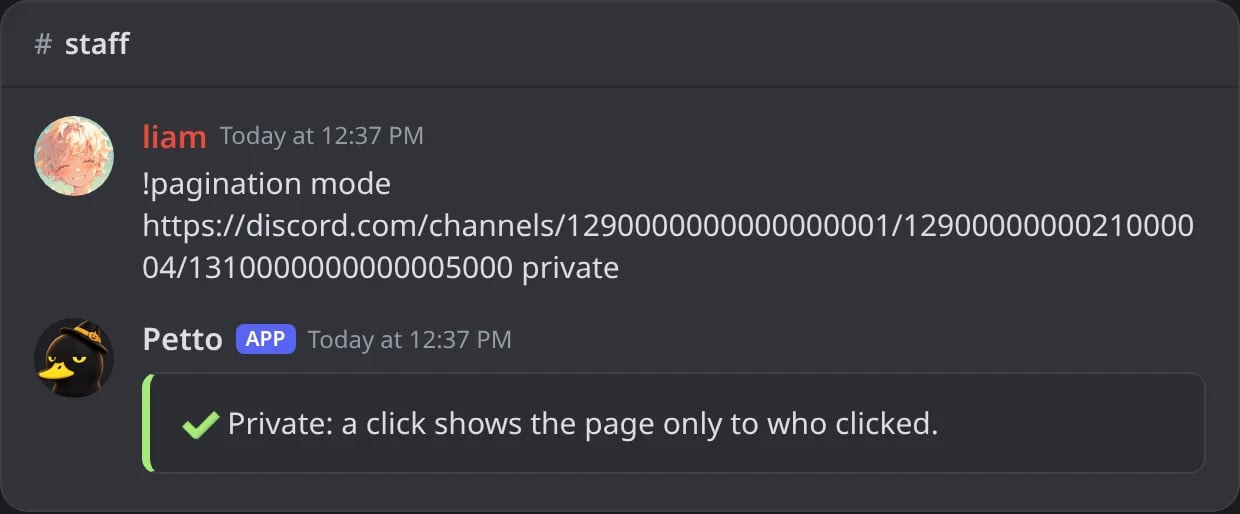
In Discord: !pagination mode private: each click shows the page only to who clicked.
!editembed). restorereactions and rr work as well as restore.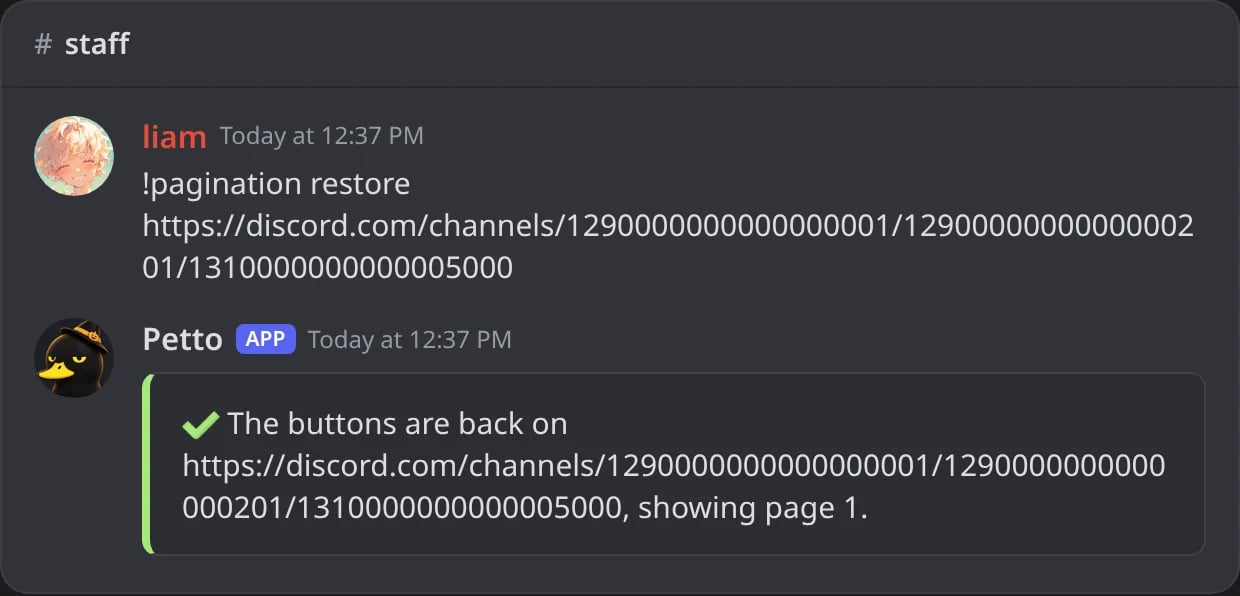
In Discord: !pagination restore puts the buttons back on page 1.
How the buttons work
Petto uses buttons, not reactions, so it doesn’t need Add Reactions, the current page is always visible, and the buttons keep working after Petto restarts.2 to 5 pages
2 to 5 pages
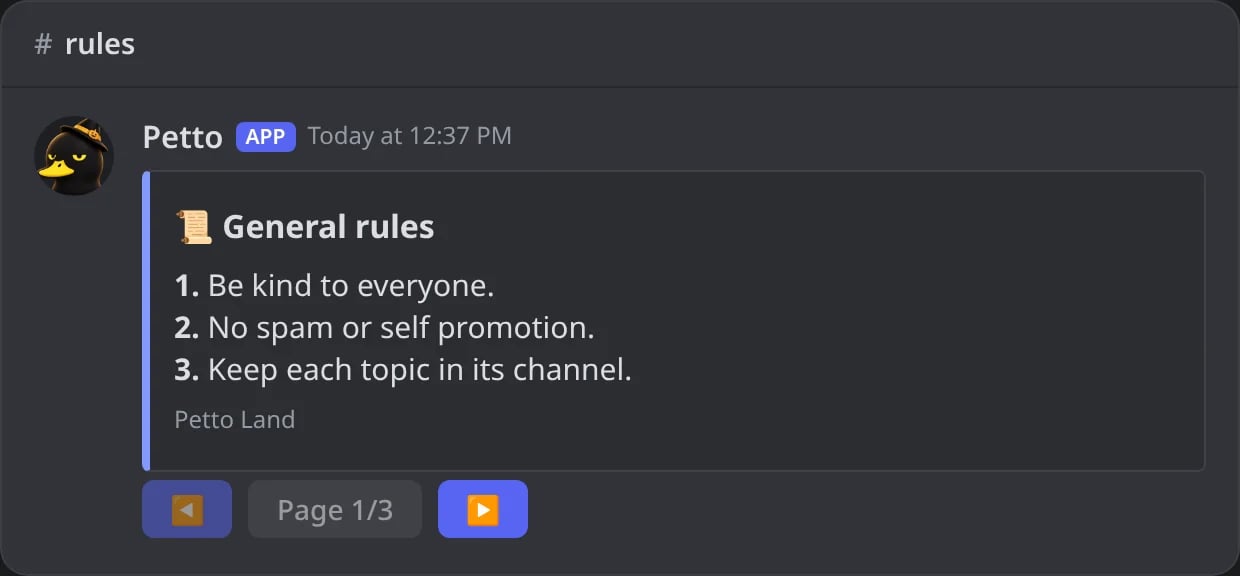
In Discord: three pages: ◀ Page 1/3 ▶.
After a click on ▶
After a click on ▶
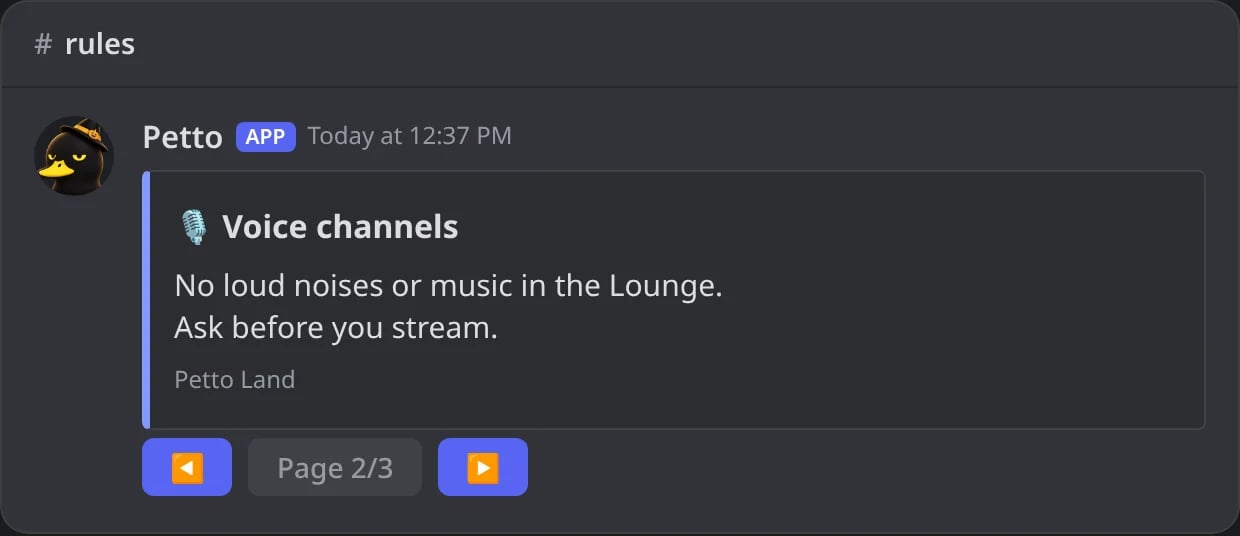
In Discord: a click on ▶ turns the message to page 2 for everyone.
6 or more pages
6 or more pages
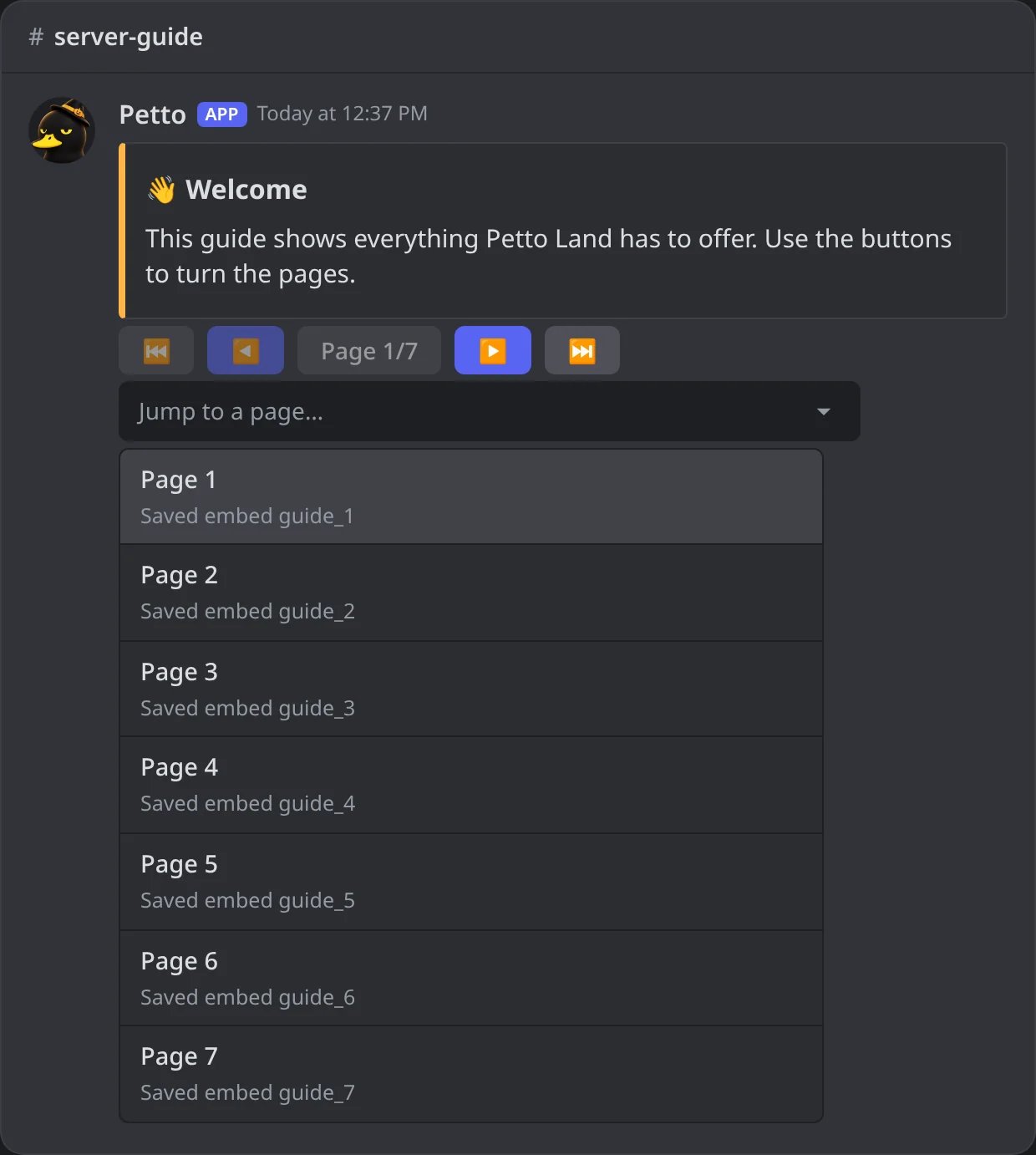
In Discord: seven pages: first and last buttons, and the Jump to a page menu.
Shared or private
- Shared (the default): a click turns the message itself, for everyone. The variables of a shared page are filled for the member who made the pagination, so the message doesn’t change with each person who clicks. Good for a message a moderator presents.
- Private (
--privateoncreateorset, or!pagination mode <message> private): a click shows the page only to the member who clicked, as a message only they can see, with its variables filled for them. Its own buttons keep turning that copy, and the message in the channel stays on page 1. Good for rules or a guide that many people read at the same time.
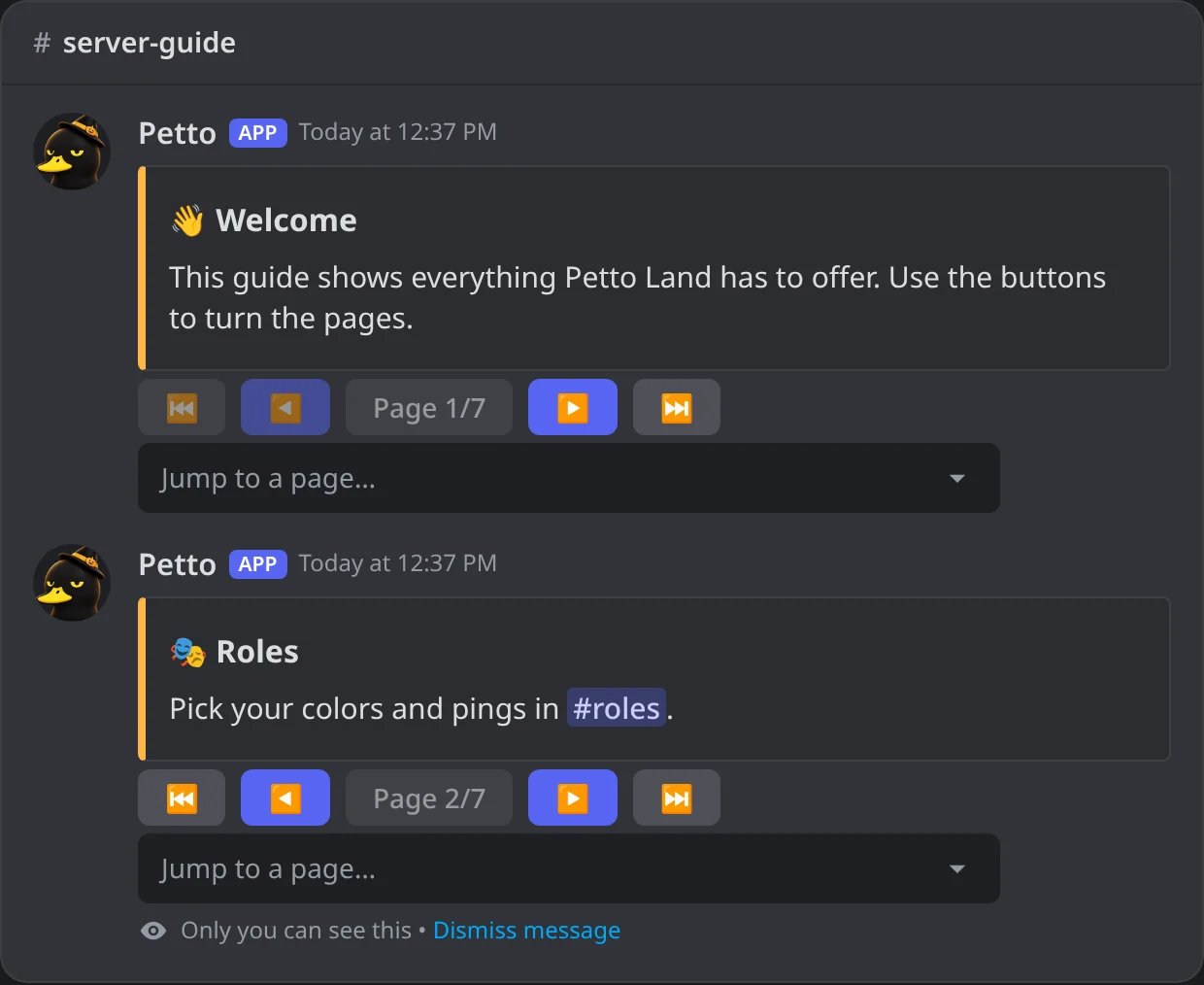
In Discord: on a private message a click answers with a copy only that member sees.
What a page can be
Wherever a command asks for<embed or code>:
- The name of a saved embed, like
rules_general(one word, see Embeds). It is drawn each time the page is shown, so its variables are filled then and an edit of the saved embed shows up on the page right away. - An embed code, like
{embed}$v{title: ...}$v{description: ...}, read the same way as in!embed createand!editembed. Anything that can’t be used is reported. - A
p2.code, a Components V2 design copied from the dashboard or the Embed Builder.
!pagination set, page 1 is whatever the message already shows.
update.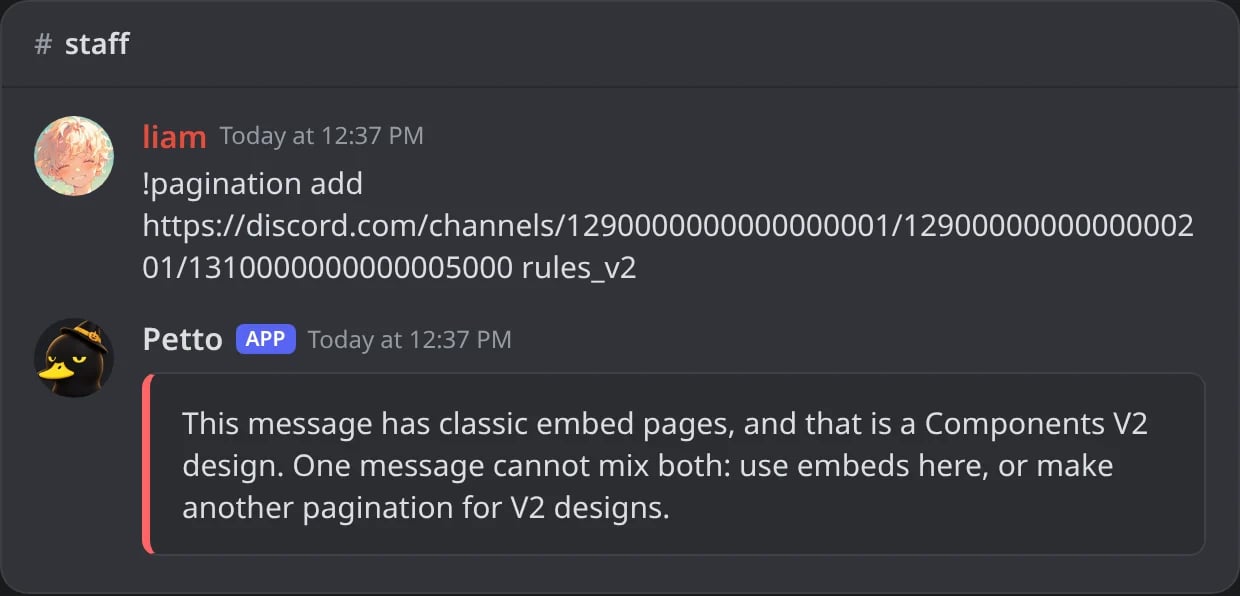
In Discord: a V2 design refused on a message of classic embeds.
Limits
create and set say so; stop one with delete to make room. See Premium.
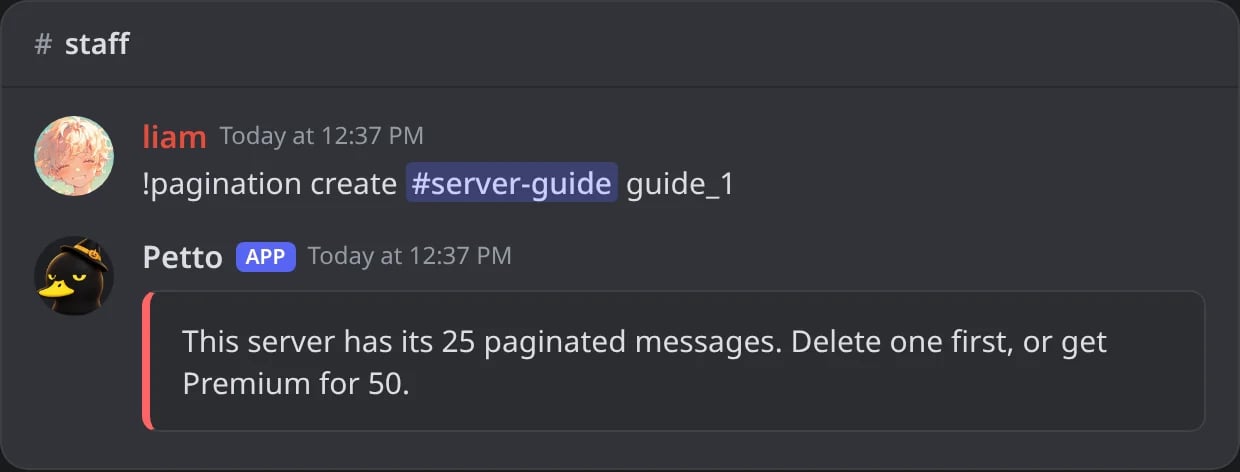
In Discord: a free server with its 25 paginated messages.
Dashboard
On the dashboard, the Embeds page has a Paginated messages section under the editor.- The list shows each paginated message with its channel, its pages in order, a Private or V2 tag and Open in Discord. Each one has Put the buttons back, Stop (takes the buttons off, the message stays) and Delete message (deletes it from Discord).
- New paginated message builds one from saved embeds: pick a Channel, choose the saved embed of each page under Pages, in order (with Add a page, move up, move down and remove), tick Private pages if you want, and press Post.
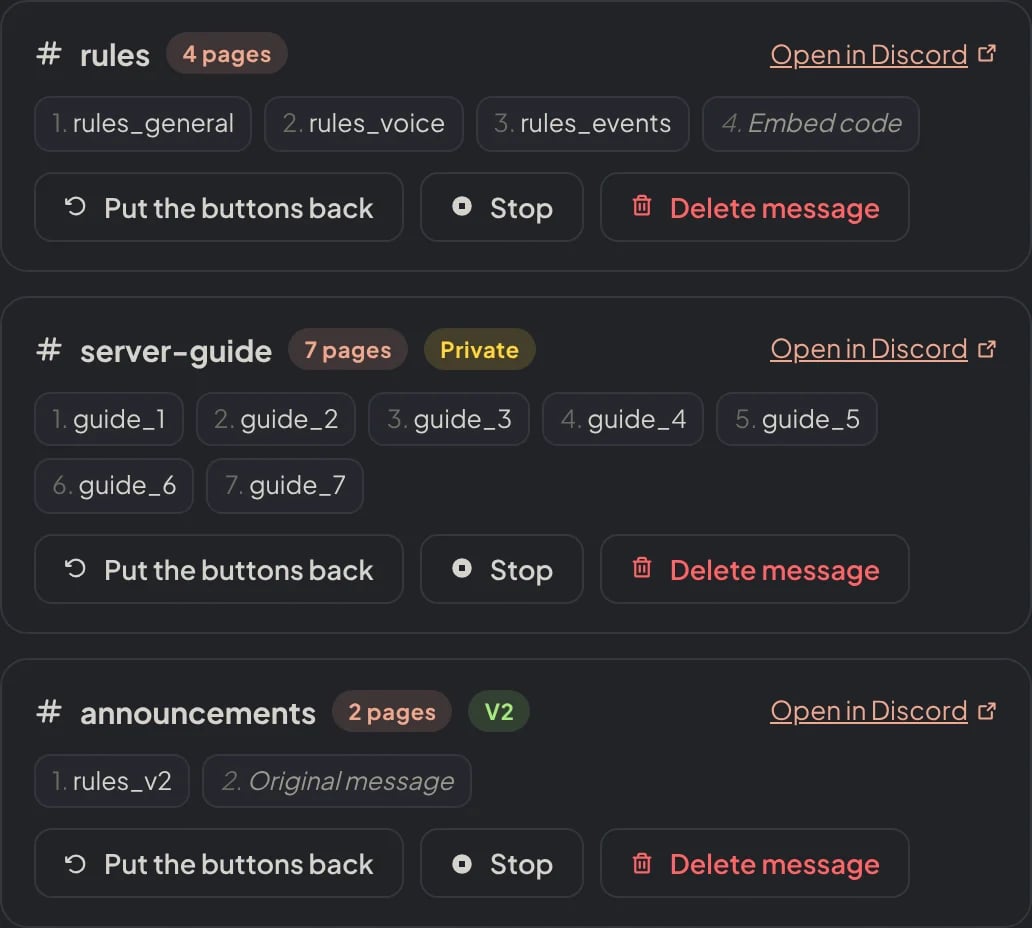
Dashboard → Design → Embeds → Paginated messages: each message with its channel, pages and tags, and its three buttons.
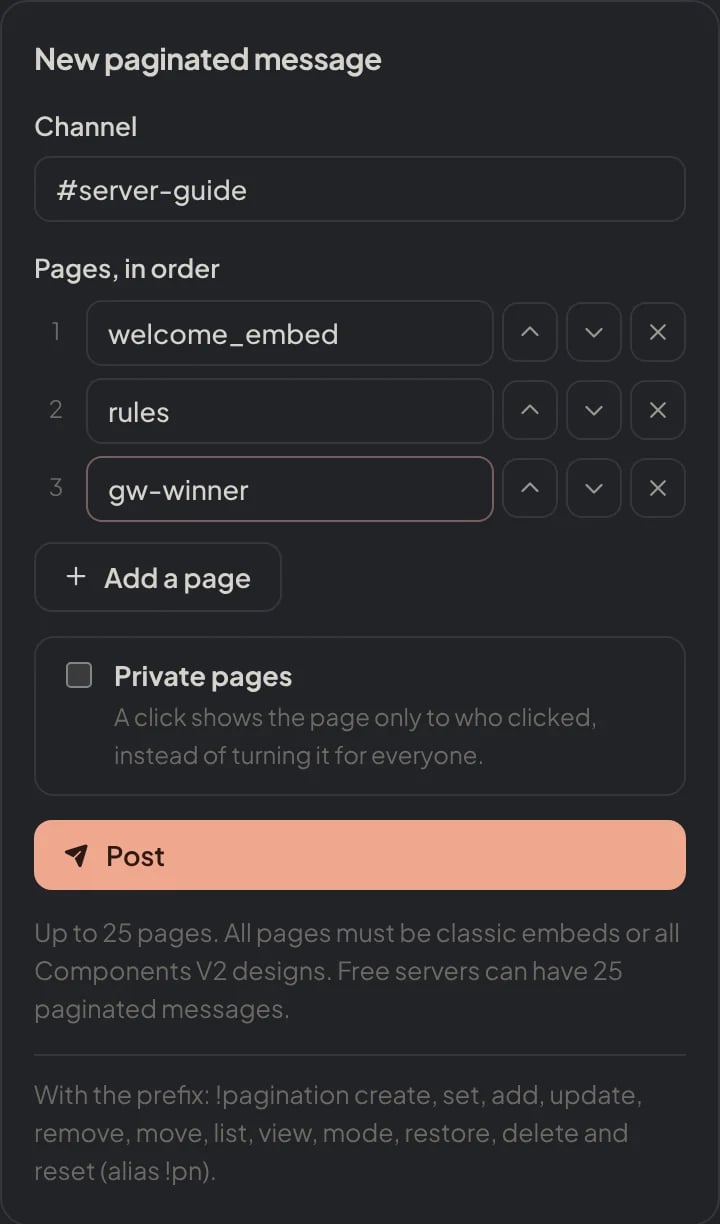
Dashboard → Design → Embeds → New paginated message: the channel, the saved embed of each page, Private pages and Post.
p2. codes and changing one page at a time are done with the command.
Common issues
I can only add pages to messages that I sent
I can only add pages to messages that I sent
!embed send, then use !pagination set, or start with !pagination create.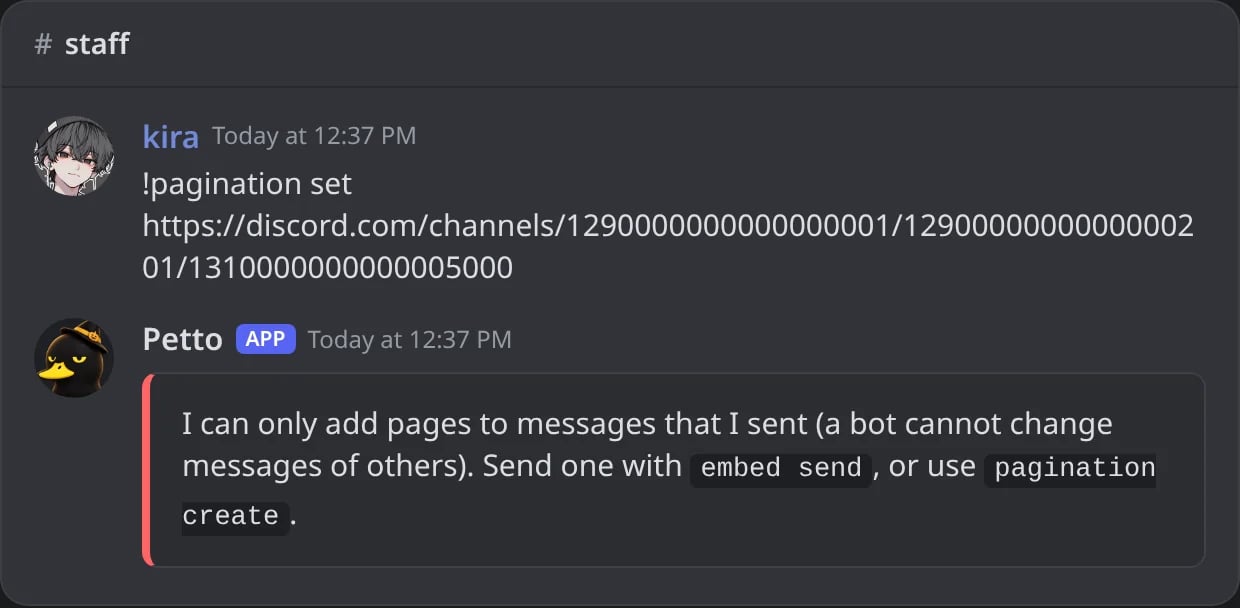
In Discord: a message of a member cannot get pages.
I need these permissions in that channel
I need these permissions in that channel
create also Send Messages and Embed Links. The reply names the ones missing. You need Manage Messages in that channel yourself.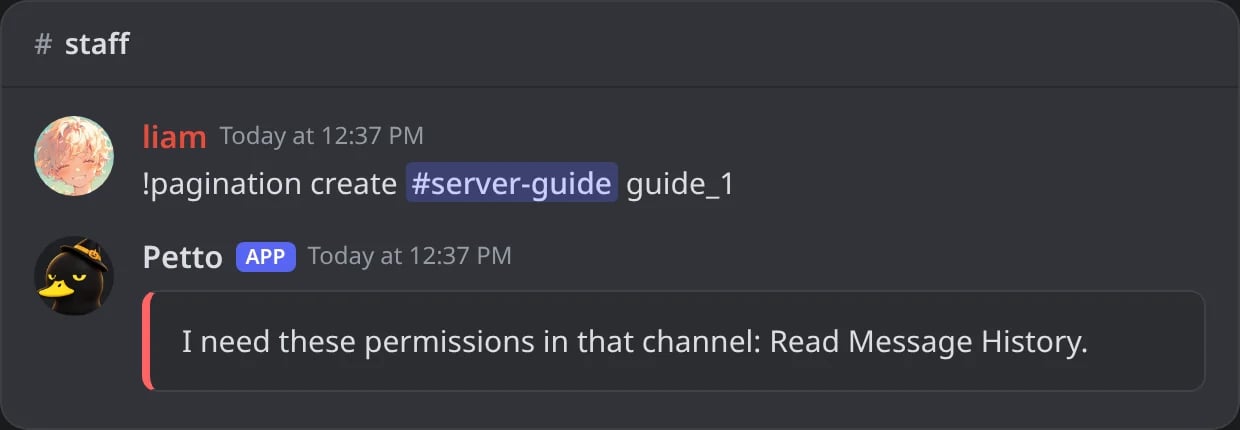
In Discord: the reply names the permission Petto is missing.
The message or its channel no longer exists
The message or its channel no longer exists
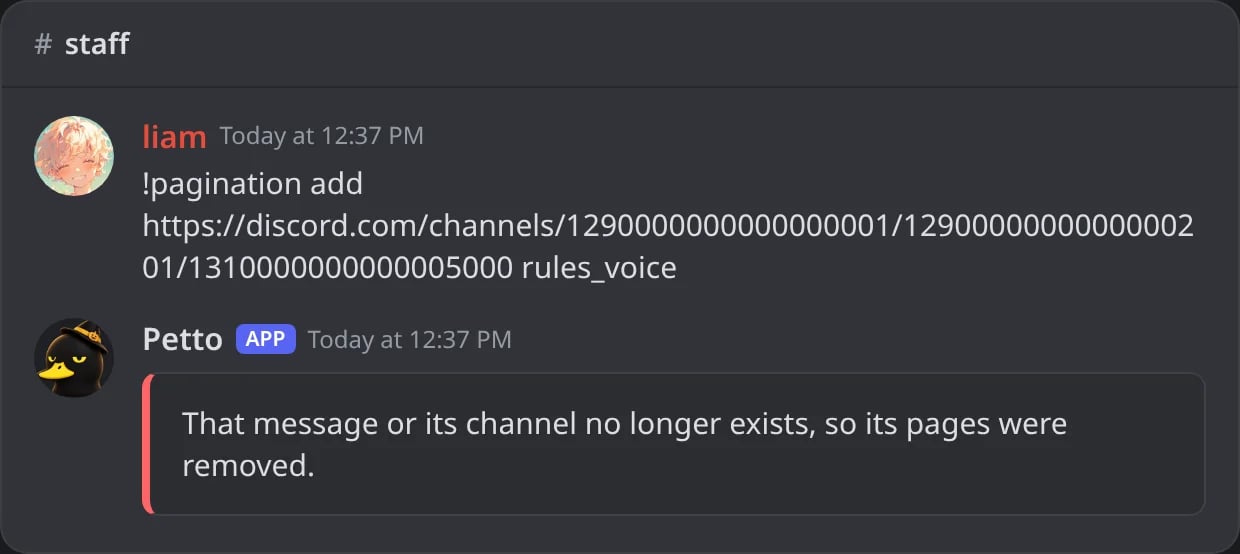
In Discord: a deleted message: its pages were removed too.
A page shows an error
A page shows an error
!pagination update.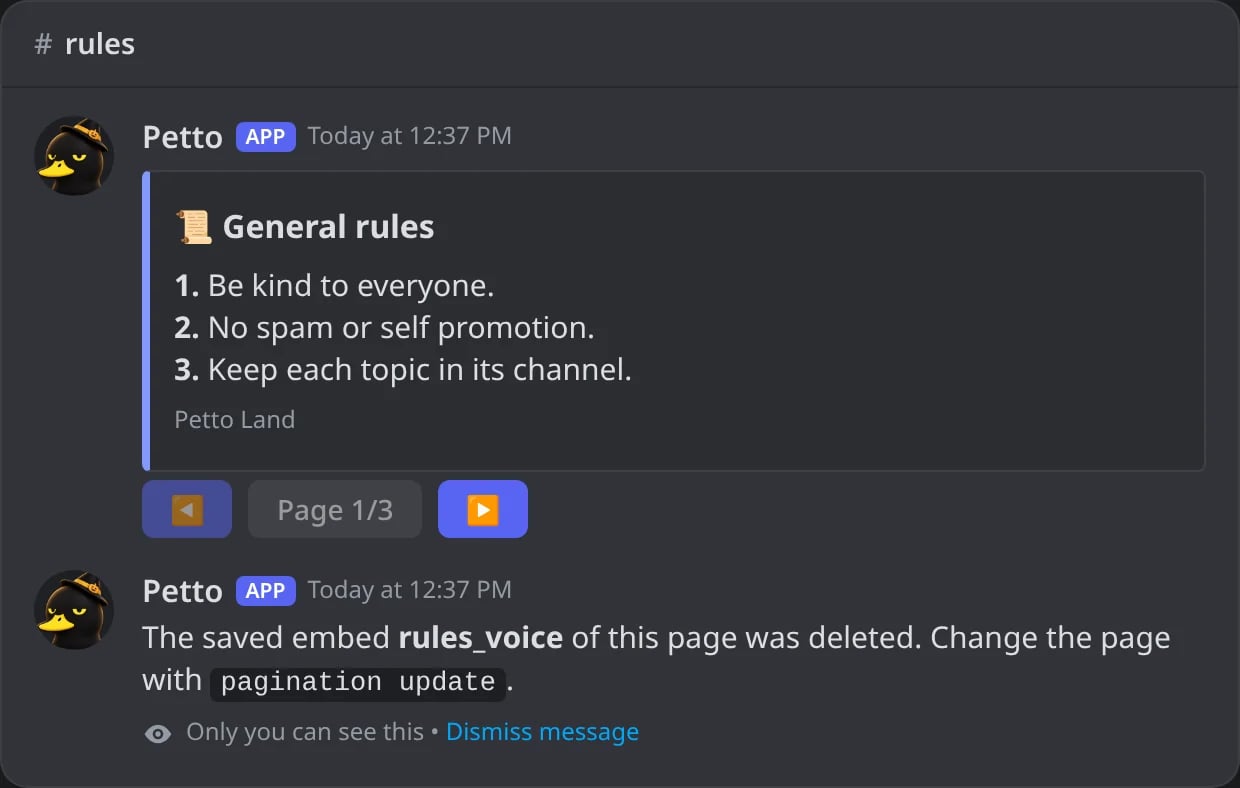
In Discord: the saved embed of page 2 was deleted: the click answers with the error.