
Overview
Reaction triggers add reactions automatically. They are configured with Petto’s prefix commands and can also be managed from Dashboard → Automation. These are different from Reaction Roles: reaction triggers add an emoji to a message, while reaction roles change a member’s roles when they react.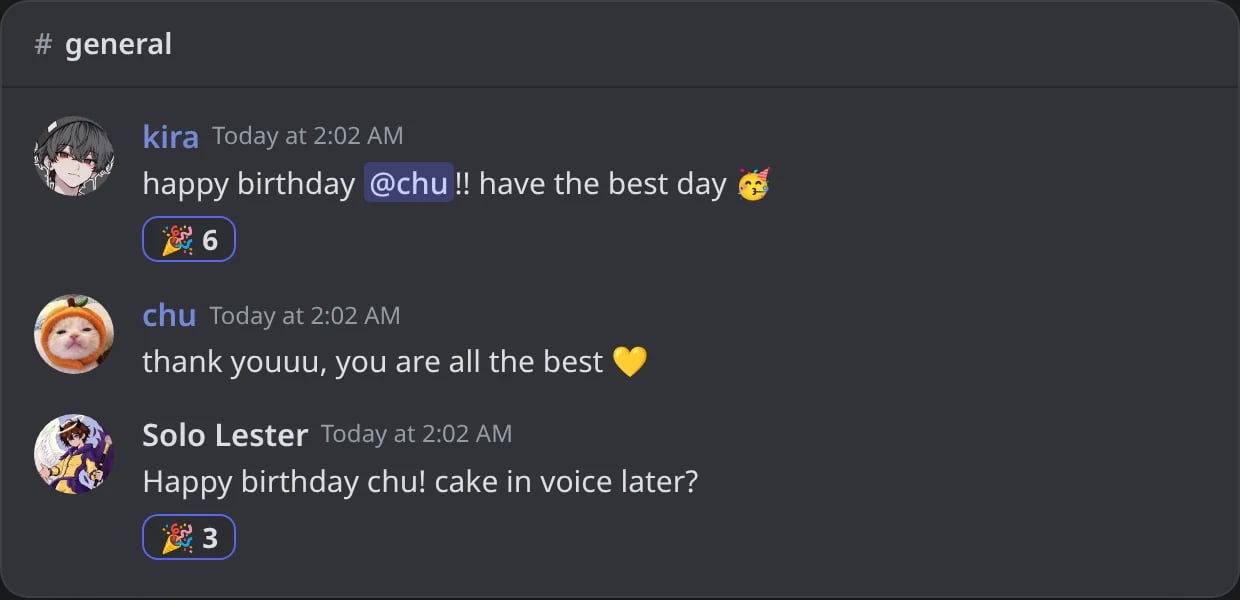
In Discord: every message that says happy birthday gets Petto's 🎉 (the counts include the members who joined in).
Commands
!reaction react
!reaction react
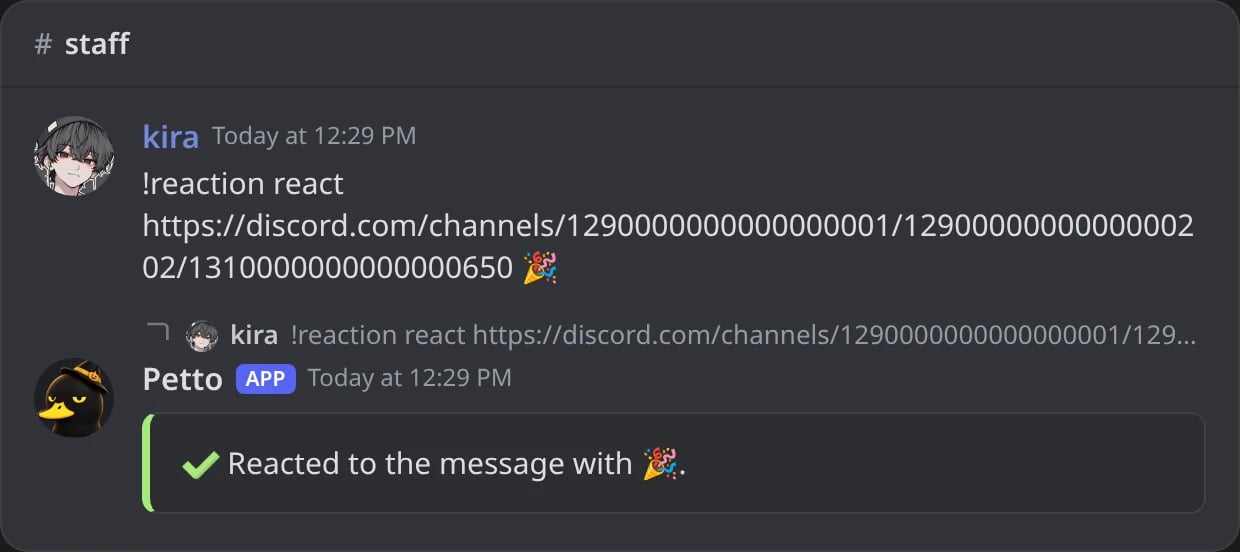
In Discord: Petto reacts to a message from its link.
!reaction add
!reaction add
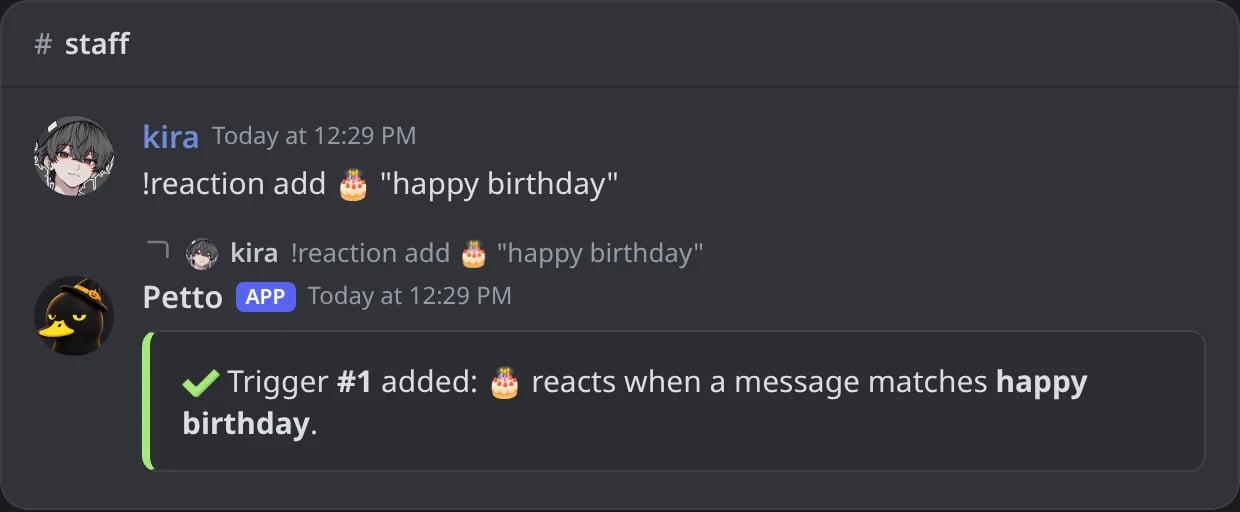
In Discord: a new trigger and its number.
!reaction edit
!reaction edit
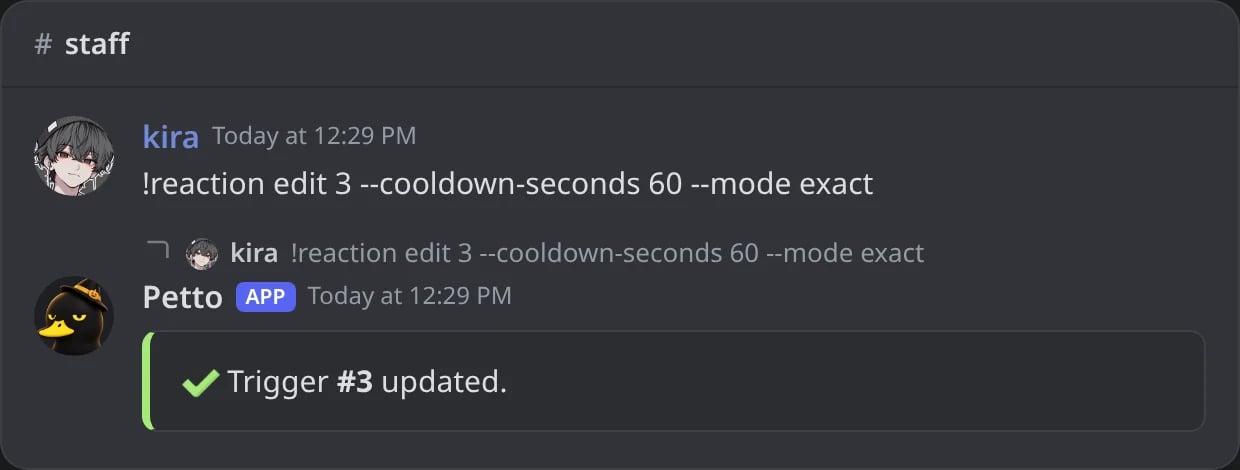
In Discord: the settings of a trigger changed by its number.
!reaction owner
!reaction owner
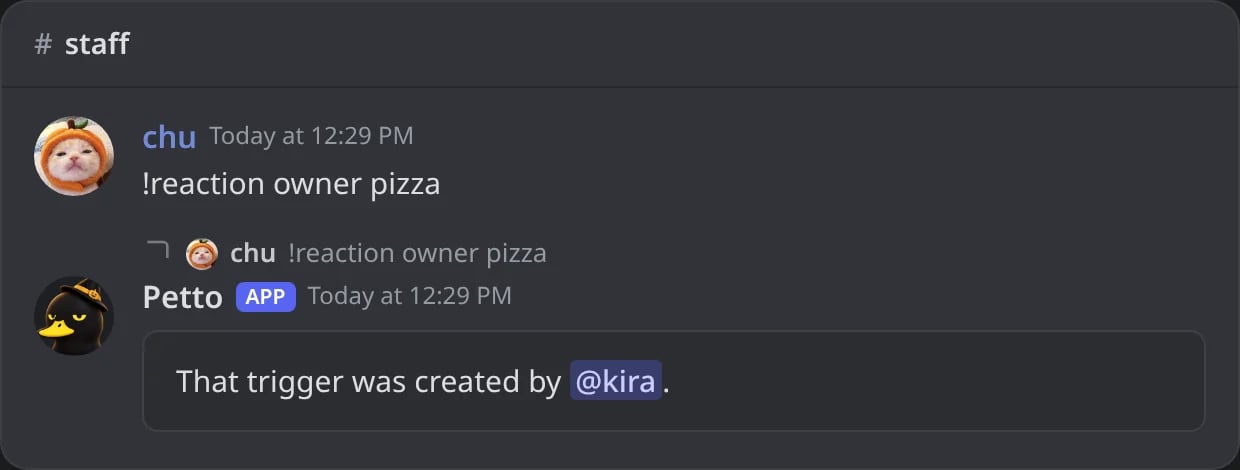
In Discord: who made a trigger.
!reaction remove
!reaction remove
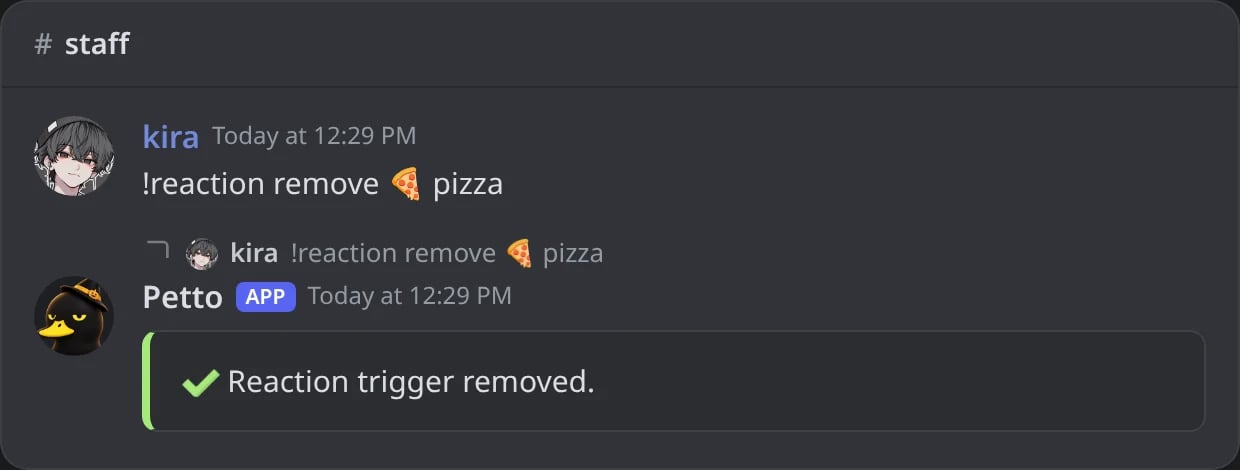
In Discord: one emoji and phrase removed.
!reaction removeall
!reaction removeall
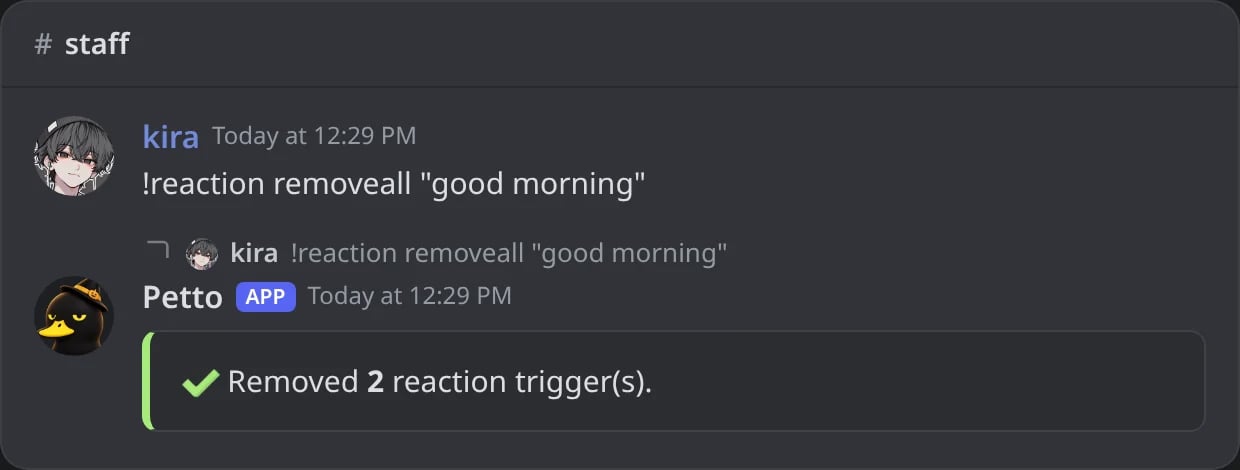
In Discord: every emoji of one phrase removed.
!reaction list
!reaction list
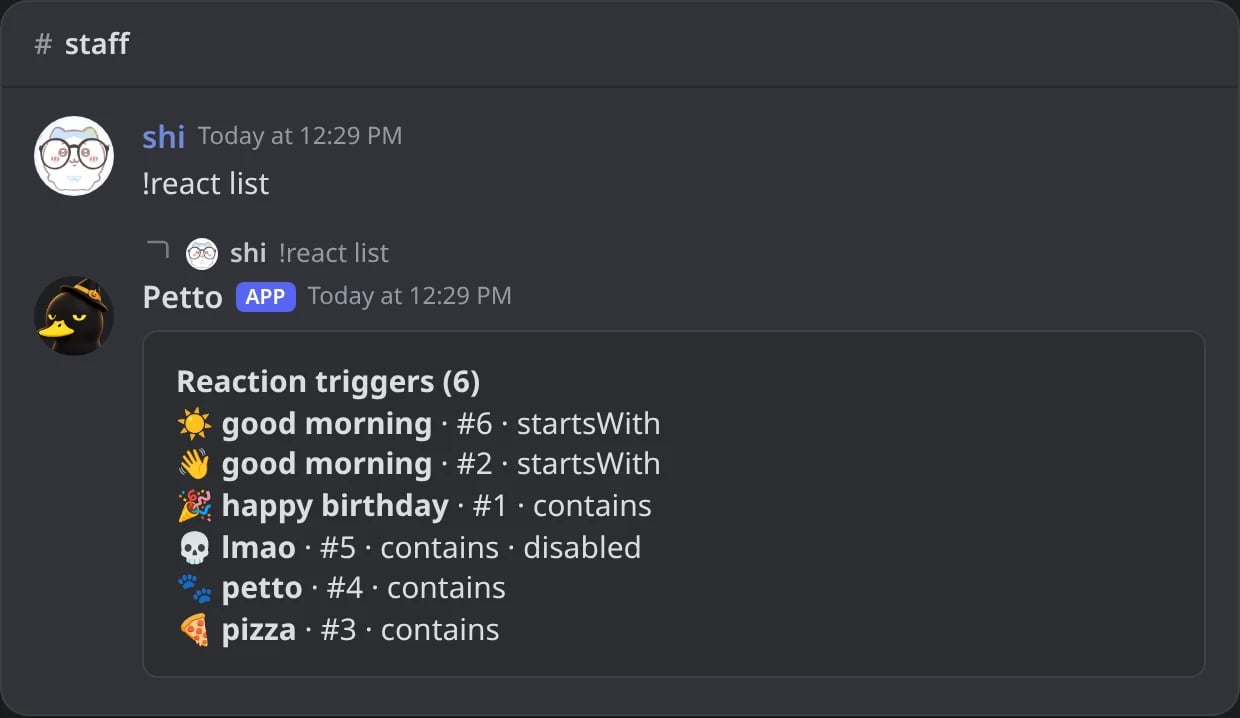
In Discord: the triggers of the server, with !react.
!reaction reset
!reaction reset
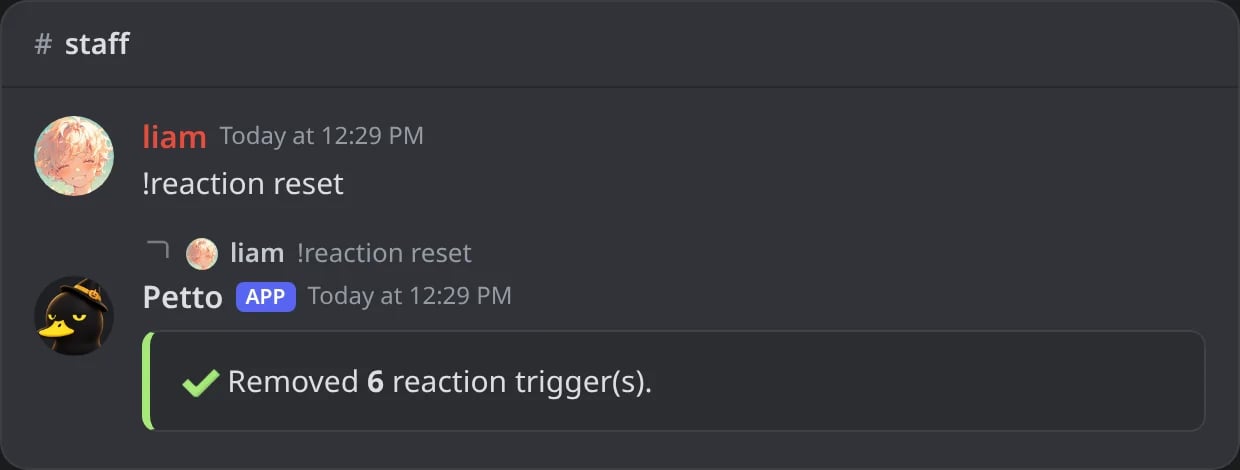
In Discord: every trigger of the server removed.
!reaction messages
!reaction messages
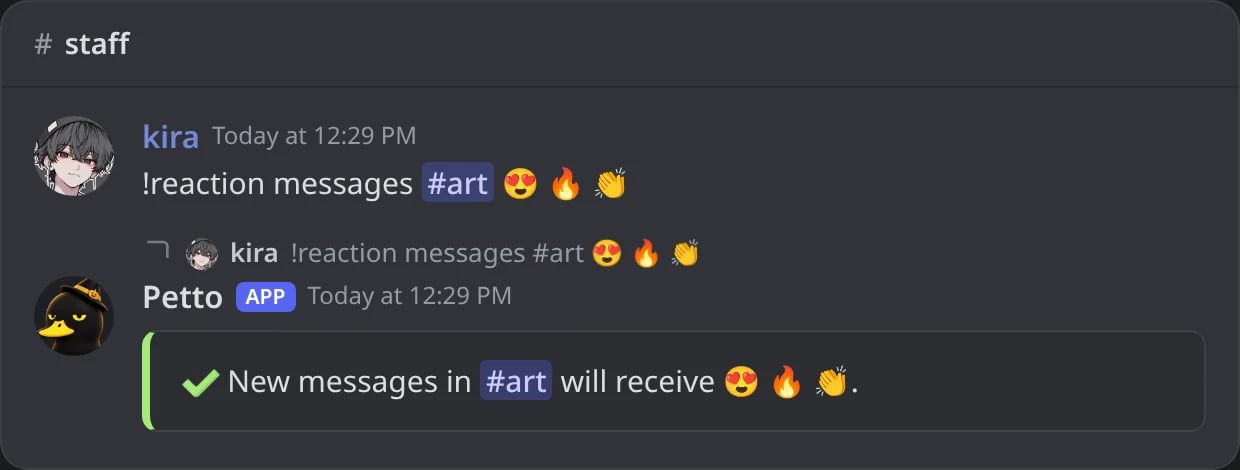
In Discord: three emojis for every new message of #art.
!reaction messages_list
!reaction messages_list
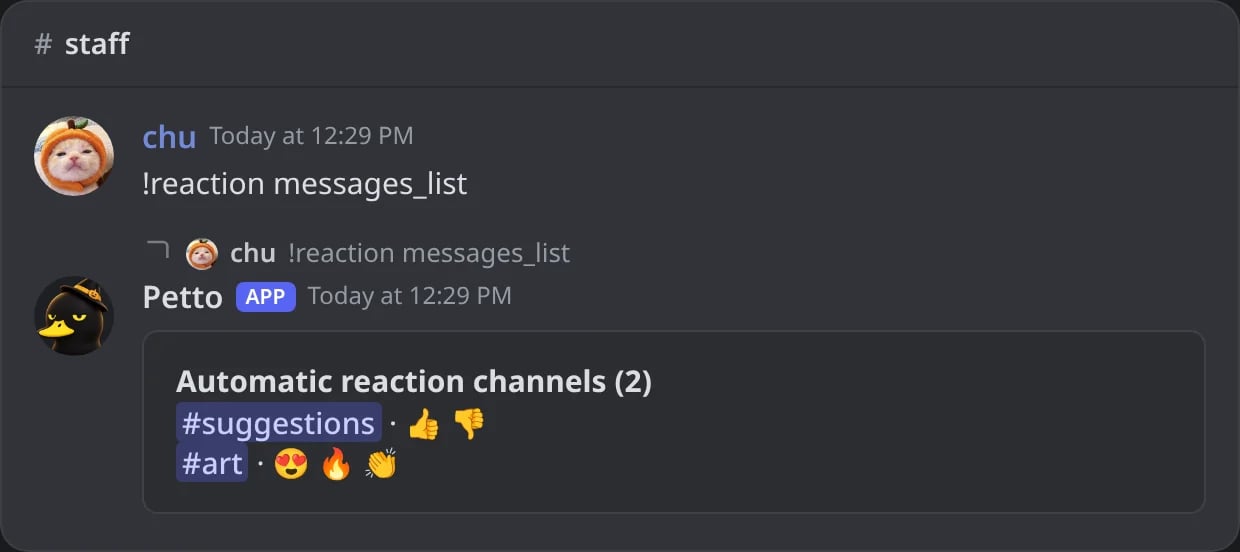
In Discord: the channels with automatic reactions.
!react is an alias for !reaction. These commands are prefix-only; Petto does not register them as slash commands.
!reactionconfig shows the triggers of the server and the commands to change them.
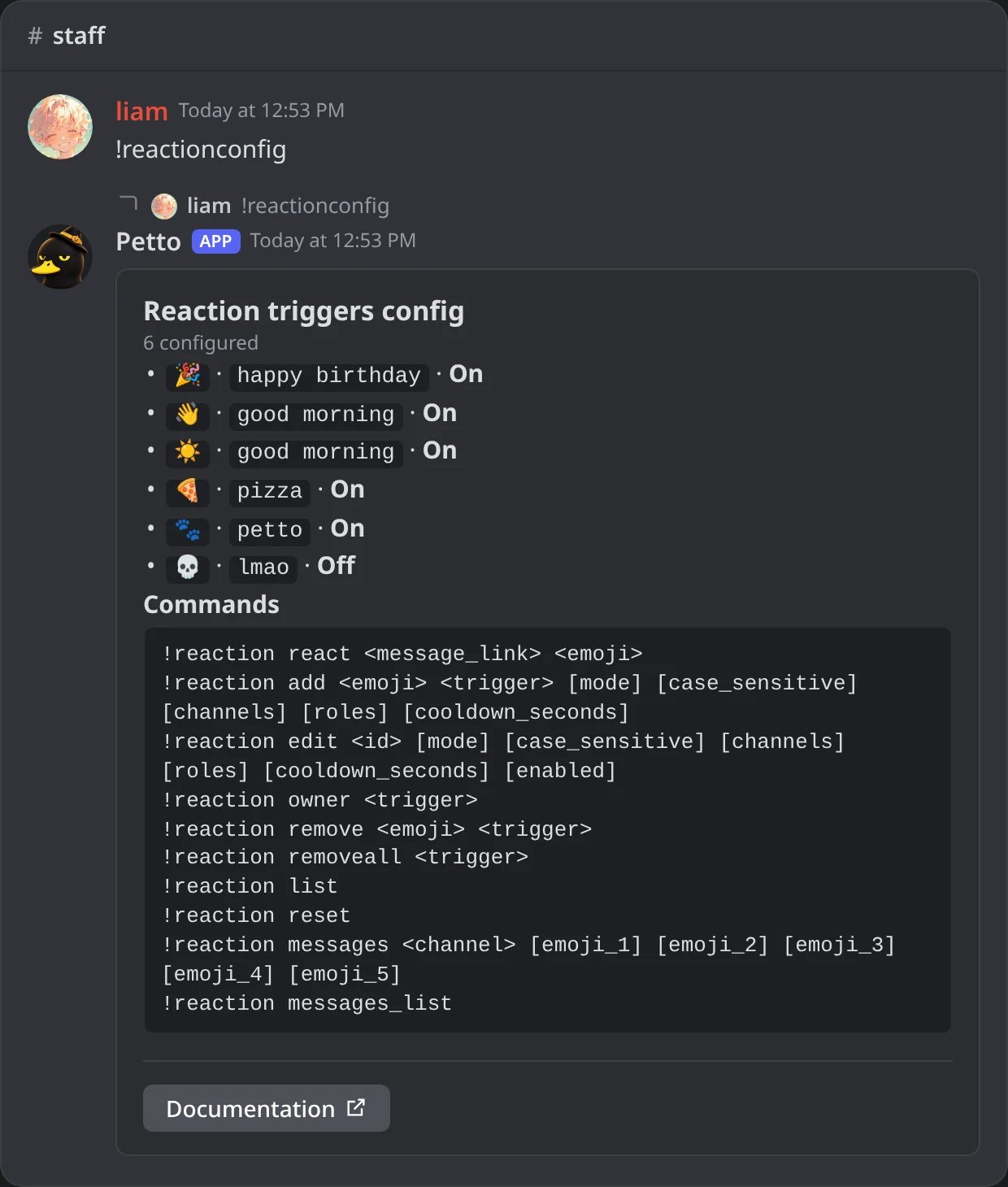
In Discord: the card of !reactionconfig.
Matching triggers
add stores a case-insensitive word or phrase. Petto reacts when the phrase appears in a new message. Very common one-word triggers such as hey, the, and, or you are blocked to avoid making every message query an expensive automation.
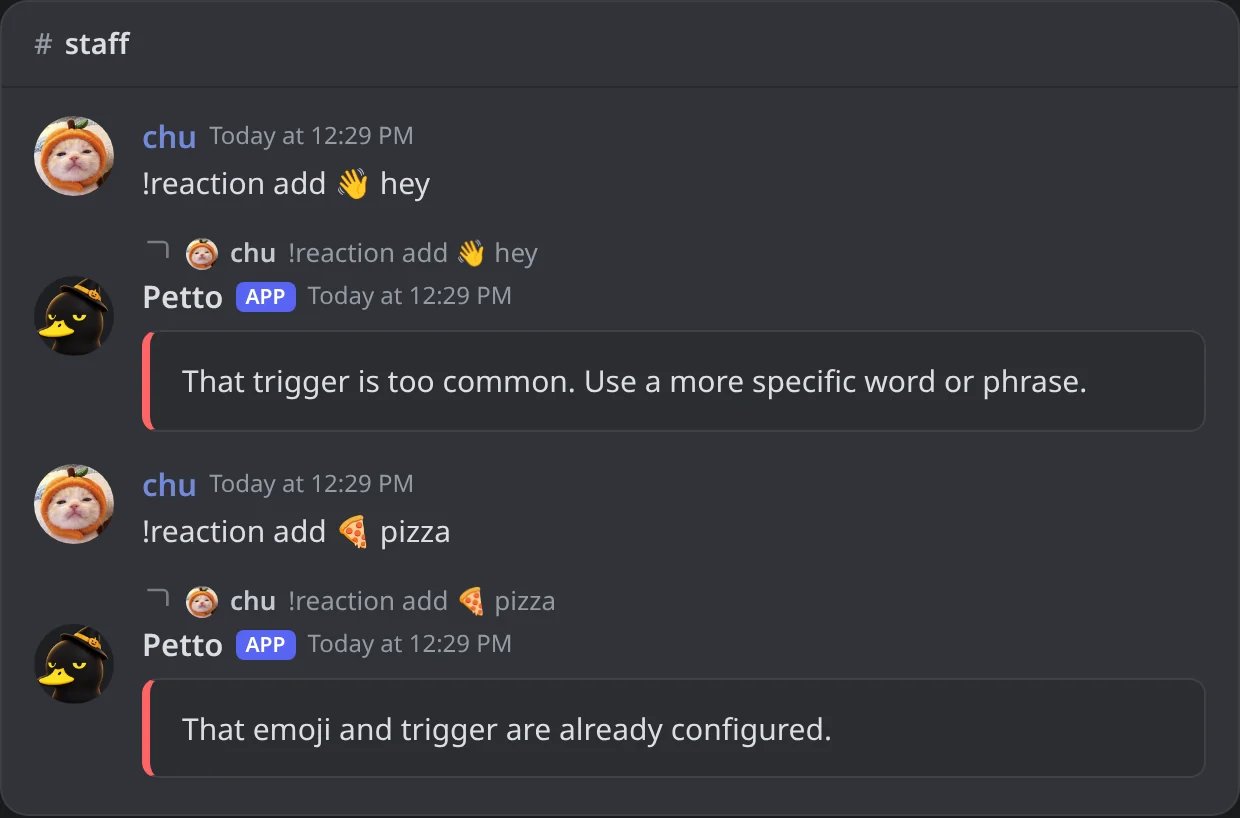
In Discord: a trigger that is too common, and one that already exists.
contains,startsWith,endsWith, orexactmatching.- Case-sensitive or case-insensitive matching.
- Channel and role scopes.
- A per-member cooldown from 0 to 86400 seconds.
- Enabled/disabled state without deleting the trigger.
!reaction edit uses the trigger ID shown by !reaction list.
Use owner to see who created a trigger. remove deletes one emoji/phrase pair, removeall deletes every emoji for one phrase, and reset deletes all phrase triggers in the server.
Reacting to every message
messages configures a channel with up to five emojis. New messages in that channel receive those reactions. Running it without emojis disables automatic reactions for that channel.
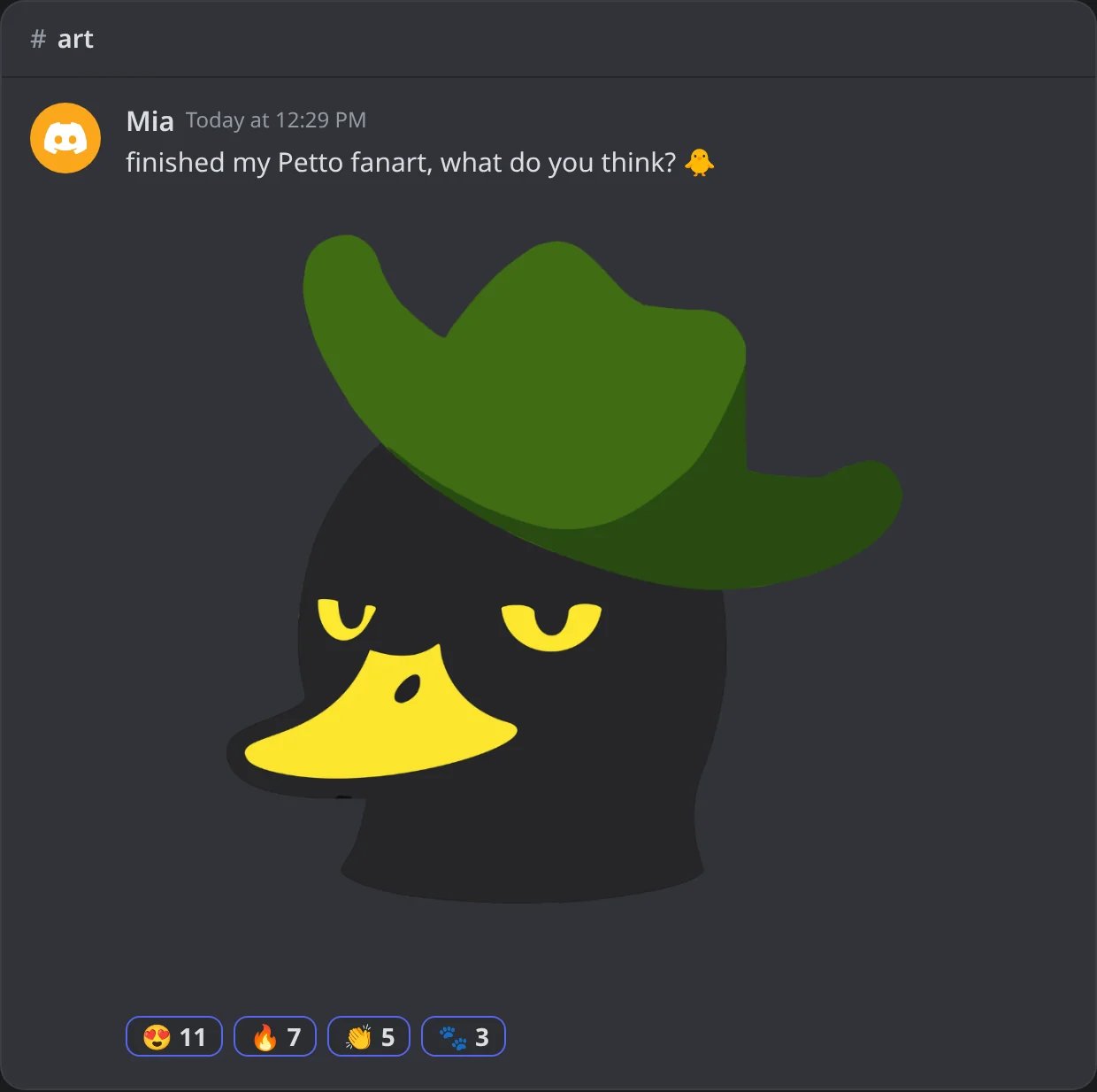
In Discord: a new drawing in #art gets the channel's three emojis (and 🐾, because it says petto).
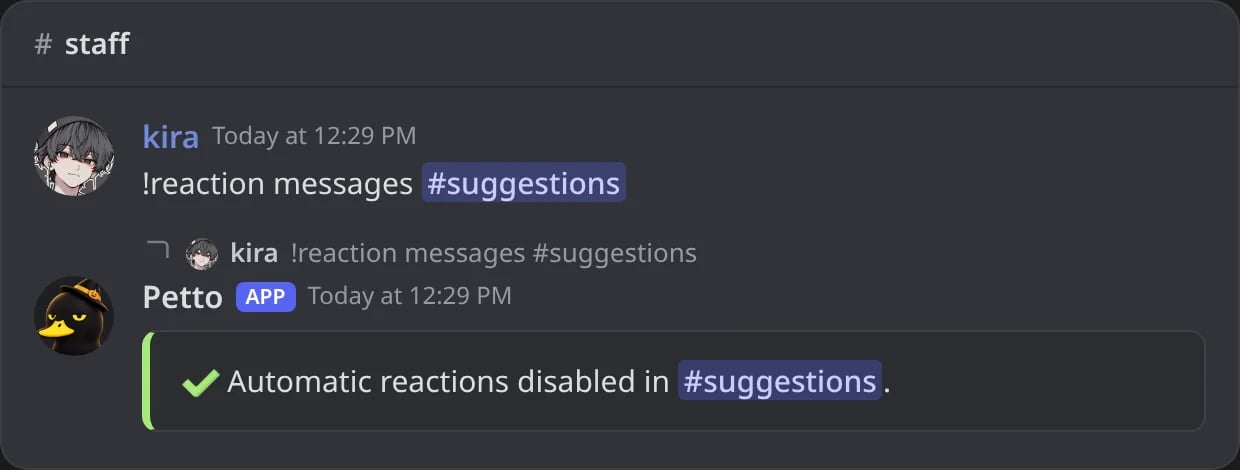
In Discord: a channel without emojis: its automatic reactions are turned off.
messages_list to see the configured channels. The bot needs permission to view the channel, read message history, and add reactions.
Dashboard
The Automation group of the dashboard has two pages:- Reaction Triggers: every trigger with its settings to edit, removal one by one and Remove all triggers.
- Channels that receive up to five reactions on every new message, in its own page, Message Reactions.
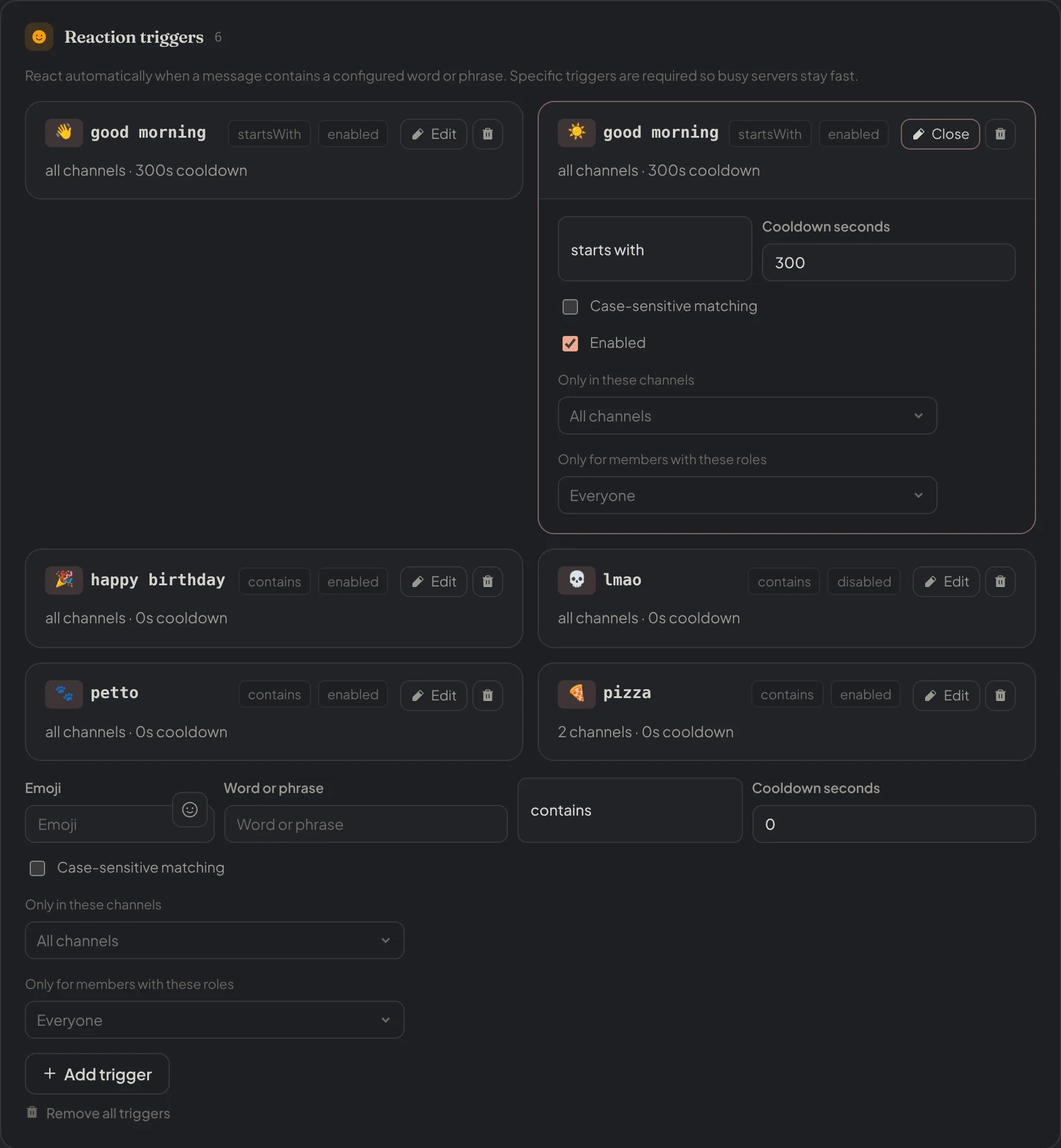
Dashboard → Automation → Reaction Triggers: the triggers of the server, one open to edit, and the form to add one.
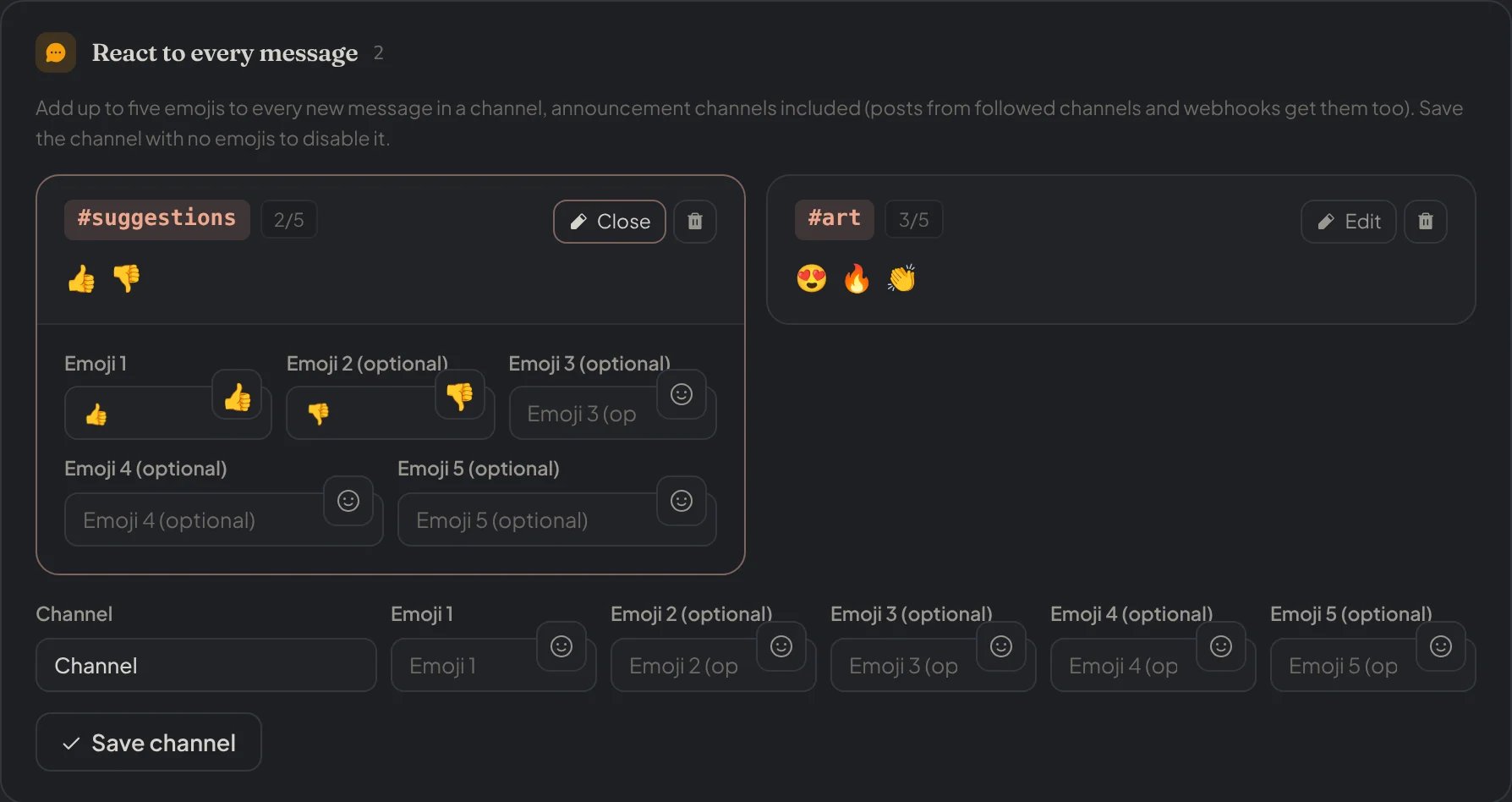
Dashboard → Automation → Message Reactions: the channels that react to every message, with up to five emojis each.