
Overview
Three picture commands, all in the Fun category:!quoteturns a message into a black and white quote picture.!image <effect>applies an effect (invert, blur, rotate, deep fry…) to an image, an avatar or a link. Each effect also has its own shortcut, like!bluror!invert.!color(also!hex) finds the main color of an image or an avatar.
!quote and !image, 4 seconds for !color. Both you and Petto need the Attach Files permission in the channel; if one of you is missing it, Petto says which. When many pictures are being made at the same time across Petto, you may be asked to try again in a few seconds.
Quote
!quote also works as !q and !miq (“make it a quote”).
What gets quoted, in this order:
- The message you reply to. Reply to a message and type
!quote. - A message link from this server. You and Petto must be able to read that channel; messages from other servers are refused.
- A message ID from the channel you are in.
- Text you write. Add a member at the start or at the end (
!quote hello @memberor!quote @member hello) to put the quote in their name; without one, the quote is yours.
@name, #channel and @role, links are shortened to their site, Markdown marks are removed, and custom and normal emojis are drawn as images (an emoji that cannot be loaded within a few seconds is written as text).
!quote --light --bold.
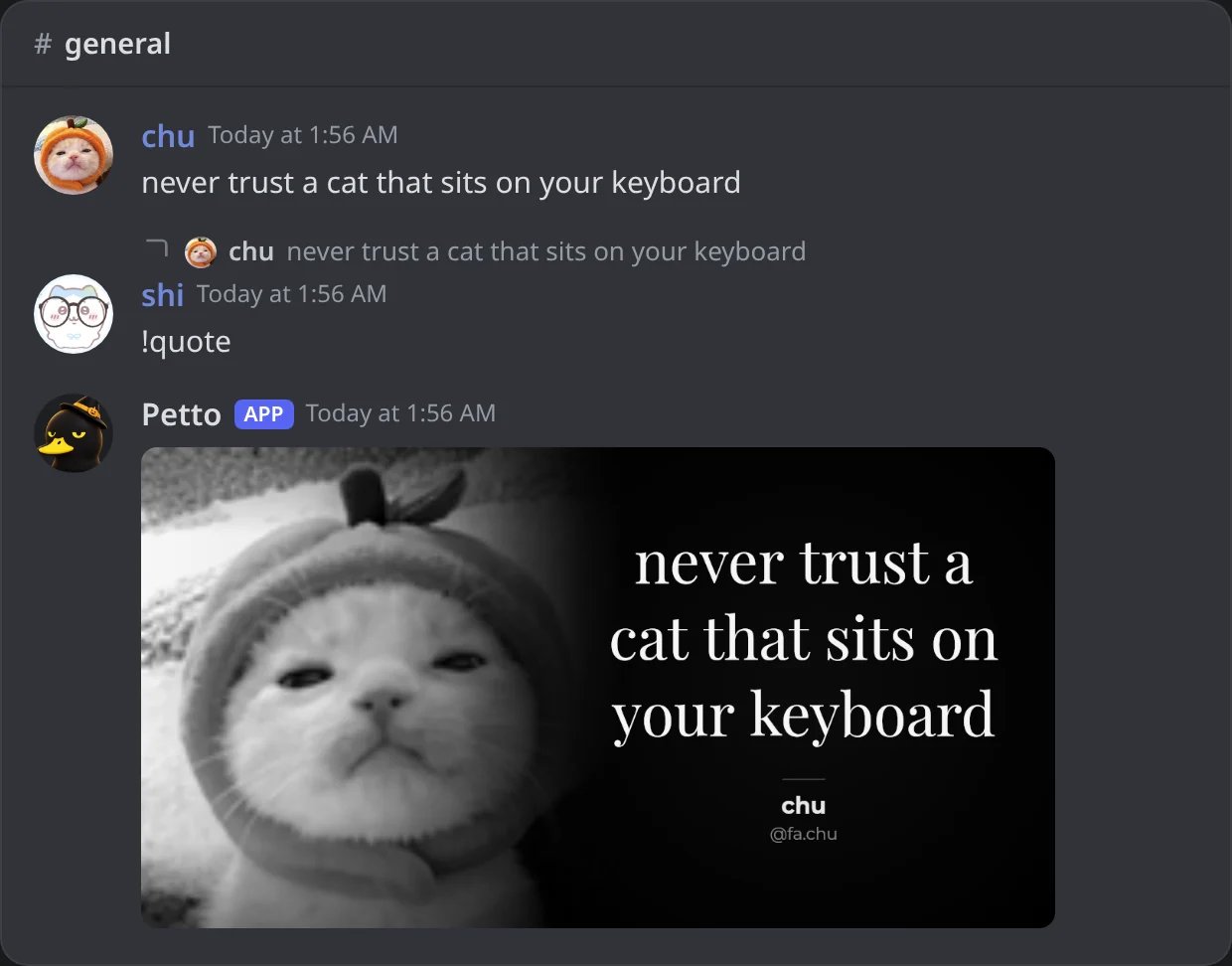
In Discord: !quote as a reply to a message.
!quote <text> @member
!quote <text> @member
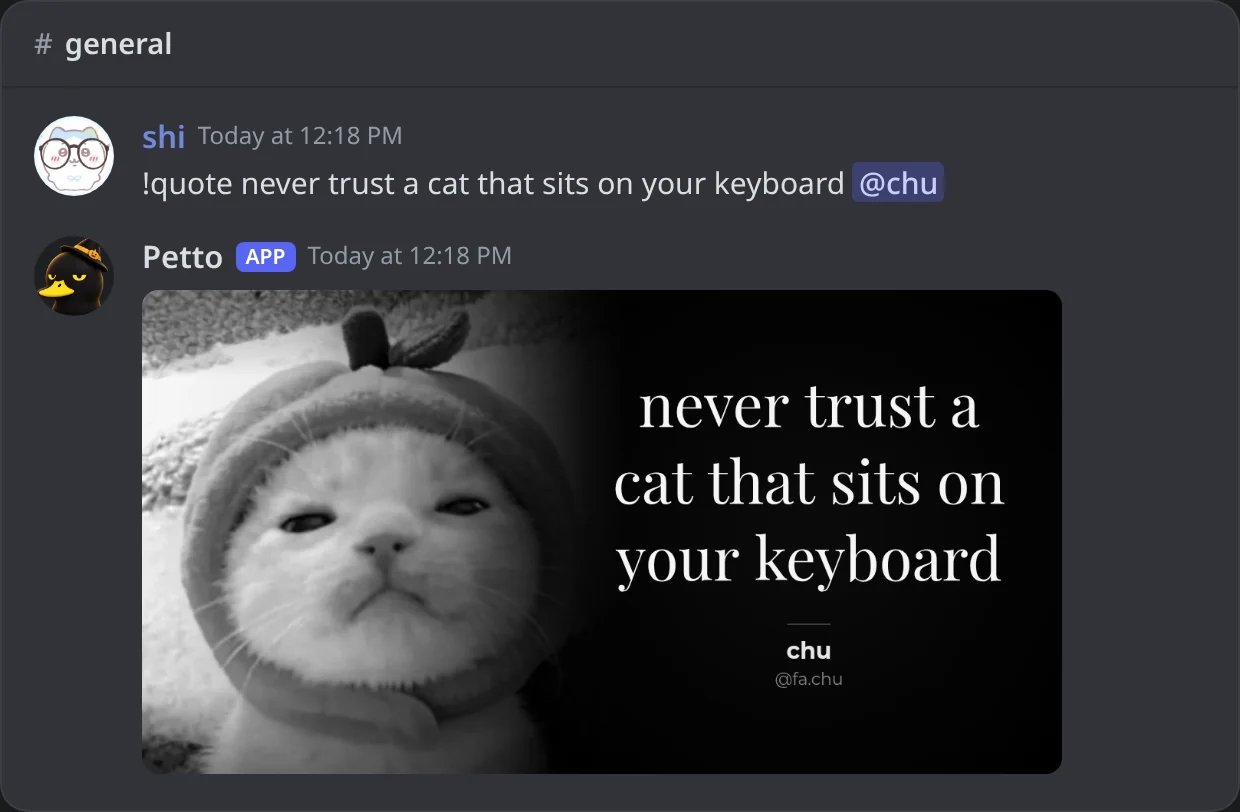
In Discord: text with a member at the end: the quote is in their name.
!quote <message link>
!quote <message link>
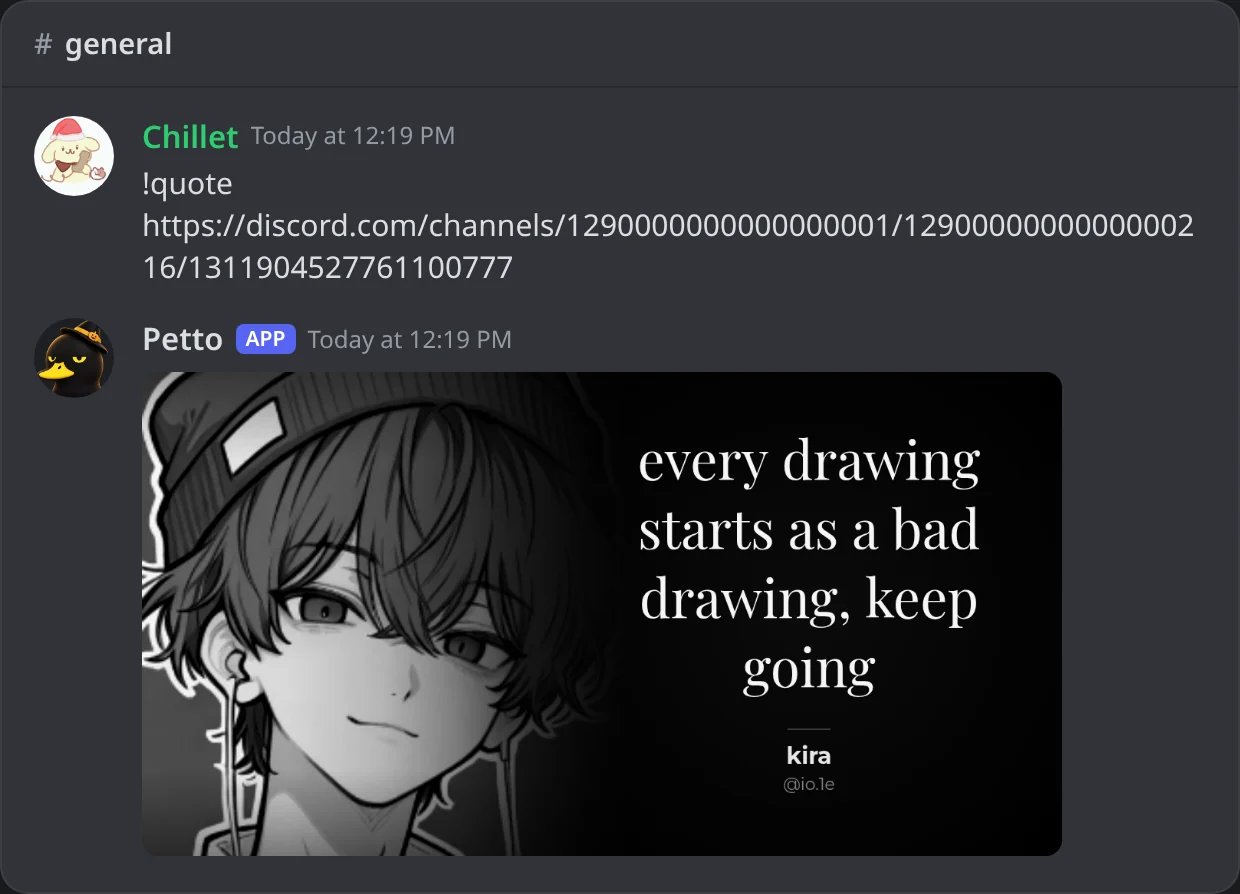
In Discord: a link to a message of another channel of the server.
!quote <message ID>
!quote <message ID>
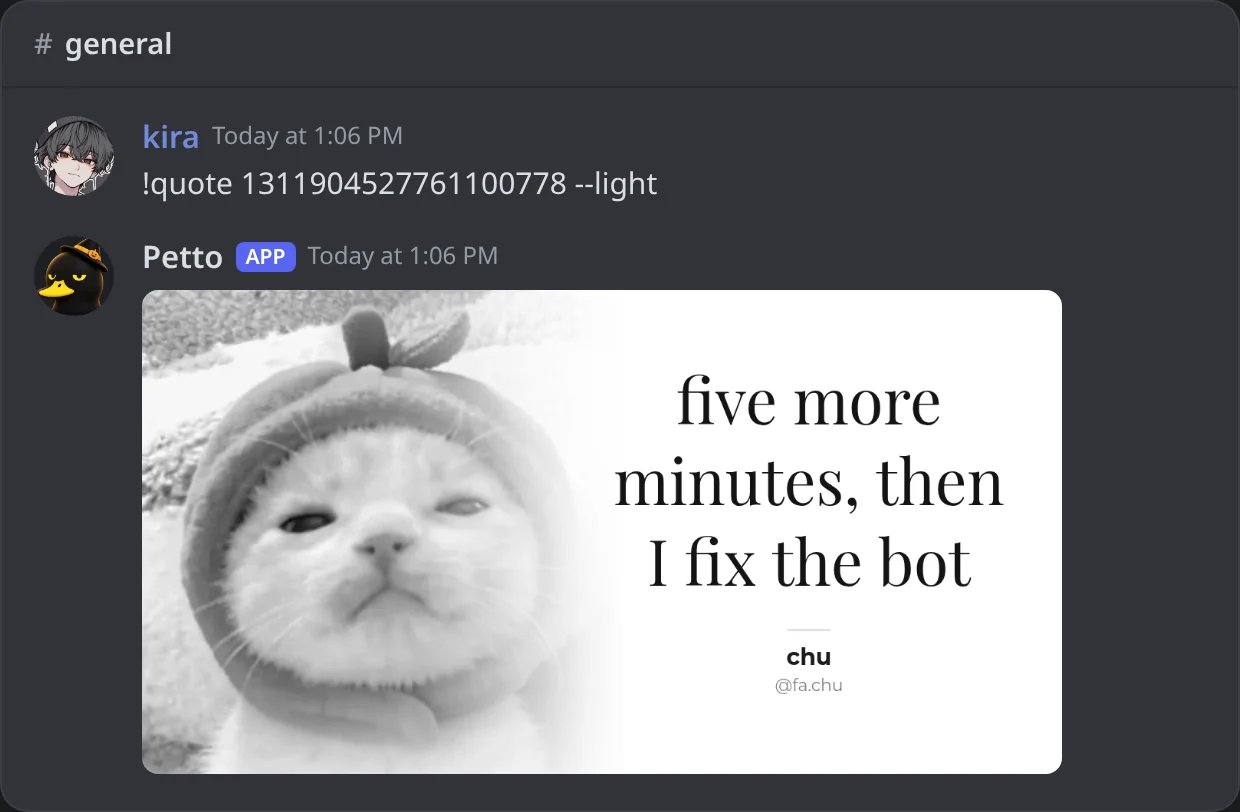
In Discord: the ID of a message of this channel, here with --light.
--light
--light
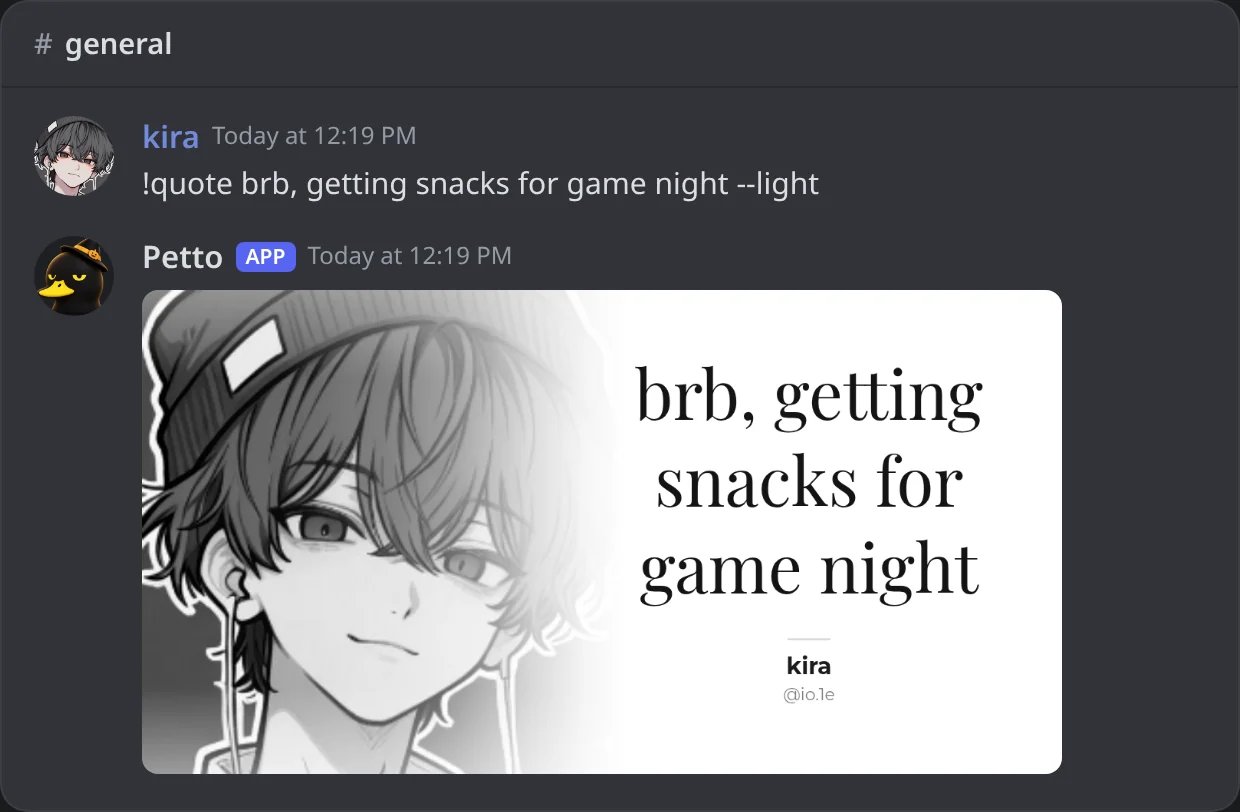
In Discord: --light: white background and dark text.
--color --bold
--color --bold
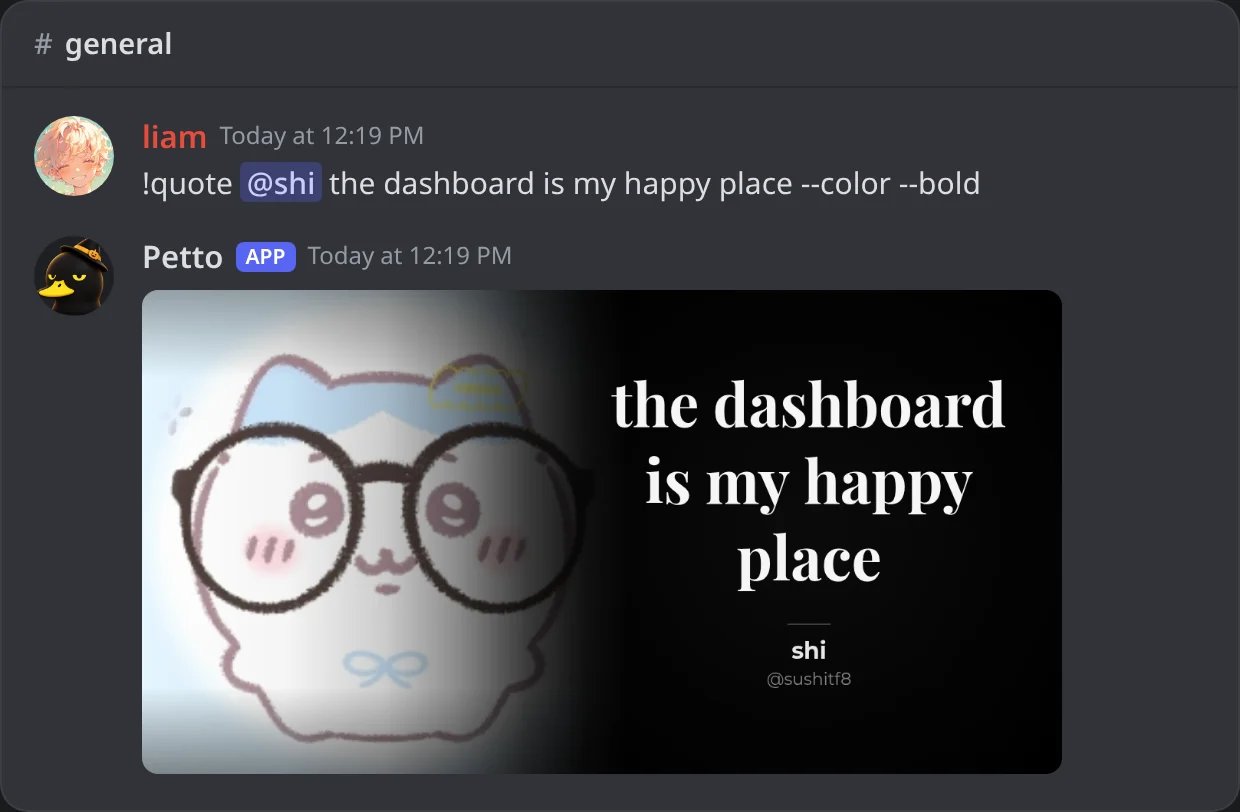
In Discord: --color keeps the avatar in color and --bold uses a heavier font.
Nothing to quote
Nothing to quote
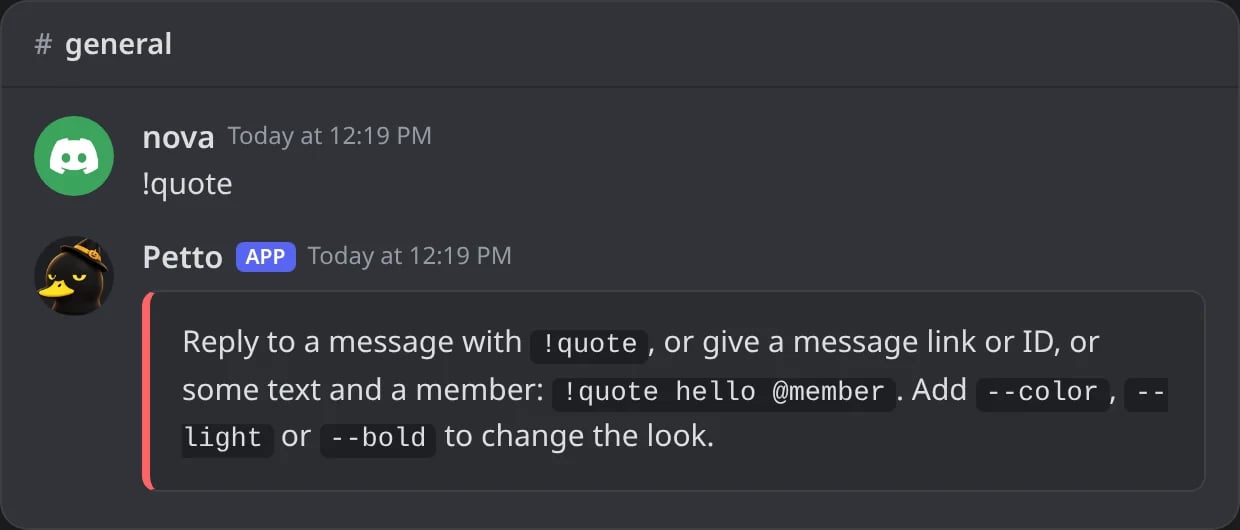
In Discord: !quote alone, not as a reply, says how to use it.
Image effects
!image also works as !img.
!blur 20 @Someone is !image blur 20 @Someone. A short number first is the amount; a long number is read as a member ID, so !rotate 123456789012345678 turns that member’s avatar.
!image invert
!image invert
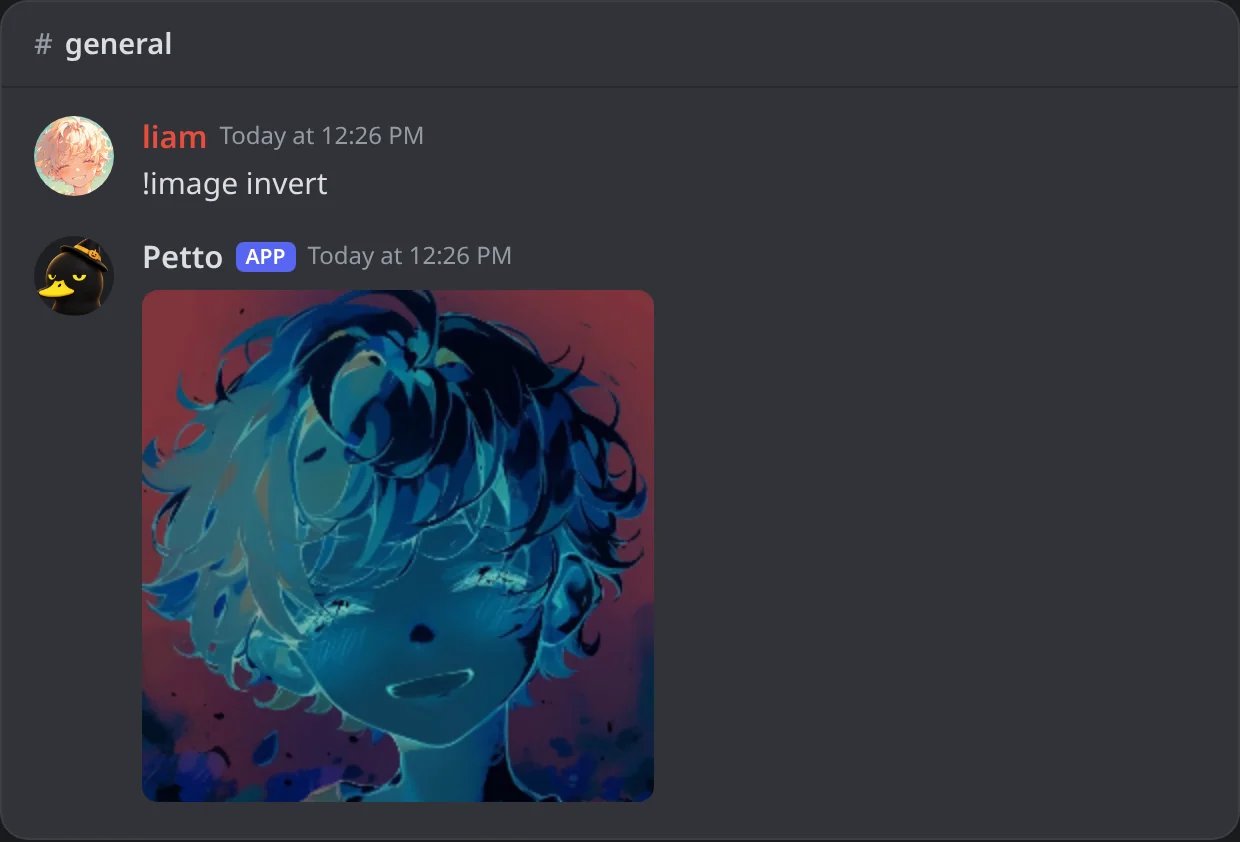
In Discord: the colors of your own avatar, inverted.
!grayscale @member
!grayscale @member
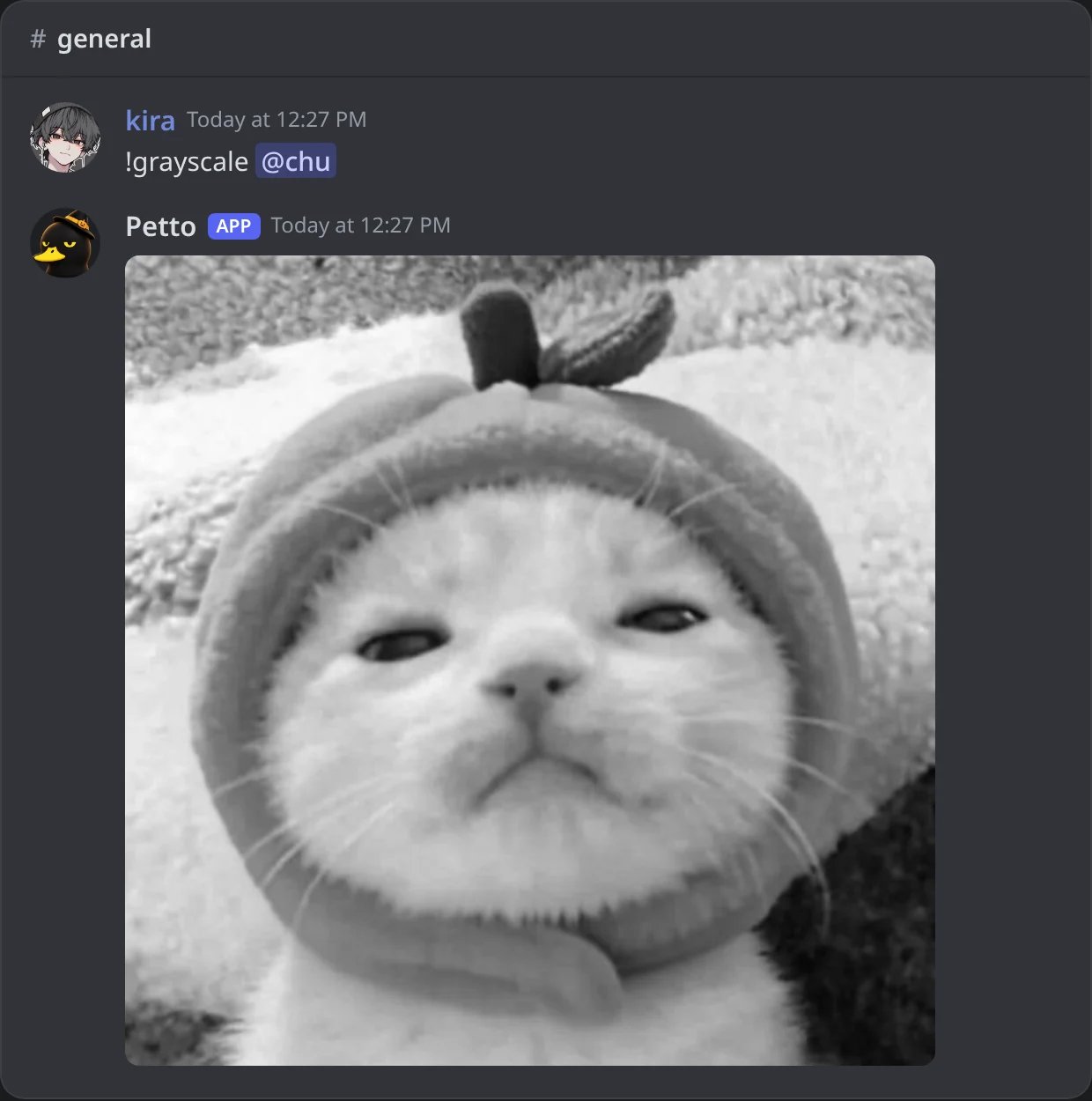
In Discord: a member's avatar in black and white.
!sepia @member
!sepia @member
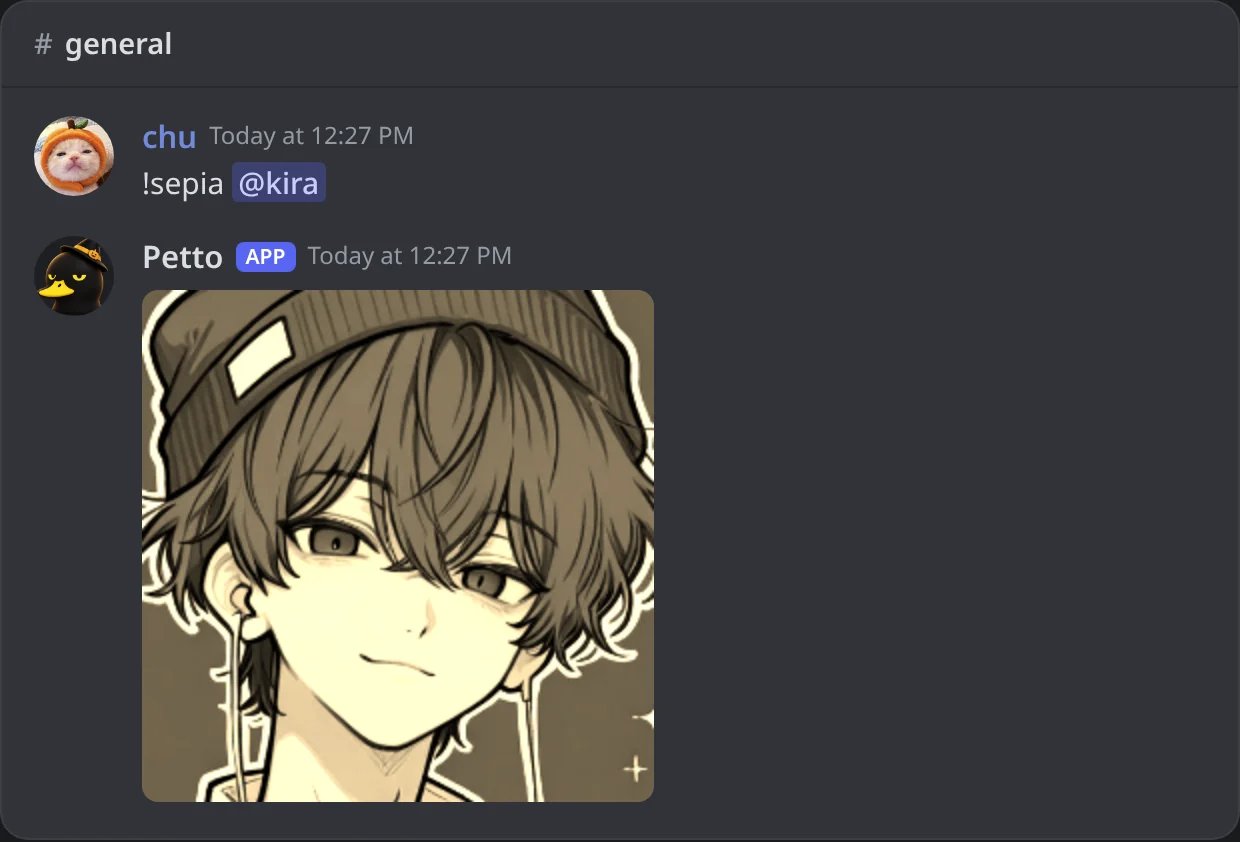
In Discord: an old photo look.
!image blur 20 @member
!image blur 20 @member
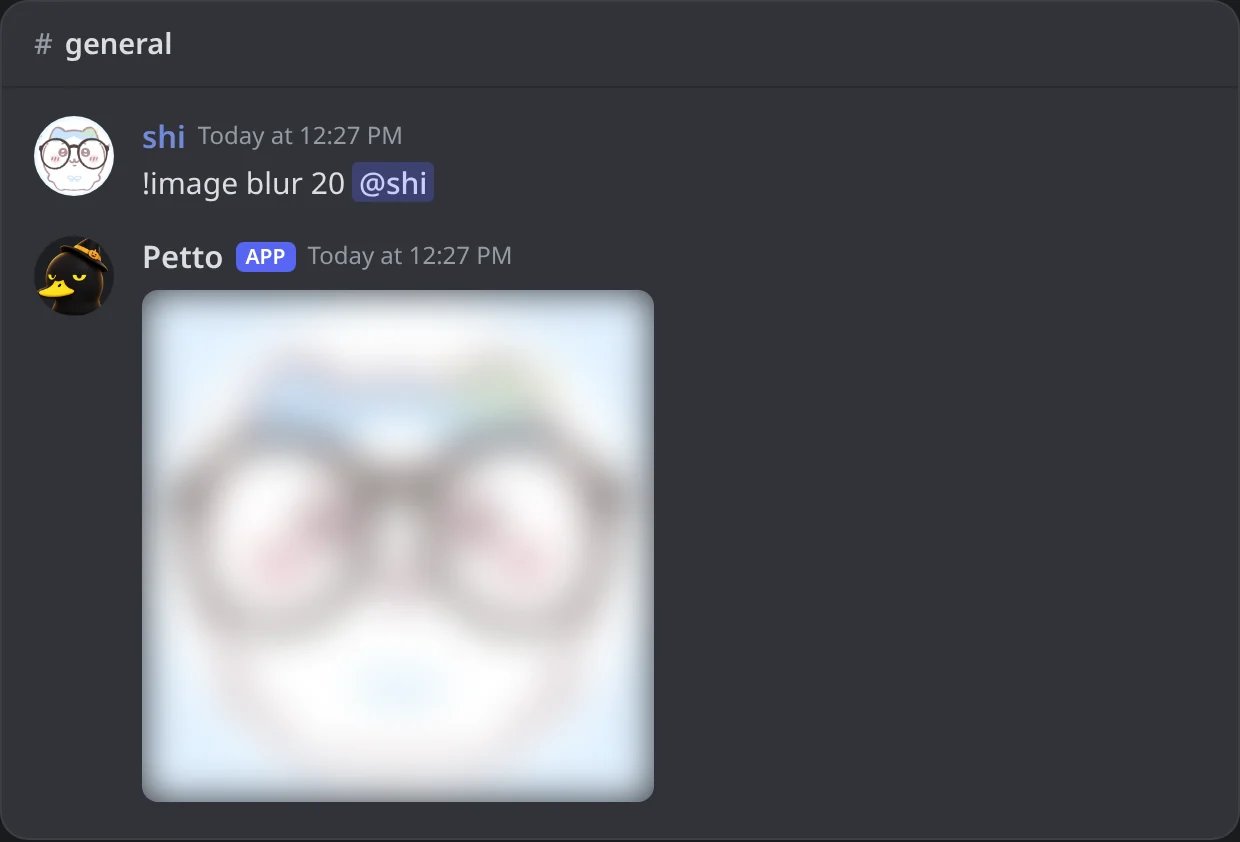
In Discord: blur with an amount of 20.
!img pixelate 30
!img pixelate 30
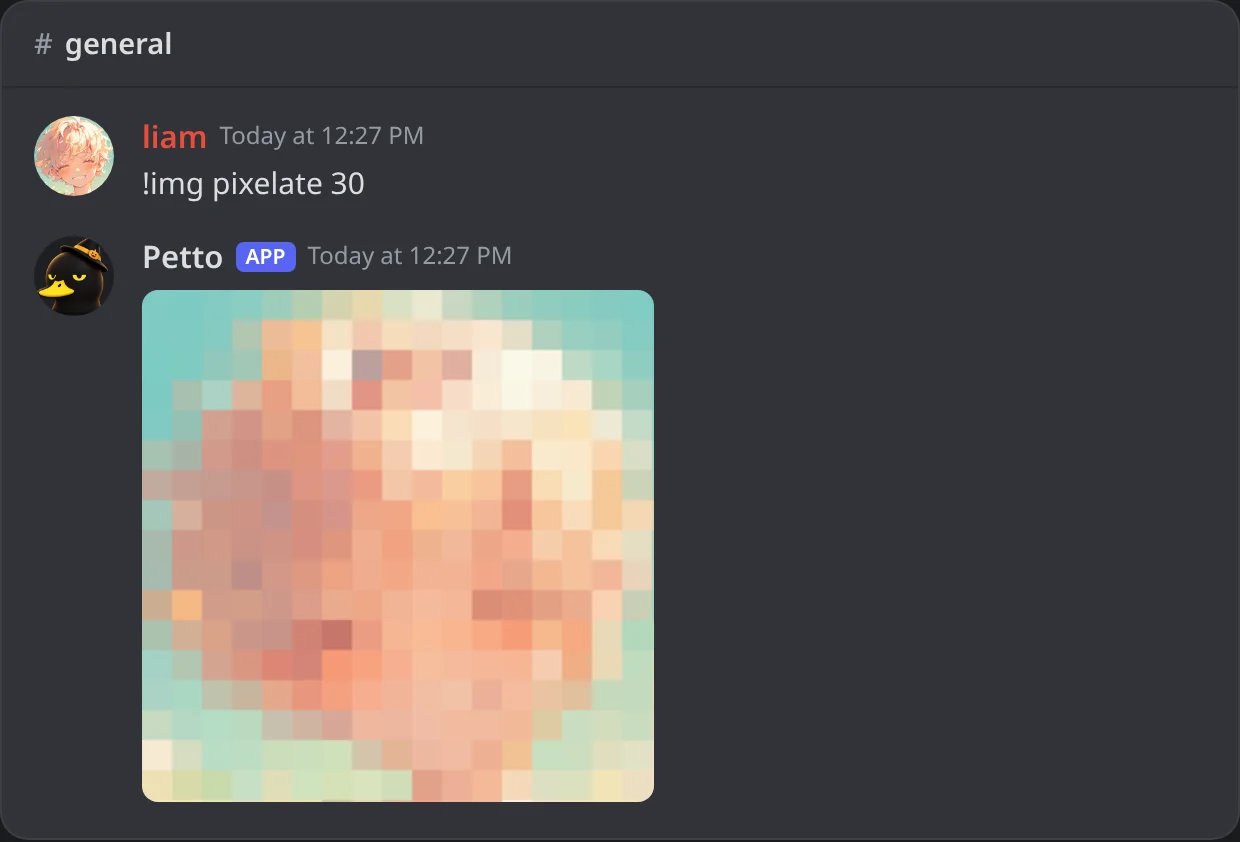
In Discord: pixels of 30.
!rotate 45 @member
!rotate 45 @member
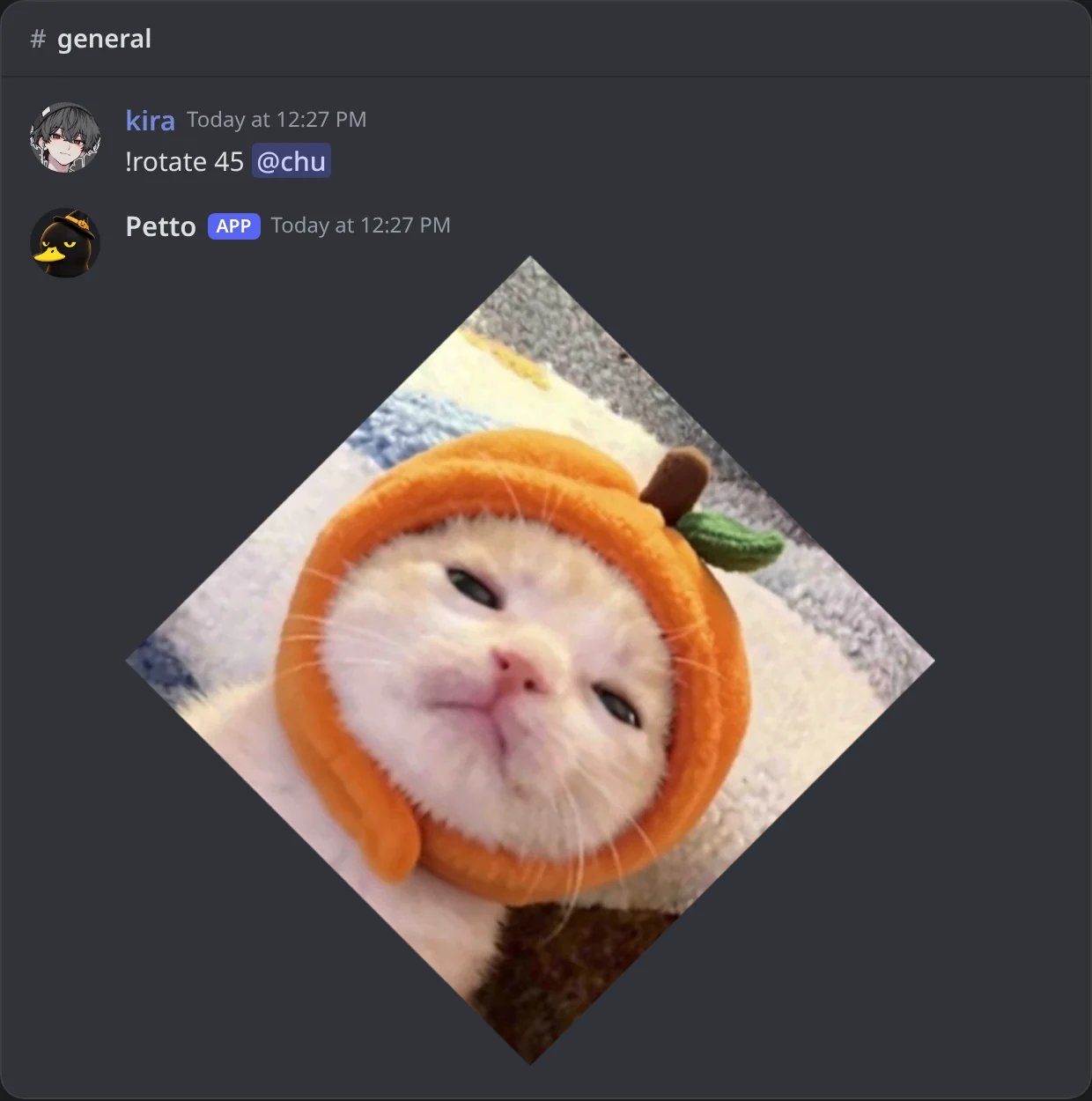
In Discord: turned 45 degrees, with see-through corners.
!flip @member
!flip @member
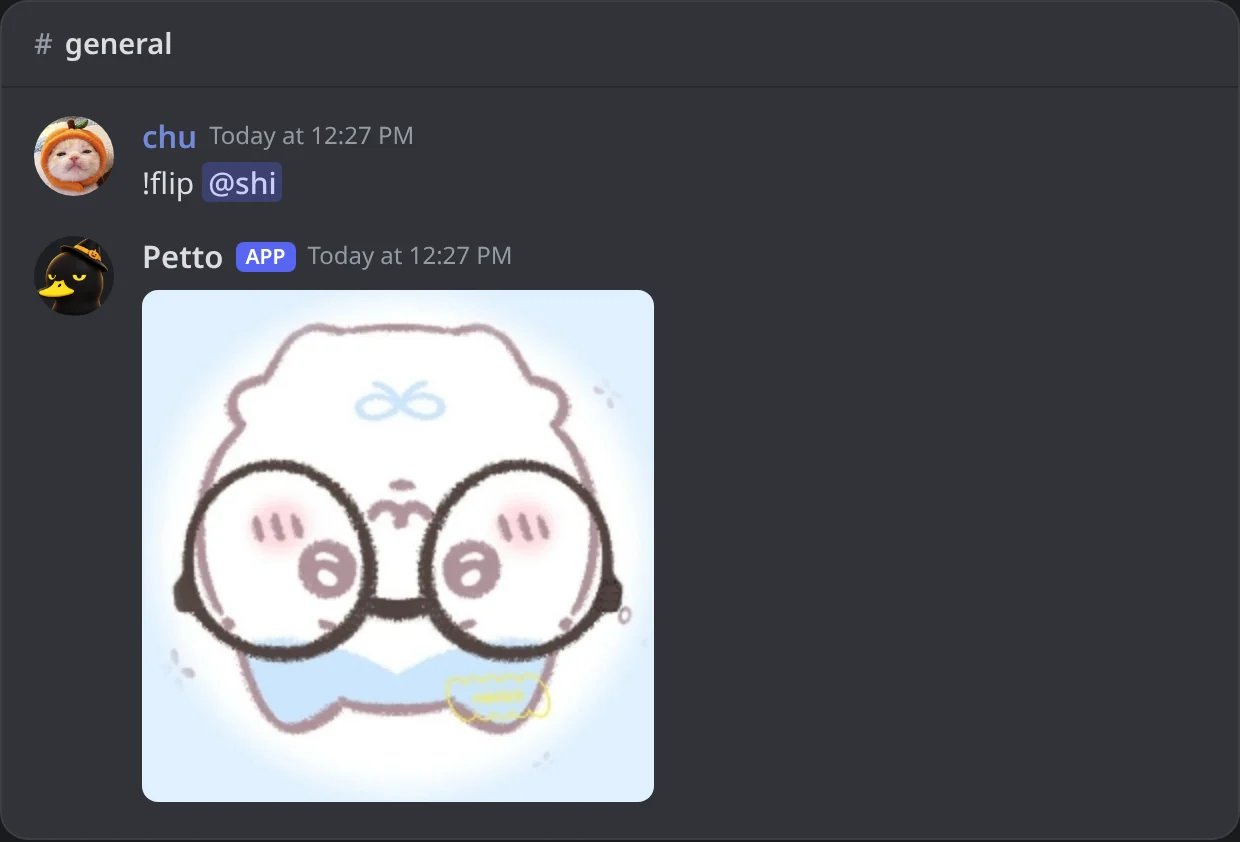
In Discord: upside down.
!mirror @member
!mirror @member
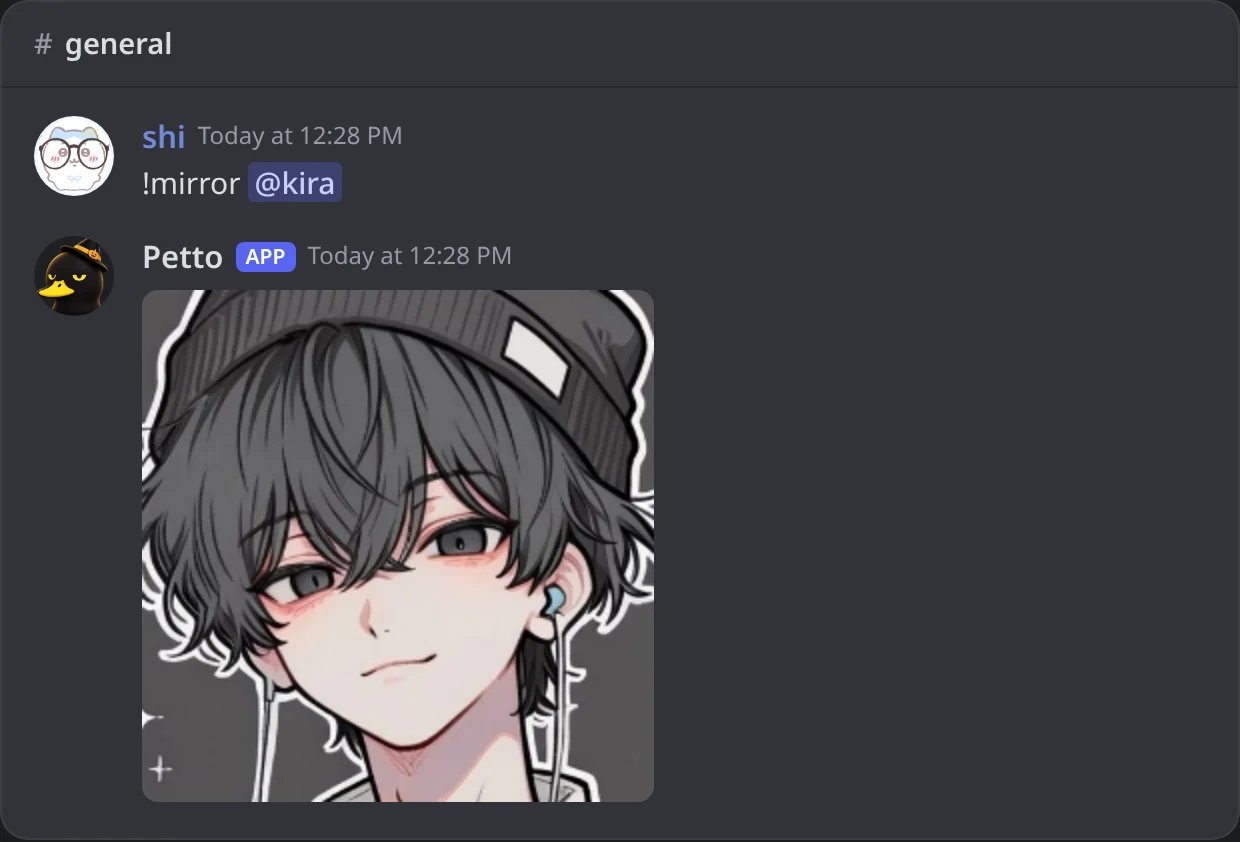
In Discord: left to right.
!circle @member
!circle @member
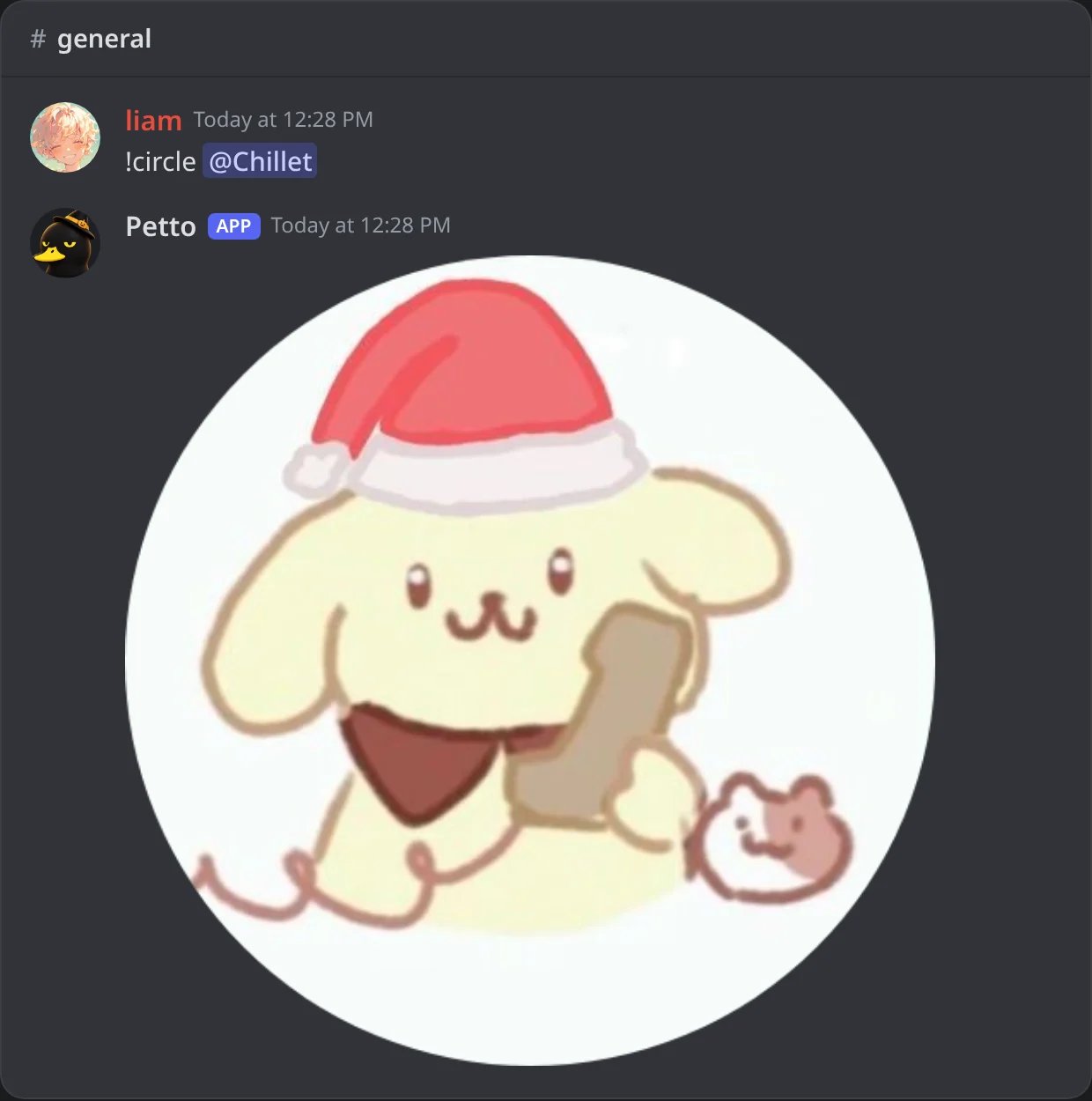
In Discord: cropped into a circle.
!deepfry @member
!deepfry @member
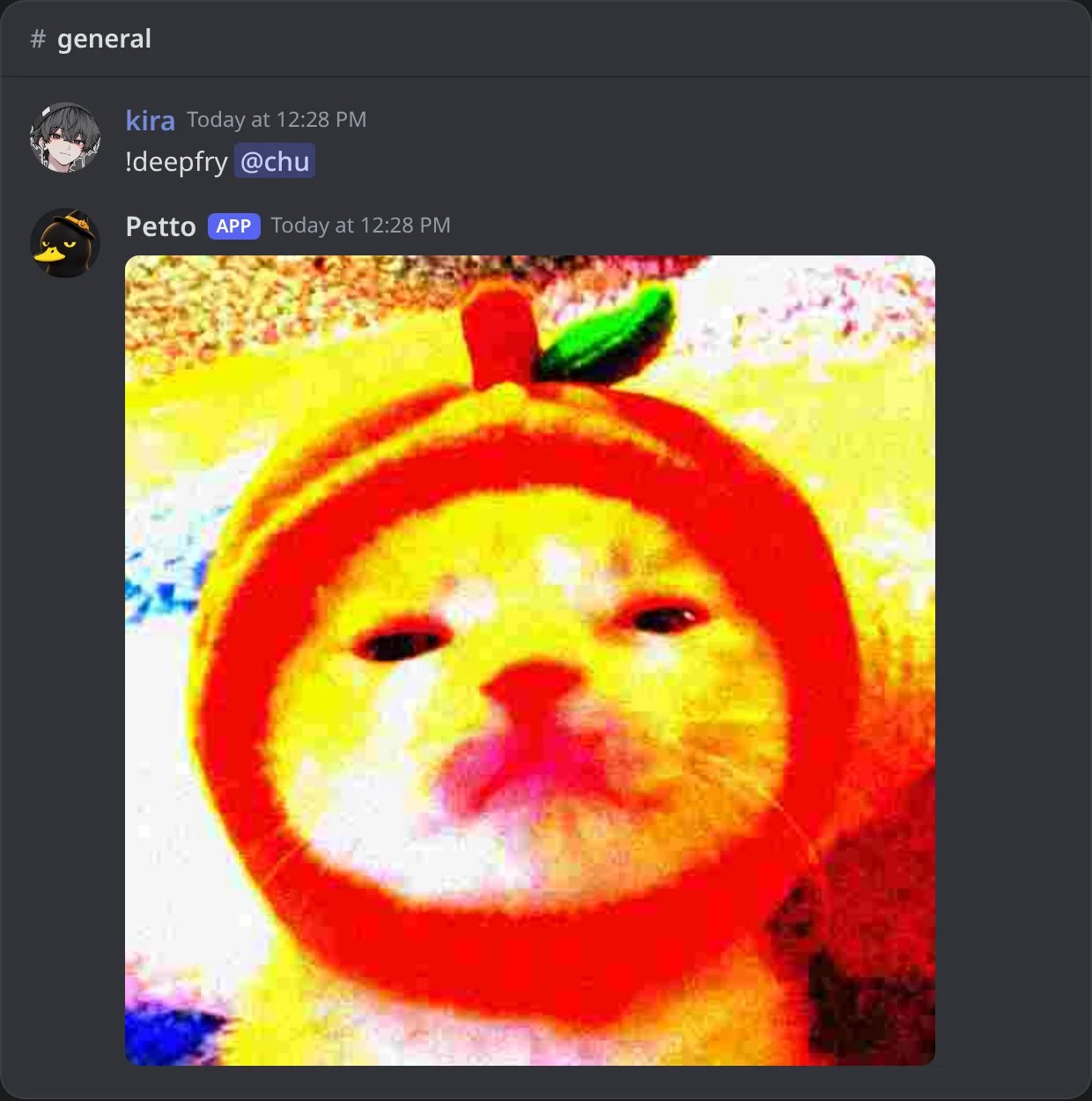
In Discord: deep fried, as a JPEG.
!compress 3 @member
!compress 3 @member
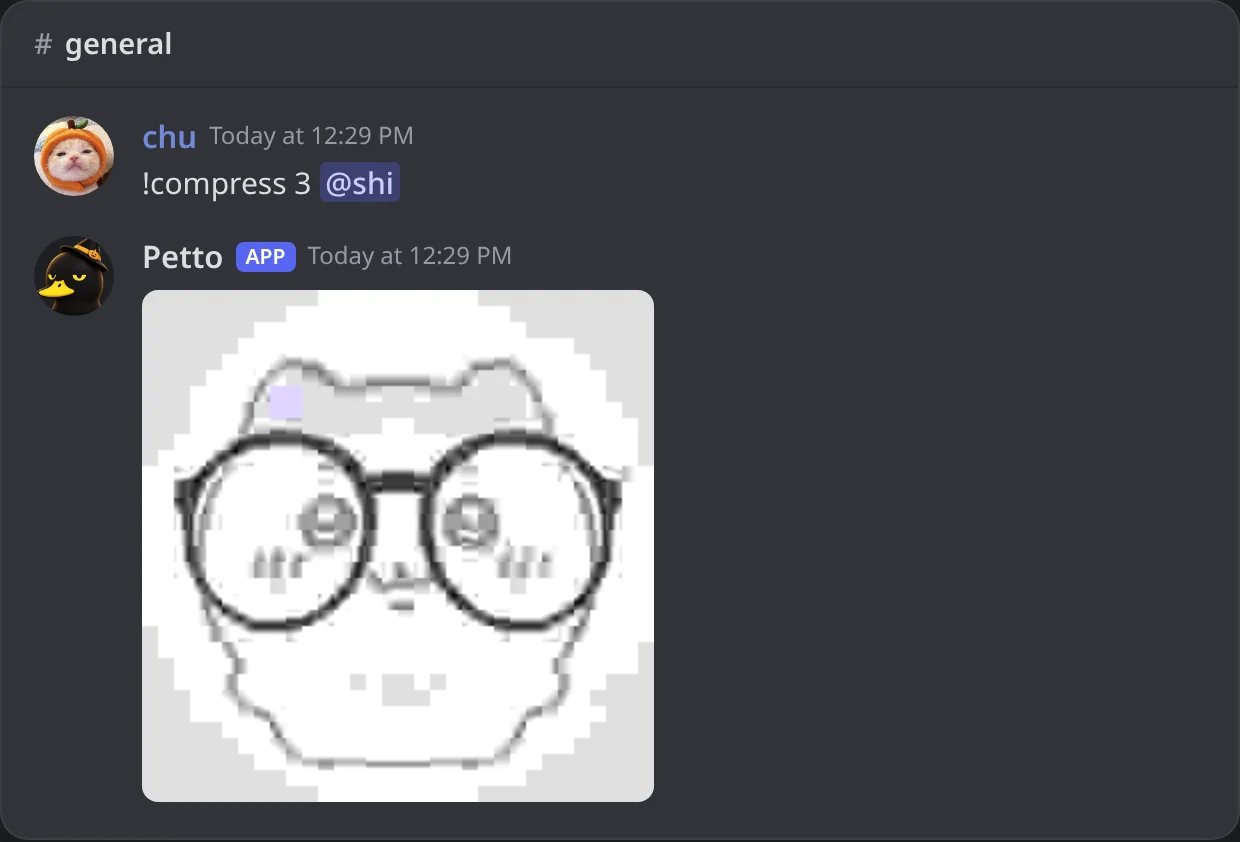
In Discord: a JPEG of quality 3.
Which picture is used
Petto takes the first one it finds:- A picture attached to your command.
- A picture, embed image or sticker of the message you reply to.
- An
https://link you type after the command. - A member you name (mention, ID or name): their avatar, the server avatar when they have one.
- The avatar of the author of the message you reply to.
- Your own avatar.
Limits
- PNG, JPEG, WebP and GIF pictures. A GIF uses its first frame, and the answer says so.
- At most 8 MB, 8192 pixels on each side and 16 megapixels. Bigger pictures are refused before they are opened.
- Links must be
https://. Petto only downloads from public addresses, gives up after a few seconds and only accepts image files. - The answer is a PNG, except
compressanddeepfry, which are JPEG.
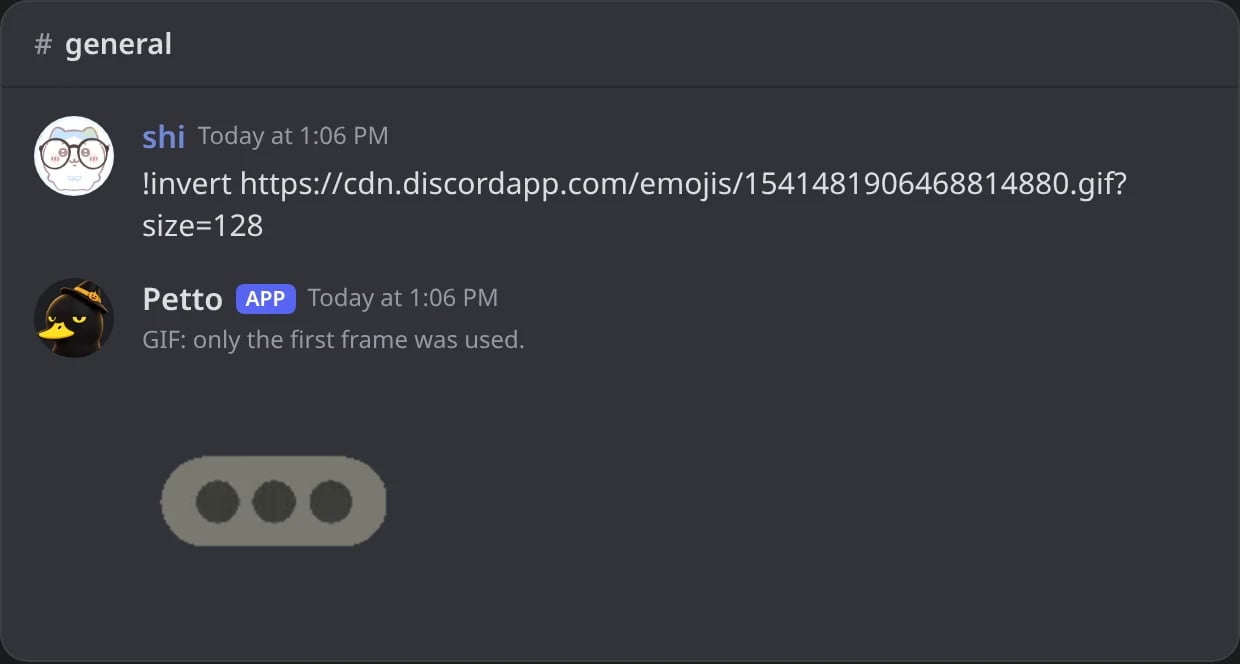
In Discord: a GIF uses its first frame, and the answer says so.
Main color of a picture
!color also works as !hex and !clr. With a hex code (like #ff91c2 or ff91c2) it shows that color with its RGB, HSL and decimal values, as before. With anything else it finds the main color of a picture: an attached or replied image, a link, a member’s avatar or, with nothing after it, your own avatar. The picture is chosen in the same order as for image effects, and Petto answers with the hex code and the RGB values, and a picture of the image on a background of its main color with the code written on it. !image hex, !dominant and !dominantcolor do the same.
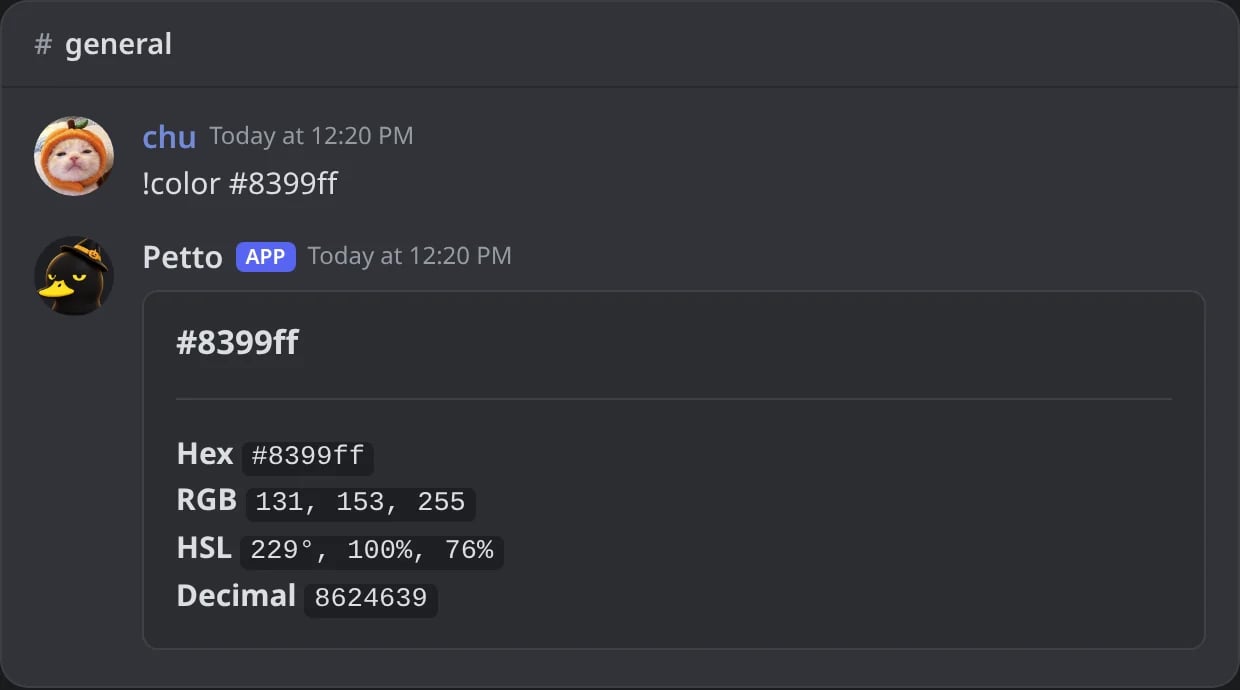
In Discord: !color with a hex code: the color with its RGB, HSL and decimal values.
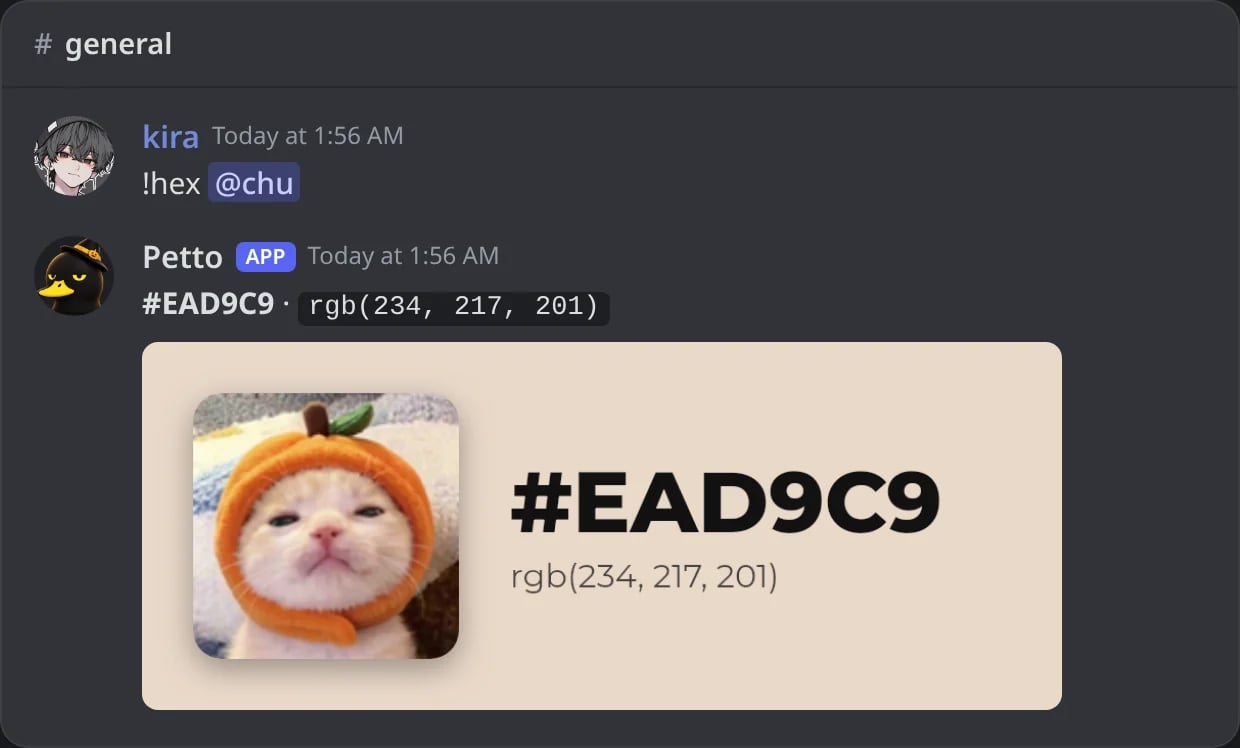
In Discord: the main color of a member's avatar.