
Overview
A feed follows one account of another service and posts a card in a channel each time it publishes something. It works for YouTube, Twitch and Kick (videos and live streams), Spotify, Deezer and Apple Music (new releases and podcast episodes), Bluesky, Mastodon, Reddit, Tumblr, Pinterest and Letterboxd, GitHub, npm, PyPI, Modrinth, Steam and AniList, any website with an RSS feed, and for things that need no account: the free games of Epic Games, the Pokémon, an article of Wikipedia and the puzzle of Chess.com. We are working hard to bring more services every week: tell us which one you miss in the feedback page. Everything starts from now on: when you follow an account, what it already published is not posted, only what comes next. Each notice is posted once, even if Petto restarts.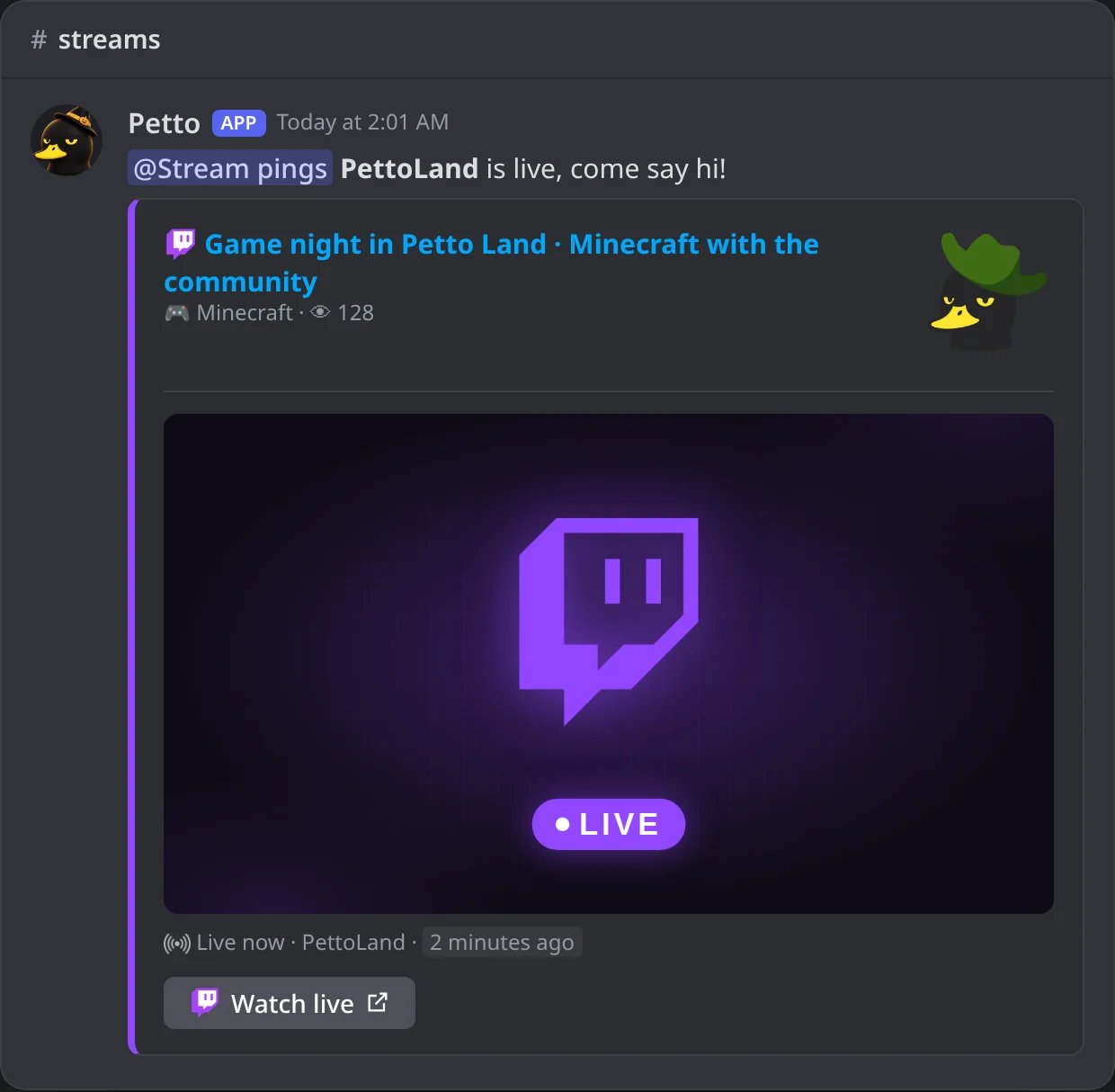
In Discord: the live notice of a followed Twitch channel, with the role it pings.
Commands
You need the Manage Server permission.!feed add
!feed add
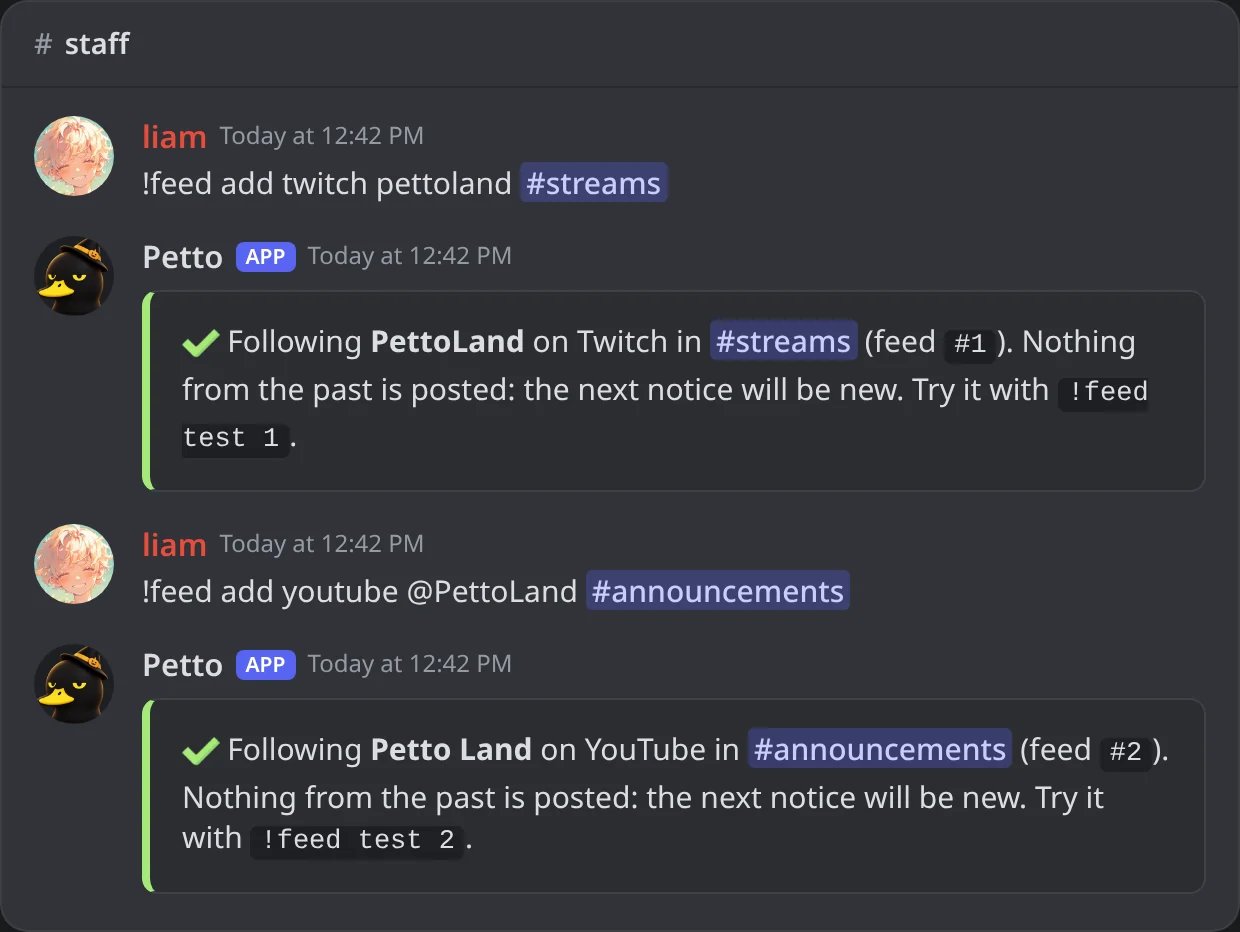
In Discord: a Twitch and a YouTube account followed.
!feed add (auto feed)
!feed add (auto feed)
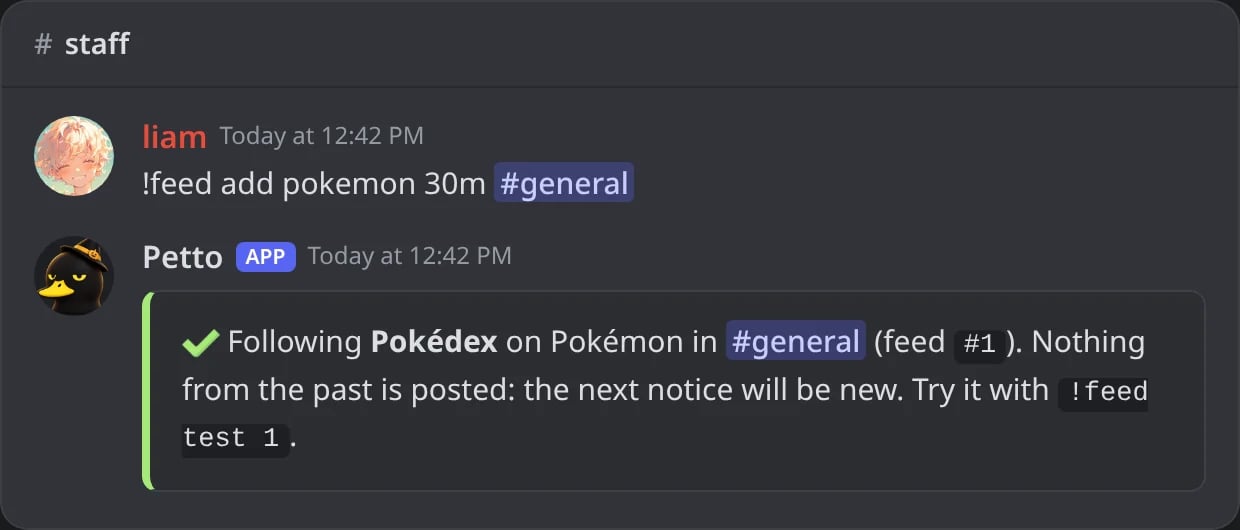
In Discord: the Pokémon every 30 minutes.
!feed add (refused)
!feed add (refused)
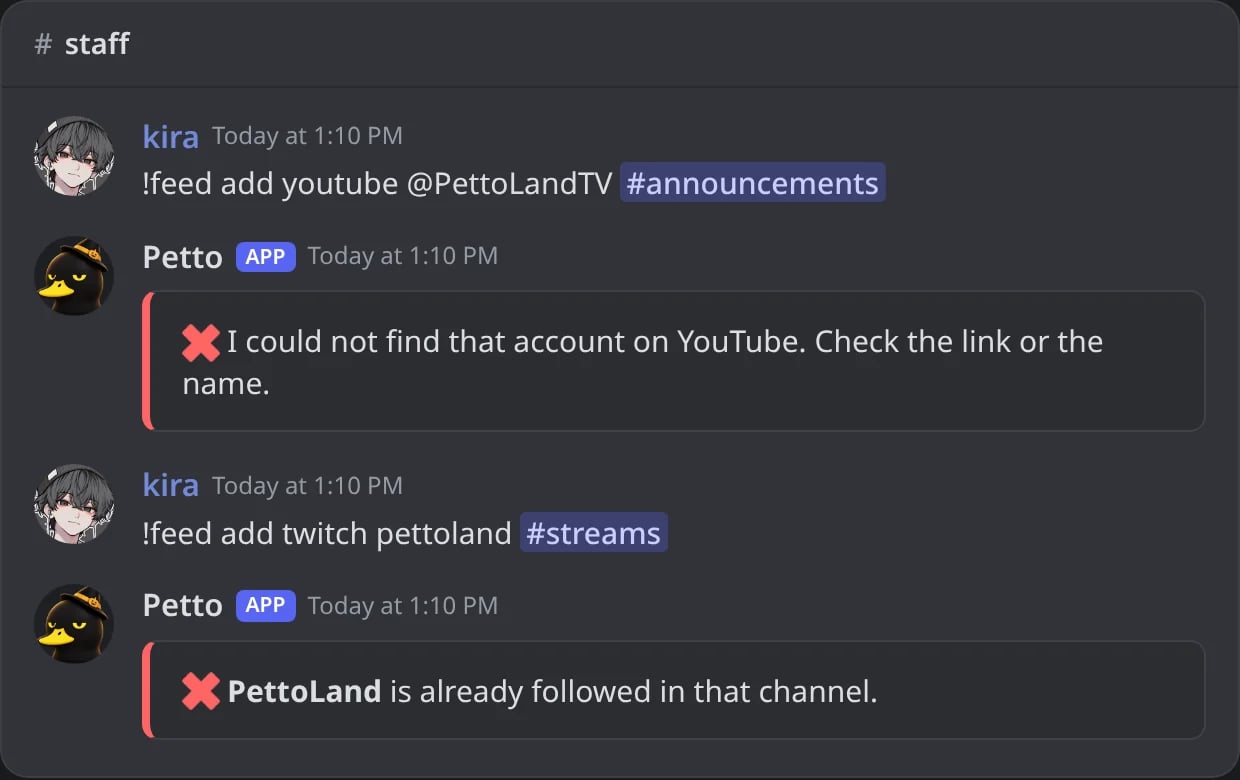
In Discord: an account that is not found, and one already followed in that channel.
!feed list
!feed list
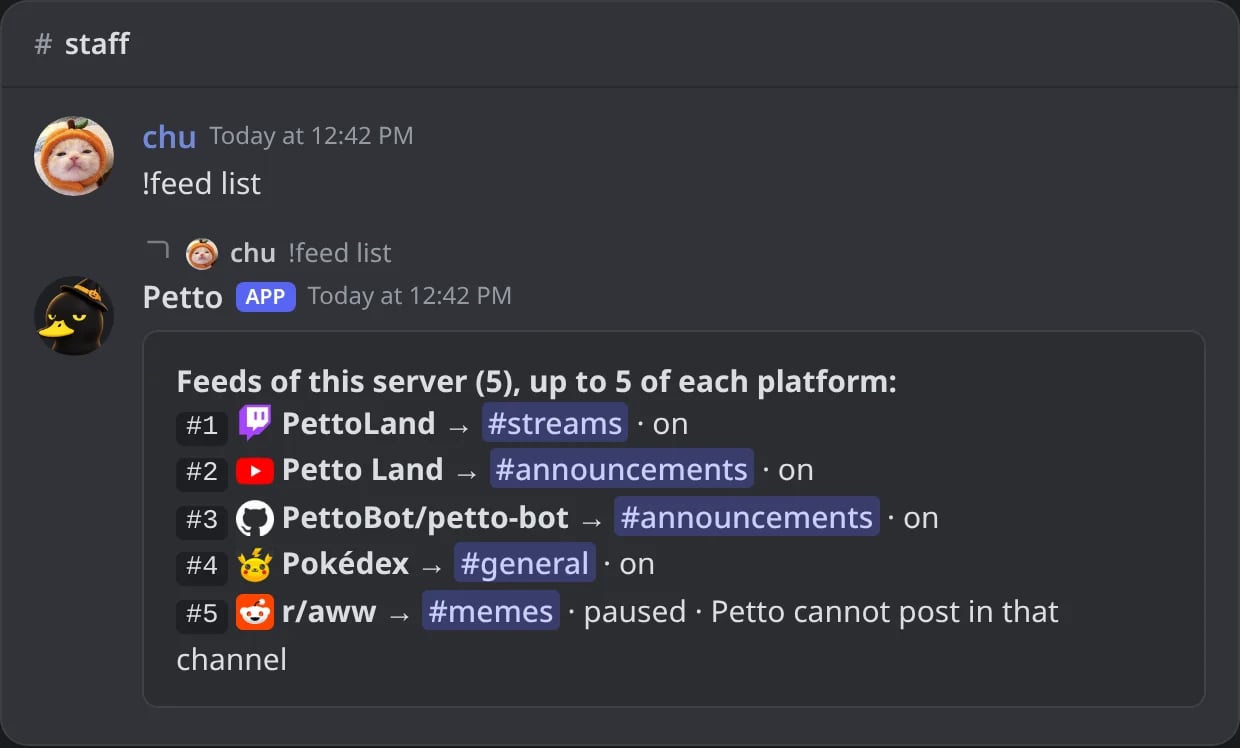
In Discord: the feeds of the server and how each one is doing.
!feed remove
!feed remove
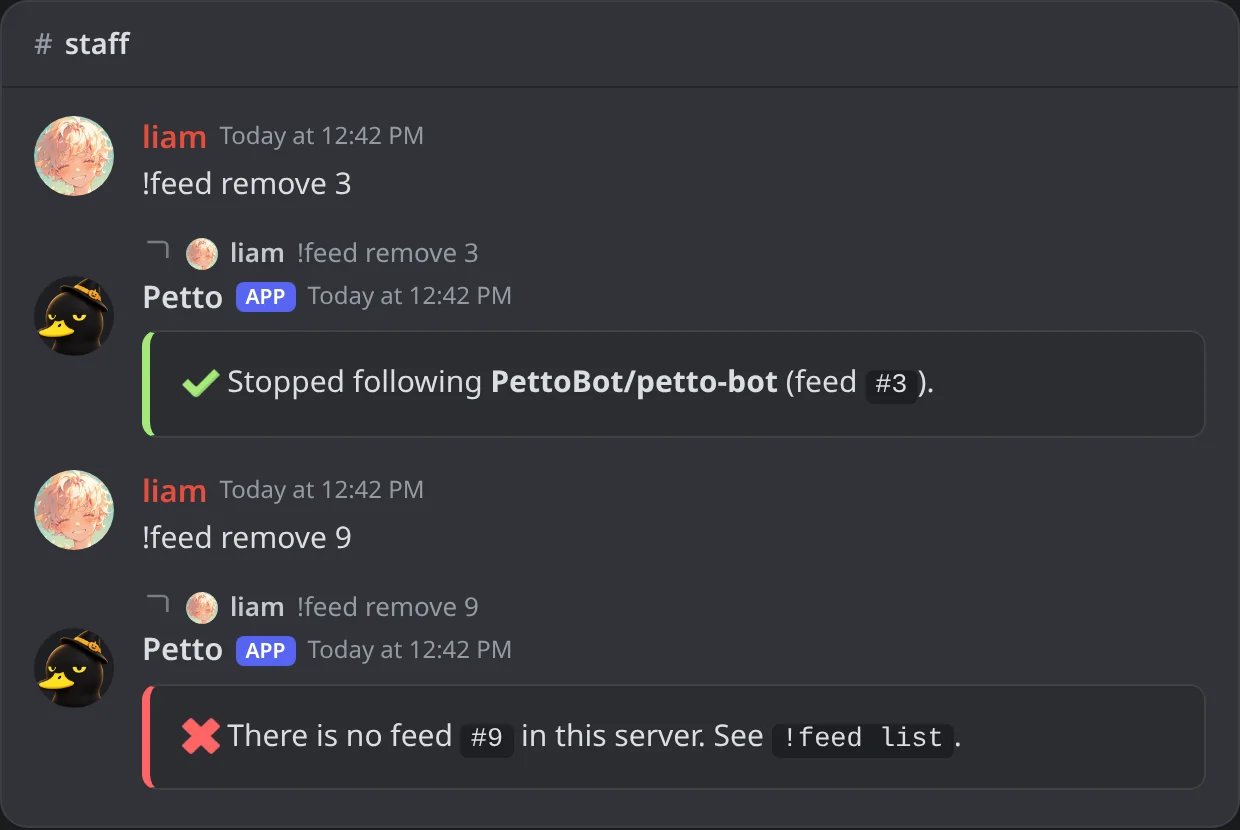
In Discord: a feed removed, and a number that is not a feed.
!feed test
!feed test
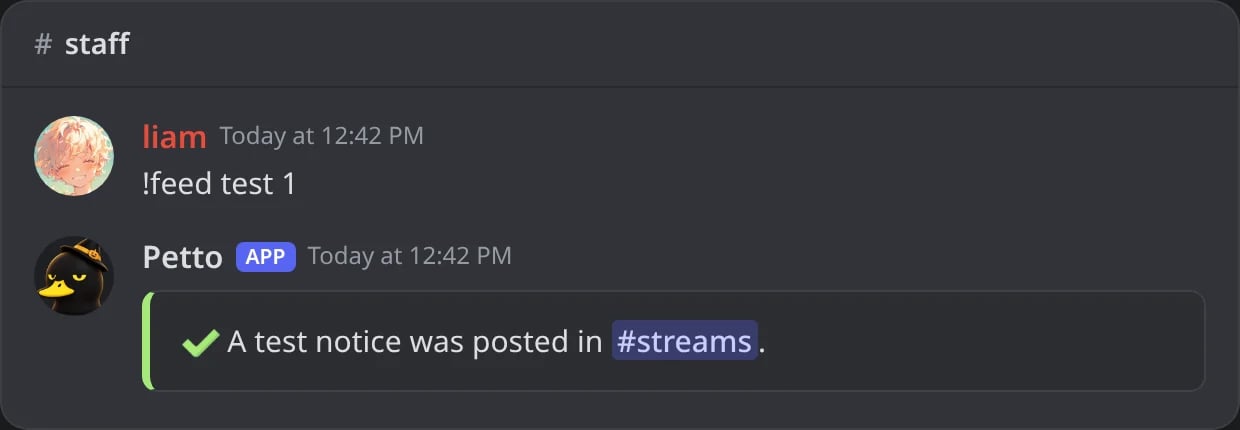
In Discord: the answer to a test.
!feed pause
!feed pause
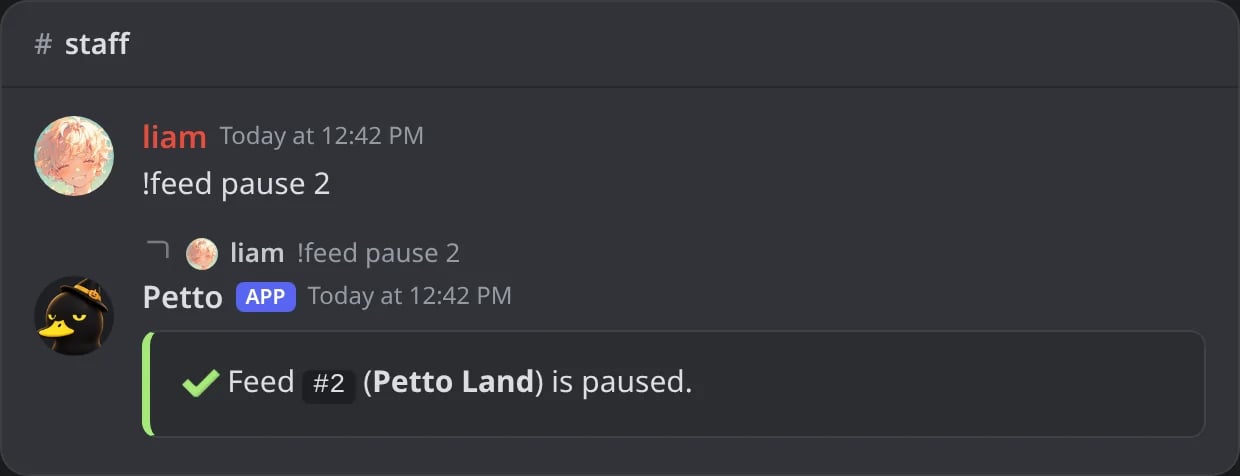
In Discord: a feed paused.
!feed resume
!feed resume
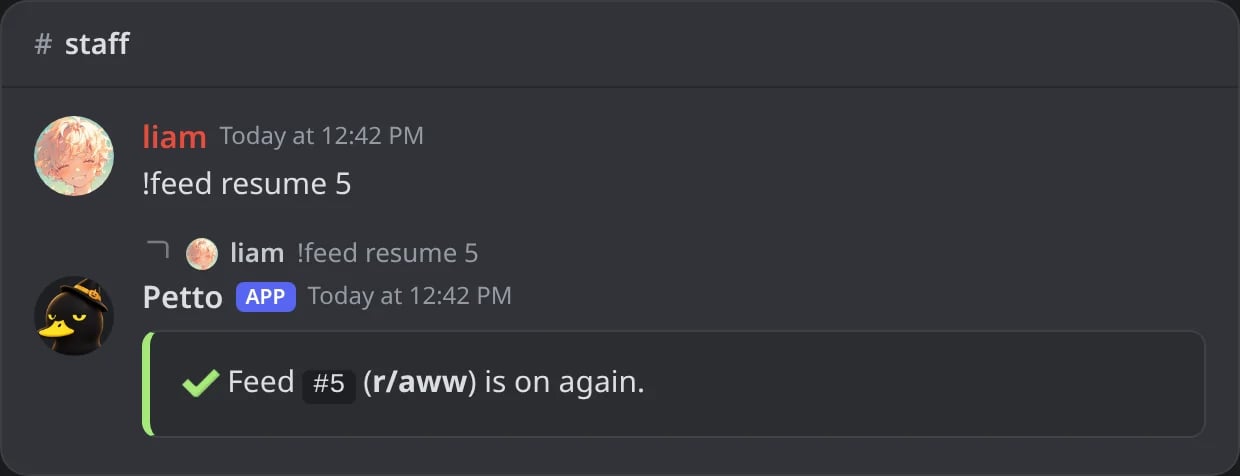
In Discord: a paused feed on again.
!feed message
!feed message
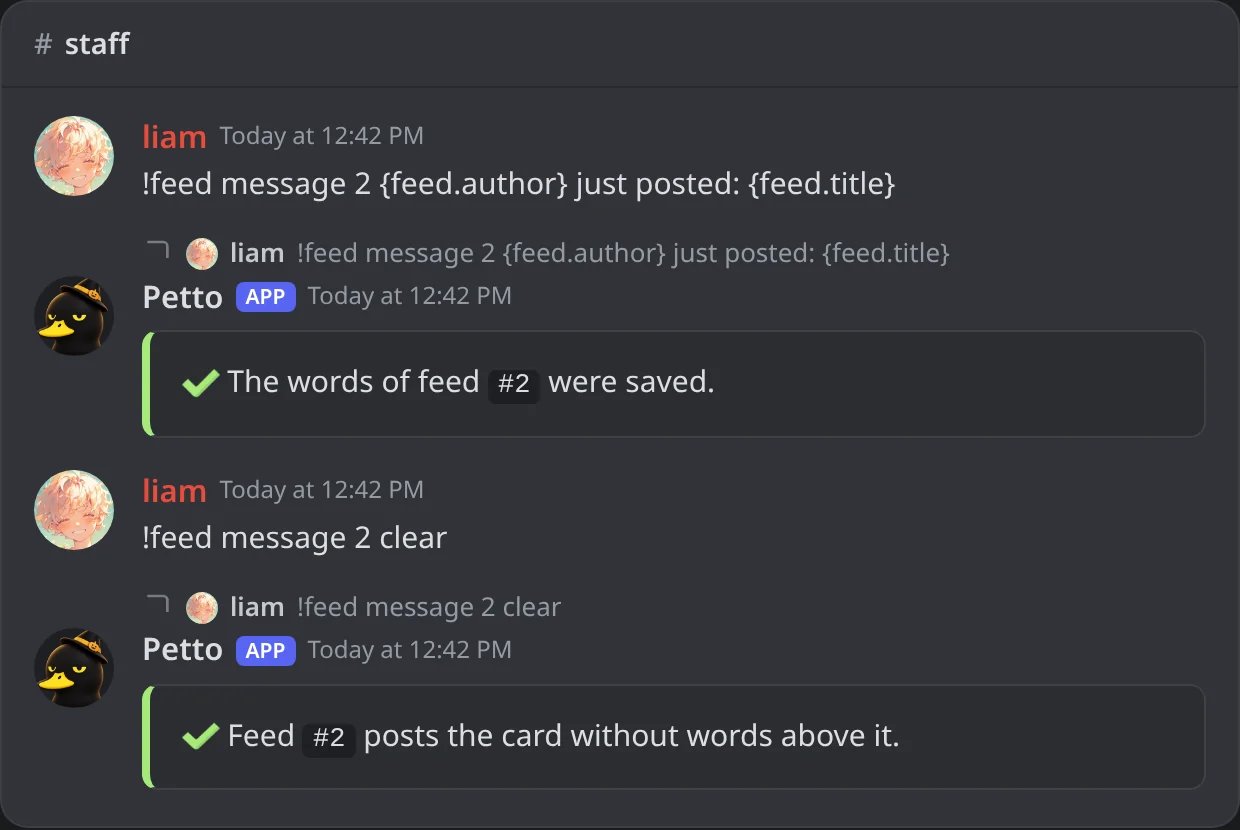
In Discord: the words above each notice, then removed.
!feed ping
!feed ping
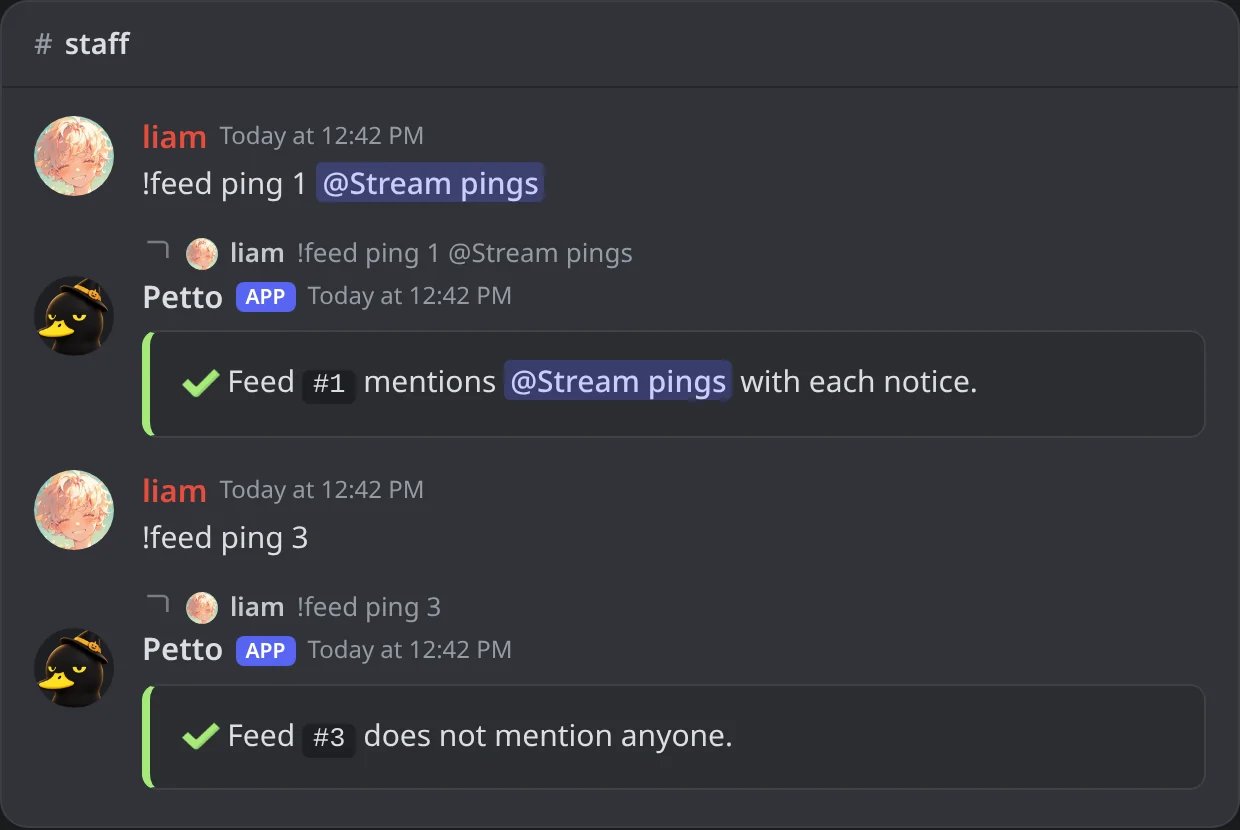
In Discord: a role mentioned with each notice, and no one.
!feeds, !notify and !notifications do the same as !feed, and !feed alone shows the list. It is a prefix command only.
!feed test posts the test notice in the channel of the feed, marked as a test:
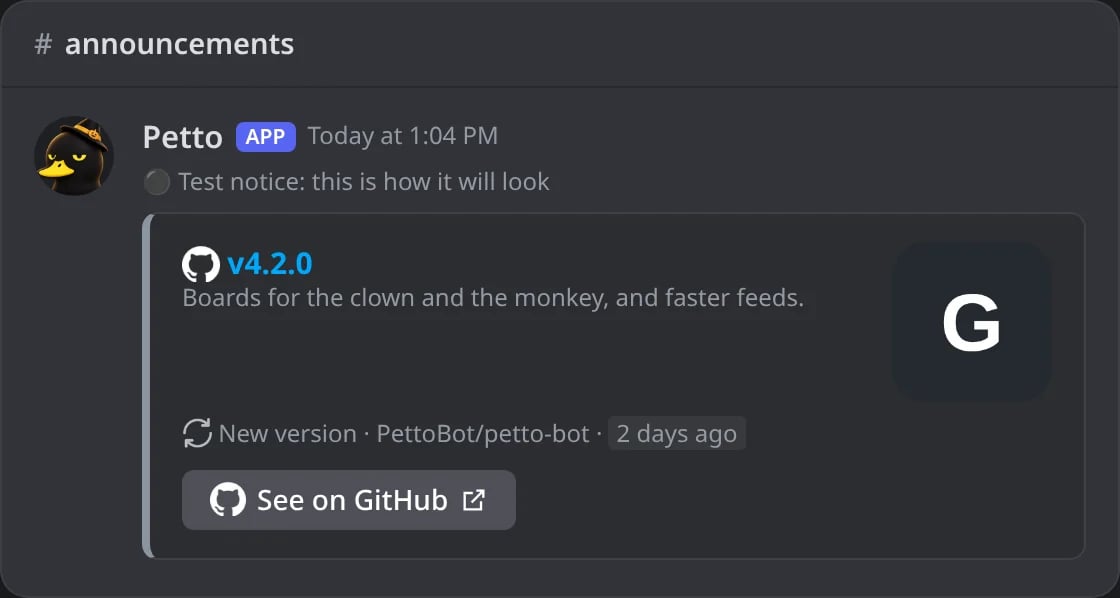
In Discord: the test notice of the GitHub feed in #announcements.
The default line
When you wrote no words of your own with!feed message, a feed of a creator, a channel or a project followed by name starts the notice with a short line, like Hey everyone! **Name** just uploaded a new video. These platforms send it: YouTube, Twitch, Kick, Bluesky, Modrinth, Mastodon, Tumblr, Letterboxd, GitHub, npm, PyPI, Steam and the music feeds (Spotify, Deezer and Apple Music).
The rest send only the card, with no line above it: Reddit, Pinterest, RSS, AniList, Pokémon, Wikipedia, Chess.com, Epic Games, the animal feeds, the pictures feed and the random music feed.
A feed with its own words keeps them exactly as you wrote them, and !feed message <id> clear goes back to the default line (or to no line, on the platforms that send none).
What each platform posts
YouTube: a video
YouTube: a video
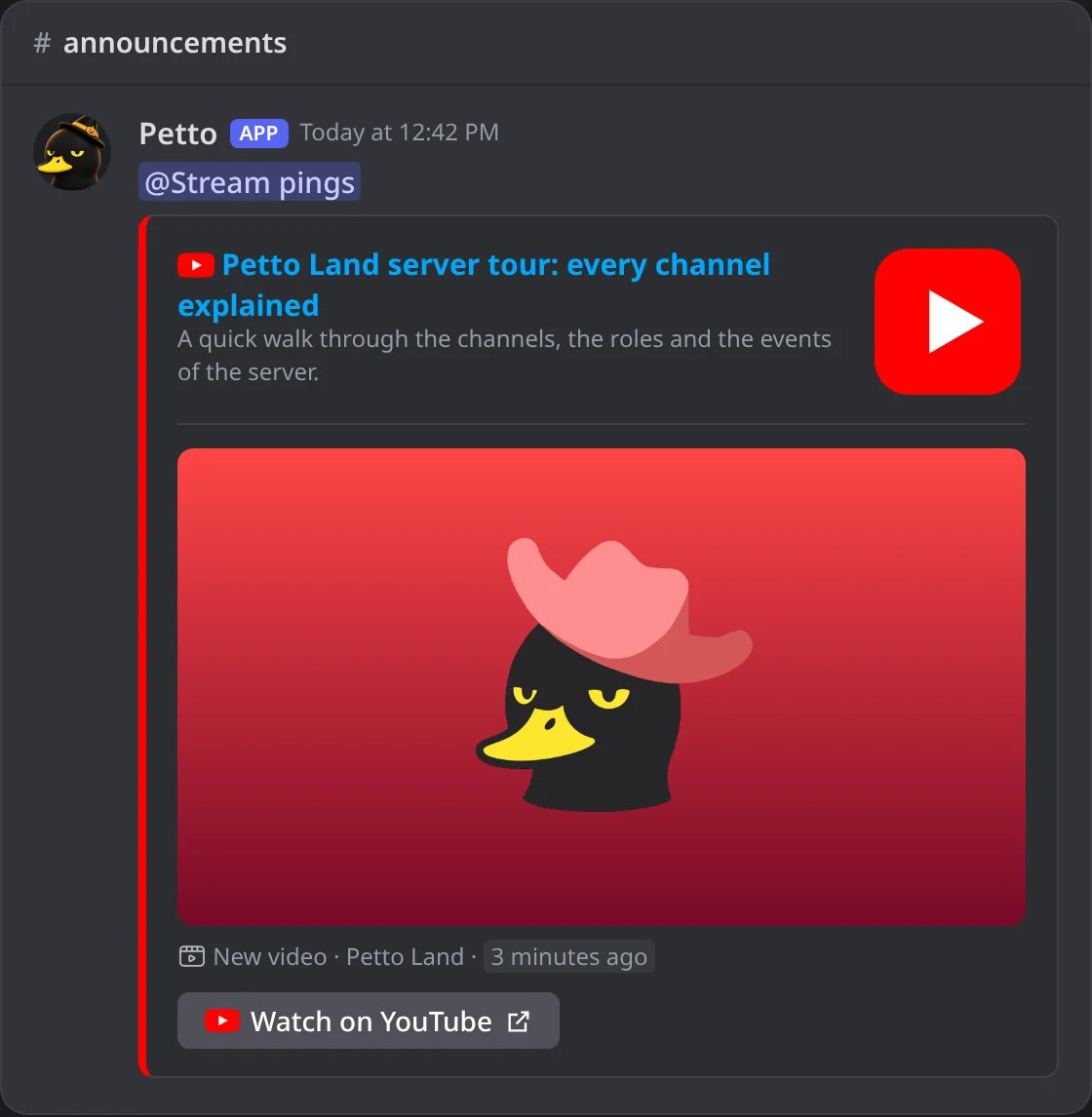
In Discord: a new video of Petto Land, pinging Stream pings.
YouTube: a live stream
YouTube: a live stream
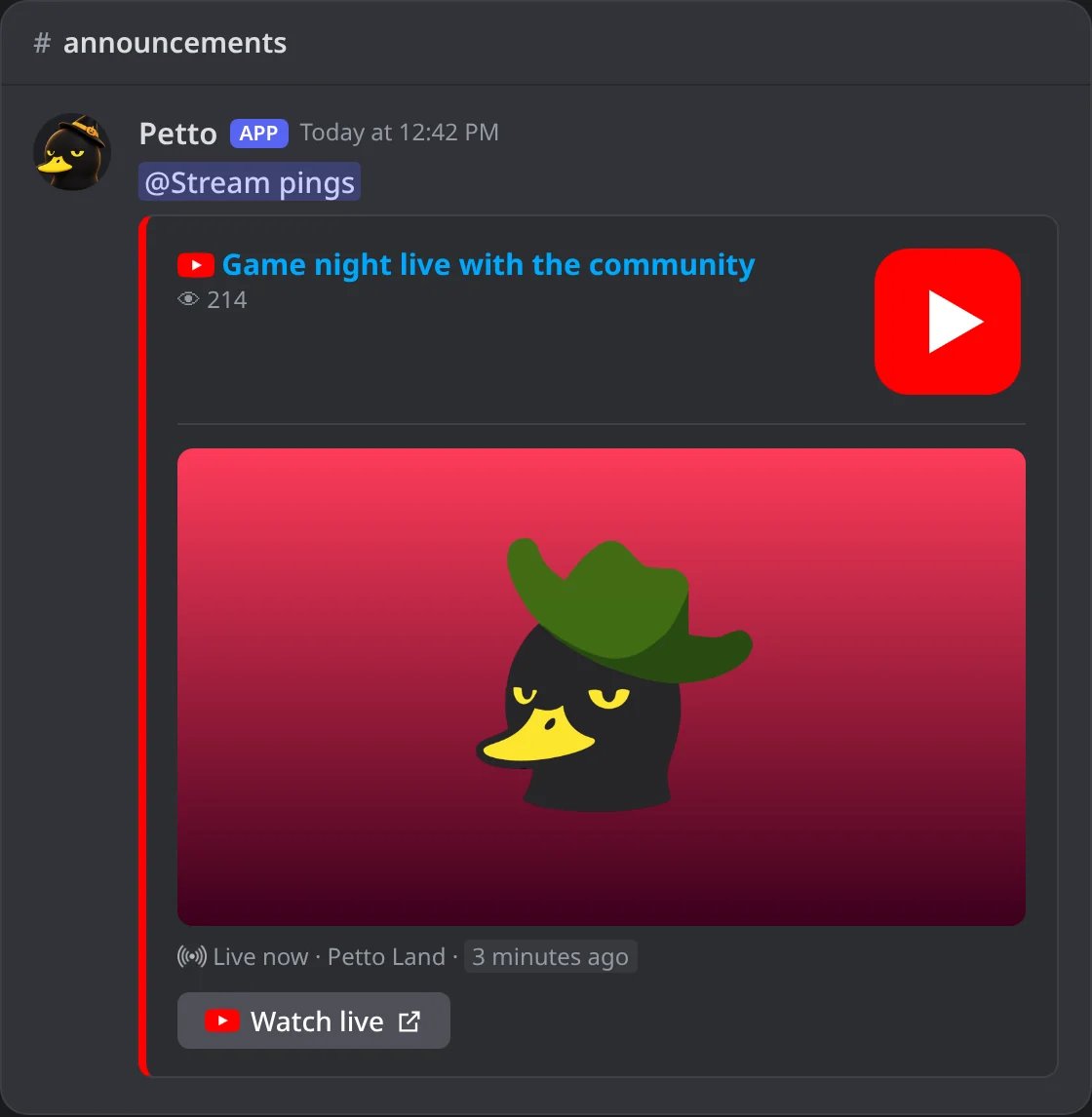
In Discord: a live stream of the channel.
Kick
Kick
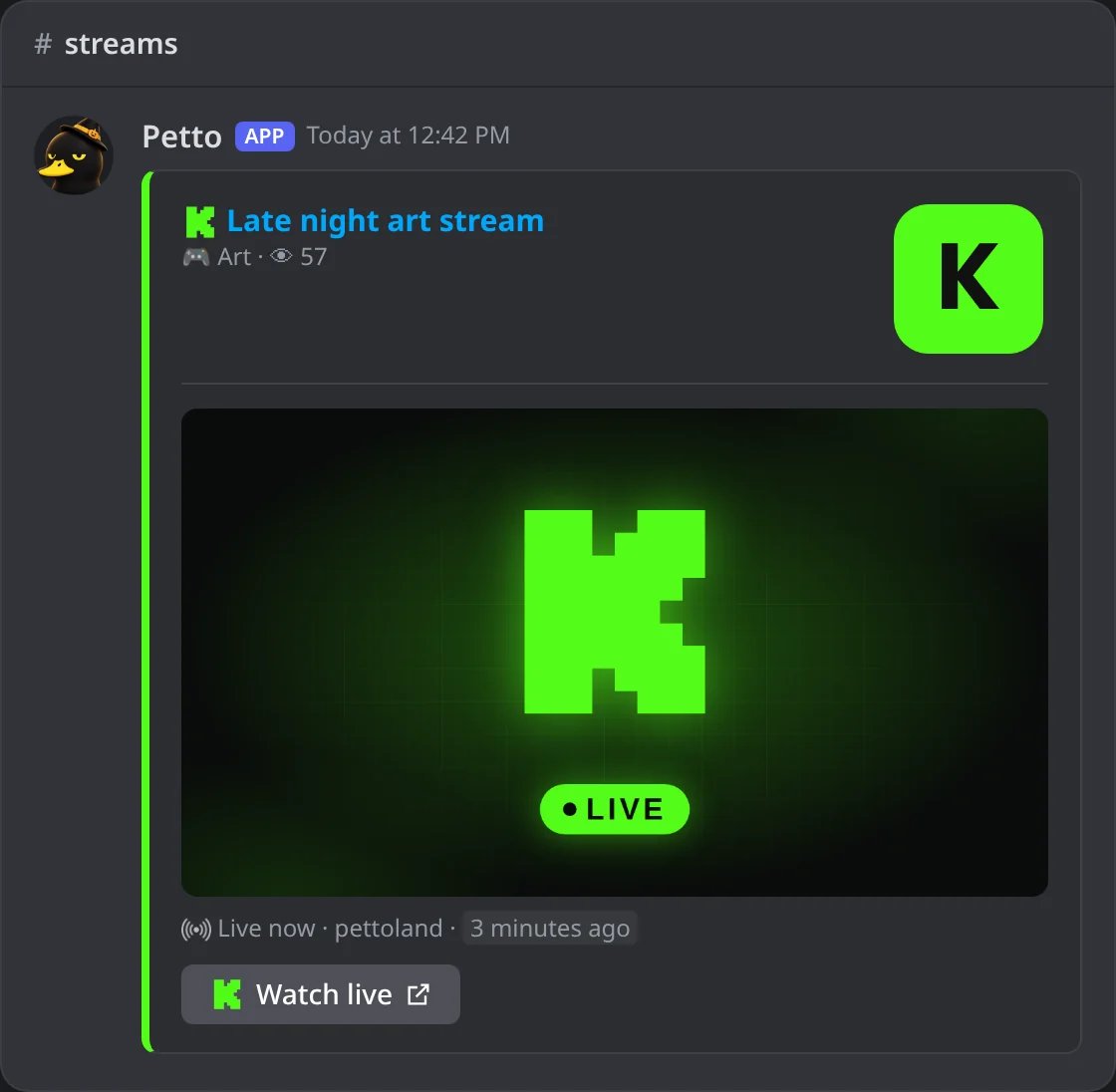
In Discord: a live stream of Kick, with Kick's picture until the real one exists.
Spotify
Spotify
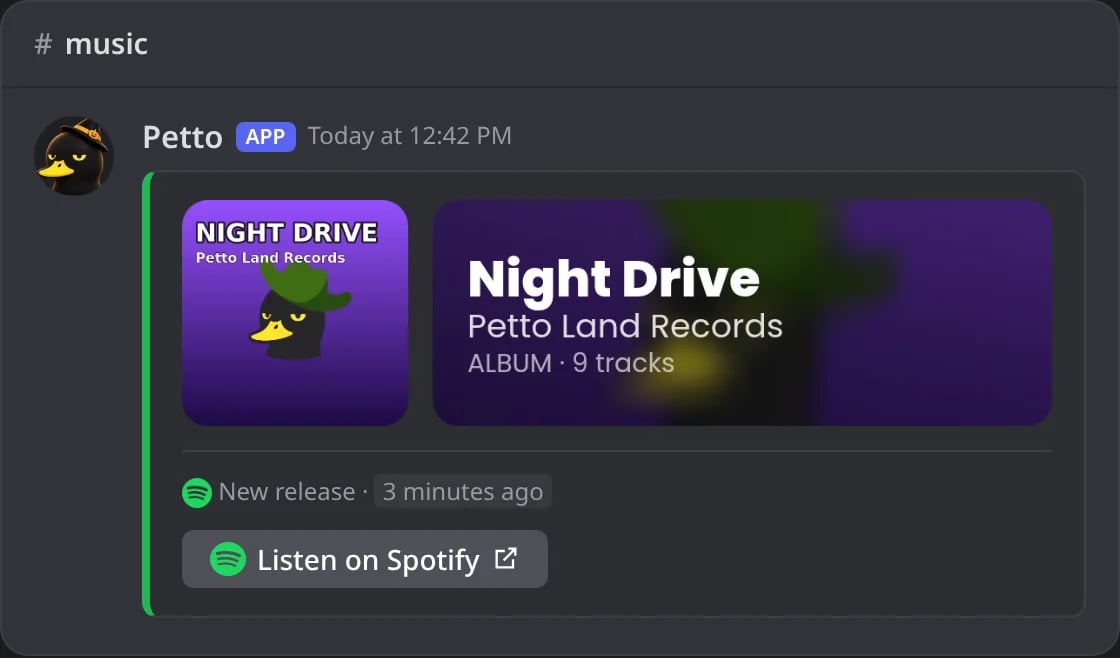
In Discord: a new album, headed by its cover card.
Deezer
Deezer
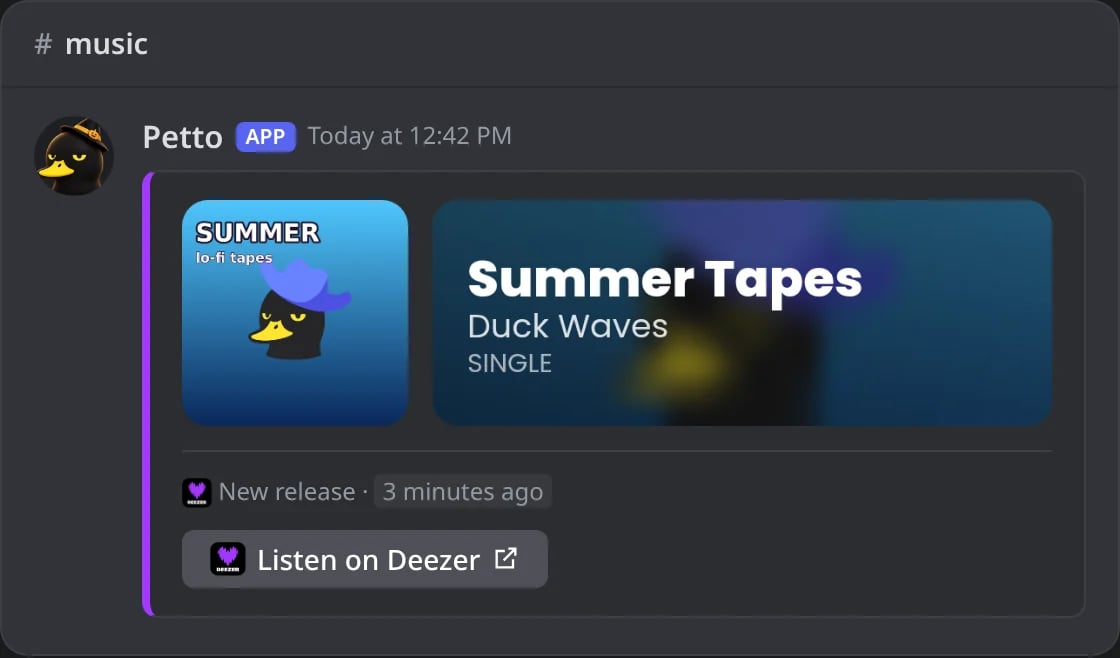
In Discord: a new single.
Apple Music
Apple Music
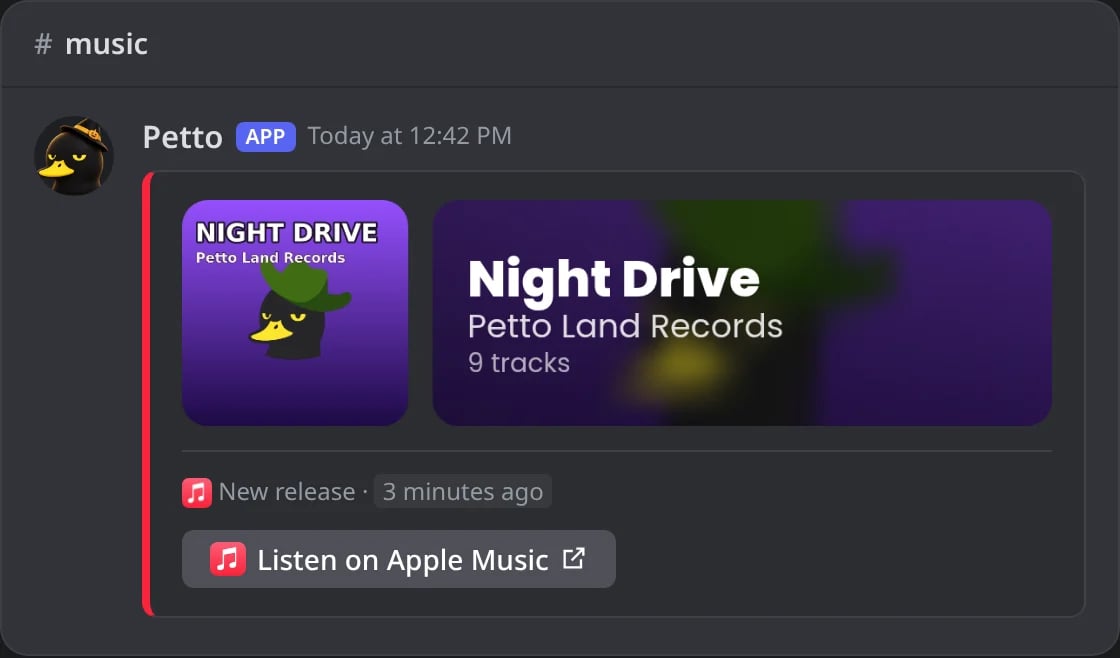
In Discord: a new album.
Bluesky
Bluesky
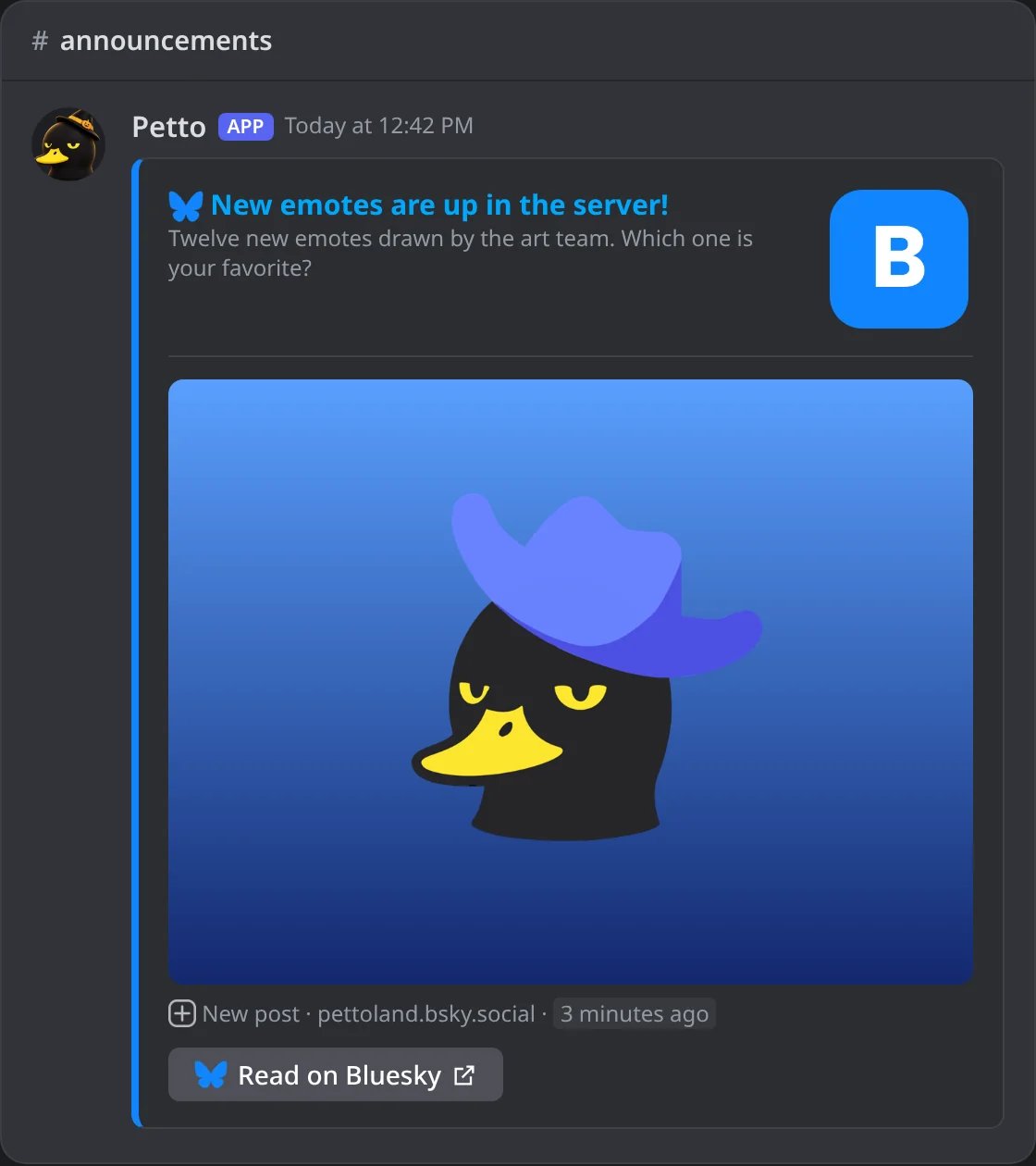
In Discord: a new post with its picture.
Mastodon
Mastodon
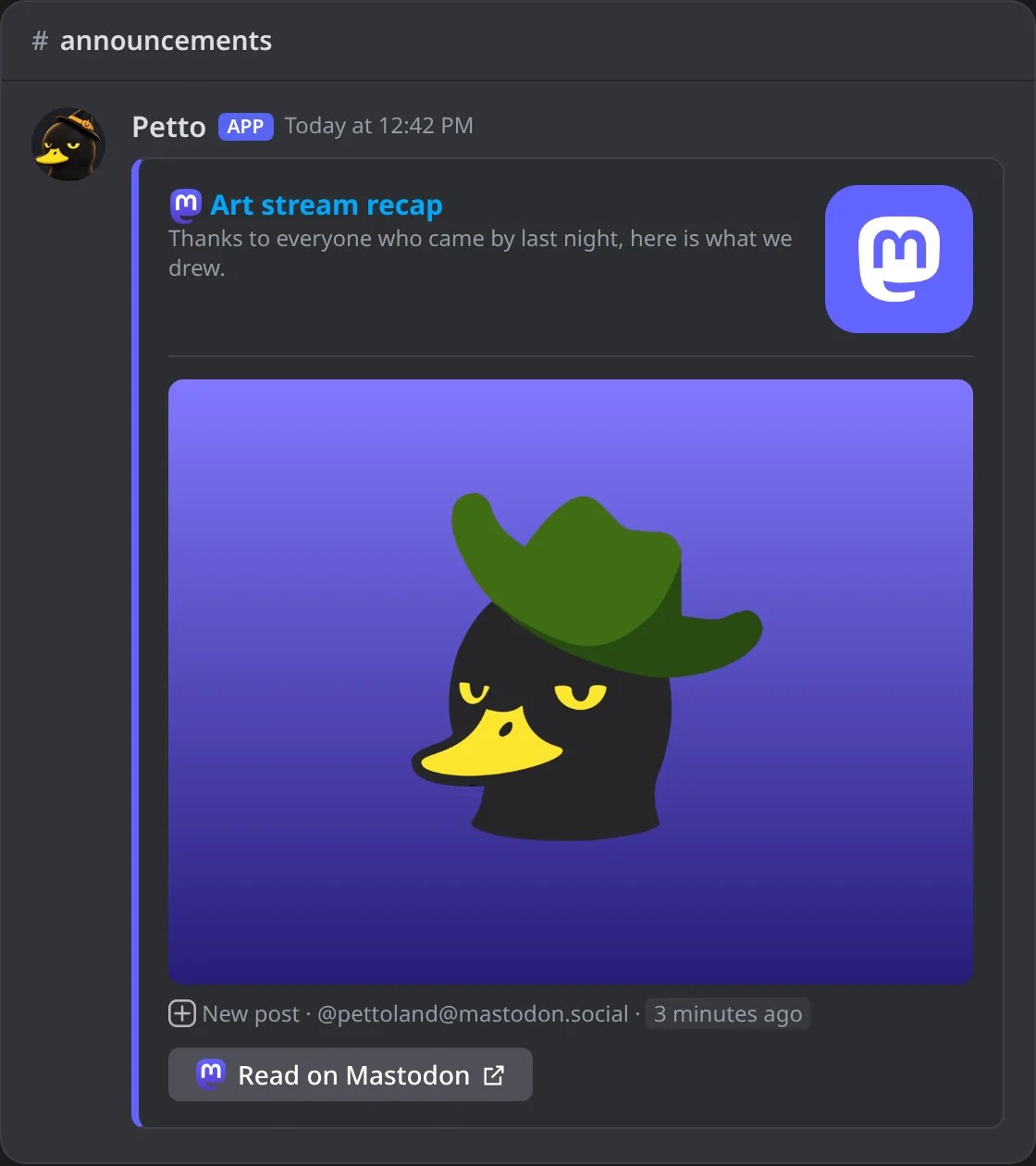
In Discord: a new public post.
Reddit
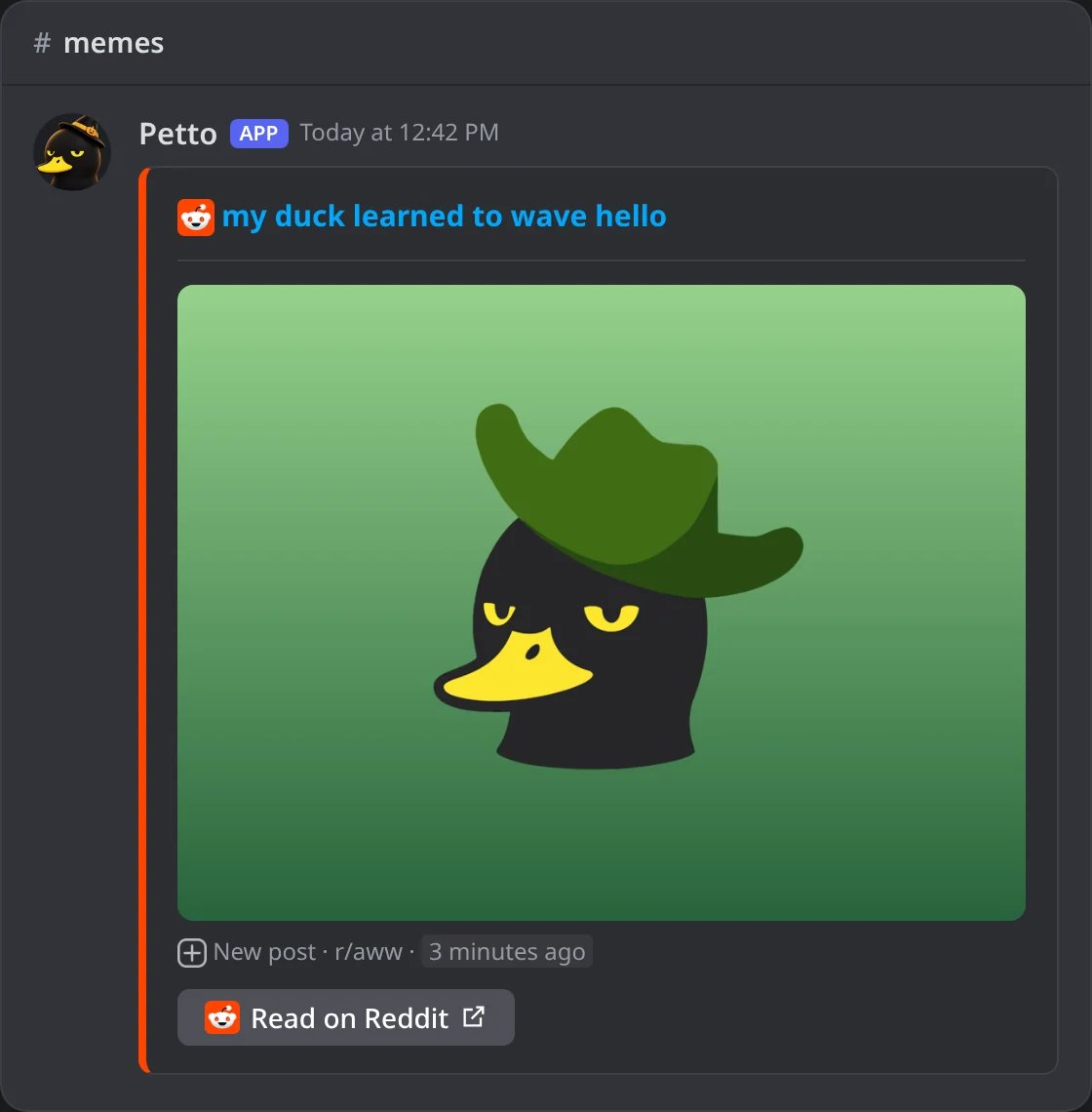
In Discord: a new post of a subreddit.
Tumblr
Tumblr
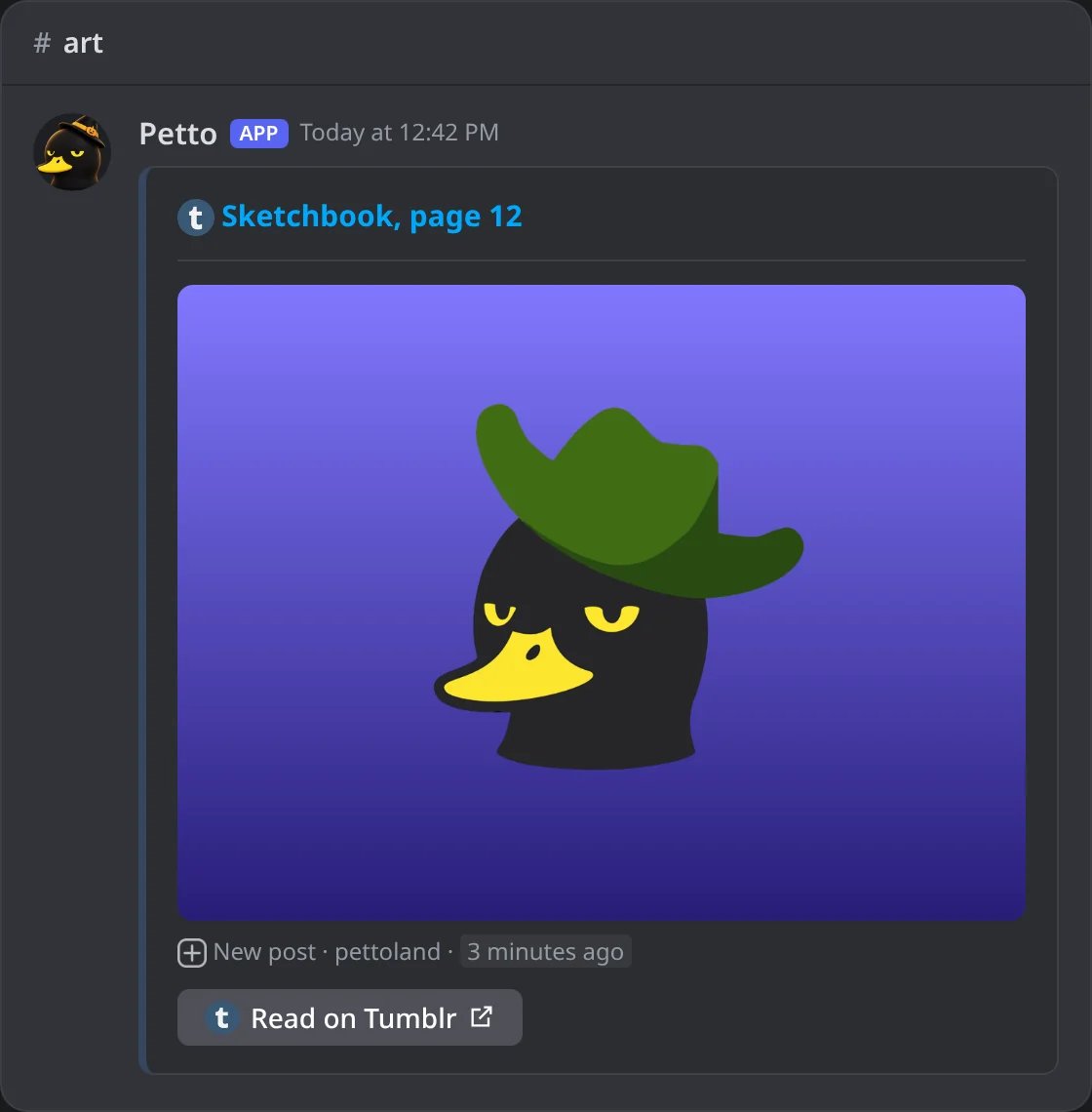
In Discord: a new post of a blog.
Pinterest
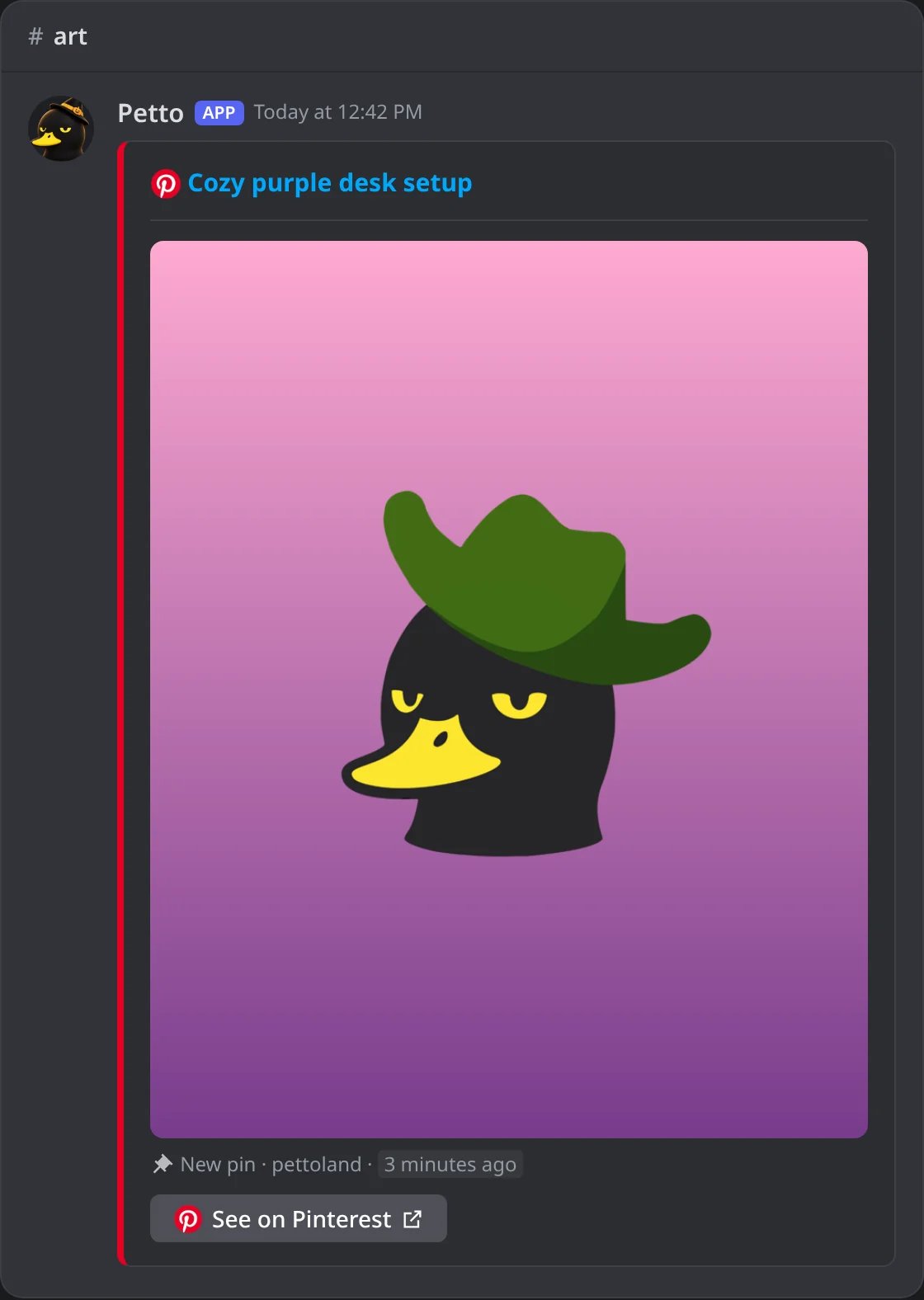
In Discord: a new pin.
Letterboxd
Letterboxd
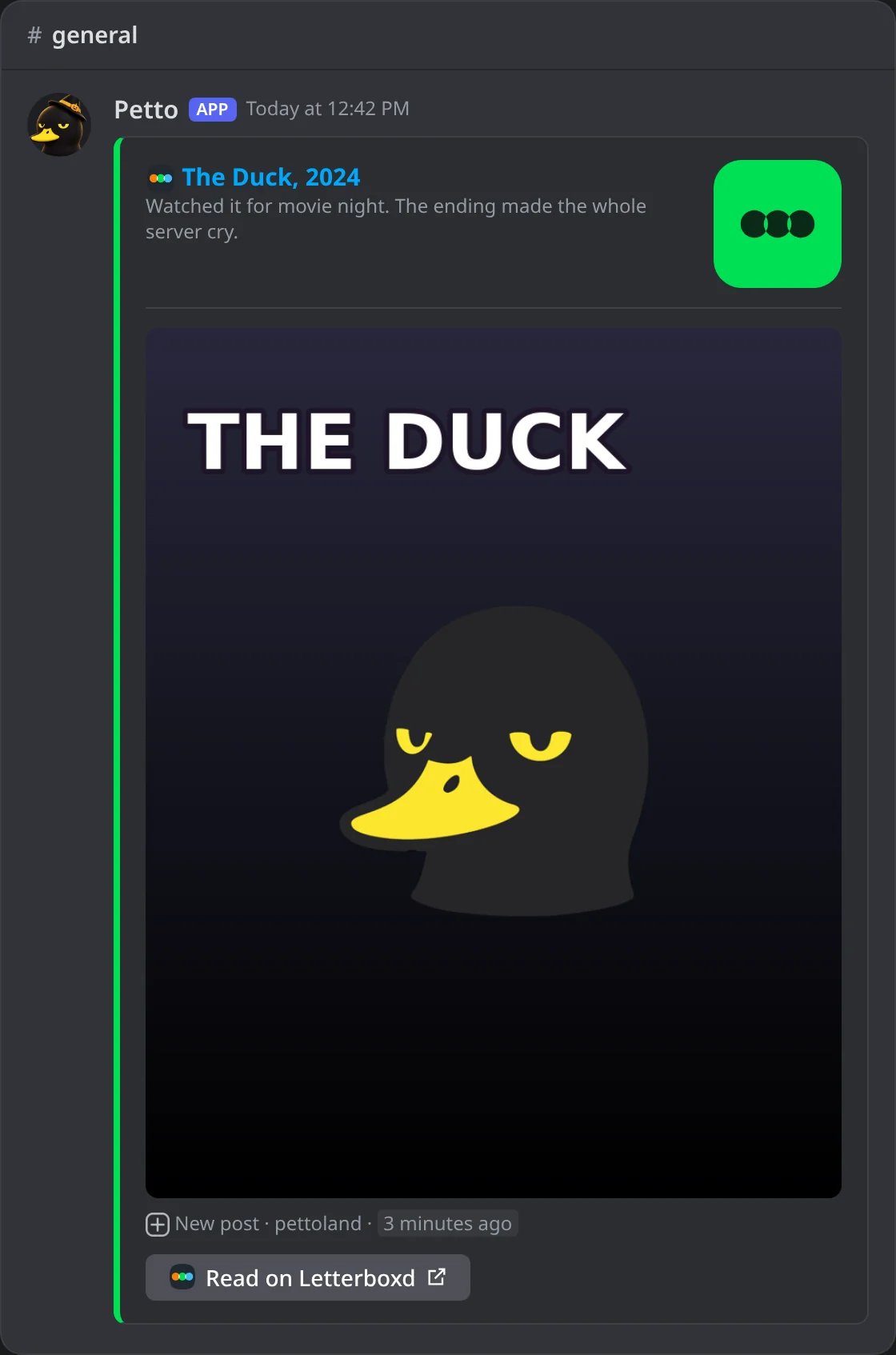
In Discord: what someone watched and wrote.
Steam
Steam
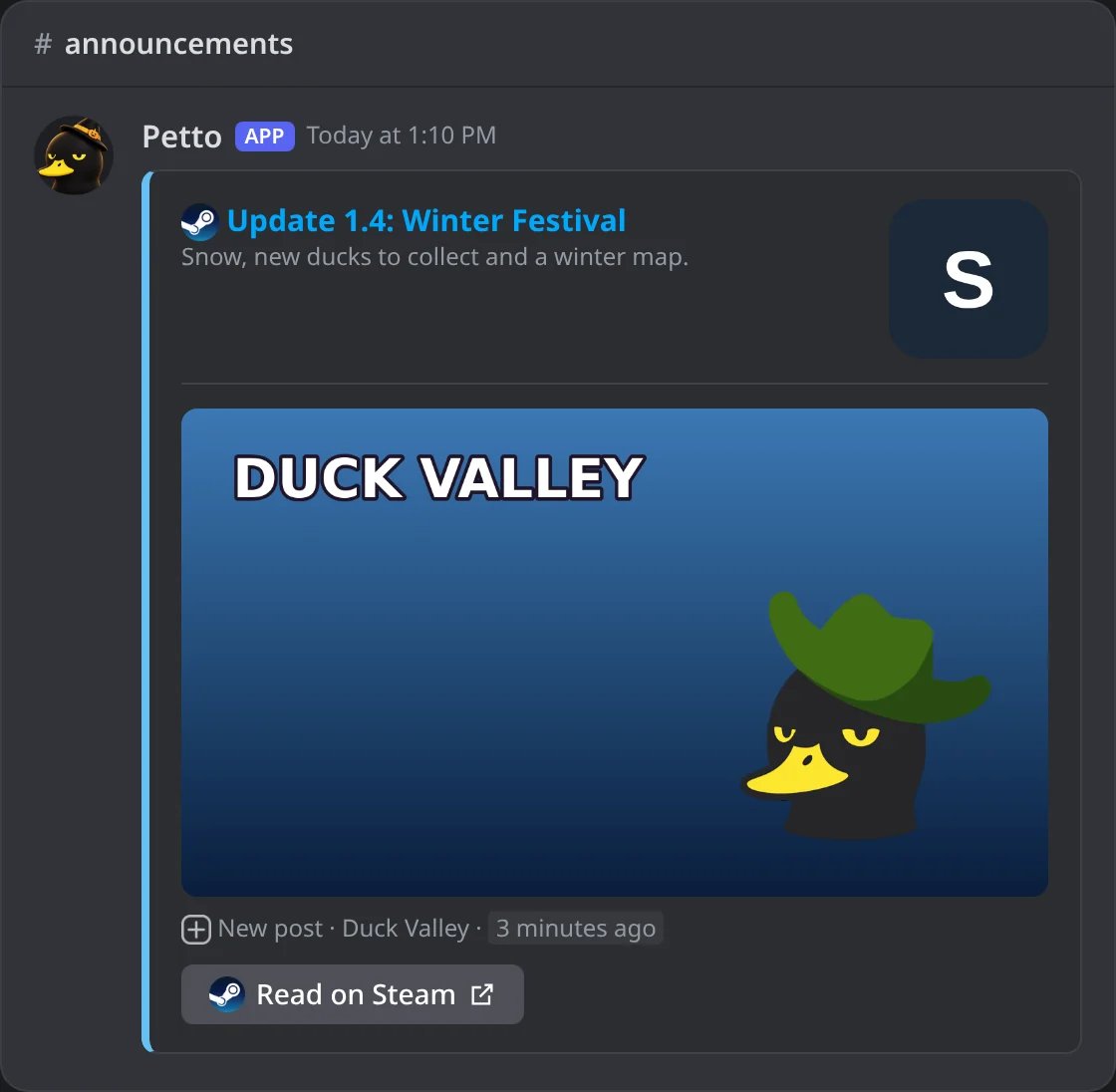
In Discord: an announcement of a game.
GitHub
GitHub
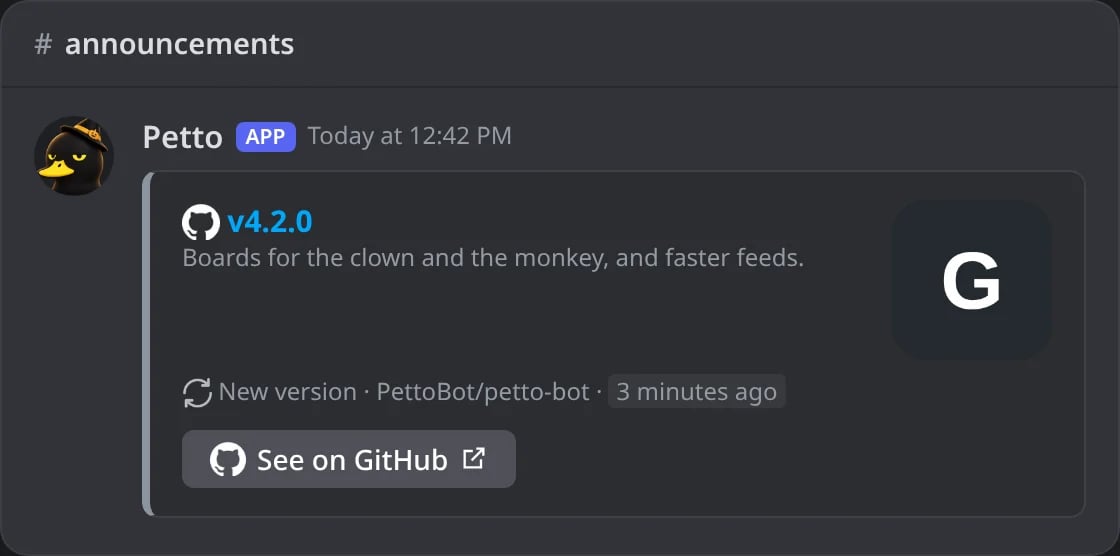
In Discord: a new release.
Modrinth: a version
Modrinth: a version
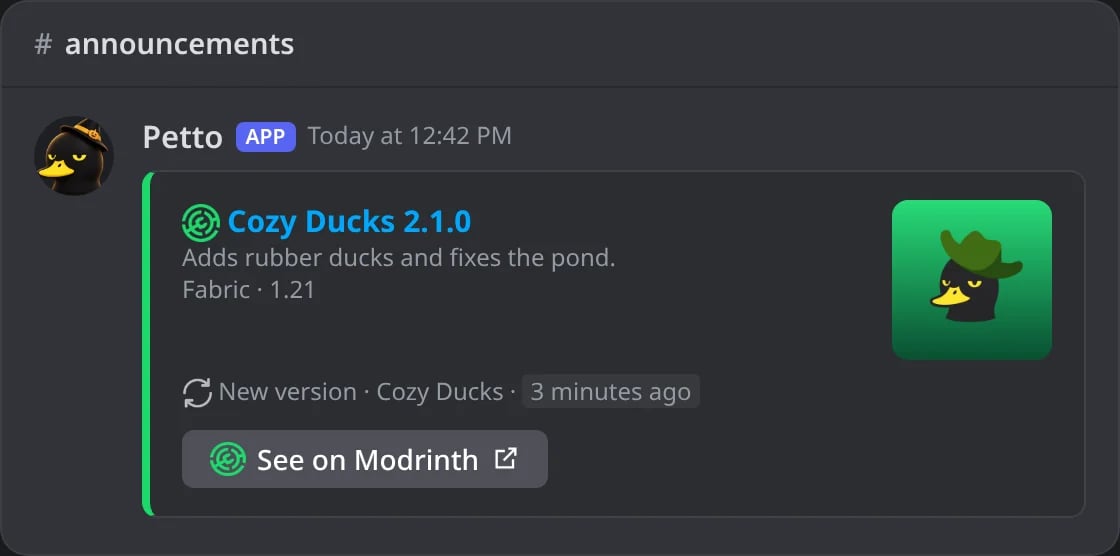
In Discord: a new version of a mod.
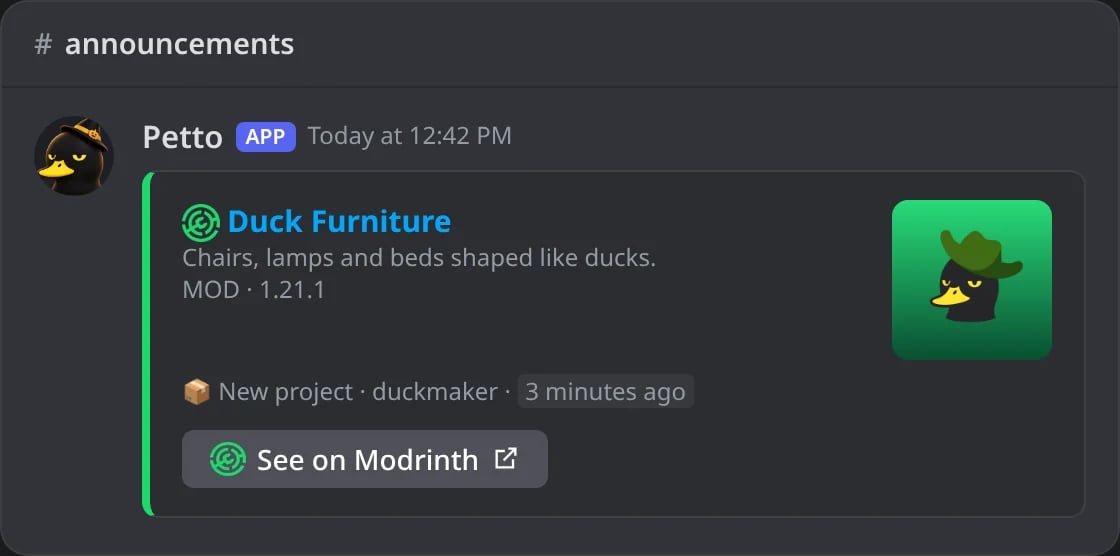
In Discord: a new project of the list of new mods.
npm / PyPI
npm / PyPI
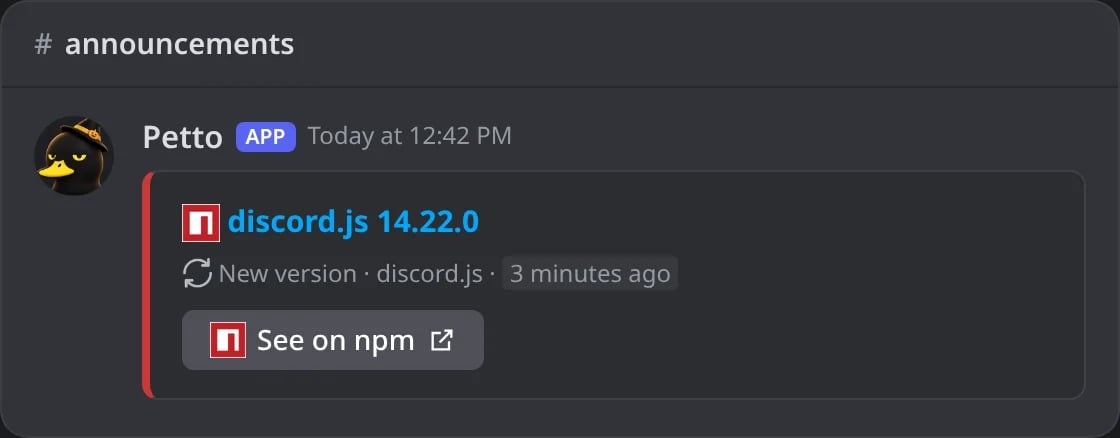
In Discord: a new version of a package.
AniList
AniList
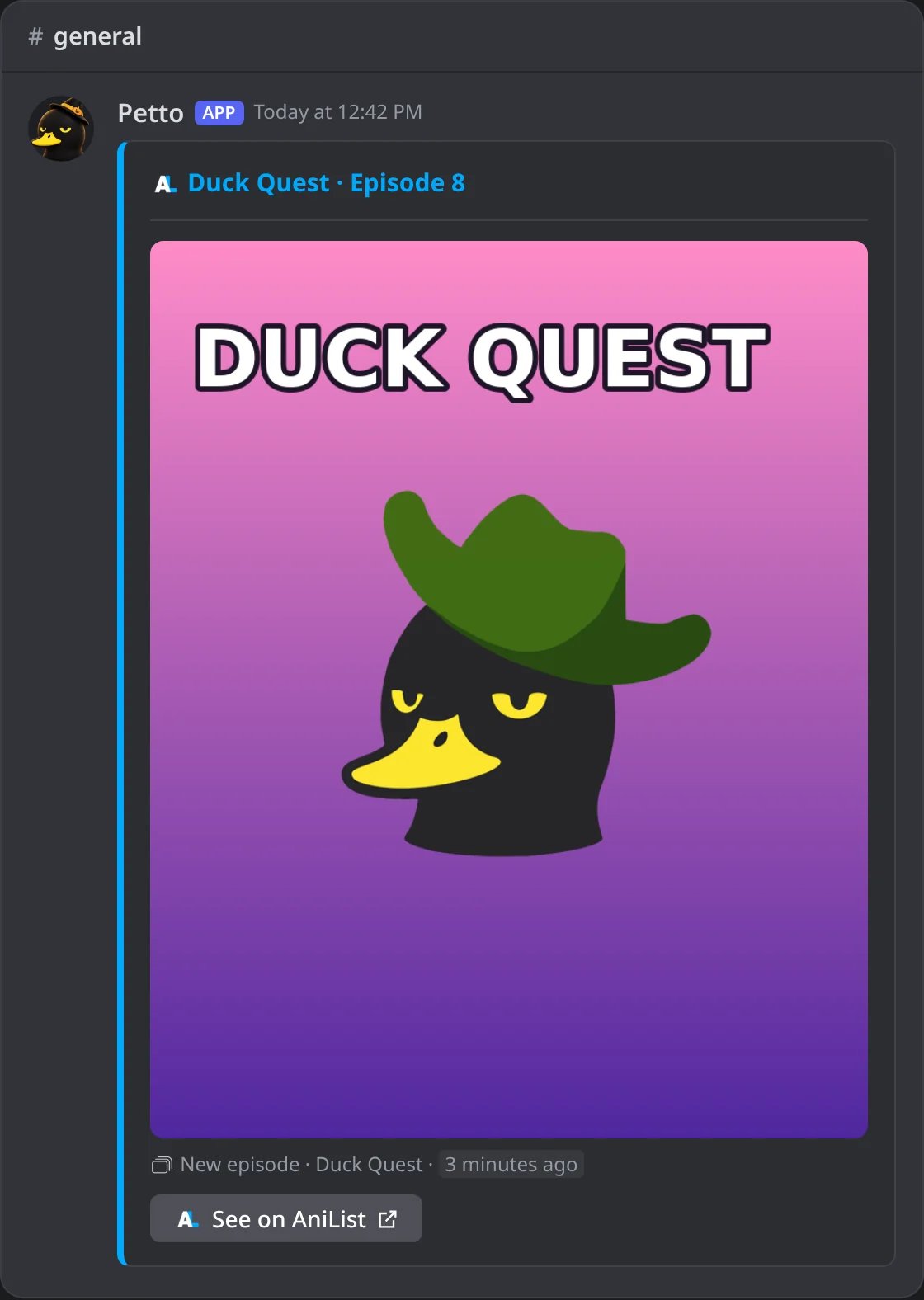
In Discord: a new episode.
RSS
RSS
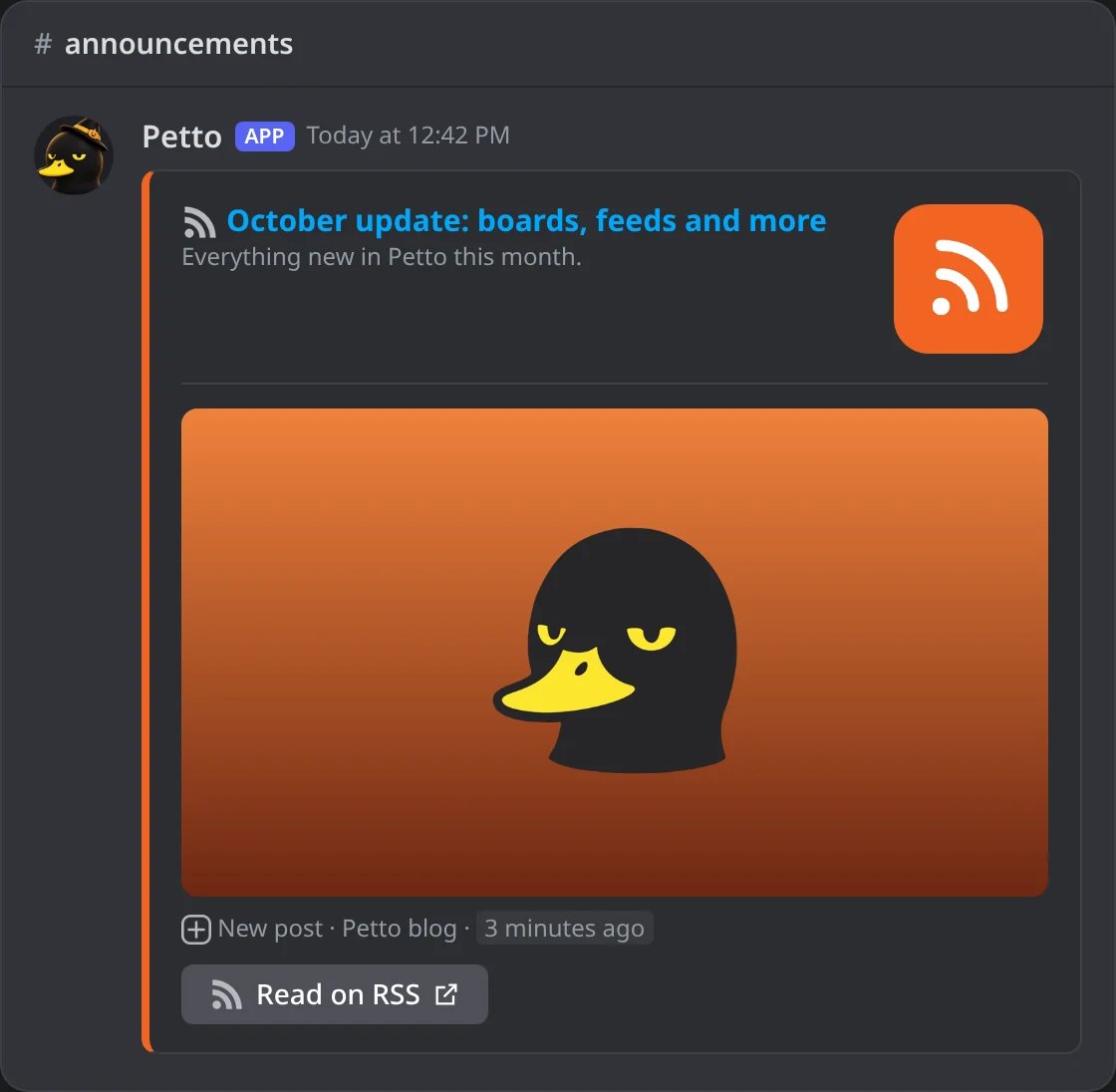
In Discord: a new post of a blog.
Epic Games
Epic Games
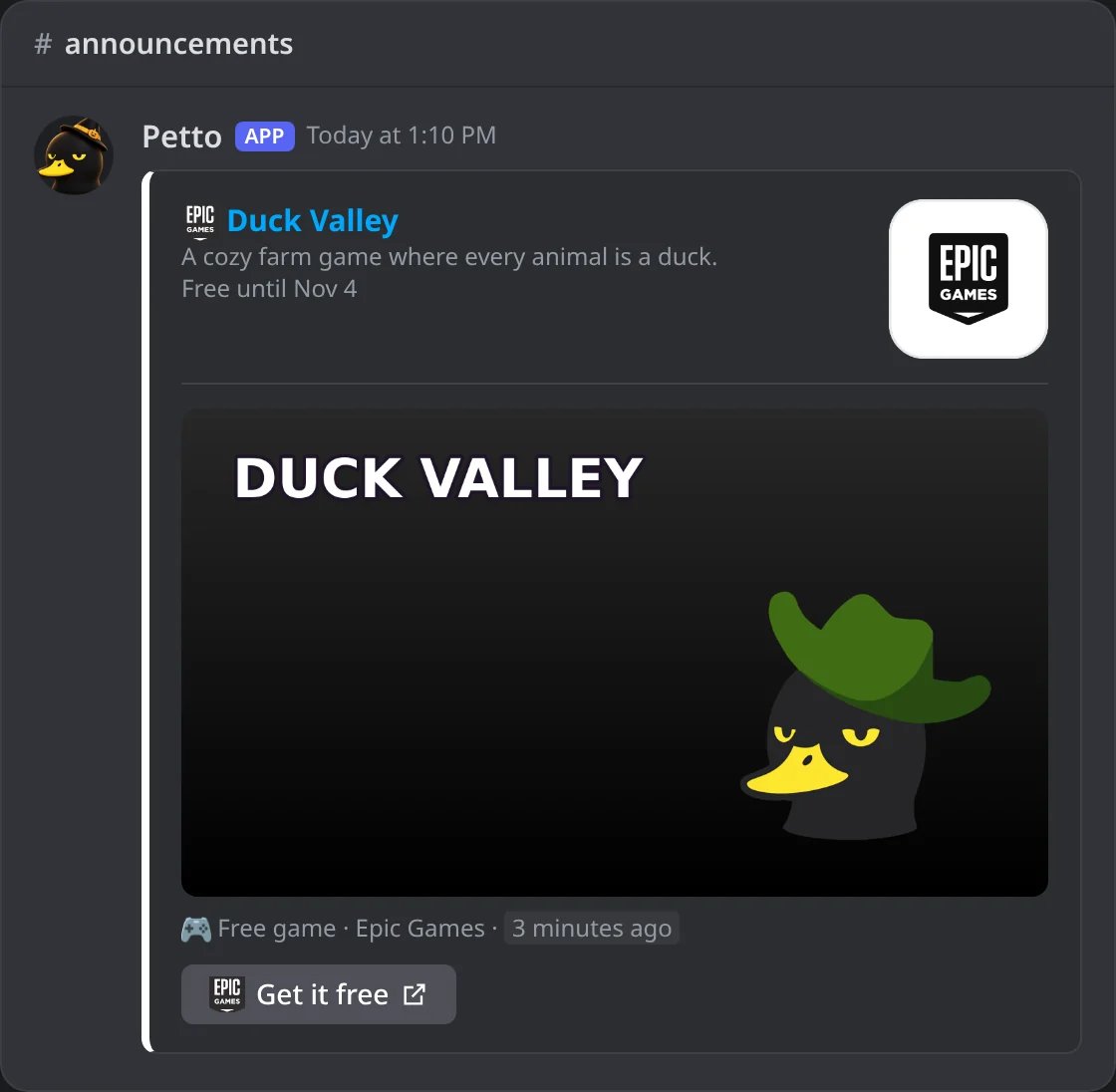
In Discord: a free game of the week, with the day it stops being free.
Wikipedia
Wikipedia
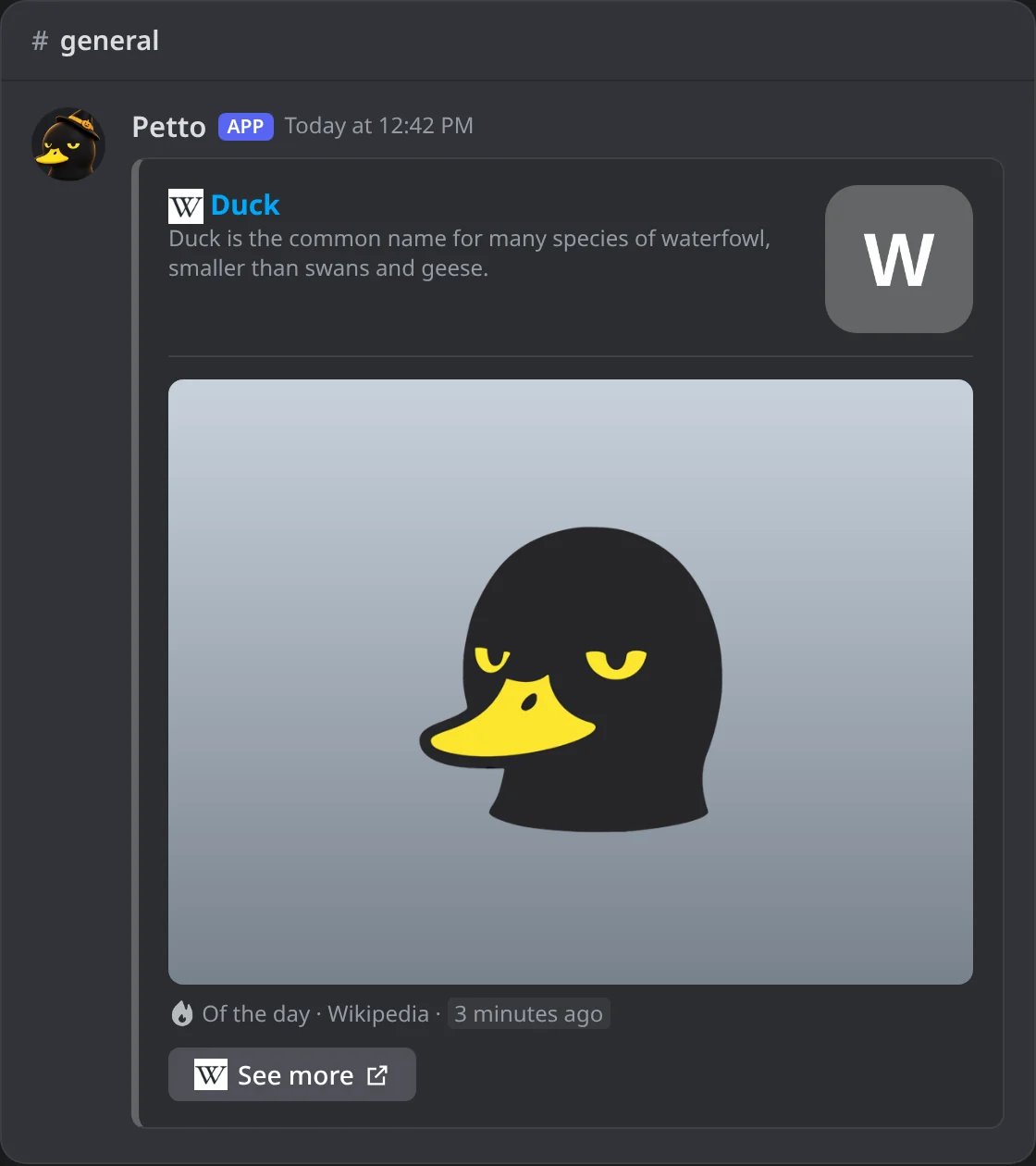
In Discord: the article of the day, in the language of the server.
Chess.com
Chess.com
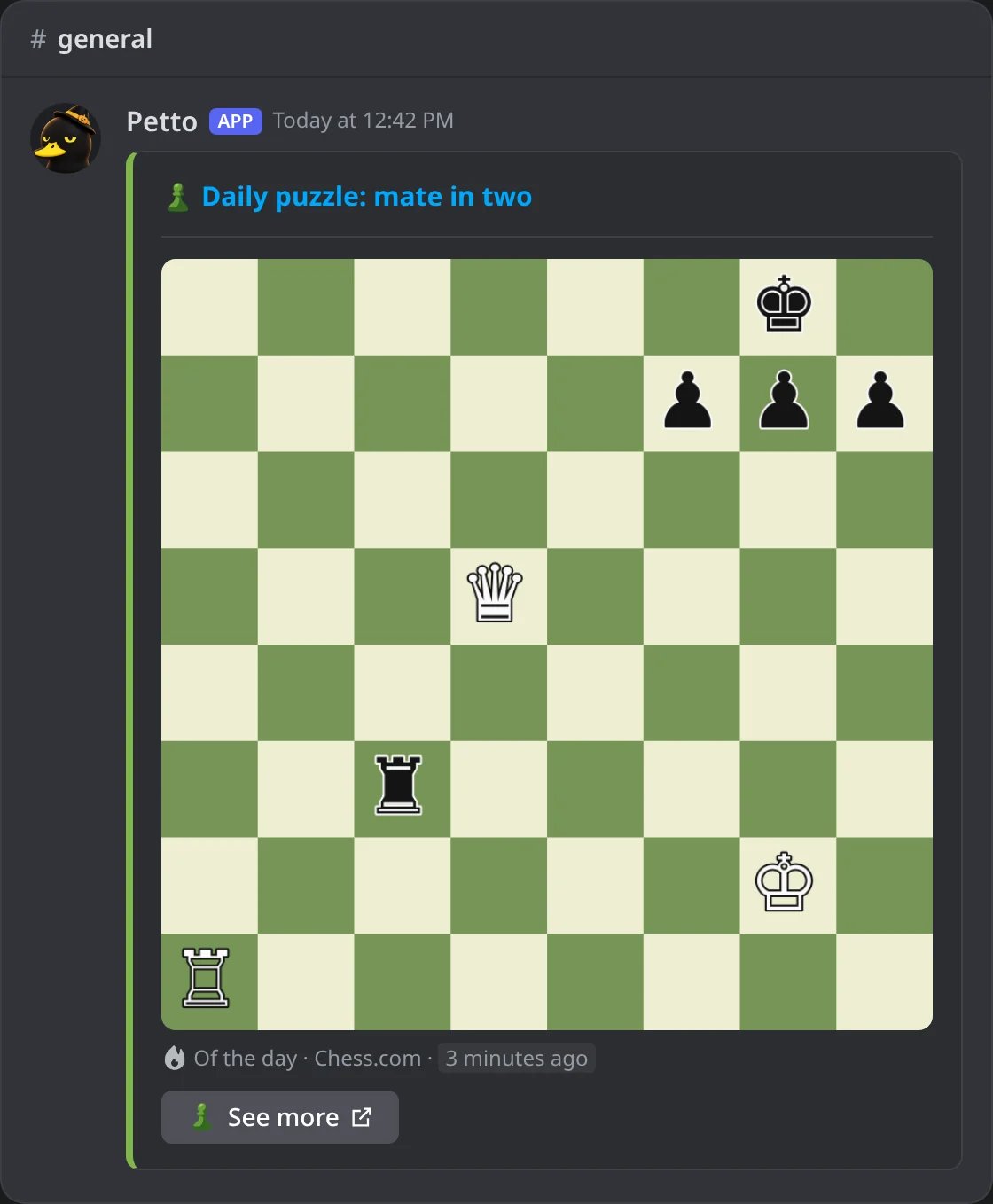
In Discord: the daily puzzle.
Pokémon
Pokémon
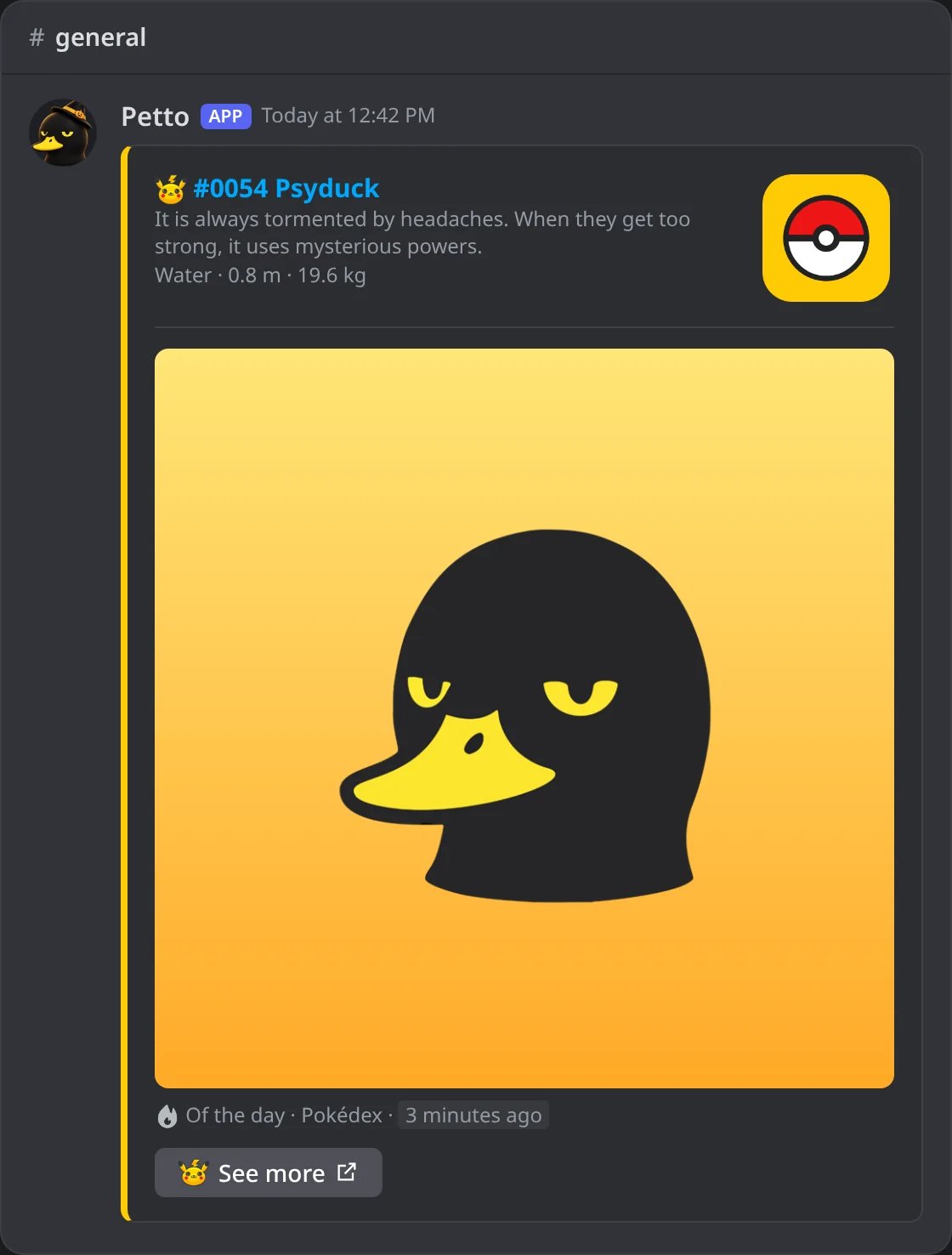
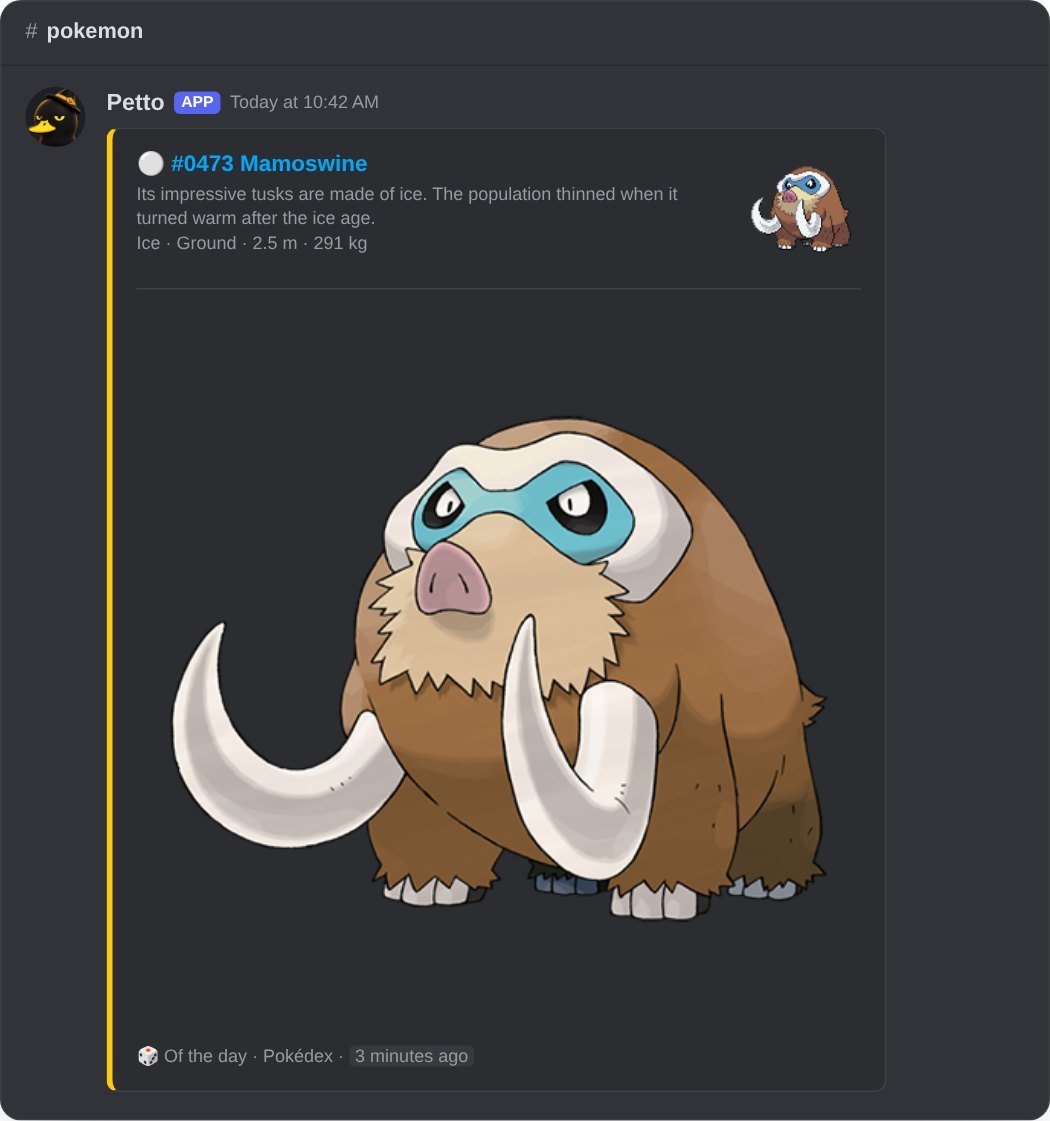
In Discord: the Pokémon of the day.
Animals
Animals
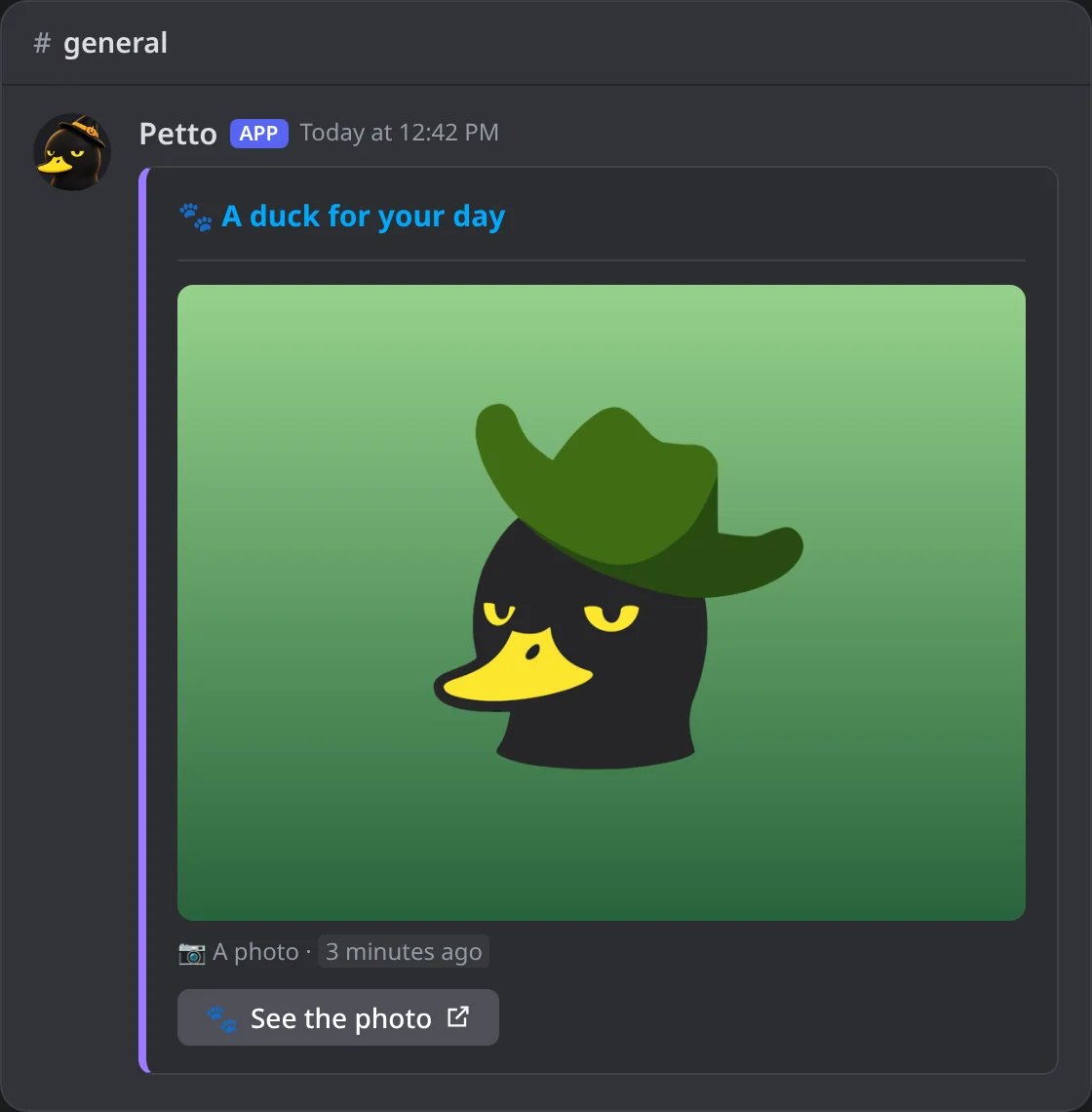
In Discord: a picture of an animal, with nothing about where it comes from.
Random music
Random music
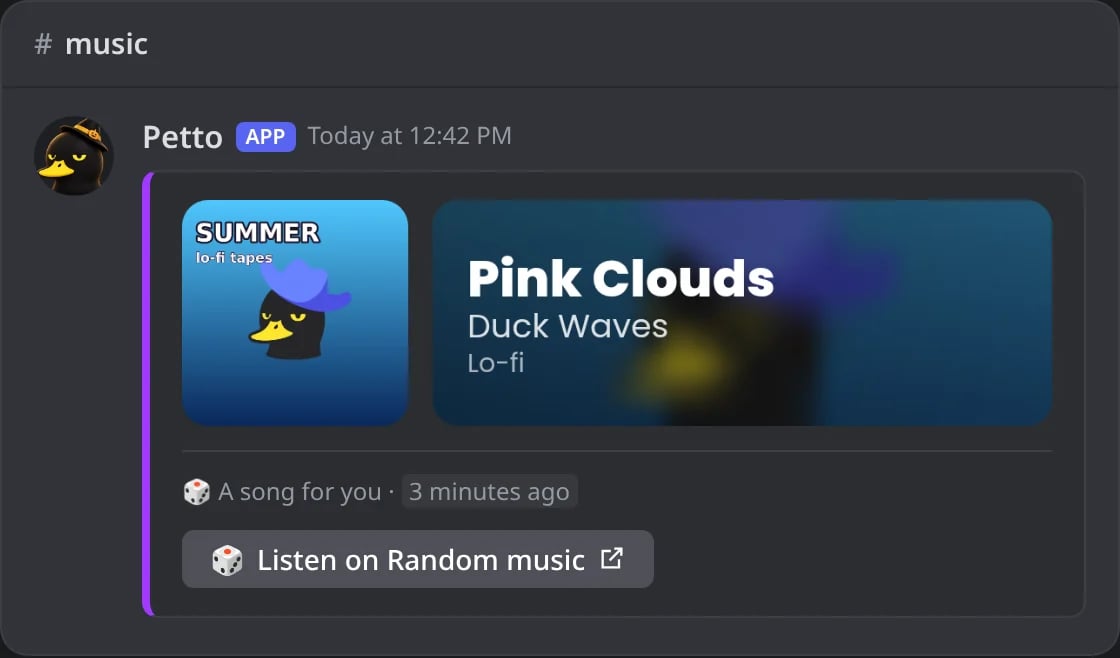
In Discord: a song picked at random, with its cover card.
Pictures
Pictures
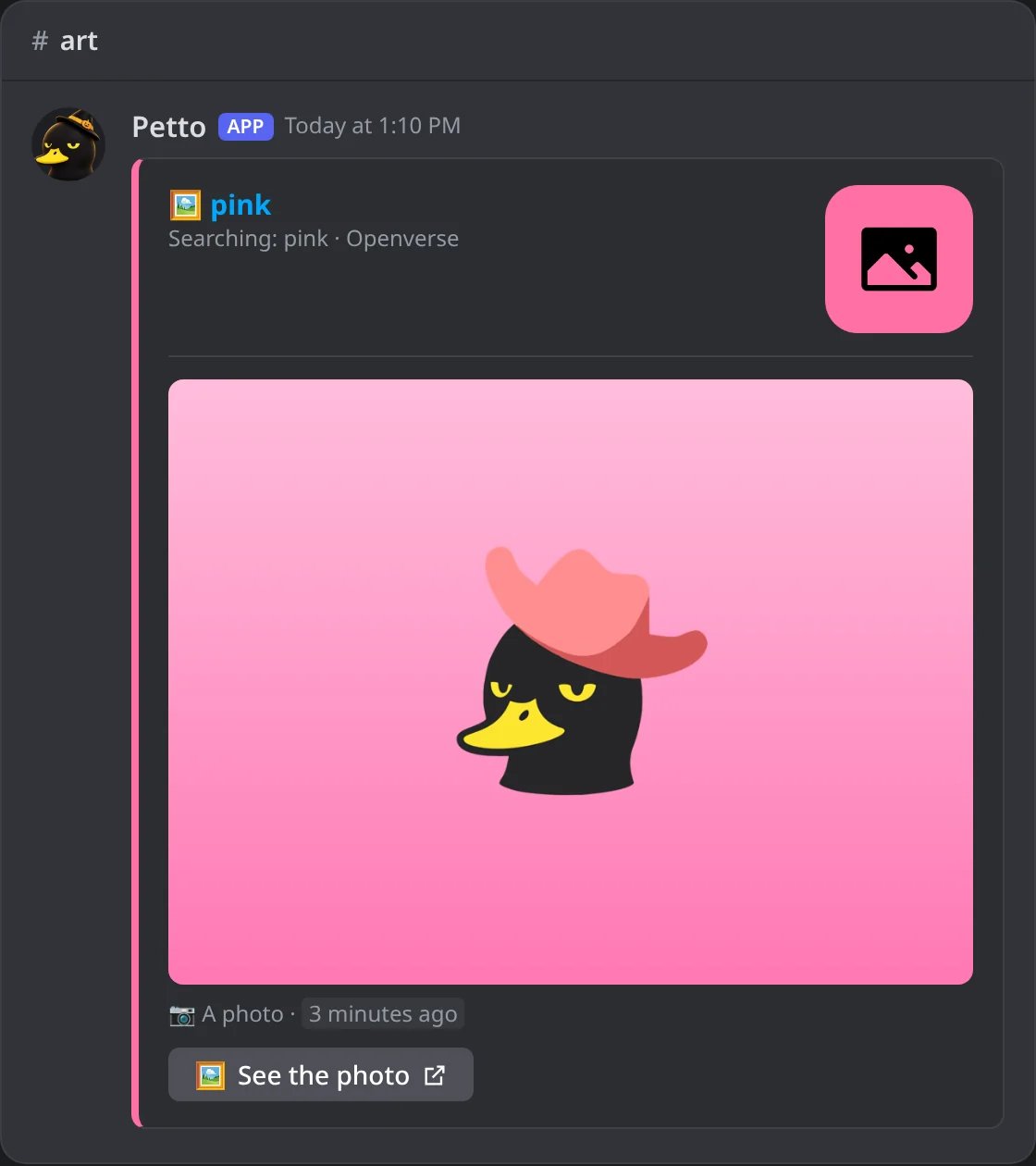
In Discord: a picture of what was searched.
Auto feeds: how often
The Pokémon, Wikipedia, Chess.com, the animals, the random music and the pictures have no account to follow: Petto posts on its own, at the pace you choose. Write it after the platform:!feed add pokemon 30m, or pick How often in the dashboard.
Live streams
- A live notice goes out within a minute or two of the start (Twitch and Kick are asked every minute).
- YouTube tells Petto by itself when a followed channel publishes (a video, a Short or a stream), so those notices go out within seconds and a channel does not have to be asked all the time. If that ever stops working, Petto goes back to looking at each channel every few minutes: nothing is lost.
- Kick makes the picture of a stream a little after it starts. The notice does not wait for it: it goes out at once with a picture of Kick, and the same message is edited to show the real picture as soon as it exists.
- Twitch does the same when the preview of the stream is not ready yet.
- The notice says when the stream began, also for a stream that was scheduled days before.
- When a stream ends, its card is edited to grey with two buttons: the channel and the replay.
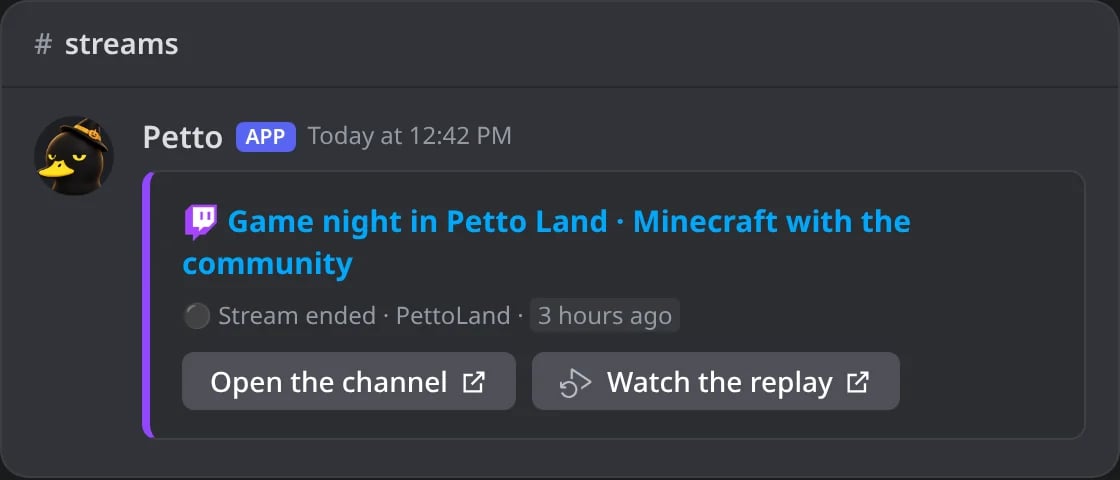
In Discord: a stream that ended: the card in grey with the channel and the replay.
Limits
The limit is for each platform:The card
Each notice is a card in the color of the platform (Reddit and Pinterest are described below), with the title as a link, the picture of the account, a short description when there is one, the cover, and the kind of notice with the time. A Short is posted as its link by default, so Discord plays it; with Show the video player turned off it gets a card without the big picture. For YouTube videos and Shorts, Show the video player (in More options) posts the link instead of the card, so Discord plays the video right there; streams keep their card. A new release of music (Spotify, Deezer, Apple Music) is headed by the same picture as!deezer: the cover next to a panel with the title and the artist, with a button that opens it.
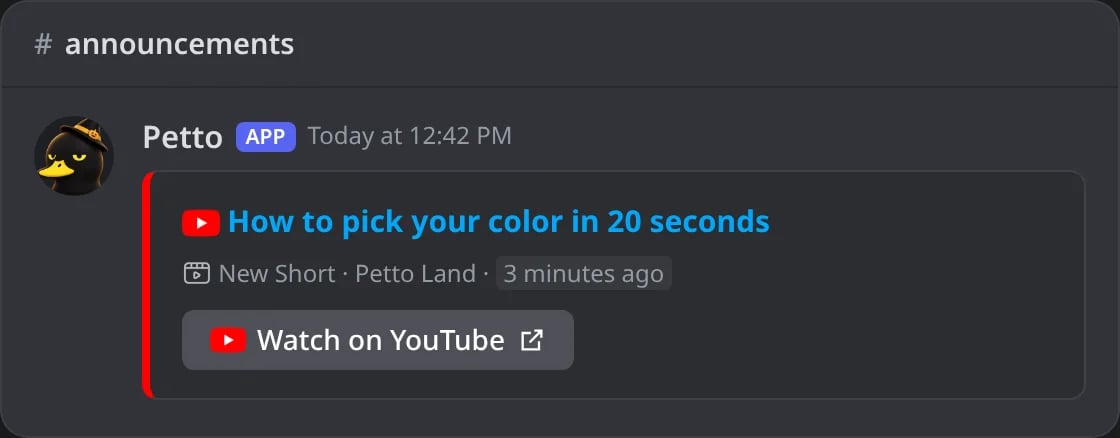
In Discord: a YouTube Short with the video player off: the card has no big picture.
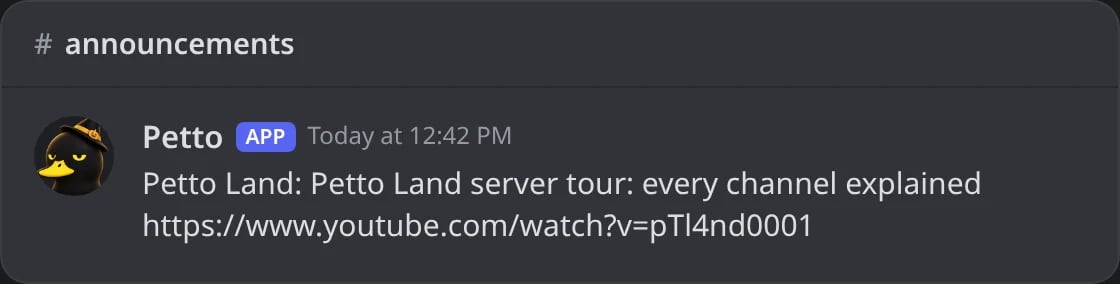
In Discord: with Show the video player, the link instead of the card, so Discord plays the video.
r/subreddit, the title as a link to the post, the picture, a small line with u/author and the date, and a Read on Reddit button. Pinterest has a header with the board, Pinterest and the owner, the picture of the pin big, and a See on Pinterest button. Only Reddit and Pinterest are drawn this way: every other feed (Bluesky, Mastodon, Tumblr, Letterboxd, RSS, Pokémon, Wikipedia, Chess.com, Epic Games, music, YouTube, Twitch and the rest) keeps its card with the icon of the platform and its button. Only the animal feeds and the pictures feed are just the picture in a clean card, with no icon, source or button. !animal (and /game cat, dog and fox) also answers with only the picture.
What the cards look like
- YouTube live
- Kick
- Spotify
- Deezer
- Cats
- Epic Games
- Mastodon
- Pokémon
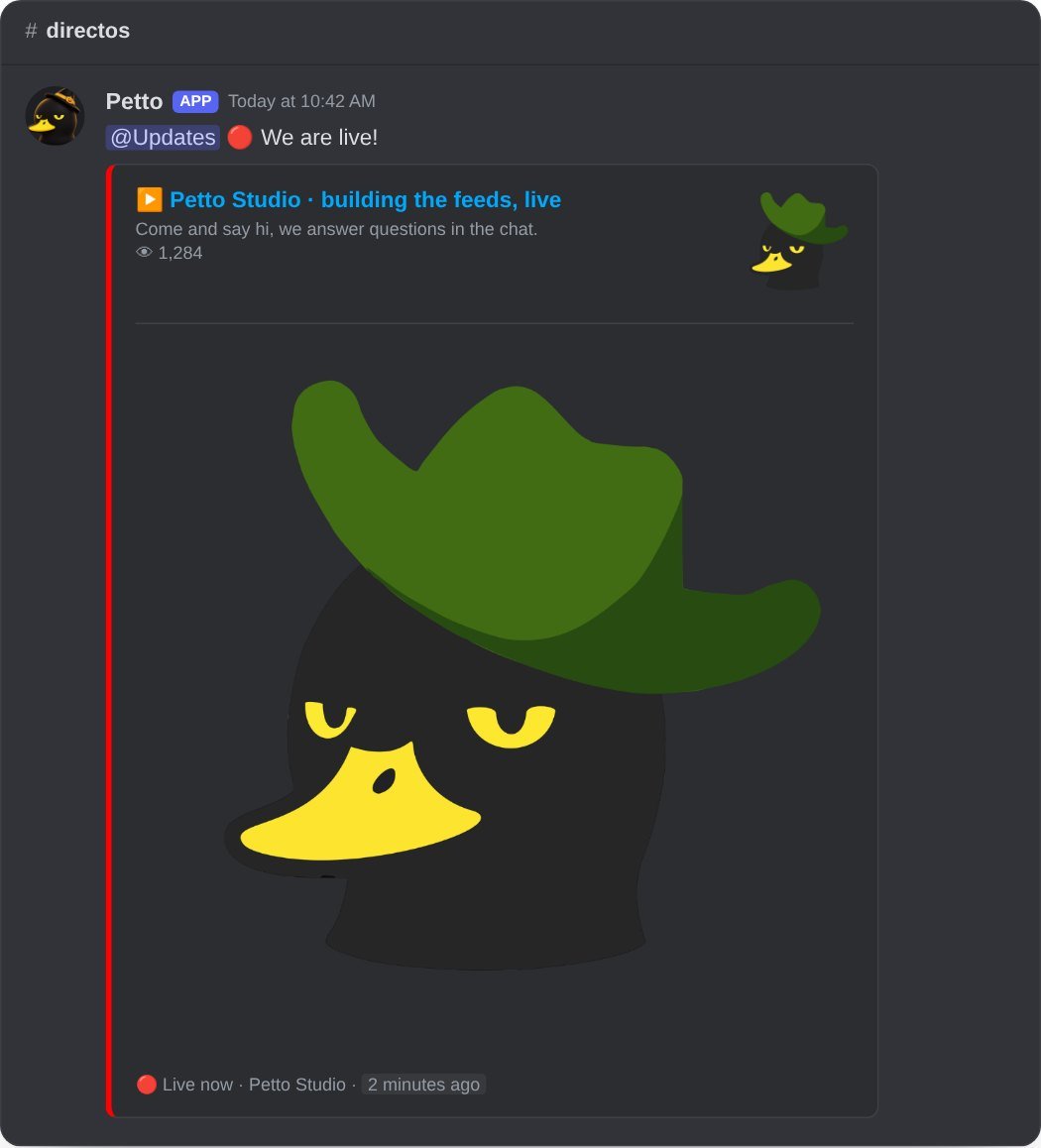
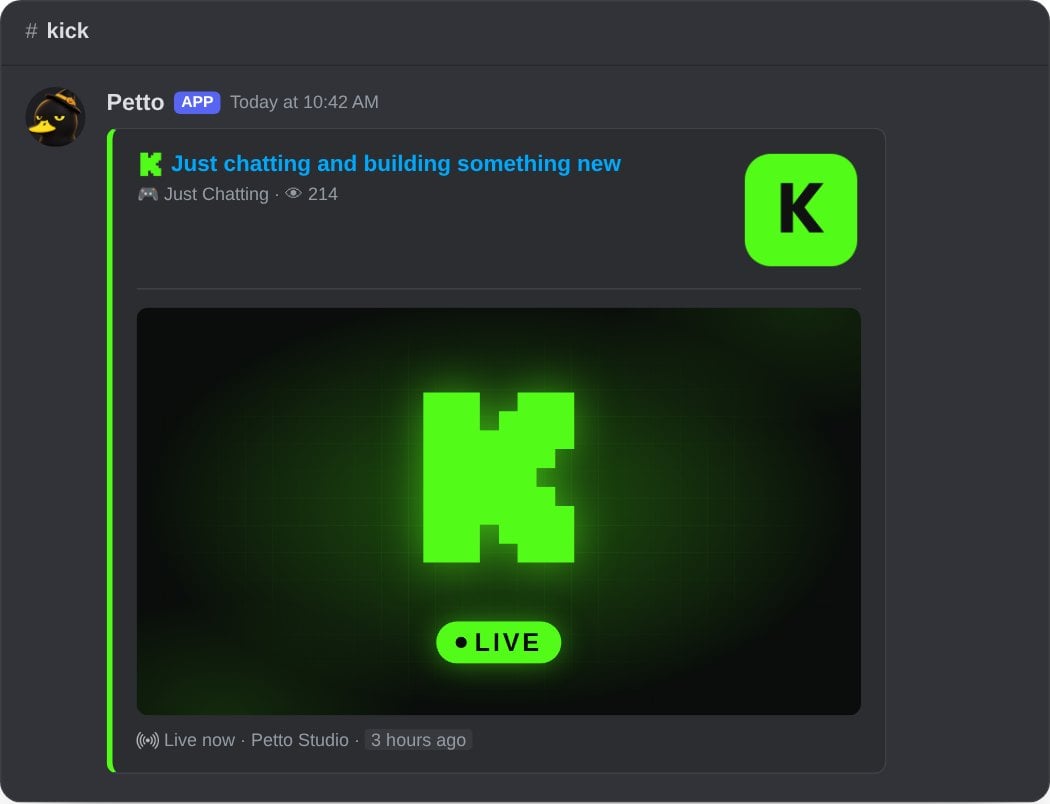
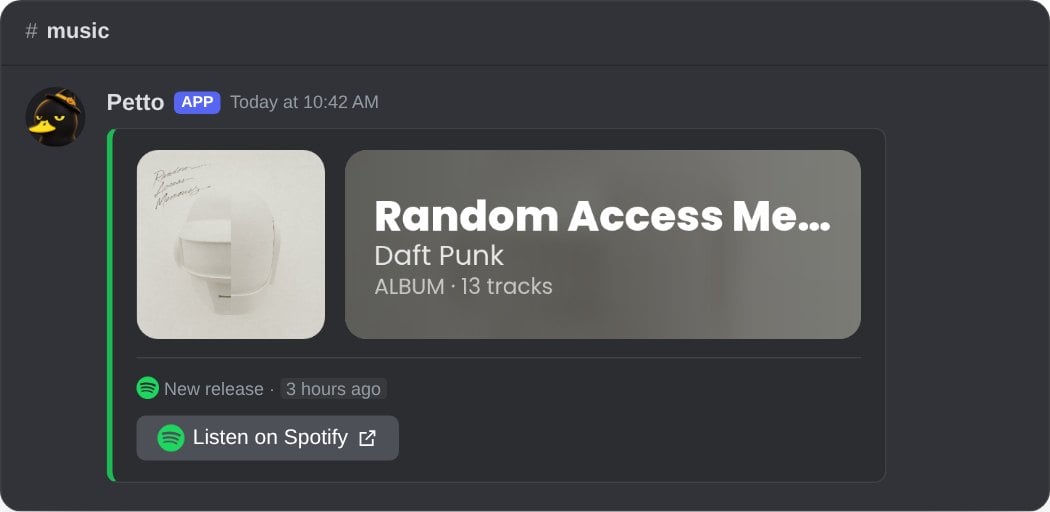
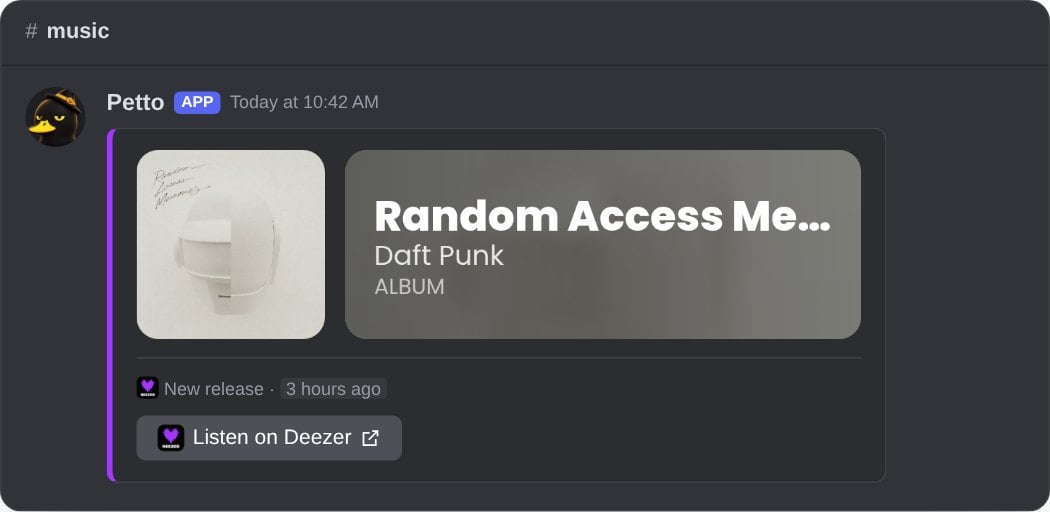
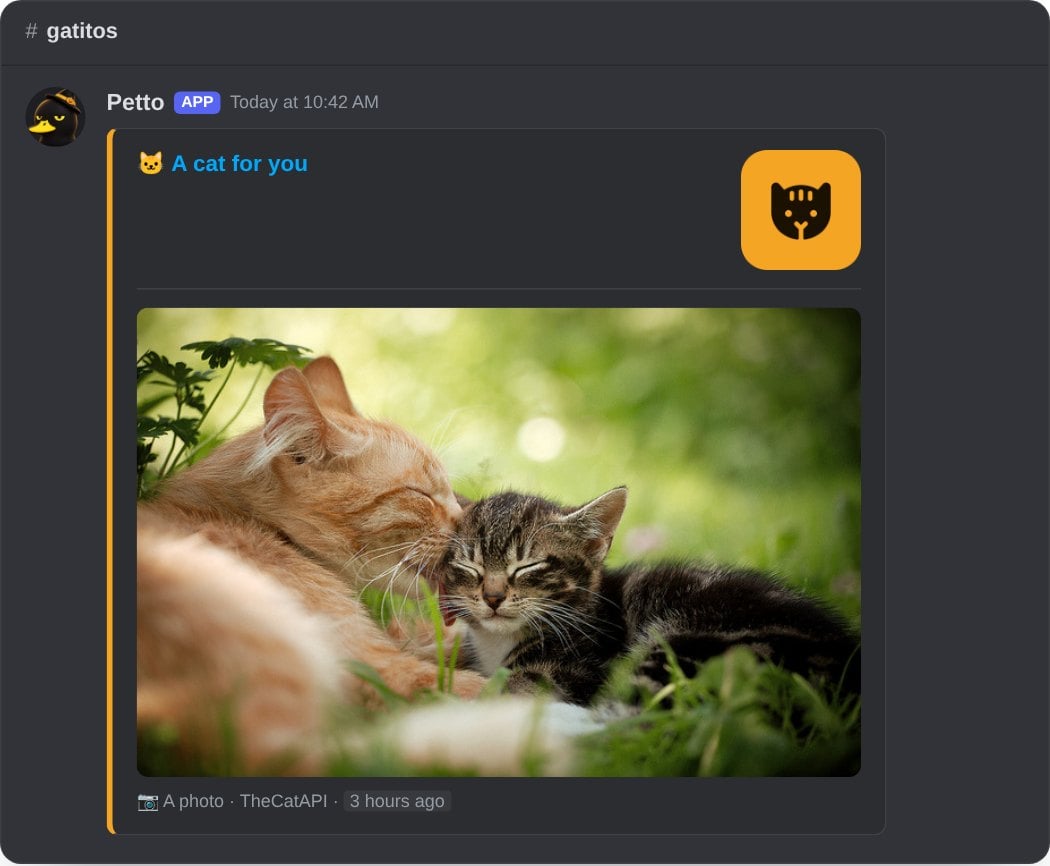
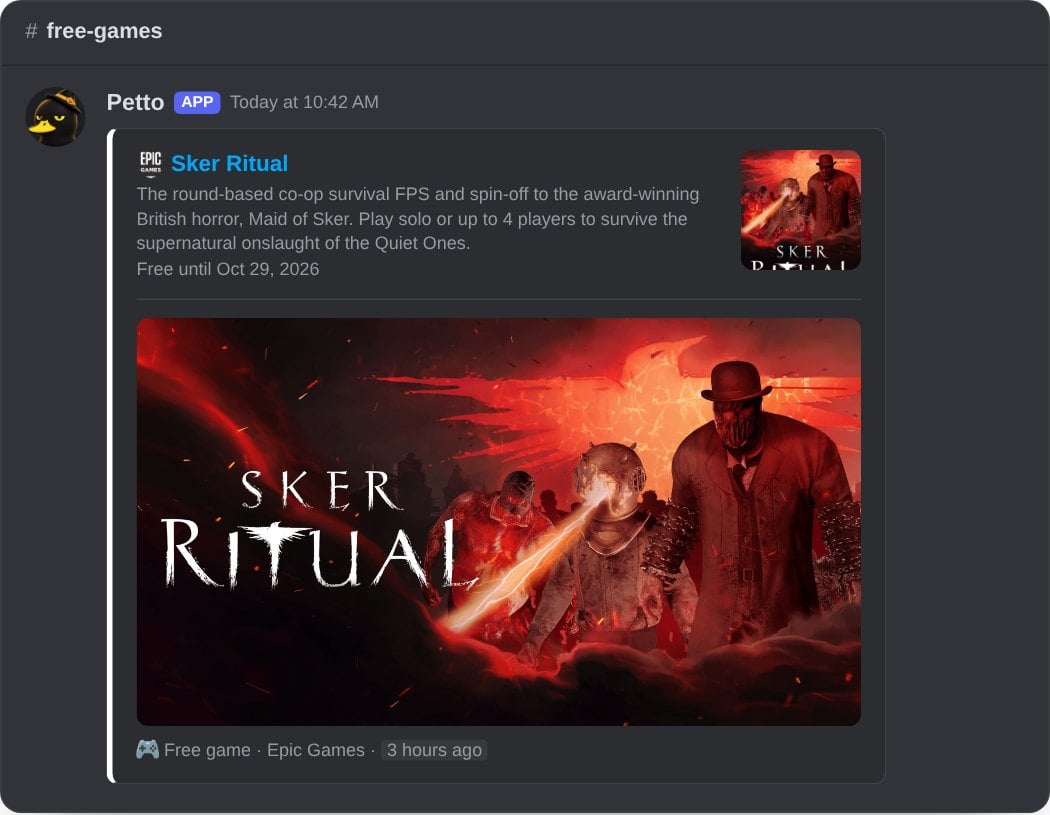
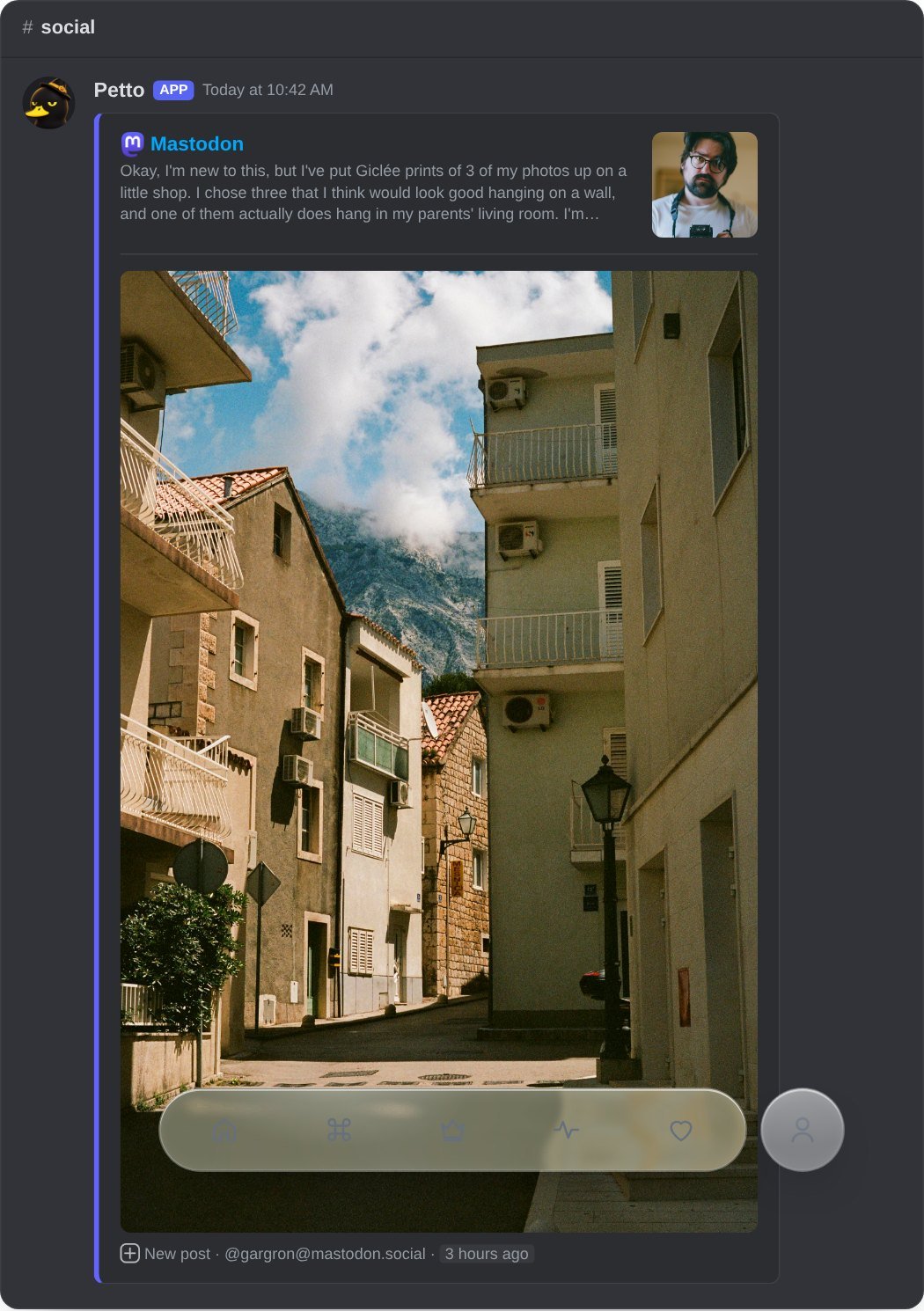
Variables
The words from!feed message go above the card. You can use:
Dashboard
The Feeds group of the dashboard has a page for each platform. New feed opens a small window: you type the name of the account and the results appear with their pictures as you write (or paste a link), you pick one, and then choose what to post (videos, live streams, releases…), the channel, the words above the notice, the roles or@everyone to mention, and, under More options, the big picture, a button that opens the notice and words to include or skip. For the auto feeds it asks How often. The preview with the real card is one tap away. Saving, pausing and deleting update the list without reloading the page. Each feed can be tested, edited, paused or deleted, and a feed that fails shows why.
All feeds
All feeds
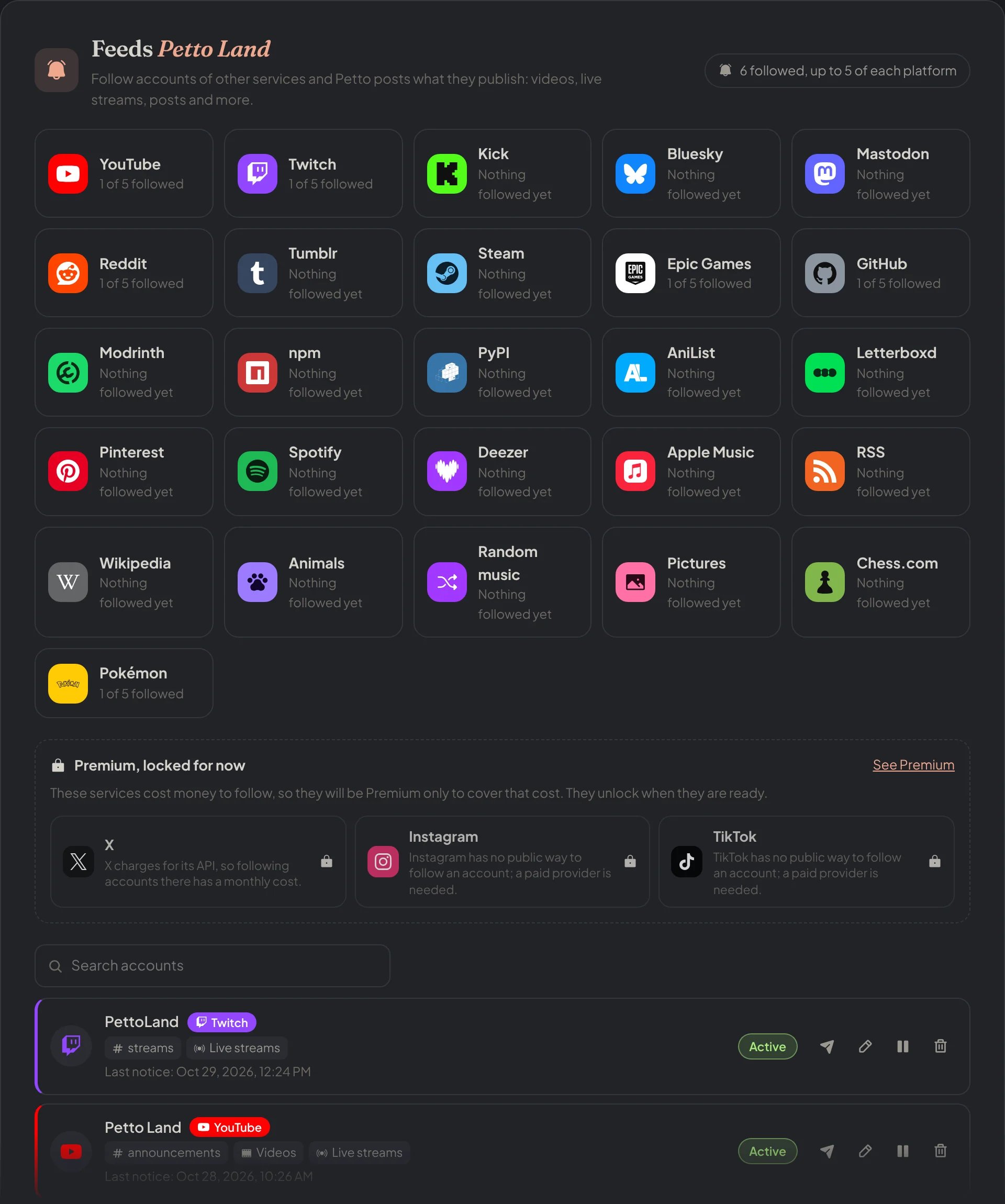
Dashboard → Feeds → All feeds: every platform with what is followed, the locked ones, and the list of feeds.
The page of a platform
The page of a platform
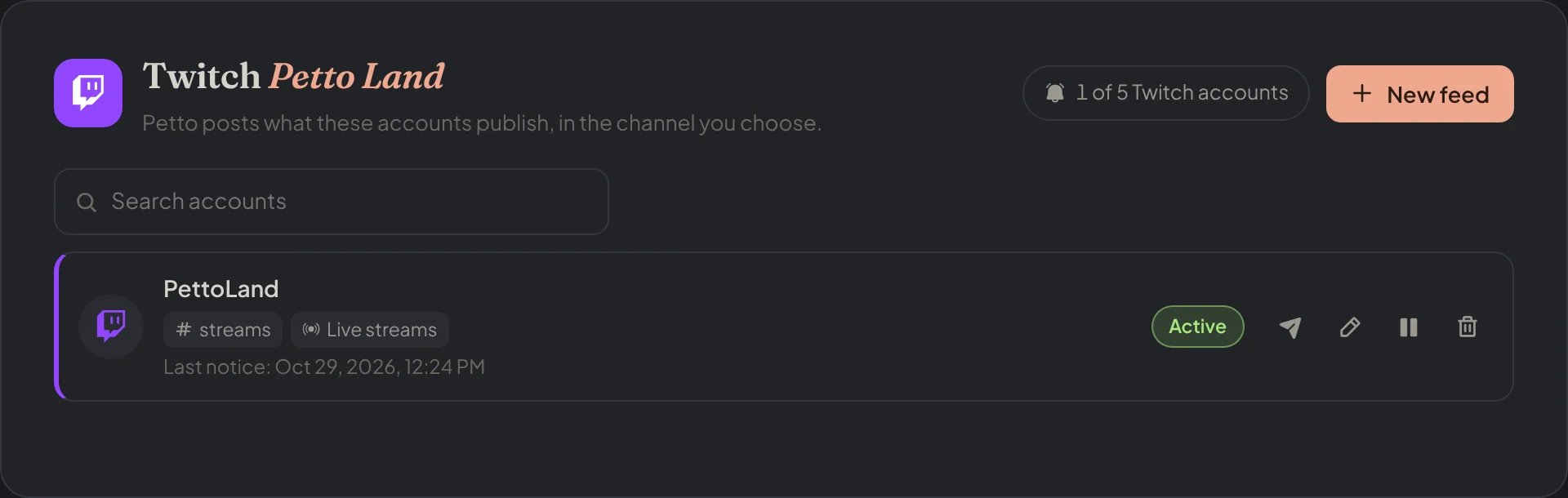
Dashboard → Feeds → Twitch: the accounts followed on Twitch, each with its test, edit, pause and delete buttons.
New feed: an account
New feed: an account
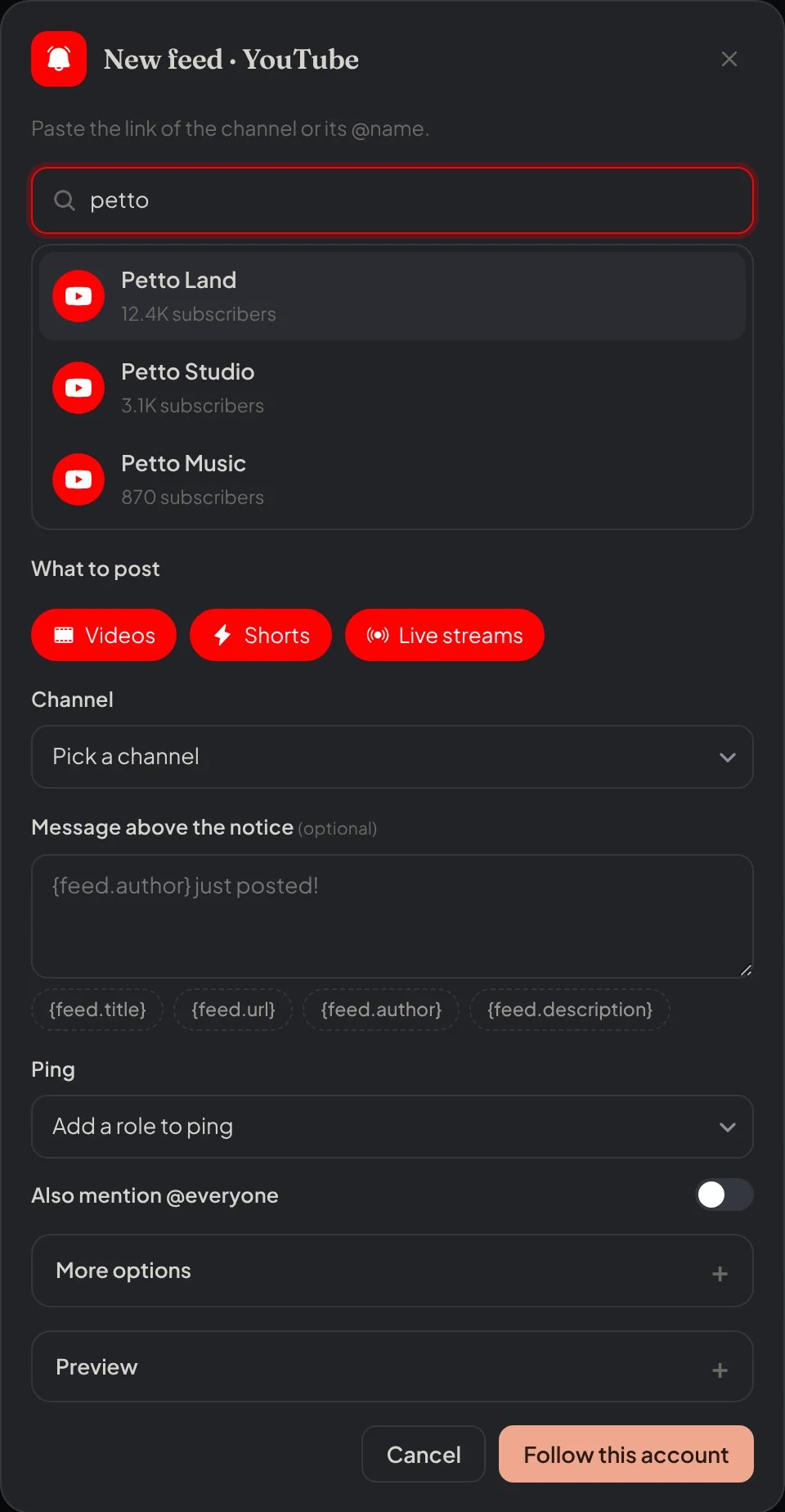
Dashboard → Feeds → YouTube: the New feed window, with the results for what is typed.
New feed: an auto feed
New feed: an auto feed
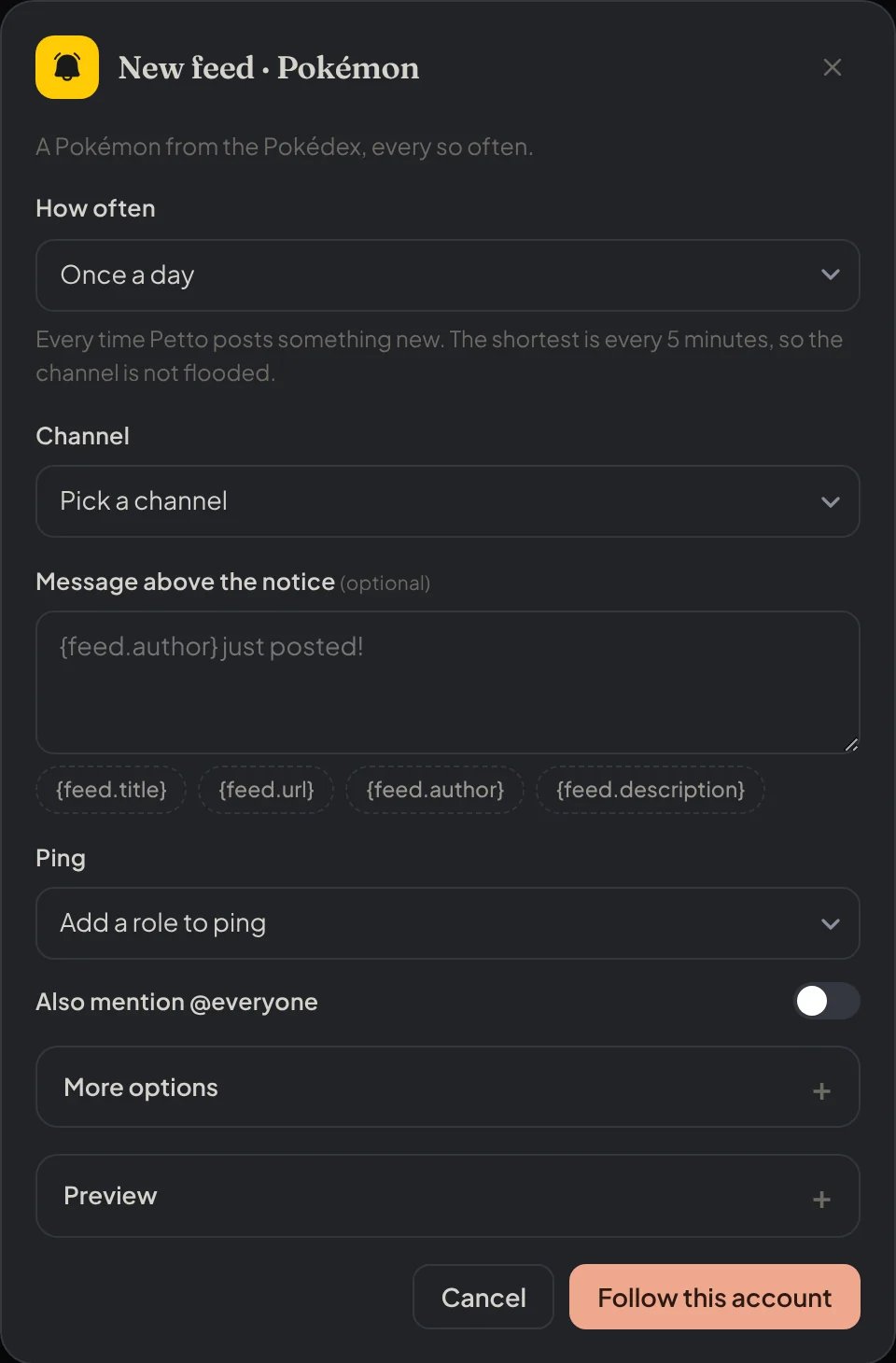
Dashboard → Feeds → Pokémon: an auto feed asks How often instead of an account.
New feed: animals
New feed: animals
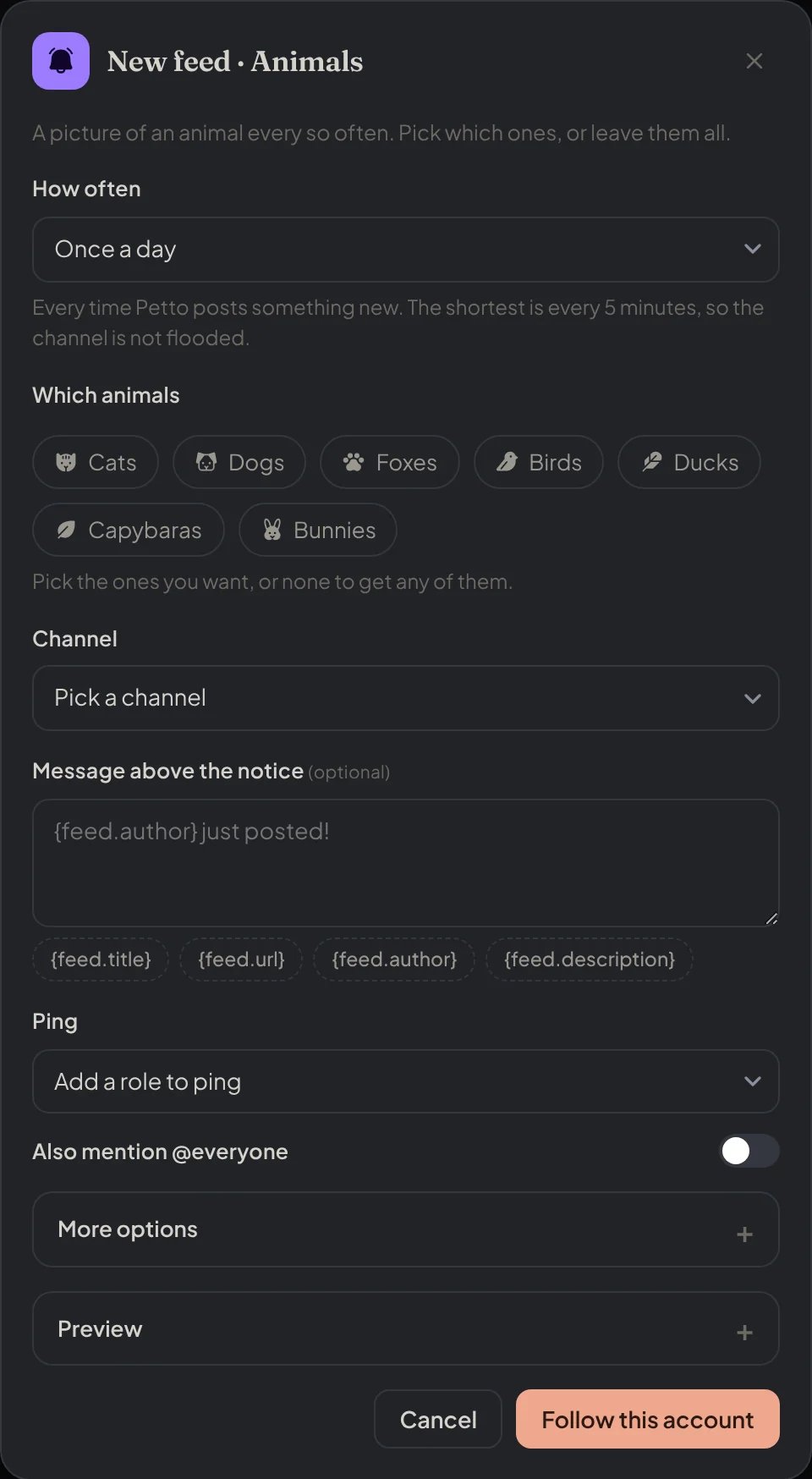
Dashboard → Feeds → Animals: the animals feed also asks which animals.
New feed: pictures
New feed: pictures
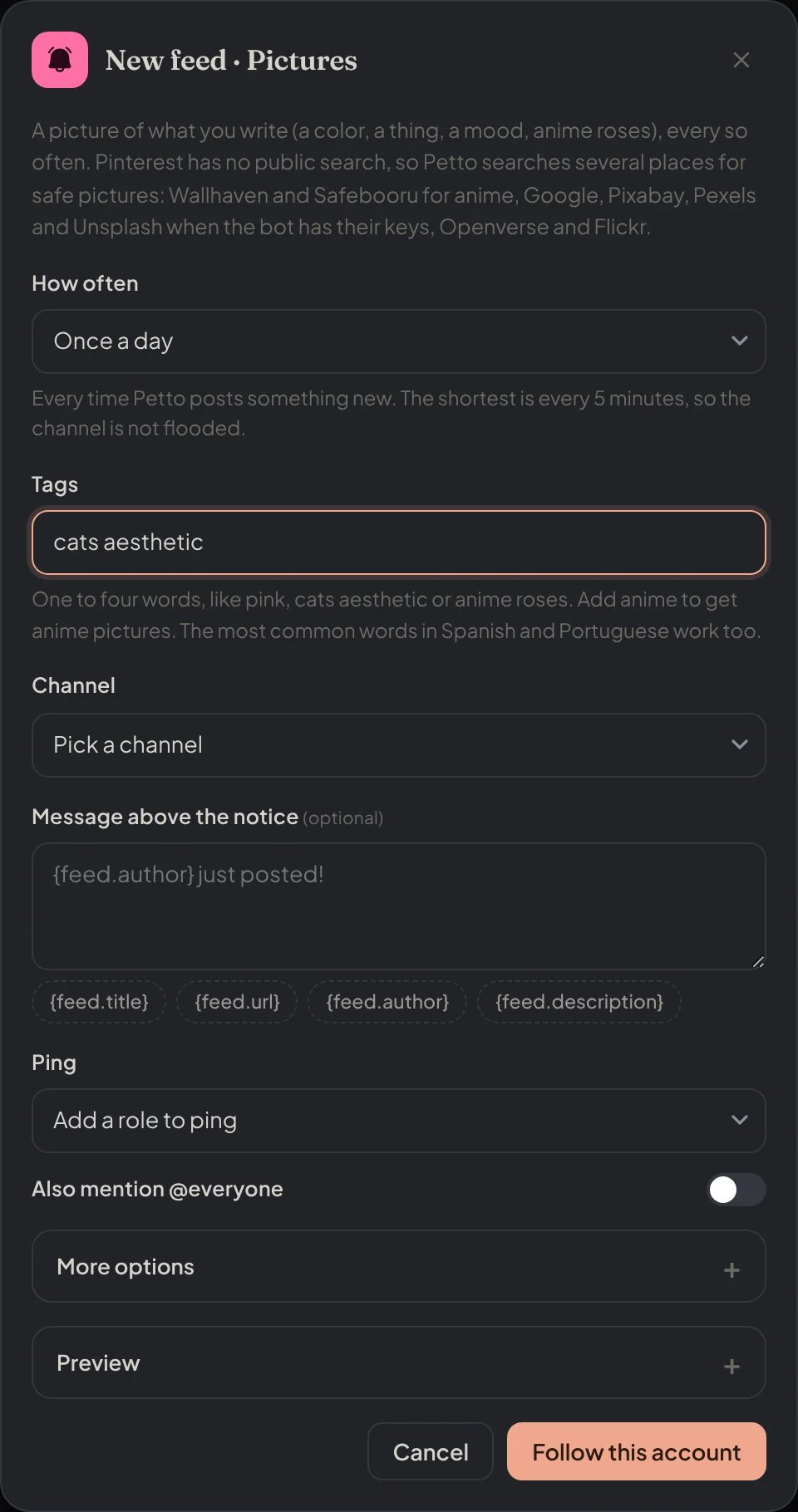
Dashboard → Feeds → Pictures: the pictures feed asks for one to four words.
Edit feed
Edit feed
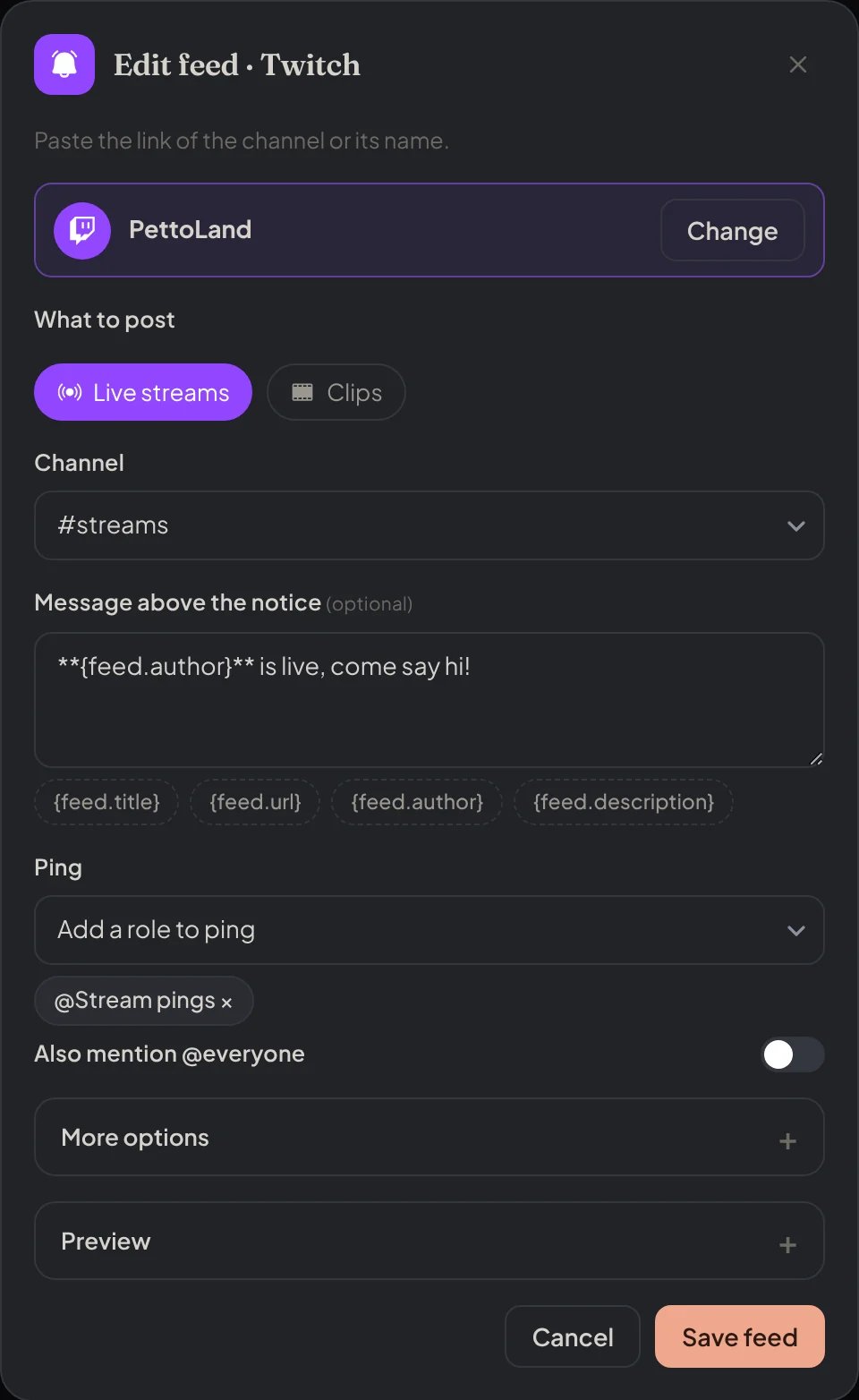
Dashboard → Feeds → Twitch: a feed opened to edit.
Preview
Preview
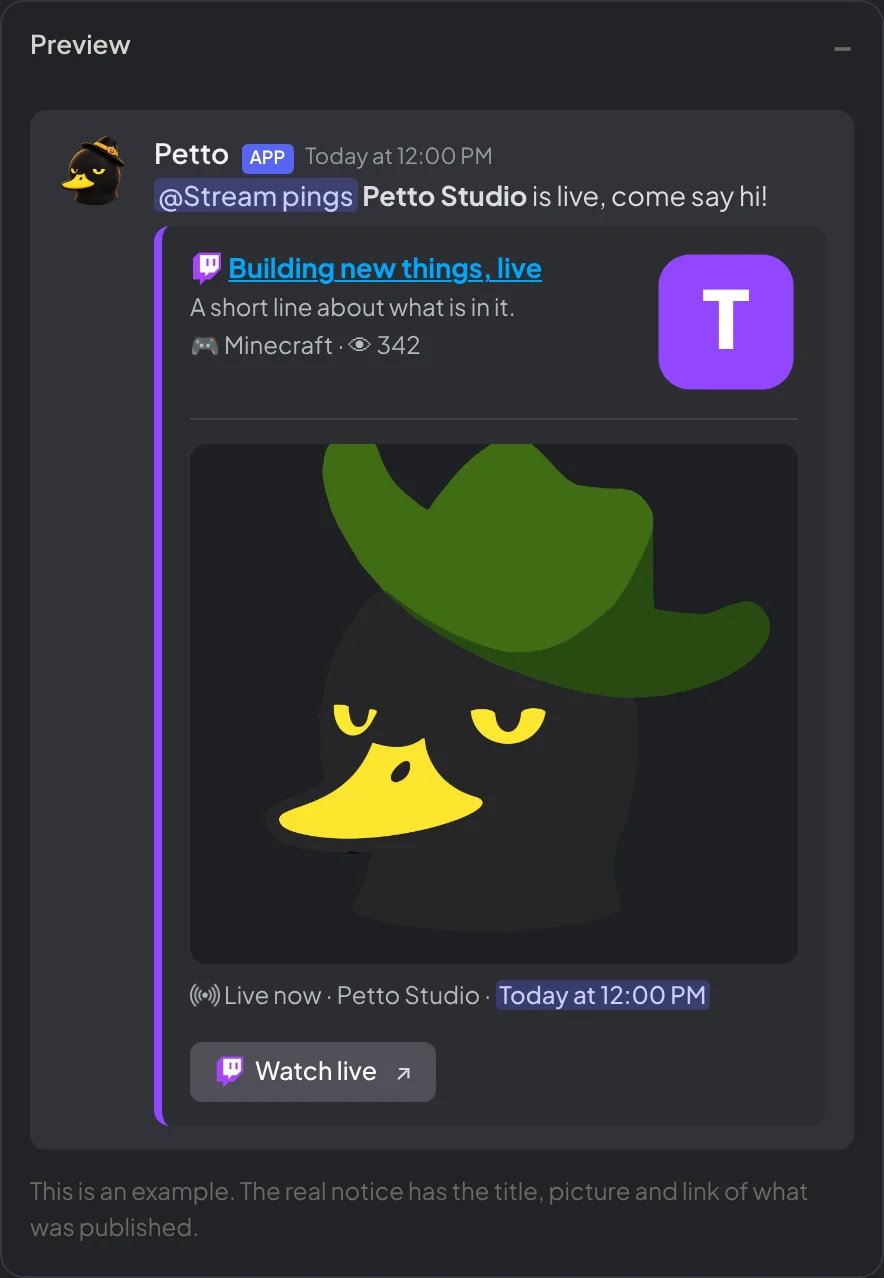
Dashboard → Feeds → Twitch: the preview with the real card of the bot.
When something fails
- A feed that cannot post five times in a row is turned off, and
!feed listand the dashboard say why (Petto cannot see or write in the channel, the channel is gone, the account no longer exists). Fix it and resume it. - Petto needs to see the channel and send messages in it.
- Some sites limit how often they can be asked. Petto spreads its questions and tries again later.